
Straightforward application which enables you to edit pictures, insert transitions, apply effects in order to create animations and website banners. #Animation creator #Animate button #Create banner #Animation #Animate #Banner

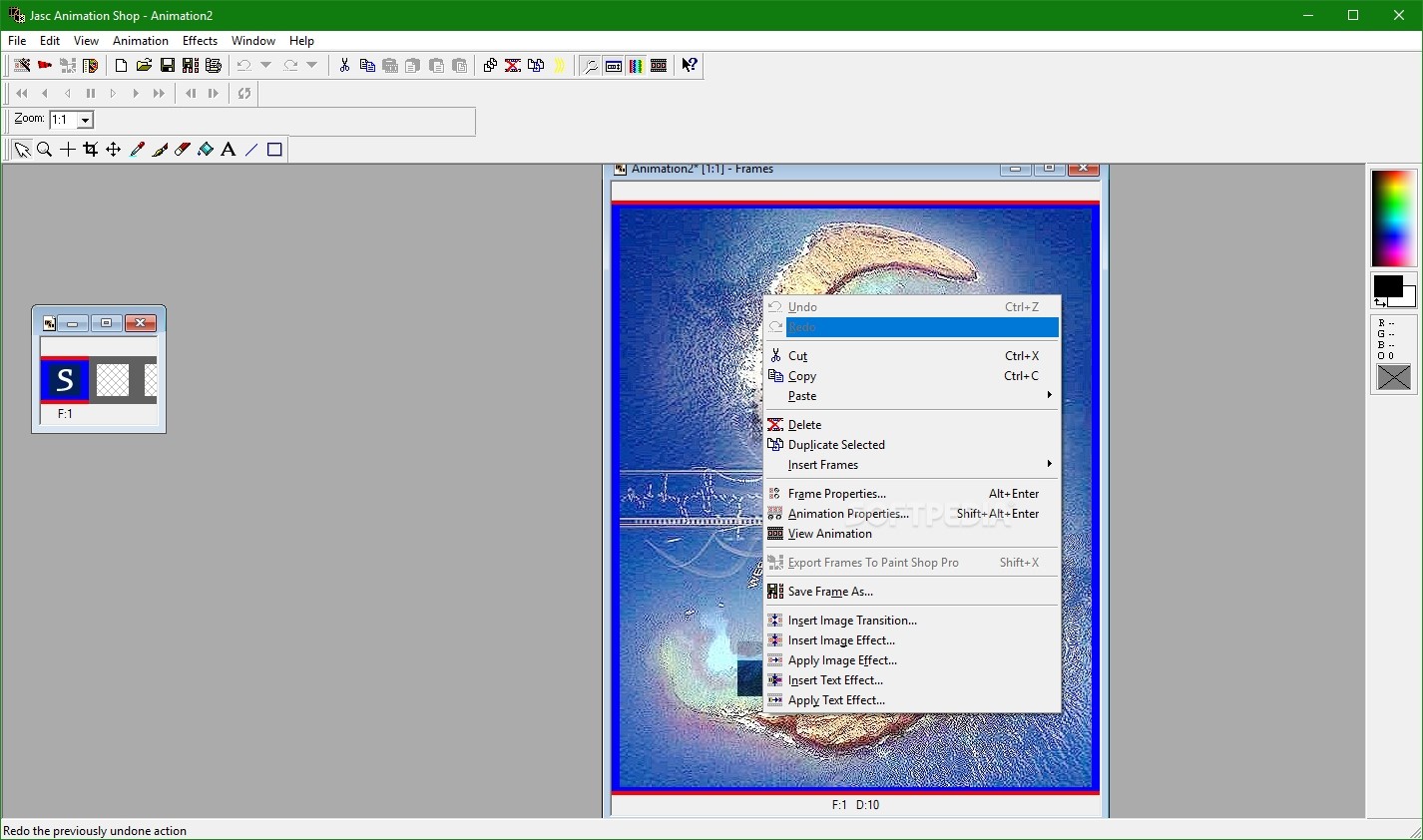
The software category that includes image editing is full with applications that excel at graphic adjustments, but few of them provide users with the tools for designing animations. If you are looking for a piece of software that can accomplish both of those tasks, we recommend Jasc Animation Shop.
This software is geared up for editing and enhancing images, as well as creating stunning visual effects, such as animated buttons and banners. It is mostly addressed to web designers that need to add animations to their websites while keeping complexity to a minimum.
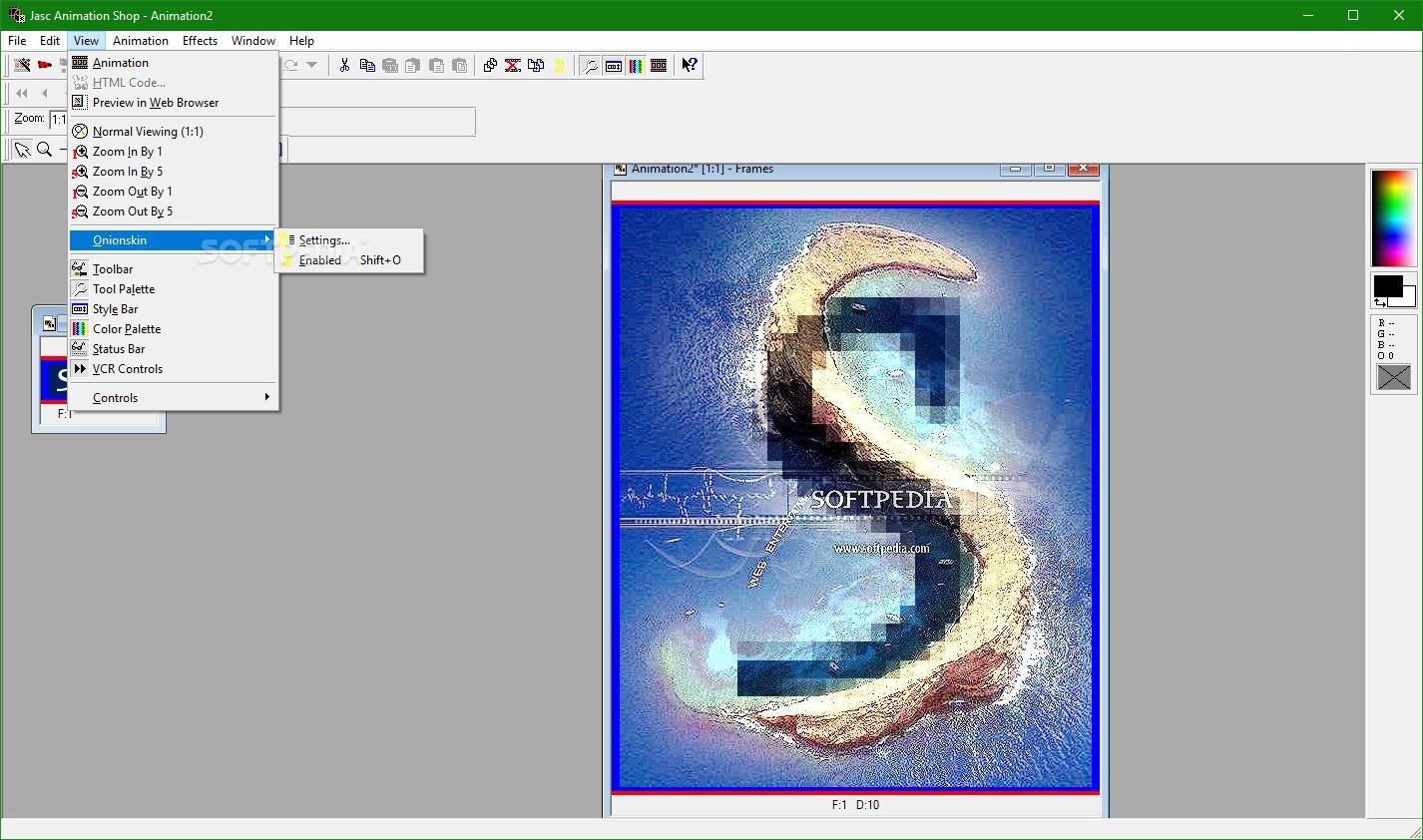
The quick installation process does not require your intervention, aside from pressing a few “Next” buttons, as no offers from third-party products are included. The interface of Jasc Animation Shop is quite typical, and it does not look to impress through appearance, but through the features accessible from its menus and buttons.
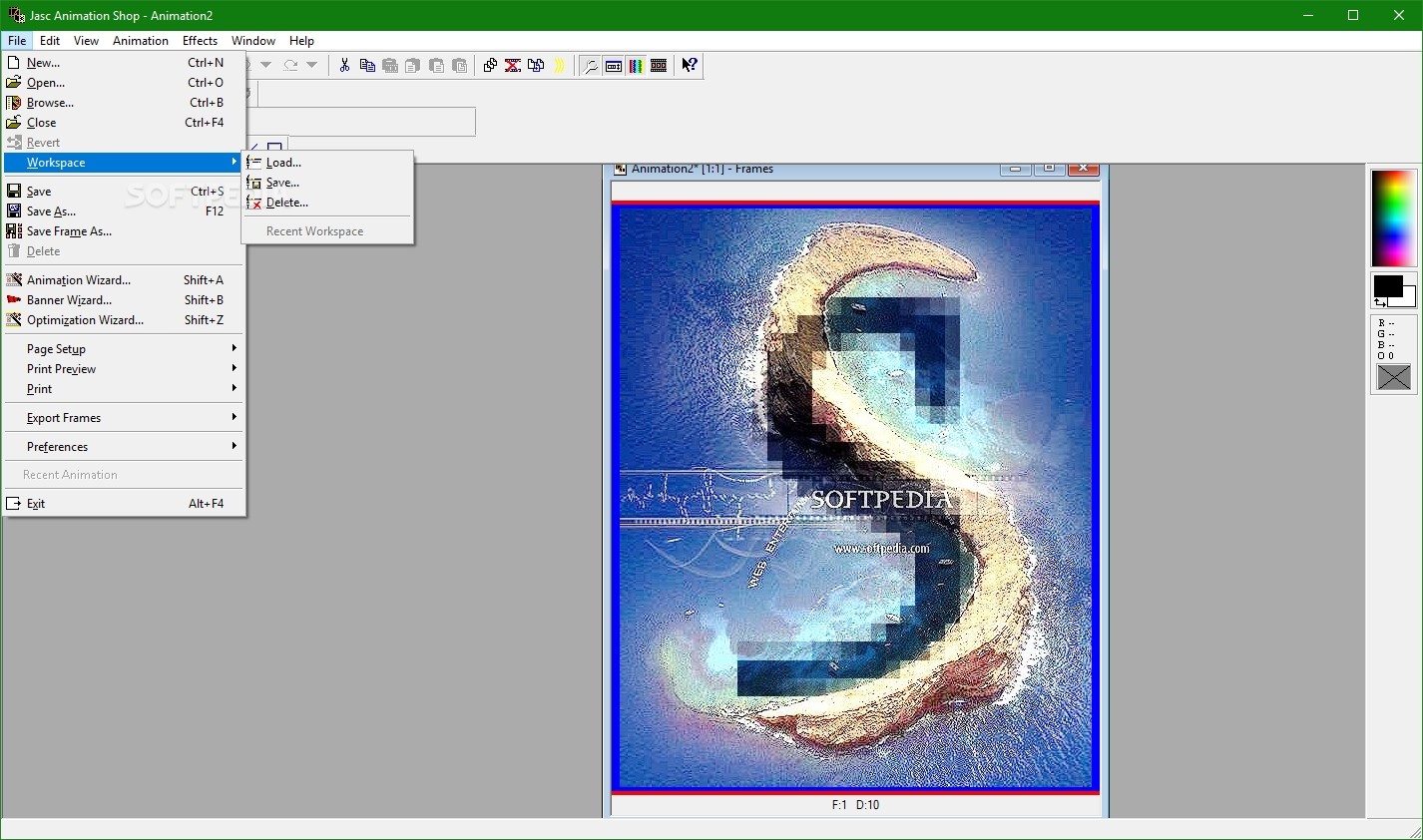
Two of its most important features are located in the File menu, namely the animation and banner wizards, which guide you through every step of the design.
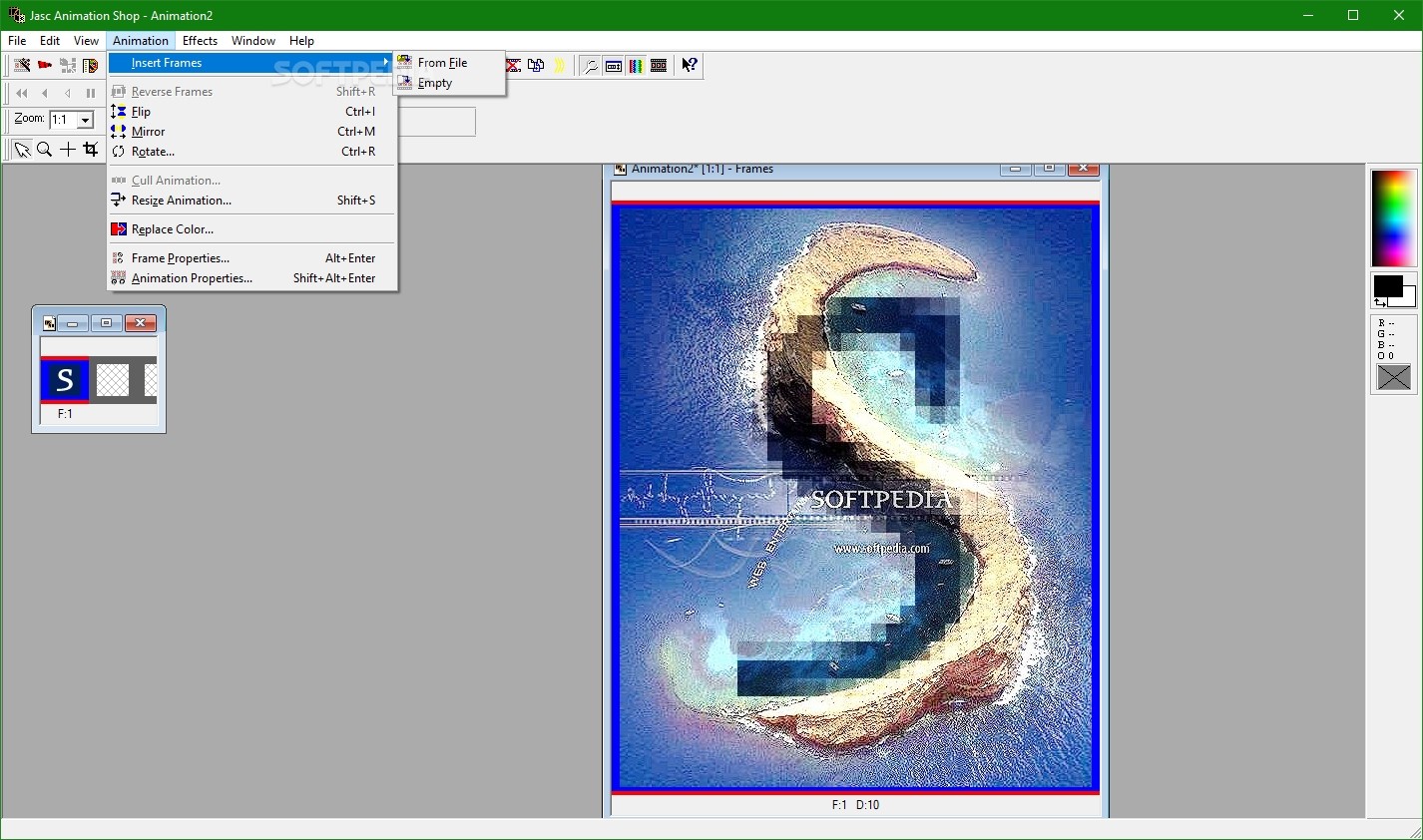
The goodies are located in the “Animation menu,” where you can find the functions that allow you to insert frames, flip, mirror or rotate them, resize animation, replace color, set animation properties, insert image effects, text effects or transitions etc.
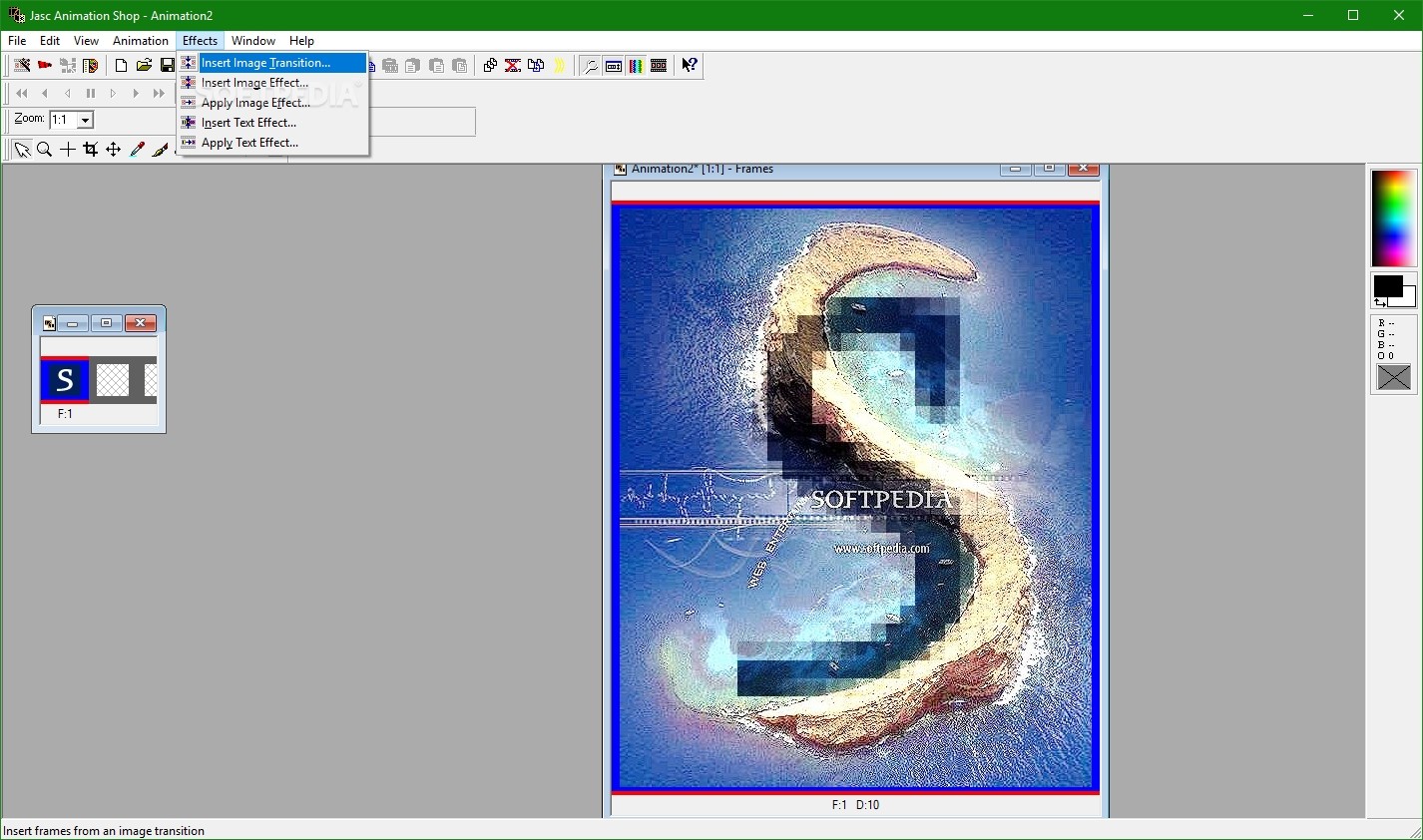
Other interesting features are accommodated in the “Effects” section, a rich module that comprises the ability to insert transitions and image and text effects inside the animation.
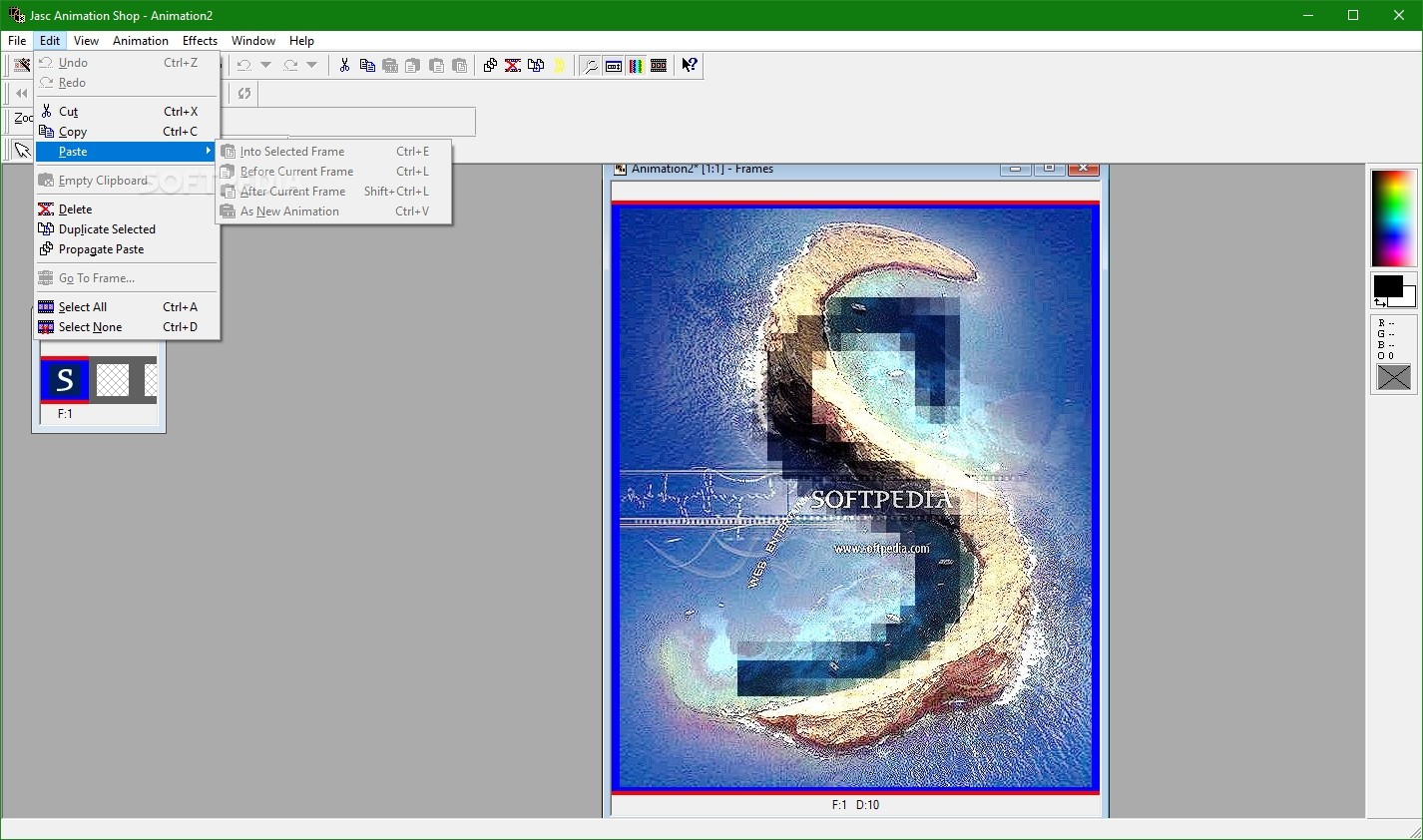
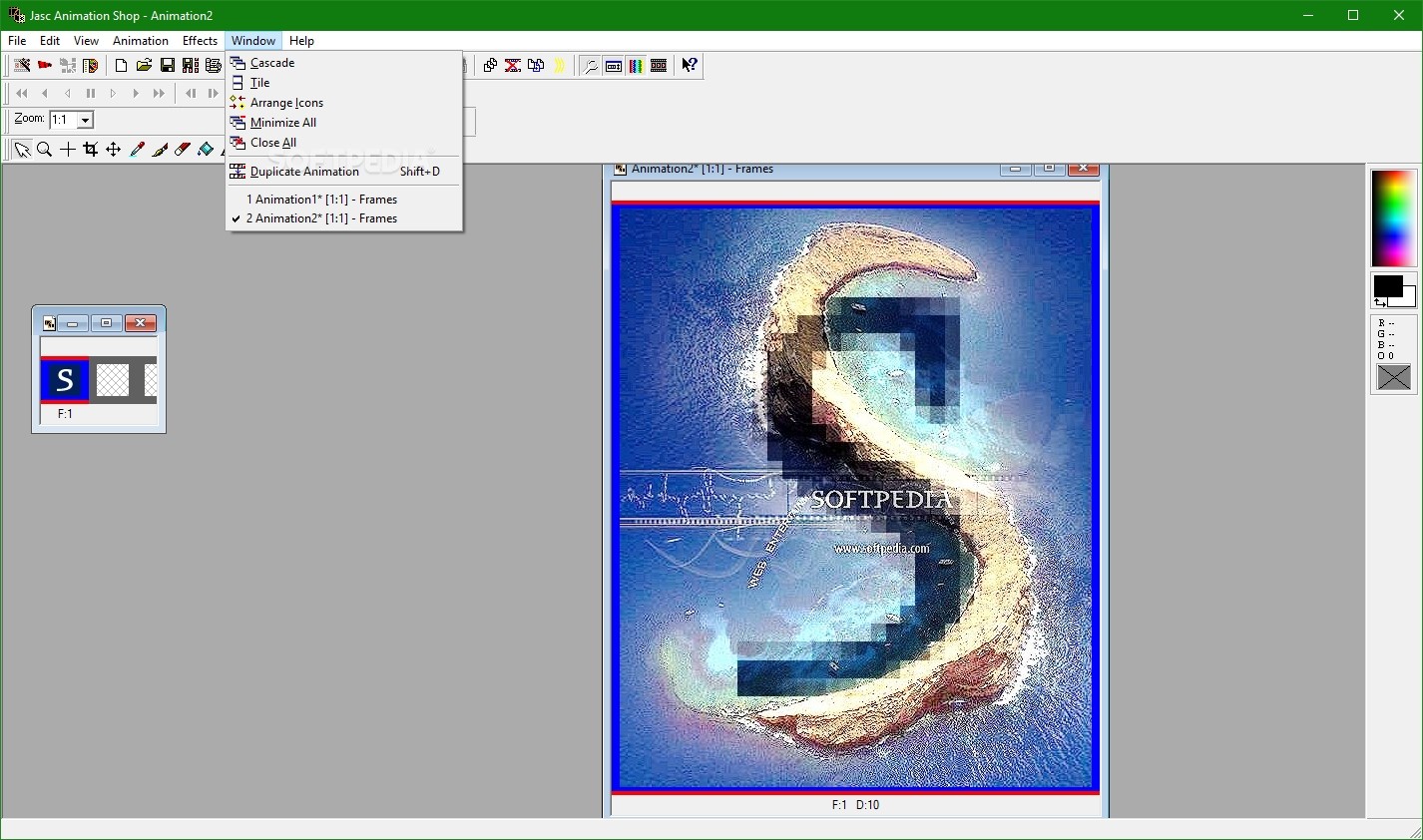
Being a graphic editor, Jasc Animation Shop is also equipped with standard editing functions, such as crop, resize, brush, eraser and color palette, and so on.
The support for input image formats is incredibly rich, from PNG, BMP, JPG to Photoshop and Autodesk files, while the results can be saved as GIF, MNG, FLC, FLI, ANI and AVI.
Jasc Animation Shop asks for little resources in exchange for a truly smooth experience and brings an intuitive environment to the table. You should know that Corel has discontinued this product a while back, yet it runs like in the good old days. However, if you are interested in the last product out there, you might want to give Corel PaintShop Pro a try.
Download Hubs
Jasc Animation Shop is part of these download collections: Image Editors
What's new in Jasc Animation Shop 3.05:
- Updated Export Frames functionality to support exporting animation frames to Paint Shop Pro 8 for editing.
Jasc Animation Shop 3.05
add to watchlist add to download basket send us an update REPORT- runs on:
- Windows All
- file size:
- 11.2 MB
- filename:
- ans305ev.exe
- main category:
- Multimedia
- developer:
- visit homepage
ShareX

7-Zip

Zoom Client

Bitdefender Antivirus Free

Windows Sandbox Launcher

IrfanView

calibre

Context Menu Manager

4k Video Downloader

Microsoft Teams

- Context Menu Manager
- 4k Video Downloader
- Microsoft Teams
- ShareX
- 7-Zip
- Zoom Client
- Bitdefender Antivirus Free
- Windows Sandbox Launcher
- IrfanView
- calibre
