WINDOWS CATEGORIES:


NEWS ARCHIVE >>
SOFTPEDIA REVIEWS >>

WEEKLY HIGHLIGHTS

DVD Cloner45
Spyware Doctor40
1Click DVD Copy40
Apollo DVD Copy40
ABC Amber BlackBer...45
Protected Music Co...40

7-DAY TOP DOWNLOAD

#
Program
Windows Live
Messenger 2009
14.0.8089.726

205,783
Avira AntiVir
Personal - Free
Antivirus 9.0.0.407

195,395
Avira Antivir Virus
Definition File
Update November 6,
2009

180,844
Nexus Radio 4.1.1
131,987
Windows Live
Messenger
8.5.1302.1018

124,237
FreeZ Online TV 1.30
97,621
Y! Multi Messenger
8.x and 9.x

82,764
Microsoft Office
2007

82,452
DVD Shrink 3.2.0.15
59,713
RemoveWGA 1.2
55,654

WEEK'S BEST

  • RSSOwl 2.0 Final
  • Internet Explorer ...
  • Online Armor ++ 4....
  • cFosSpeed 5.01 Bui...
  • SONY Vegas Pro 9.0...
  • Firefox 3.6 Beta 1...
  • Nokia Photos 1.6.434
  • Windows Server 200...
  • Skype Portable 4.1...
  • Google Chrome Port...
  • PCMark Vantage Bas...
  • Kaspersky Anti-Vir...
  • Microsoft Virtual ...
  • Messenger Plus! Li...
  • WinX DVD Author [F...
  • SoftPerfect Networ...
  • System Mechanic Pr...
  • Ad Muncher 4.8 Bui...
  • Windows 7 Upgrade ...
  • Pidgin 2.6.3
  • OpenOffice.org 3.2...
  • VirtualDub 1.9.7 B...
  • Maxthon [Softpedia...
  • Spyware Doctor 7.0...
  • SUPERAntiSpyware 4...
  • Adobe Acrobat Prof...
  • Camfrog Video Chat...
  • Adobe Reader 9.2.0...
  • Foxit PDF Reader 3...
  • Microsoft Maliciou...
  • Home / Windows / Multimedia / Graphic / Graphic Editors
     Report spyware

    Ashampoo Photo Optimizer [DISCOUNT] 3.10

    Download button

    Downloads: 2,611  Add to download basket  Tell us about an update
    User Rating:
    Rated by:
    Good (3.9/5)
    43 user(s)
    Developer:

    License / Price:

    Size / OS:

    Last Updated:

    Category:
    ashampoo GmbH and Co KG | More programs
    Trial / USD 7.48 | BUY the full version
    13.9 MB / Windows XP / Vista
    October 16th, 2009, 08:47 GMT
    C: \ Multimedia \ Graphic \ Graphic Editors

     Read user reviews (0)  Add a review  Refer to a friend  Subscribe


    Ashampoo Photo Optimizer [DISCOUNT] description


    An application that allows you to optimize images from your local hard disk drive

    Softpedia in association with Ashampoo offers you a special discount: Now, only from Softpedia, you can buy Ashampoo Photo Optimizer with a 50% discount. Take advantage of this opportunity and press the Buy Now button; you'll surely notice, the discount has been activated. For other Ashampoo products at half price, click here. No coupons, no codes, no questions, no hassle! Get it now, while it's hot!

    Ashampoo Photo Optimizer is what the world was waiting for: Optimize all your photos in the same folder, with just a mouse click.

    Optimising photos - Anyone can do that!
    Digital Cameras are a must have: Almost everyone has one. The problem is that the self taken pictures often don't turn out as good as the photographer wanted them to.

    The photos are mostly too dark, and weak in contrast and colour. Often they look as if you look at them through grey fog. Naturally it is possible to use a professional picture processor, in order to work on all the picture settings belatedly, so that the photo is radiant.

    Only: who knows how to do that? And even those who know how to regulate all picture settings and who know all optimization instructions that a professional programme has to offer, have a real problem with time: altering pictures on the PC, can take a very long time.

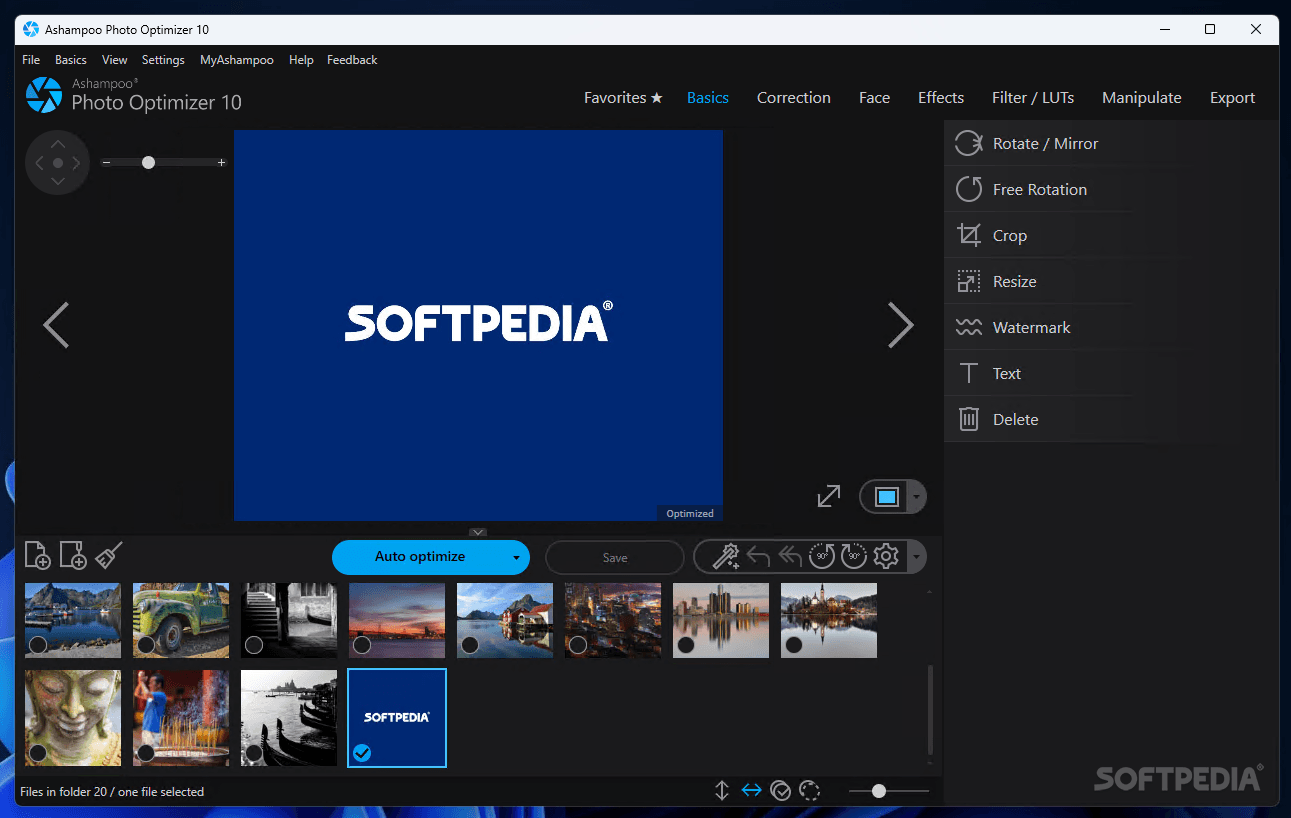
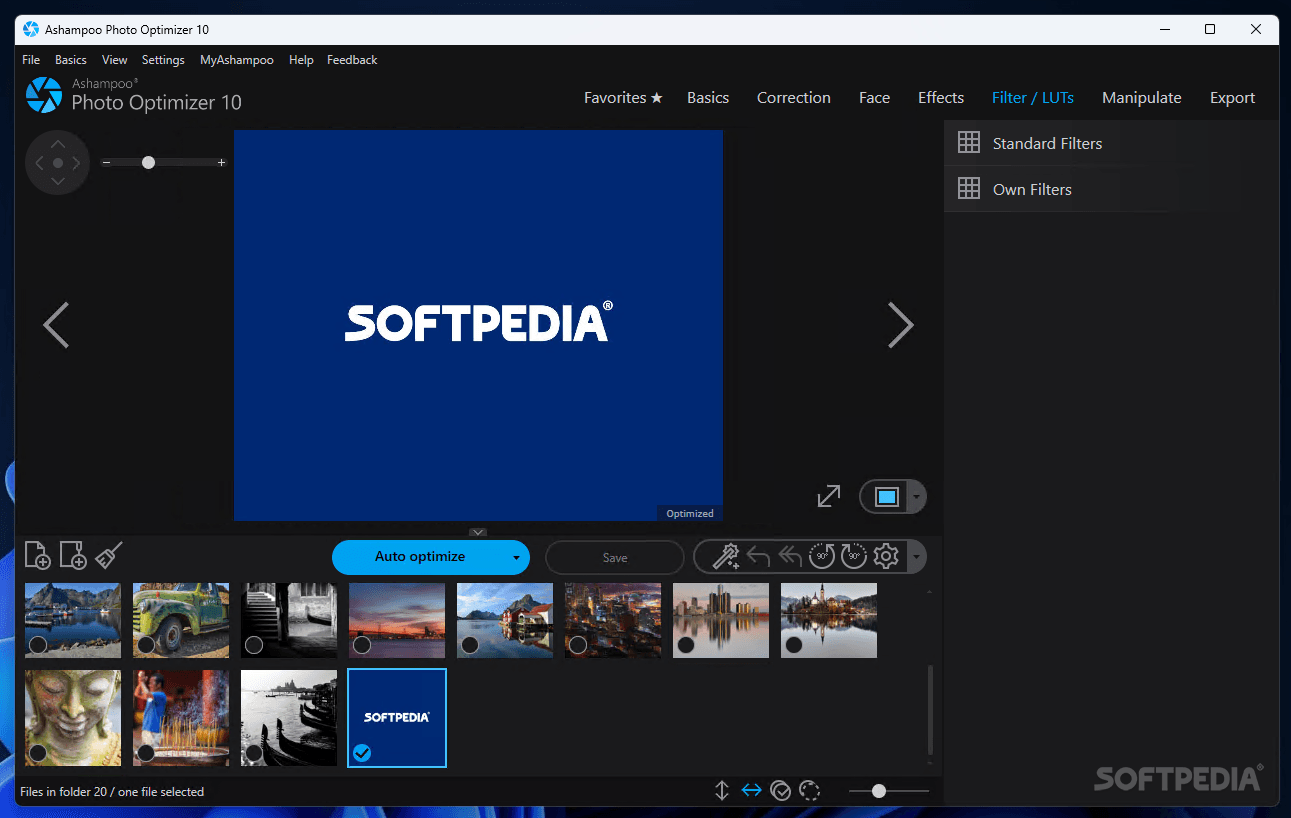
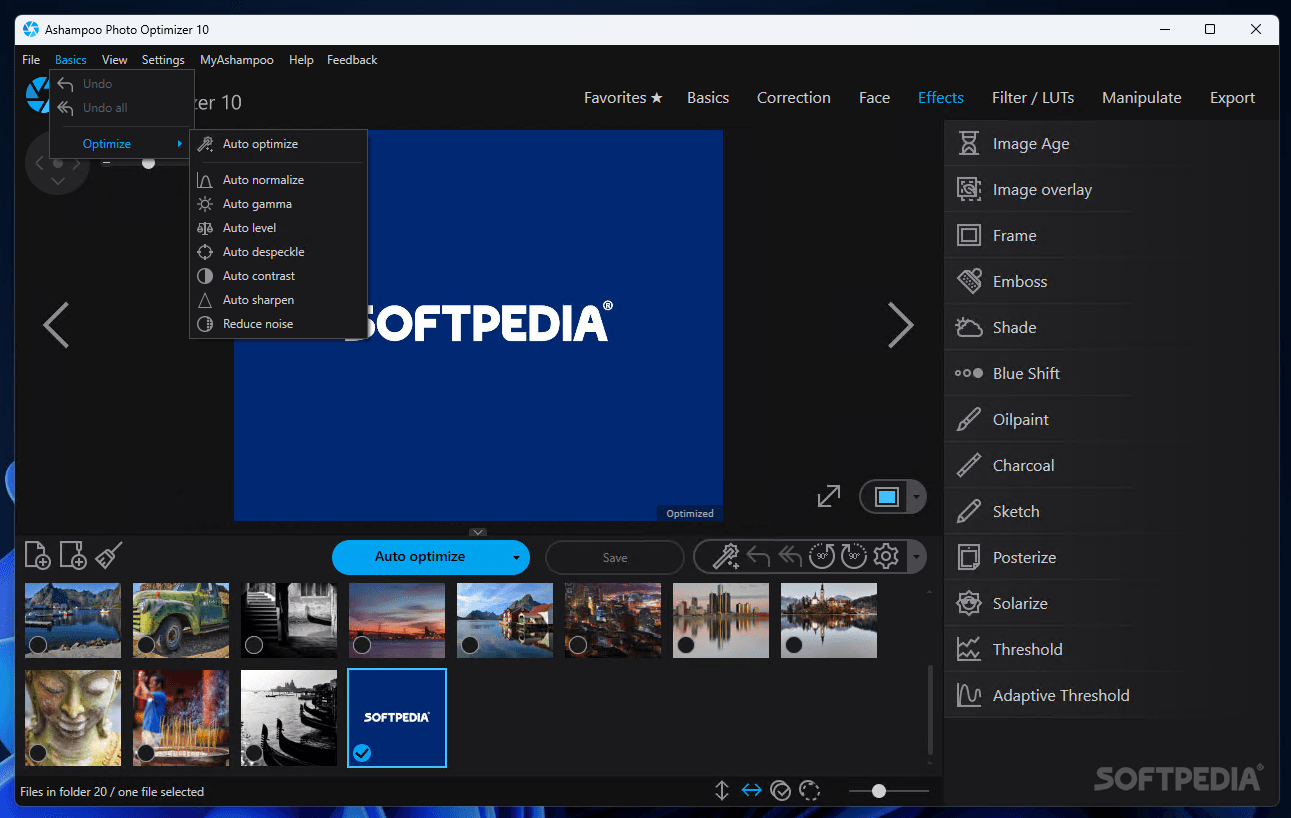
    In this way the Ashampoo Photo Optimizer is really a world sensation, which every user with a digital camera almost imperatively needs. The programme opens individual pictures and shows them in its window. A single click of the mouse is enough to optimize the photo entirely.

    The effect of this optimization does not fail to impress. The photos changed by the Ashampoo Photo Optimizer are livelier, brighter, lighter, sharper and have a stronger contrast. The direct before and after comparison shows precisely just how strong the optimization algorithm of the software is.

    Optimize photos - in batch procedures!
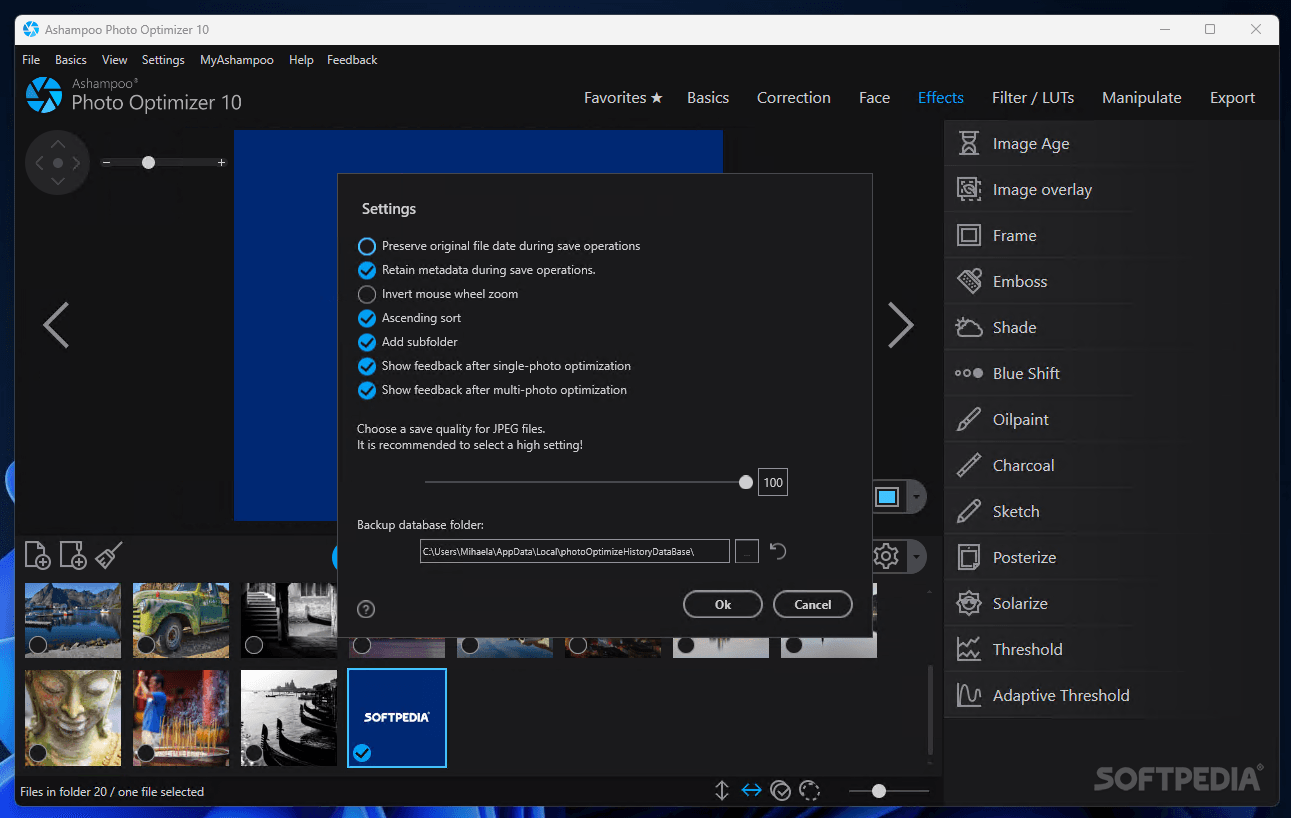
    Those who have tried the programme once don't ever want to work again without it. This is also because of the advantage of time. Whole picture folders can be automatically read and optimized in one go. While doing so, the programme greatly values data safety. The original data will automatically be saved to a backup folder, and even then, they will only be deleted when the user is completely satisfied with the optimized photos.

    Optimize photos and turn them straight away!
    Those who notice that their photos are lying on their side, or on their head, can turn them straightaway with a click of the mouse. In this way Ashampoo Photo Optimizer also makes sure that the individual photos are in the correct position and order after the optimisation.

    Here are some key features of "Ashampoo Photo Optimizer [DISCOUNT]":

    · Photo optimization with just a click of the mouse
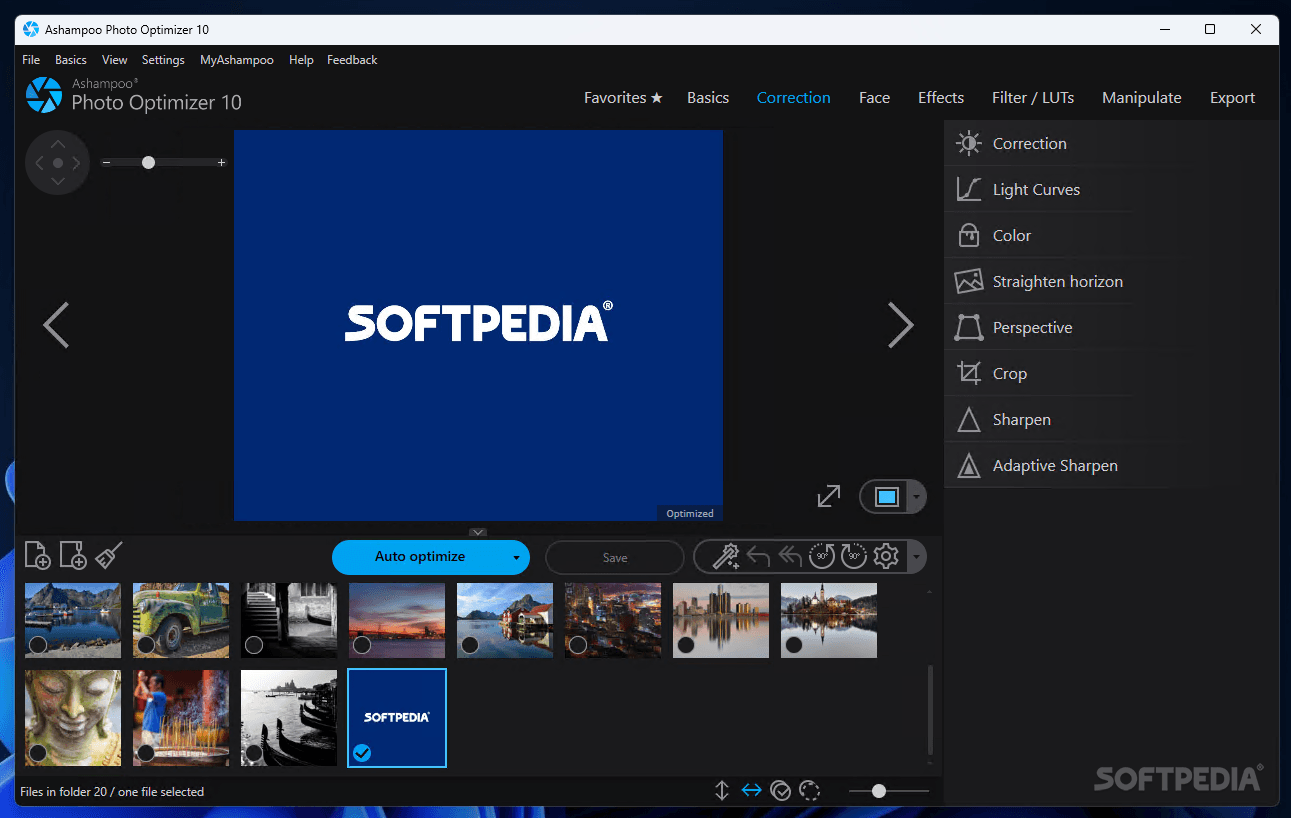
    · Fully automatic improvement of contrast, brightness, colour intensity, sharpness
    · Picture preview
    · Possibility to undo the picture optimization at any time
    · The untouched original remains as a backup
    · Batch processing of all pictures in one folder is possible
    · Turn picture to right or left
    · Support of digital cameras
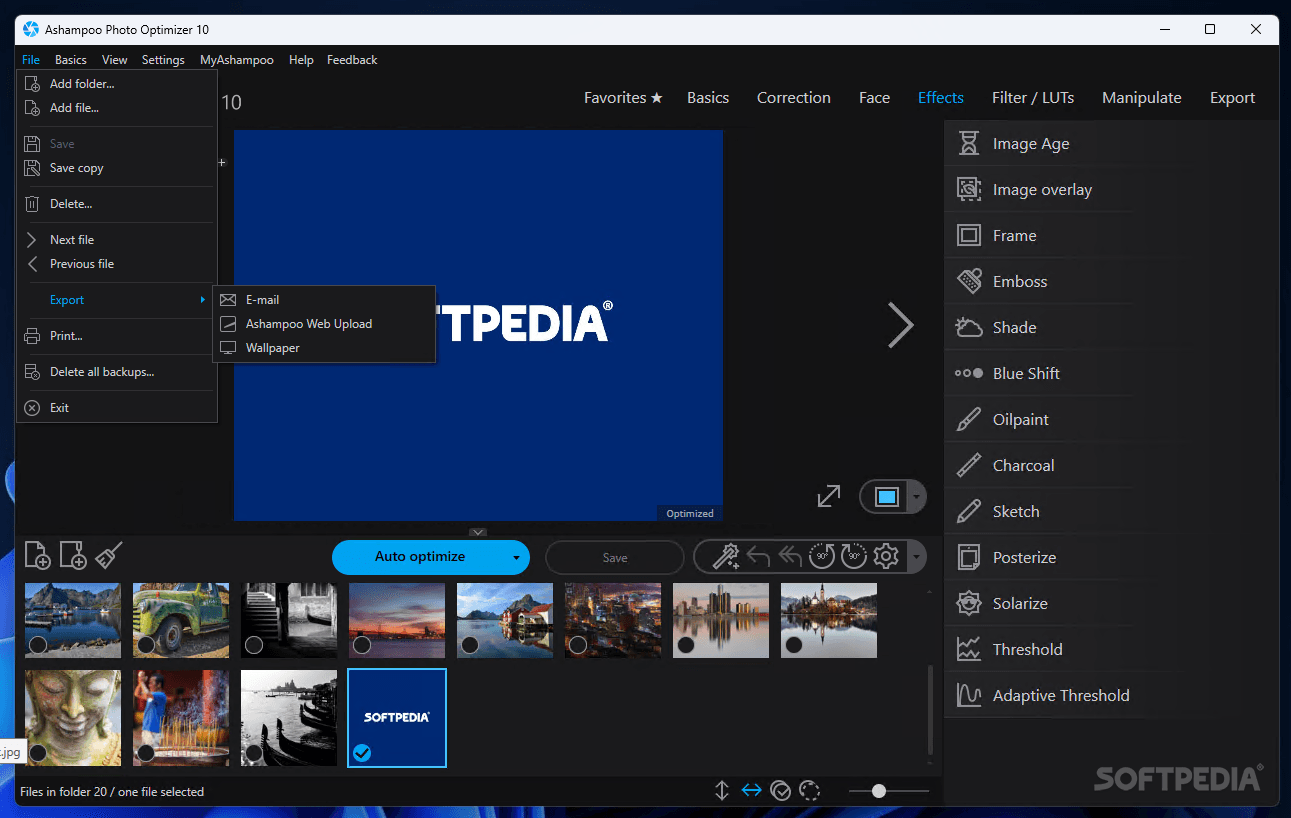
    · Direct jump to important folders (My pictures, connected cameras, USB flash ? drives, etc.)
    · Multiple use of the automatic optimization
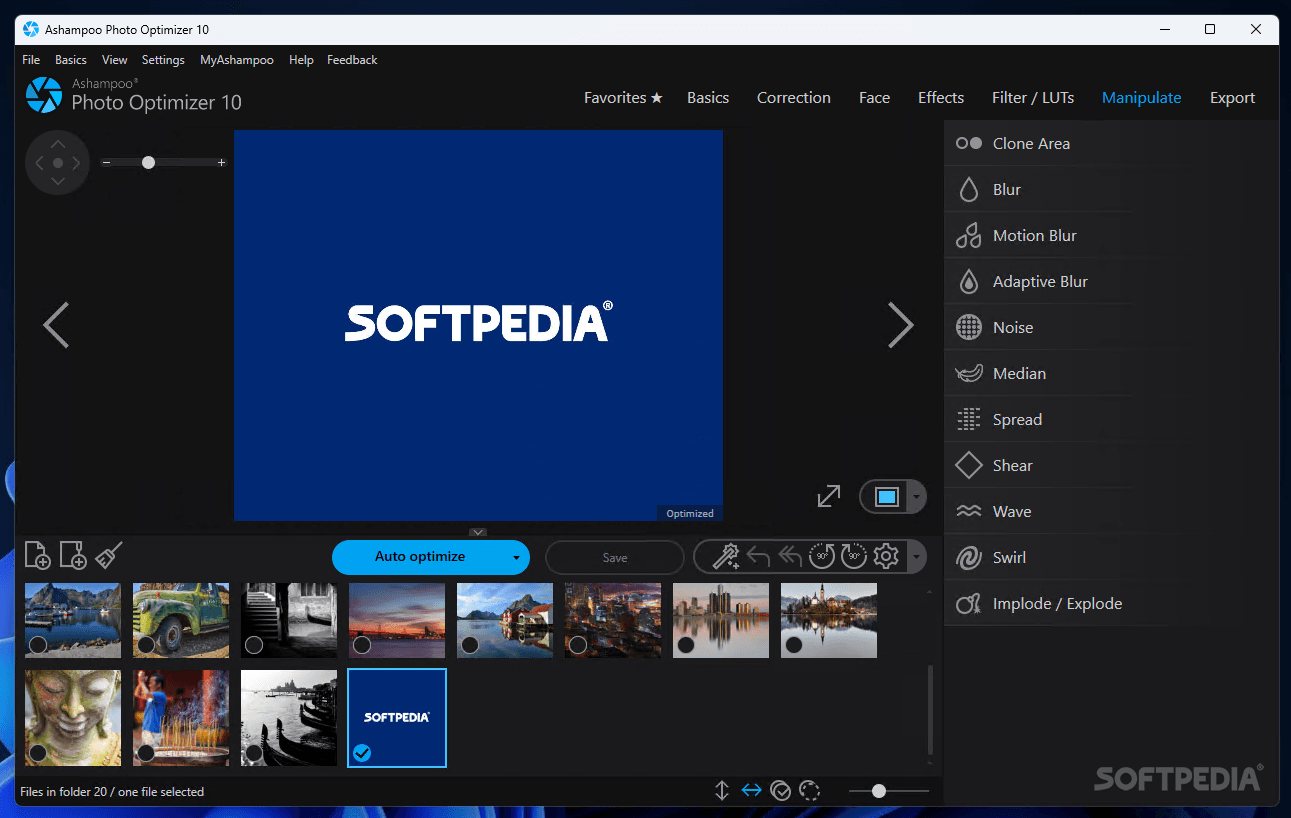
    · Manual readjustment of brightness, contrast and gamma for experts
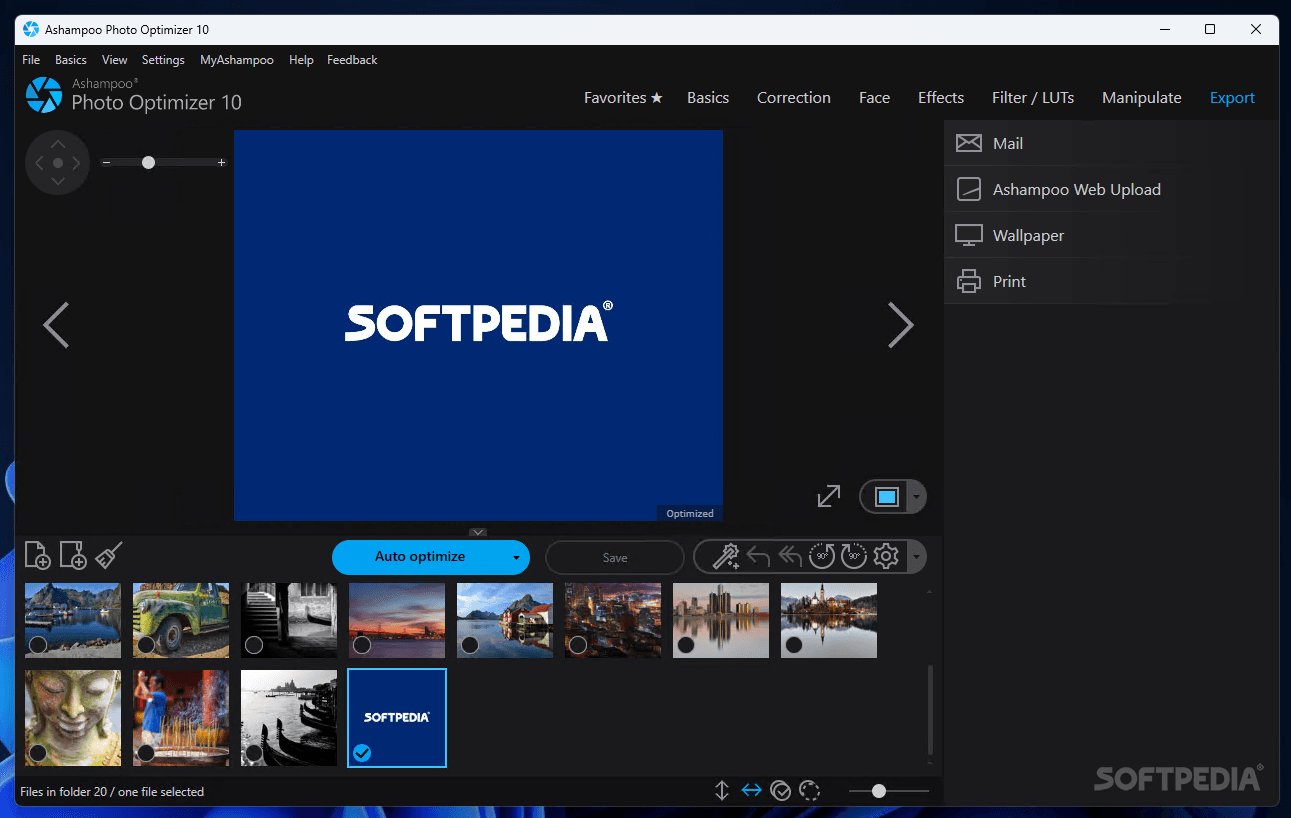
    · Print function
    · The large thumbnail view provides a better overview
    · Directory tree for a comfortable search for files
    · Maximizing function for the picture view
    · Easy switch between the original and the optimized version for direct comparison
    · Backups of the original files are stored at a central location and not in the directories

    Requirements:

    · 64 MB RAM
    · Hard Disk Space 10 MB.
    · Graphic adapter min.resolution 800 x 600 and 16-bit High color

    Limitations:

    · 10-day unregistered trial
    · 30-day registered trial
    · Nag screen

     Softpedia guarantees that Ashampoo Photo Optimizer [DISCOUNT] 3.10 is 100% CLEAN, which means it does not contain any form of malware, including spyware, viruses, trojans and backdoors. [read more >]


    TAGS:

    photo optimizer | optimize photo | photo optimization | optimizer | optimize | optimization


    HTML code for linking to this page:


    Go to top

    Windows tabGames tabDrivers tabMac tabLinux tabScripts tabMobile tabHandheld tabGadgets tabNews tab

    SUBMIT PROGRAM   |   ADVERTISE   |   GET HELP   |   SEND US FEEDBACK   |   RSS FEEDS   |   ENTER NEWS SITE   |   ENGLISH BOARD   |   ROMANIAN FORUM