Softpedia
 

WINDOWS CATEGORIES:


GLOBAL PAGES >>
SOFTPEDIA REVIEWS >>
MEET THE EDITORS >>
WEEK'S BEST
  • Sticky Password FR...
  • Parallels Workstat...
  • ESET NOD32 Antivir...
  • BitDefender Total ...
  • WinPatrol 24.6.201...
  • PerfectDisk Free D...
  • Adobe Photoshop CS...
  • PerfectDisk Profes...
  • Windows 8 Consumer...
  • Atlantis Word Proc...
  • Home > Windows > Multimedia > Graphic > Graphic Editors
     Report malware

    Banner Maker Pro 9.0.0B

    download button

    Part of the Logo Managers download hub
    Downloads: 18,718  View global page  Tell us about an update
    User Rating:
    Rated by:
    Fair (2.9/5)
    50 user(s)
    Developer:

    License / Price:

    Size / OS:

    Last Updated:

    Category:

    Trial / USD 39.99 buy button
    8.6 MB / Windows 2K / XP / Vista / Vista64 / 7 / 7 x64
    [view history]
    C: \ Multimedia \ Graphic \ Graphic Editors

     Read user reviews (2)  Send to friend   Follow (1 user)

    Softpedia Editor's Review for Banner Maker Pro

    EDITOR'S RATING:

    Allows you to quickly create a banner ad, web button, logo or web graphics

    Written by Elena Opris on March 4th, 2012

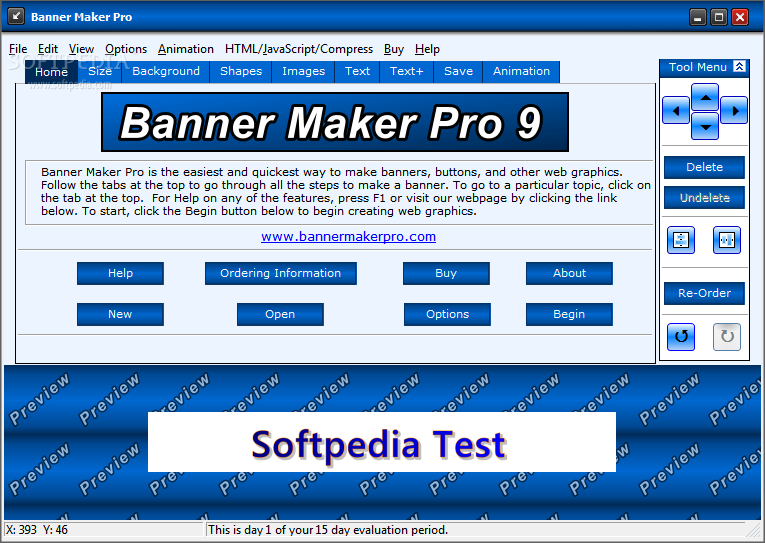
    Banner Maker Pro is a program that allows you to easily create banners for your websites.

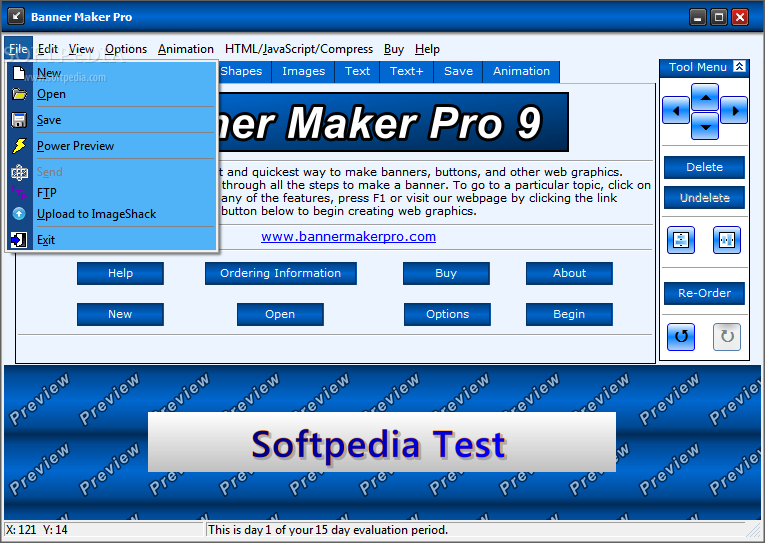
    The interface of the tool is simple and intuitive. You can start a new project by selecting the size of your banner or button (e.g. medium rectangle, blog button, skyscraper, custom).

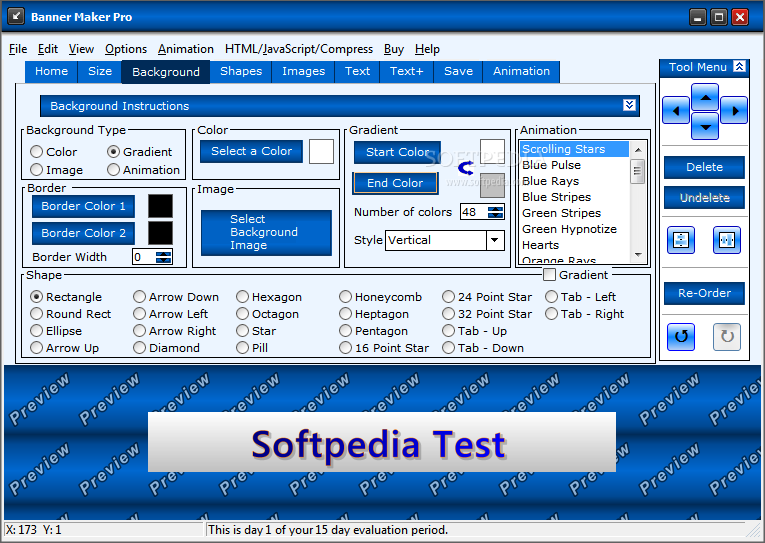
    In addition, you can set the background's color, image, gradient, border or shape (e.g. ellipse, arrow up, hexagon, pentagon).

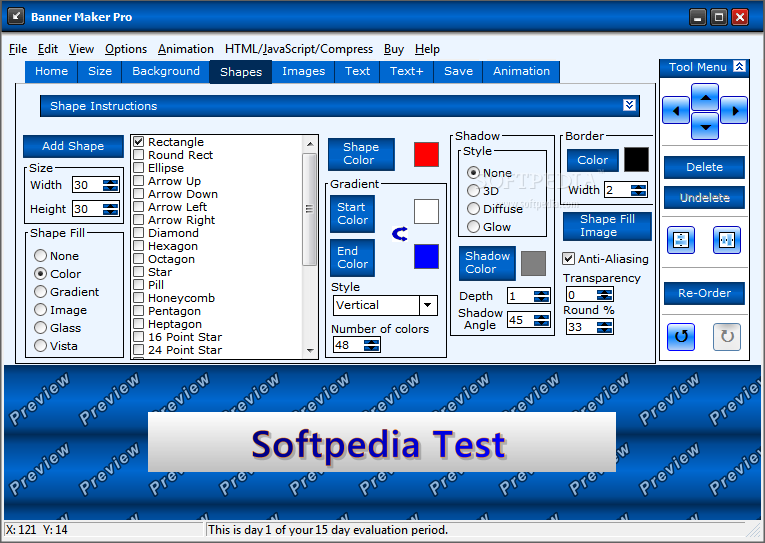
    But you can also add shapes after selecting their size, fill, color, gradient, style, end color, shadow, depth, border, fill image and others.

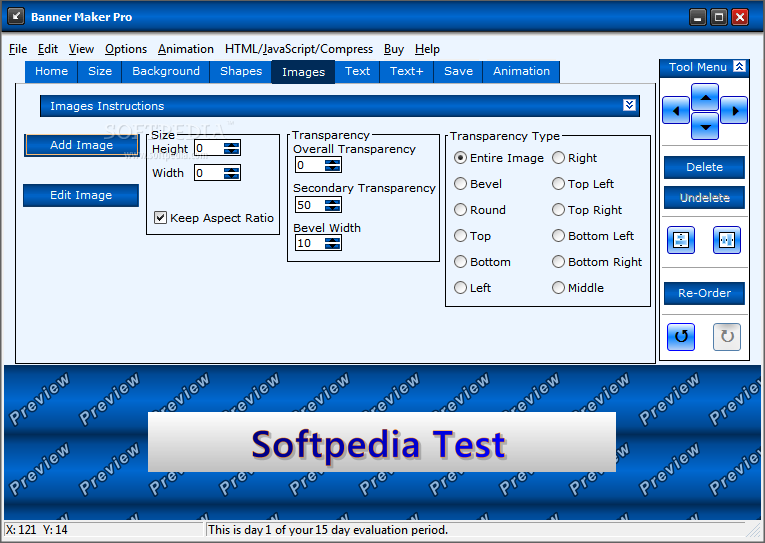
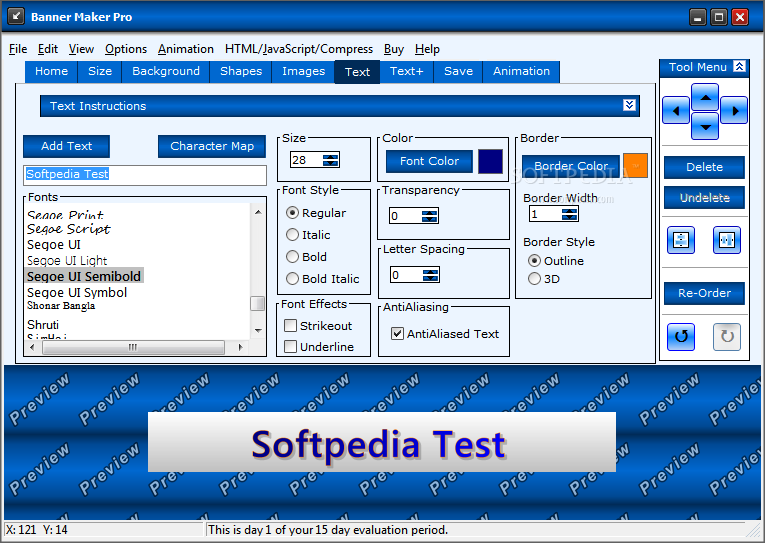
    Furthermore, you can add and edit images (e.g. size, transparency, transparency type) and text (e.g. size, color border, transparency, border style and witdh, letter spacing, antialiasing, font effects and style).

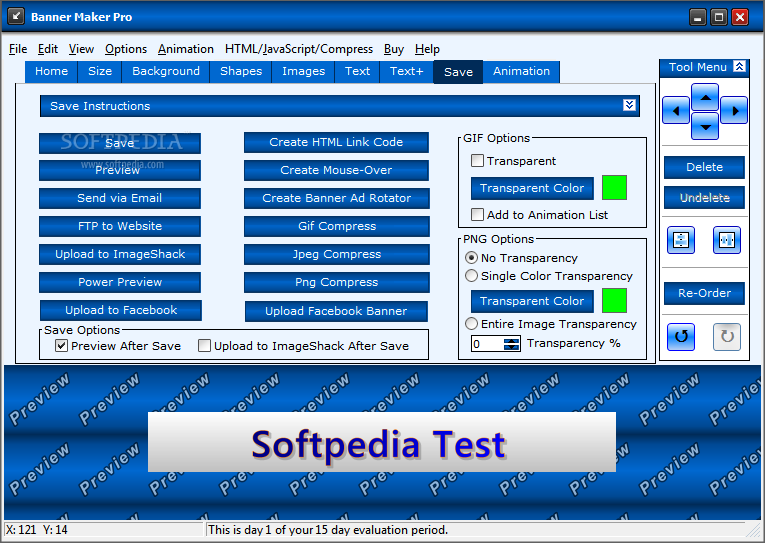
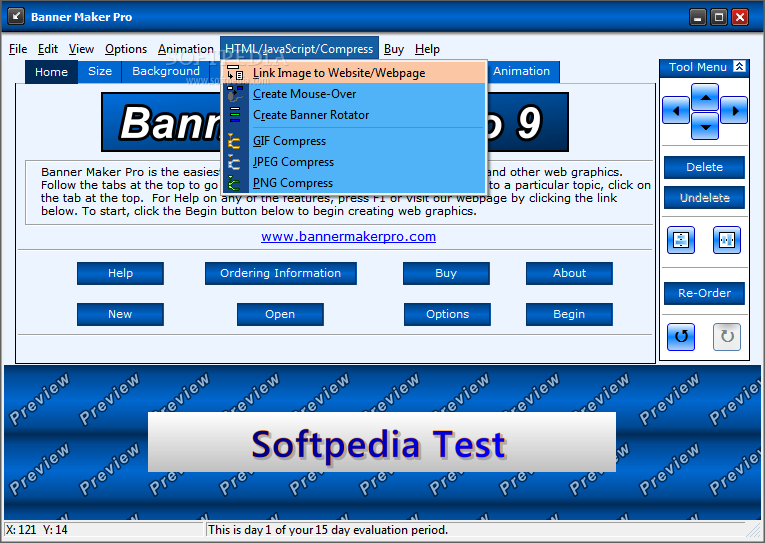
    Once you are satisfied with your masterpiece, you can save it in the GIF, JPG or PNG format, send it via email or FTP to a website, upload it to ImageShack, create an HTML link code, mouse-over and banner and rotator, and more.

    In the "Options" menu you can set the default graphic file format, banner size and saved image directory, preview area color, and others.

    The software uses a low-to-moderate amount of system resources and includes a well-written help file with snapshots, along with a quick start guide. We haven't come across any problems during our tests.

    Although Banner Maker Pro doesn't come with advanced options for graphic editing, we strongly recommend it to all users who are interested in quickly creating a simple banner, especially noobies.


    Read an in-depth analysis in our professional review for Banner Maker Pro

    Banner Maker Pro description

    Here are some key features of "Banner Maker Pro":

    · Banner Maker Pro is the easiest way to make web graphics. You can create an animated banner in just 5 minutes with no graphic skills.
    · More customizable than other online banner and button makers.
    · Create any sized image from 80 x 15 blog buttons to web headers that stretch across the top of a web page.
    · Add any image, photo, or logo. All added images can be cropped, resized and blended using transparency.
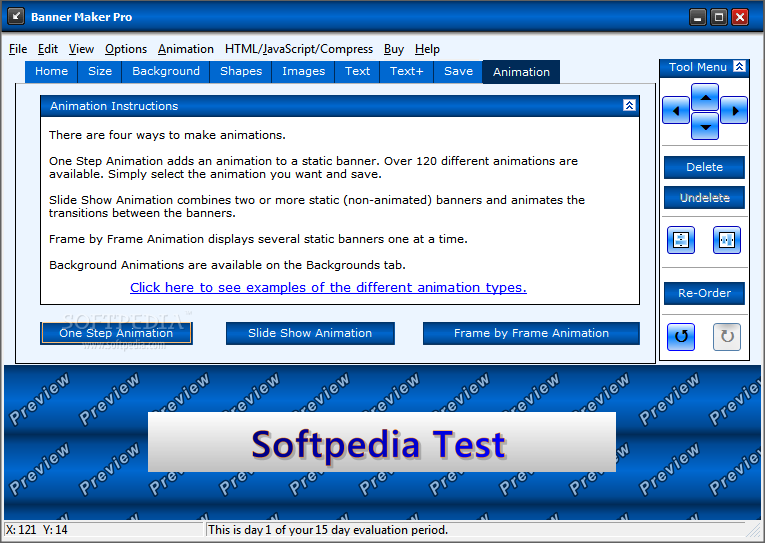
    · Over 120 different one-step animations. Create your banner, choose your animation and save. It's that easy.
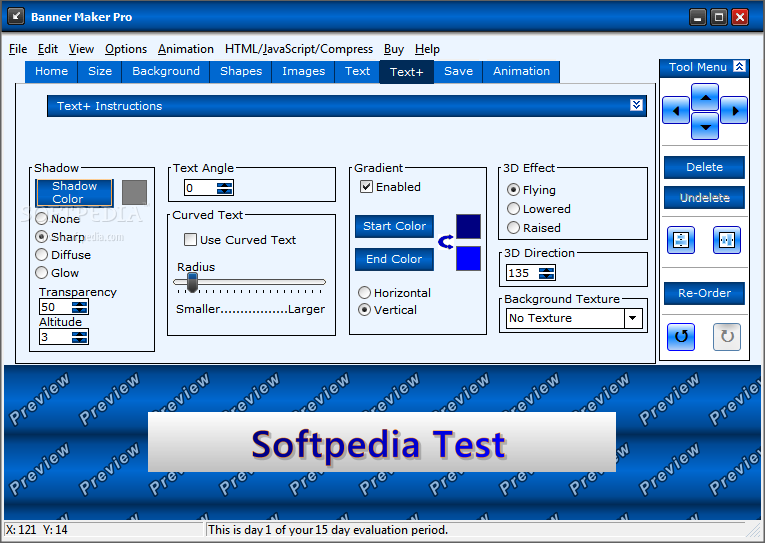
    · More text effects than any online banner maker - add borders and three types of shadows (sharp, diffuse & glow). Change the character spacing and transparency. Set the text at an angle. Use any font on your computer. Set the text at an angle or wrap it around a circle. Unicode text is supported and all text uses anti-aliasing for clean and sharp looking characters.
    · Includes over 800 backgrounds and stand alone images. Backgrounds images are unique custom created backgrounds that cannot be found anywhere else.
    · Undo and Redo changes. Also, animations can be saved and edited later.
    · The Power Preview allows you to view hundreds of different combinations of your image with different backgrounds and fonts.
    · Compress your images using the built in jpeg and non-animated gif cruncher.
    · Email, FTP and upload to imageshack.us all of your images right from within Banner Maker Pro.
    · Shapes - Buttons can now be made from Arrows, Diamonds, Hexagons, Octagons, Stars, and eight different types of Tabs. In addition, all shapes now include the ability to add a shadow and/or an edge.
    · Create HTML code to place the banner on your website. In addition, you can create code for a banner rotator with up to 10 images and create HTML code to make mouse-overs.

    Requirements:

    · 12MB of hard disk space
    · 64 MB RAM

    Limitations:

    · 15 days trial
    · Nag screen

    What's New in This Release: [ read full changelog ]

    · Over 120 professionally designed background images were added.
    · New animation type - background animation. Simply select a background animation and add your text, images, and shapes. Over 20 to choose from.
    · Images can be sliced.
    · Banners can be uploaded to facebook and tagged directly from Banner Maker Pro.
    · Facebook banners can be made. A banner can be sliced into 5 parts and shown at the top of your profile picture.
    · Various other fixes.

       Softpedia guarantees that Banner Maker Pro 9.0.0B is 100% CLEAN, which means it does not contain any form of malware, including spyware, viruses, trojans and backdoors. [read more >]


    TAGS:

    banner maker | create banner | animate banner | banner | creator | button


    HTML code for linking to this page:


    Go to top

    WindowsGamesDriversMacLinuxScriptsMobileHandheldNews

    SUBMIT PROGRAM   |   ADVERTISE   |   GET HELP   |   SEND US FEEDBACK   |   RSS FEEDS   |   UPDATE YOUR SOFTWARE   |   ROMANIAN FORUM