
Packed with support for multiple formats, templates and tools, this well-rounded program lets you create, edit and animate 3D objects and characters. #Create animation #Movie editor #3D modeler #Animation #Modeler #Effect

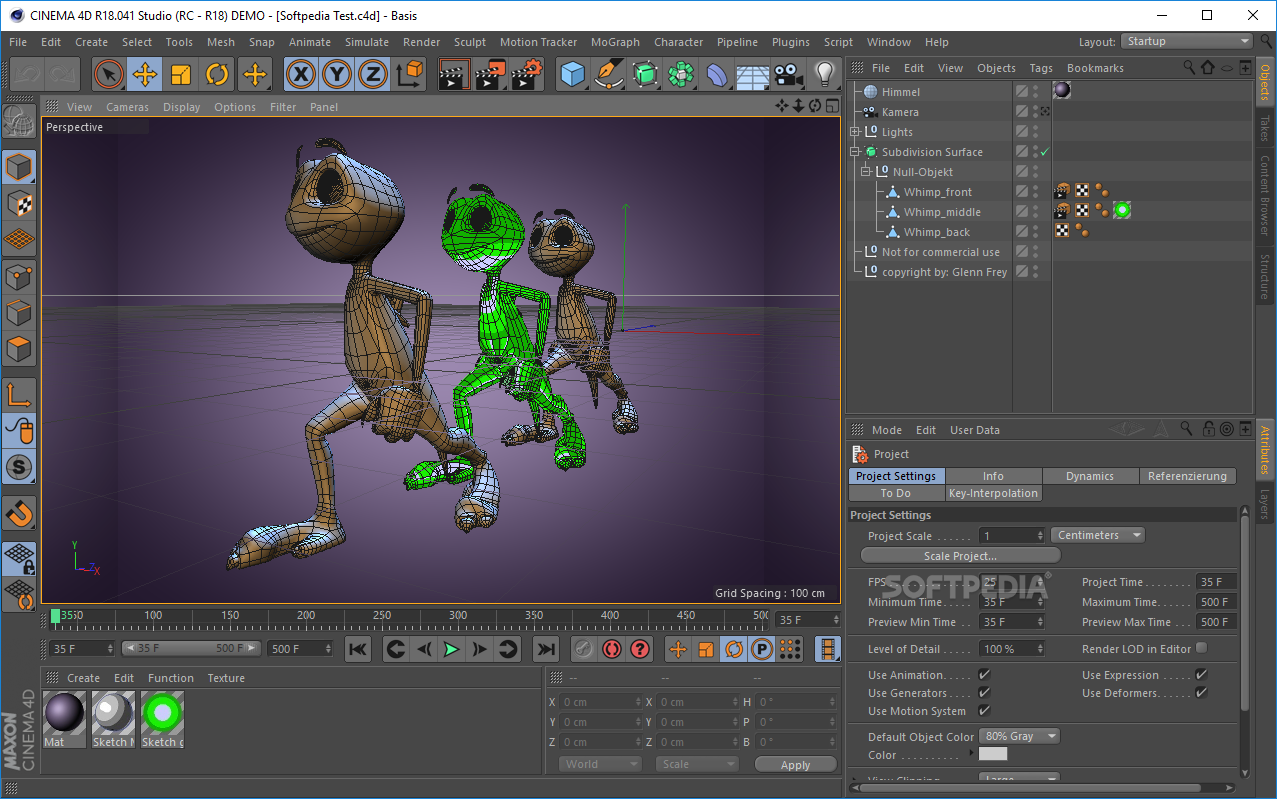
CINEMA 4D provides you with a professional environment for bringing a vast array of animations to life ranging from short movies to complex architectural and scientific simulations.
Graphic designers can consider this particular piece of software to be a great starting point into the world of 3D graphics manipulation.
The setup process can take quite a while, starting from the download and up to the actual installation process, yet this is to be expected when considering the size of the program.
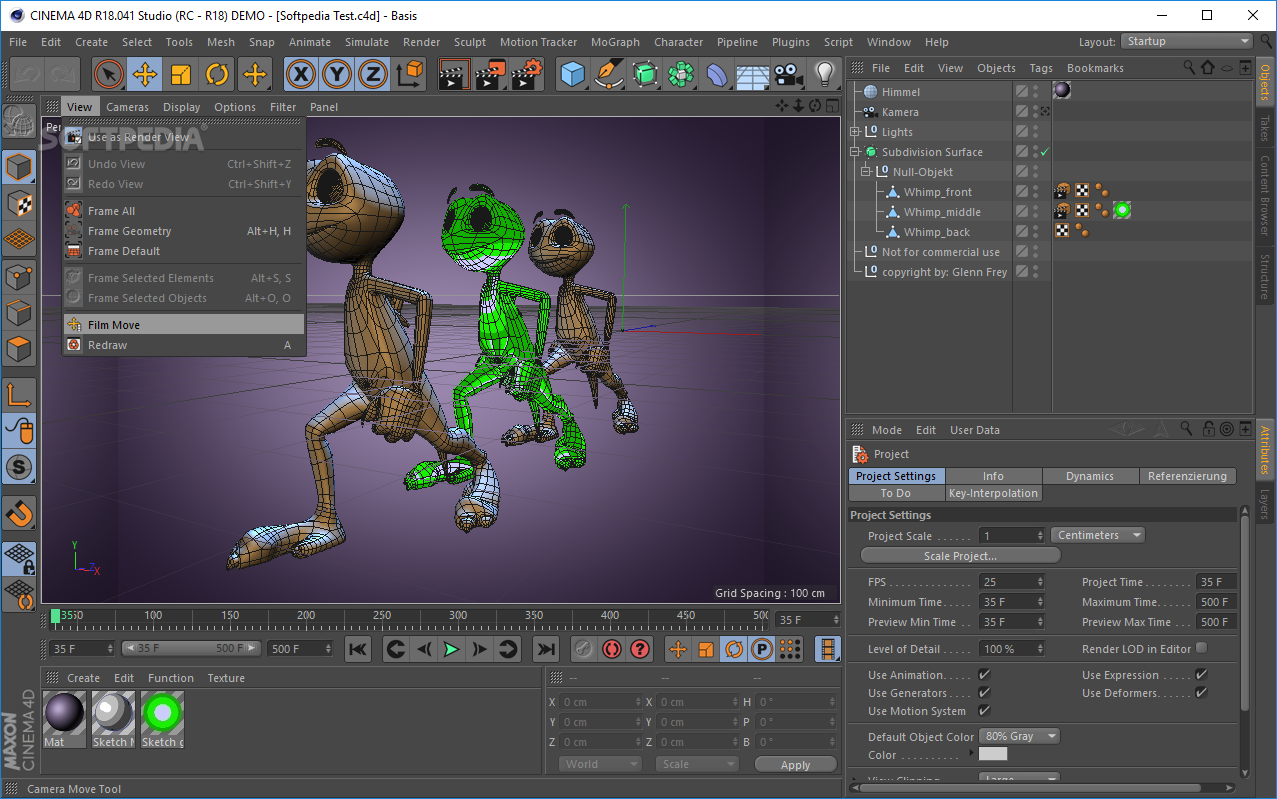
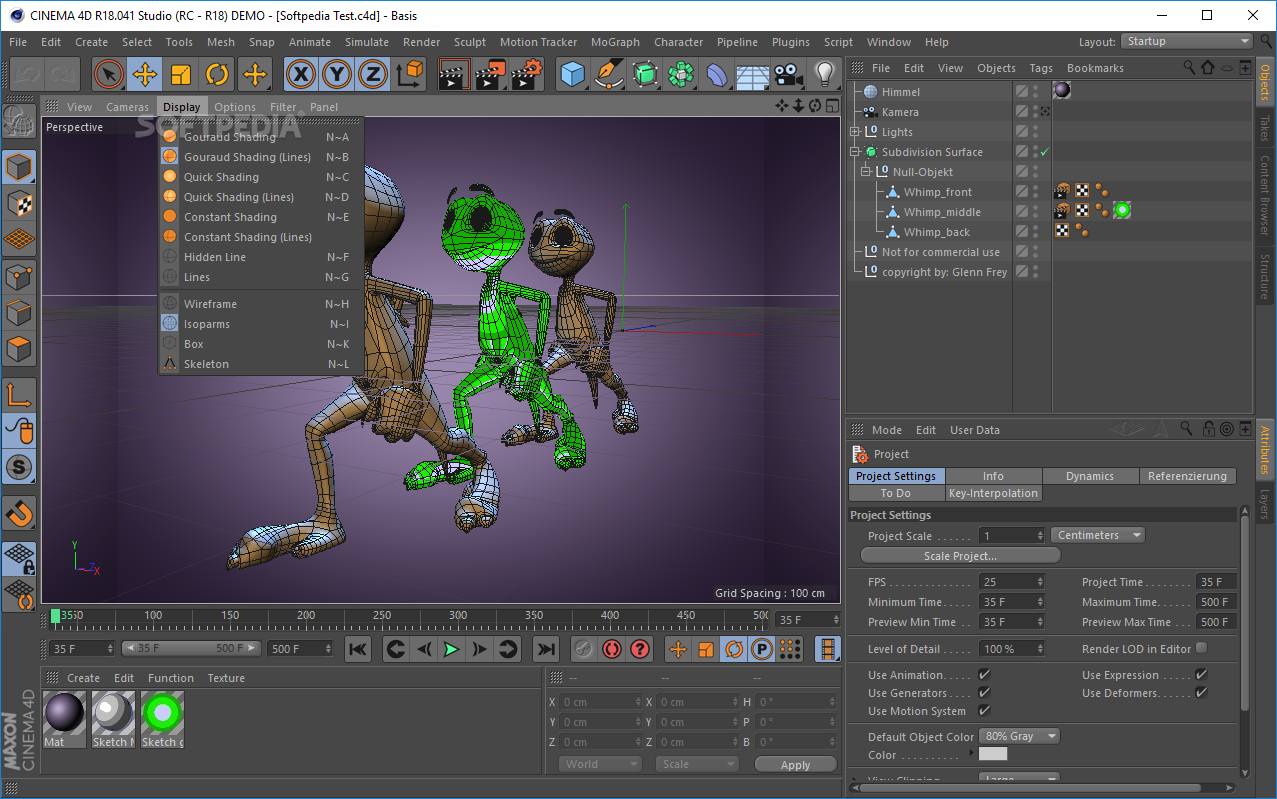
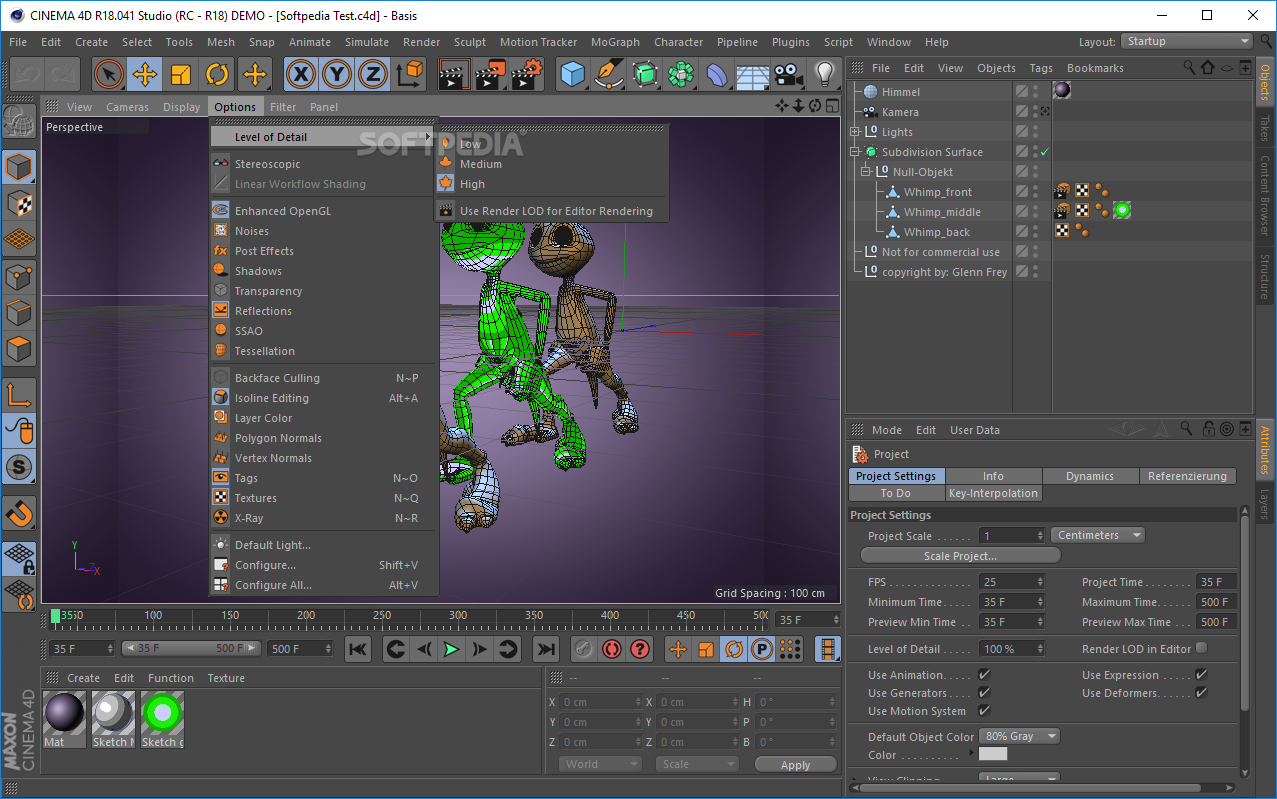
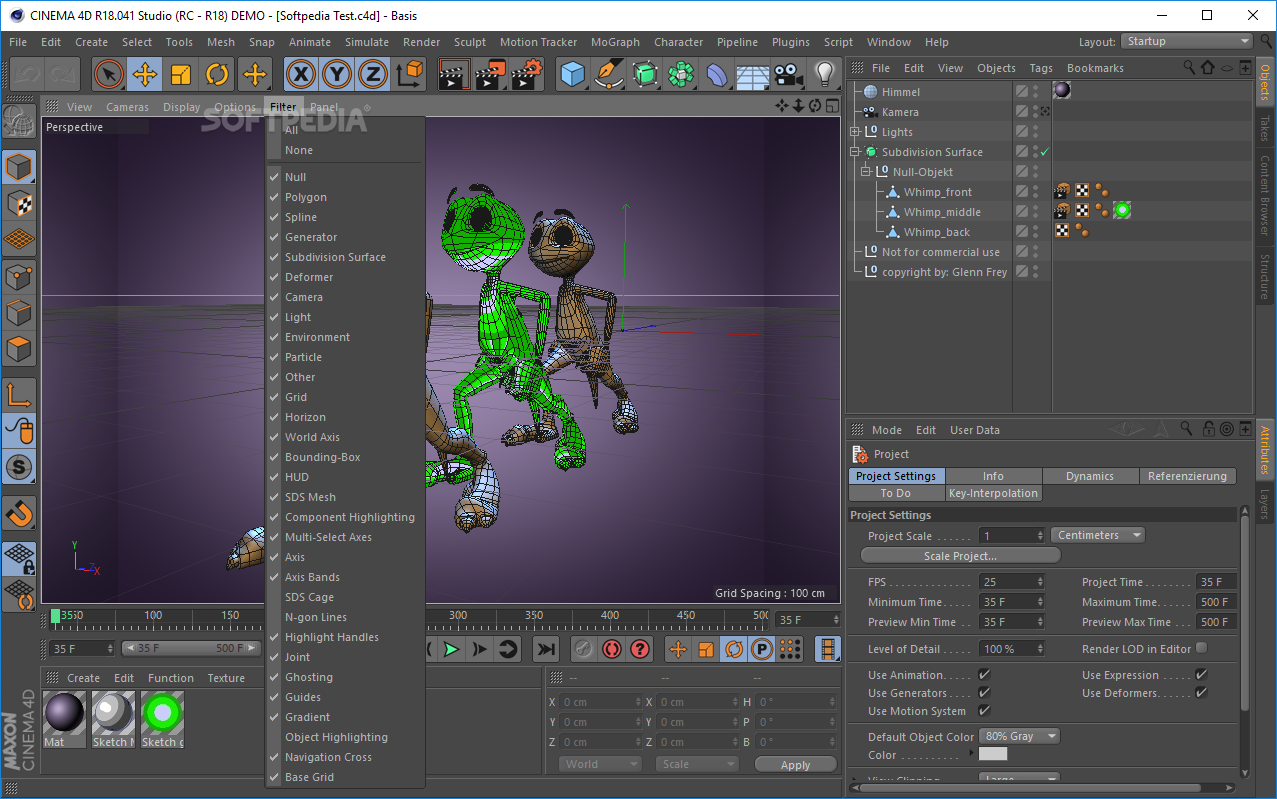
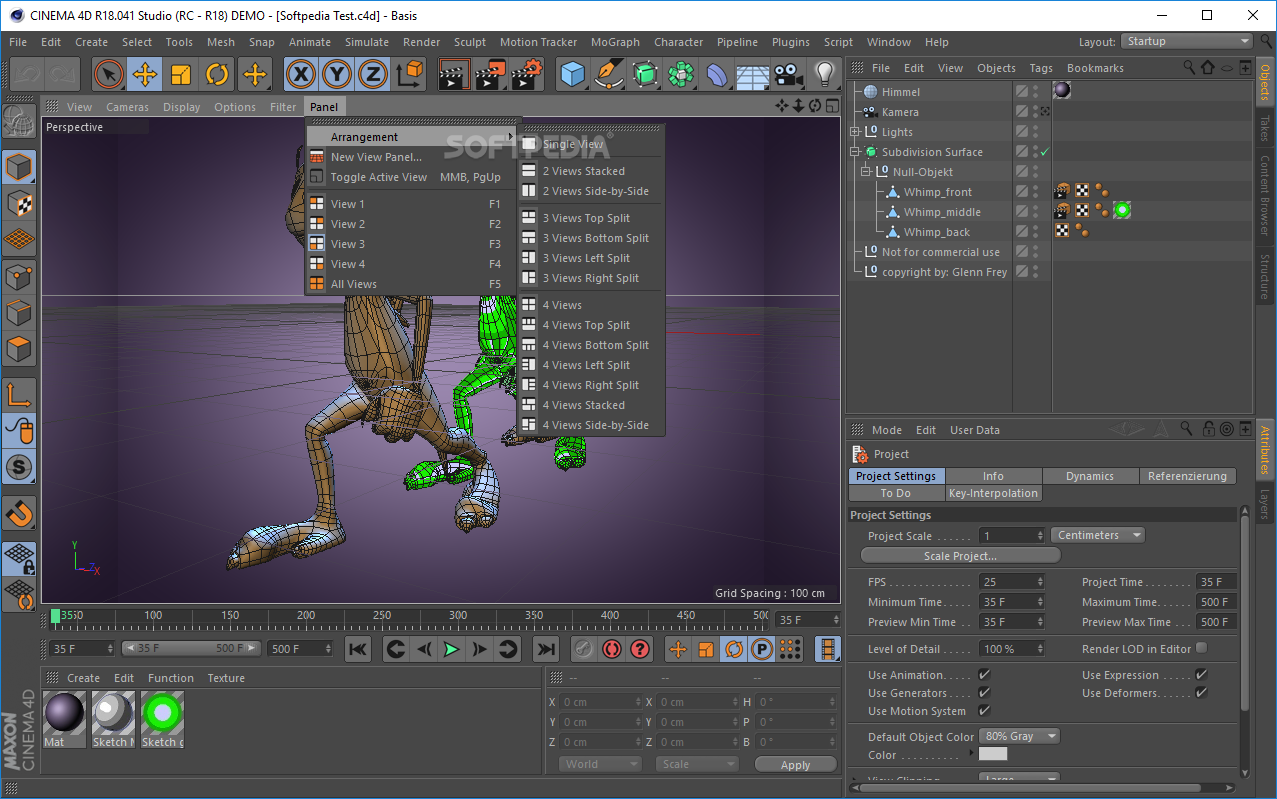
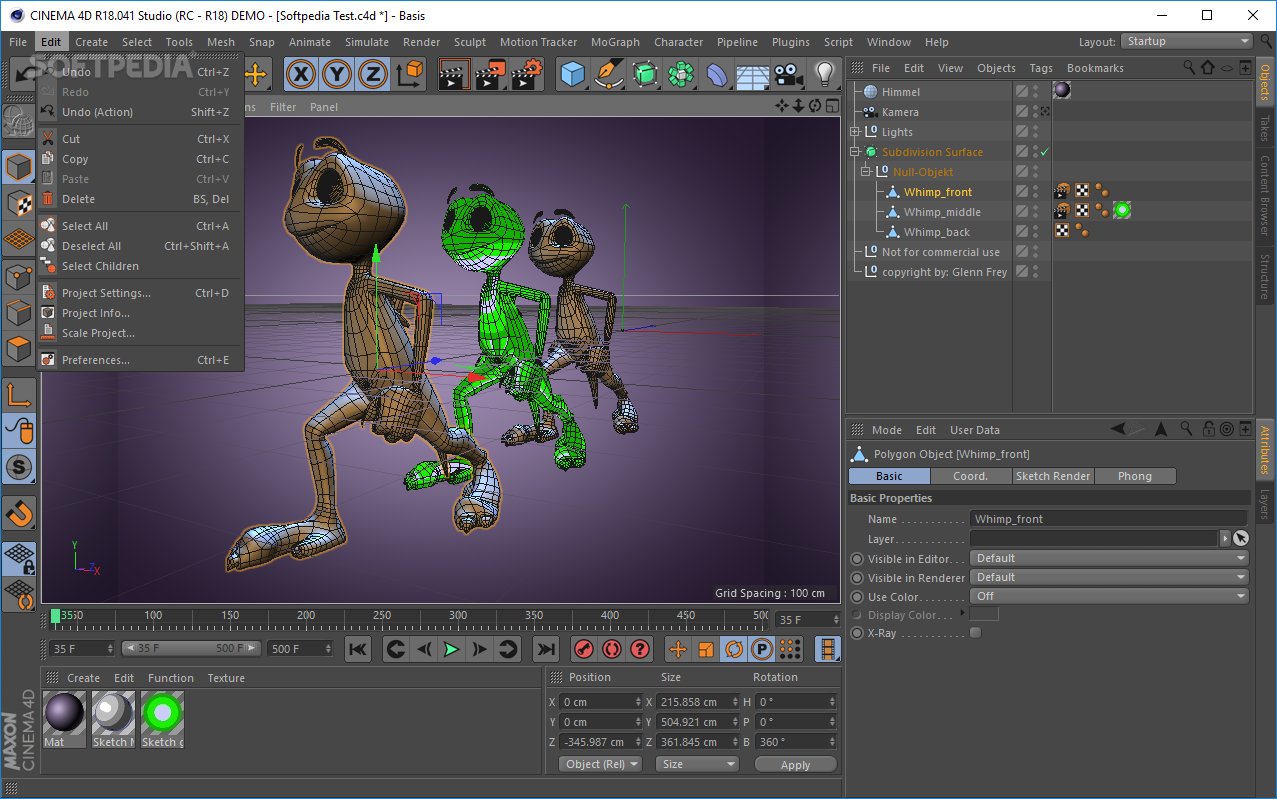
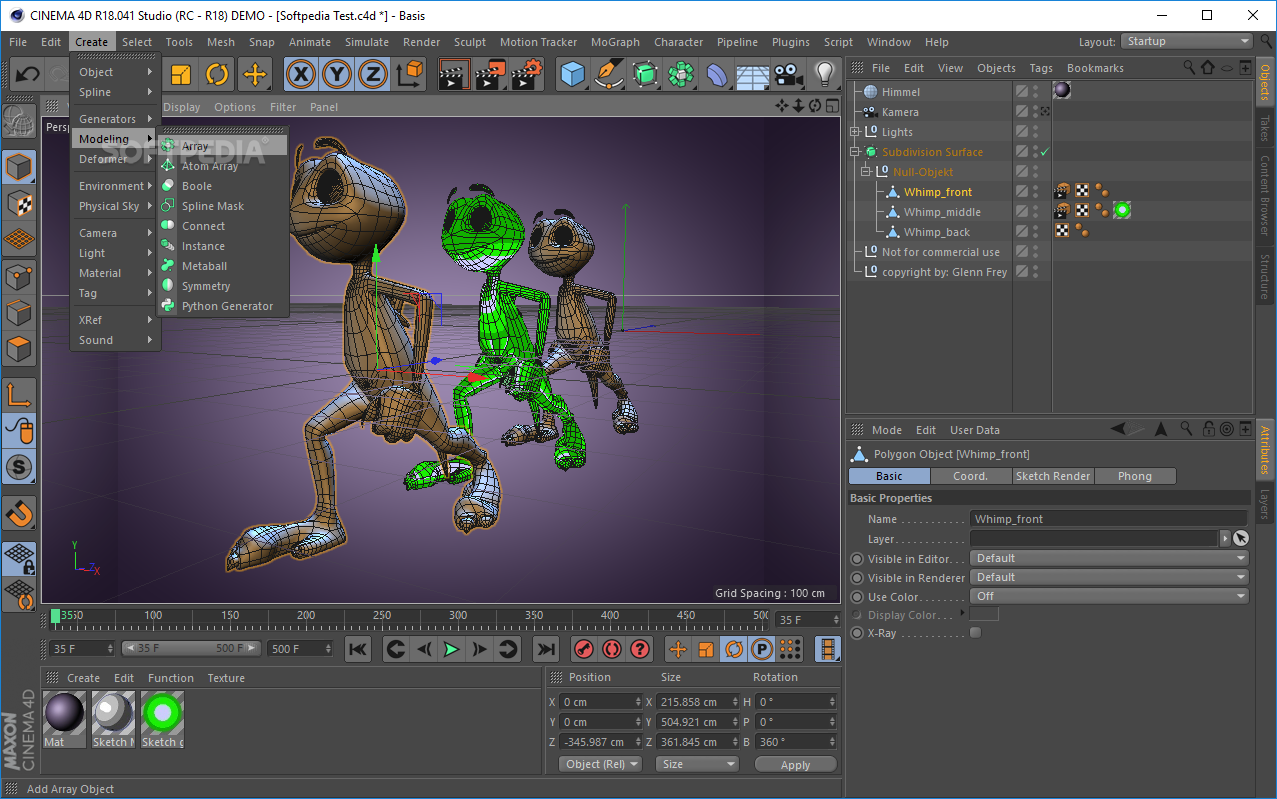
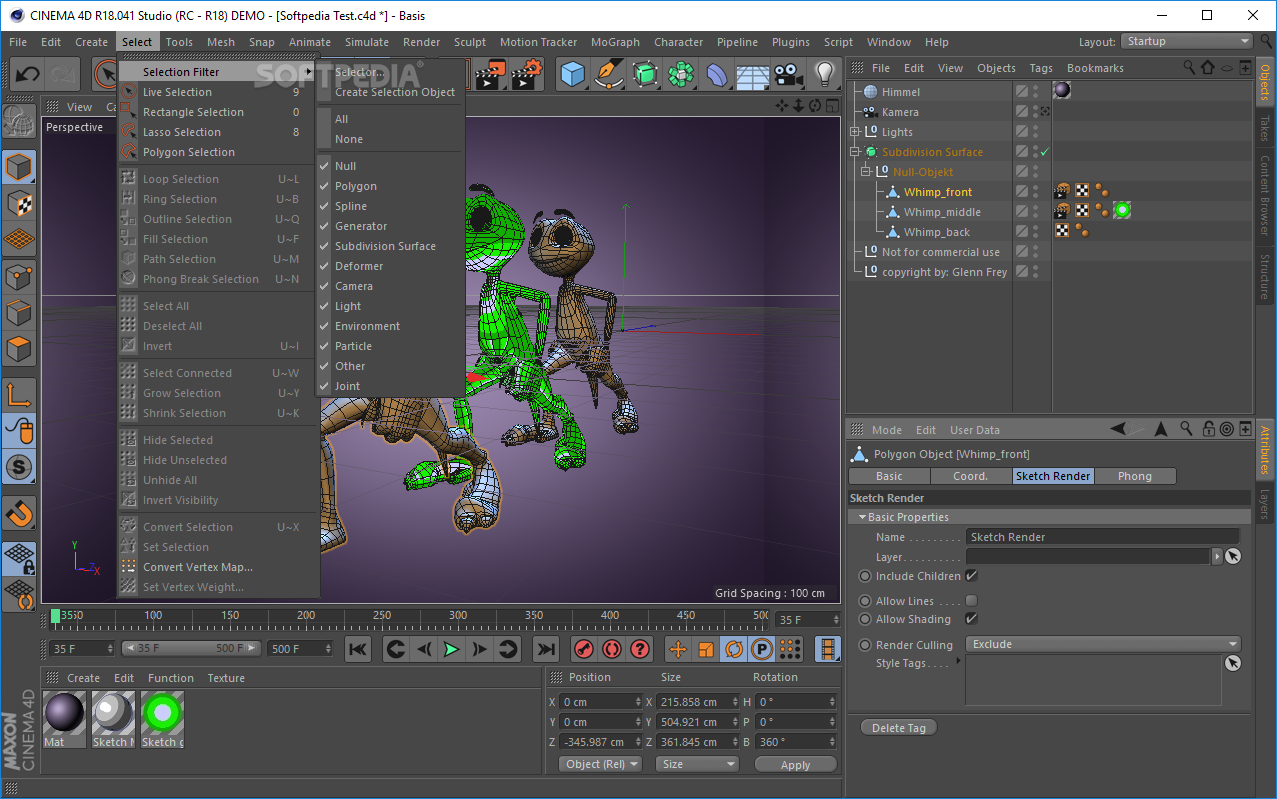
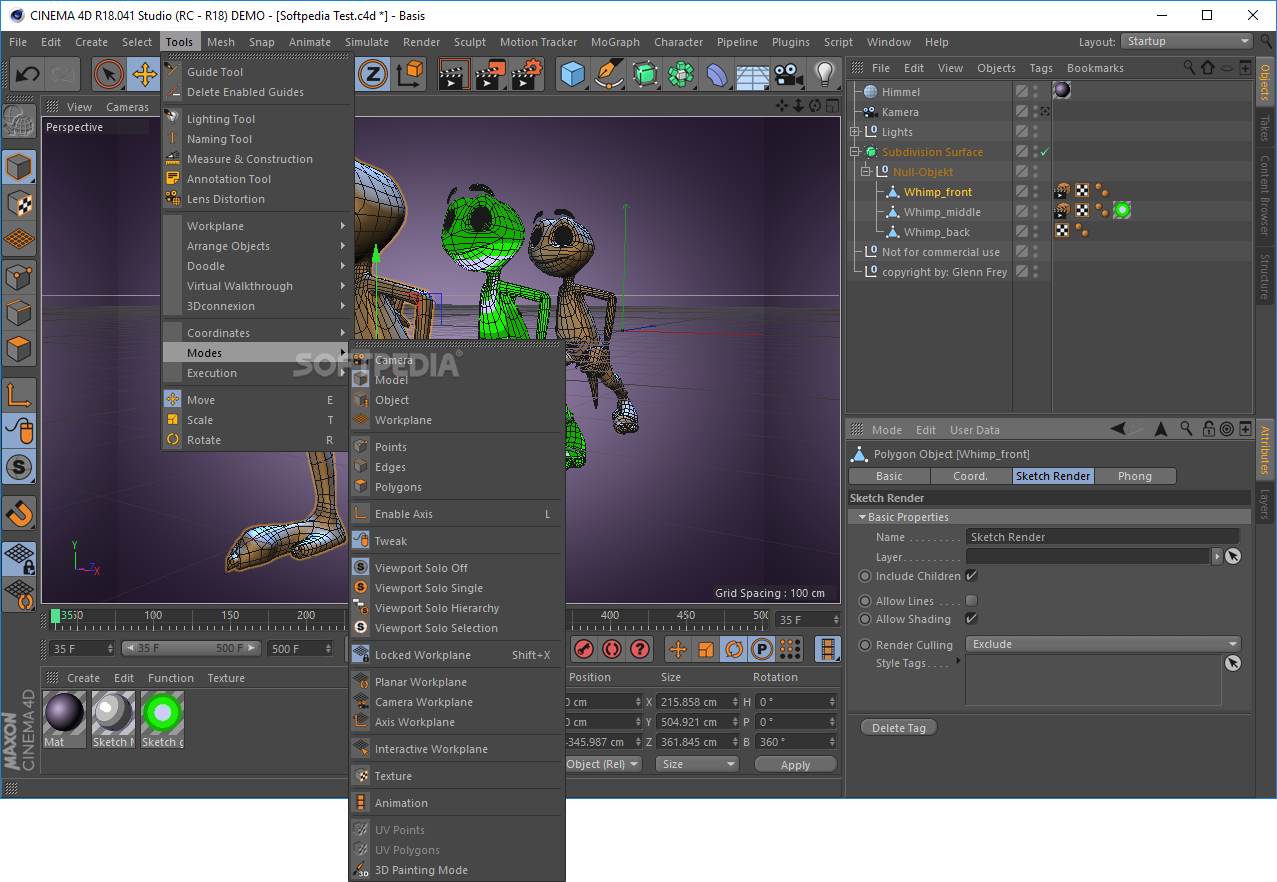
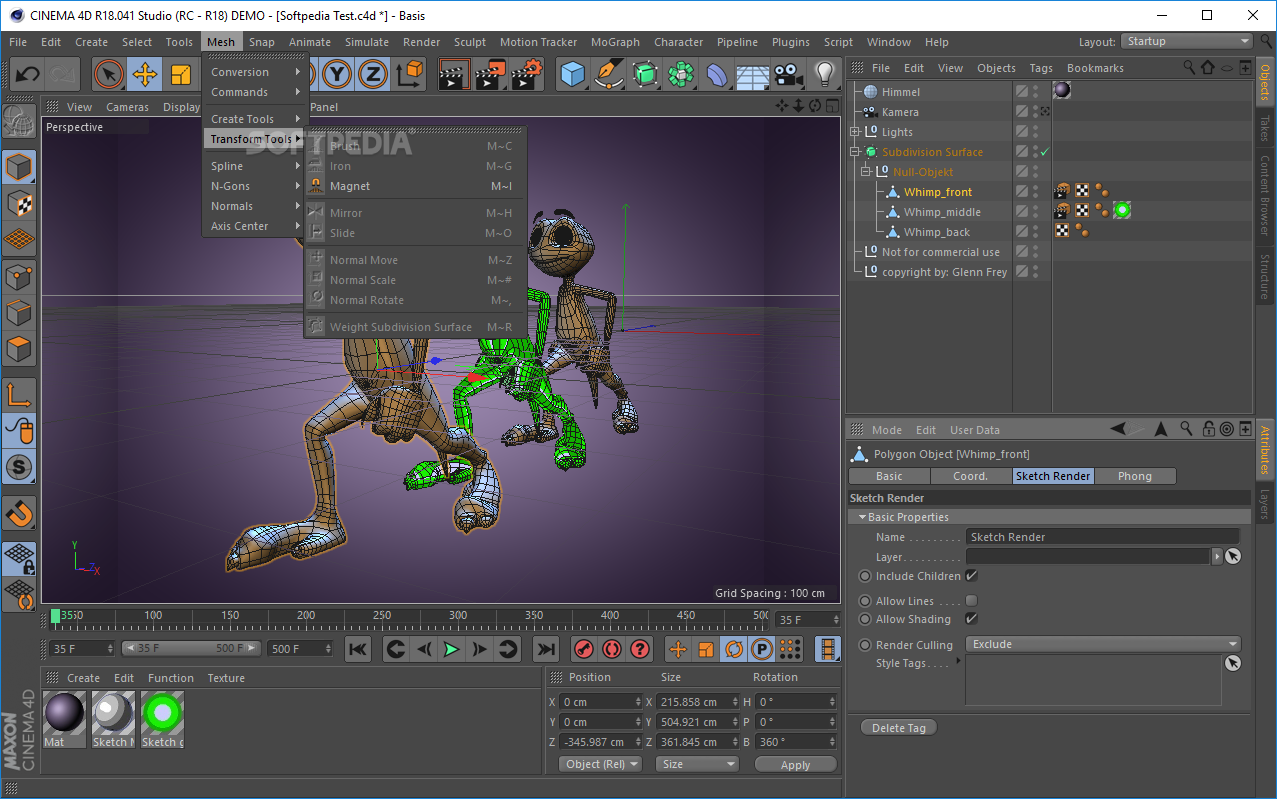
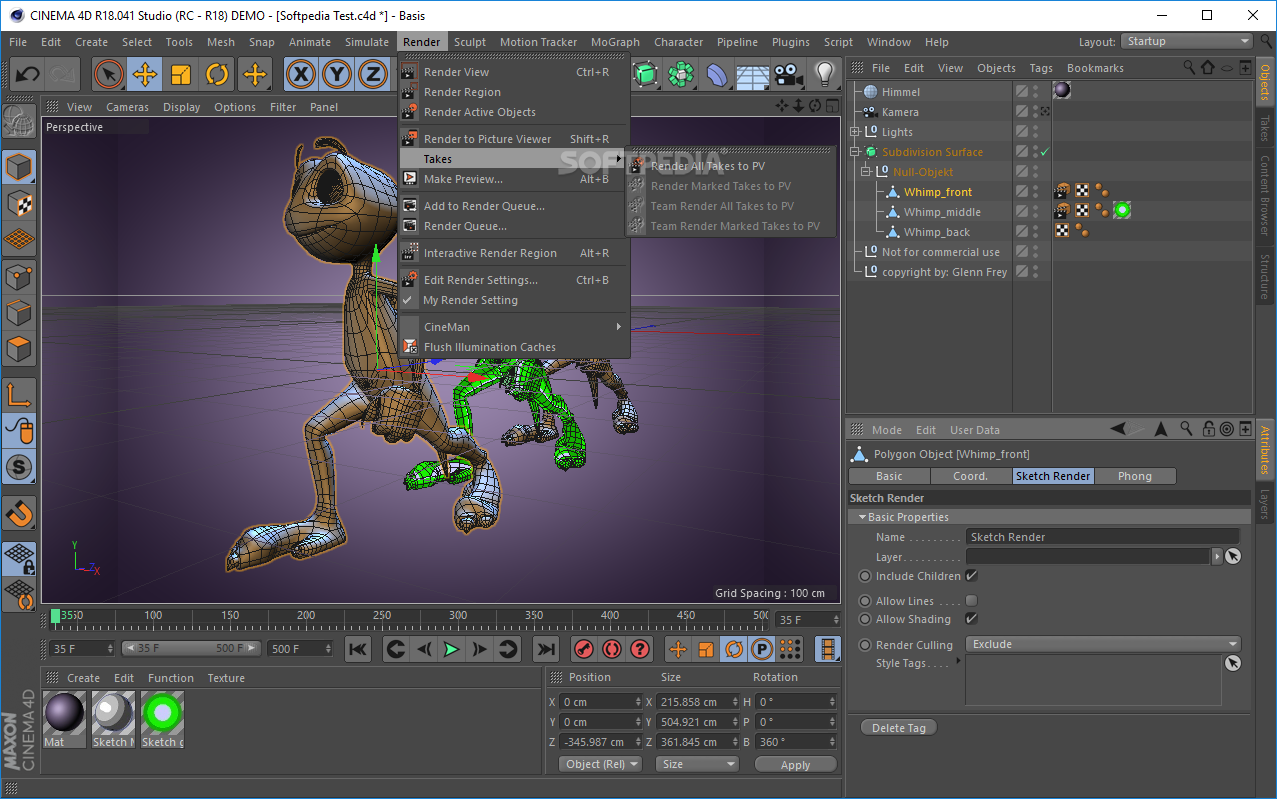
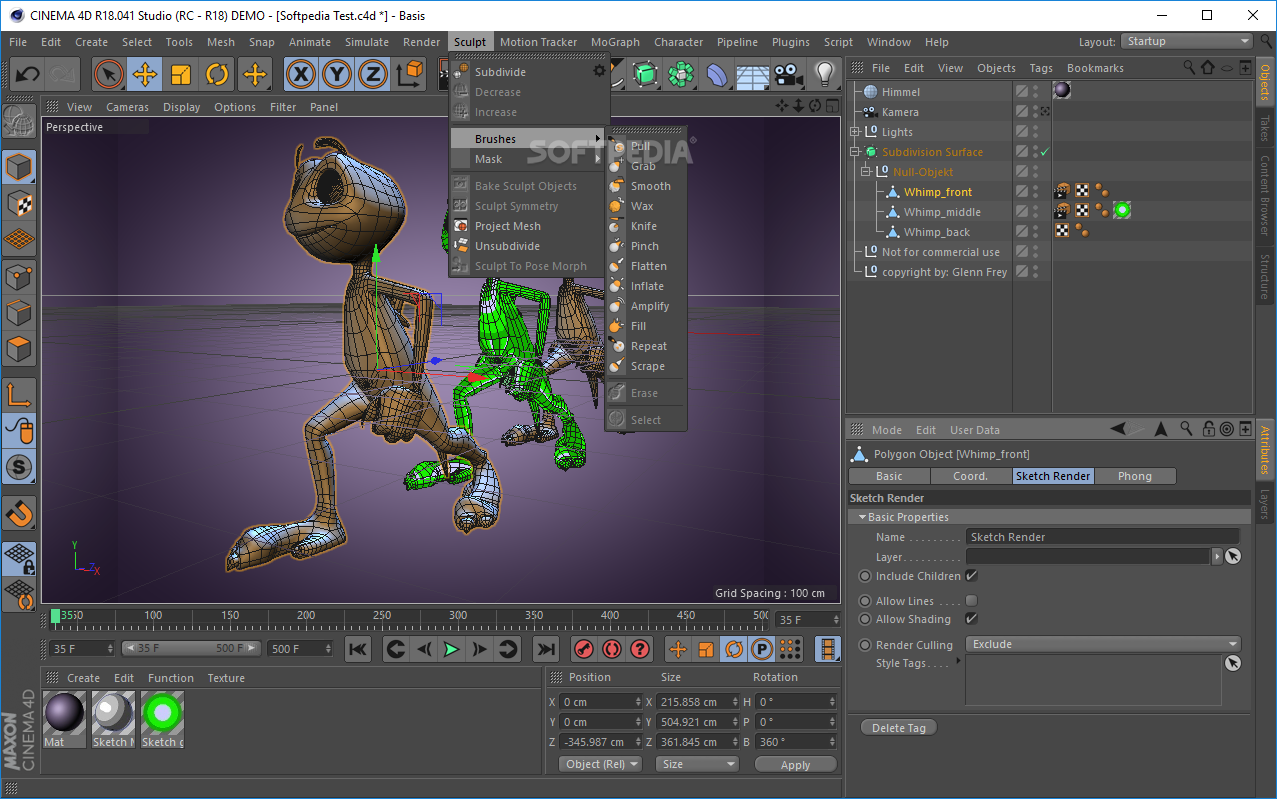
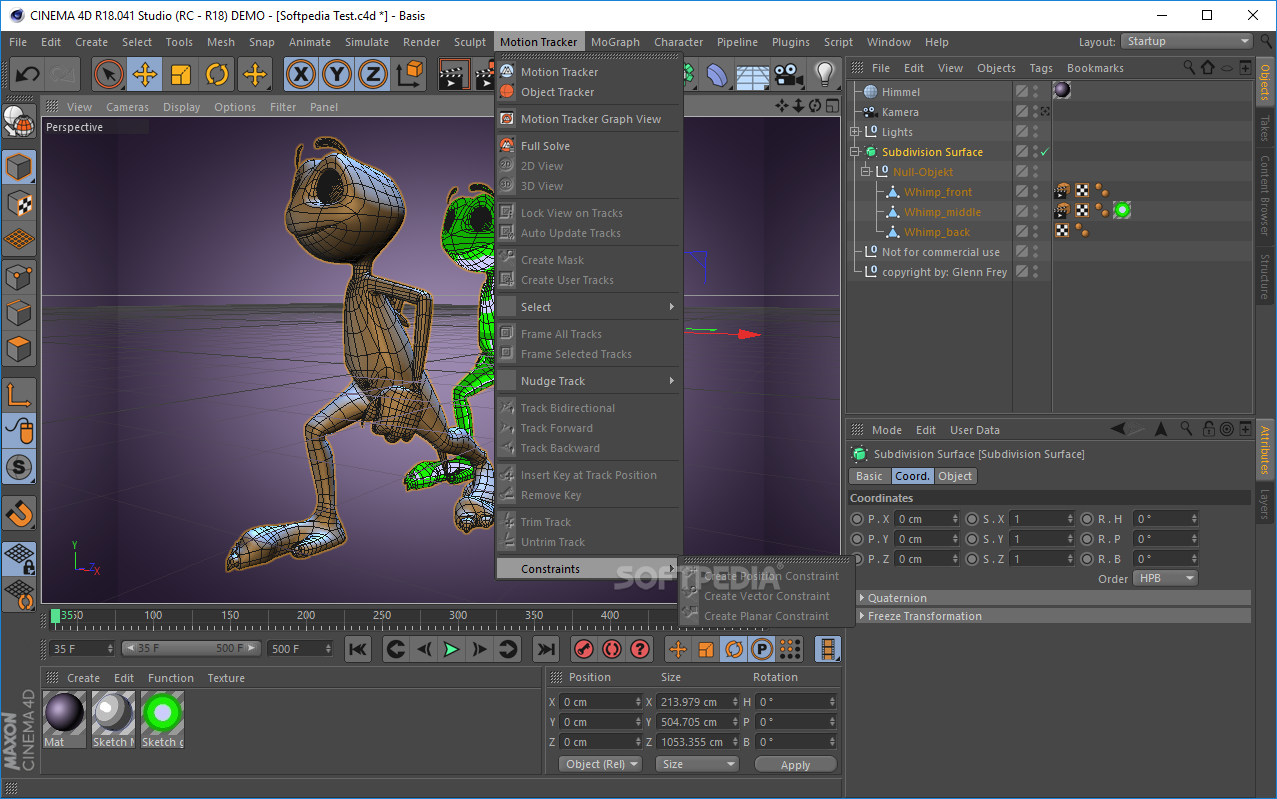
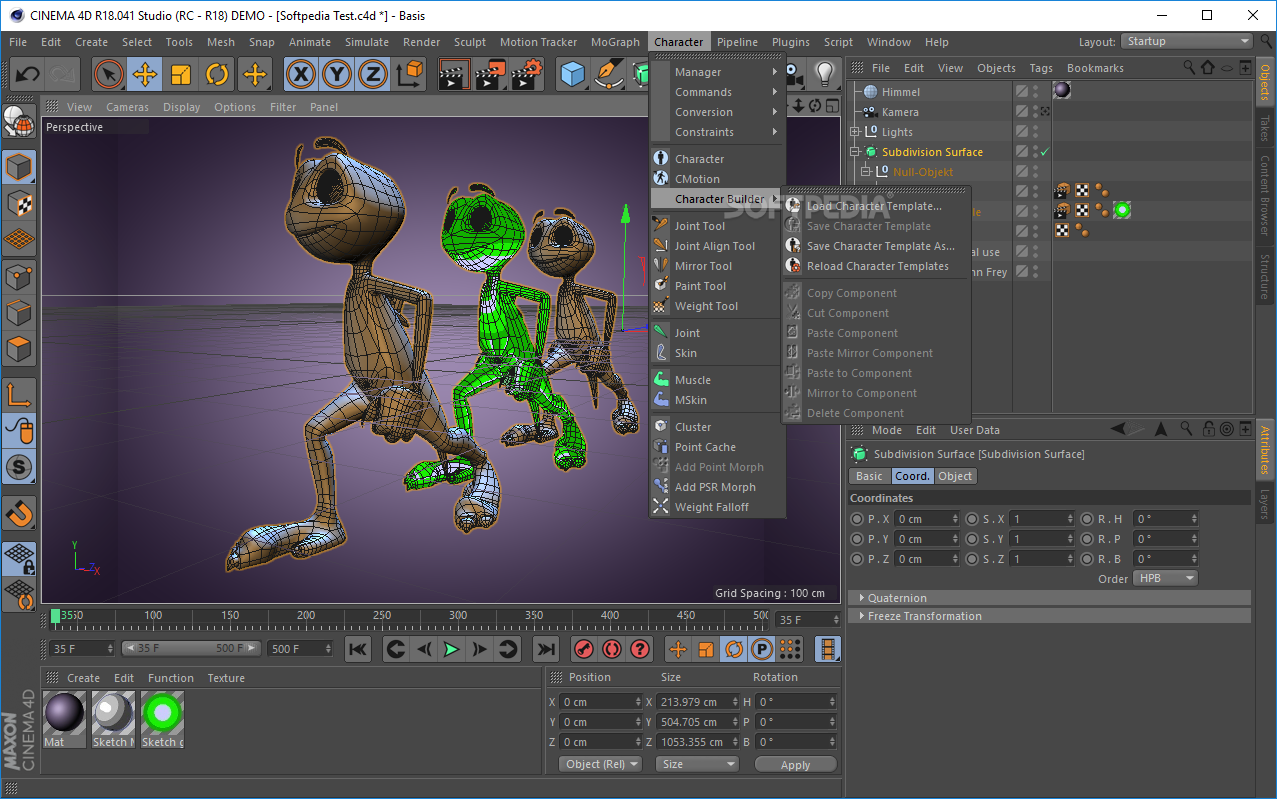
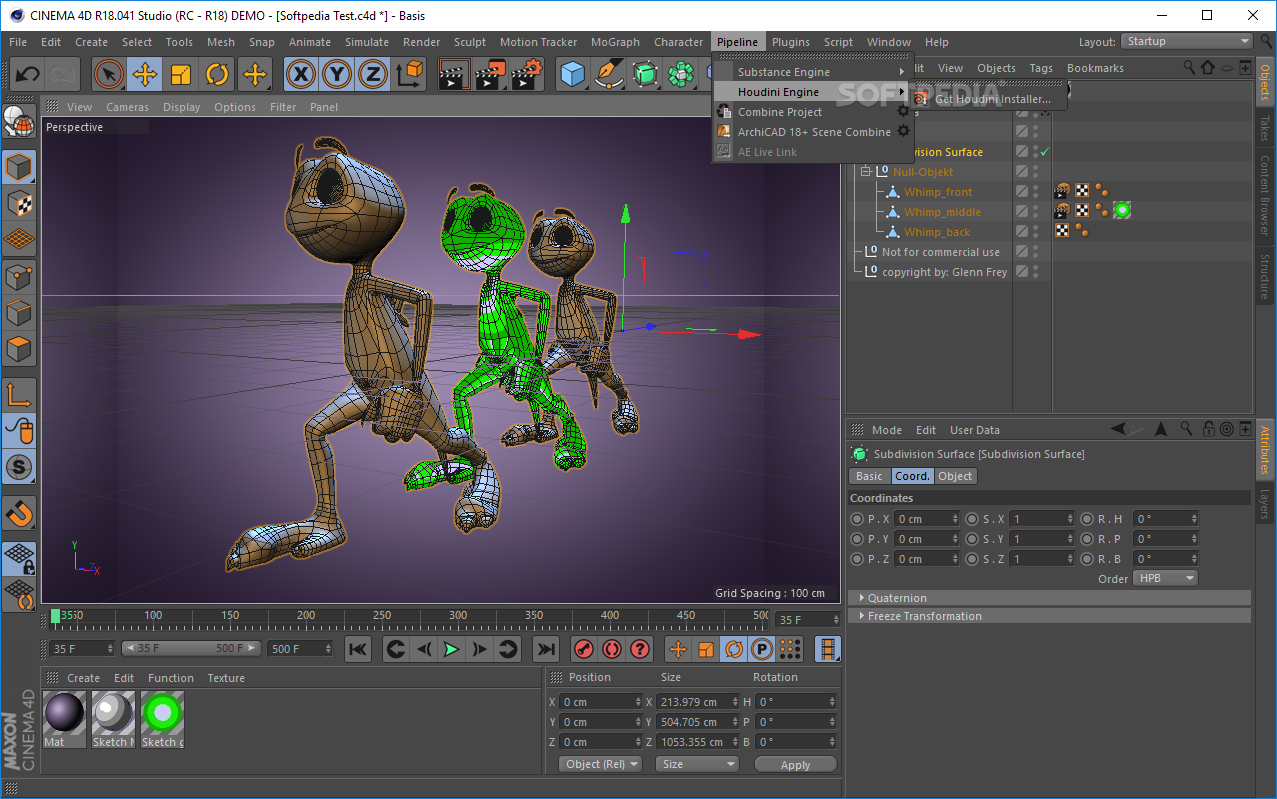
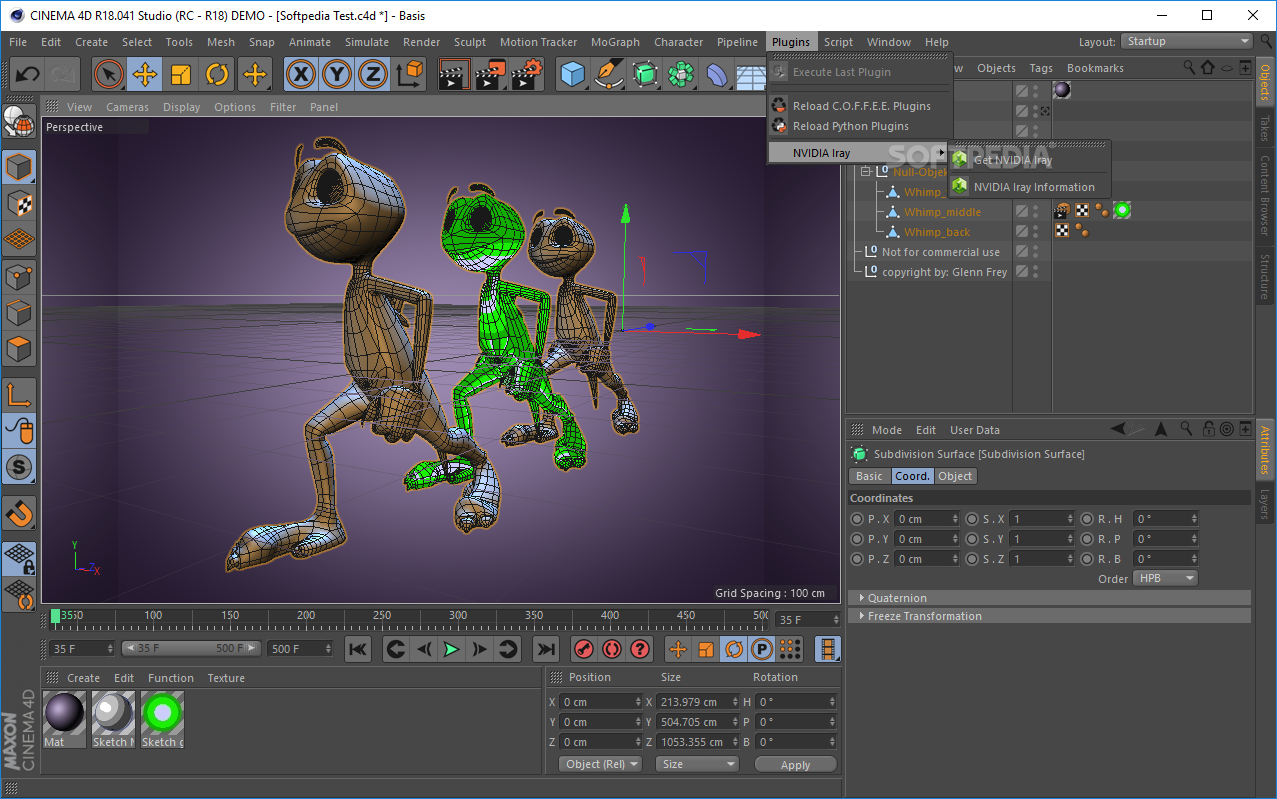
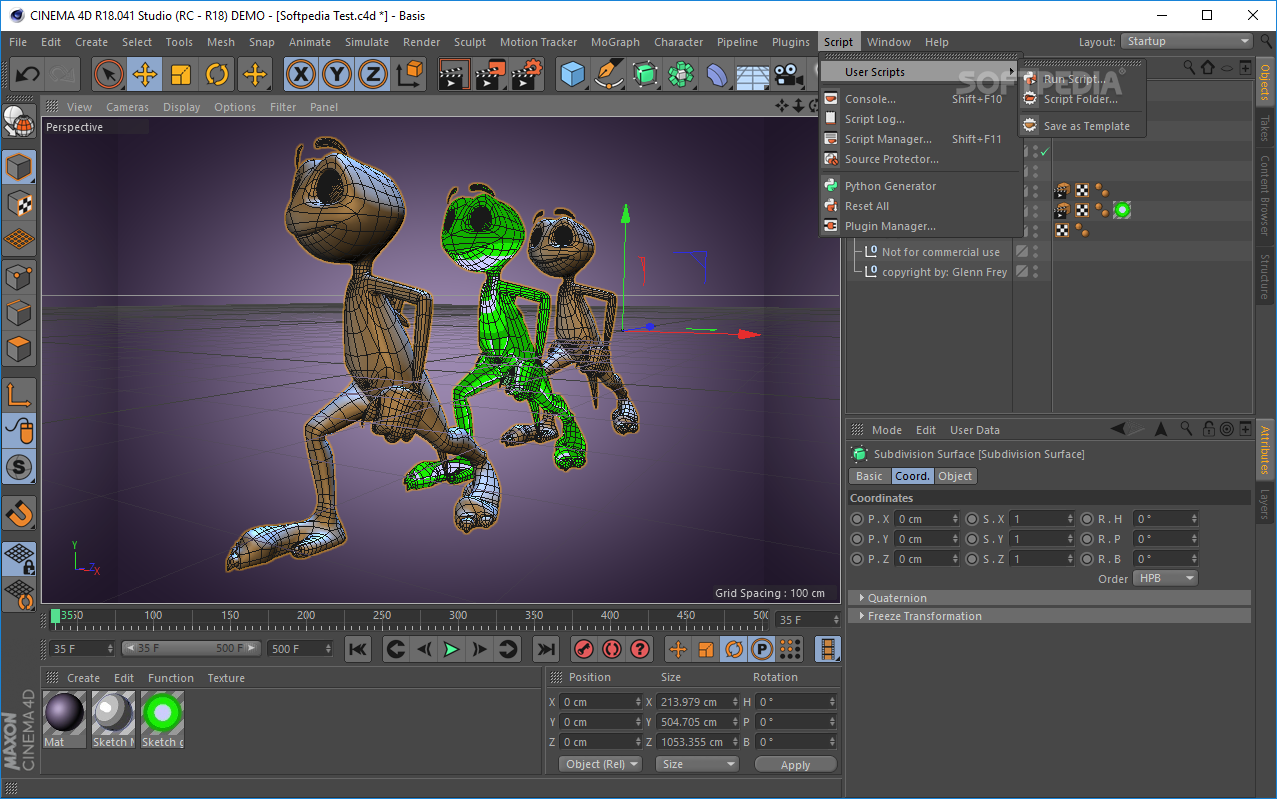
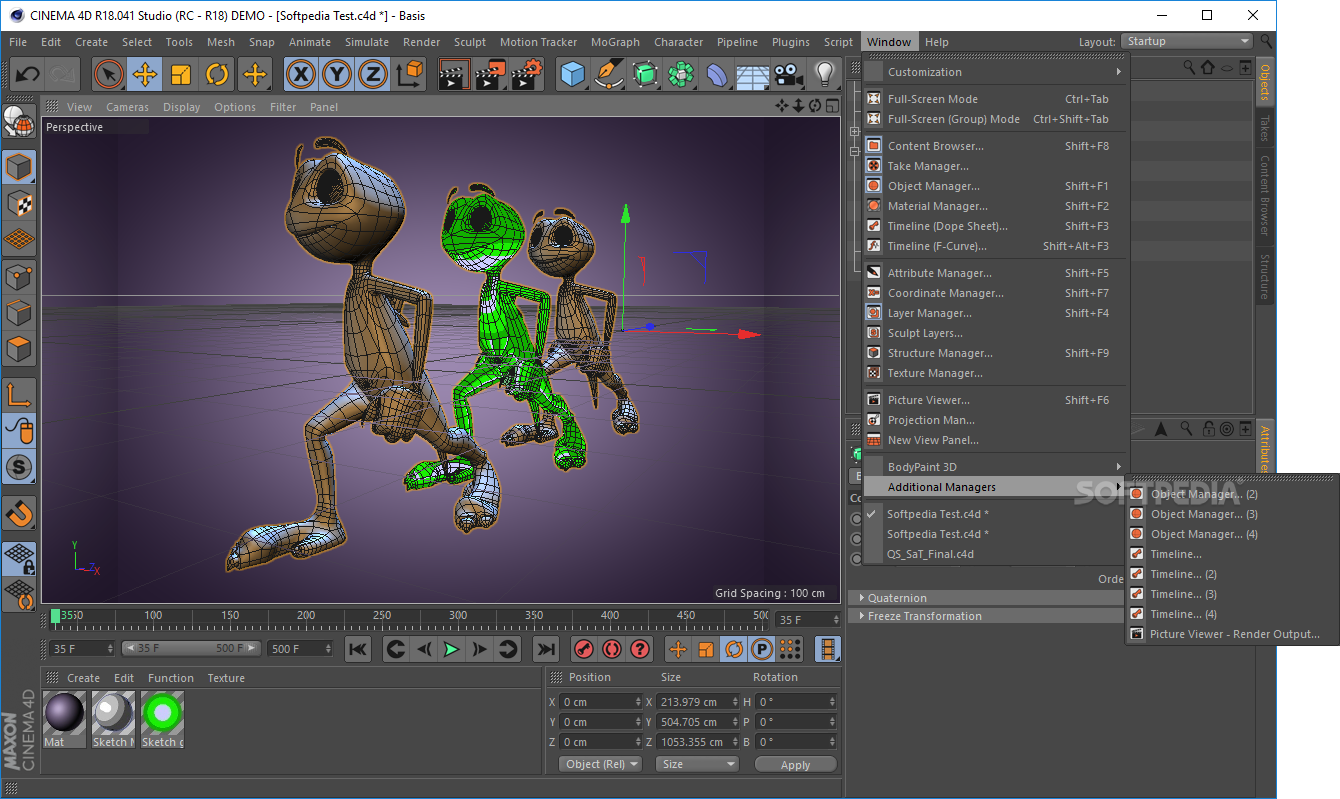
The interface you come by encloses a professional look and feel, and comprises quite a well-organized layout. To be more accurate, it consists of a menu bar, several buttons and multiple panes to display various information and the object you are currently working on. As a result, handling it requires some knowledge of 3D rendering, yet it comes bundled with some impressive Help documentation which might come in handy to novices.
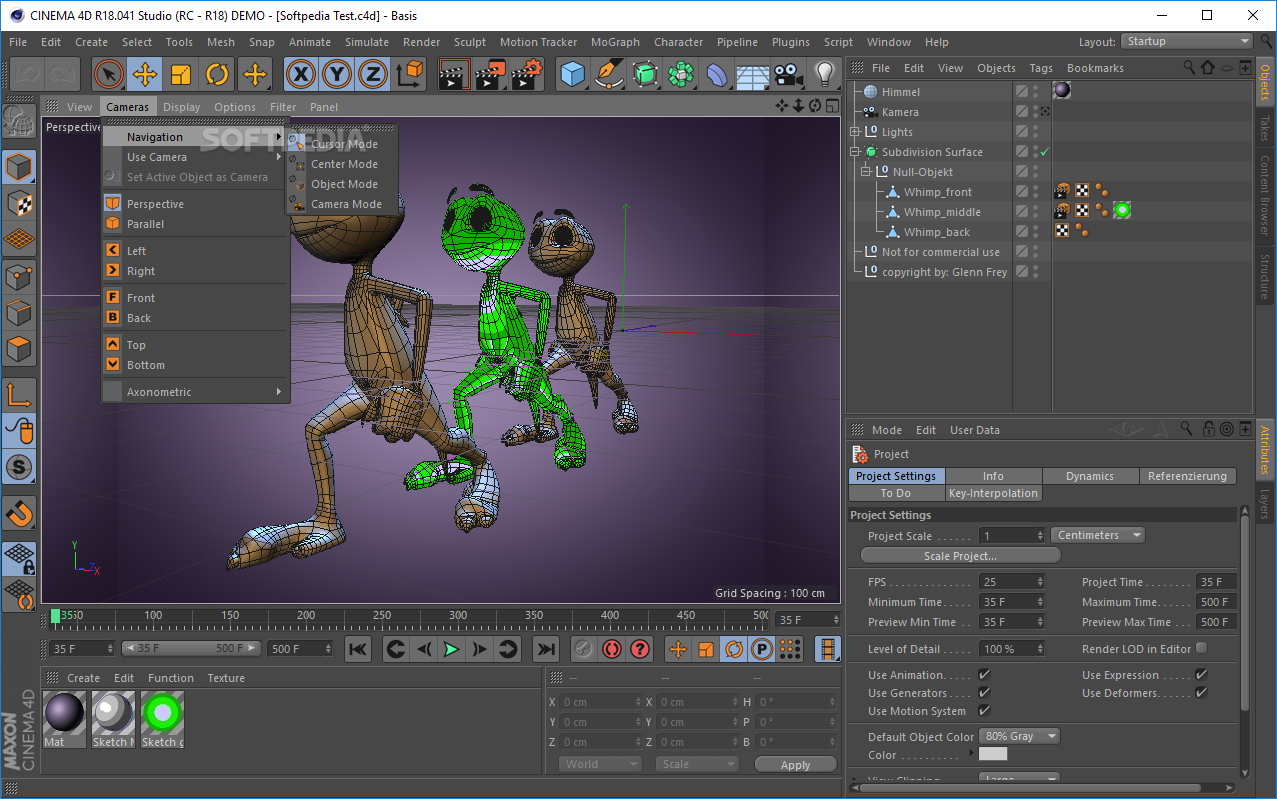
This utility comes bundled with a pretty long list of object you can use in your projects, as well as splines, generators, deformers, cameras, environment items and materials. These can be scaled, moved or adjusted in order to match your preferences.
In addition to that, you can create characters, add constraints, joints and skin, use brushes and masks, simulate cloth, particles and different hair tools, and scale, rotate and move objects.
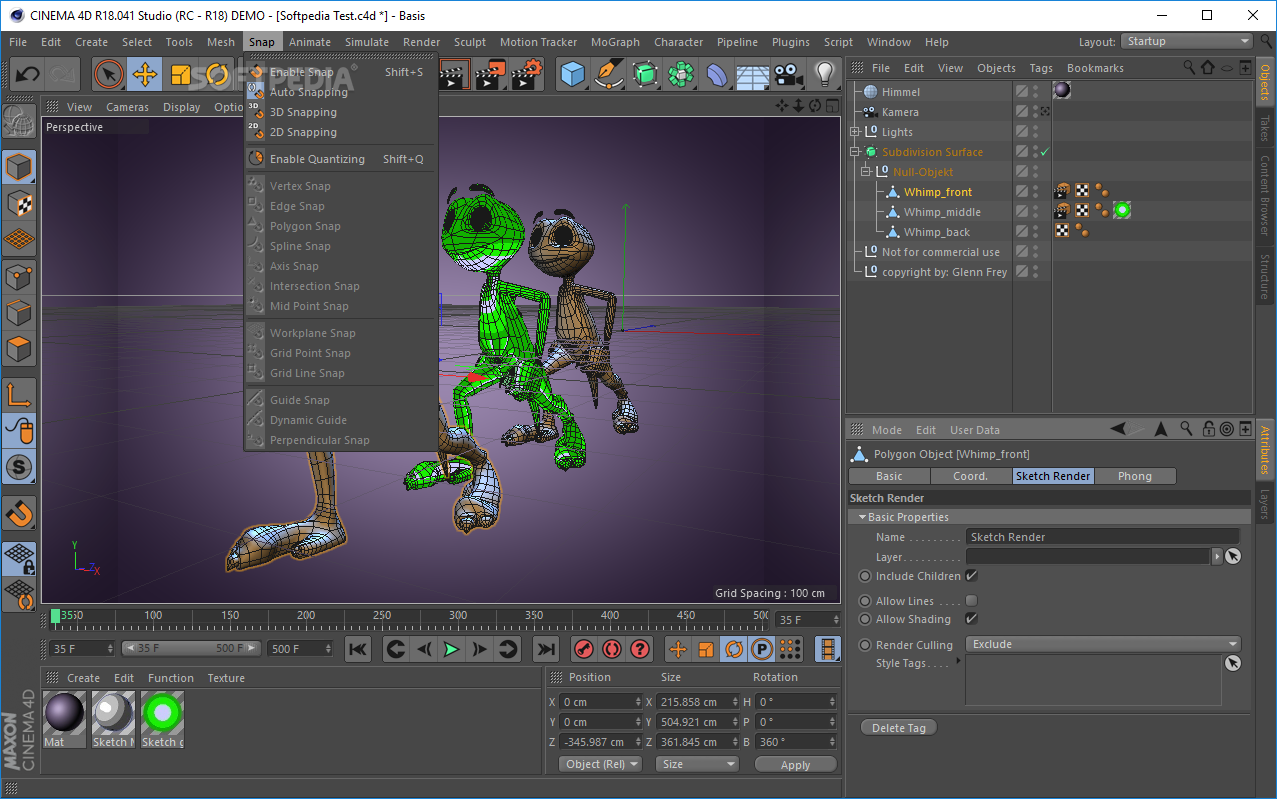
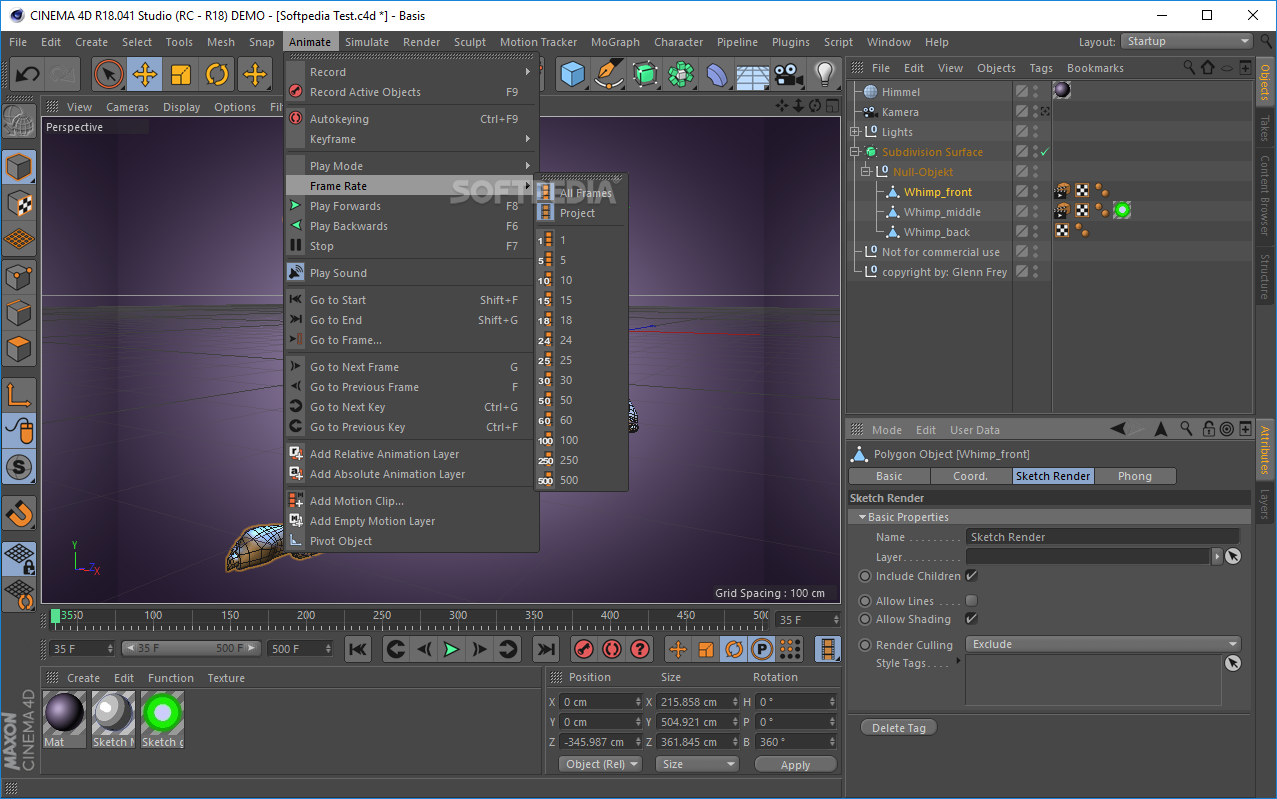
Automatic, 2D and 3D snapping is available, as well as creating animations. It is possible to add frames, and motion clips, pivot an object, and play, pause or stop the movie. You can also go the next or previous frame, enable an automatic keying process, and start recording activer objects.
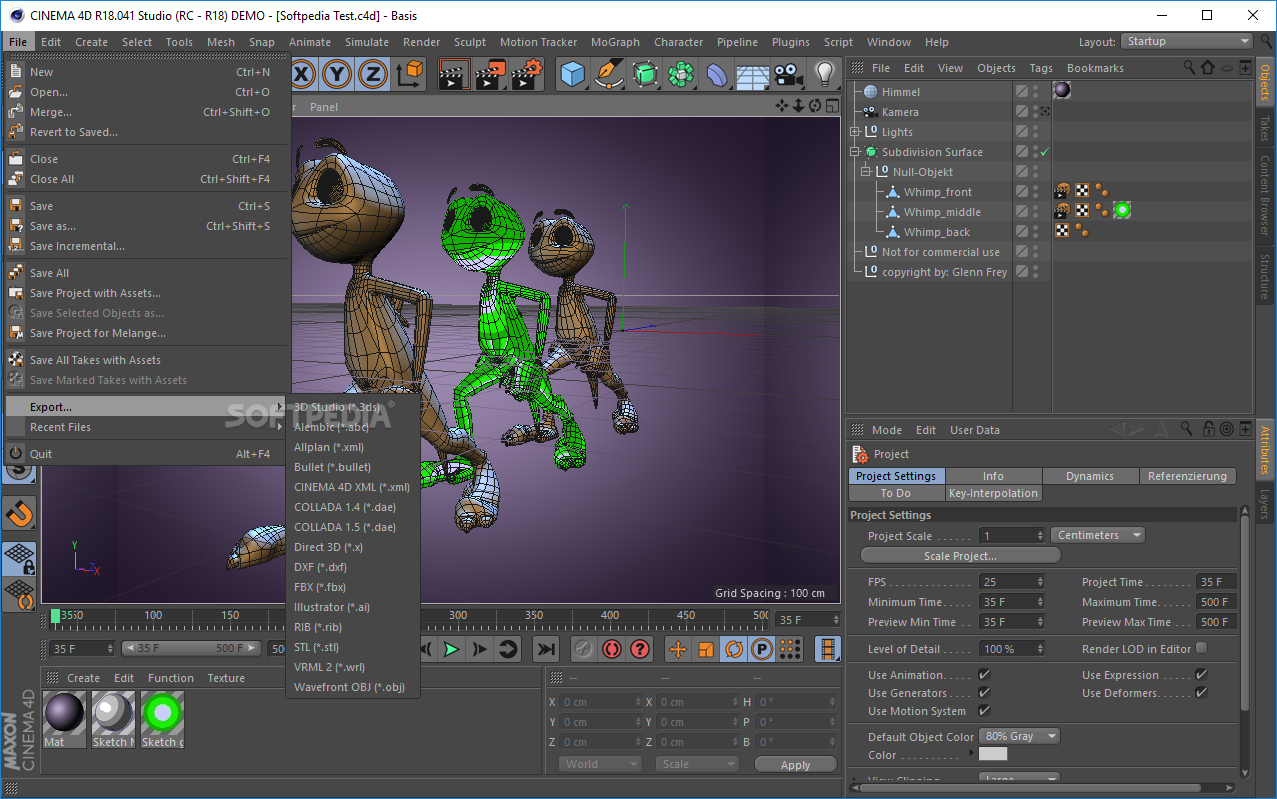
Bookmarks and tags can be added and manged, objects can be saved to the hard drive using a BMP, IFF, JPG, PICT, PNG, RLA or TIFF format, while entire projects can be exported to a custom location using a 3DS, XML, ABC, DAE, DXF, AI, OBJ or STL file extension.
CPU and memory usage is moderate to high, depending on the actions you are performing and therefore, the computer’s performance is going to be affected from time to time. Nonetheless, the response time is good, the GUI is professional and with a bit of time and commitment even beginners can learn how to handle it with ease.
Taking all of this into consideration, CINEMA 4D is an efficient 3D modelling software which can lead to great projects, ensuring a steady, natural workflow.
CINEMA 4D 2024.4.0
 Softpedia Editor's Pick
add to watchlist
add to download basket
send us an update
REPORT
Softpedia Editor's Pick
add to watchlist
add to download basket
send us an update
REPORT
- runs on:
-
Windows 11
Windows 10 64 bit - file size:
- 1.5 GB
- filename:
- Cinema4D_2024_2024.4.0_Win.exe





- main category:
- Multimedia
- developer:
- visit homepage
4k Video Downloader

Bitdefender Antivirus Free

Windows Sandbox Launcher

IrfanView

Zoom Client

Context Menu Manager

ShareX

Microsoft Teams

calibre

7-Zip

- Microsoft Teams
- calibre
- 7-Zip
- 4k Video Downloader
- Bitdefender Antivirus Free
- Windows Sandbox Launcher
- IrfanView
- Zoom Client
- Context Menu Manager
- ShareX