
Smooth faces in your photos, adjust various color parameters and rotate or resize images, with this easy-to-use piece of software. #Smooth skin #Sharpen photo #Rotate image #Smooth #Face #Rotate

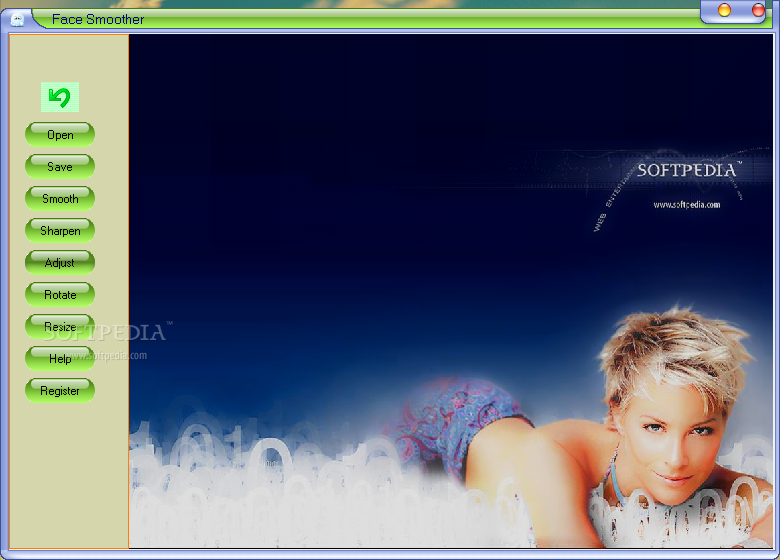
Face Smoother is a small application that allows you to make some minor adjustments to the faces in your photos. Don't be fooled, because the results are truly visible.
The program is mostly designed to help you correct issues related to the faces visible in your images, but it also enables you to adjust a number of other parameters, as well as rotate and resize your pictures.
The interface of the program is very simple and easy to navigate through, since the options are very limited. Users with no previous experience in image editing shouldn't have any kind of problem in learning how to work with Face Smoother.
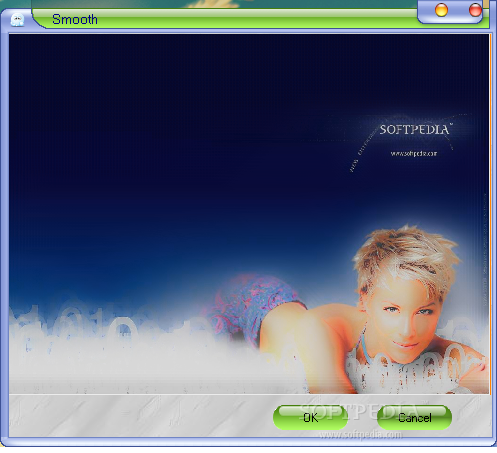
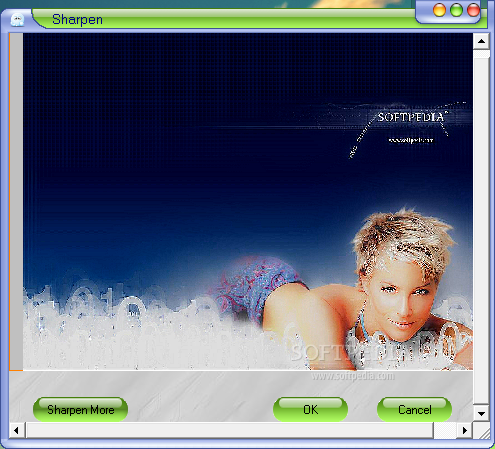
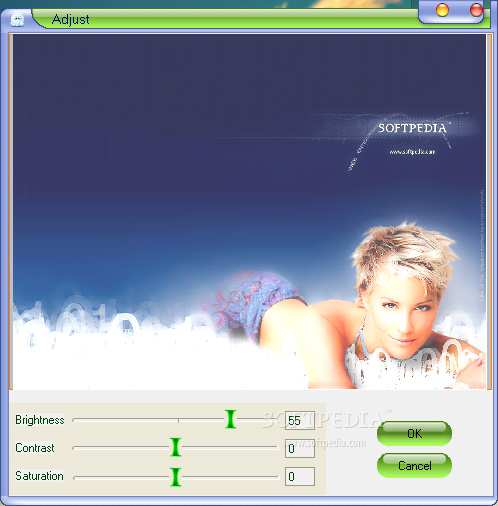
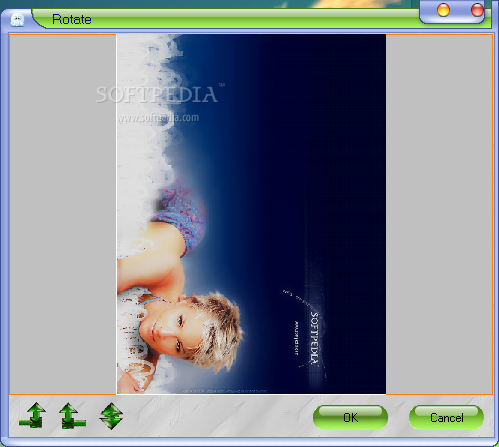
You can import an image (JPG or BMP) by using the file browser (the "drag and drop" method is not supported). You can smooth the image or sharpen it, adjust the brightness, contrast and saturation levels, as well as rotate or resize it.
You have the "Undo" button at your disposal (without "Redo"), but it can only take you one step back. If you mess up anything, you have to restart the image editing process from scratch.
The effects can be previewed in a small window before applying them to the original image. The program uses a very low amount of system CPU and memory, and includes a well-written help file with snapshots. Face Smoother didn't freeze, crash or pop up errors during our tests.
Evidently, individuals with experience in complex graphic editing tools would easily get bored with the limited features of this program, but novices who simply want a quick touch-up (e.g. for uploading to Facebook) can certainly make use of Face Smoother.
Face Smoother 3.5
add to watchlist add to download basket send us an update REPORT- runs on:
- Windows All
- file size:
- 1.7 MB
- filename:
- smoother.exe

- main category:
- Multimedia
- developer:
- visit homepage
calibre

ShareX

Windows Sandbox Launcher

7-Zip

4k Video Downloader

Microsoft Teams

Bitdefender Antivirus Free

IrfanView

paint.net

Zoom Client

- IrfanView
- paint.net
- Zoom Client
- calibre
- ShareX
- Windows Sandbox Launcher
- 7-Zip
- 4k Video Downloader
- Microsoft Teams
- Bitdefender Antivirus Free