
With support for an array of formats, this simple application lets you take screen captures, edit images or create original bitmaps. #Image editor #Capture image #Retouch photo #Editor #Rotate #Flip

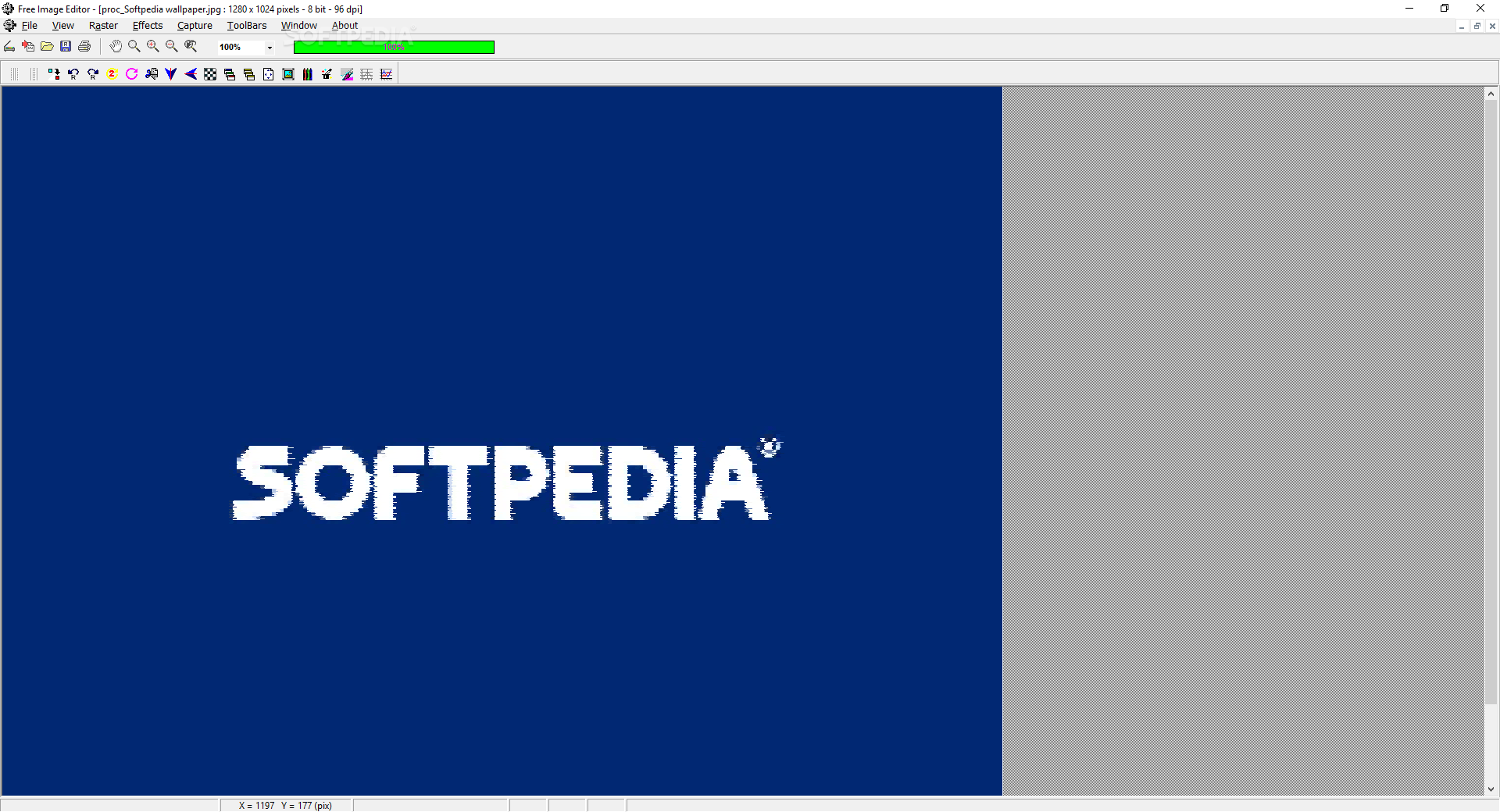
Free Image Editor is a professional application designed to help you easily edit pictures, capture the screen or scan an image from an external device.
The installation process does not take longer than a few moments as it does not come bundled with any unpleasant surprises such as offers from third-party products.
The user interface is plain and quite familiar, and comprises a menu bar, several buttons and a pane in which to display the uploaded picture. As a result, all types of users can find their way around it with ease, yet you should know it takes some getting used to.
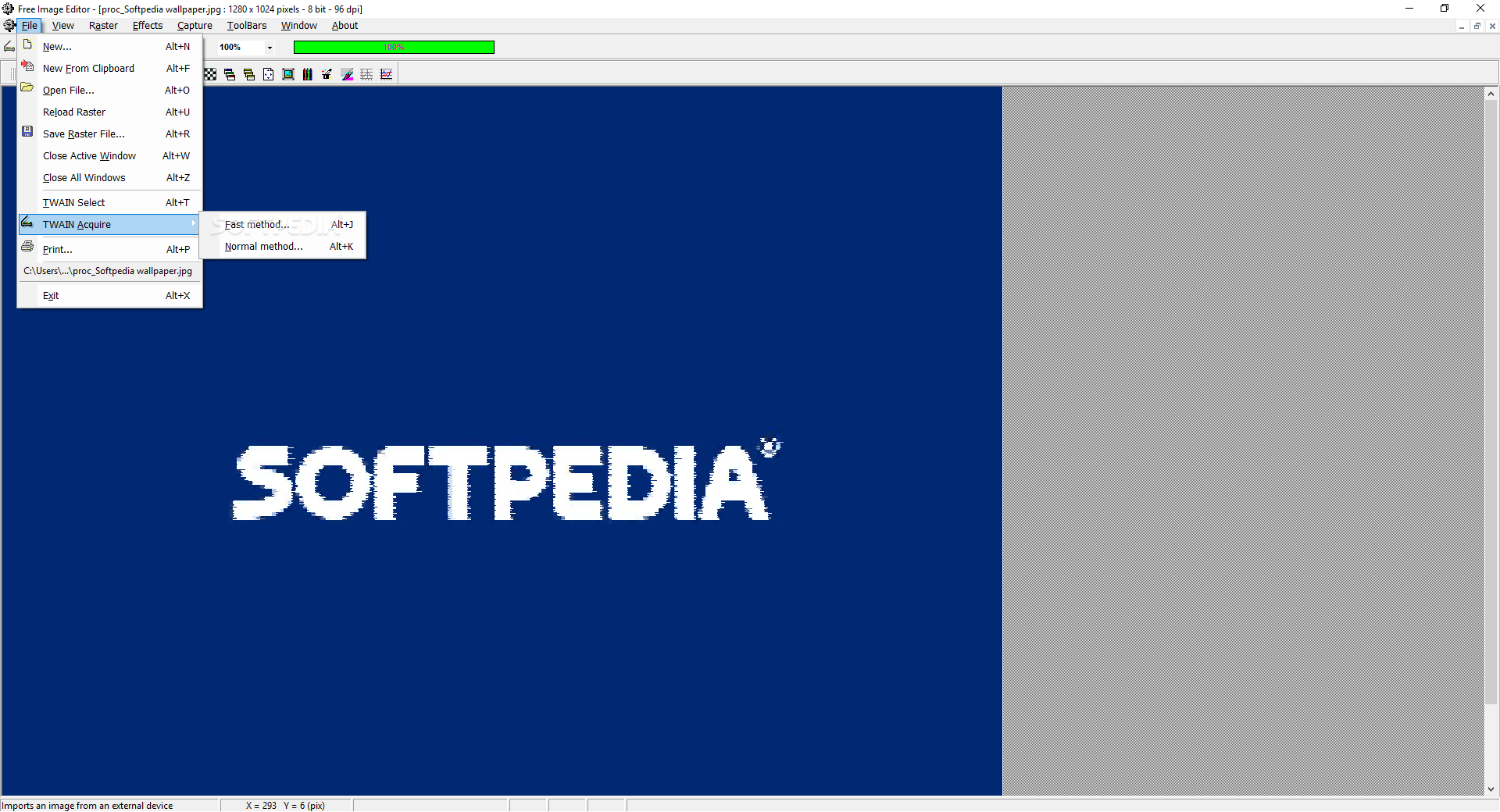
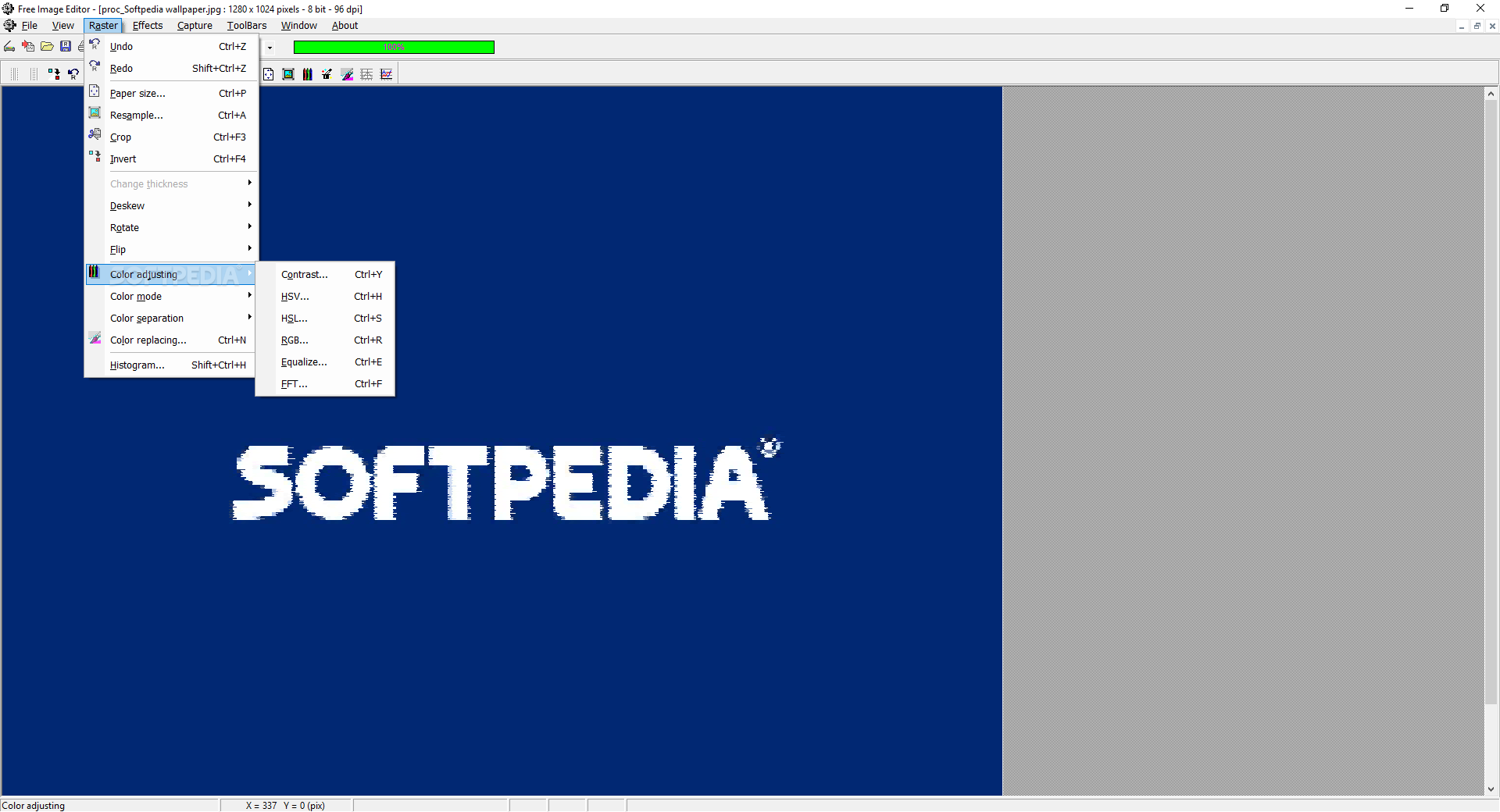
This program lets you can click a single button in order to paste image data from the Clipboard, configure the image size (i.e. Paper Size - width, height, resolution, position), resample, crop, invert, reskew, rotate or flip an image.
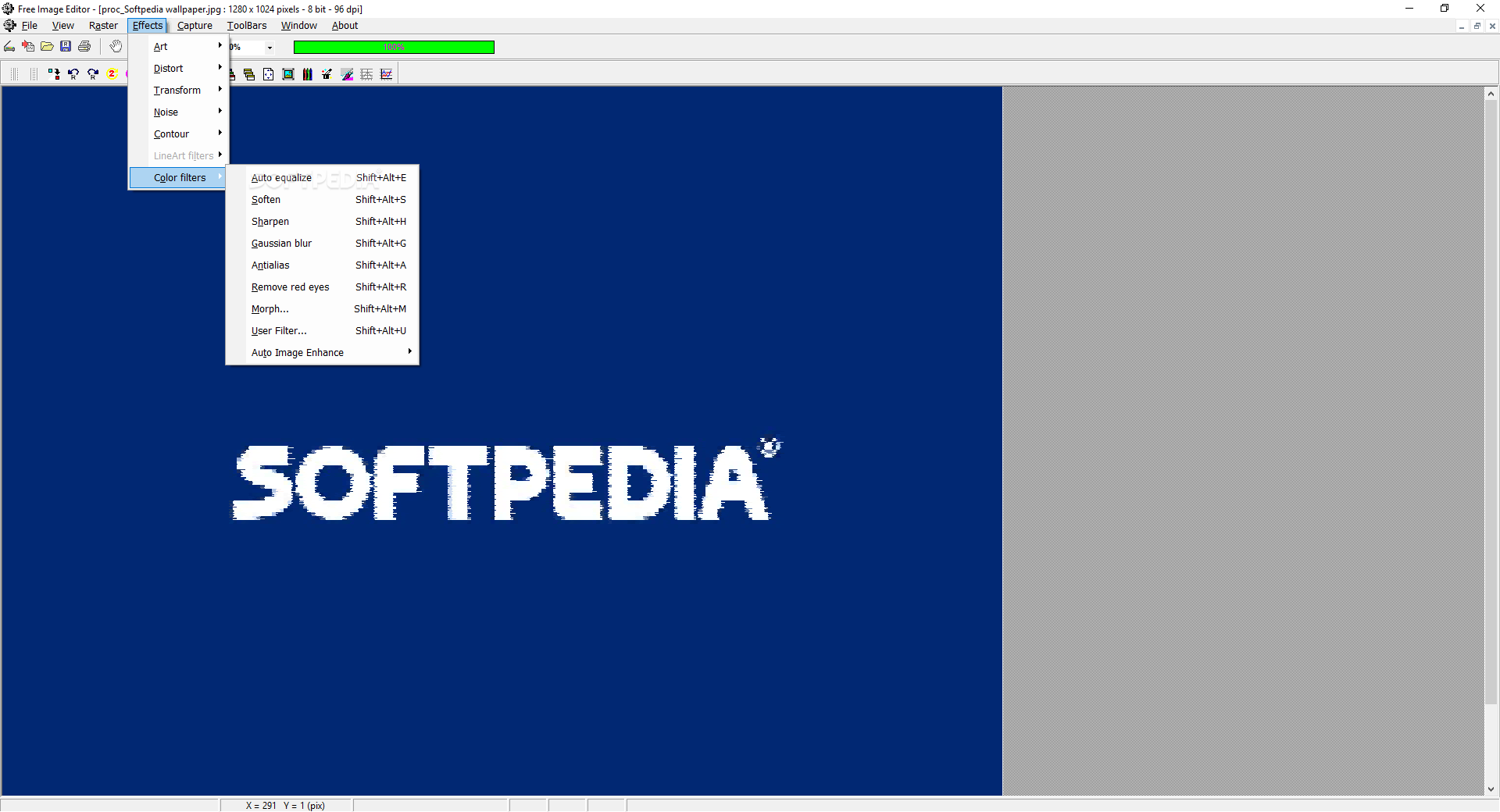
You can adjust color (contrast, equalizer, HSV, RGB, HSL, FFT), get RGB and HSV channels, replace colors, view a histogram, as well as apply art effects (bump map, color emboss, sand etc.), distortion (lens, wave, swirl, shear etc.), transform (split light, solarize, posterize), noise, contour effects and color filters.
If you typically use keyboard shortcuts, you will probably be surprised to find out some basic hotkeys are different than the ones in similar products - save file (Alt+S instead of Ctrl+S), new file (Alt+N instead of Ctrl+N), and so on.
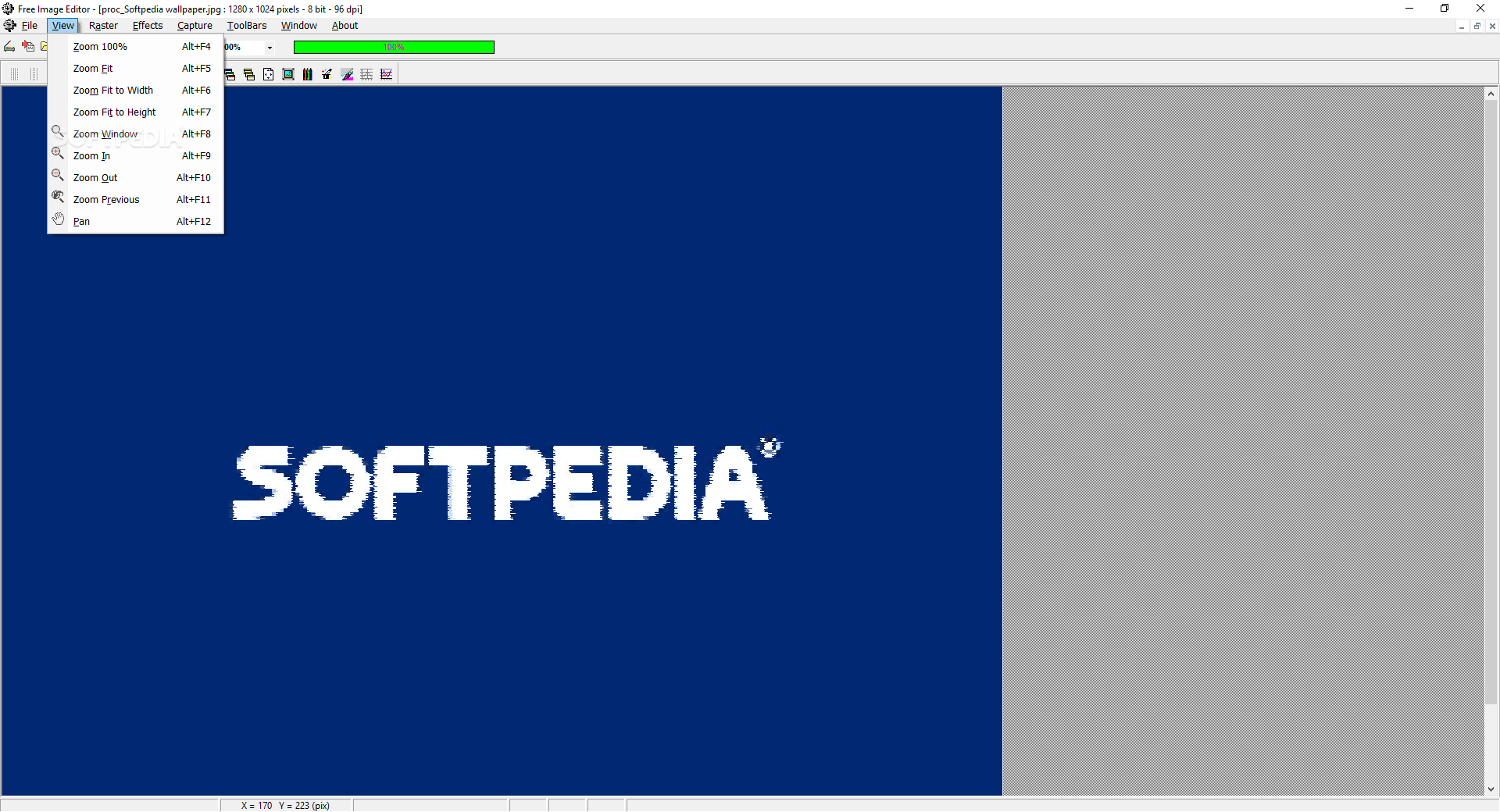
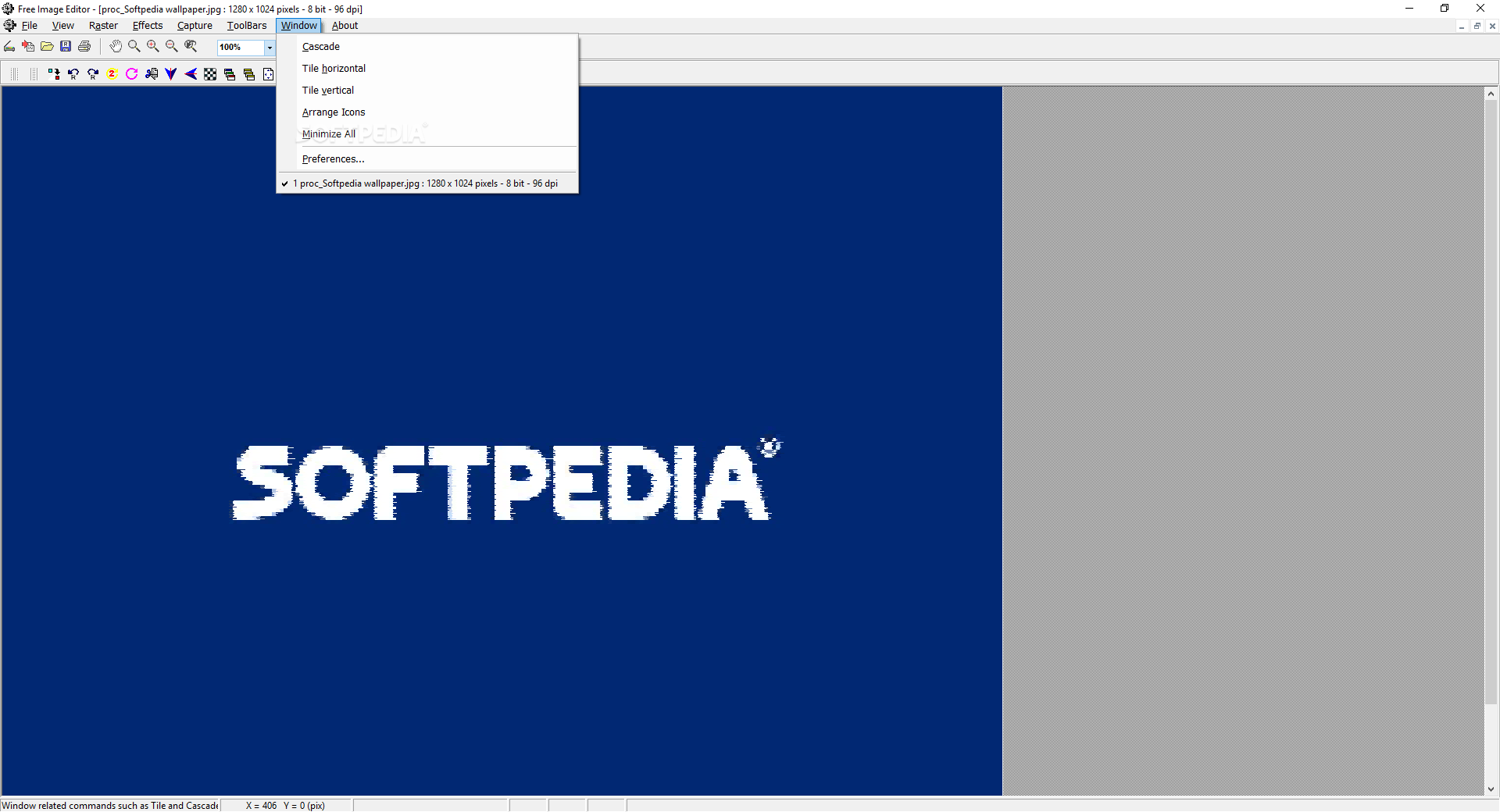
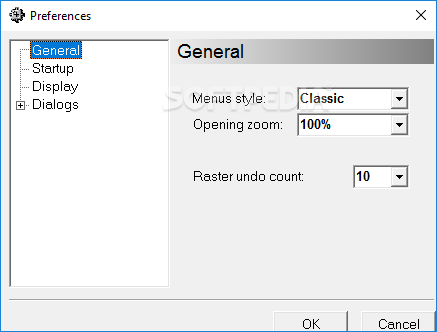
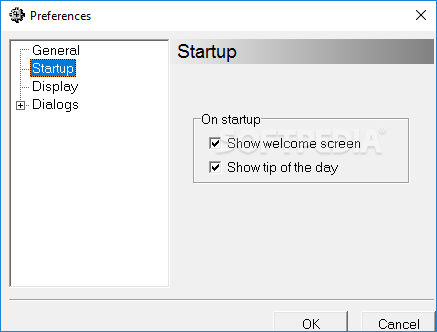
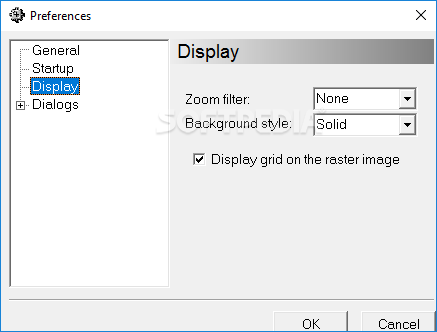
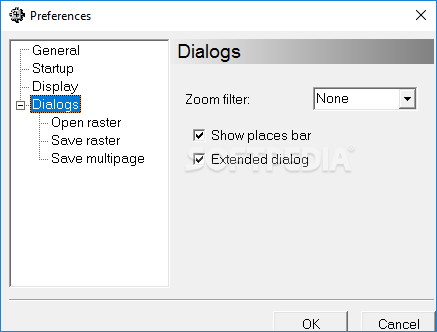
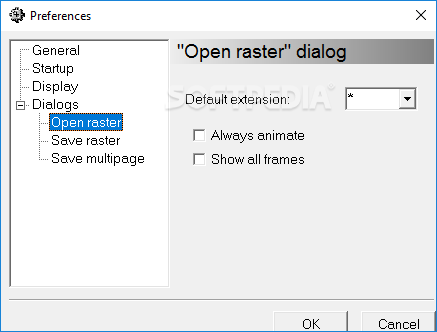
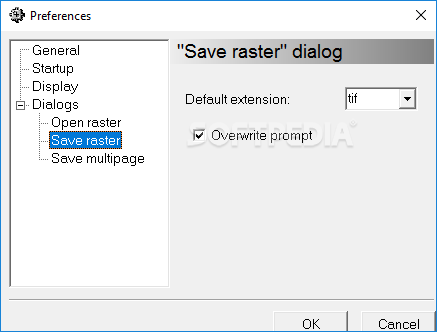
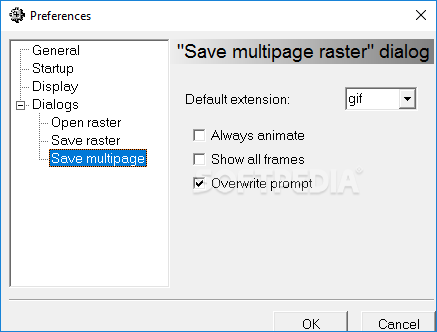
The zoom in and out functions of the mouse scroll are inverted, the hand pointer does not work, and the Tool menu's name is replaced with "Raster" here. The Preferences menu is quite limited, there is no Help file you can use, and all these aforementioned functions could use some major improvements (e.g. Color Replacing).
The utility uses a moderate amount of CPU and system memory, which means that the computer’s performance is not going to be hampered. In addition to that, the response time is quite good, and the import and export capabilities are quite impressive.
All things considered, Free Image Editor is a pretty efficient piece of software which comprises sufficient options to keep both power and novice users busy for a while, yet it still requires some improvements.
Download Hubs
Free Image Editor is part of these download collections: Despeckle Images
Free Image Editor 2.4
add to watchlist add to download basket send us an update REPORT- runs on:
- Windows All
- file size:
- 1.6 MB
- filename:
- freeimageeditor24.zip
- main category:
- Multimedia
- developer:
- visit homepage
7-Zip

IrfanView

ShareX

4k Video Downloader

Microsoft Teams

Zoom Client

Bitdefender Antivirus Free

Windows Sandbox Launcher

Context Menu Manager

calibre

- Windows Sandbox Launcher
- Context Menu Manager
- calibre
- 7-Zip
- IrfanView
- ShareX
- 4k Video Downloader
- Microsoft Teams
- Zoom Client
- Bitdefender Antivirus Free