
A user-friendly program that allows you to seamlessly split photos arbitrarily or with the aid of a grid, while offering support for batch operations, HTML editor, and preview options. #Split image #Cut image #Image Optimizer #Image #Splitter #Cutter
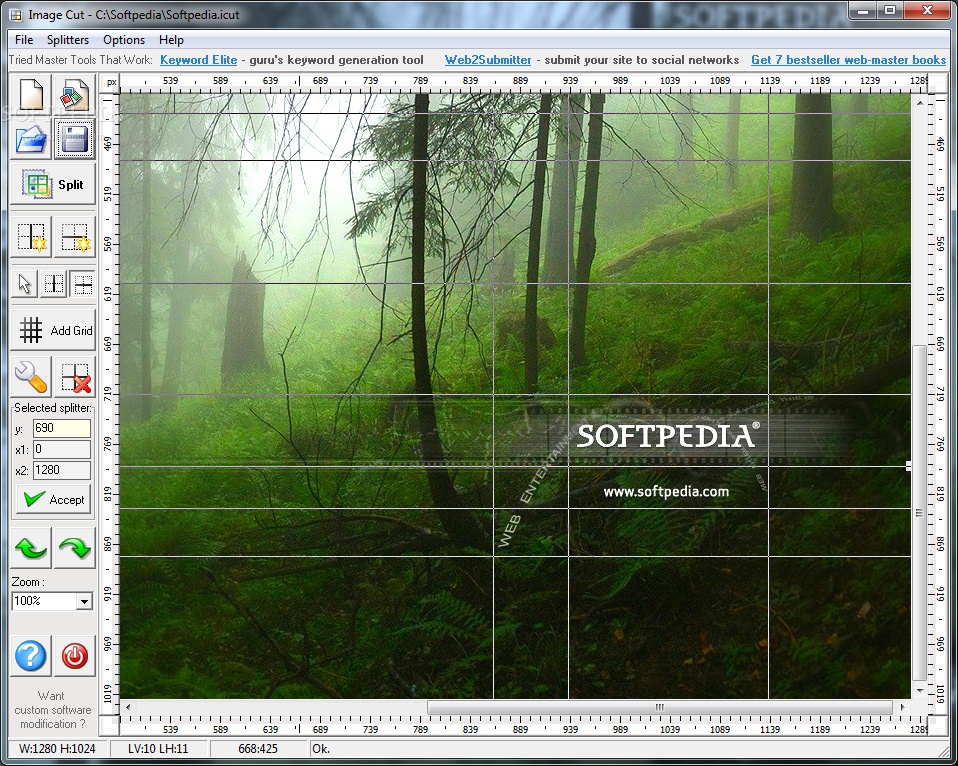
Image Cut is a lightweight Windows application specialized in slicing large images into smaller parts using different methods. It proves to be particularly useful for optimizing photos in order to publish them on the web.
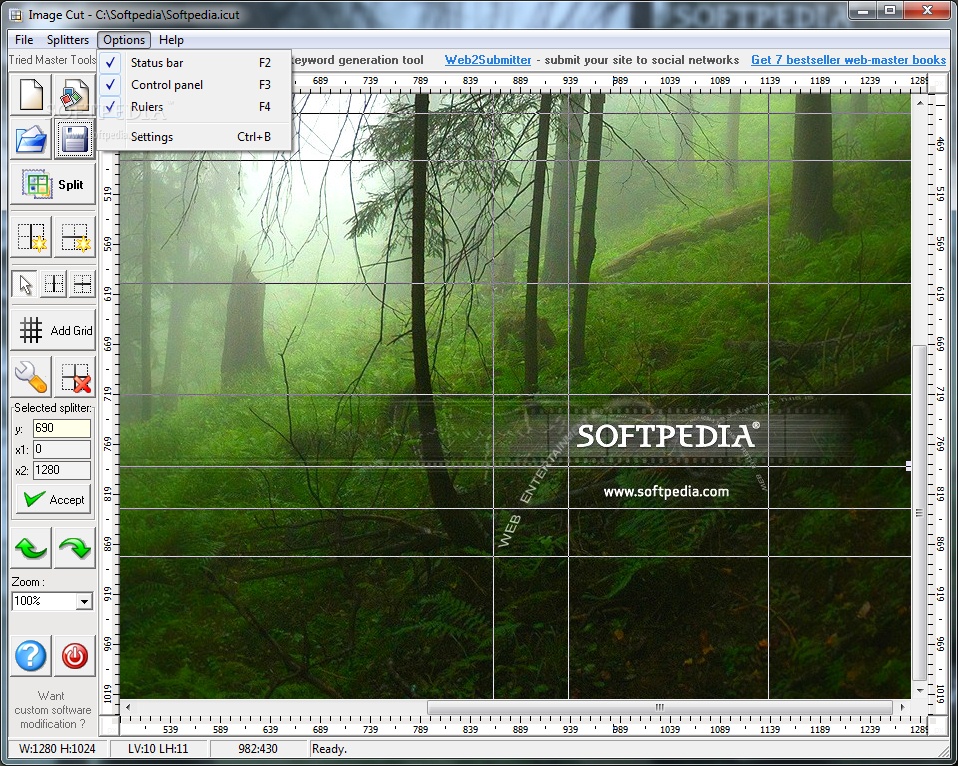
The working area is divided into two main sections that enable you to access the splitting tools and preview the adjustments applied to the photo. For a cleaner environment, you may hide the panel that embeds the splitters, rulers, and status bar.
Files can be added in the main window using the built-in browse button or drag-and-drop support. It works with a range of file formats, such as BMP, CUT, GIF, ICO, JPG, MNG, PBM, PCD, PCX, PSD, TGA, RAS, PNG, and XPM.
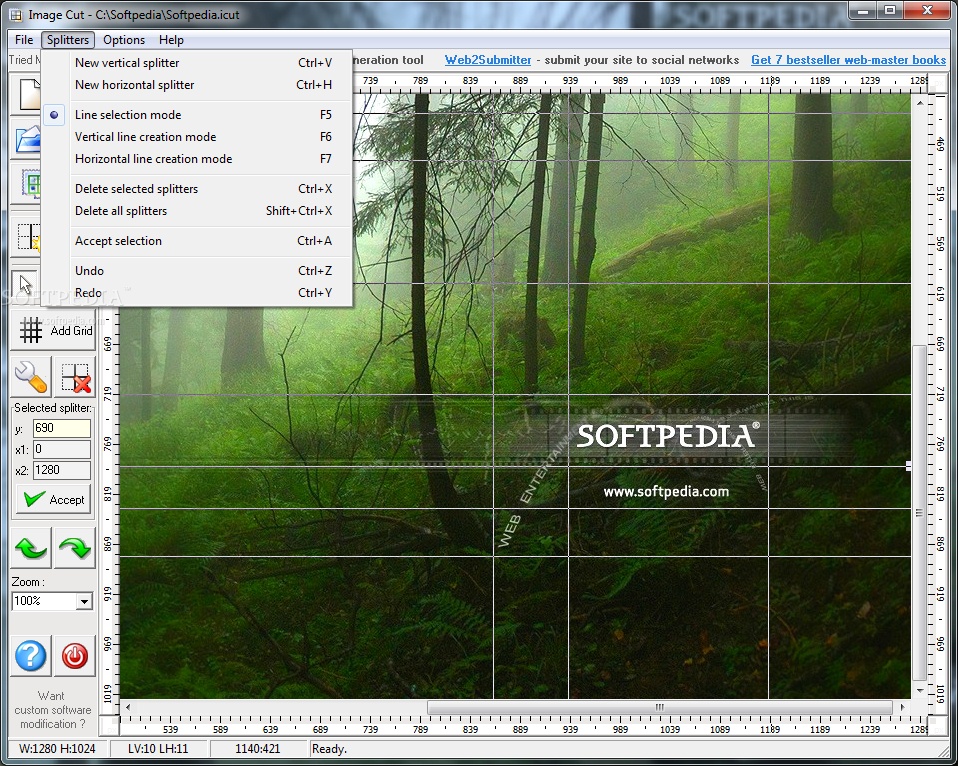
Image Cut gives you the freedom to make use of several preset splitting methods, namely vertical or horizontal mode, manually enter the coordinates for the selected splitter, or split photos with the aid of a user-defined grid by specifying the number of horizontal and vertical cells.
The best part about it is that it offers support for drag-and-drop operations in order to help you alter the position of the splitting lines on the image. Basically, you are entitled to alter the splitting process according to your web designing needs.
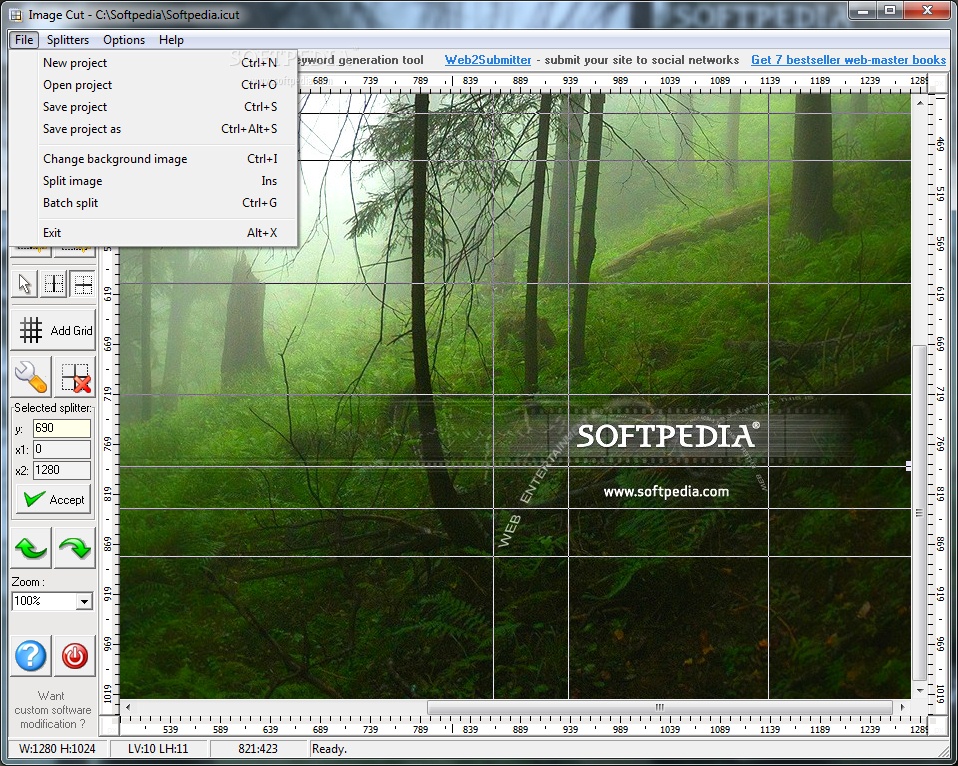
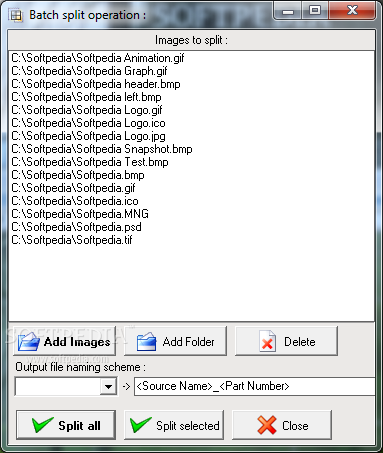
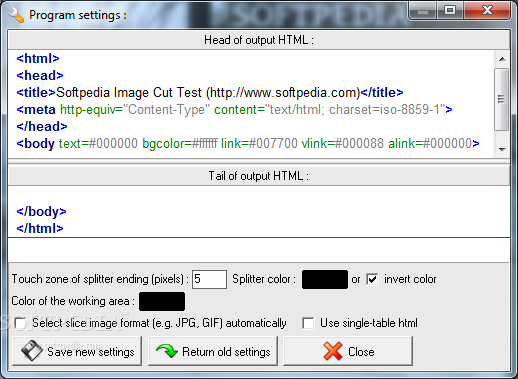
Other handy features worth being mentioned empower you to undo or redo your actions, zoom in or out of the photo, delete the selected splitters or all of them, activate the batch mode for processing multiple pictures at the same time, as well as use the text editor for inputting HTML data, which offers support for syntax highlighting.
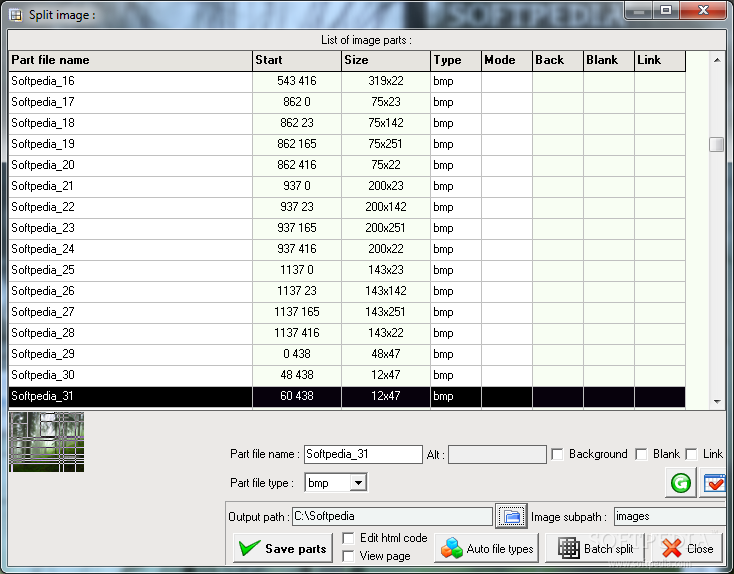
When it comes to exporting options, you are allowed to save the current project as a template so you can upload it in the future and export each split item to the desired output format (e.g. BMP, GIF, JPG, PNG). The app is able to generate HTML files including the entire image.
Tests have shown that Image Cut carries out a task quickly and provides very good output results. It doesn’t eat up a lot of CPU and memory, so the overall performance of the computer is not affected.
Image Cut combines a user-friendly interface with several handy features for helping you seamlessly split photos in a batch mode, and is suitable for all types of users, regardless of their experience level.
Image Cut 1.5
add to watchlist add to download basket send us an update REPORT- runs on:
- Windows All
- file size:
- 2 MB
- filename:
- Image-Cut_1.5-.exe
- main category:
- Multimedia
- developer:
- visit homepage
IrfanView

calibre

7-Zip

Zoom Client

Windows Sandbox Launcher

4k Video Downloader

ShareX

Context Menu Manager

Microsoft Teams

Bitdefender Antivirus Free

- Context Menu Manager
- Microsoft Teams
- Bitdefender Antivirus Free
- IrfanView
- calibre
- 7-Zip
- Zoom Client
- Windows Sandbox Launcher
- 4k Video Downloader
- ShareX
