Softpedia
 

WINDOWS CATEGORIES:


GLOBAL PAGES >>
SOFTPEDIA REVIEWS >>
MEET THE EDITORS >>
WEEK'S BEST
  • Bitdefender Total ...
  • Ocster Backup Pro ...
  • Hard Disk Sentinel...
  • FlashFXP [DISCOUNT...
  • DVDFab DVD Copy [D...
  • Kaspersky Internet...
  • Avast! Internet Se...
  • Avira Internet Sec...
  • Webroot SecureAnyw...
  • McAfee Total Prote...
  • Home > Windows > Multimedia > Graphic > Graphic Editors
     Report malware

    Microsoft Expression Blend 4.1.10819.0 Preview / 4.0.20901.0 SP1

    download button

    Downloads: 41,836  View global page  Tell us about an update
    User Rating:
    Rated by:
    Good (3.4/5)
    49 user(s)
    Developer:

    License / Price:

    Size / OS:

    Last Updated:

    Category:

    Trial / USD 499.00 buy button
    93.2 MB / Windows XP / Vista / 2008 / 7
    [view history]
    C: \ Multimedia \ Graphic \ Graphic Editors

     Read user reviews (0)  Send to friend   Follow (4 users)

    Microsoft Expression Blend description

    Build rich and compelling applications without compromise for the desktop and the web

    Expression Blend, Visual Studio, Silverlight and .NET provide the most compelling and seamless design and development workflow on the market today. Rapidly iterate on both the user experience and core architecture, evolving your ideas quickly from initial prototype through to completed project.

    Key components of Expression Blend, including Behaviors, Visual State Manager, transition effects, and SketchFlow (Expression Blend 4 includes SketchFlow in Expression Studio 4 Ultimate product only), coupled with the speed and flexibility of this modern workflow challenge you to push boundaries and work beyond the limits of what you thought possible.

    Microsoft Expression Blend is designed to help you easily build your applications with unique interfaces and layouts!

    Here are some key features of "Microsoft Expression Blend":

    SketchFlow - Revolutionize the speed you can prototype your vision for an application:
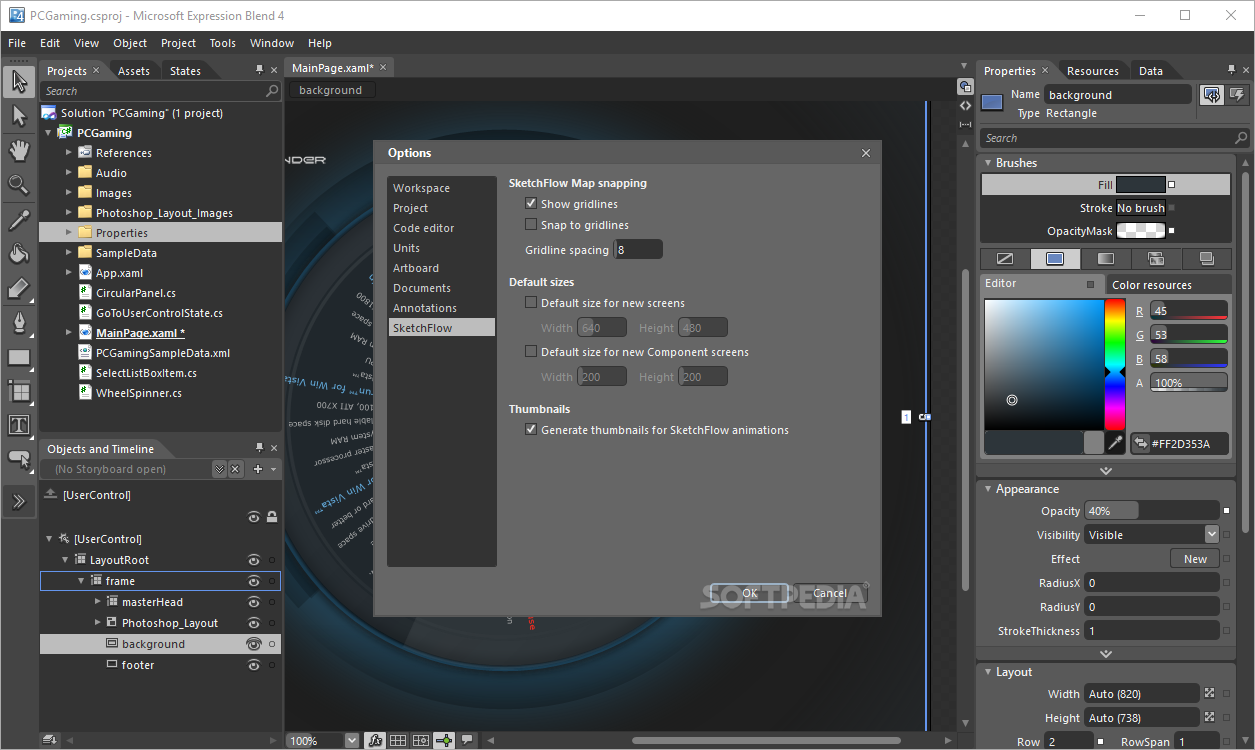
    · SketchFlow, a feature in Expression Ultimate, enables you to rapidly present ideas, user interface flows, screen layouts and application functionality to your clients with an effective prototype. Convey your ideas through informal drawings and ‘sketchy’ styled components that help your client focus on the functionality of the prototype rather than the detail, while the SketchFlow player gives your client the opportunity to test the prototype and give feedback, which can be viewed directly in-context on the design surface in Blend. SketchFlow prototypes are real WPF or Silverlight projects so once the design is finalized you have a simple choice. How much of the prototype do you want to reuse? Do you want to simply throw the prototype away, or use individual elements from the prototype such as a resource library or Behavior, or carry the complete prototype forward into production? The choice is yours.

    Adobe Photoshop and Adobe Illustrator import - Utilize your traditional design assets:
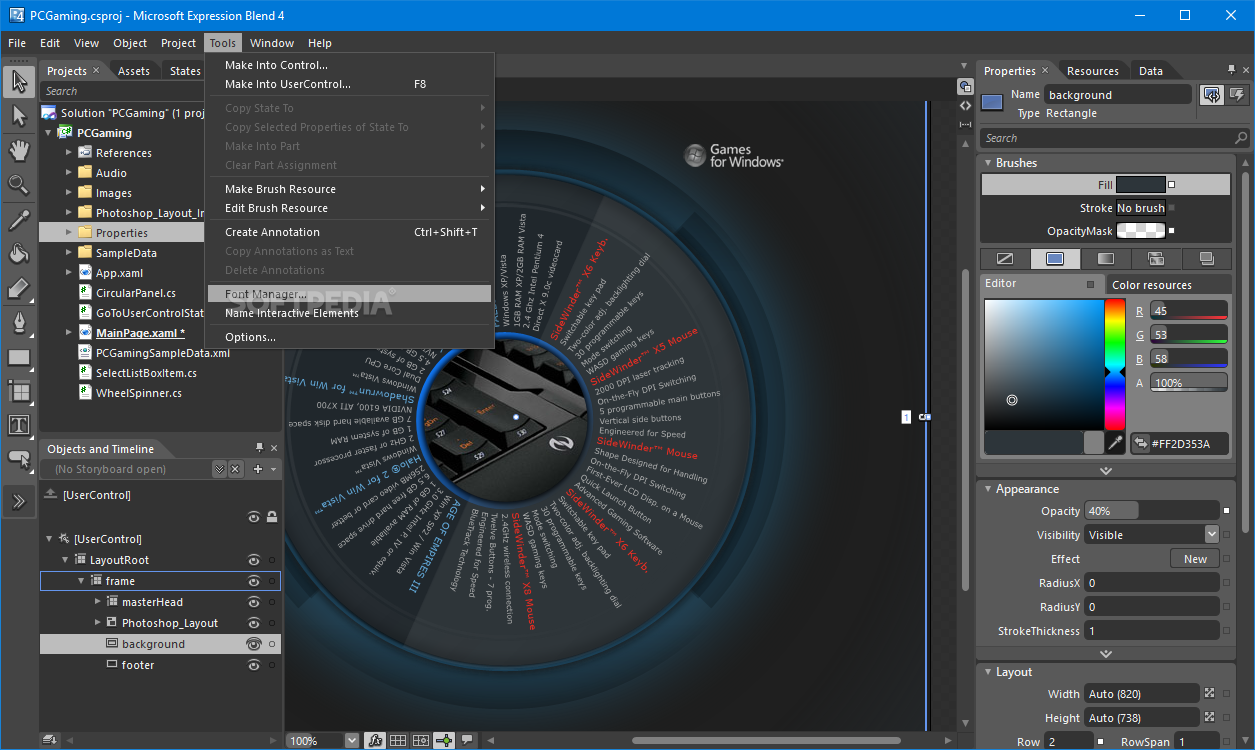
    · Expression Blend includes powerful importers for both Adobe Photoshop and Adobe Illustrator enabling smooth integration with the workflow visual designers are using today. During import you have the freedom to view and import Photoshop files layer by layer. Layers can be easily regrouped and elements retain their original formats; layers, layer positions, editable text and vectors.

    Behaviors - Enable interactivity without writing code:
    · Behaviors are powerful building blocks of interactivity that bring a project to life by adding control of interactivity, animation and transitions to your applications. Developers can encapsulate complex interaction models and ideas into reusable production ready Behaviors, which can then be visually finessed through the property inspector without writing code. GoToStateAction, ChangePropertyAction, MultiTouch, conditional actions, adding physics and MouseDrag are perfect examples of Behaviors that can easily be shared amongst your design and development teams to ensure consistency, reduce duplication of effort and allow teams to maximize innovation.

    Sample Data - Accelerate the creation of effective UI with sample data:
    · Today designing effective user experiences will always involve leveraging customized data. Accelerate the speed and flexibility you can create your application designs through the effective use of sample data. Reduce your costs by using appropriate sample data by highlighting UI issues early in the design process and avoid triggering costly user interface redesigns late in the development process. Design time sample data can be generated on the fly, imported via XML or created from C# objects provided by a developer and then seamlessly swapped by for a live data connection for live testing and painless integration with the customer’s production environment.

    Visual State Manager - Bring you application to life one transition at a time:
    · Transitions, the change from one application view to another, are what give an application texture and life. As customers expect richer applications it is often the transitions in an application rather the features that define how successful it will be. Whether an element in a control snaps into position or glides, moves in a linear fashion or with inertia, pops, ripples or swirls, the Visual State Manager lets you quickly and accurately experiment with different interaction models before finely tuning and finalizing the appropriate user experience of the application.

    Code editing with Intellisense:
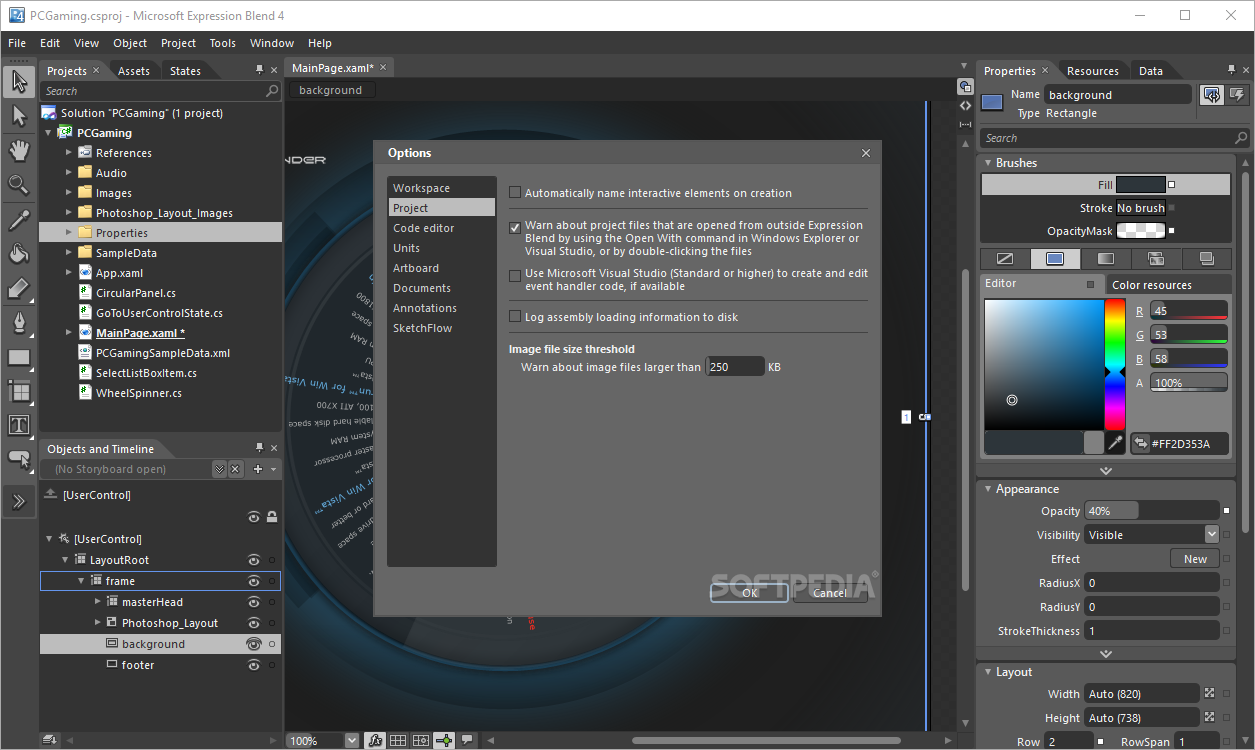
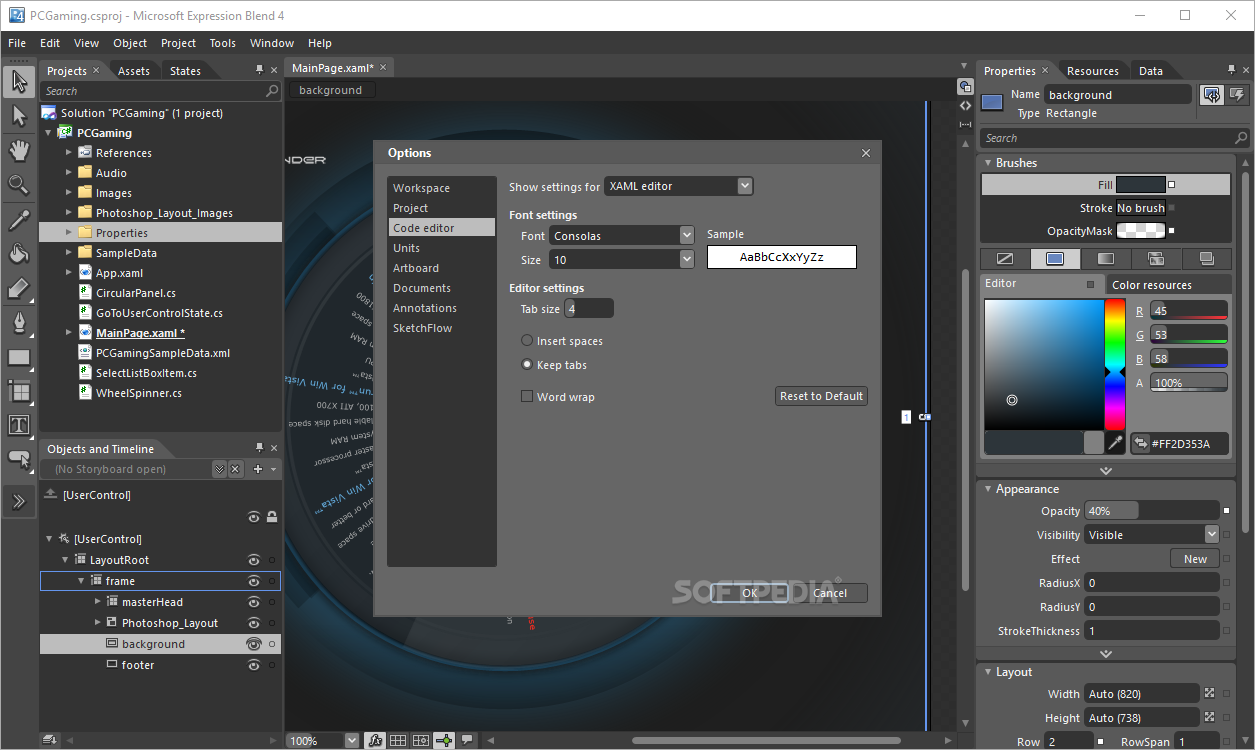
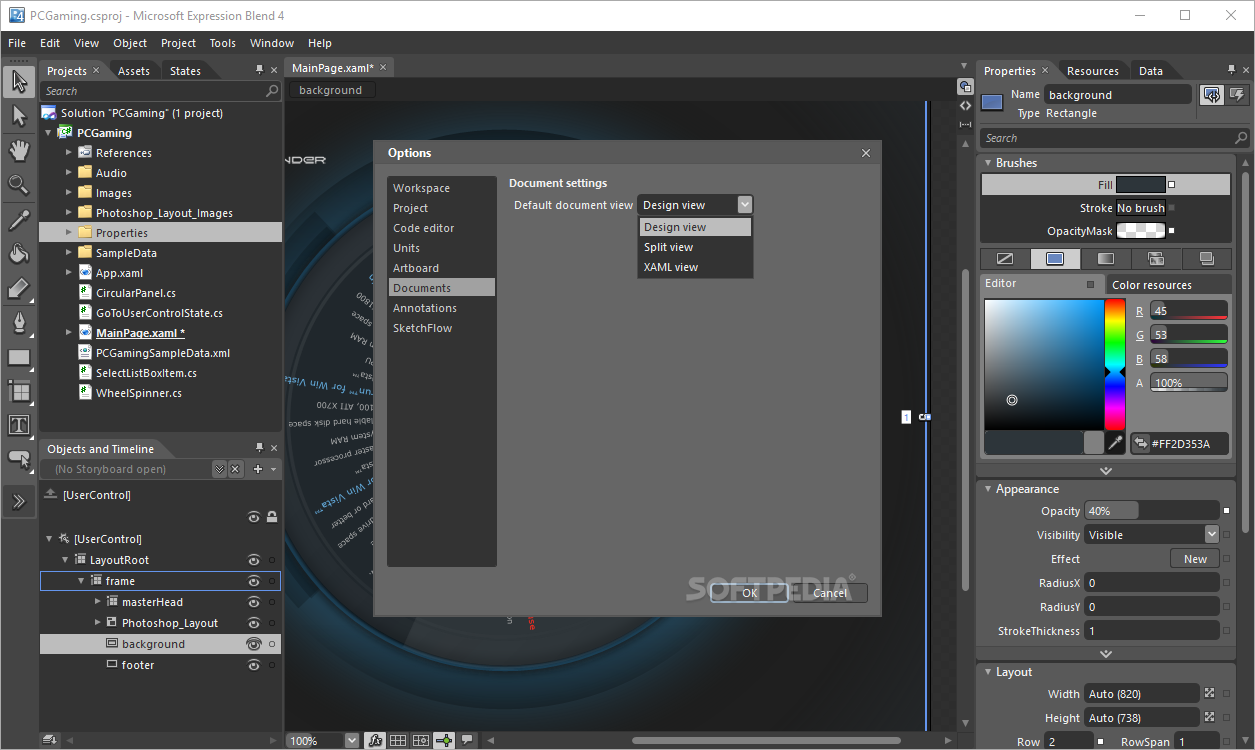
    · Expression Blend includes a full code editor with XAML, C# and VB Intellisense. This gives you the choice of editing your code in Expression Blend or Visual Studio, simplifying your workflow by allowing you to use the tool you are most comfortable with.

    Styling and Customization - visually style your applications to effectively deliver customized applications:
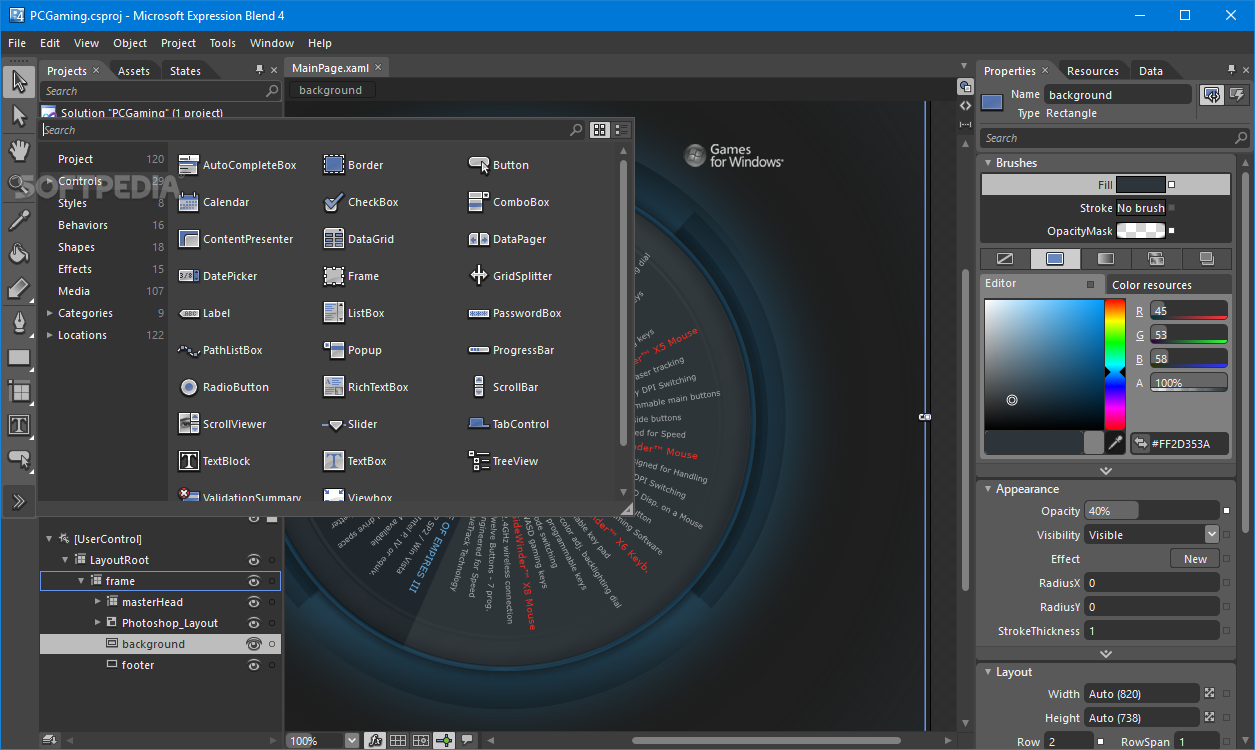
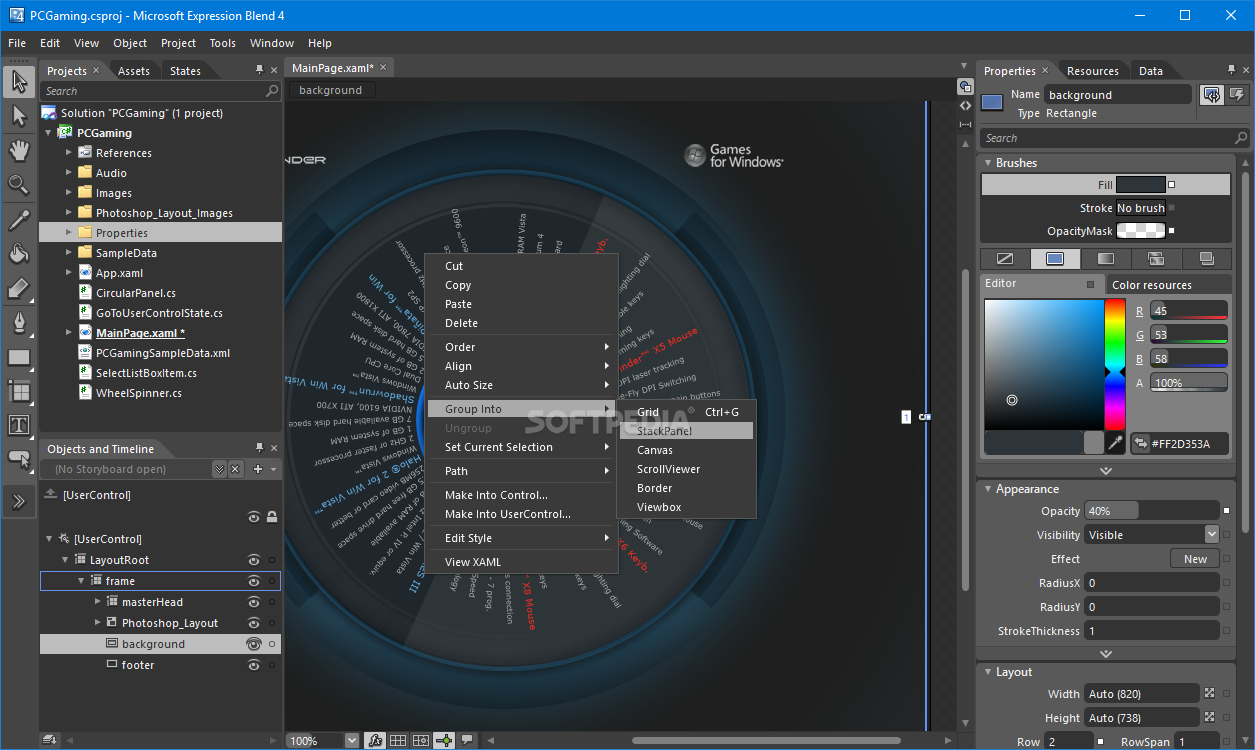
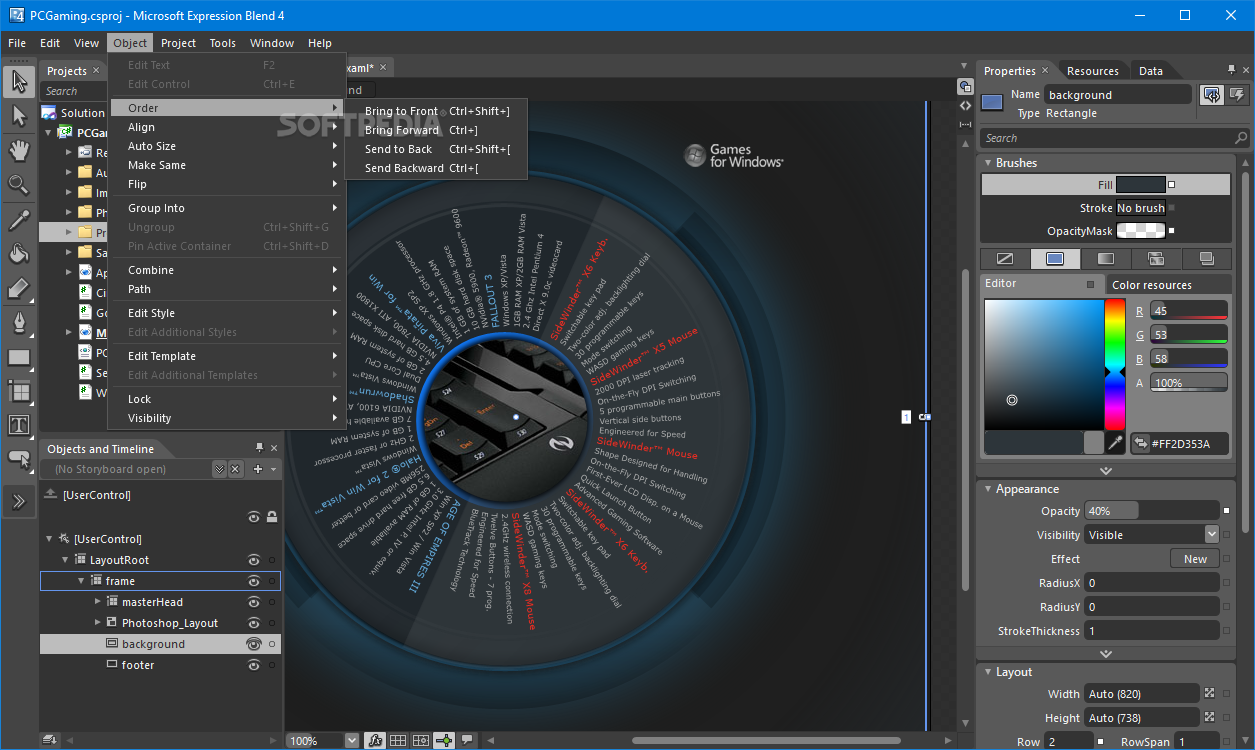
    · Powerful template editing capabilities allow controls to be rebuilt as a bespoke, reusable controls perfectly designed to fit their purpose. Change the structure of a control, its look, the way it displays its data, you have absolute control over how the user interface looks by working visually on the design surface. Support for Model View View Model (MVVM) provides a streamlined workflow for developers using these types of patterns to structure a Silverlight or Windows Presentation Foundation application ensures that UI objects are as decoupled as possible from the application’s data and behavior. This makes it even easier to work simultaneously on both the user interface and core architecture without one breaking the other to further streamline your workflow.

    Modern user interface:
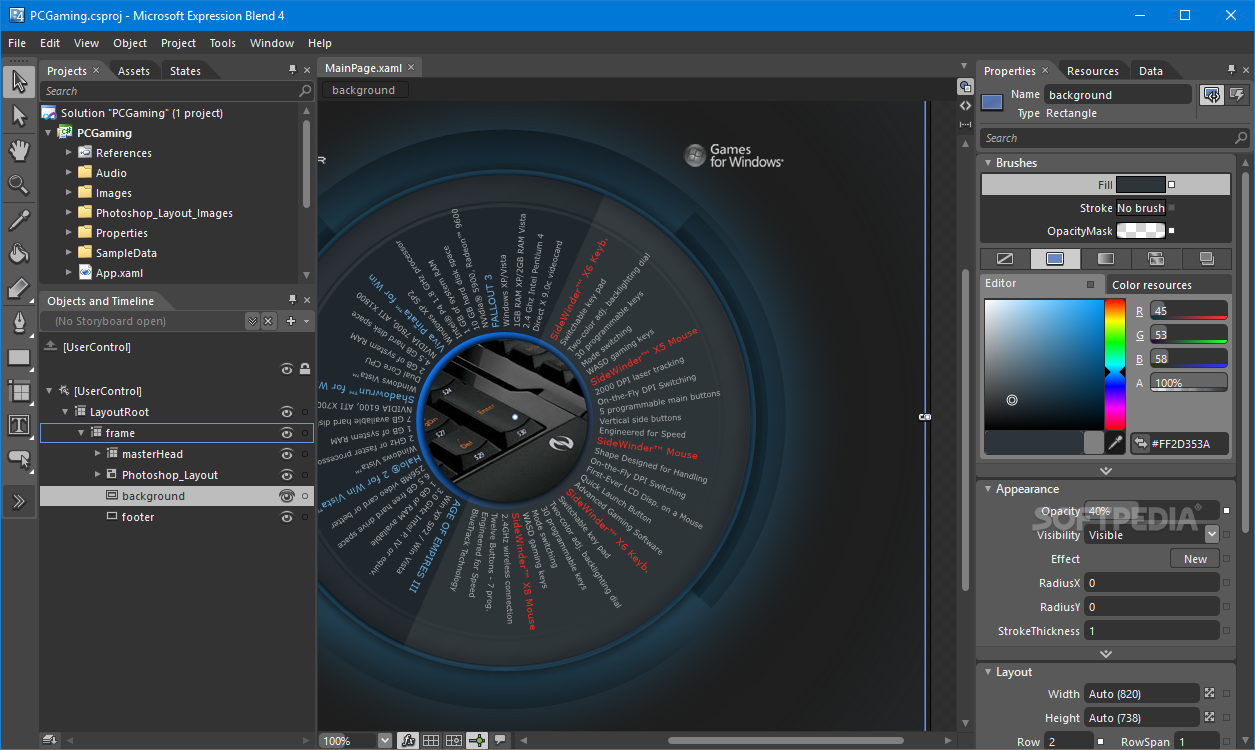
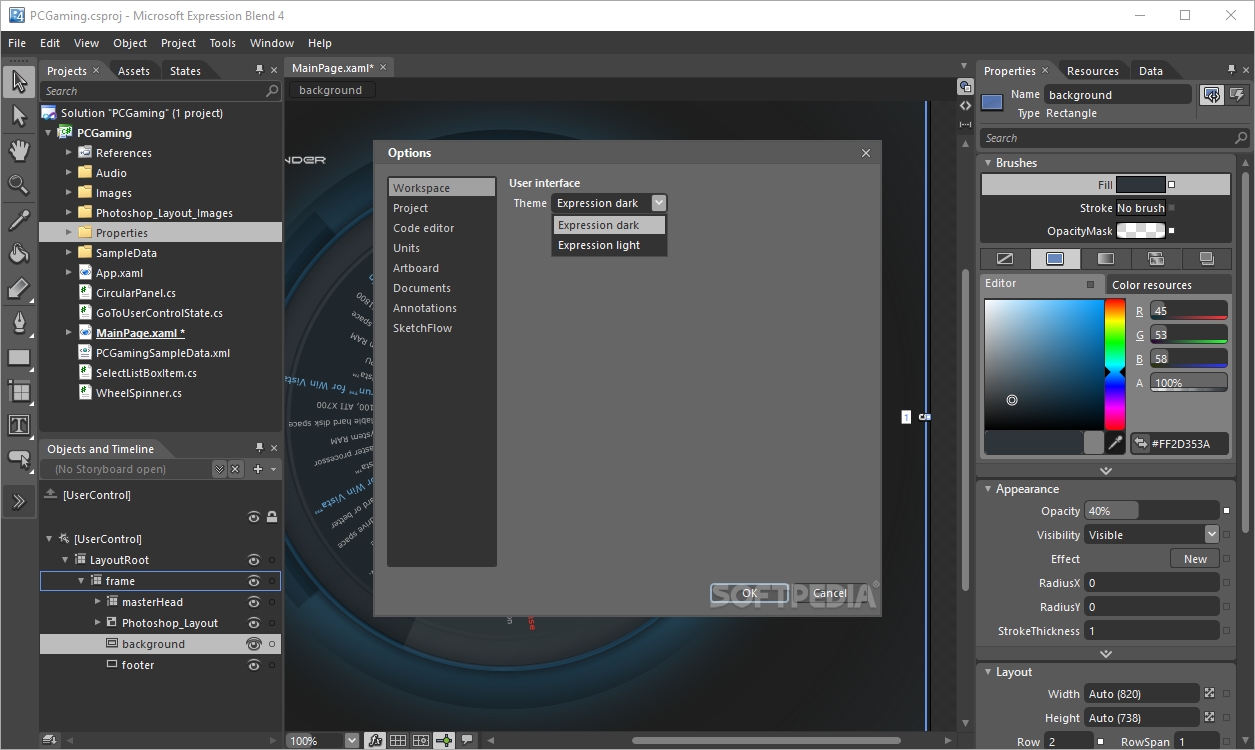
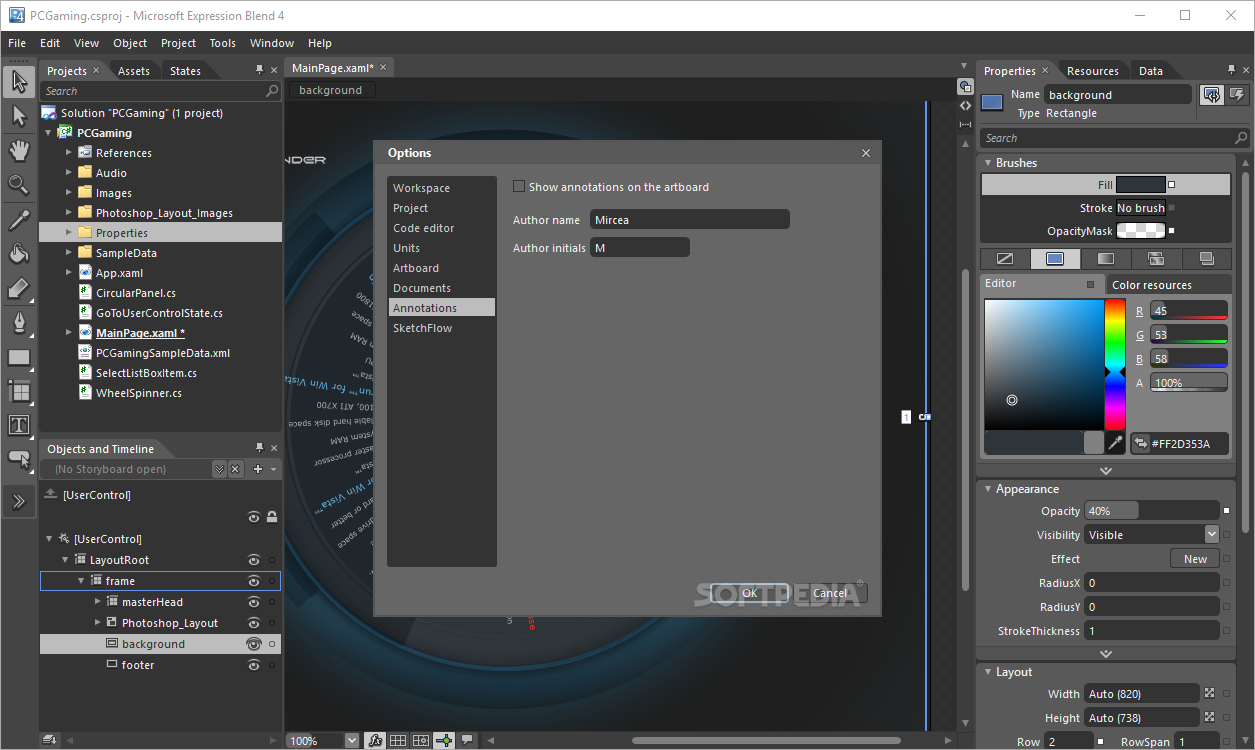
    · The design surface and user interface of Expression Blend has been designed to enable you to work faster, have greater freedom to experiment with ideas and be more productive. Direct selection of objects, powerful design tools, customization of panel layouts, improved and simplified data binding, expanded control over conditional behaviors the interface is continually being improved to help the tool add fuel to the creative process.

    Market leading workflow - fast, flexible, seamless, a workflow that adapts to you and your team:
    · Expression Blend, Visual Studio, Silverlight and .NET provide the most impactful and seamless design and development workflow on the market today. Ideas are taken from concept to completion with speed and flexibility, challenging you to deliver innovative applications to your customers with Silverlight and .NET. If you work as part of a larger team Expression Blend provides integration with Team Foundation Server enabling you to keep control of your graphics and code and work seamlessly with the rest of your team.

    Platform support - build applications for the most modern and powerful web and desktop platforms:
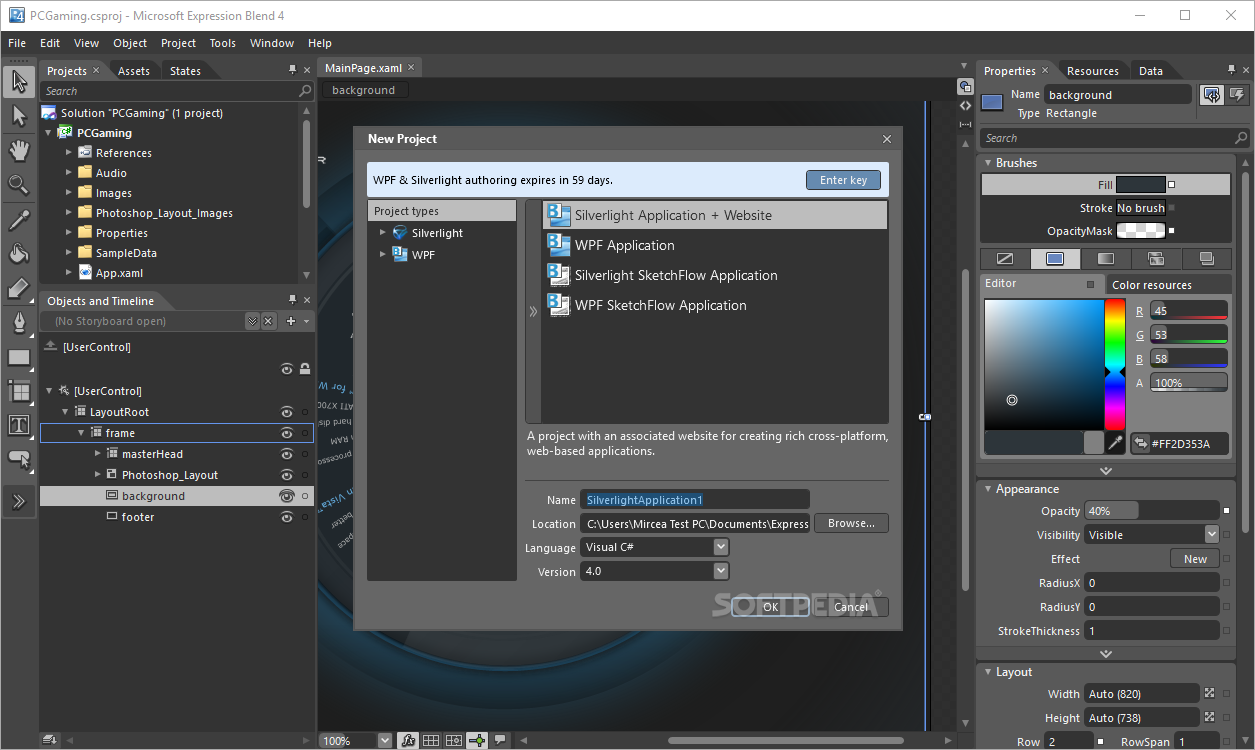
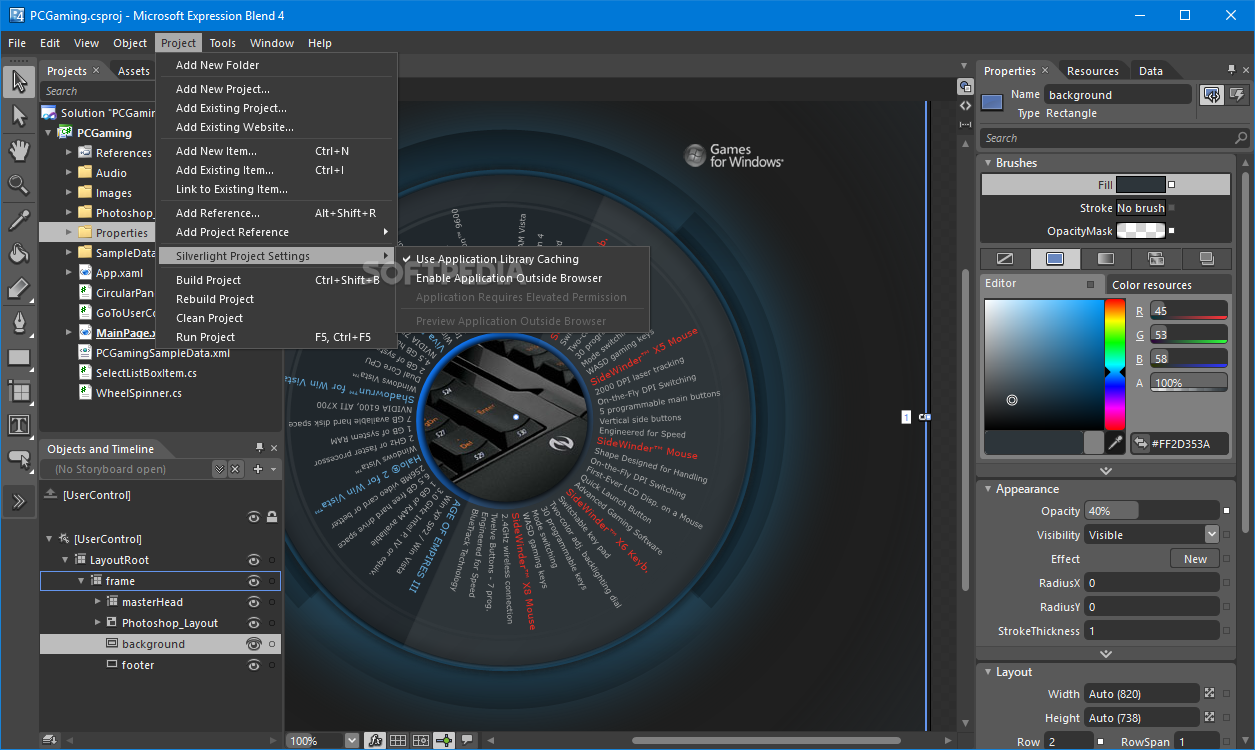
    · Leverage the full capability of the underlying platforms, Silverlight for cross browser, cross platform deployment and WPF for the ultimate Windows client experience.
    · Multi-targeting enables you to use Expression Blend to create applications for Silverlight 3, Silverlight 4, .NET 3.5 and .NET 4. This allows you to use many of the new features introduced in Expression Blend 4 to accelerate the delivery of applications on previous platforms.

    Requirements:

    · PC with 1 GHz or faster processor
    · 1 GB of RAM or more
    · 2 GB or more of available hard-disk space
    · .NET Framework 4.0
    · Silverlight 4.0
    · Support for Microsoft DirectX 9.0 graphics with Windows Vista Display Driver Model (WDDM) Driver, 128 MB of graphics RAM or more, Pixel Shader 3.0 in hardware, 32-bits per pixel
    · DVD compatible drive
    · 1024 x 768 or higher resolution monitor with 24-bit color
    · Internet functionality requires Internet access (additional fees may apply)
    · Actual requirements and product functionality may vary based on your system configuration and operating system
    · Some product features require FireFox 3.0 or later, and Internet Explorer 8

    Limitations:

    · 60 days trial

    What's New in This Release: [ read full changelog ]

    Windows Phone support:
    · When you install the Windows Phone Development Tools, you can use the design tools in Expression Blend to create Windows Phone applications, including Windows Phone project and item templates, graphics and animation tools, behaviors, and sample data. Once you’ve created your Windows Phone application, you can build it and then preview it either in the Windows Phone emulatoror in a Windows Phone device attached to your computer.

    Adobe FXG support:
    · With the Expression Blend Add-in for Adobe FXG Import, available when you install Expression Blend 4 SP1, you can add Adobe FXG 2.0 symbols as UserControls in Expression Blend. You can also configure your FXG settings so that when FXG files are updated outside of Expression Blend, the files you have added to Expression Blend are also updated.

     Softpedia guarantees that Microsoft Expression Blend 4.1.10819.0 Preview / 4.0.20901.0 SP1 is 100% CLEAN, which means it does not contain any form of malware, including spyware, viruses, trojans and backdoors. [read more >]


    TAGS:

    dynamic layout | 3D animation design | Interactive Designer | 3D animation | designer | design

    Go to top

    WindowsGamesDriversMacLinuxScriptsMobileHandheldNews

    SUBMIT PROGRAM   |   ADVERTISE   |   GET HELP   |   SEND US FEEDBACK   |   RSS FEEDS   |   UPDATE YOUR SOFTWARE   |   ROMANIAN FORUM