
Approachable graphic editing tool for beginners which features many effects and image adjustments, batch watermarks, ASCII art, and more. #Edit image #Customize image #Image editor #Editor #Edit #Adjust

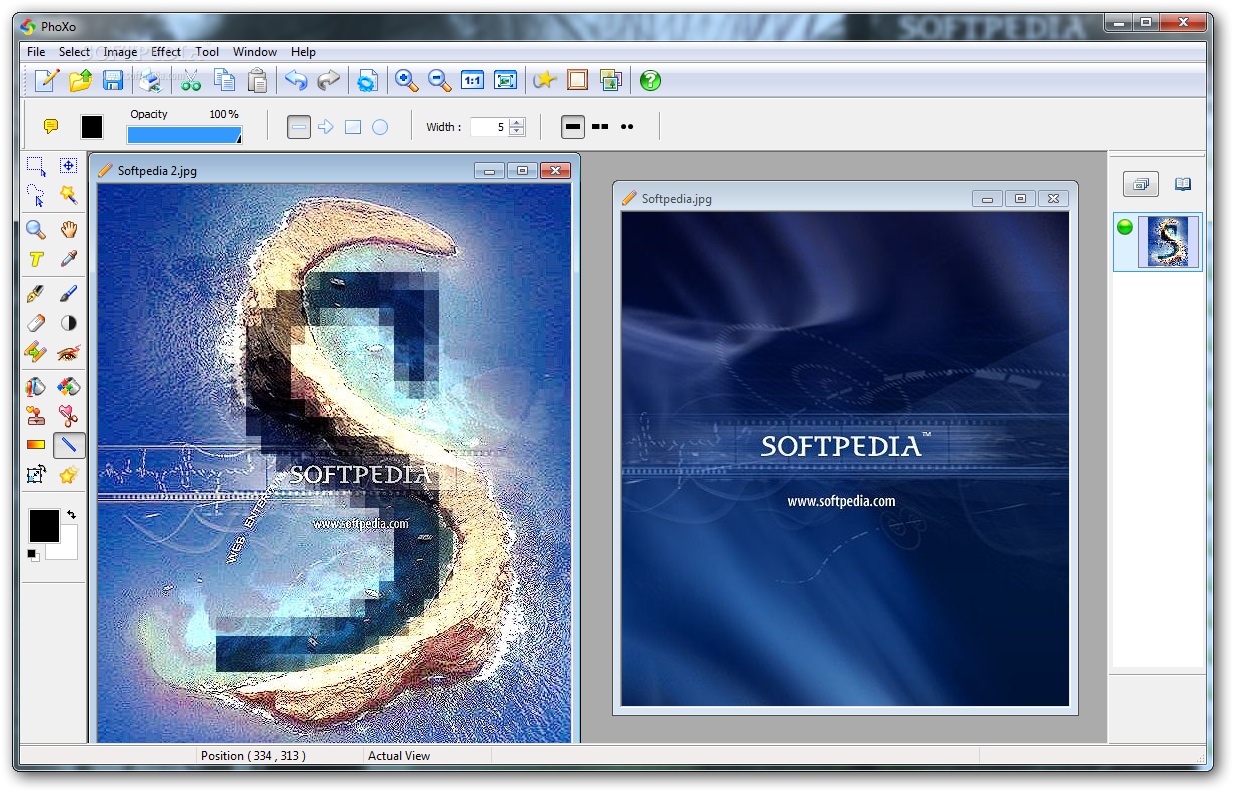
PhoXo is a photo editing application mainly geared toward first-time users. It features simple-to-understand options and configuration settings wrapped in a clean and intuitive interface.
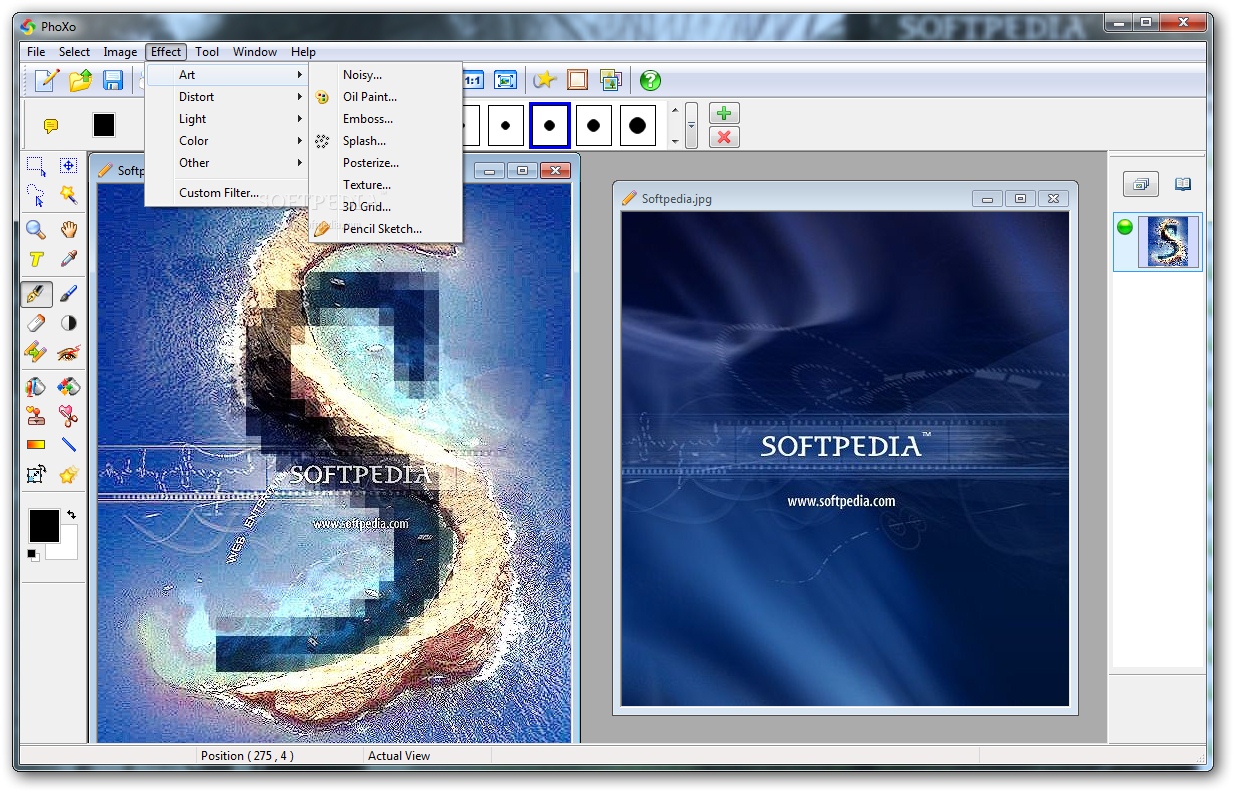
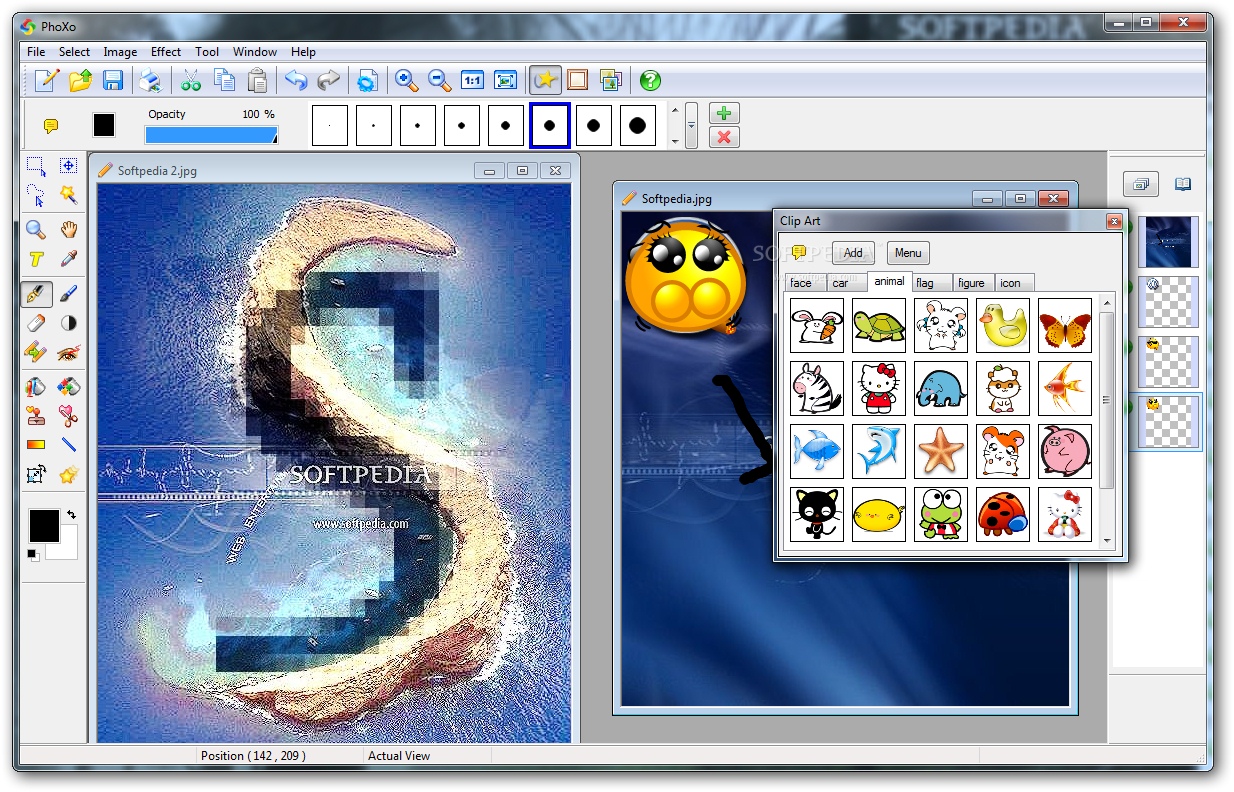
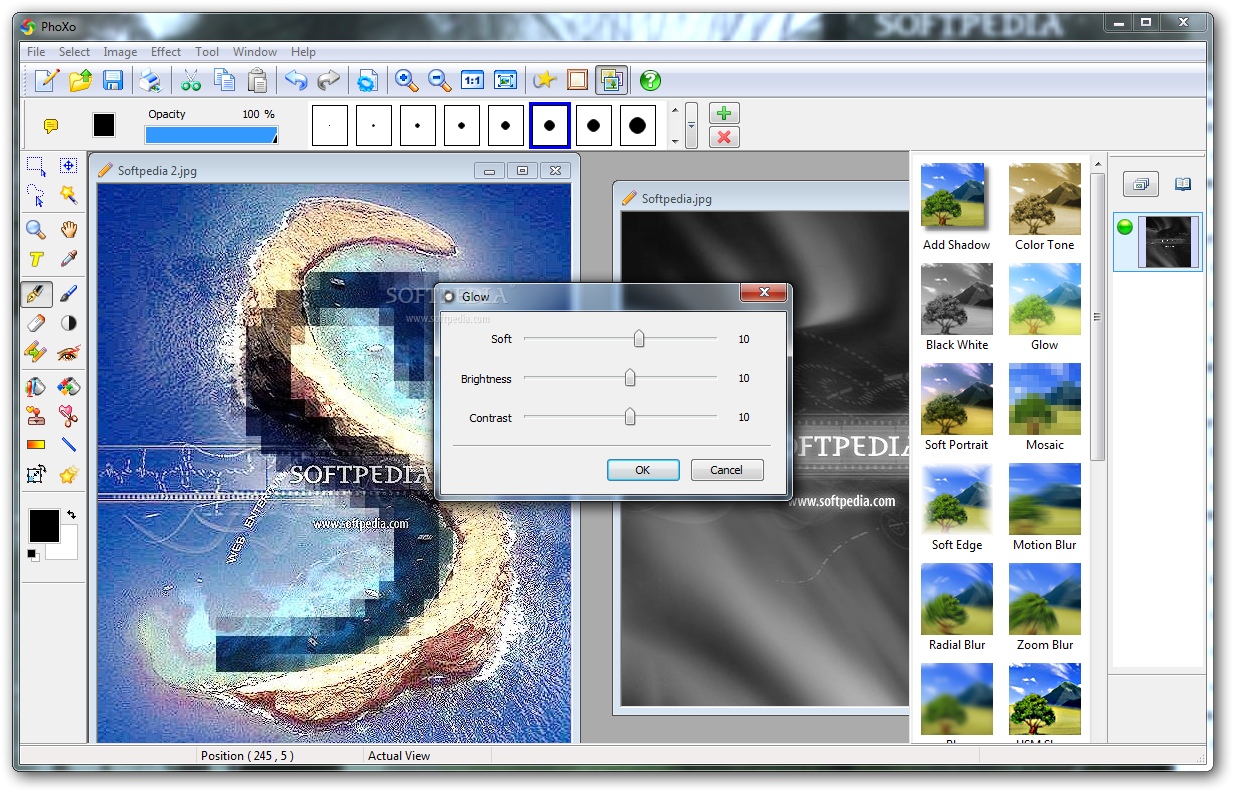
The tool offers support for some popular file types. It integrates a library with numerous effects, clip art and frames ready to be explored and applied to the projects.
It is possible to crop and rotate photos, add text, draw shapes with a pen or paint brush, make several types of selections, zoom in and out, and much more. Multiple layers are supported and can be easily manage to fit your preferences. For example, new ones can be added while existing ones can be hidden, or they can be made transparent (e.g. to crate watermarks from common pictures or text).
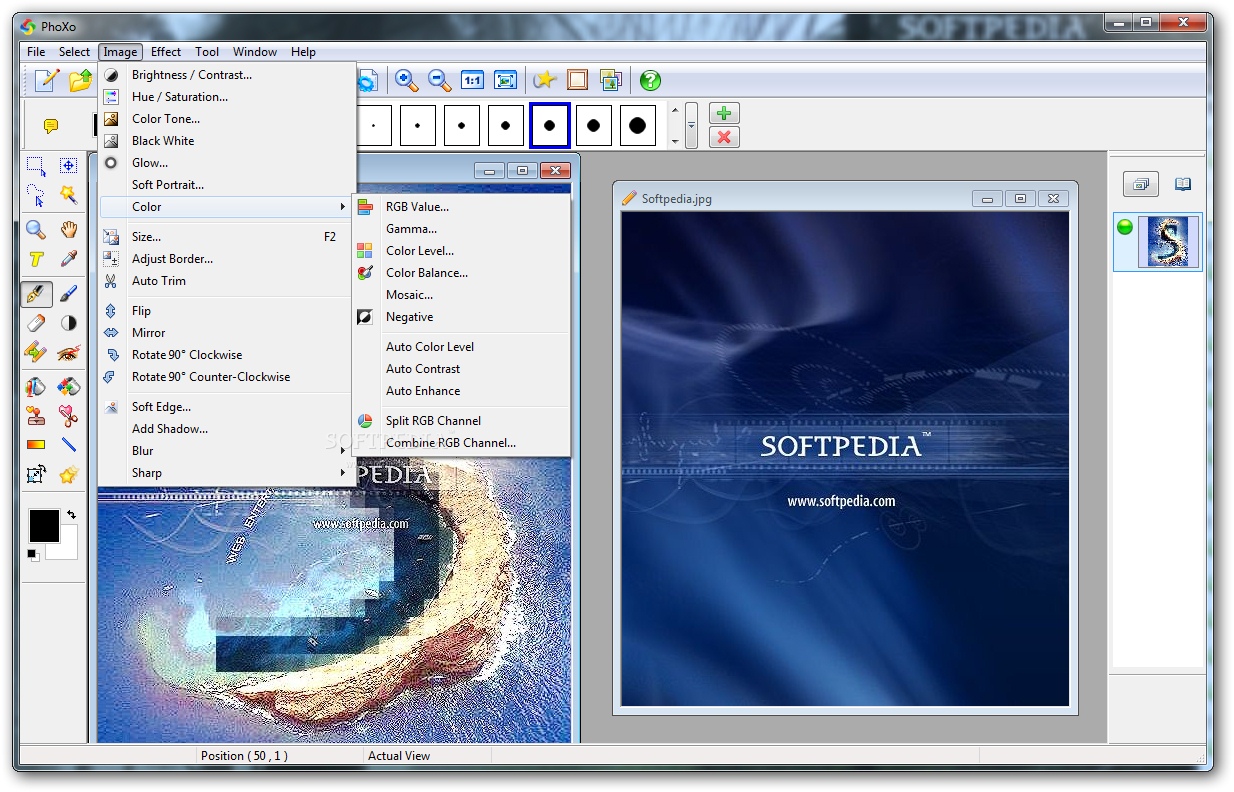
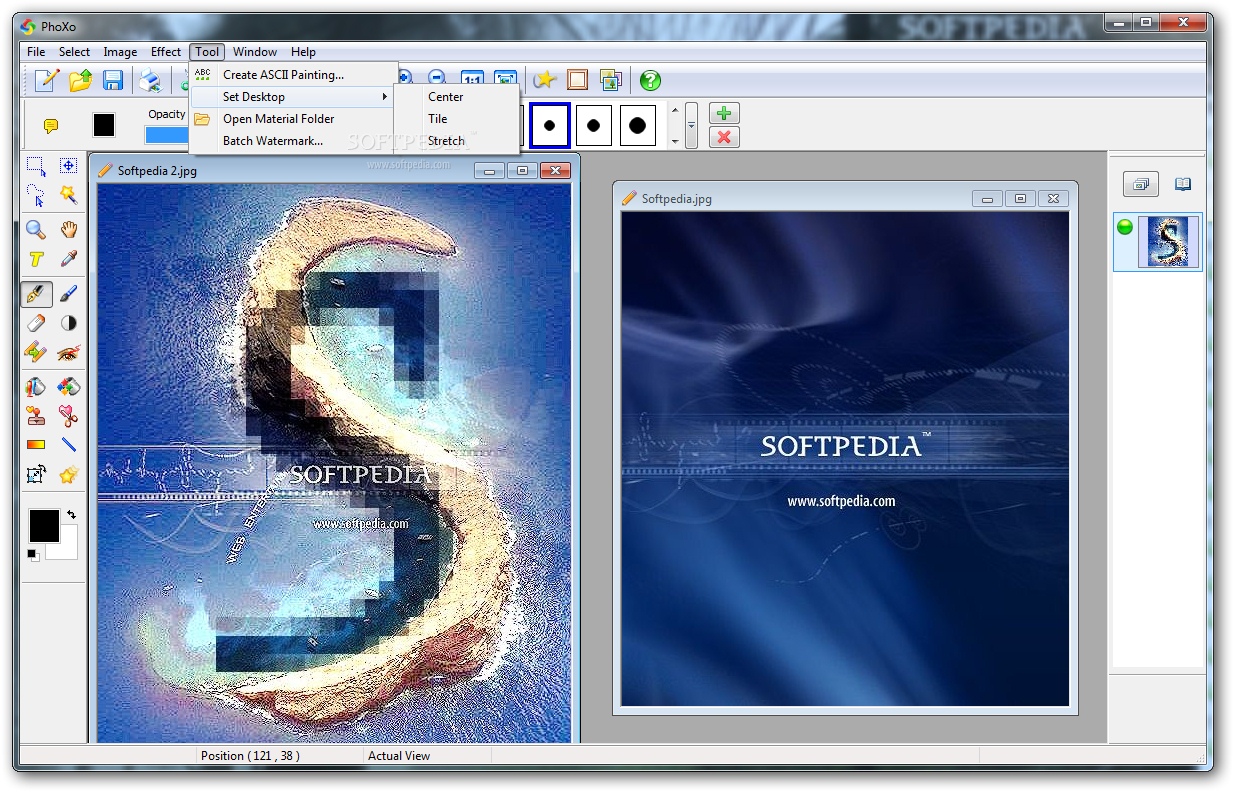
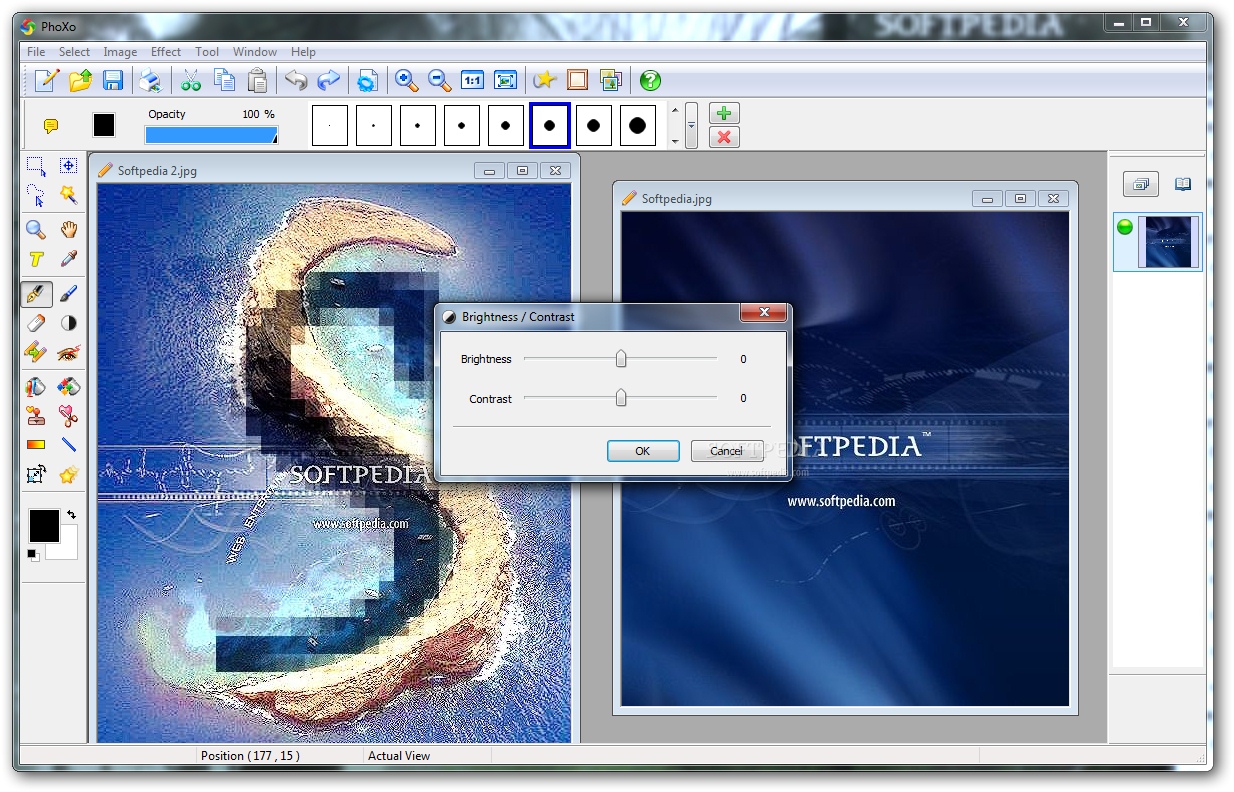
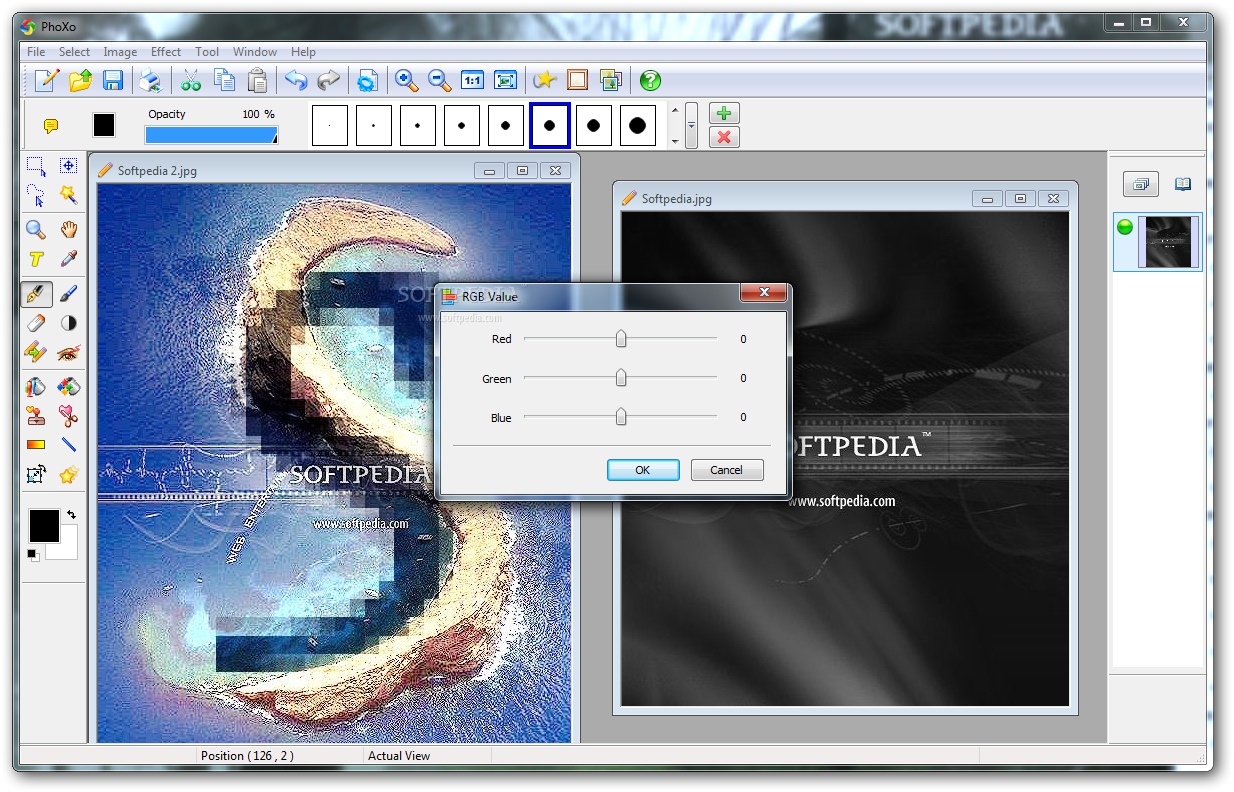
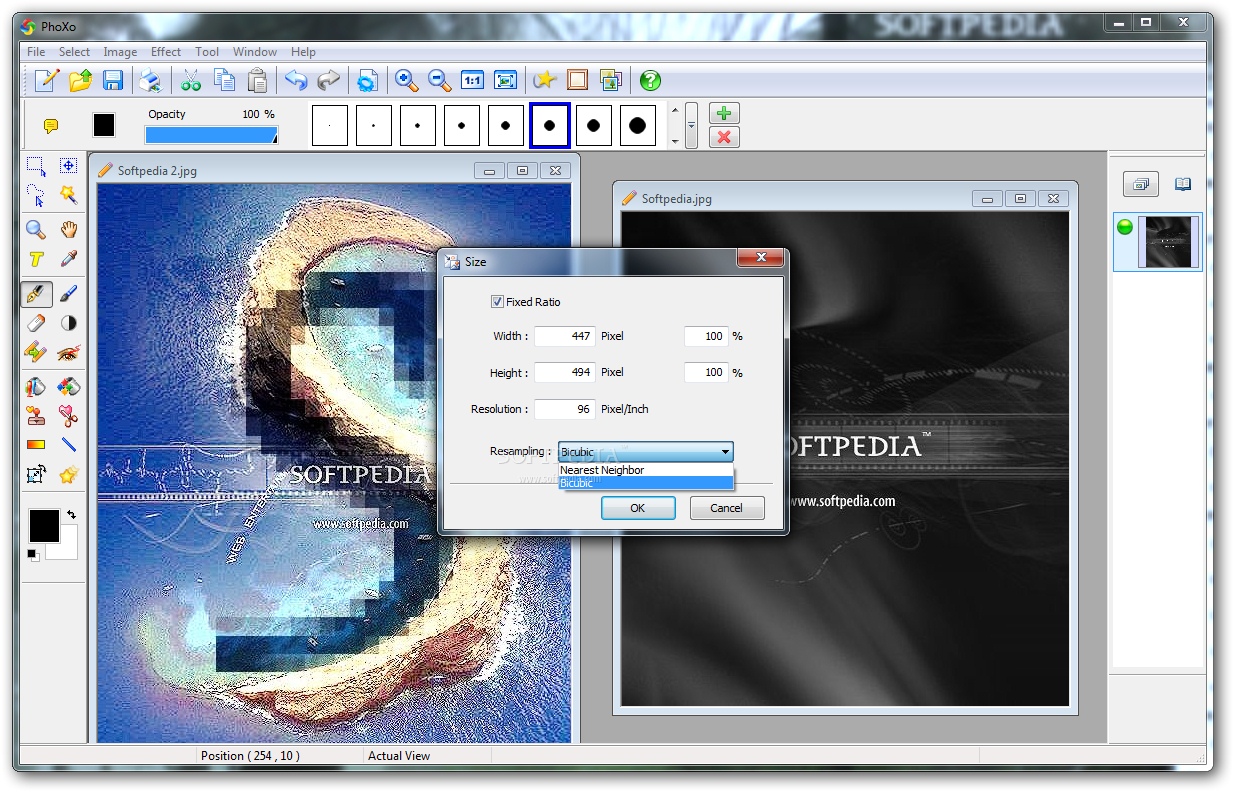
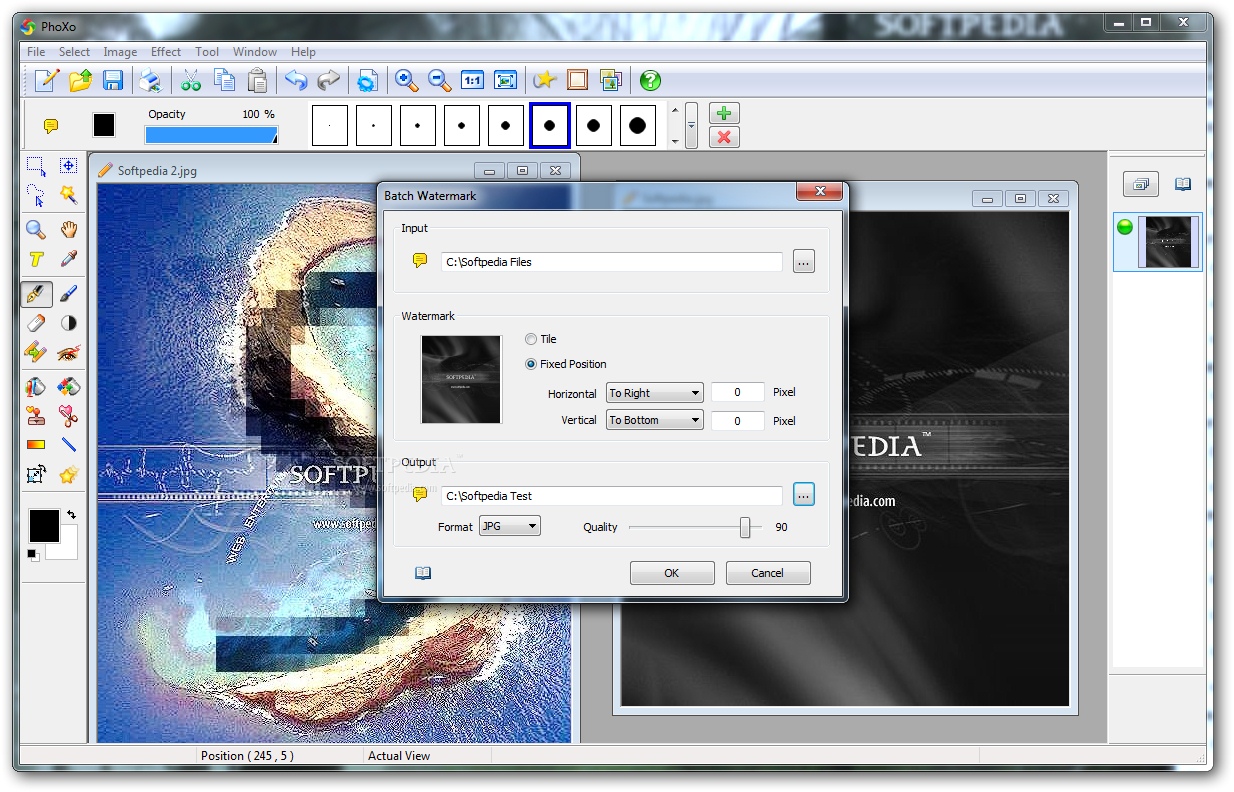
As for image adjustments, it is possible to tweak the levels for brightness, contrast, hue, saturation, color tone, borders and canvas size, to name but a few. What's more, PhoXo can generate ASCII art on the spot and open it in text documents, as well as apply watermarks to multiple pictures in batch mode and save them to different formats.
Help documentation is made available at the developer's website, along with other library components that can be downloaded for free and used in personal projects. PhoXo had minimal impact on computer performance and remained stable throughout our entire evaluation.
In a nutshell, PhoXo provides first-time users with plenty of tools and tweaks to discover and learn when it comes to photo manipulation. On the other hand, experienced users are not likely to find this app too practical.
What's new in PhoXo 8.4.0:
- Win10 compatibility support
- Change the position of the shadow by dragging
PhoXo 8.4.0
add to watchlist add to download basket send us an update REPORT- runs on:
-
Windows 8
Windows 7 32/64 bit
Windows Vista 32/64 bit
Windows XP - file size:
- 5.3 MB
- filename:
- phoxo.exe
- main category:
- Multimedia
- developer:
- visit homepage
ShareX

4k Video Downloader

IrfanView

7-Zip

Windows Sandbox Launcher

calibre

Microsoft Teams

Bitdefender Antivirus Free

Zoom Client

Context Menu Manager

- Bitdefender Antivirus Free
- Zoom Client
- Context Menu Manager
- ShareX
- 4k Video Downloader
- IrfanView
- 7-Zip
- Windows Sandbox Launcher
- calibre
- Microsoft Teams