
A graphics editing software utility that enables users to enhance their photos by adding shapes and text messages, as well as applying effects. #Image Editor #Crop Image #Image Layer #Resizer #Crop #Pixelate

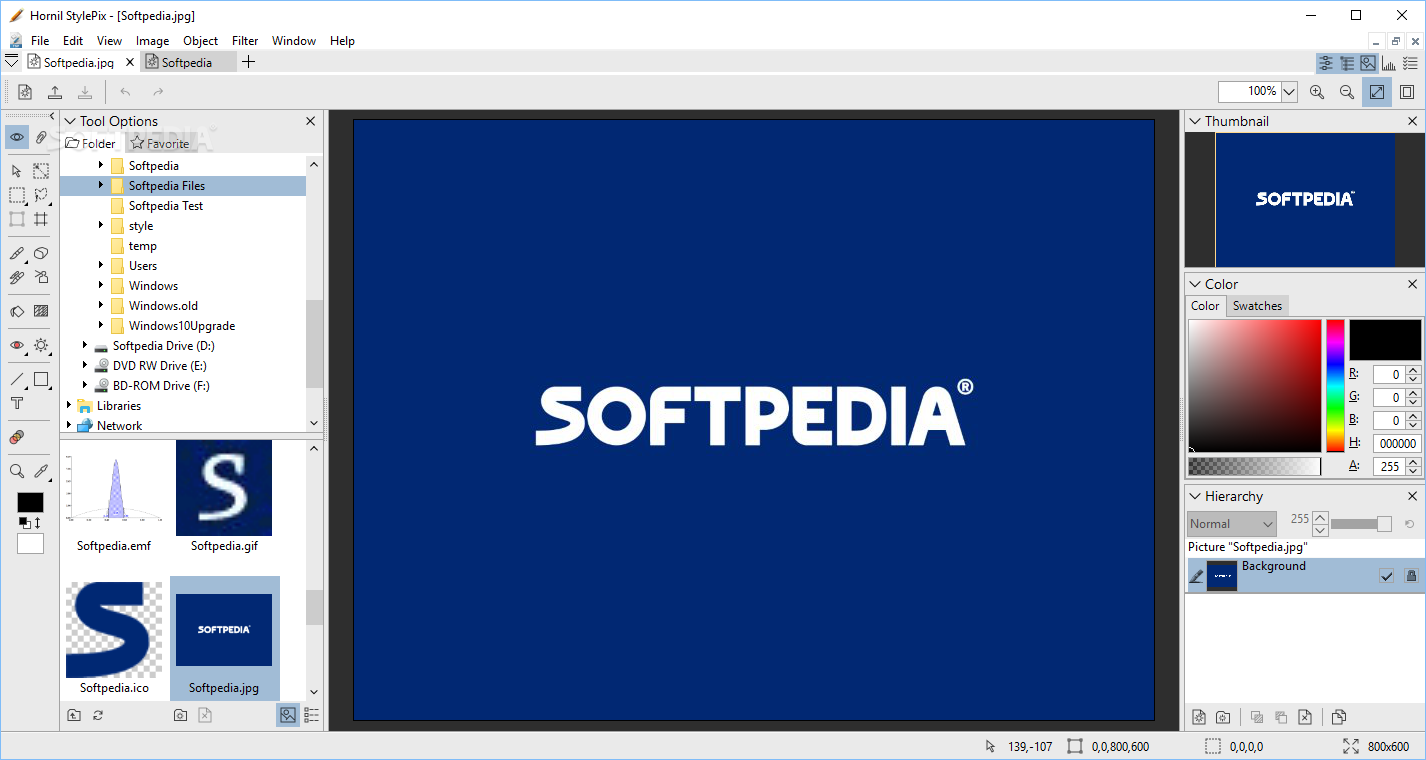
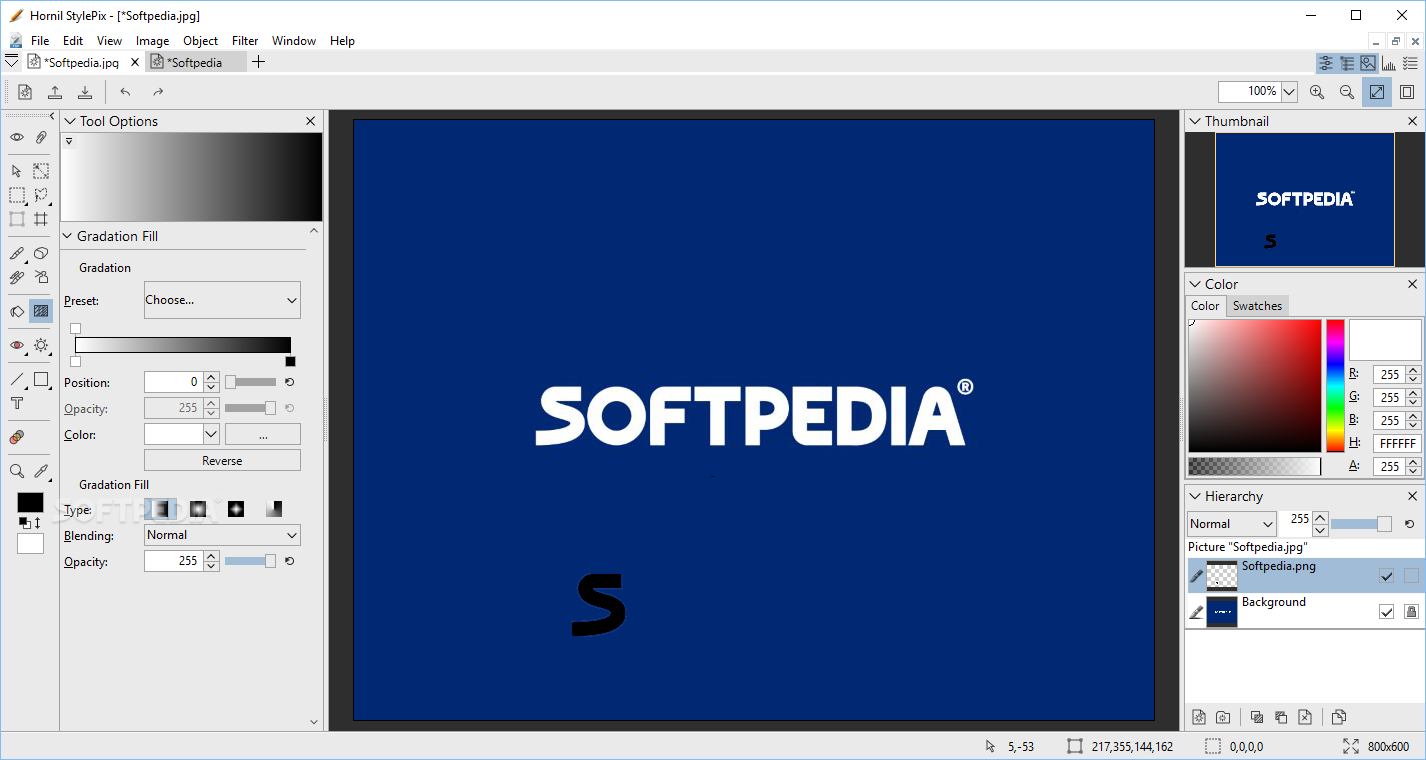
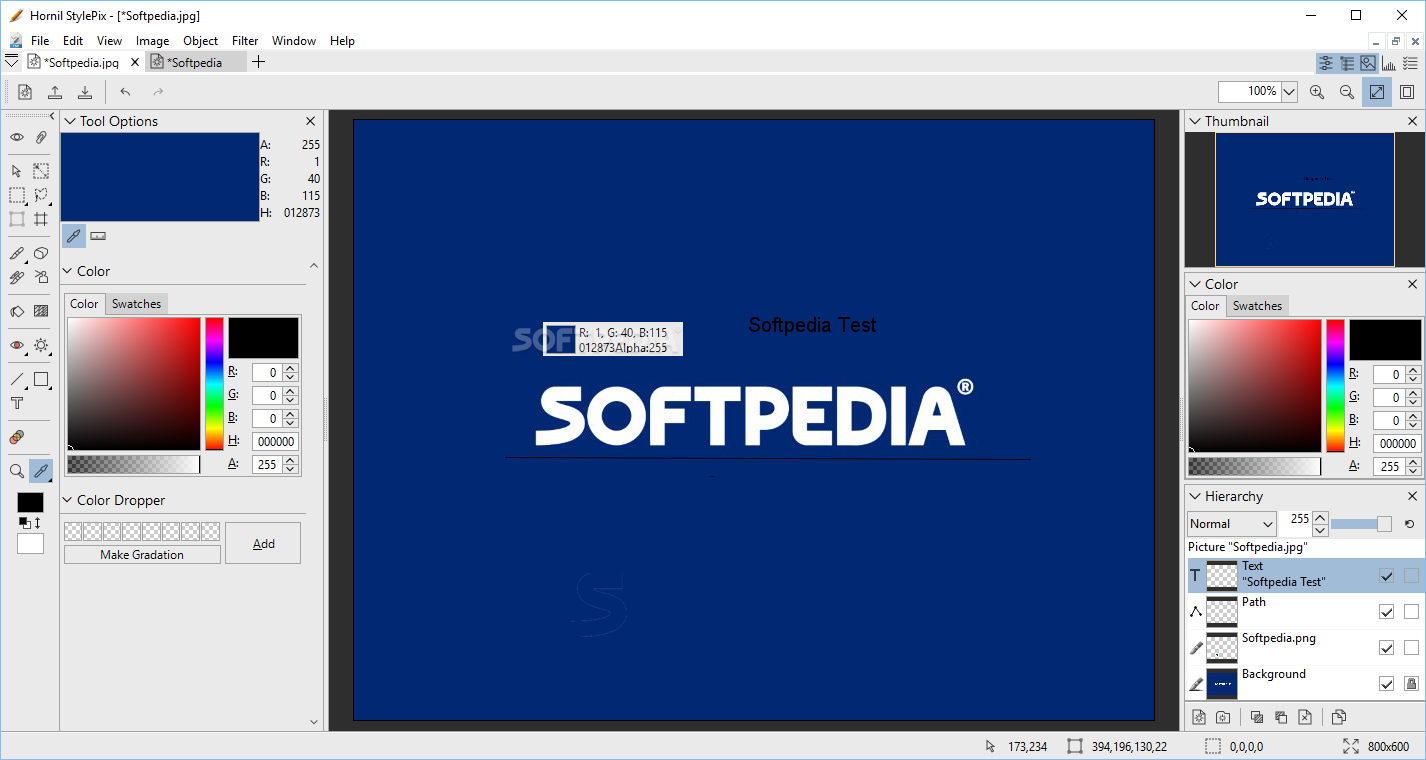
In order to create elaborate picture manipulations, you need a reliable editing tool. Hornil StylePix is a program that comes with an extensive palate of advanced features.
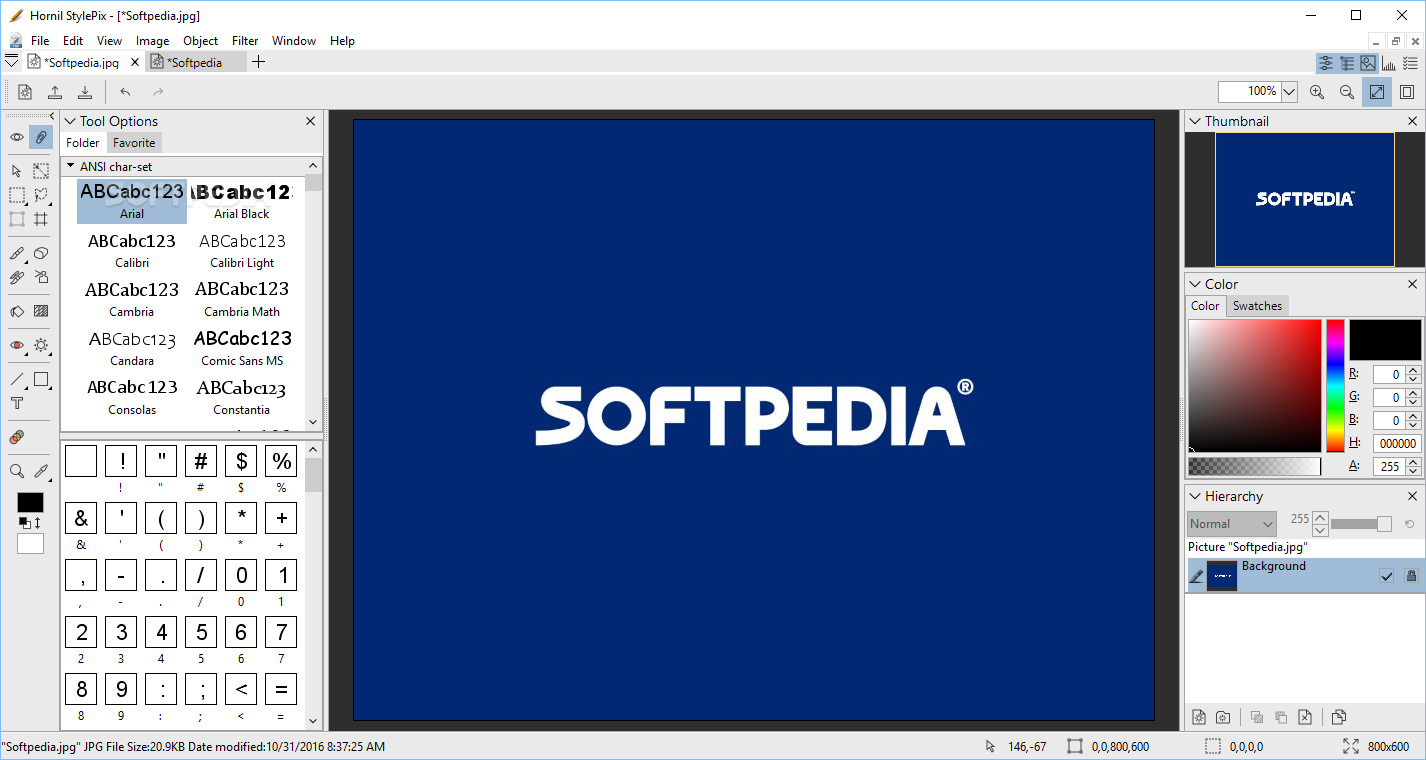
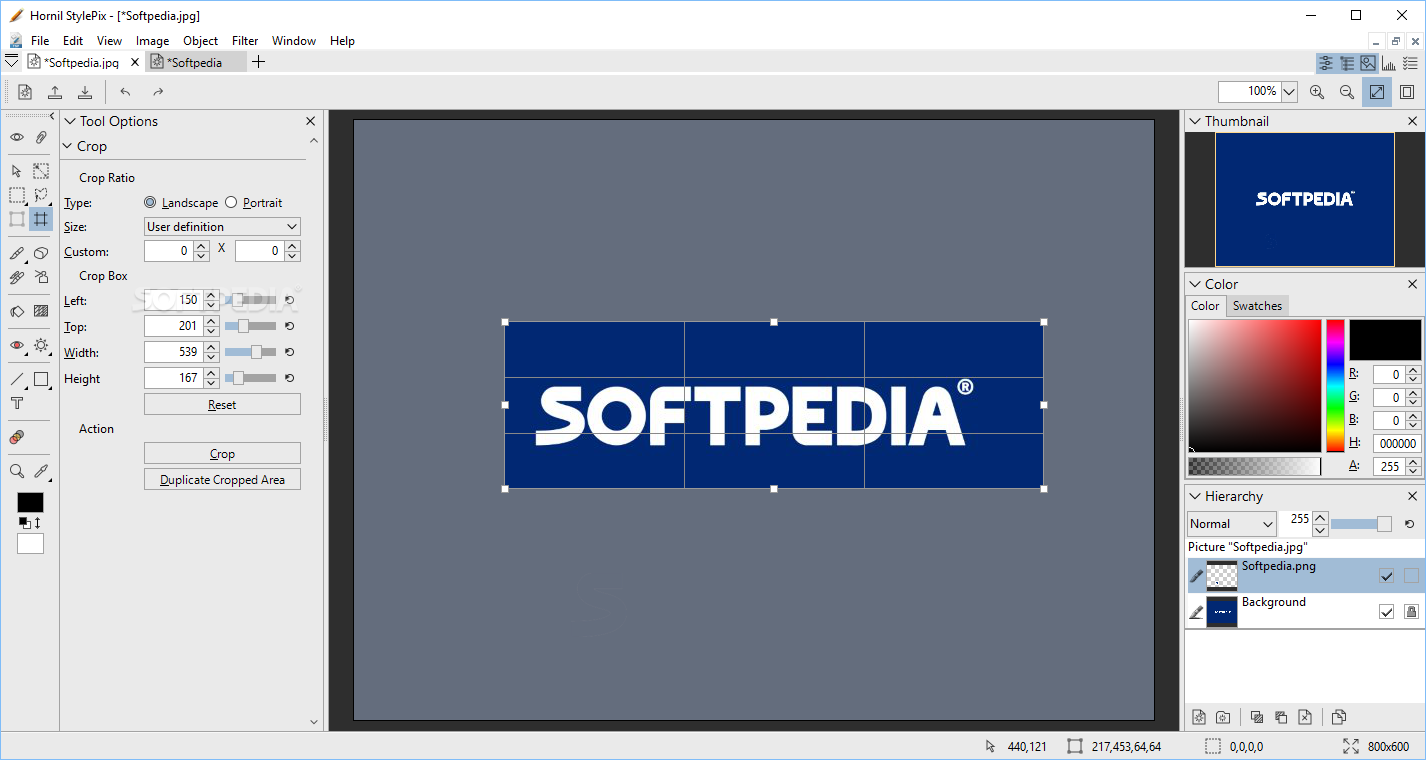
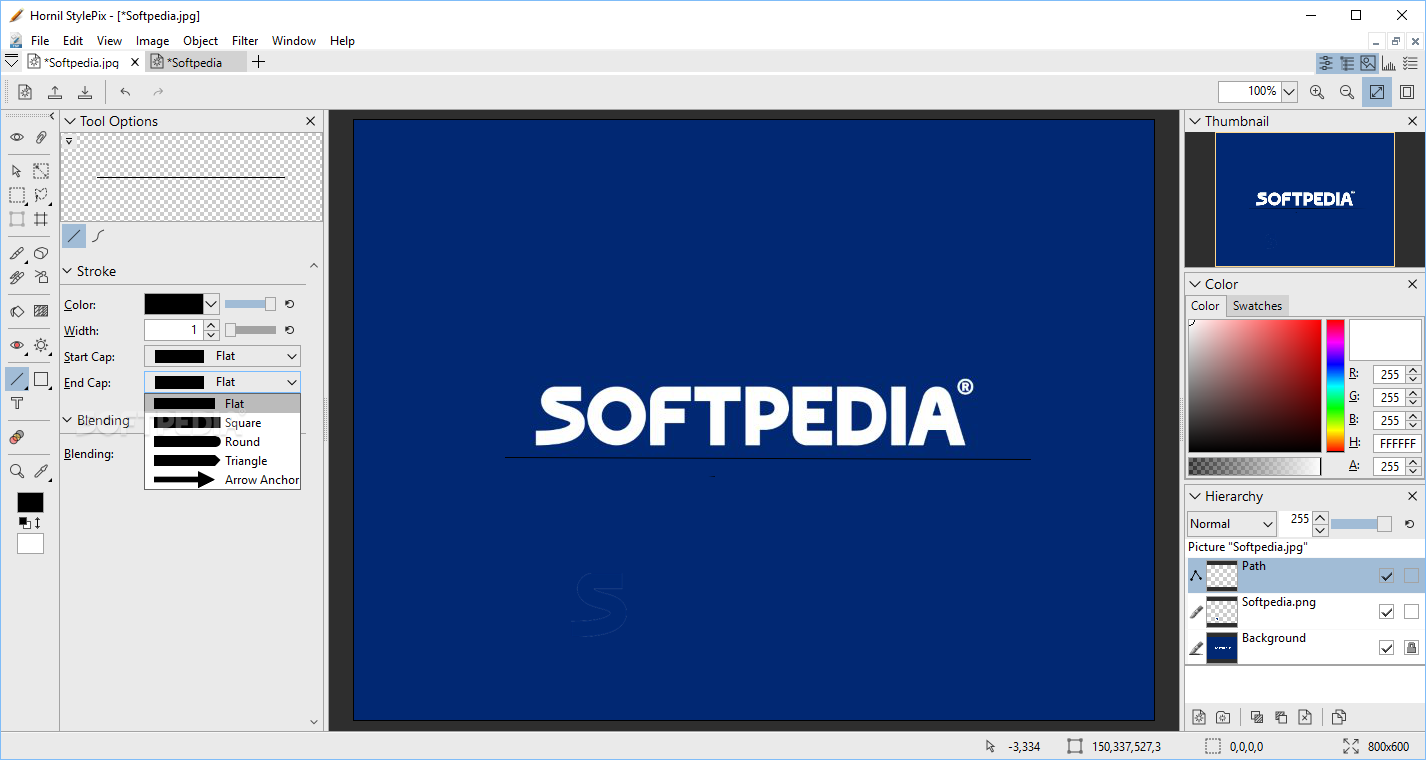
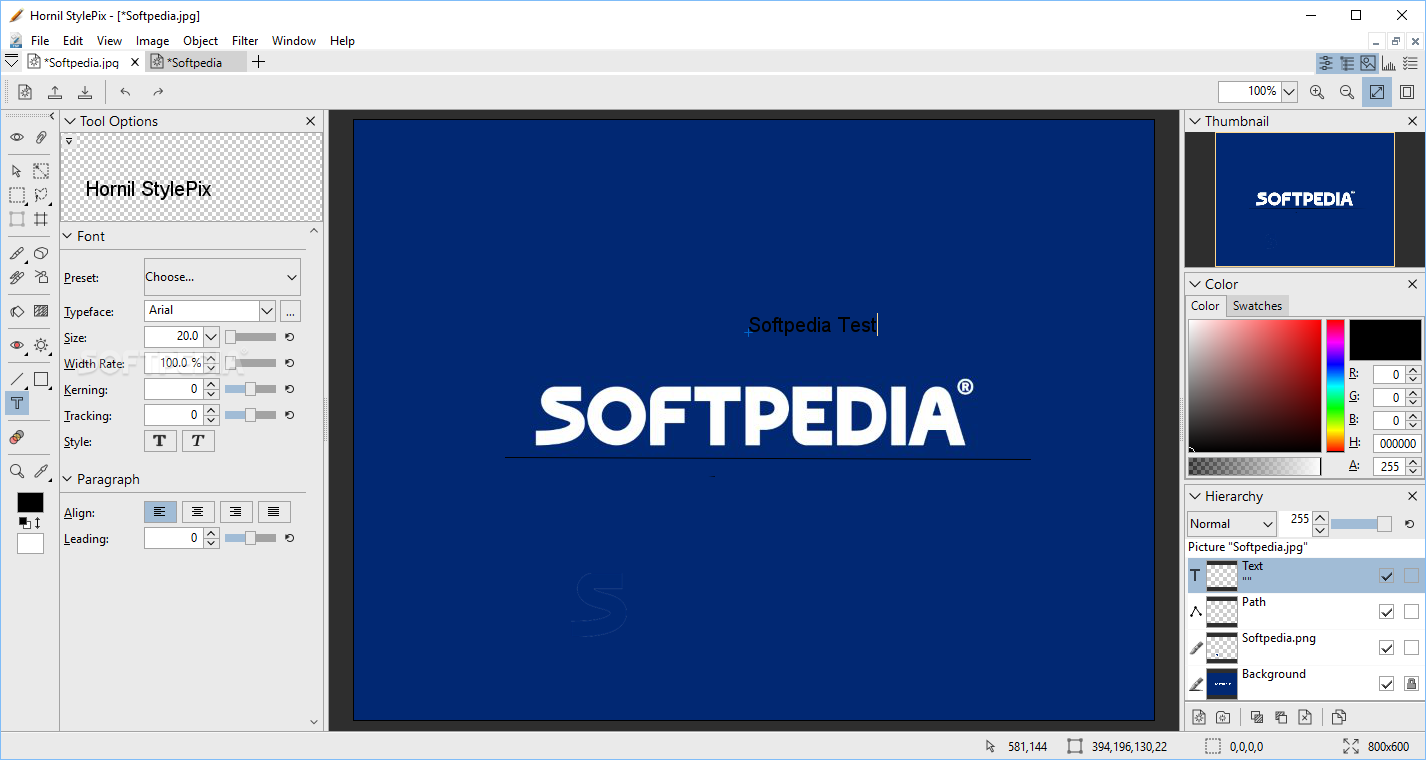
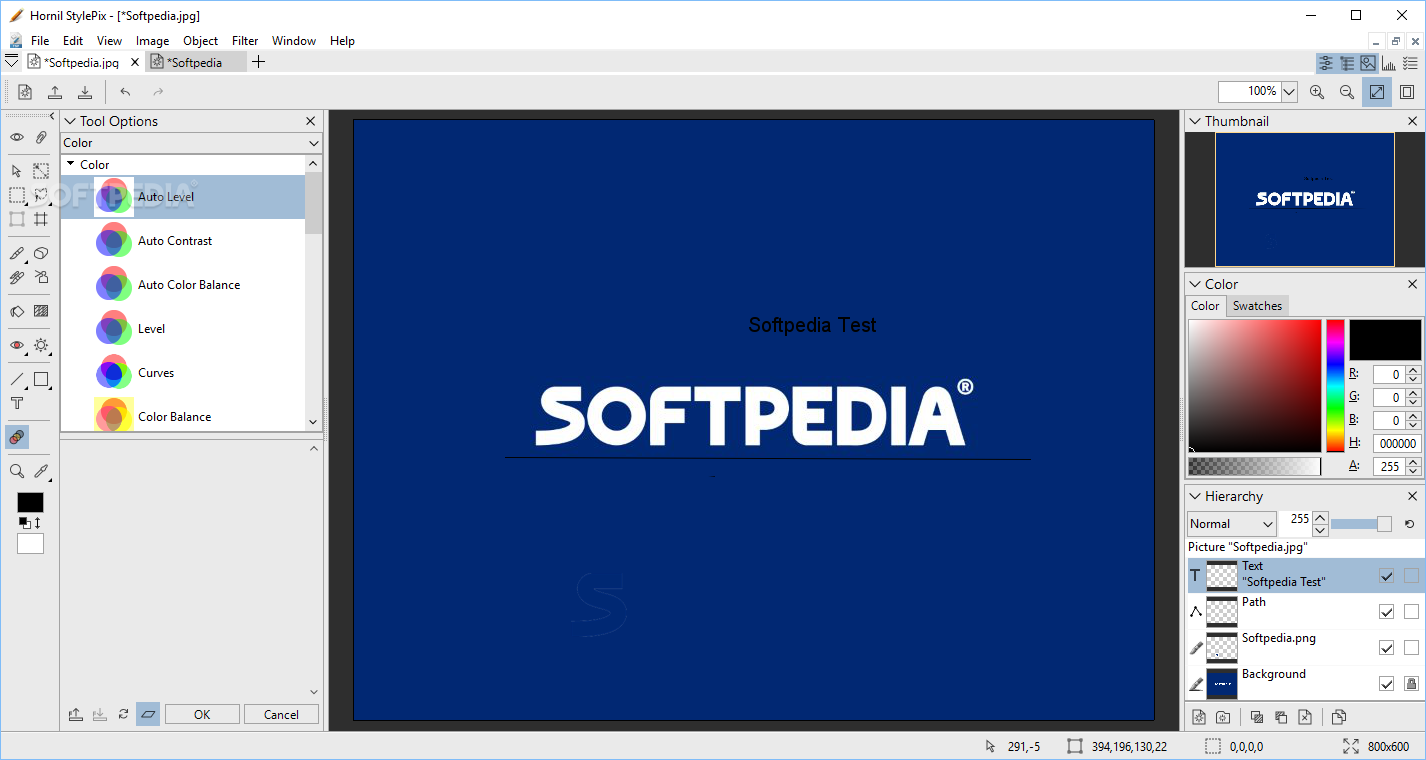
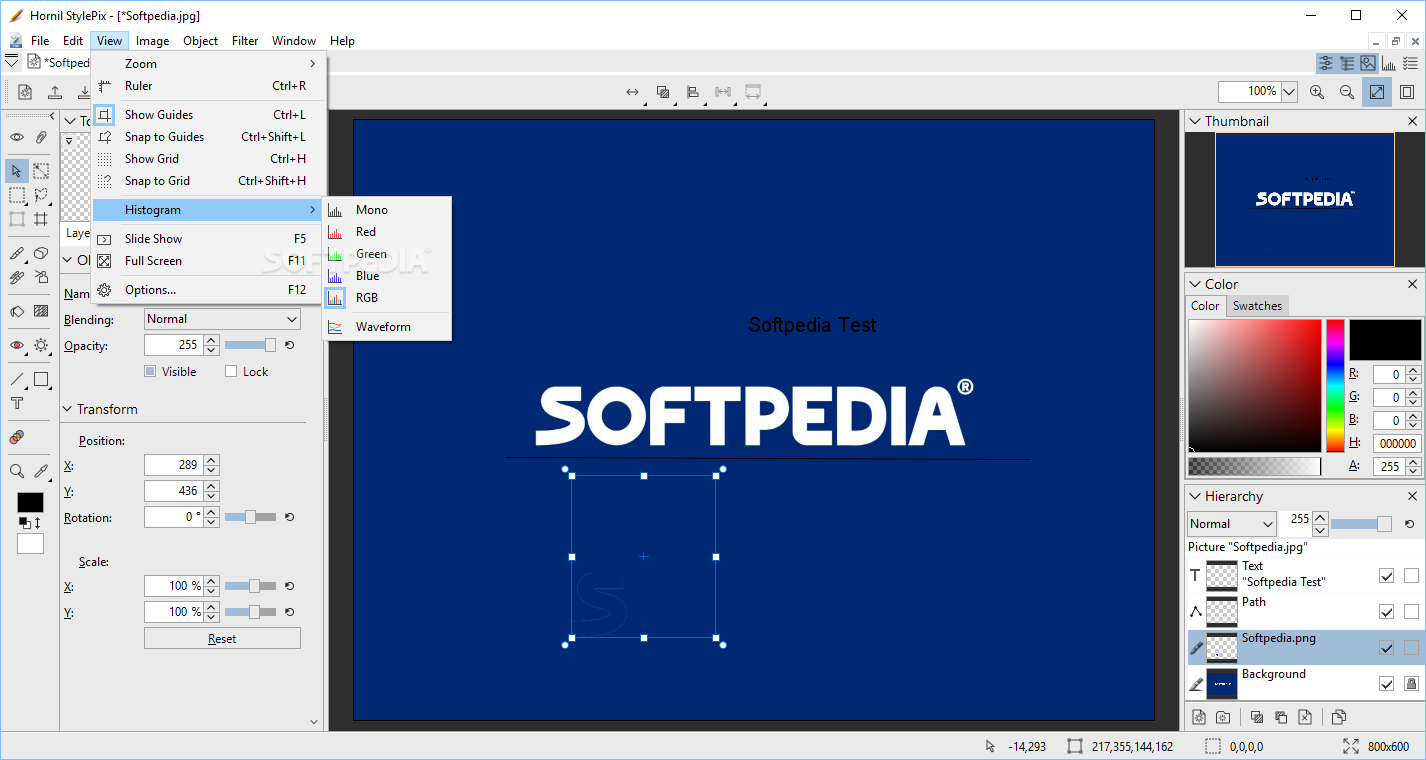
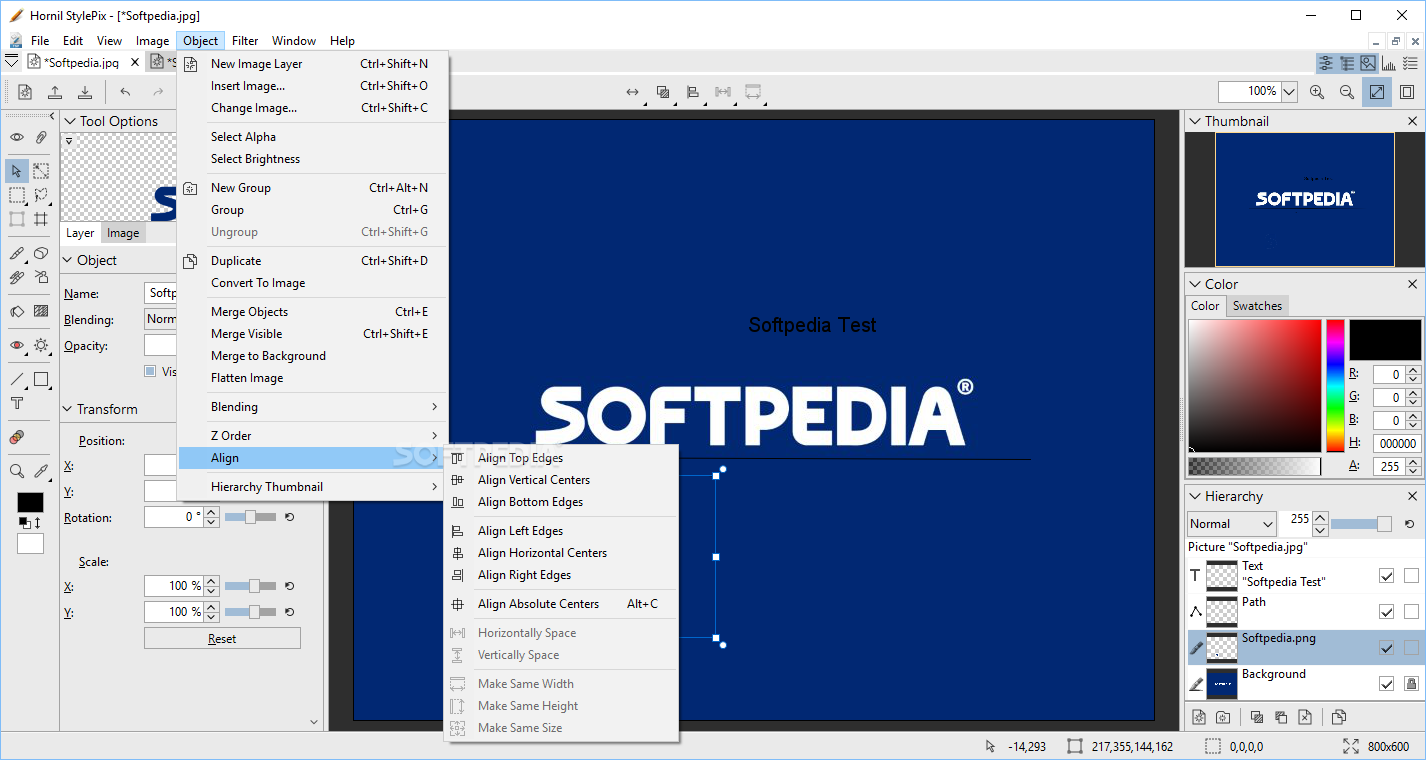
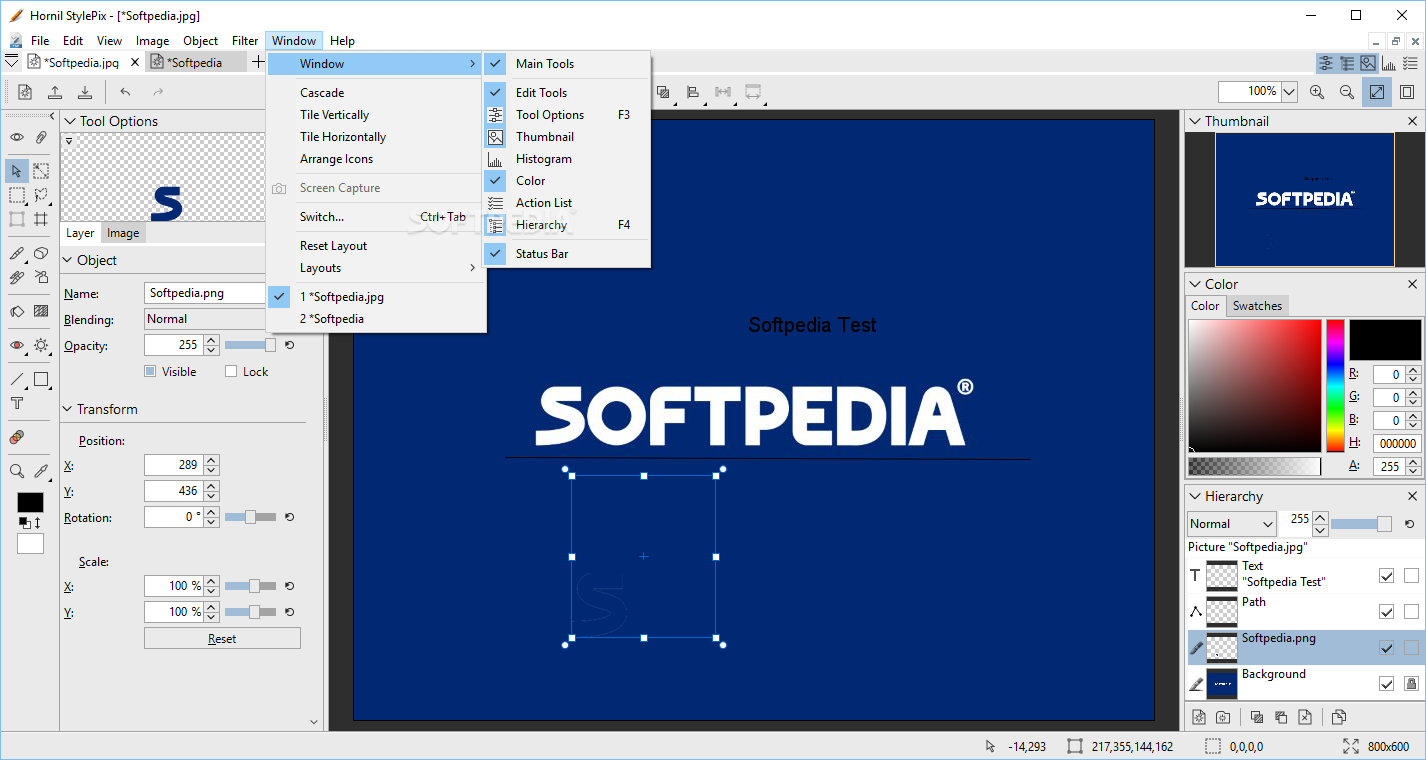
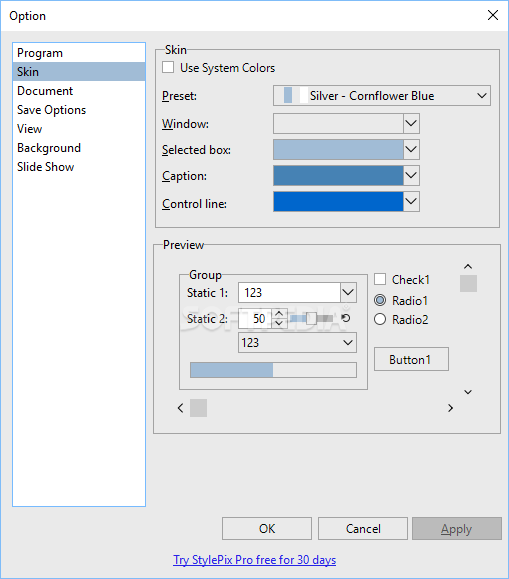
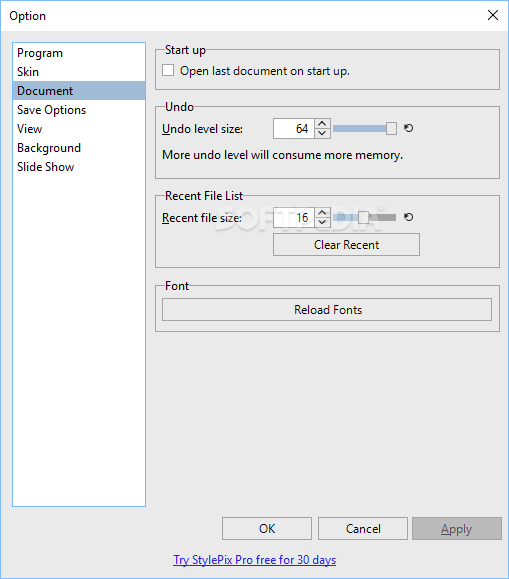
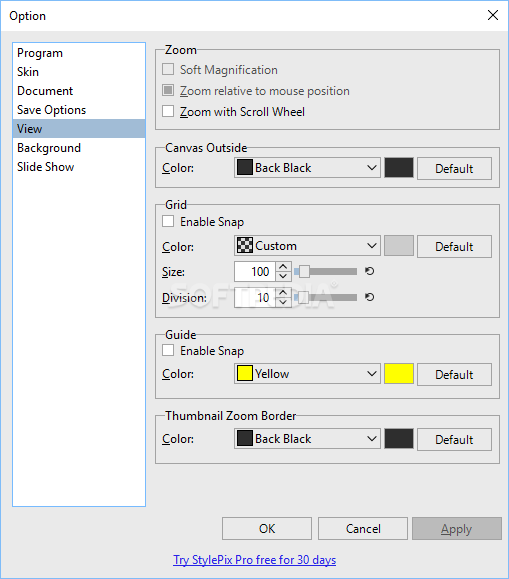
The application has an intuitive interface that is filled with dozens of tools that can come in handy throughout the process.
The graphic editing program has some obvious advantages over other similar apps, such as the low impact on the computer’s resources. This means that it moves fast and doesn’t slow down the entire system.
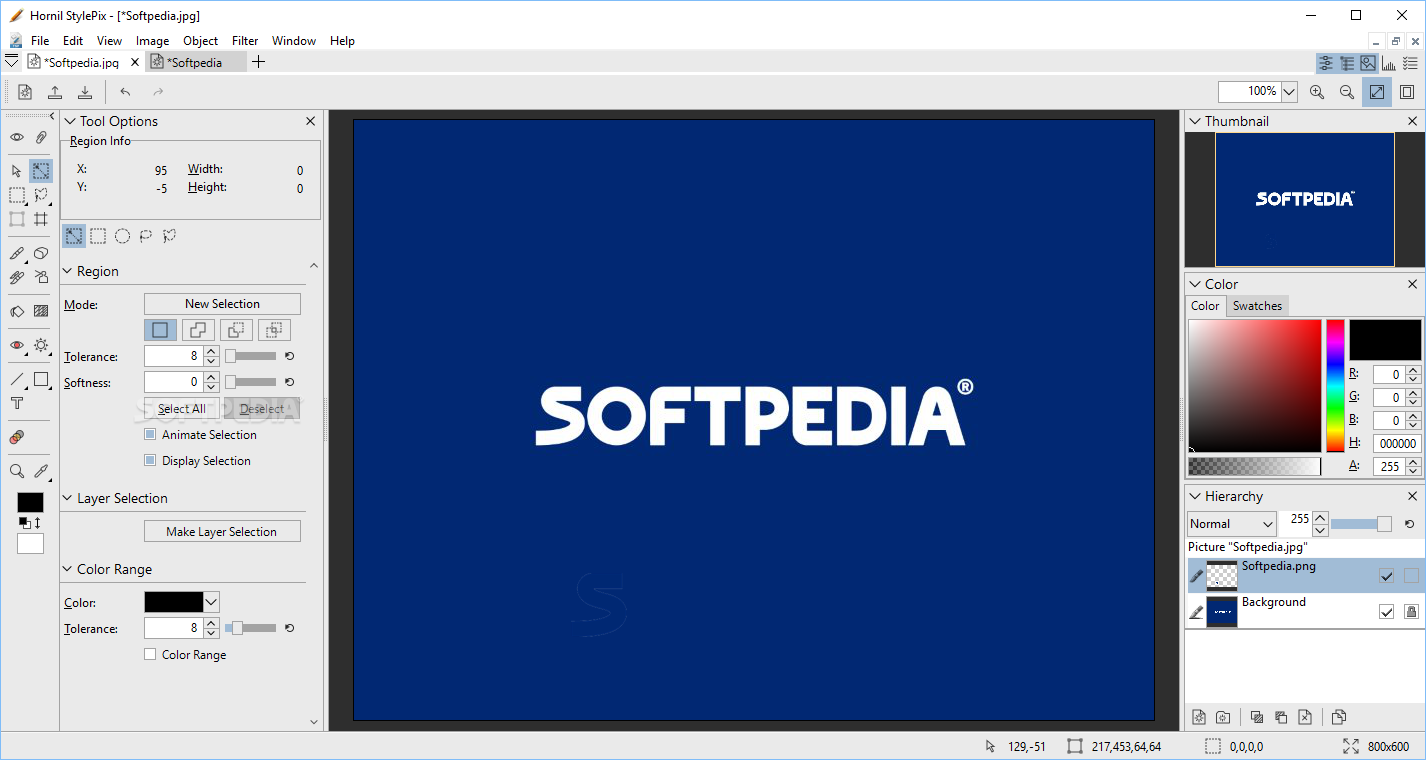
As mentioned, Hornil StylePix has several advanced tools placed into an individual bar. For instance, you can make selections with two types of lassos (free and polygonal), as well as with a rectangle or circle.
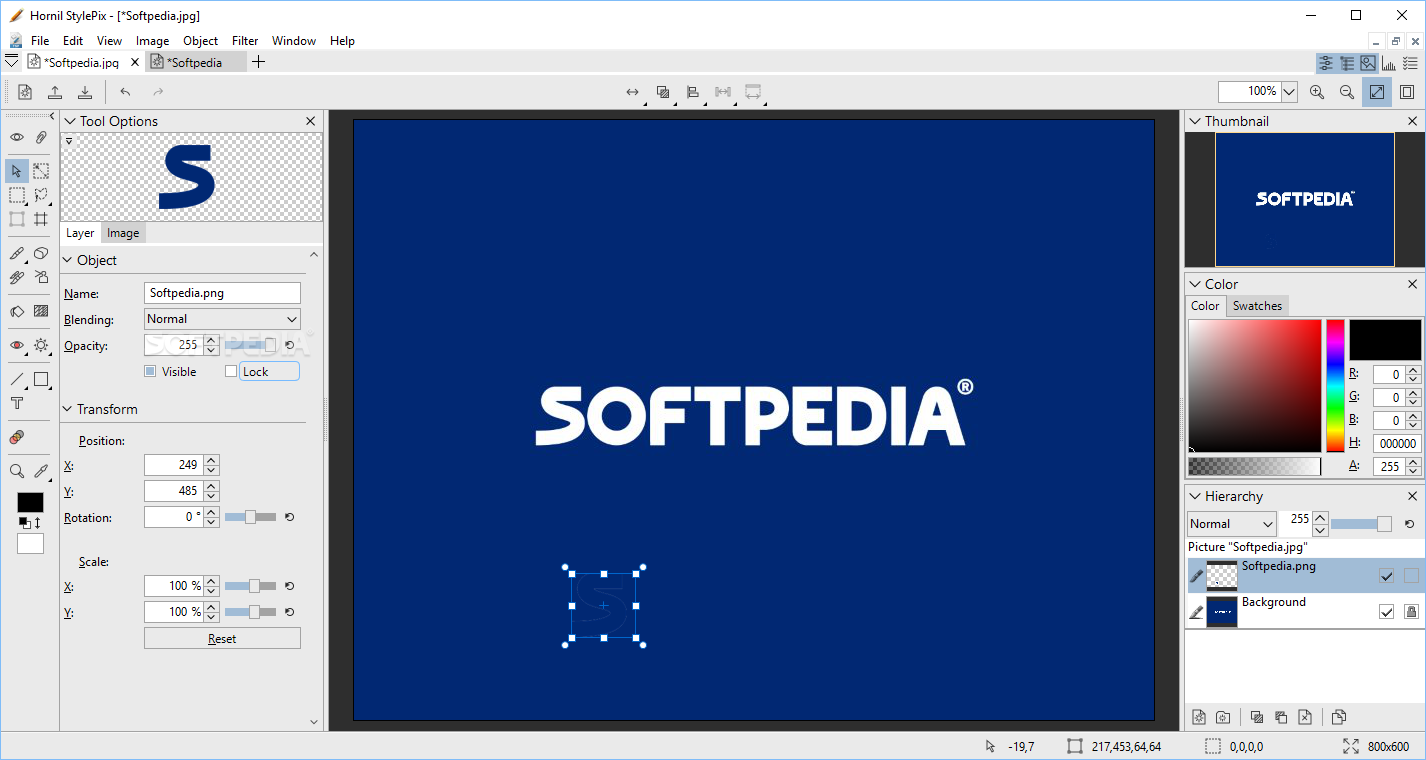
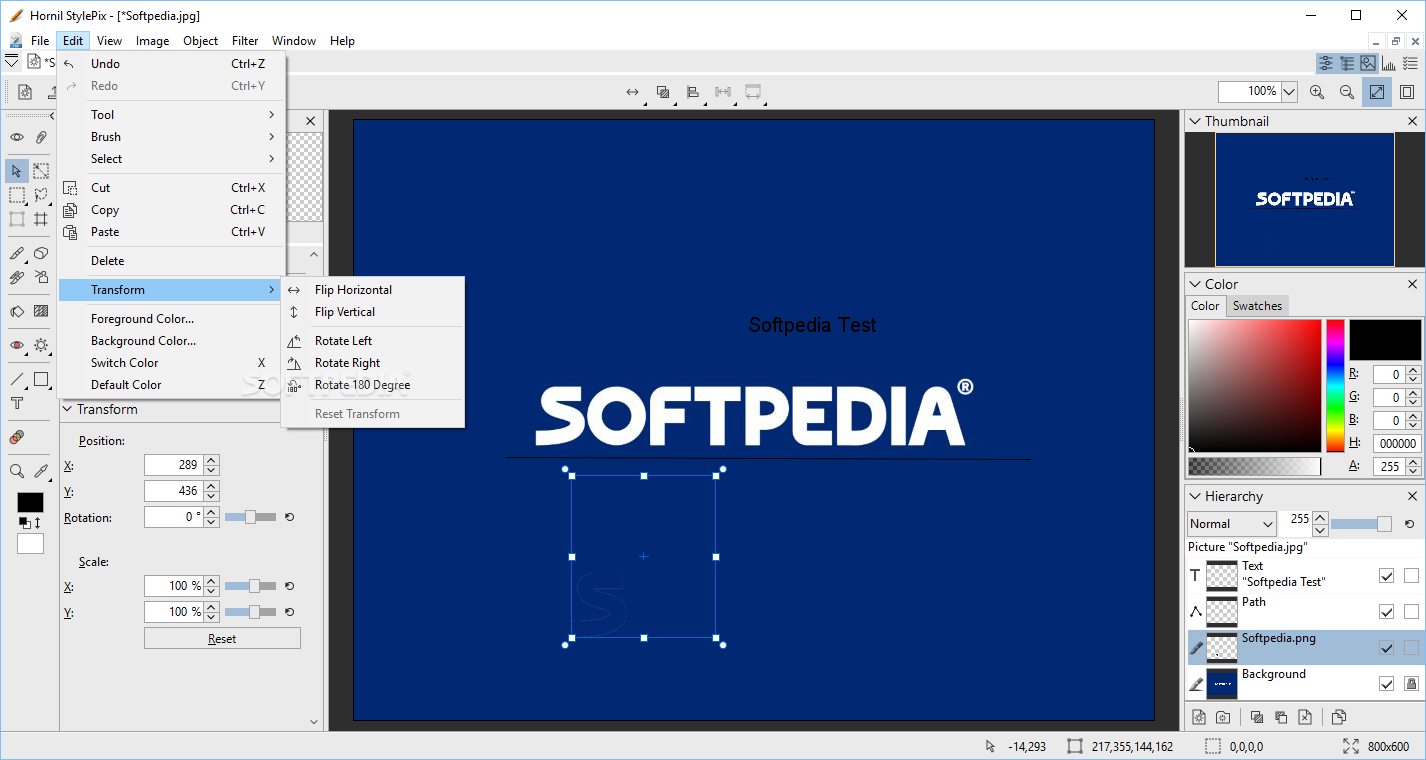
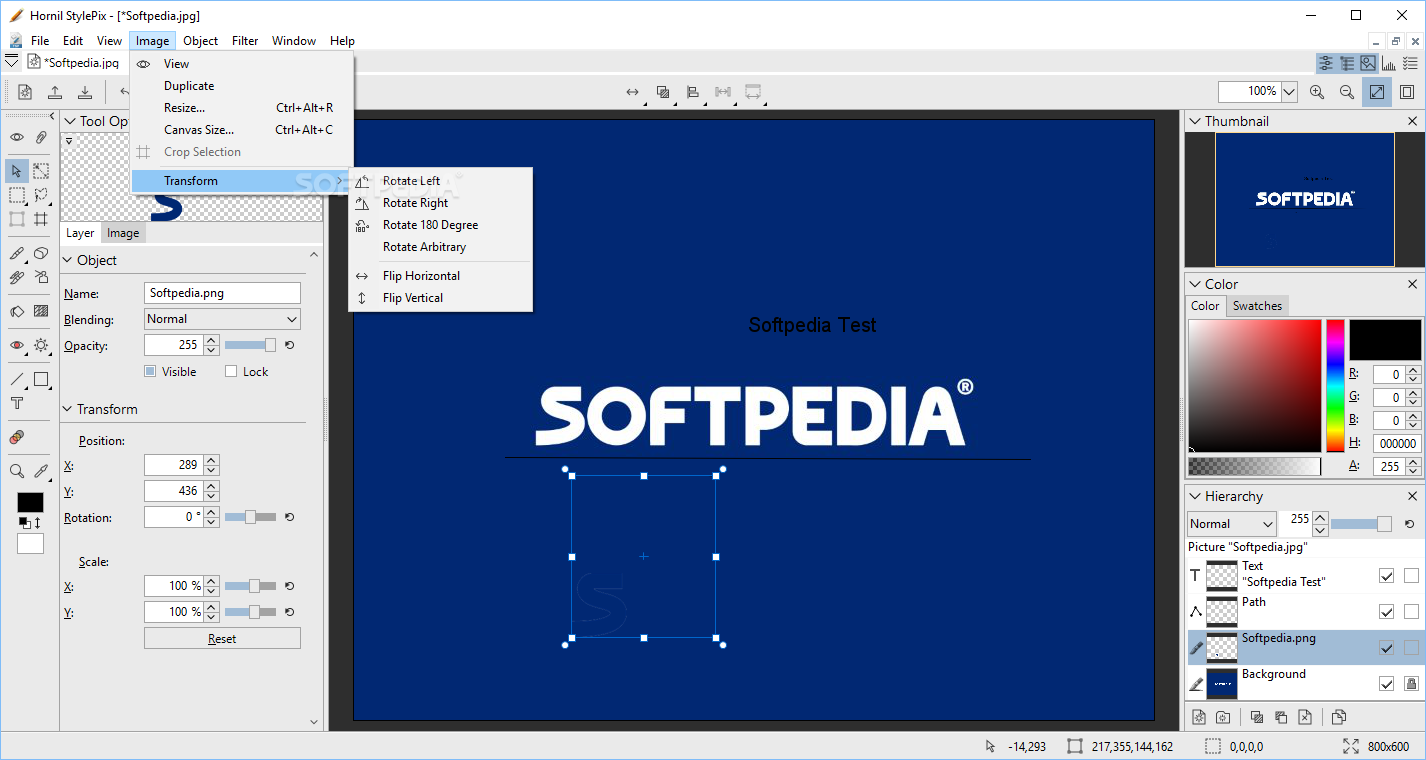
The program also has transformation options, which are used to scale, rotate, skew and distort the perspective of any graphic you’re working on.
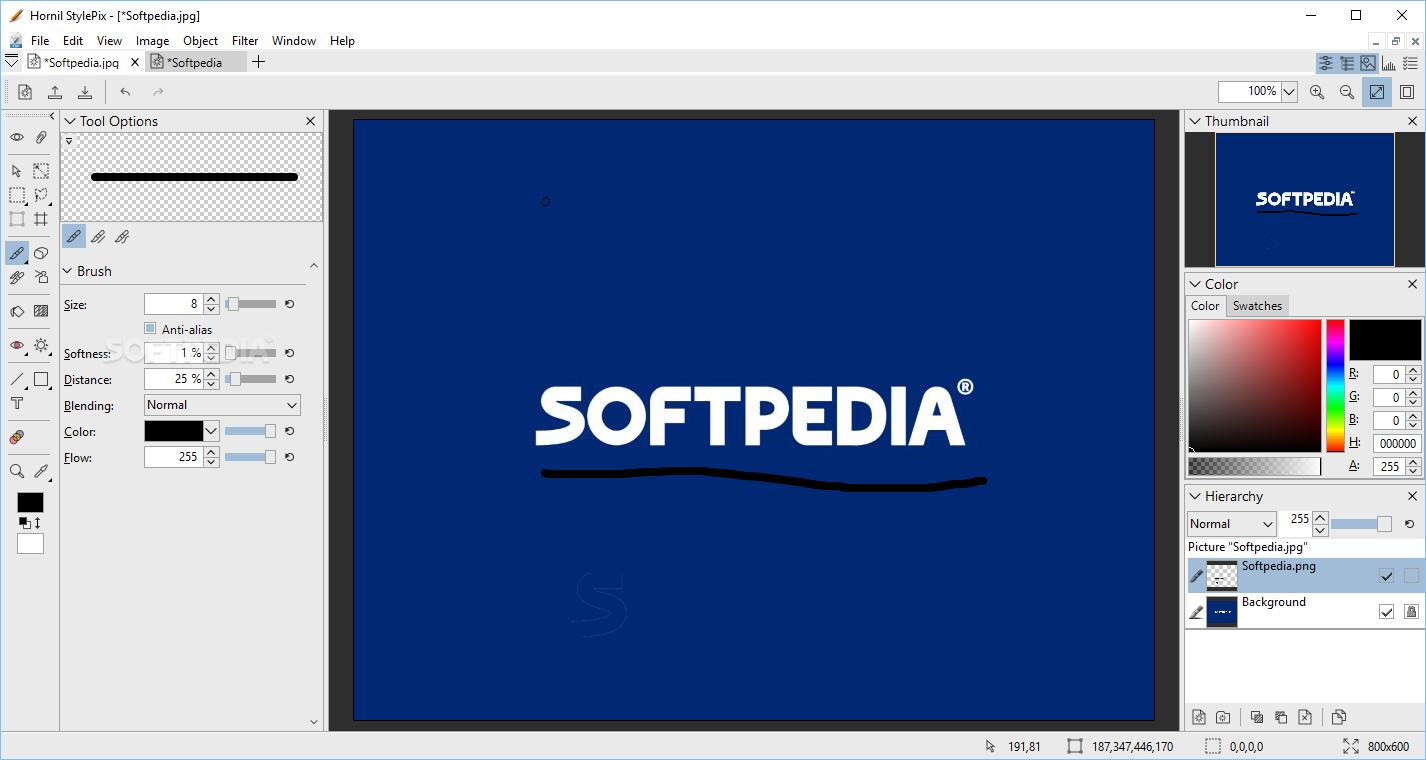
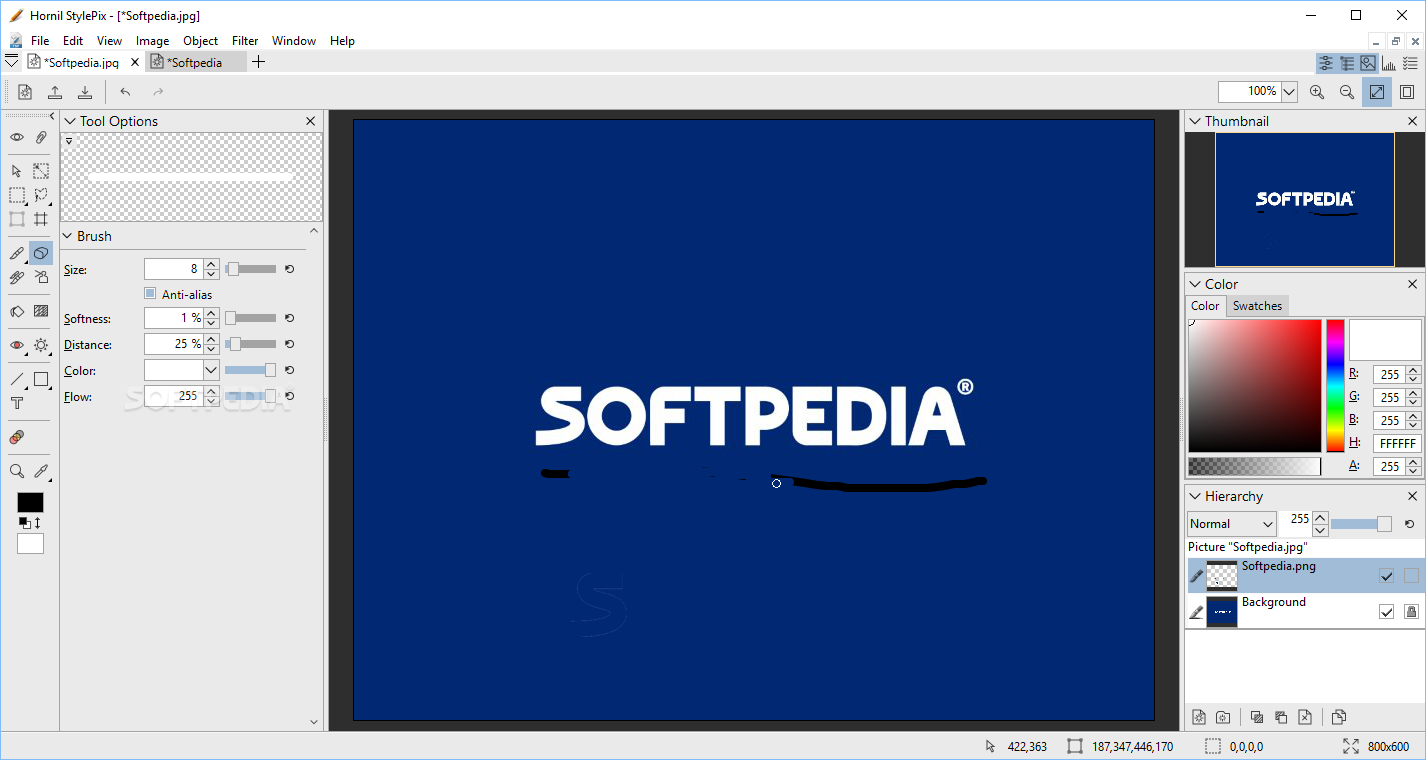
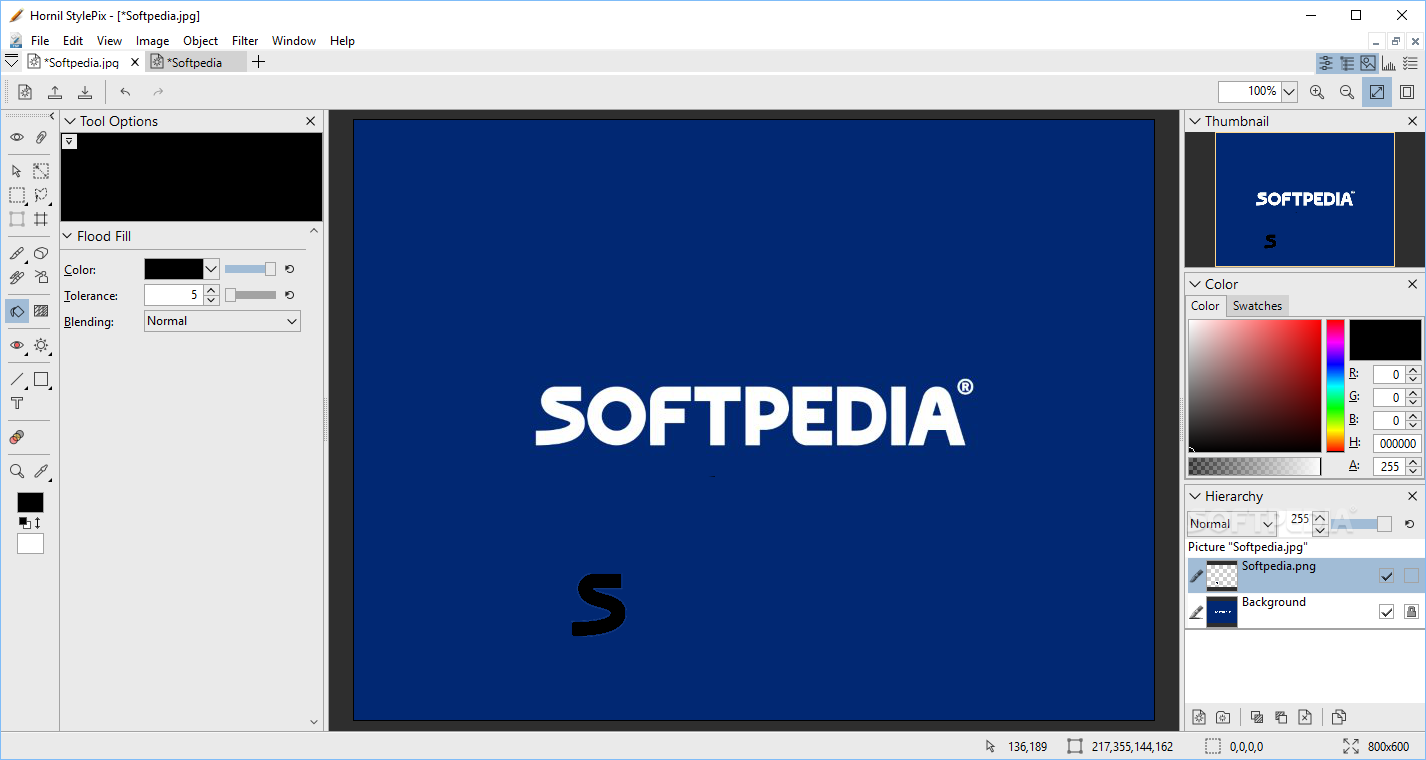
There is a variety of drawing tools, such as Brush, Eraser, Spray, Clone-brush, Line, Rectangle and Circle. Flood and gradient fill are also supported, along with twenty different types of blending modes, like Darken, Multiply, Linear Burn, Color Burn, Lighten, Screen, Dodge, Overlay, Soft Light and Exclusion, just to name a few.
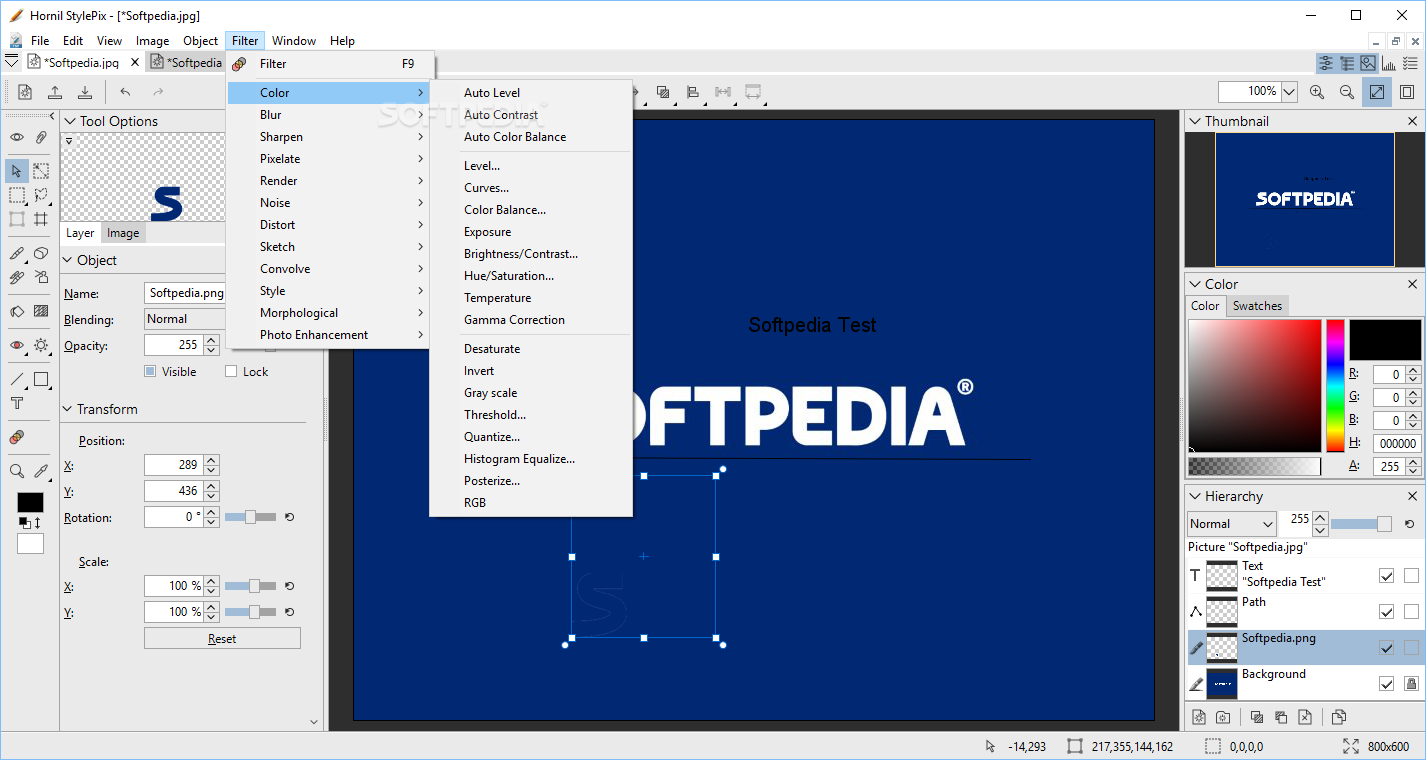
An extensive list of filters is also available; it includes items such as Color adjustment, Sharpen and Blur, Mosaic, Noise, Style, Rendering and Distort. The app comes with layer support, which means you can edit each item individually, with more ease.
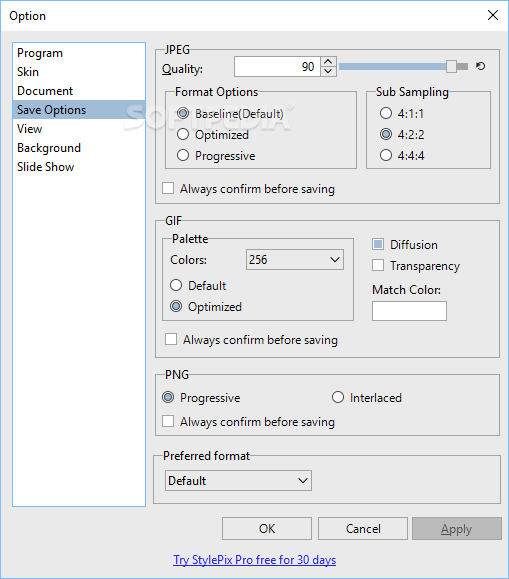
All images can be saved to several file formats, such as PNG, JPG, BMP, TIF, GIF, TGA and TSP, a type native to the app.
The bottom line is that Hornil StylePix is a nice program that can come in handy whenever you want to edit pictures. Despite the fact that the intuitive interface is very helpful when you want to learn the ins and outs of this editing tool, it wasn’t designed with inexperienced users in mind.
Similar features can be found in apps such as Photoshop. However, unlike the aforementioned program, Hornil StylePix is free of cost, which means that you should at least give it a try.
Download Hubs
Hornil StylePix is part of these download collections: Blur Image, Image Layer Editors
What's new in Hornil StylePix 3.0.7.0:
- Fixed the issue where the program would crash when changing the line style in the path tool.
- Additionally, some line styles have been added.
- Fixed an issue where the file name string was broken when opened from the recent file list.
Hornil StylePix 3.0.7.0
add to watchlist add to download basket send us an update REPORT- PRICE: Free
- portable version
- Hornil StylePix Portable
- runs on:
-
Windows 11
Windows 10 64 bit - file size:
- 20.8 MB
- filename:
- HornilStylePix3.0.7.0Setup.exe

- main category:
- Multimedia
- developer:
- visit homepage
7-Zip

Windows Sandbox Launcher

Bitdefender Antivirus Free

IrfanView

Zoom Client

calibre

paint.net

Microsoft Teams

ShareX

4k Video Downloader

- Microsoft Teams
- ShareX
- 4k Video Downloader
- 7-Zip
- Windows Sandbox Launcher
- Bitdefender Antivirus Free
- IrfanView
- Zoom Client
- calibre
- paint.net