
Create stunning paintings and enhance them in a myriad of ways, all possible through this program, expressly designed to empower digital artists. #Image brush #Oil paint #Image editor #Sketchbook #Charcoal #Canvas

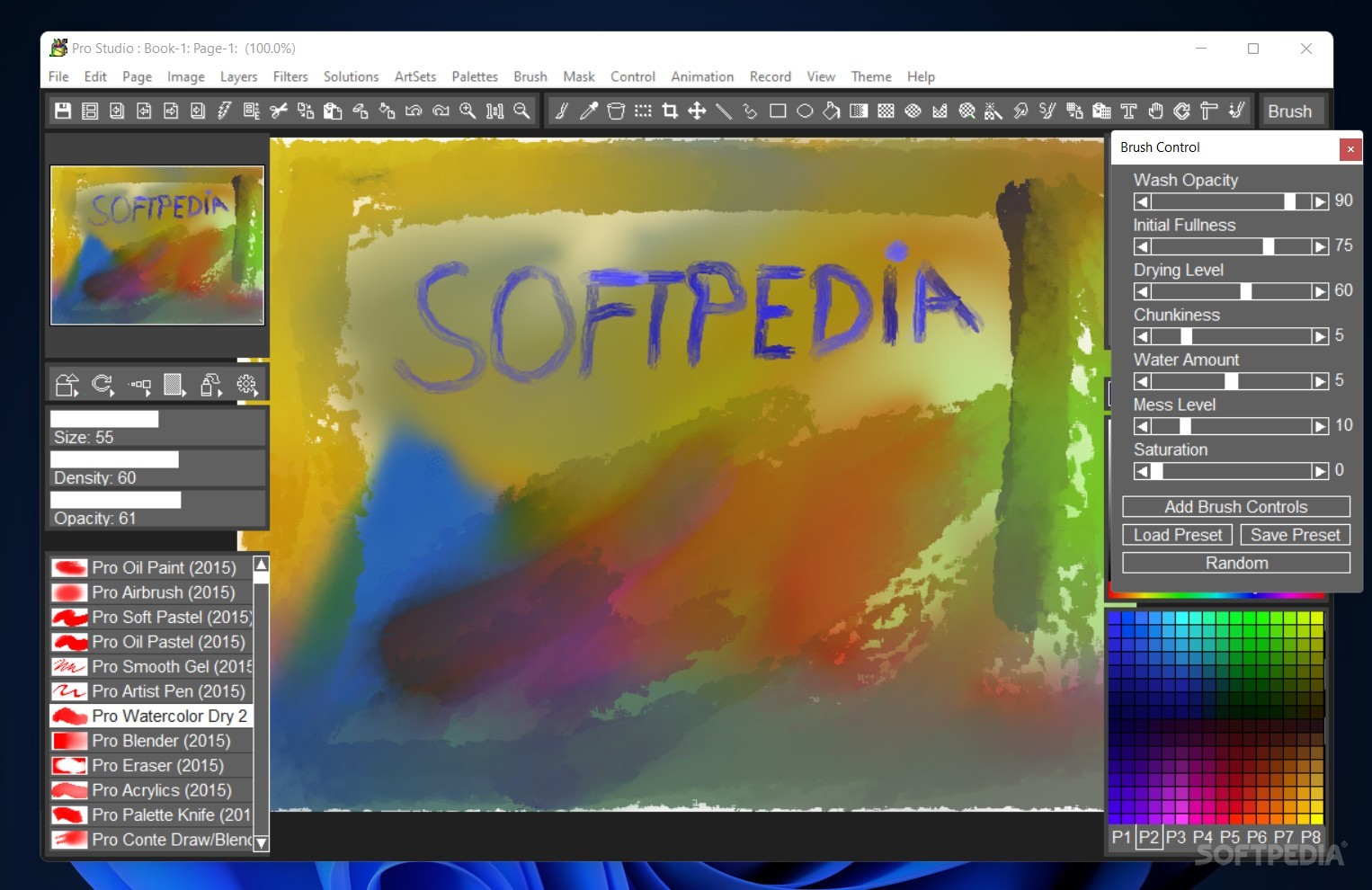
If you wanted to paint, you've most likely tried to do so in popular image editing programs. The brushes provided there are perfectly usable, and many great artworks were done that way.
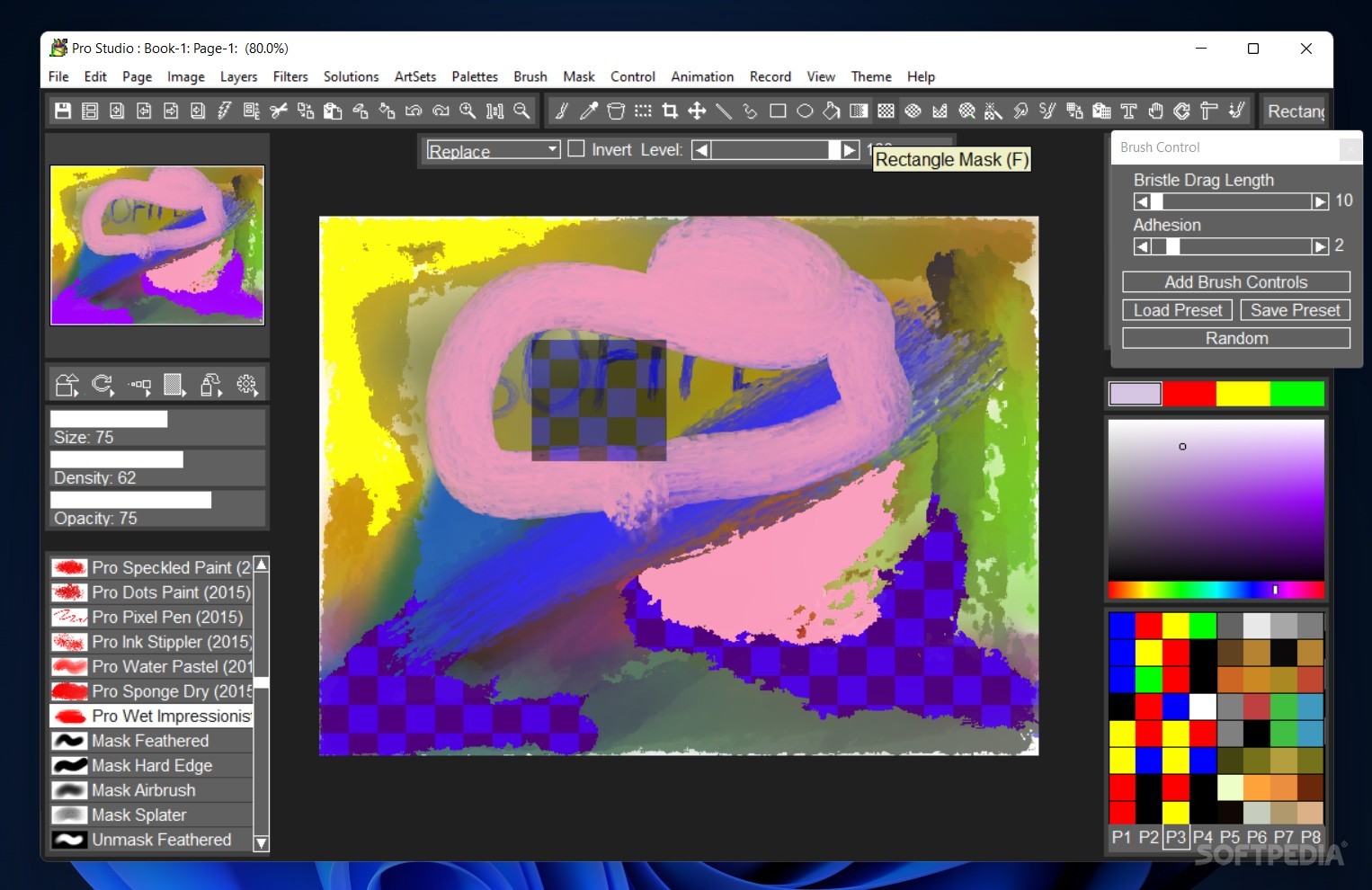
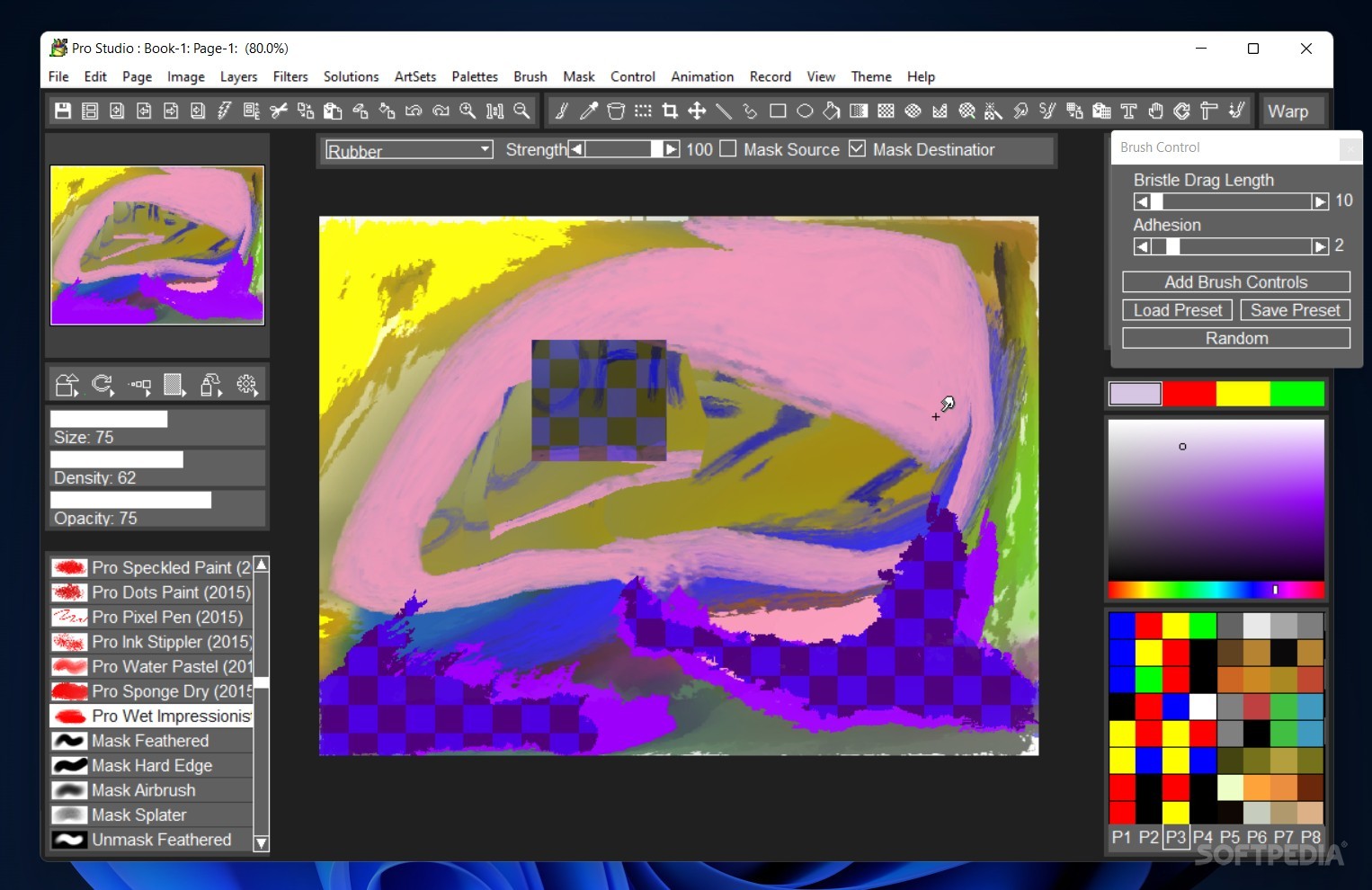
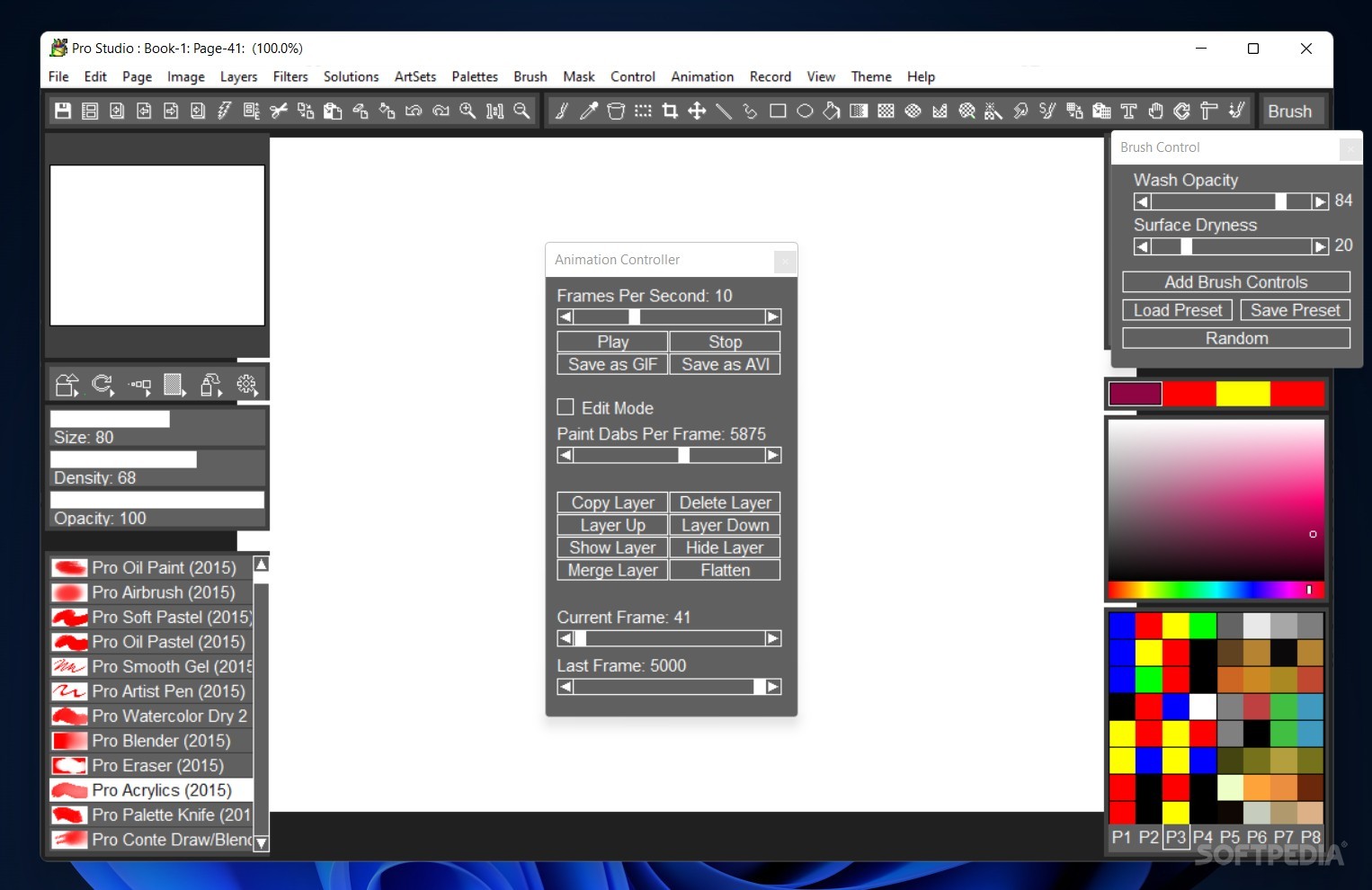
But if you wanted something more specialized, painting tools can offer some important functionalities you may have been looking for. Made solely for that purpose, TwistedBrush Pro Studio features lots of tools to enrich your artworks, such as realistic, fully customizable brushes, as well as various filters and effects to make them stand out more.
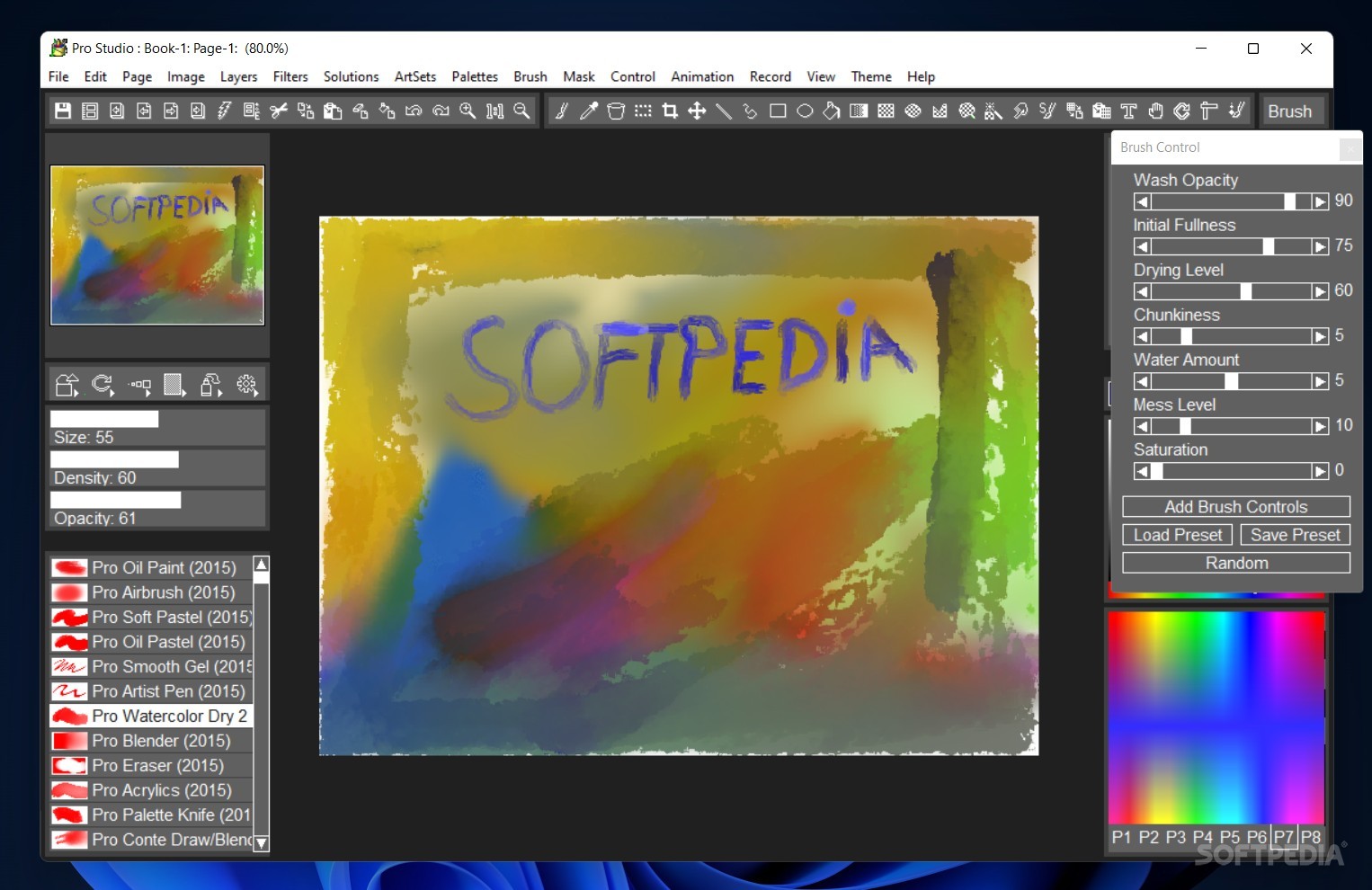
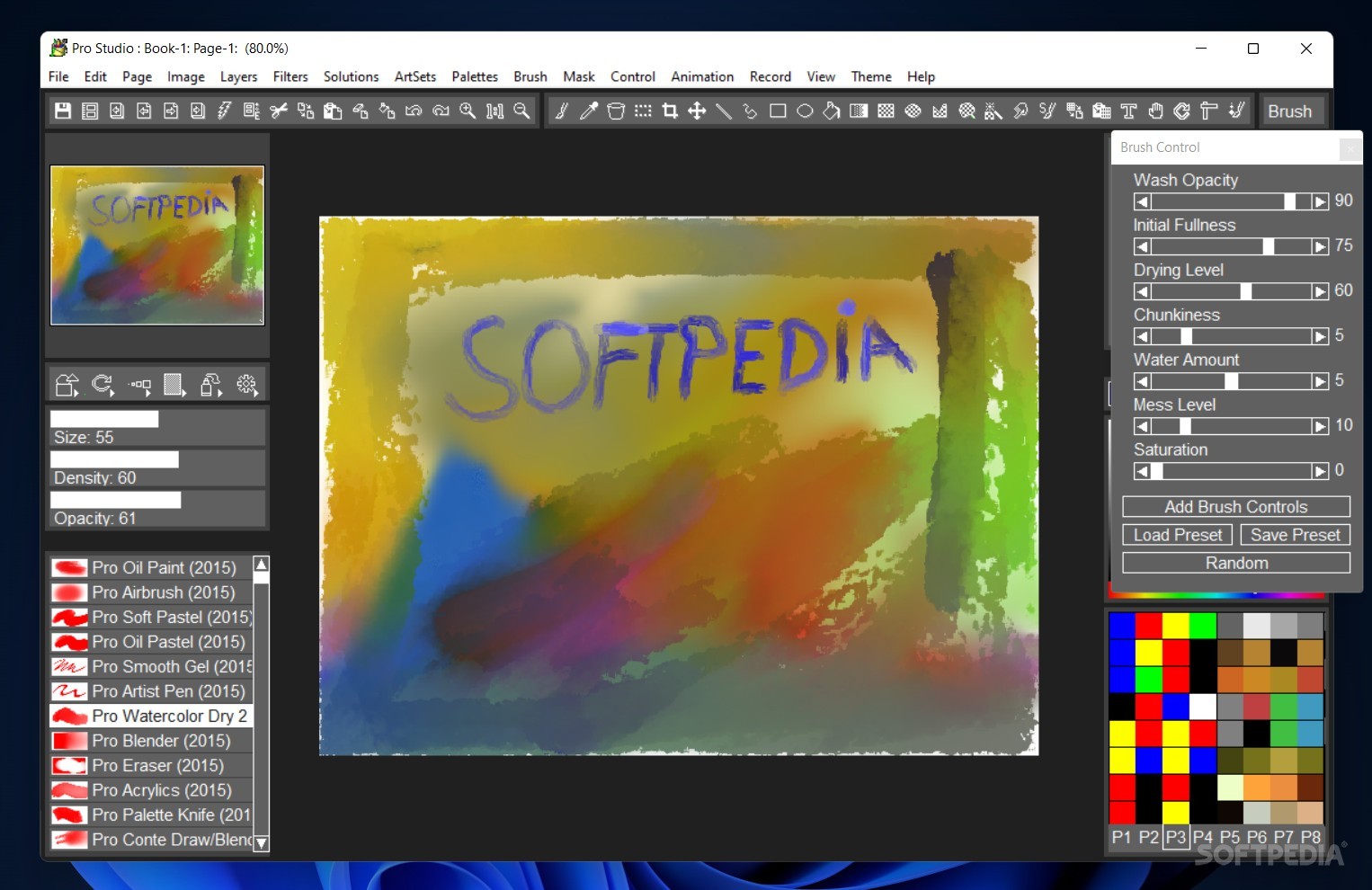
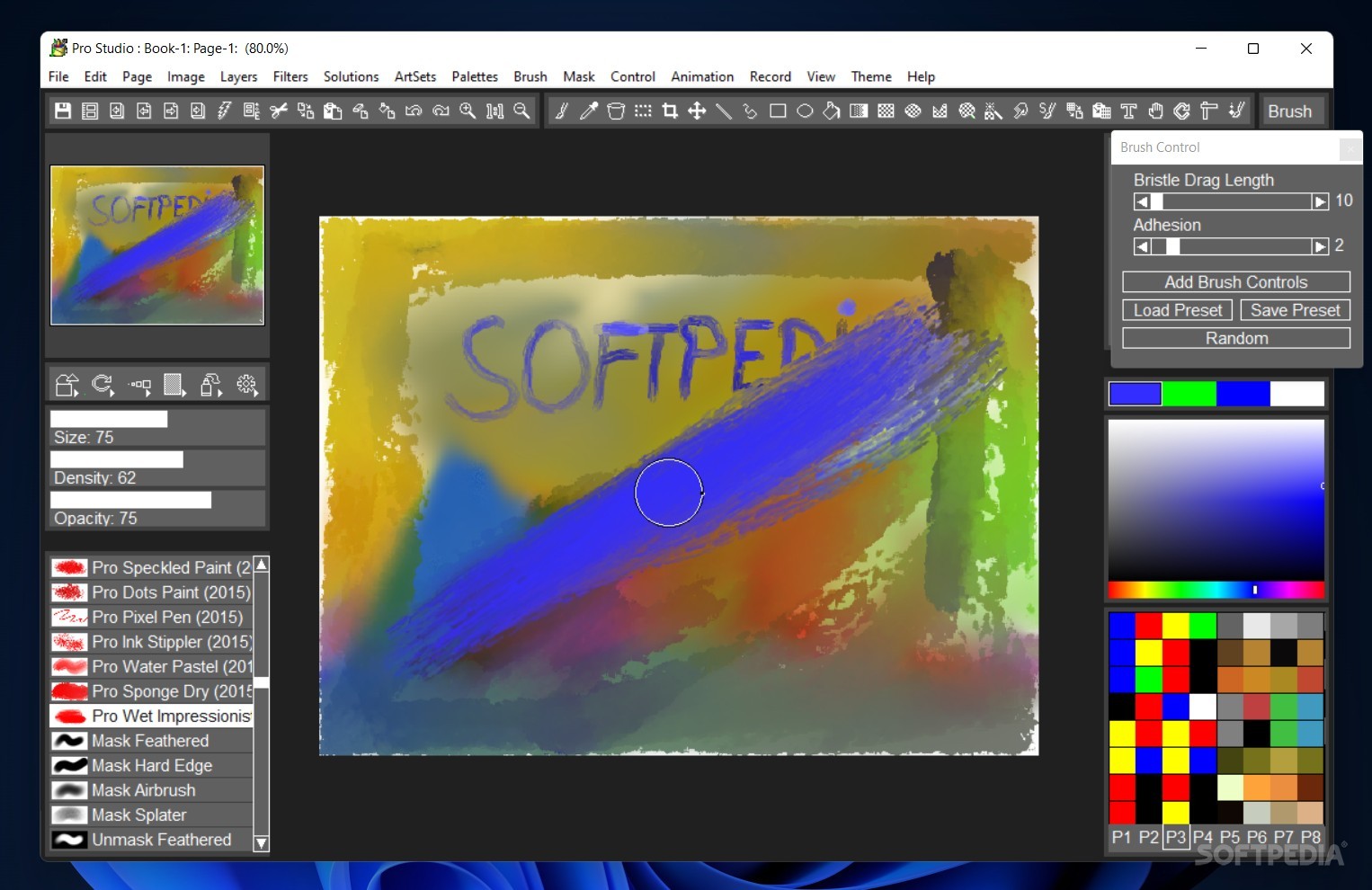
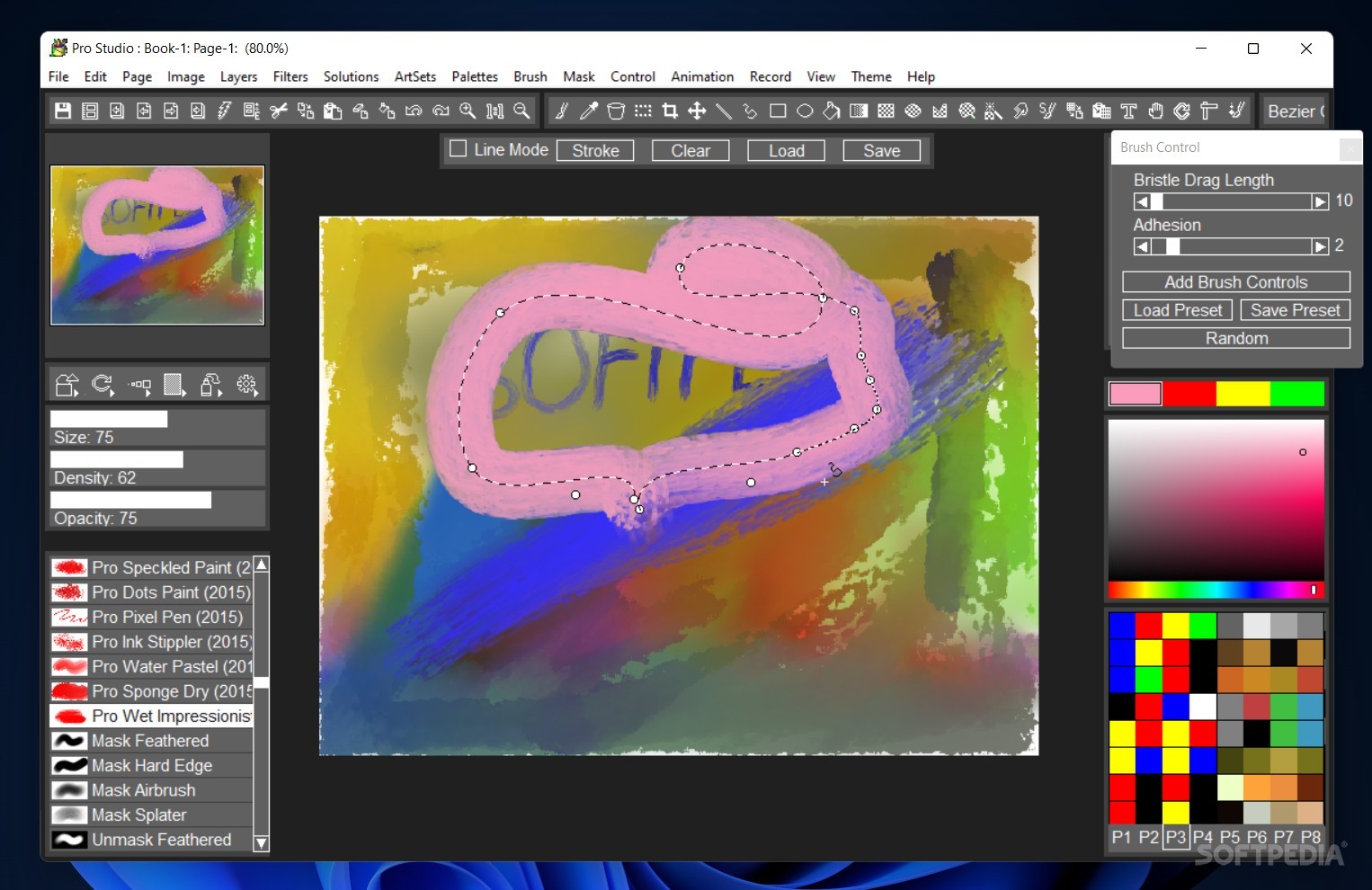
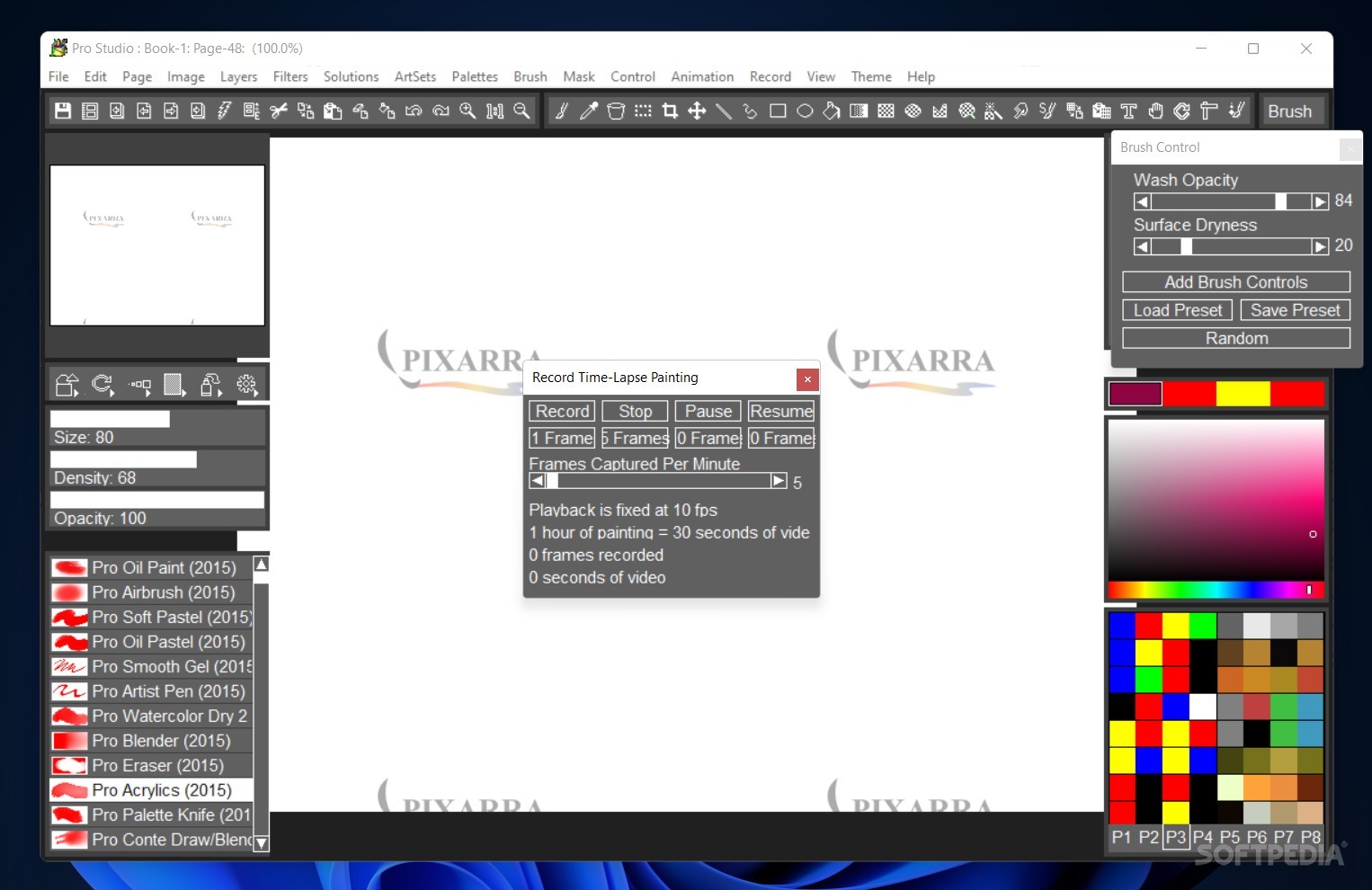
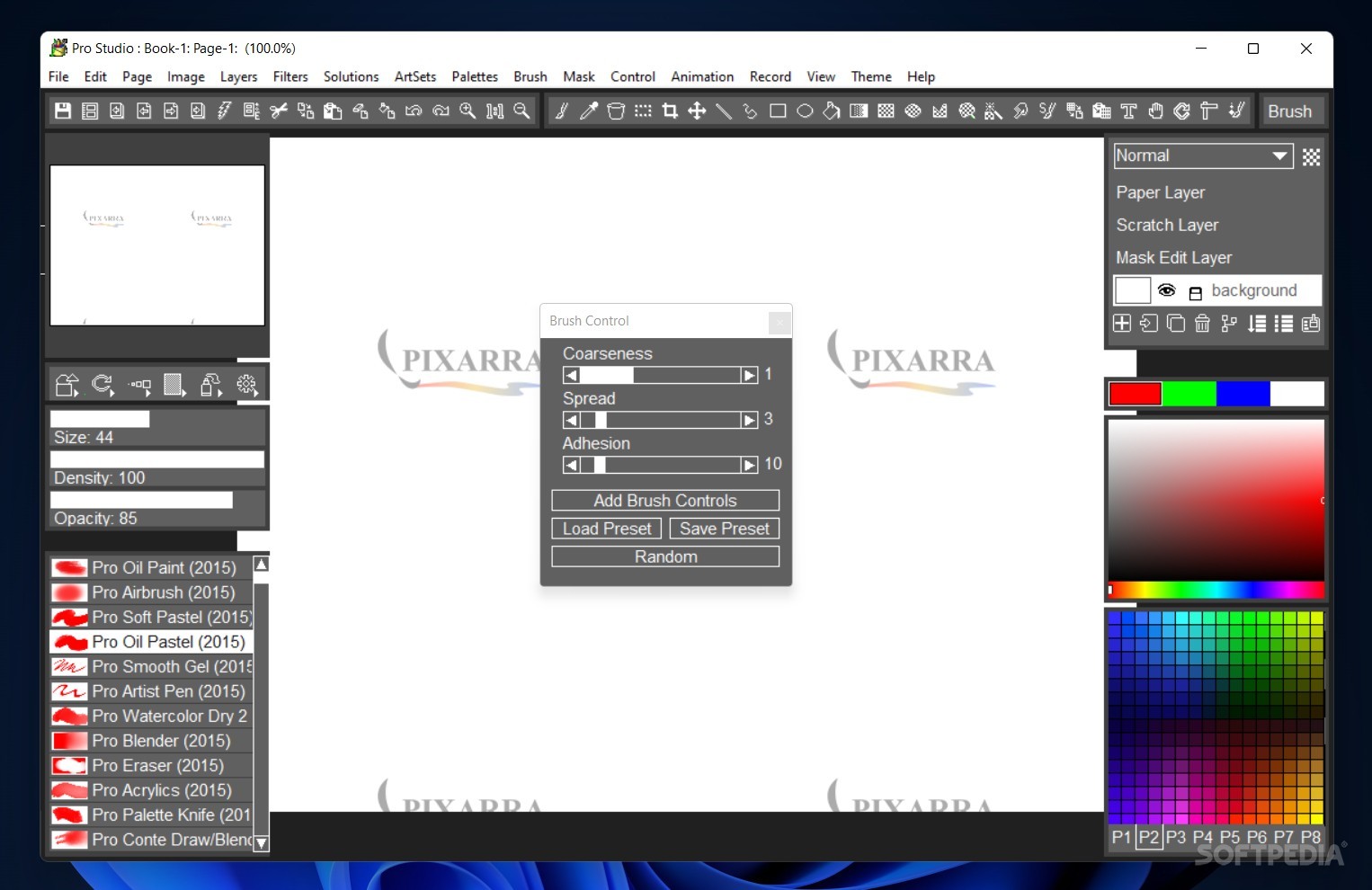
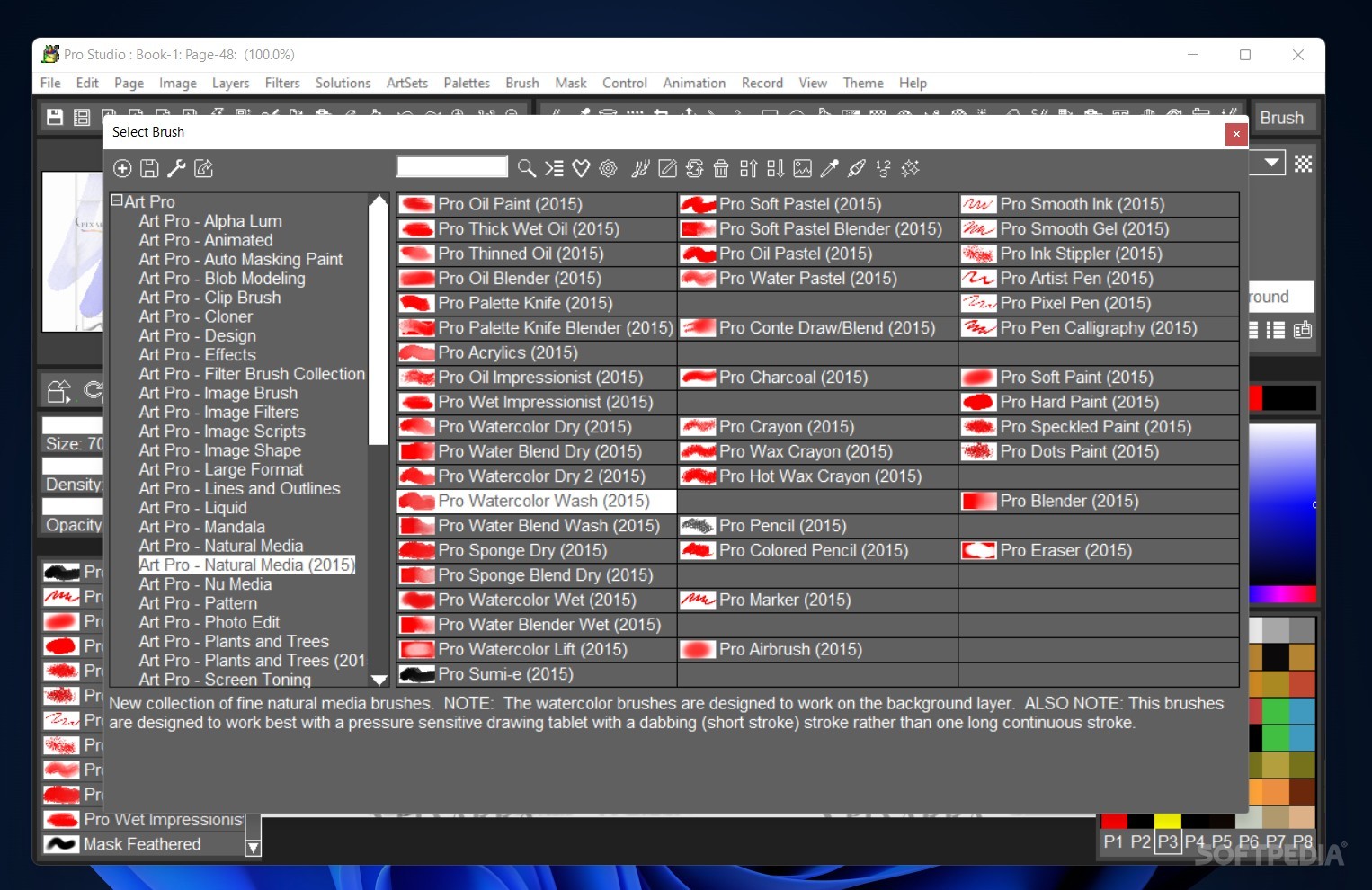
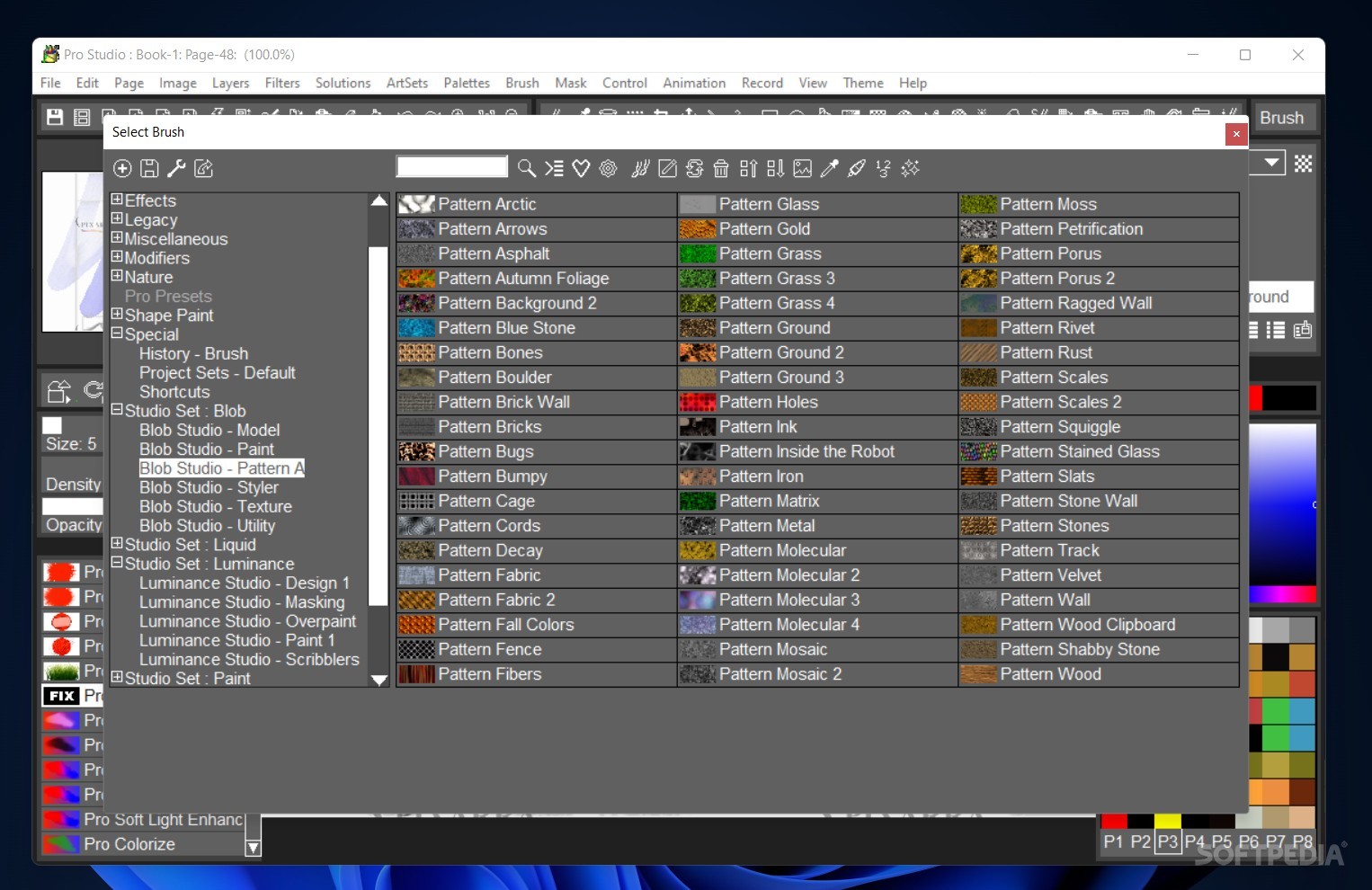
Picking up this app is easy: the first thing you'll notice is the numerous amount of brushes available to you, as well as the settings you can change to personalize them further.
After playing around for a while with what it has to offer, it became increasingly evident that this is software best used with a touchscreen or a graphic tablet. Considering that it seeks to mimic the real-life painting experience, this is a program that lends itself well to hardware of that sort.
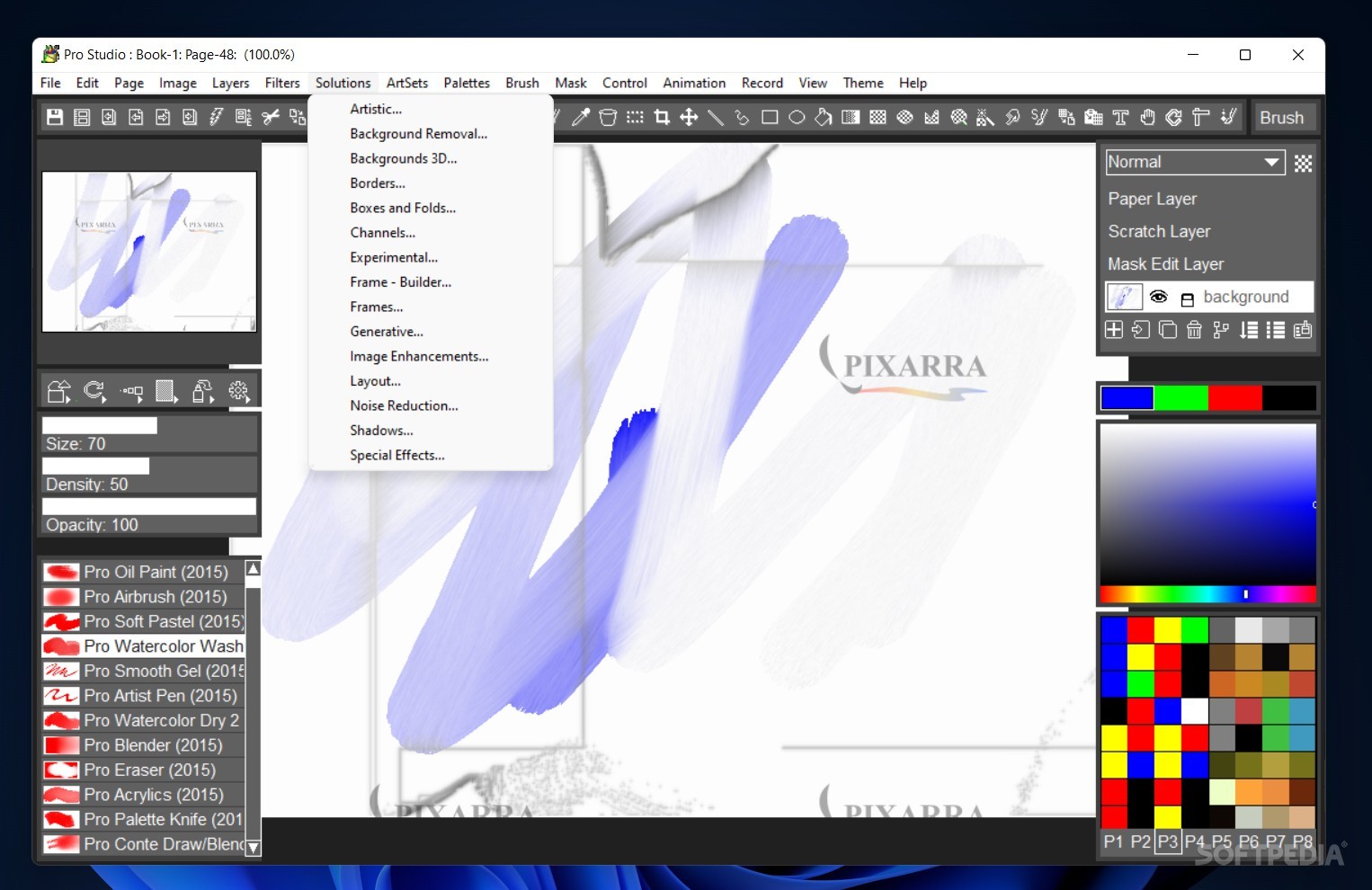
Still, drawing with the mouse, we had a pleasant experience: the brushes each have a distinct feel and texture to them, the watercolor and acrylics really feeling like the real thing.
If the initial selection of brushes wasn't to your liking, you should know that many others are available in ArtSets and that editing your current library is very easy to do. The variety is rather astounding: brushes for trees and foliage, toning, smoke and gases, large format, and many others are accessible through that menu.
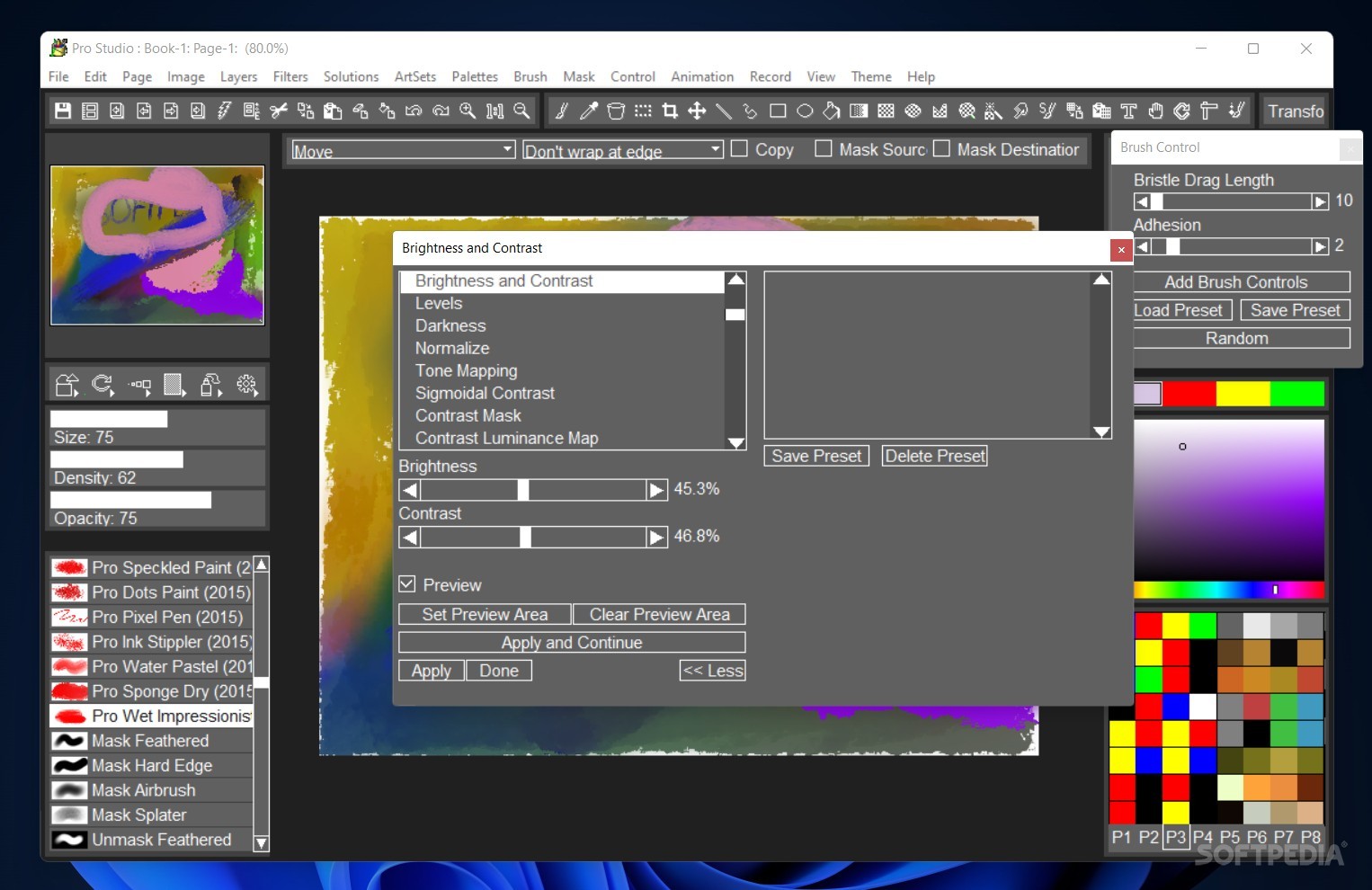
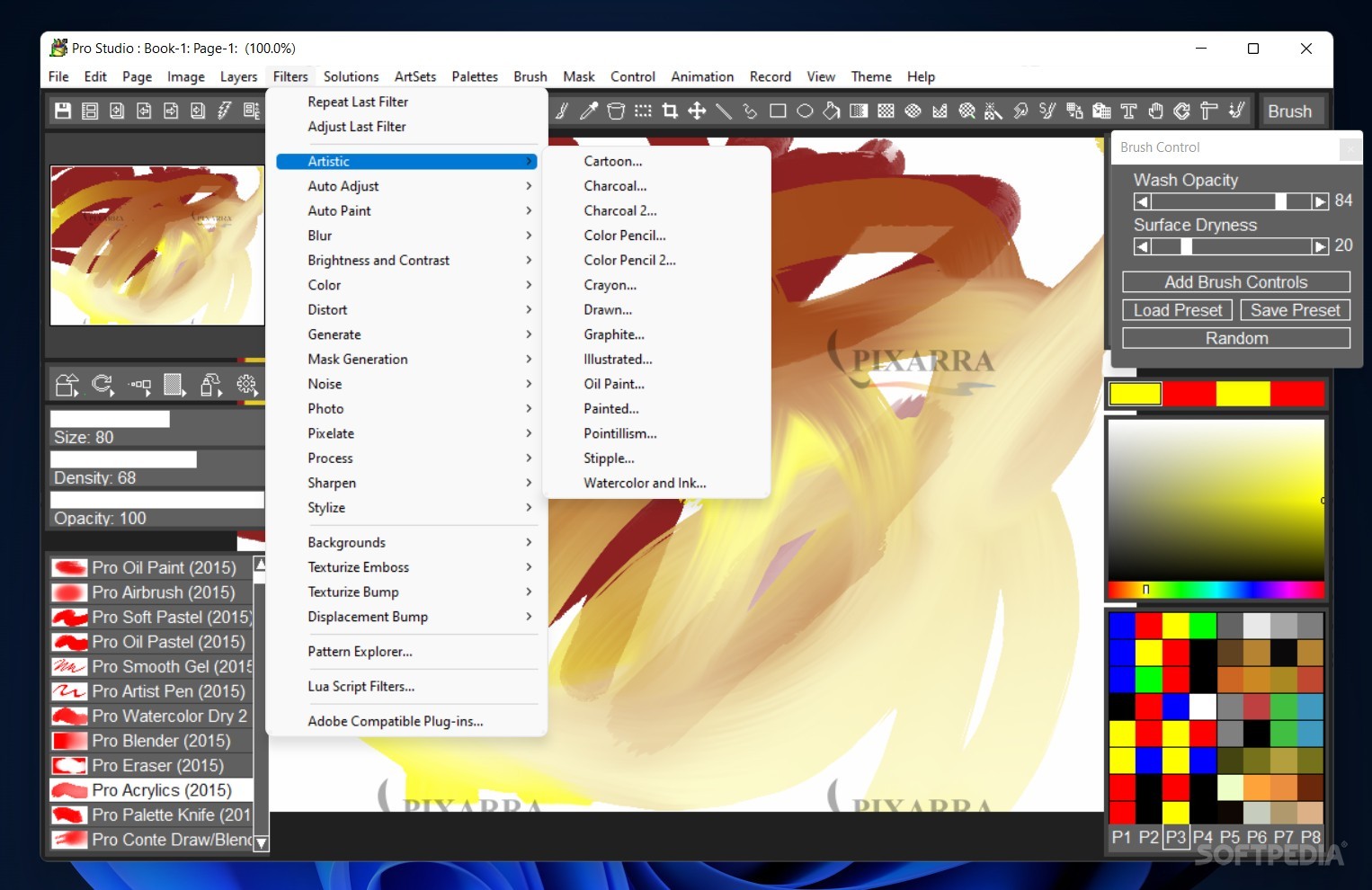
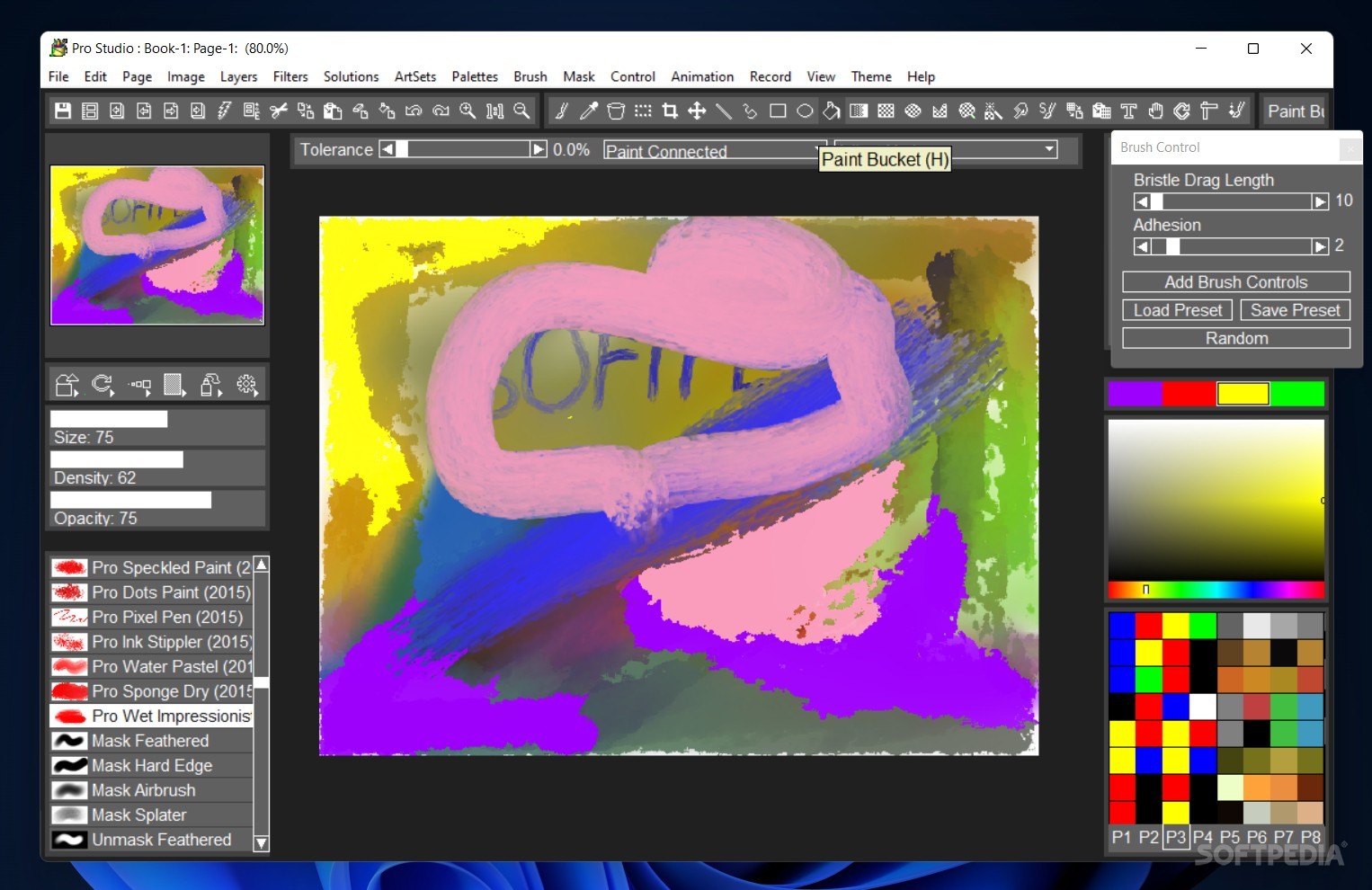
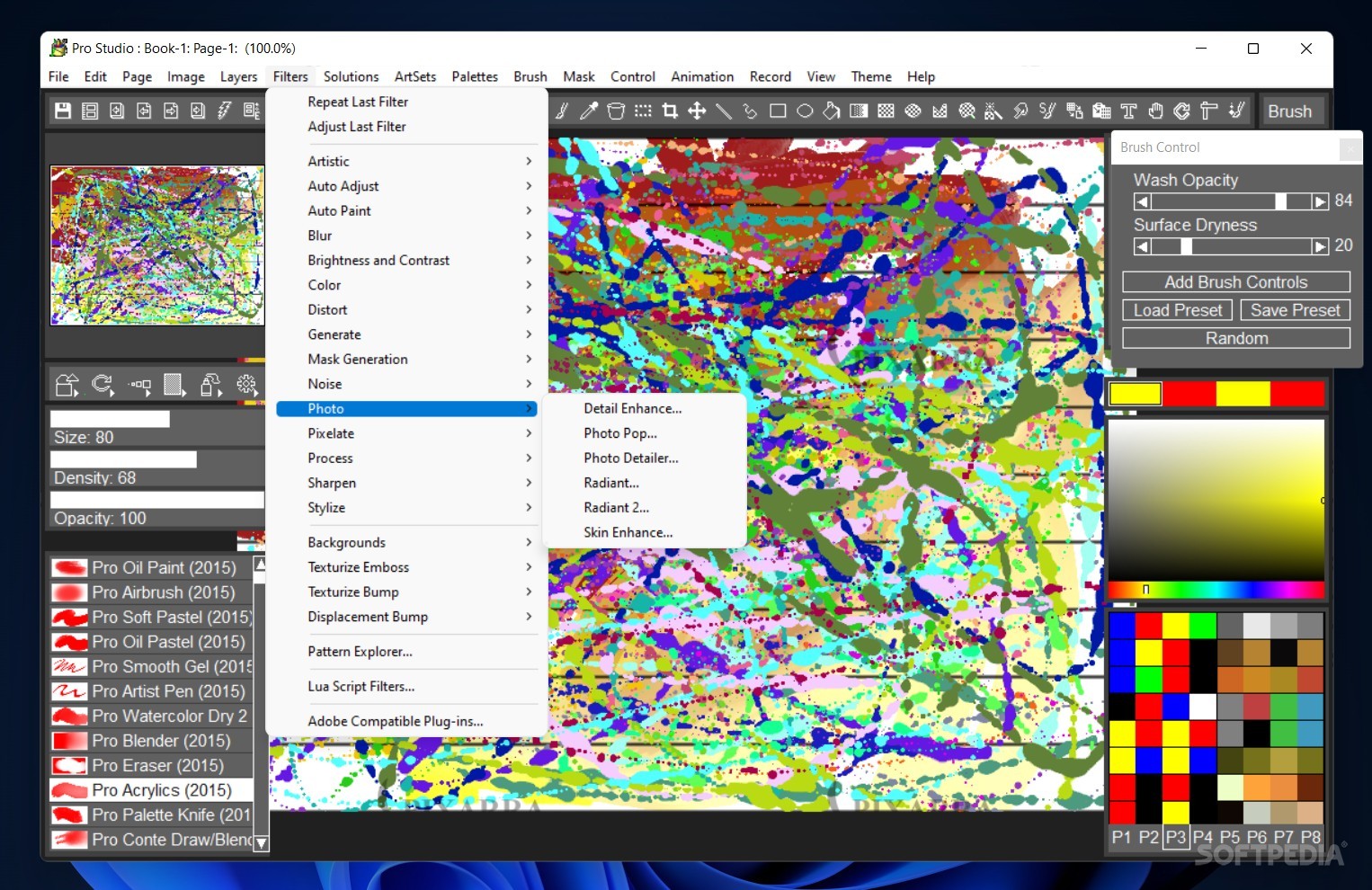
To further enhance your paintings, filters can come in handy. From allowing you to change the more basic settings, such as brightness/contrast, to generating several artistic adjustments that change the color and texture of your strokes — there's plenty to do here.
TwistedBrush can greatly empower your painting through the variety of tools it offers you: in the end, your creativity's the limit.
Download Hubs
TwistedBrush Pro Studio is part of these download collections: Watermark Image, Edit JPEG, Despeckle Images, Crop Images
TwistedBrush Pro Studio 26.05
add to watchlist add to download basket send us an update REPORT- runs on:
-
Windows 11
Windows 10 32/64 bit
Windows 8 32/64 bit
Windows 7 32/64 bit - file size:
- 40.2 MB
- filename:
- tbrusha.exe
- main category:
- Multimedia
- developer:
- visit homepage
Windows Sandbox Launcher

4k Video Downloader

calibre

ShareX

Microsoft Teams

Zoom Client

7-Zip

IrfanView

Bitdefender Antivirus Free

Context Menu Manager

- IrfanView
- Bitdefender Antivirus Free
- Context Menu Manager
- Windows Sandbox Launcher
- 4k Video Downloader
- calibre
- ShareX
- Microsoft Teams
- Zoom Client
- 7-Zip