
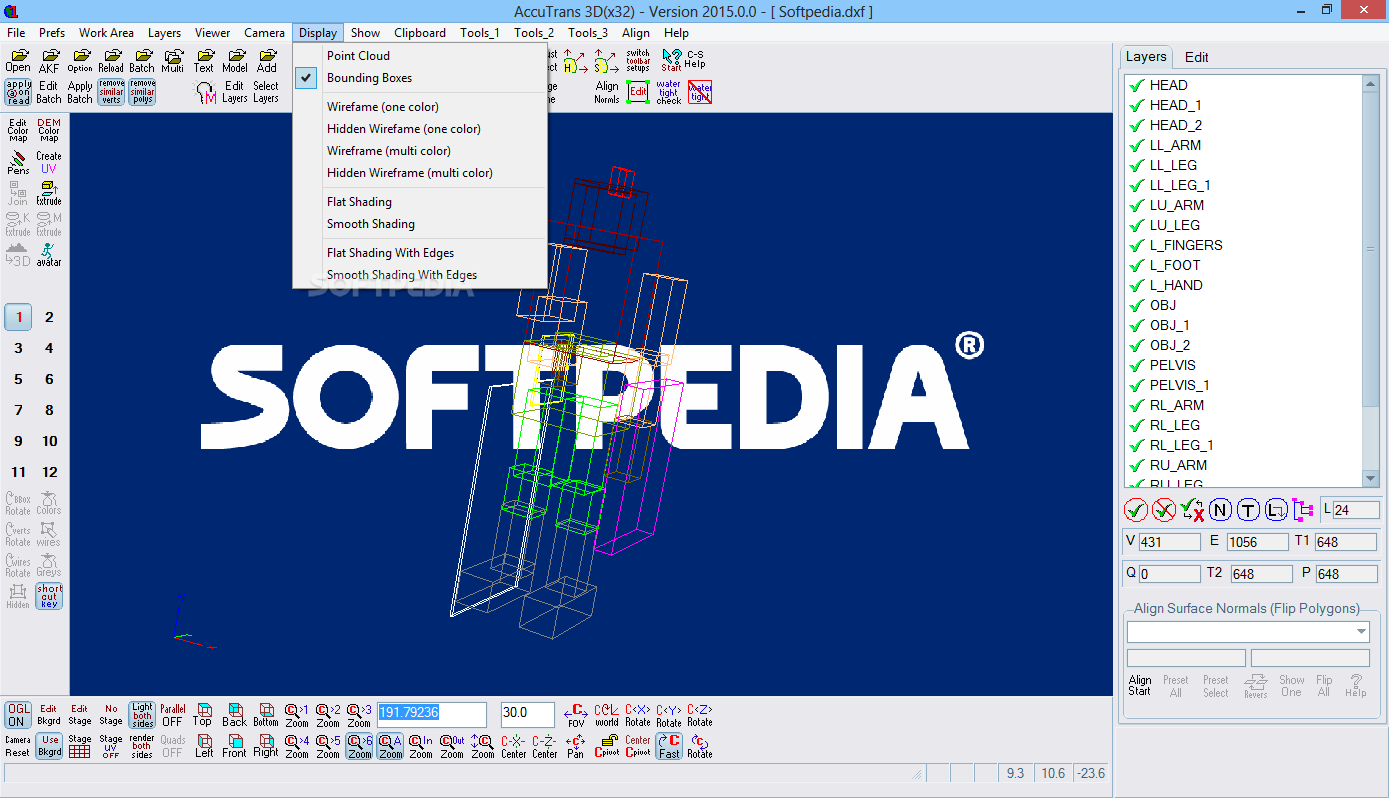
Translate the 3D geometry of files used by modelling programs with this tool that allows you to strip the model to the wireframe multi color lattice. #3D graphics editor #DWF editor #Edit 3D image #3D graphics #Polygon #Layer
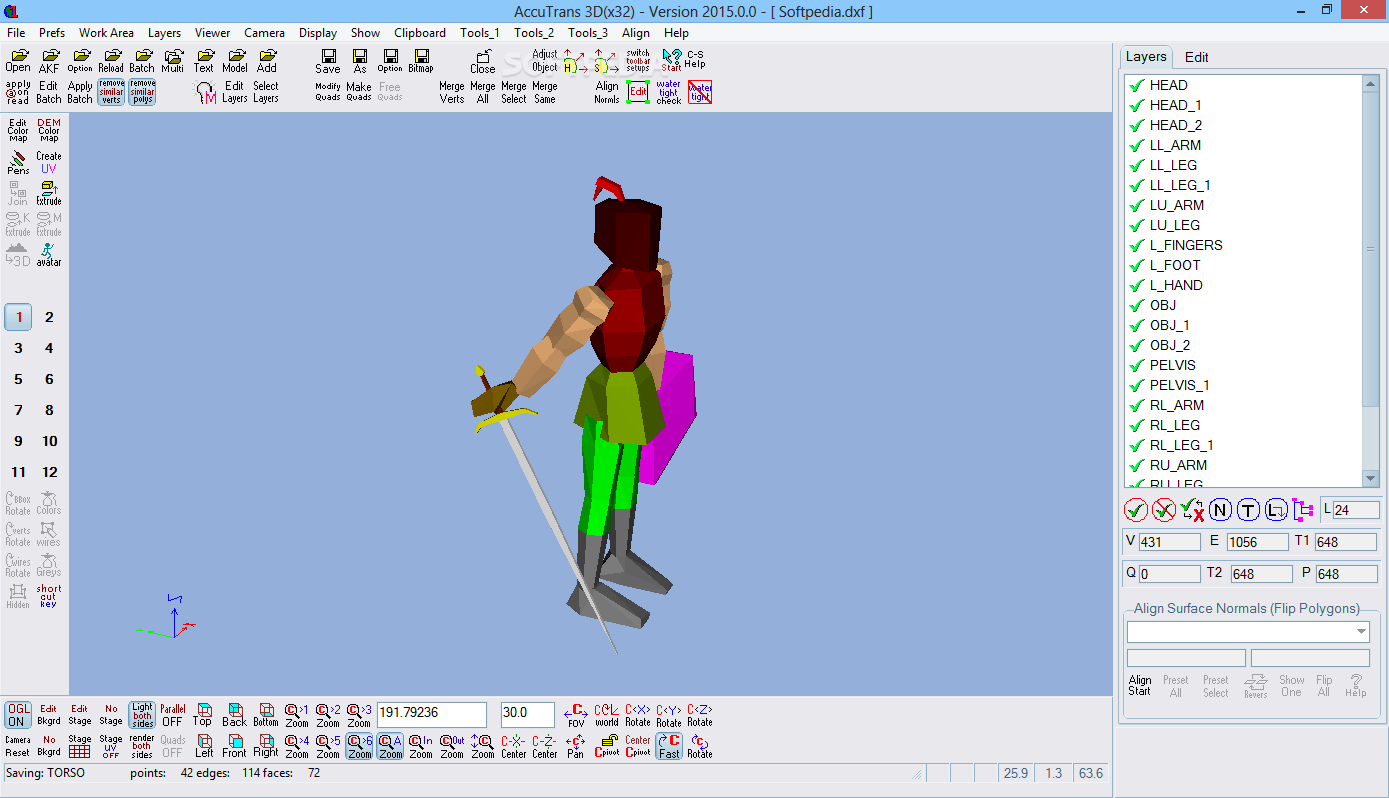
AccuTrans 3D is a lightweight tool that allows you to read and write file formats that belong to some of the most popular modelling applications out today.
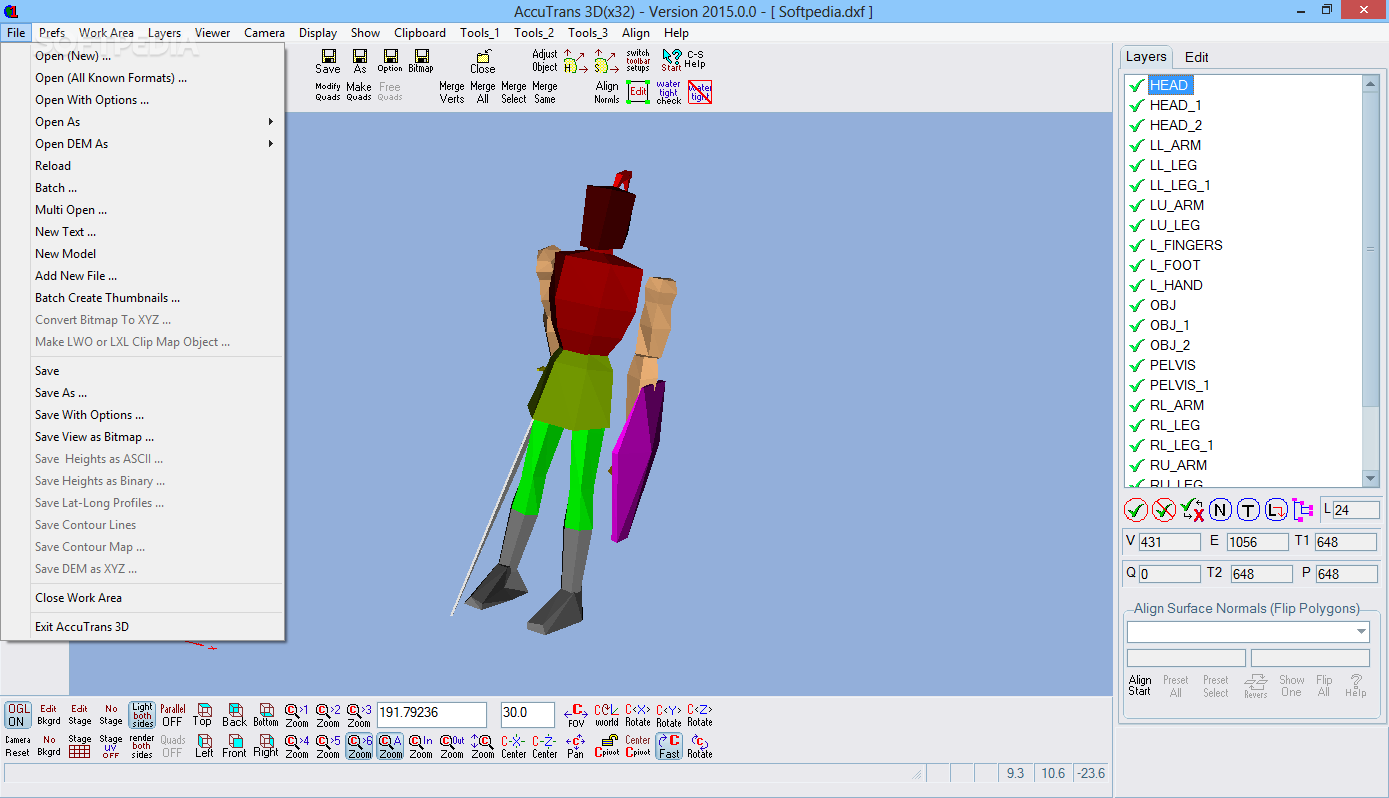
With it you are able to view and edit 3D Metafile, 3D Studio, AutoCAD DXF, CableMod, DirectX, Google Earth KMZ, Turbo Silver, Kerkythea, Maya, VideoScape, Wavefront and many other formats. It allows you to save a mesh from an M by N array of XYZ coordinates found in an Ascii file, as well as transfer attributes from one model to another.
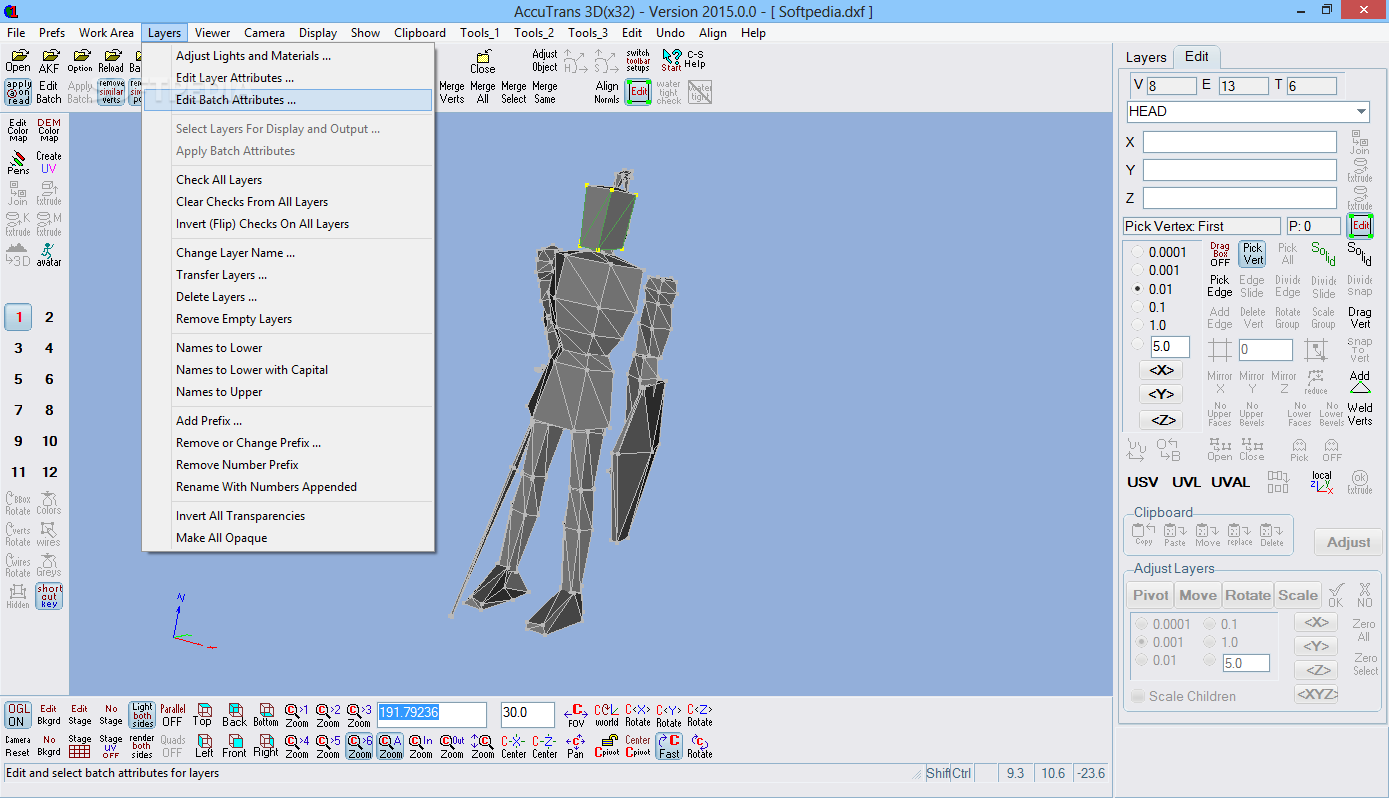
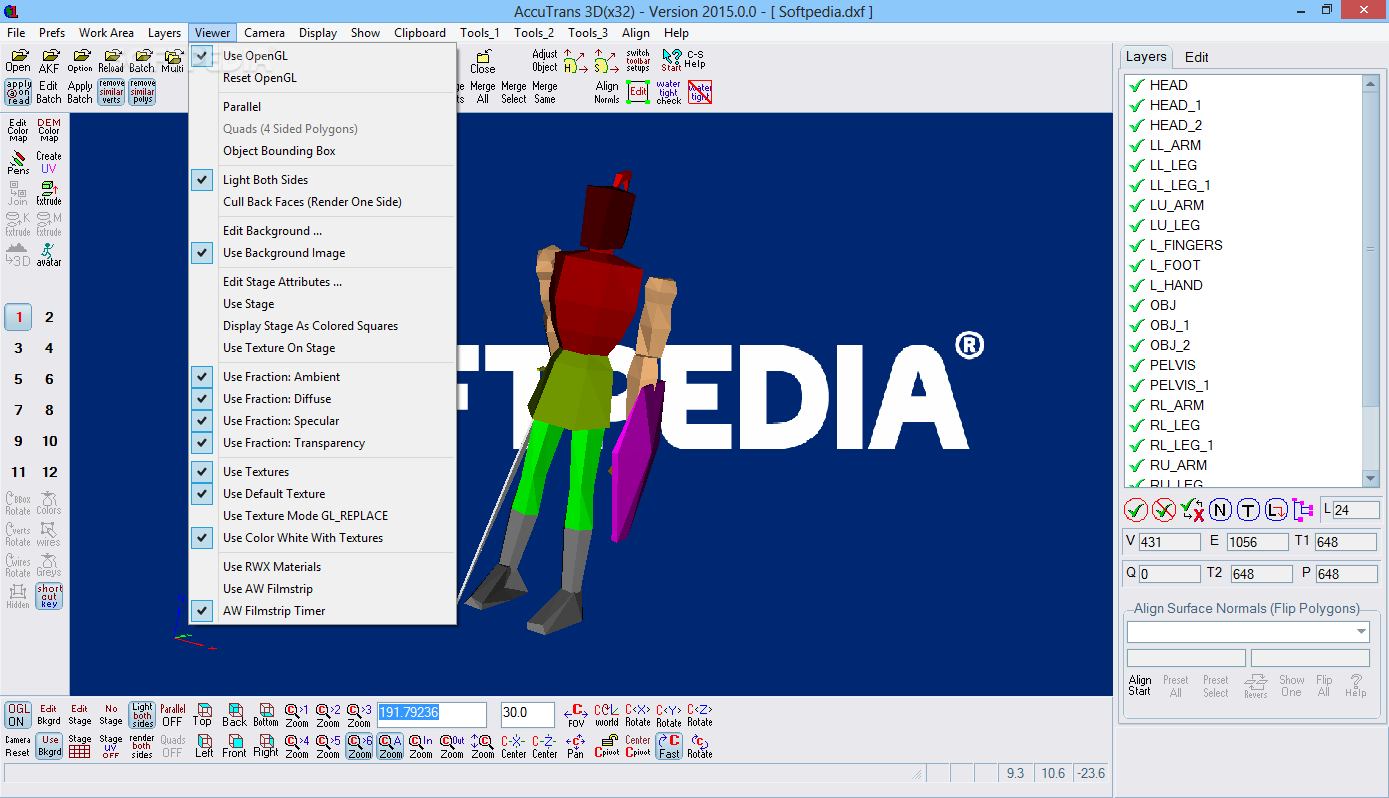
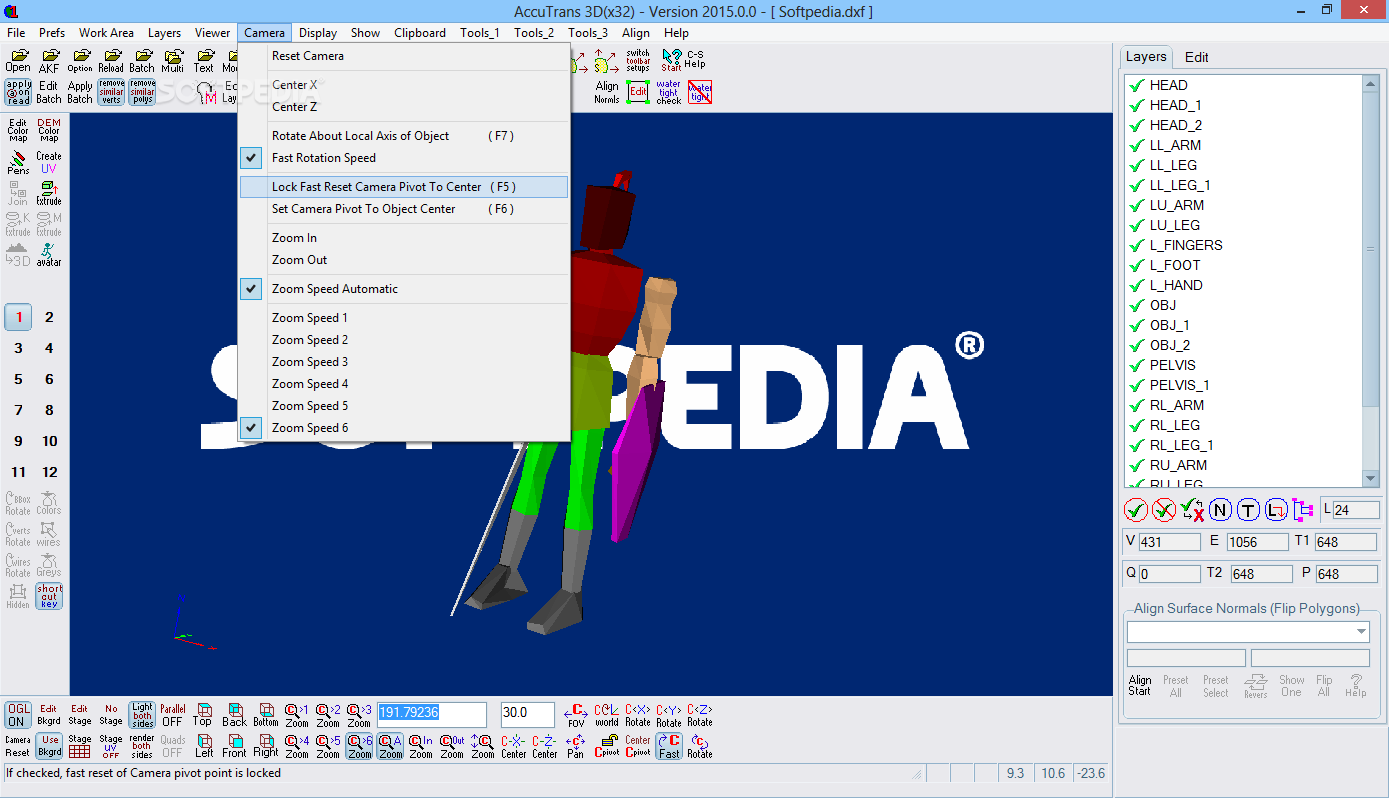
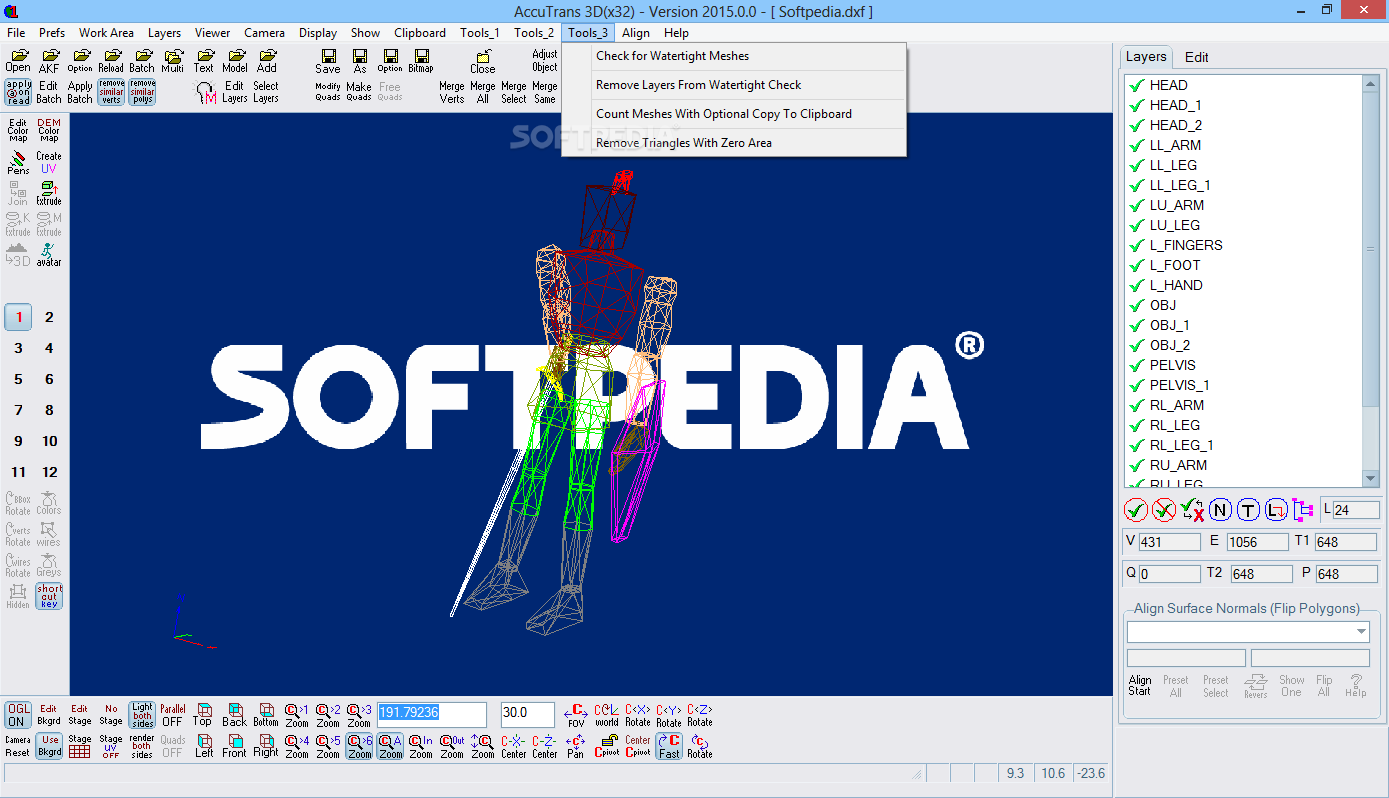
The list of what AccuTrans 3D can do is fairly long and you get a great sense of that once you see the main window of the application. It displays a comprehensive interface despite the large number of icons and tools that are spread out all across the margins of the main window. This isn’t necessarily something bad but if you’re just starting to use AccuTrans 3D, it’s going to take you some time to memorize them.
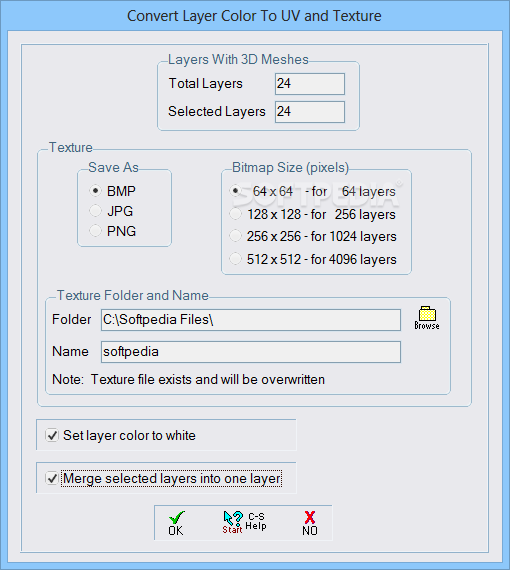
All the files you load into the application can be freely explored by rotating them around all the three axes and can also be zoomed in and out. When converting a file the application is capable of transferring reflection, specularity, Phong shading and color. Moreover, you can also convert a list of 3D files in batch mode a feature that can greatly speed up the migration of a project from one design environment to another.
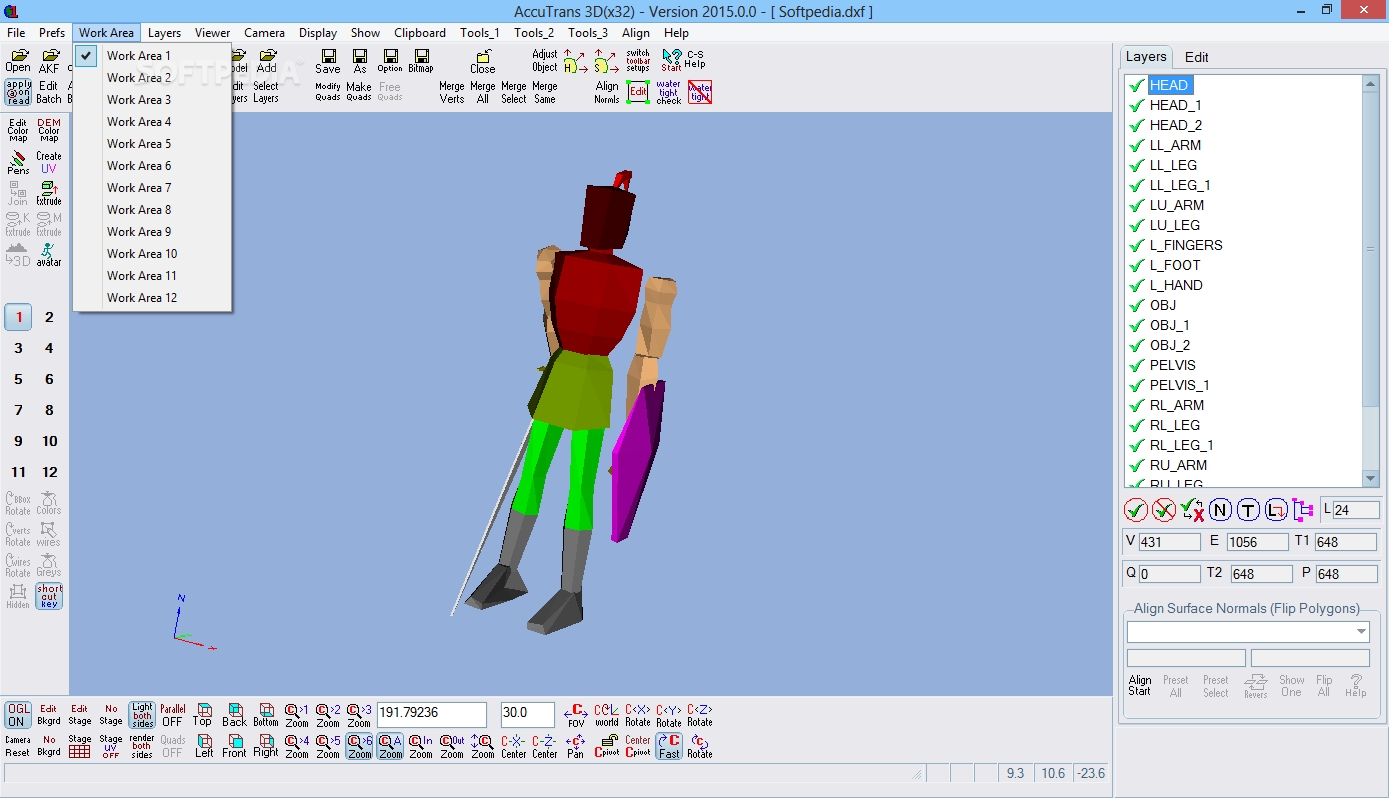
In case you need to gather objects that are stored in more than two formats and convert them into a single one, the application offers you the possibility to use use up to 12 work areas in which you can edit each individual file.
With the above to consider and much more to discover about AccuTrans 3D it’s safe to say that it can be the complete solution to editing and 3D geometry translation.
Download Hubs
AccuTrans 3D is part of these download collections: 3D Meshes Managers, Open LWO, Convert 3DS, Convert LWO
What's new in AccuTrans 3D 2017.0.0:
- Added read support for terrains stored in CSV files from GeoGratis Canada.
- Fixed export of colors to MODO LXO files.
- Added a roaming camera type that works similar to a camera in a game.
- Added a tool for measuring long distances in a scene.
AccuTrans 3D 2017.0.0
add to watchlist add to download basket send us an update REPORT- runs on:
-
Windows 10
Windows 8 32/64 bit
Windows 7 32/64 bit
Windows Vista 32/64 bit
Windows XP 32/64 bit - file size:
- 4.3 MB
- filename:
- at3d(x32)_exe_2017-0-0.zip



- main category:
- Multimedia
- developer:
- visit homepage
ShareX

Context Menu Manager

7-Zip

IrfanView

calibre

Zoom Client

Bitdefender Antivirus Free

Windows Sandbox Launcher

Microsoft Teams

4k Video Downloader

- Windows Sandbox Launcher
- Microsoft Teams
- 4k Video Downloader
- ShareX
- Context Menu Manager
- 7-Zip
- IrfanView
- calibre
- Zoom Client
- Bitdefender Antivirus Free