
Extract thousands of pictures, videos, music, sounds hidden inside programs or files in case you need to use them in your projects. #Extract multimedia #Multimedia grabber #Multimedia finder #Extract #Extraction #Converter


AllMedia Grabber is a software that helps you extract images, videos, audio, icons and other types of files from programs.
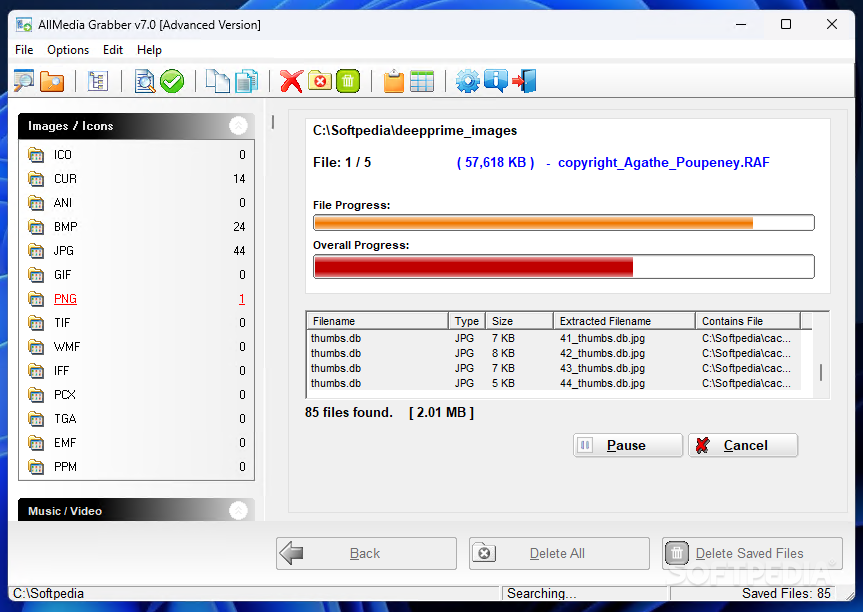
The user interface of the program is easy to navigate through, thanks to the Explorer-based layout.
You can select a file or folder to search. Once scanning is completed, you can save it as an HTML file.
On the left side of the screen you can view the file formats that you can save (e.g. ICO, ANI, BMP, JPG, WMF, TGA, IFF, AVI, MID, MP3, OGG, SWF).
All you have to do is select a thumbnail and open the context menu to save it on your hard drive. You can specify the output destination, extension and file name, as well as select colors and dimension.
You can explore the folder, copy image to clipboard, set it as wallpaper, view saved files, open, play or copy a file to a specific folder, as well as toggle the viewing mode between "Details", "List" and "Icons".
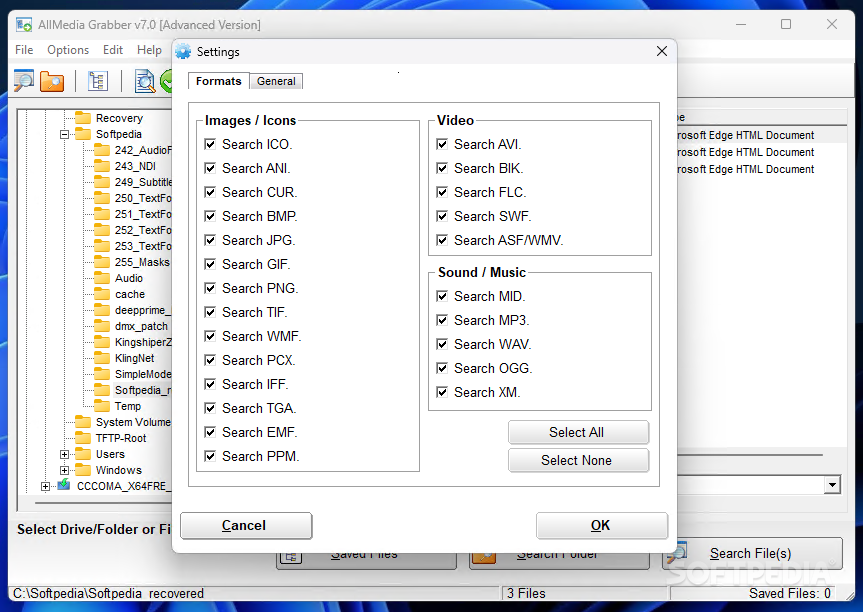
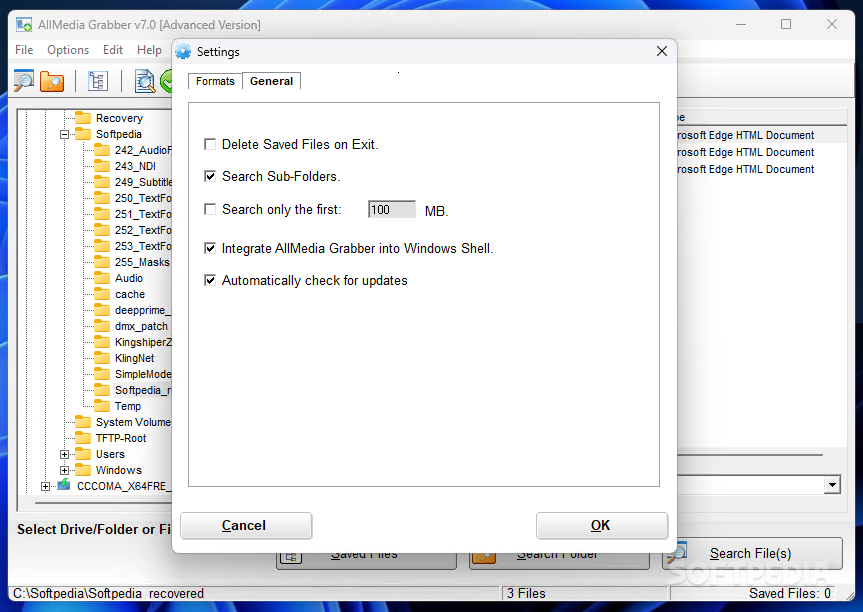
In the "Settings" menu, you can filter the scanning process for AllMedia Grabber (e.g. do not search for ICO files), set the tool to delete saved files on exit, search subfolders, automatically check for updates and integrate into Windows shell, and more.
The program takes up a moderate amount of system resources and didn't freeze or crash during our tests. A scanning task doesn't take too long to finish.
However, there is no help file available and some errors popped up during our tests, whenever we initialized AllMedia Grabber or when we were trying to save files. Also, the demo version extracts content only from files which have a size smaller than 300KB, and a lot of items are left behind after uninstallation.
AllMedia Grabber is a good software but it needs to work on its stability, but it manages to get the job done overall with little effort required on your behalf.
AllMedia Grabber 7.0
add to watchlist add to download basket send us an update REPORT- PRICE: Free
- runs on:
-
Windows 11
Windows 10 32/64 bit
Windows 2003
Windows 8 32/64 bit
Windows 7 32/64 bit
Windows Vista 32/64 bit
Windows XP
Windows 2K - file size:
- 5.6 MB
- filename:
- grabber70.exe
- main category:
- Multimedia
- developer:
- visit homepage
IrfanView

calibre

4k Video Downloader

ShareX

Microsoft Teams

7-Zip

Windows Sandbox Launcher

Bitdefender Antivirus Free

Context Menu Manager

Zoom Client

- Bitdefender Antivirus Free
- Context Menu Manager
- Zoom Client
- IrfanView
- calibre
- 4k Video Downloader
- ShareX
- Microsoft Teams
- 7-Zip
- Windows Sandbox Launcher