
Convert BMP or JPG images into 3D G-Code NC-formatted files using this intuitive tool that takes a step-by-step approach and has advanced configuration settings. #BMP to NC converter #JPG to NC converter #BMP to NC #JPG2NC #Bitmap2NC #BMP2CNC


Bmp2Cnc is a straightforward Windows utility that can convert bitmap images with JPG or BMP format to NC file type. Before exporting the projects, it gives you the possibility to configure output settings when it comes to the post processor, tool definitions, and cutting parameters.
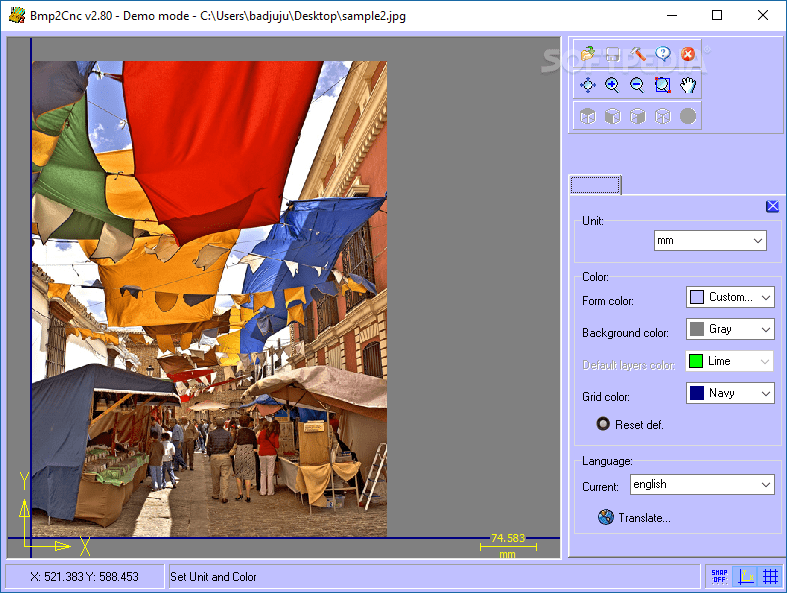
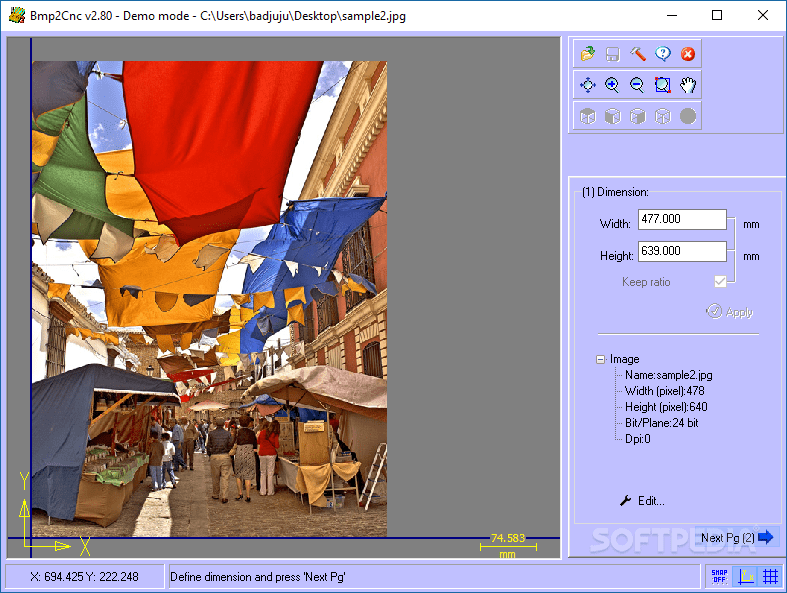
Once the installation operation is over, you're welcomed by a simple window, where you can begin by opening a JPG or BMP file with 32, 24, 16, 8 or 1 bit/plane color. Operations are performed one step at a time, just like working with a wizard.
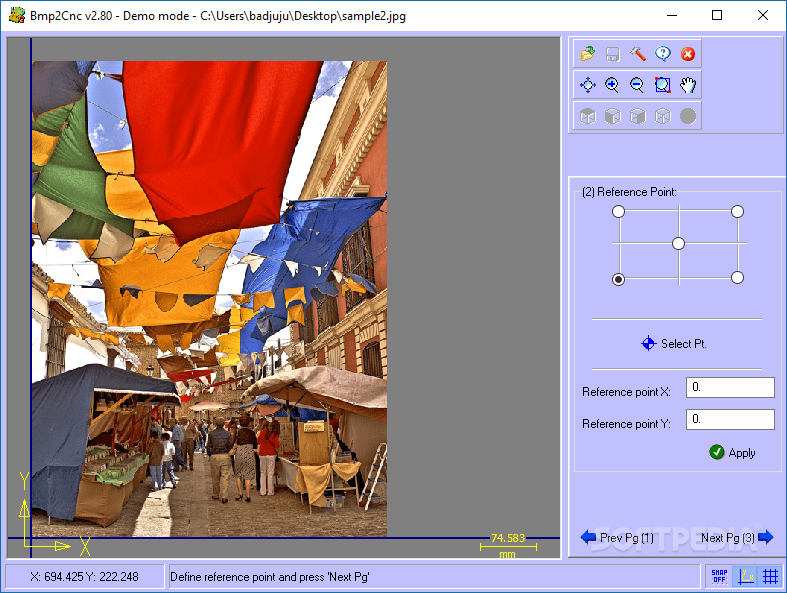
You can view the photo width and height, zoom in and out, flip or rotate the picture horizontally or vertically, cut a selection, or make it greyscale. The reference points can be specified in the next stage, which can be either upper left, upper right, bottom left or bottom right corner or the center of the image.
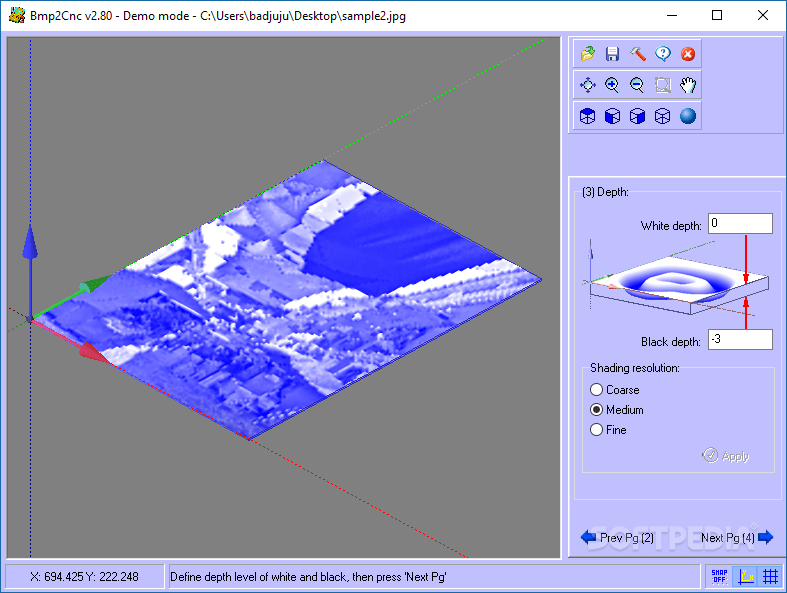
Bmp2Cnc shows a preview of the picture depth and lets you control the white and black depth, along with the shading resolution (coarse, medium, fine). From this point on, you can change the perspective anytime to top, front, size or isometric.
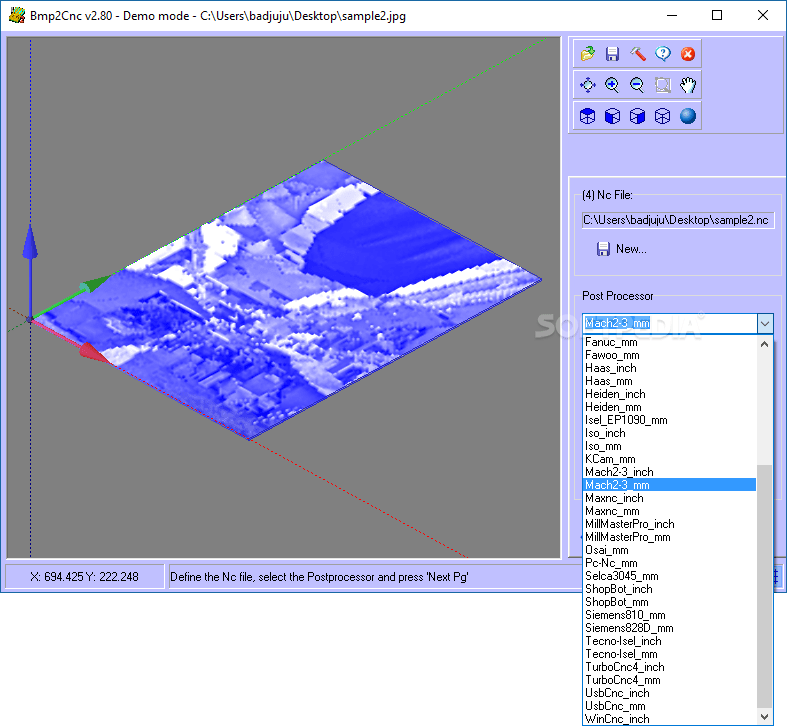
In the following step, you can indicate the saving directory and name of the new NC-formatted file. Before generating it, however, you can pick the preferred post processor after exploring a long list of options in metric and imperial system, such as AAS-SUP (mm), Isel_EP1090 (mm), UsbCnc (inch) and MillMasterPro (inch).
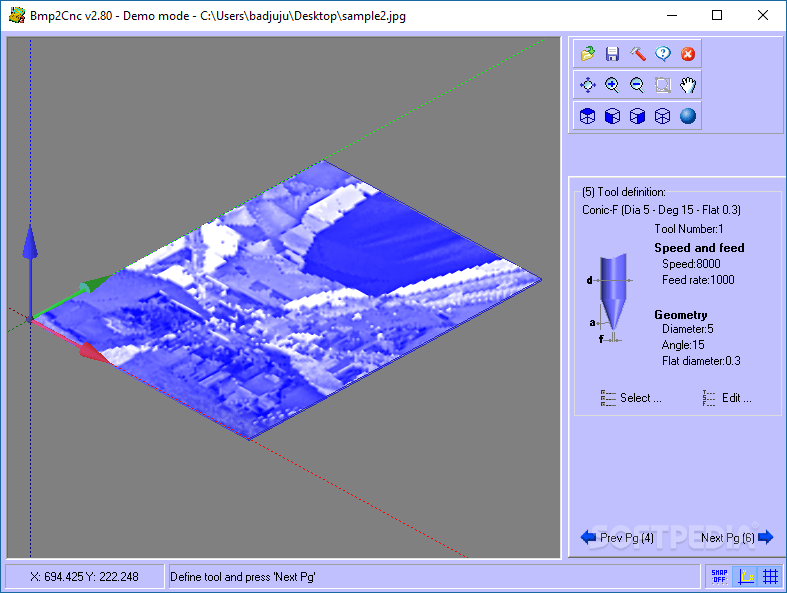
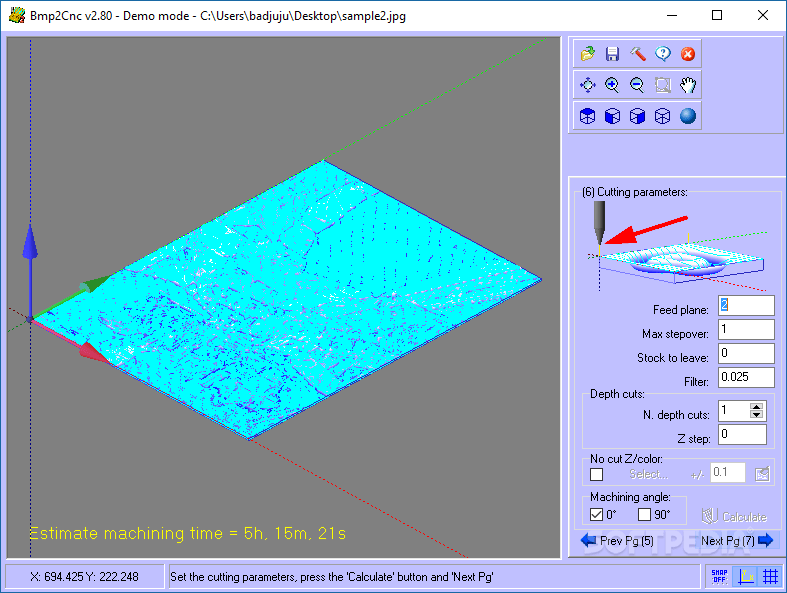
You can view tool definition properties, switch to a different tool, and configure settings related to the speed, feed rate and geometry (diameter, angle, flat diameter). Lastly, the cutting parameters may also be edited when it comes to the feed plane, maximum stepover, stock to leave, filter, depth cutes, and matching angle.
The software utility worked smoothly on Windows 10 in our tests. It compiles NC files quickly while remaining low on system resources usage. Thanks to its advanced configuration settings and step-by-step approach, Bmp2Cnc should come in handy to most users looking for a software solution to generate NC designs from BMP or JPG images.
Bmp2Cnc 2.90
add to watchlist add to download basket send us an update REPORT- runs on:
- Windows All
- file size:
- 1.7 MB
- filename:
- Bmp2Cnc.zip
- main category:
- Multimedia
- developer:
- visit homepage
IrfanView

Zoom Client

7-Zip

calibre

Microsoft Teams

Bitdefender Antivirus Free

Windows Sandbox Launcher

4k Video Downloader

ShareX

paint.net

- 4k Video Downloader
- ShareX
- paint.net
- IrfanView
- Zoom Client
- 7-Zip
- calibre
- Microsoft Teams
- Bitdefender Antivirus Free
- Windows Sandbox Launcher