
Generate simple or complex drawings with this intuitive application that allows you to create presentations with the pictures created. #Drawing generator #Drawing tool #Draw picture #Draw #Pencil #Eraser

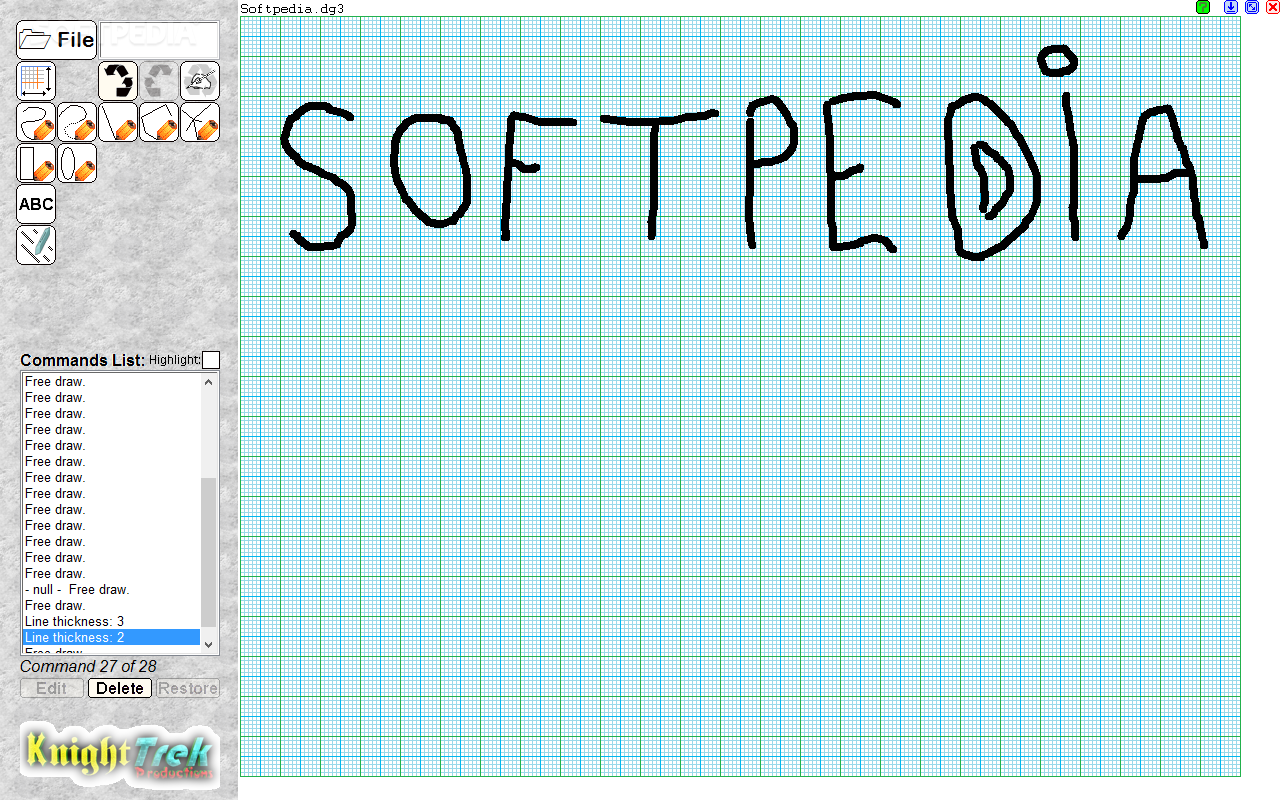
DigiGraph is a lightweight graphic application that allows you to freely draw on graph paper using your computer. It provides basic drawing tools for creating sketches and drawings.
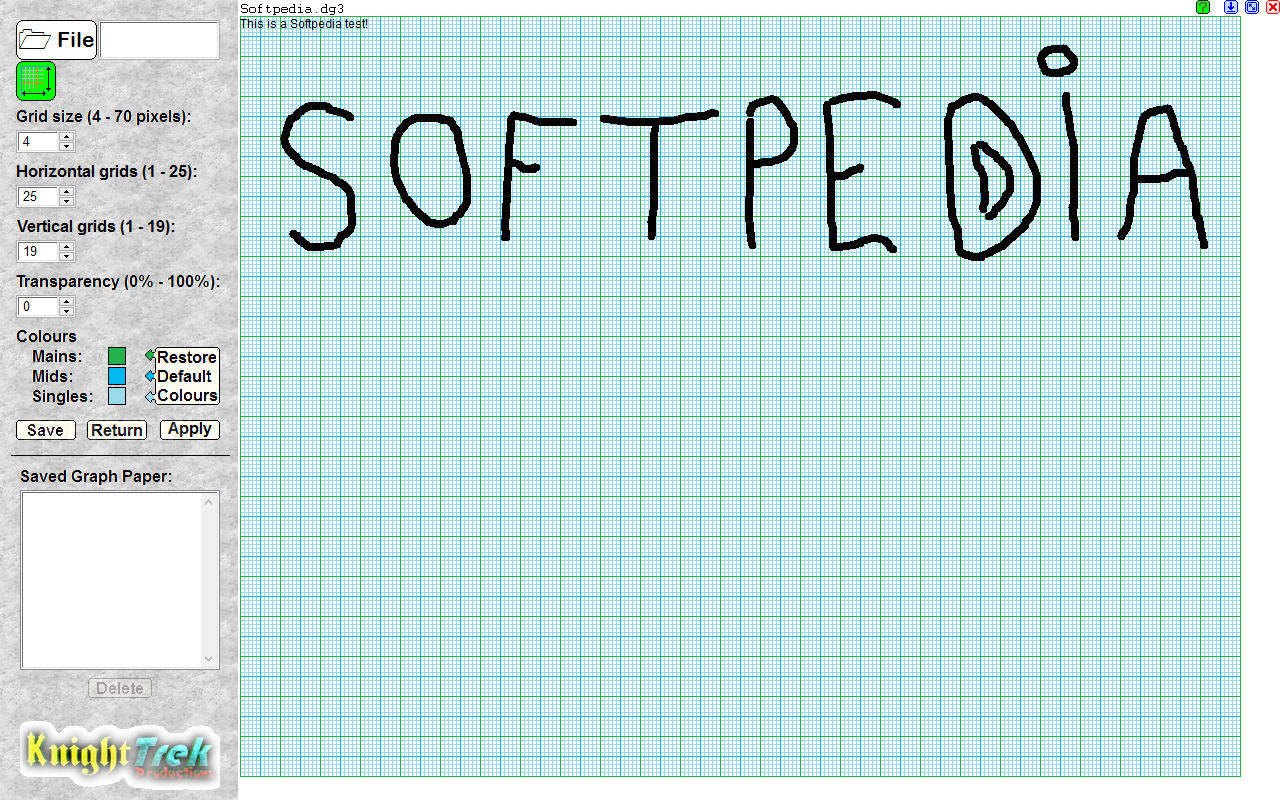
The interface is clean and simple, comprising the main menu and all the available drawing buttons, but most of it is occupied by the drawing board. All you have to do is select the tool you want to use and unleash your creativity.
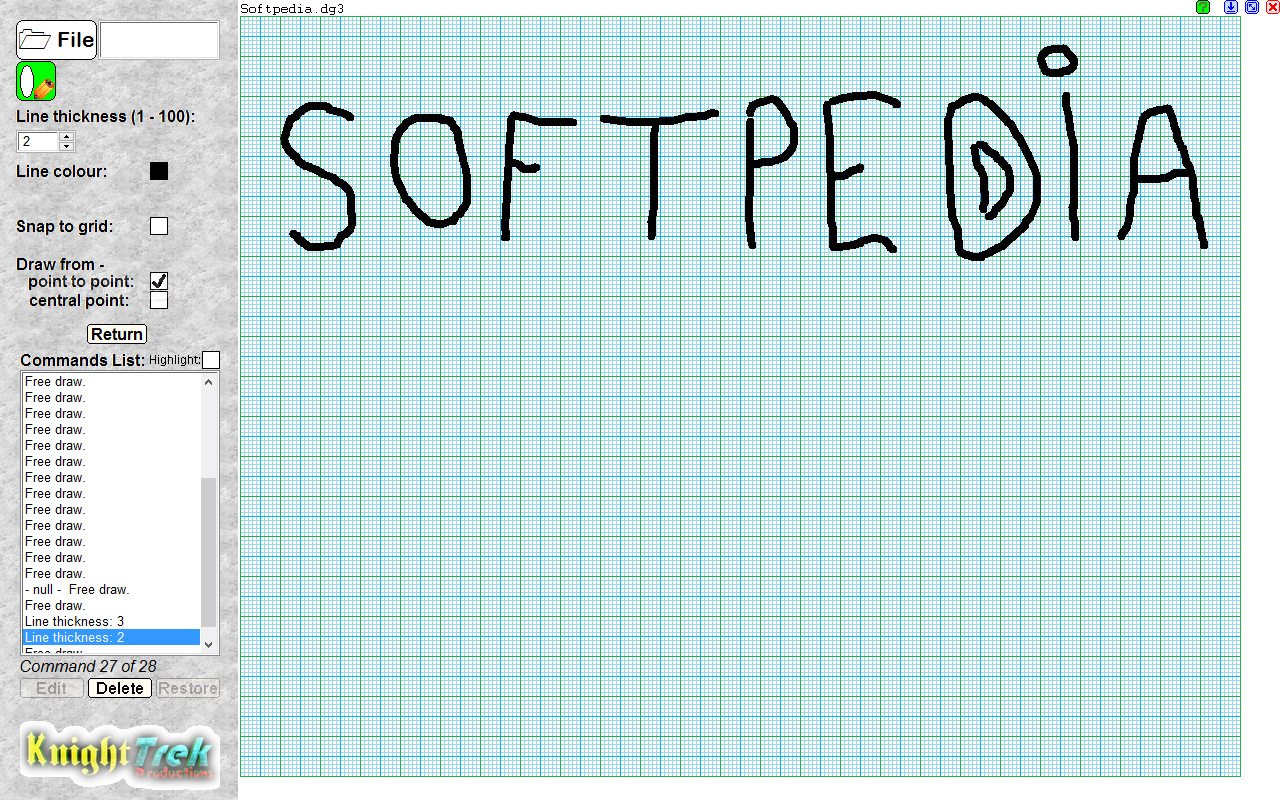
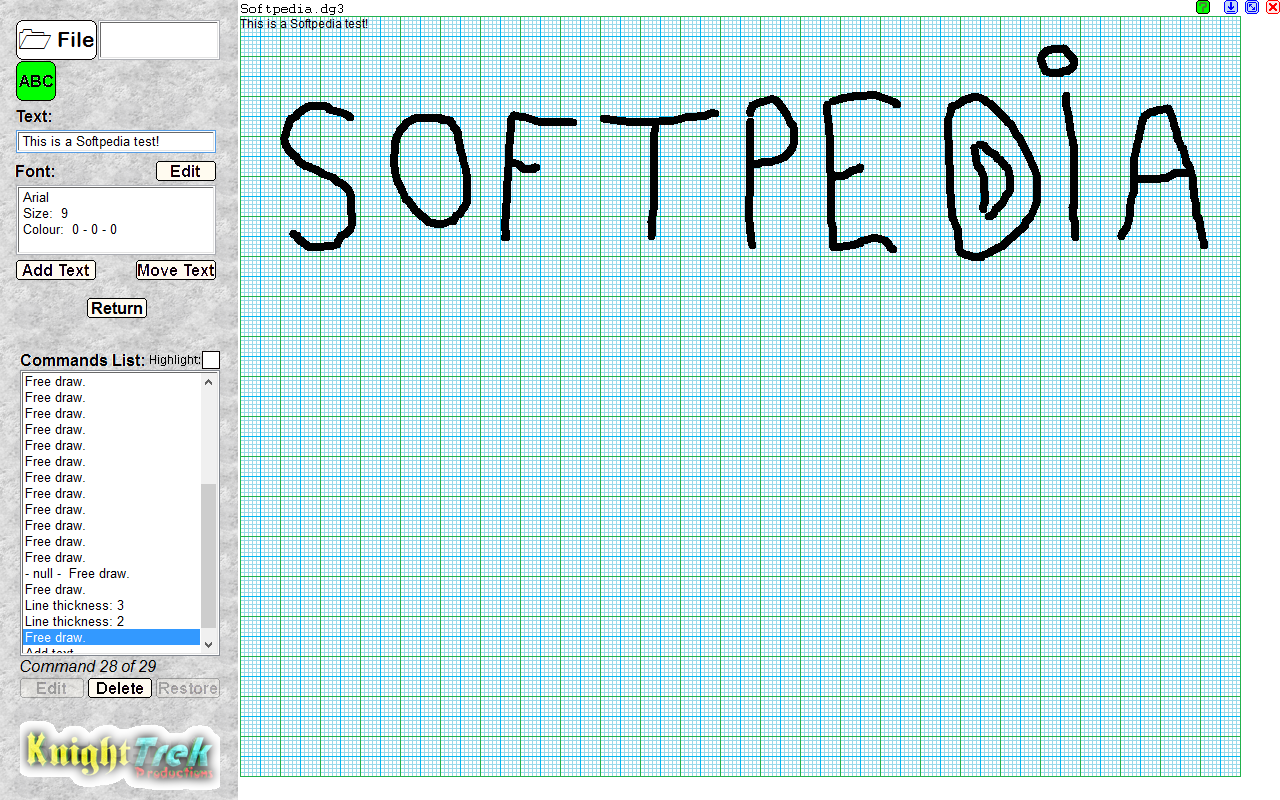
Among the available drawing instruments, you can find the 'Freedraw' tool, which you can use to draw on the board freely. You can also insert radial or continuous lines, rectangles or circles of various dimensions, as well as text boxes.
The brush color is customizable, and so is the line thickness or the grid transparency. However, adjusting them is a bit annoying, as you have to press the '+' or '-' buttons to do so. Another drawback is that the eraser dimension cannot be adjusted.
The software comes with unlimited undo support, so if you did something wrong, you don't have to worry, as you can turn all the way back to a blank drawing surface. However, this might take a while: each time you press the 'Undo' button, the application allows you to view all your actions so far, just like in a video, and eliminates the last one.
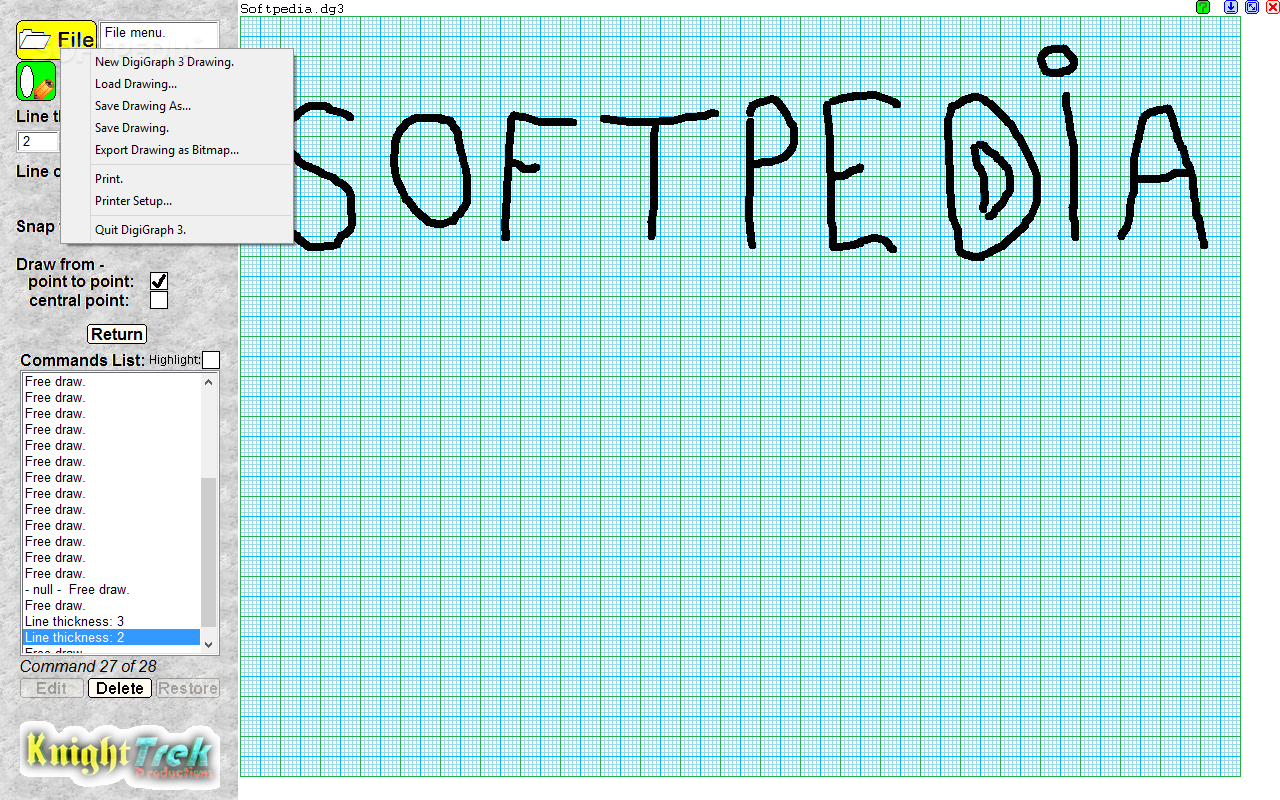
Once you finish your drawing, you can print it or save it to your PC for later use in DG2 (DigiGraph project) or BMP format.
Designed with simplicity in mind, DigiGraph is a handy tool, especially for game developers who often need to use graph paper to design maps and sketches. Or you can use it to simply print empty graph paper using a high-quality printer and thus save some money.
DigiGraph 3.00
add to watchlist add to download basket send us an update REPORT- PRICE: Free
- runs on:
- Windows 10 64 bit
- file size:
- 78.3 MB
- filename:
- DigiGraph 3.exe
- main category:
- Multimedia
- developer:
4k Video Downloader

paint.net

Zoom Client

7-Zip

Microsoft Teams

ShareX

IrfanView

Bitdefender Antivirus Free

calibre

Windows Sandbox Launcher

- Bitdefender Antivirus Free
- calibre
- Windows Sandbox Launcher
- 4k Video Downloader
- paint.net
- Zoom Client
- 7-Zip
- Microsoft Teams
- ShareX
- IrfanView