
A compact application that allows users to edit, resize, split, print embroidery designs, and convert the images to PEC, DAT, PHB, EMD, JEF, PTN, and other file formats. #Embroidery editor #Create embroidery #Stitch creator #Embroidery #Stitch #Design

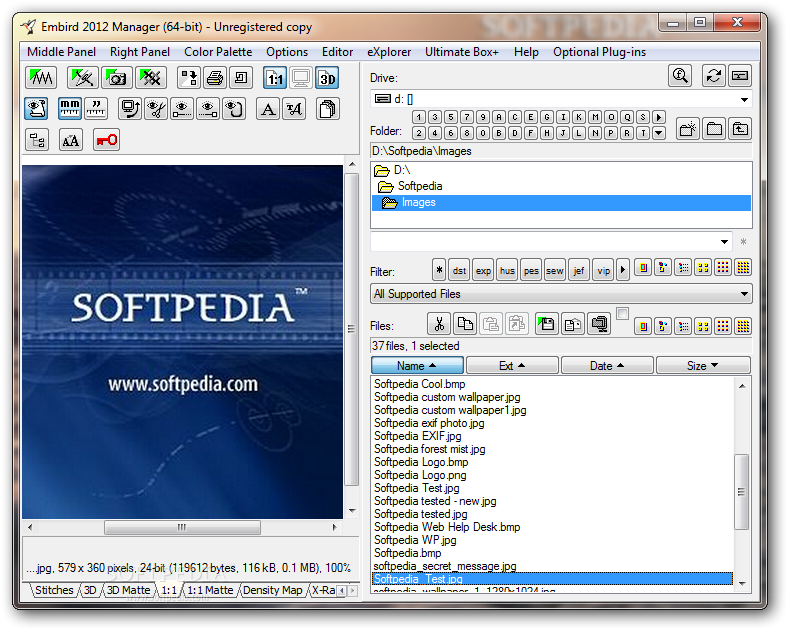
Embird is a professional Windows application designed to help you edit, resize, split, convert, and print embroidery designs.
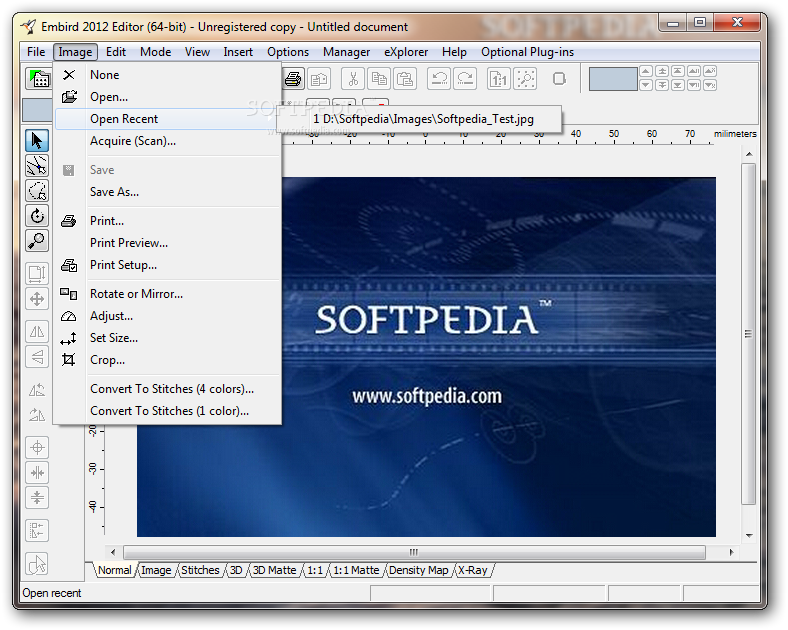
The program comes packed with several dedicated tools which can be accessed from separate panes. The Embird manager allows users to select predefined folders which contain the images to be edited.
The directories are alphabetically sorted and you can also filter items by file extensions (e.g. EMD, JPG, BMP, CMD, PSD, TGA, TXT, ZIP, RAR, PNG, GIF).
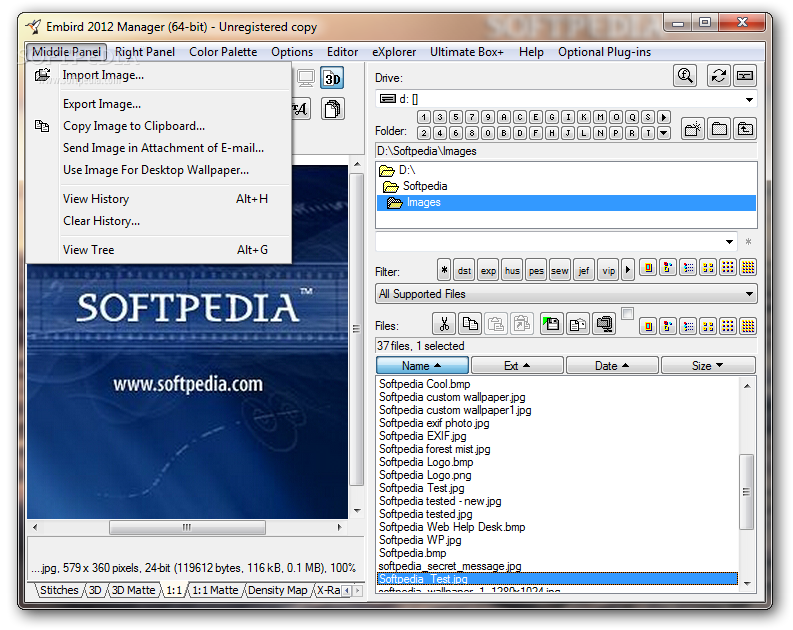
Other important features worth mentioning let you embed text messages, pick the measurement unit (inches or millimetres), copy the image to the Clipboard, send it via email, use the photo as desktop wallpaper, add watermarks, and create ZIP archives.
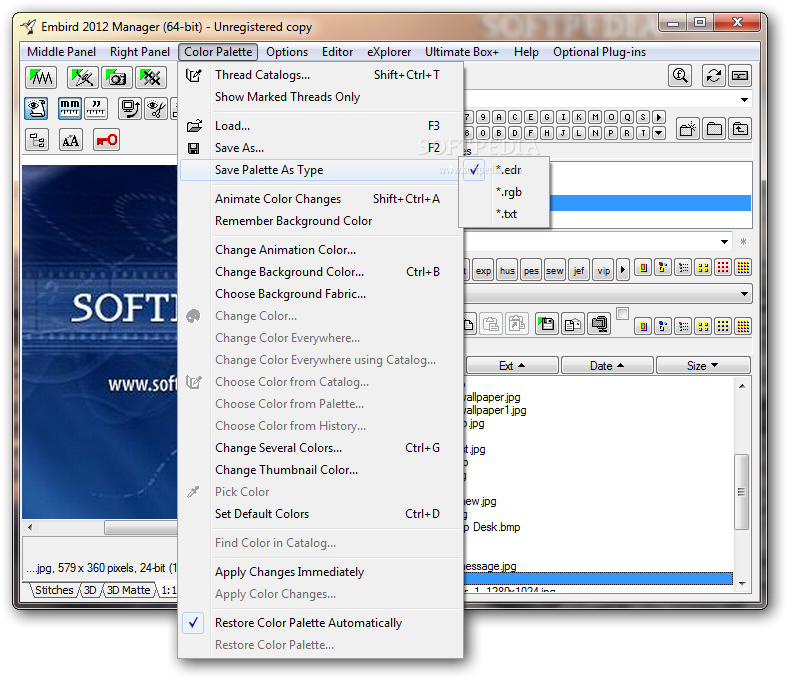
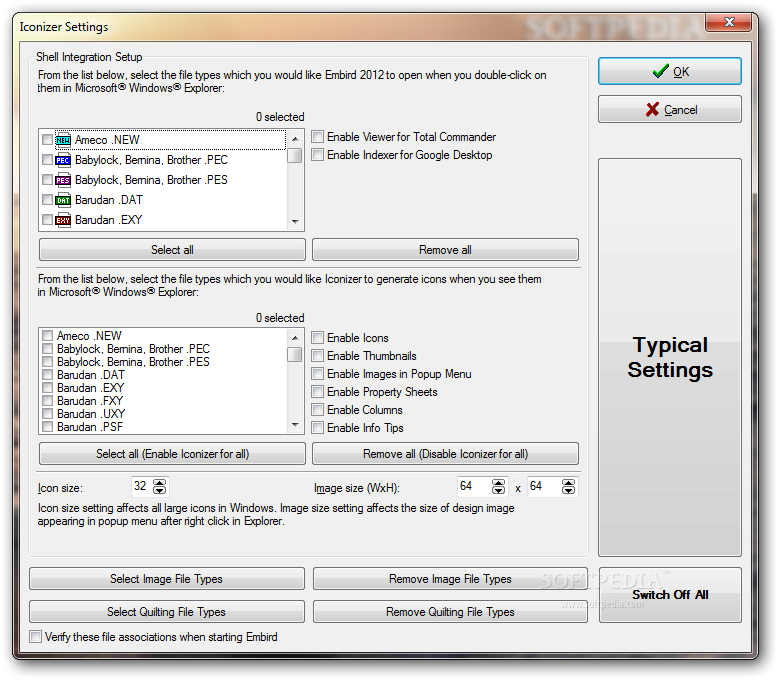
The manager pane features several dedicated parameters designed to help you change the colour of the animation, background, and fabric, use several plugins, create backup files, make file associations, and save the palette to a file.
The program features a built-in editor that gives users the possibility to rotate the photos to different angles, zoom in or out, crop the selected area, preview the model in 3D mode, split or join images, undo or redo their actions, pick the stitch type, as well as perform basic editing operations (cut, copy, paste, or delete).
Embird offers a sew simulator mode that allows you to play or pause the animation, and select the number of stitches per second.
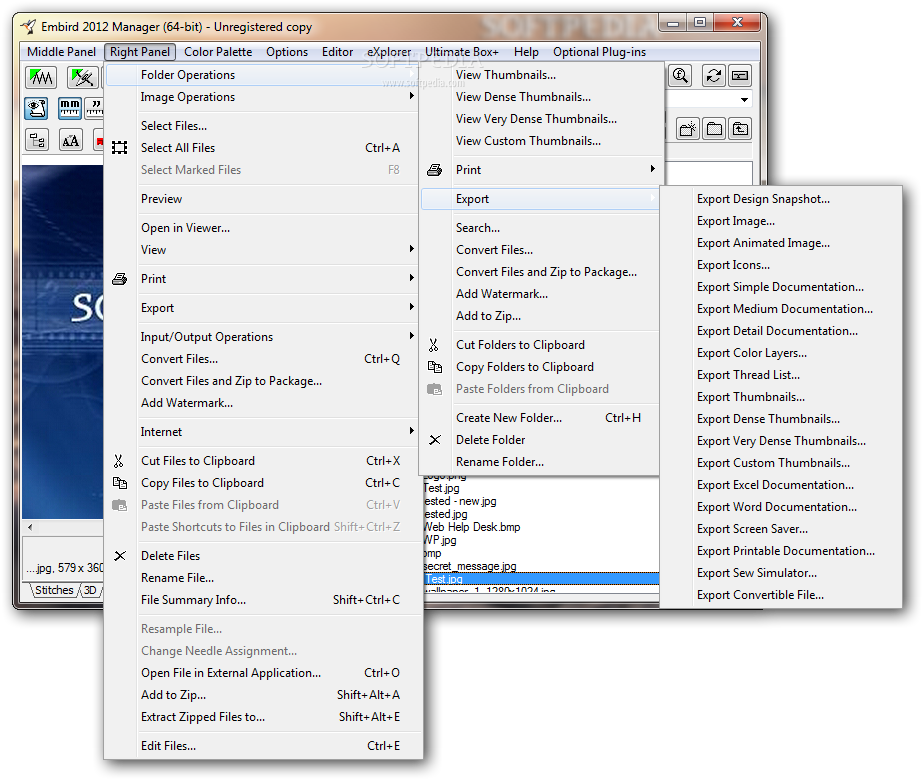
When it comes to converting the embroidery designs, you can print or save the generated pictures to a wide range of file formats, namely PEC, DAT, PHB, EMD, JEF, PTN, M1, EXP, DAT, DSB, SSD, SPX, MAX, PCM, DST, and many others.
Last but not least, the program provides a dedicated pane which helps users prepare their photos for editing operations. You can zoom in or out, crop the images, and save them to the Clipboard.
Embird bundles many useful features for helping you manipulate embroidery designs in a professional way. On the downside, the process is not very intuitive, so rookie may spend some time trying to configure the dedicated parameters.
What's new in Embird 2012 Build 8:
- MANAGER:
- New thread charts was added: Metro Embird is now capable of uploading designs to Tajima embroidery machine, new option was added to "Right Panel > Input/Output Operations > Port Connection to Embroidery Machine" menu.
- CROSS STITCH PLUG-IN:
Embird 2012 Build 8
add to watchlist add to download basket send us an update REPORT- runs on:
- Windows All
- file size:
- 49.9 MB
- filename:
- embrd2k12b8_x86.exe

- main category:
- Multimedia
- developer:
- visit homepage
calibre

Bitdefender Antivirus Free

Windows Sandbox Launcher

IrfanView

Zoom Client

paint.net

ShareX

4k Video Downloader

Microsoft Teams

7-Zip

- 4k Video Downloader
- Microsoft Teams
- 7-Zip
- calibre
- Bitdefender Antivirus Free
- Windows Sandbox Launcher
- IrfanView
- Zoom Client
- paint.net
- ShareX