
An extensive application that provides you with the tools necessary to create slideshow presentations from scratch, by using image, audio and video files. #Create slideshow #Slideshow creator #Photo presentation #Slideshow #Presentation #Narration

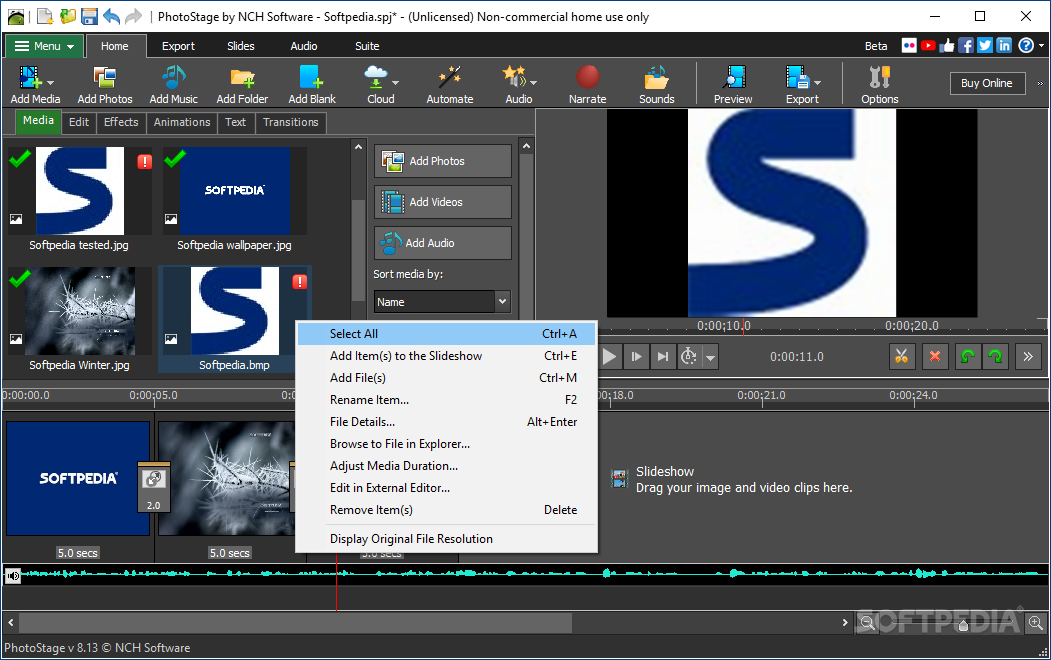
PhotoStage Photo Slideshow Maker is a program which allows you to create slideshows from images, by providing you with some simple-to-use tools.
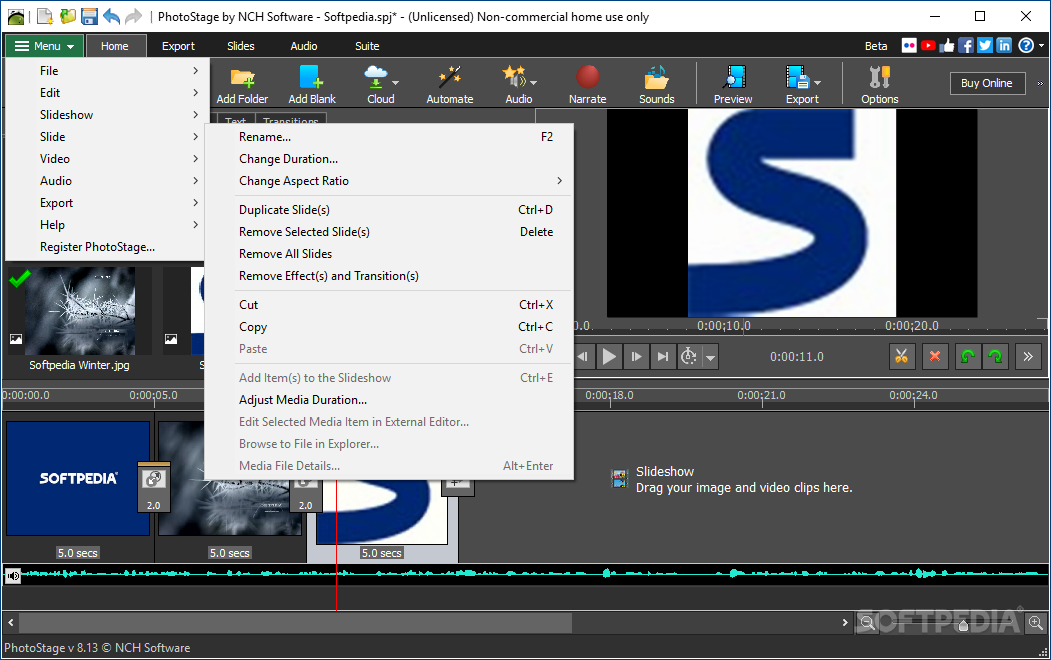
The interface of the application is clean and intuitive. You can get started by importing photographs and media files via the file browser or "drag and drop" method. Also, you can insert a blank slide.
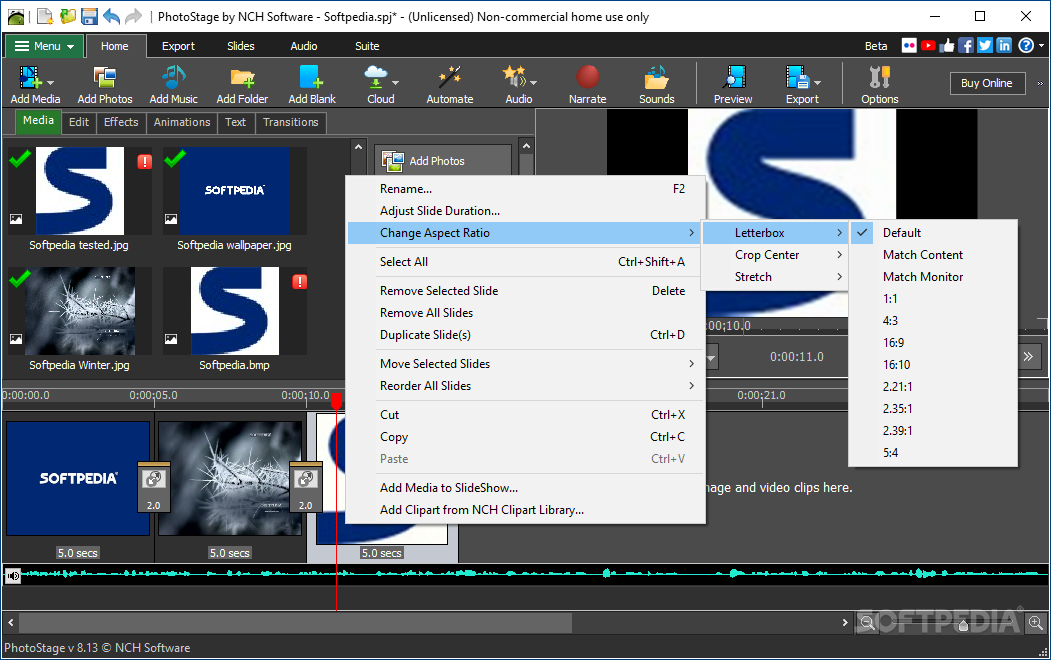
There’s the possibility to add effects (e.g. brightness, crop, rotate, speed, zoom) and transitions (e.g. fade, reveal, wipe, circle, heart, diamond). This can either be done through the dedicated menu, or an intuitive tab which also provides adjustment options.
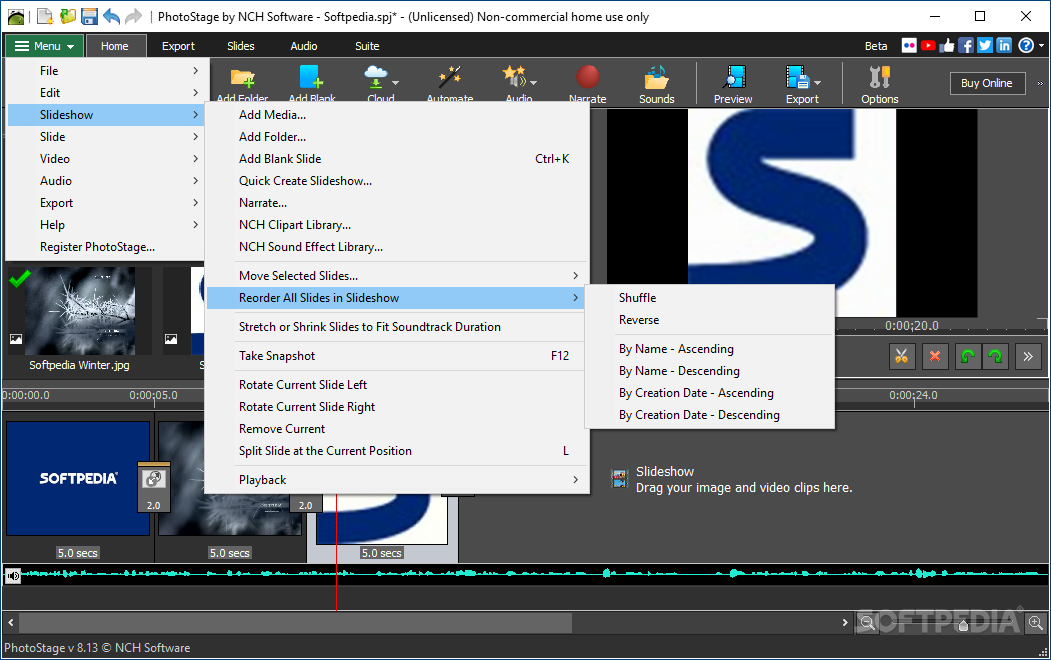
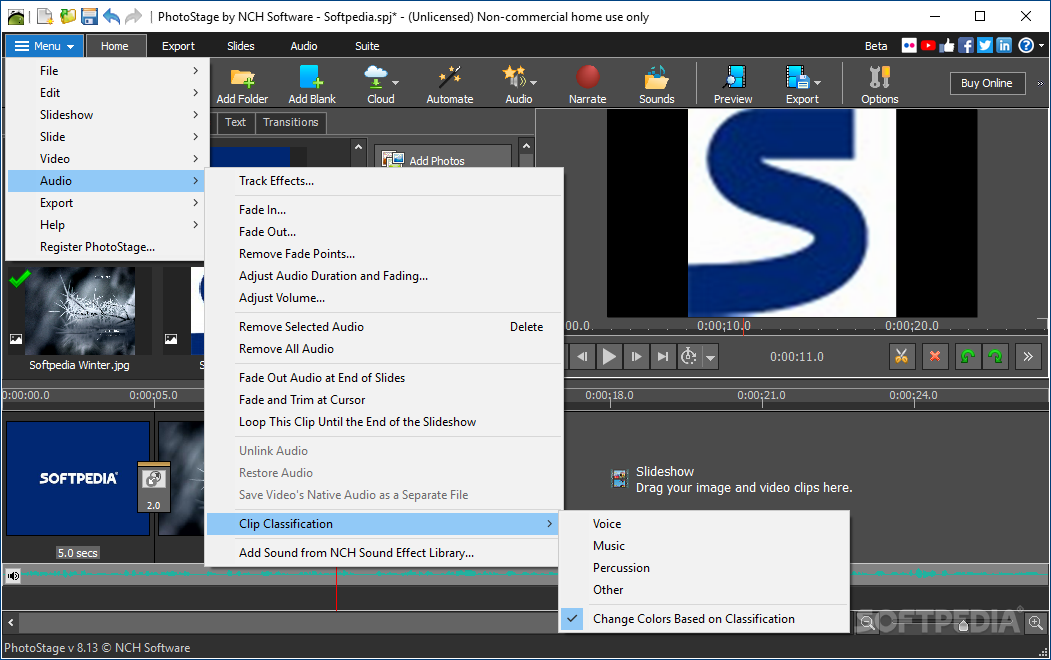
You can record a narration, preview the slideshow, save the current frame as an image, shuffle clips, apply multiple clips effects (e.g. black and white, negative, sepia, oil painting), stretch or shrink slides to match the soundtrack duration, as well as use the undo and redo functions, and more.
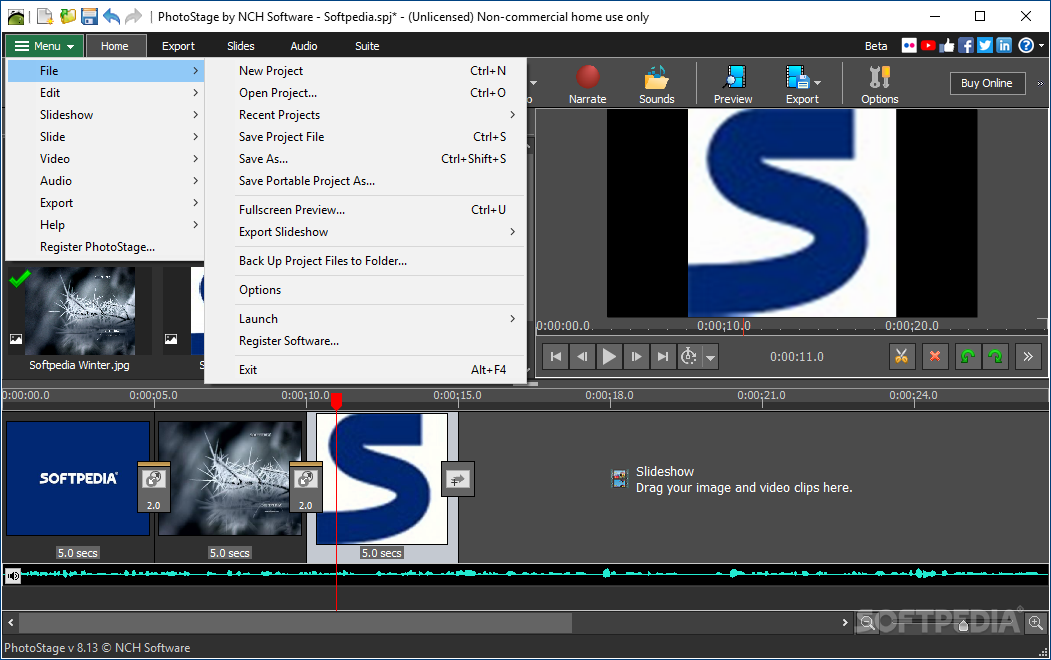
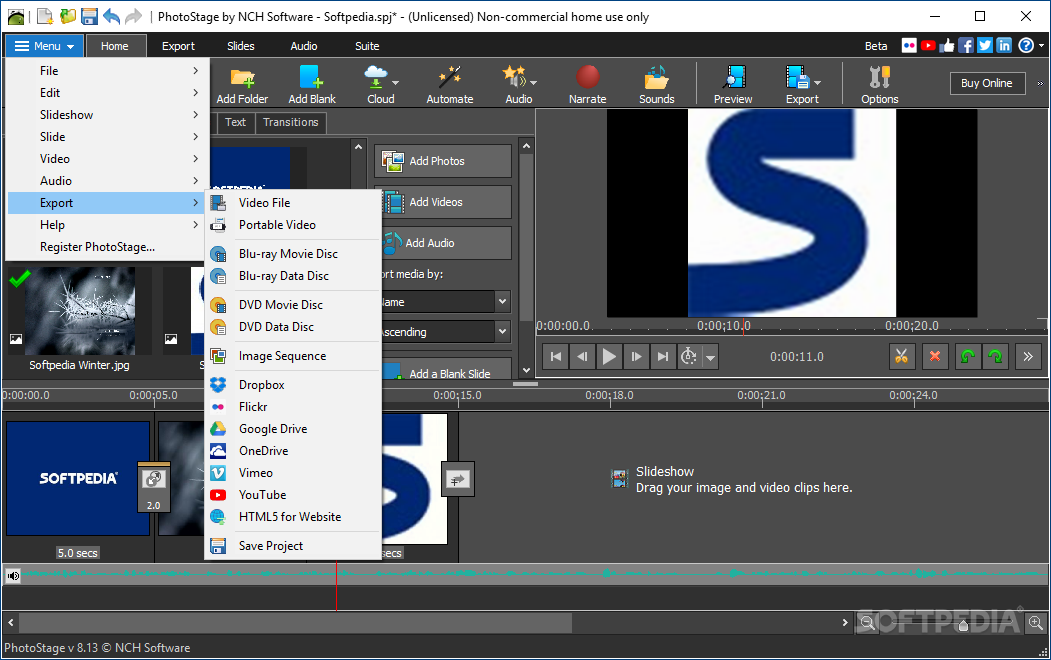
Once you are satisfied with the results, you can save the slideshow to disc, hardware, portable device, as an image sequence or Flash file, or you can upload it, as well as create a DVD movie or data disc.
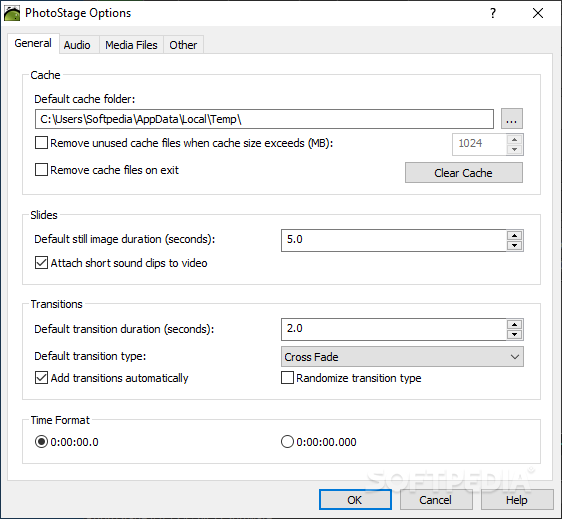
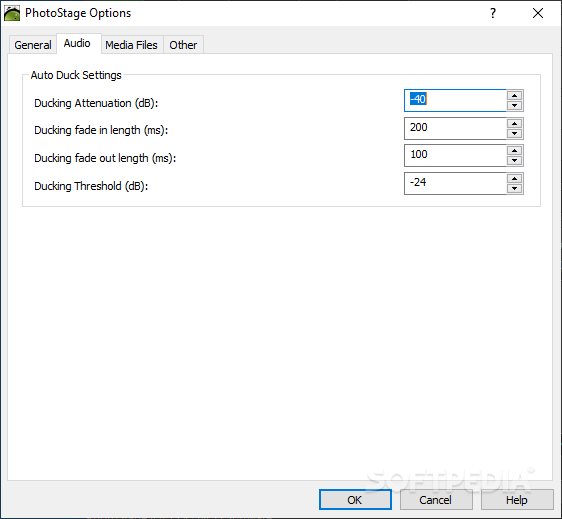
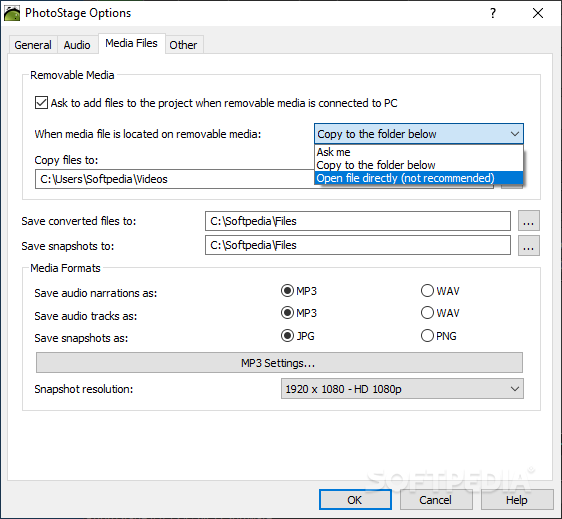
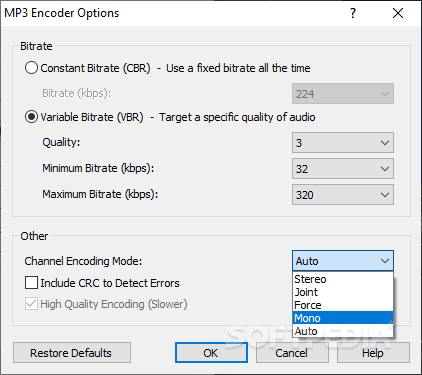
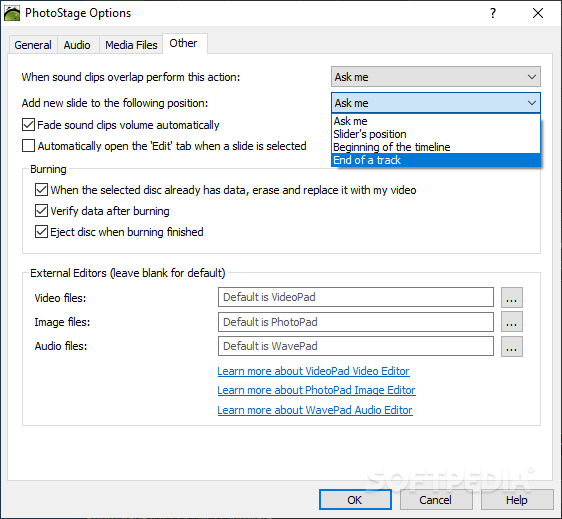
In the "Options" area you can set the default cache folder, enable PhotoStage Photo Slideshow Maker to remove cache files on exit and to automatically add transitions, set the time format, specify the snapshot directory along with audio narration, track and snapshot format, and others.
The application requires a moderate amount of system resources, includes a comprehensive help file (too bad it doesn't have snapshots) and didn't freeze, crash or pop up errors during our tests. PhotoStage Photo Slideshow Maker is an excellent tool for creating slideshows and we highly recommend it to all users, regardless of their experience level.
PhotoStage Photo Slideshow Maker is a reliable solution to bundle a variety of media files into a cool presentation or slideshow. It supports a neat variety of formats, includes multiple effects and transitions, and can save and share your creations on local drive, mobile devices, and social networks.
PhotoStage Photo Slideshow Maker 11.19 Beta
add to watchlist add to download basket send us an update REPORT- runs on:
-
Windows 11
Windows 10 32/64 bit
Windows 8 32/64 bit
Windows 7 32/64 bit - file size:
- 3.6 MB
- filename:
- pstagesetup.exe
- main category:
- Multimedia
- developer:
- visit homepage
ShareX

IrfanView

Windows Sandbox Launcher

4k Video Downloader

Bitdefender Antivirus Free

Microsoft Teams

Context Menu Manager

Zoom Client

calibre

7-Zip

- Zoom Client
- calibre
- 7-Zip
- ShareX
- IrfanView
- Windows Sandbox Launcher
- 4k Video Downloader
- Bitdefender Antivirus Free
- Microsoft Teams
- Context Menu Manager