
Manage large media collections and re-organize them using tags instead of folders that you can share via custom servers with this application. #Media tag #Tag media #Photo tagger #Tag #Tagger #Publish

Note: Some antimalware applications may trigger alerts for this application. Our tests have proved that these are, in fact, false positives so it's safe to download and install Hydrus Network.
In case you have accumulated hundreds of gigabytes of pictures over time, then there is a good chance that you are looking for a solution and a strategy that would enable you to manage such an impressive collection.
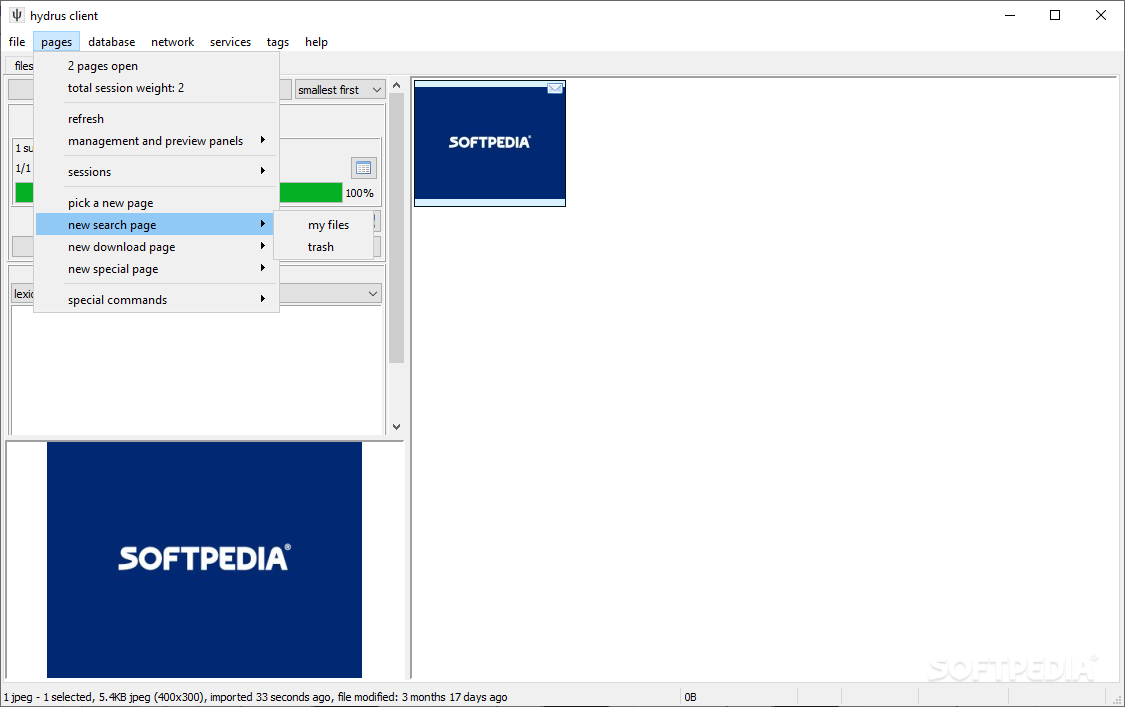
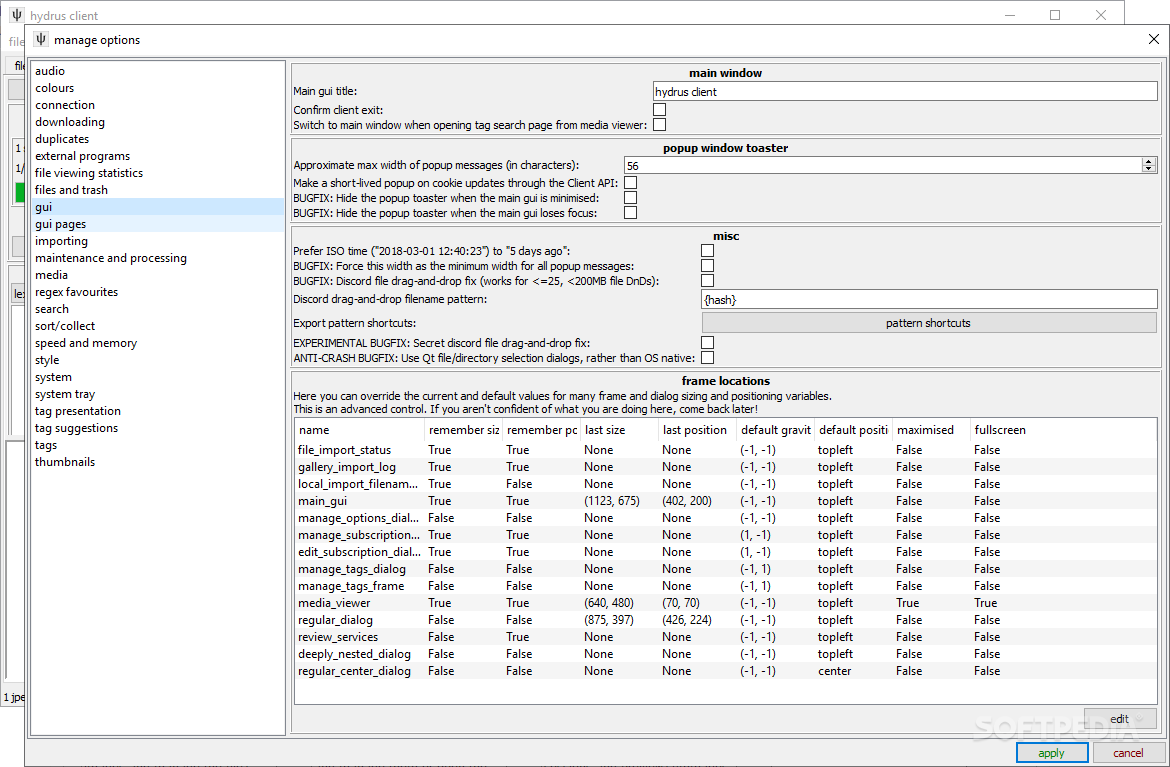
Hydrus Network is a platform that allows you to manage and organize large collections of media you have gathered in time in an internal database using tags that you can share via the custom servers you are running.
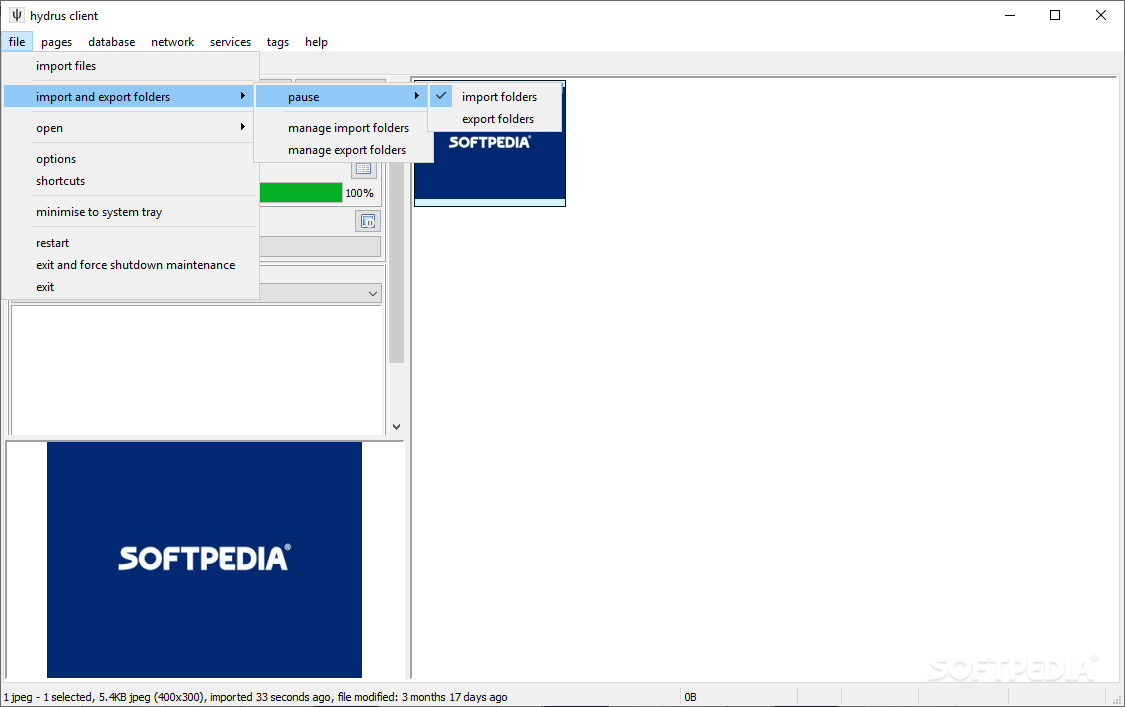
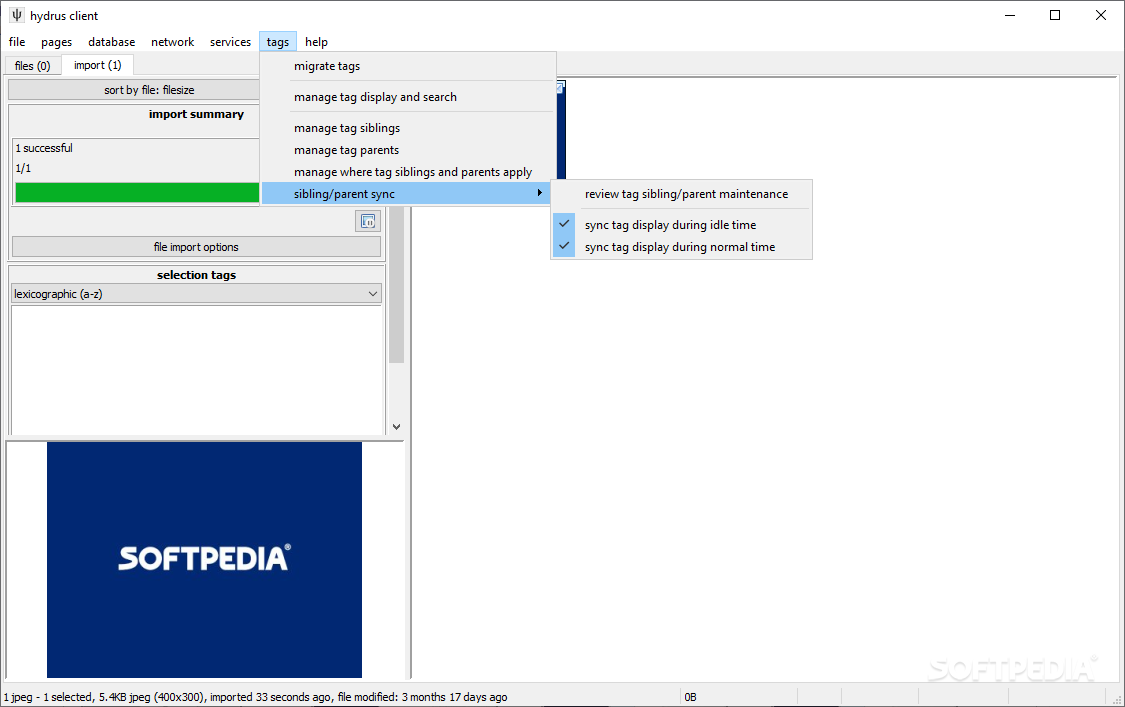
First off, you should know that the utility includes a server that needs to be connected and running before you can start the client for the first time. While you can see a blank page when you first start the client, you can populate it immediately by dragging and dropping a photo directory on the dedicated panel to import them and start managing.
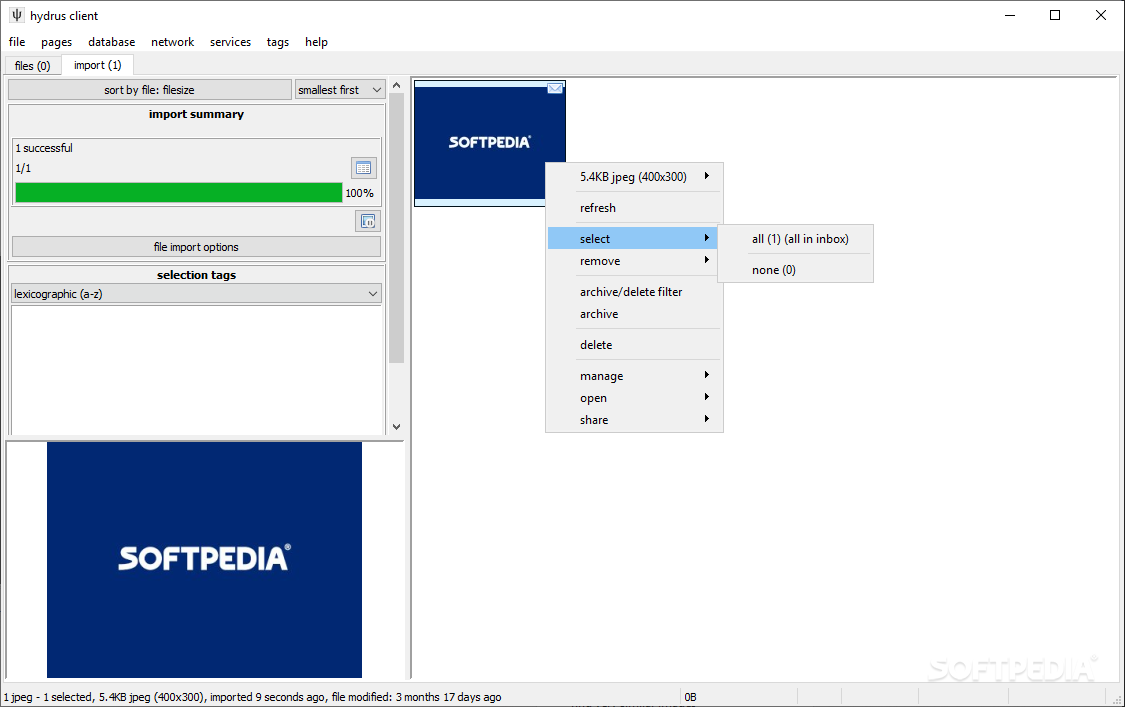
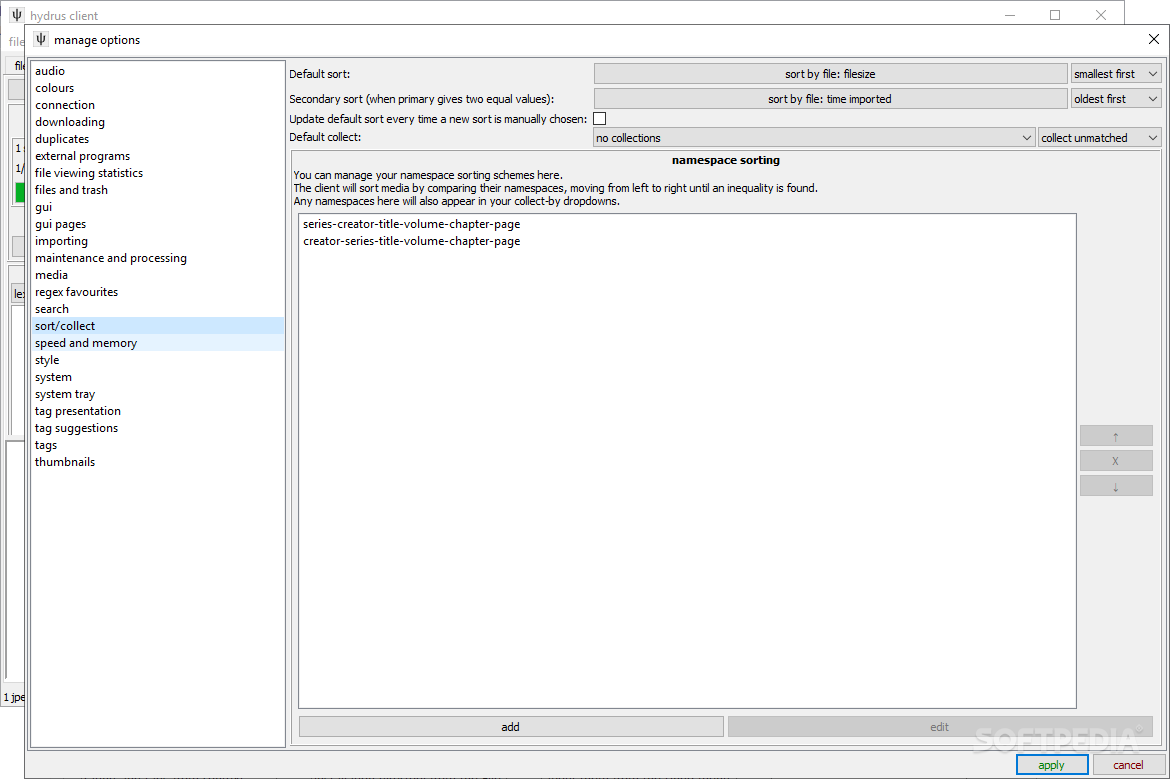
The idea behind the program is to enable you to use tags instead of folders, a feature that enables you to quickly search for and identify the images that include that exact match and similar entries. You can add and edit tags as well as include ratings for the files you organize by accessing the dedicated functions from the context menu.
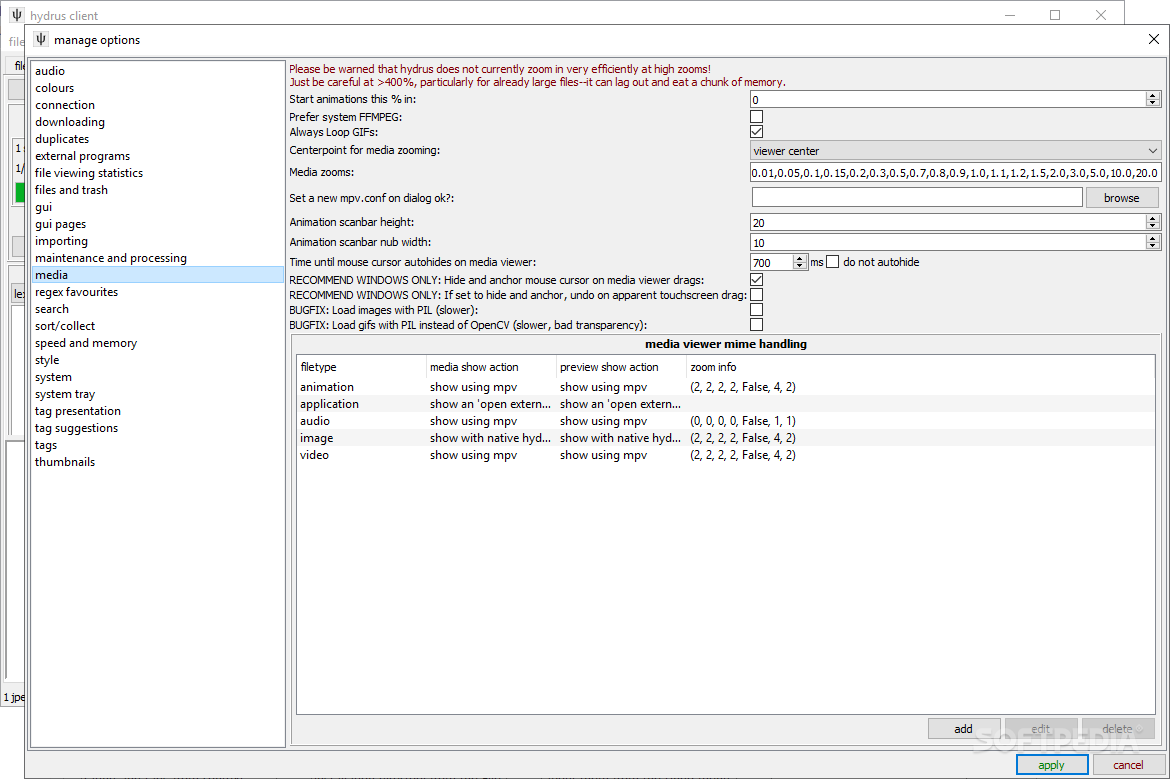
On a side note, the program allows you to customize the viewing mode for the photos you tag with a certain keyword or rating.
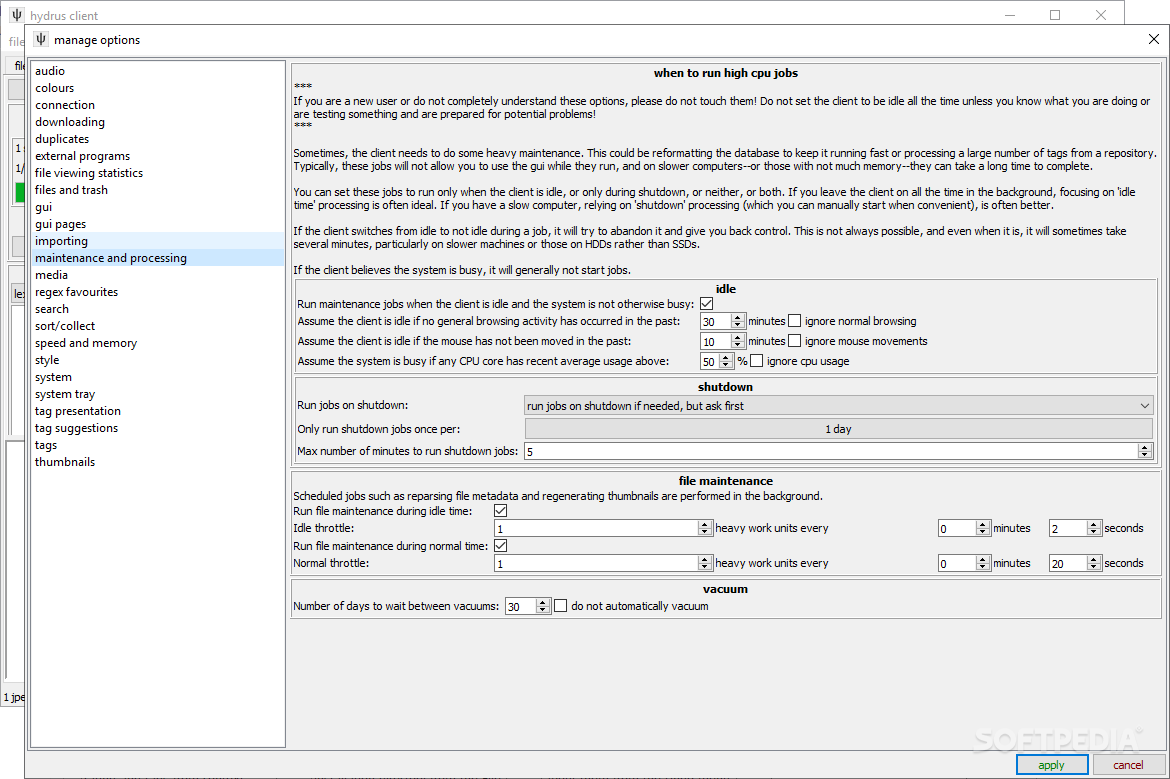
It is worth mentioning that the application includes a function that performs automatic indexing and tag updates that are particularly designed for users who did not grasp the idea behind the application yet.
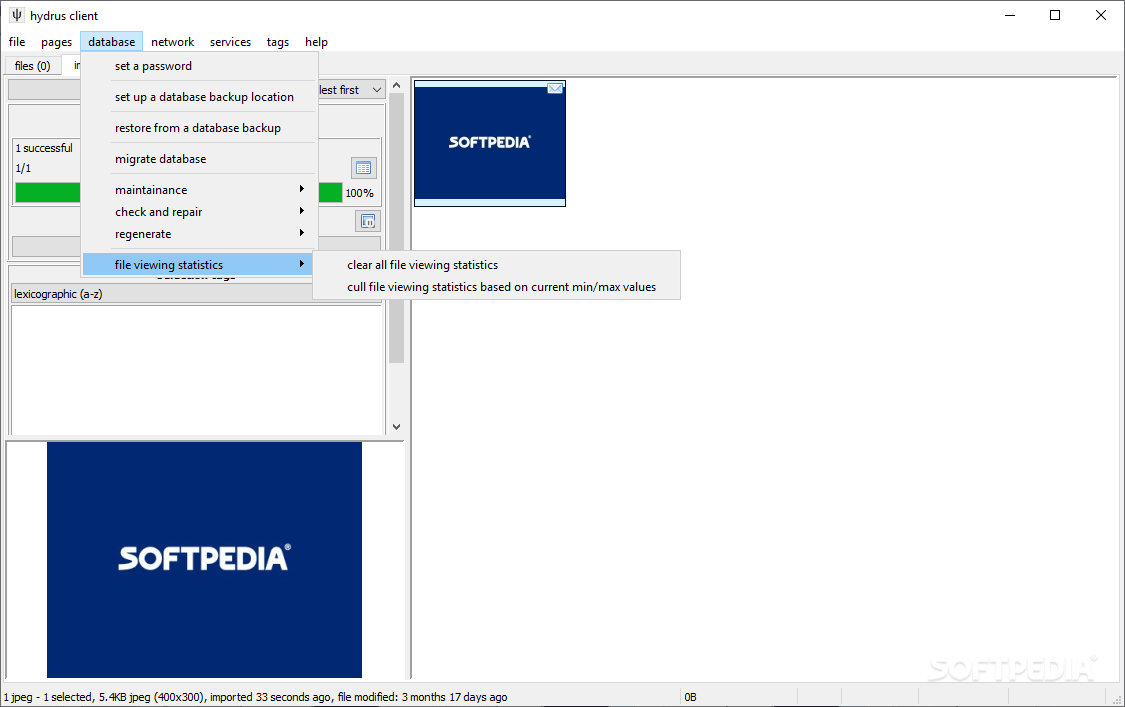
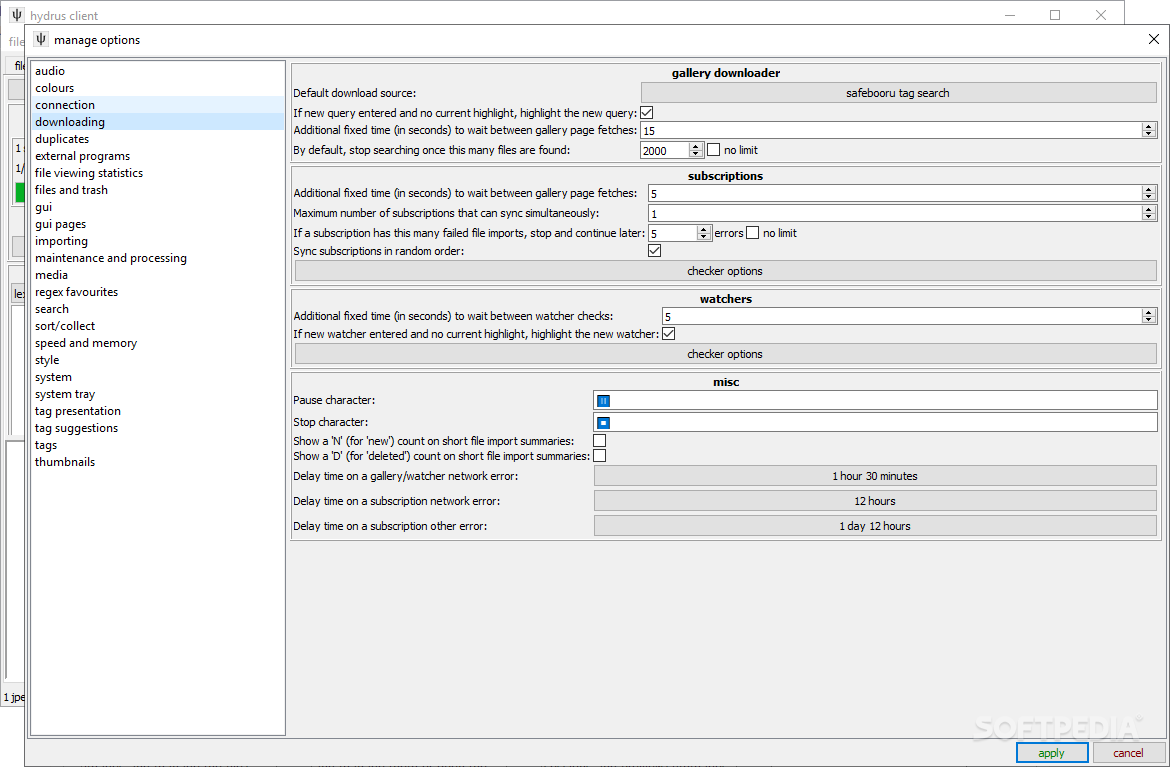
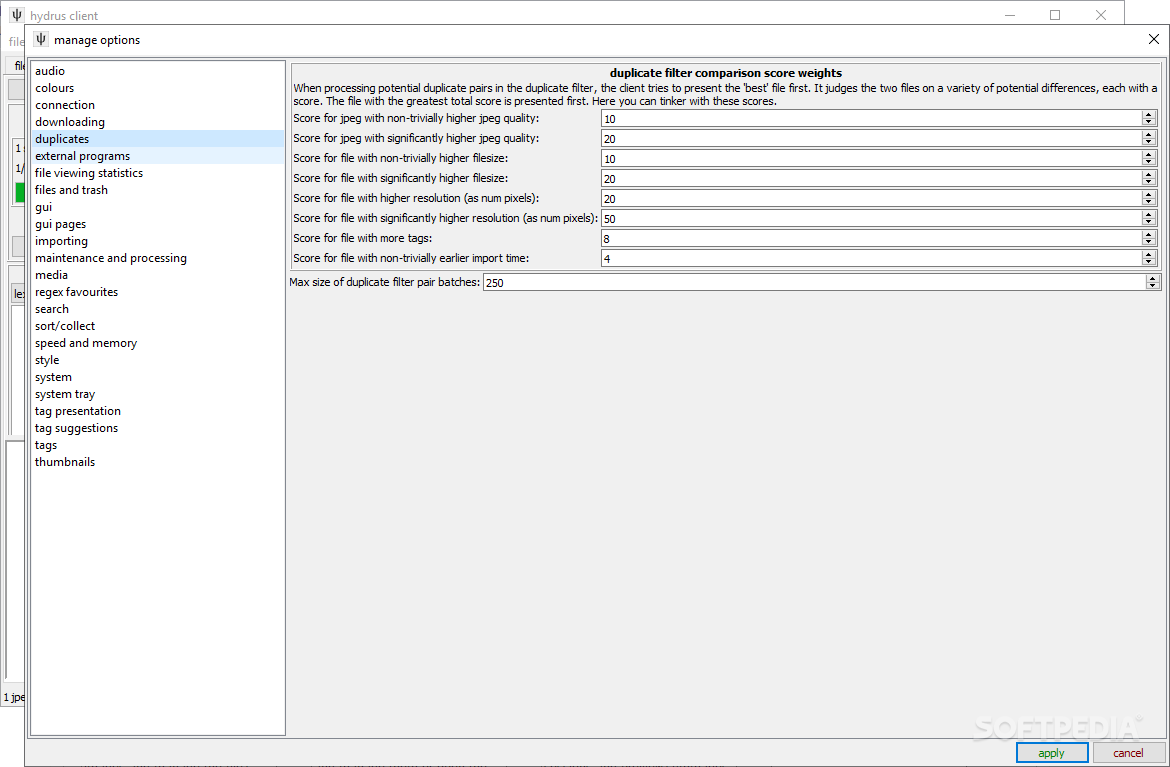
On the other hand, the utility enables you to set up your own server, in case you intend to create multiple accounts that you are going to manage. The application comes with several advanced functions that could make your life easier. Among the options that enter this category, you can count tag censorship, importing and tagging at the same time or tag archiving, just to name a few.
Despite the fact that it includes numerous features that could help you go through years of pictures and organize them for easier access, Hydrus Network mainly addresses advanced users.
Then again, if you are a beginner who requires a tool for photo management and tagging, then you should keep in mind that the app includes comprehensive documentation online to get you started.
What's new in Hydrus Network 571:
- clean install:
- the recent 'future build' test went well, so I am rolling these updates into the normal release for everyone. on Windows and Linux, the built program is now running Python 3.11, and, on all platforms, updated versions of Qt (UI) and OpenCV (image-processing). there's nothing earth-shattering about these changes, but some things will work better and faster
- because of the jump, v570 and v571 have dll conflicts! if you are on Windows or Linux and use the .zip or .tar.zst "Extract" release, you will need to a clean install as here: https://hydrusnetwork.github.io/hydrus/getting_started_installing.html#clean_installs
Hydrus Network 571
add to watchlist add to download basket send us an update REPORT- portable version
- Hydrus Network Portable
- runs on:
-
Windows 11
Windows 10 64 bit
Windows 8 64 bit
Windows 7 64 bit
Windows Vista 64 bit
Windows XP 64 bit - file size:
- 231 MB
- filename:
- Hydrus.Network.571.-.Windows.-.Installer.exe
- main category:
- Multimedia
- developer:
- visit homepage
4k Video Downloader

7-Zip

Microsoft Teams

Bitdefender Antivirus Free

ShareX

paint.net

IrfanView

calibre

Zoom Client

Windows Sandbox Launcher

- calibre
- Zoom Client
- Windows Sandbox Launcher
- 4k Video Downloader
- 7-Zip
- Microsoft Teams
- Bitdefender Antivirus Free
- ShareX
- paint.net
- IrfanView