|
|
|
| Downloads: 4,093 |
Tell us about an update
|
 |
|
User Rating: Rated by: |
Good (3.8/5) 25 user(s) |
|
|
|
TerrainView-Lite description
|
A Virtual Reality-based 3D GIS software solution
TerrainView-Lite is a Virtual Reality-based 3D GIS software solution which facilitates the interactive visualization of high-resolution 3D terrain and model data. TerrainView-Lite provides fully interactive flight during which users can control attitude, altitude, speed and viewing angle. Supported 3D terrain and model formats are: Terrex TerraPage txp, Multigen OpenFlight flt, ViewTec ivc, ViewTec Web Streaming tvw, OpenScenegraph ive, osg, Carbon Graphics geo, Autodesk 3ds, max (plugin), VRML2 wrl. 3D models such as buildings and billboards can be imported to enhance the realism of the terrain.
TerrainView-Lite can be upgraded to Globe functionality including spherical earth rendering, spatial multi-resolution support and terrain morphing, thematic layering, overlay or insert of independent local high-resolution and secure internet-streamed data and continuous level of detail (LoD).
NOTE: TerrainView Free Version MUST NOT be used for, or in relation with, any commercial or business purpose, whether "for profit" or "not for profit". Here are some key features of "TerrainView-Lite":
TerrainView-Web Export:
· A TerrainView 3D scene can be exported to the internet using the TerrainView-Web Export option. The free TerrainView-Web plugin enables the Microsoft Internet Explorer to visualize the scenery over the internet.
Weather visualization:
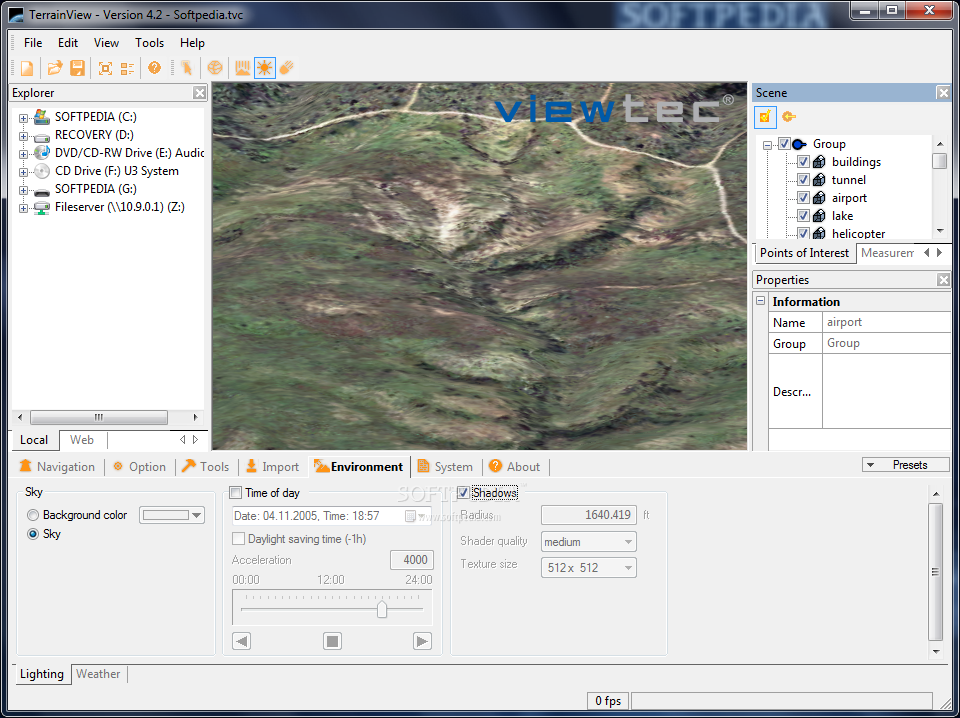
· For the generation of realistic scenes, TerrainView offers a wide palette of lighting and weather conditions e.g. time of day, skybox,distant haze, volumetric clouds, rain, snow and wind direction.
Measurements:
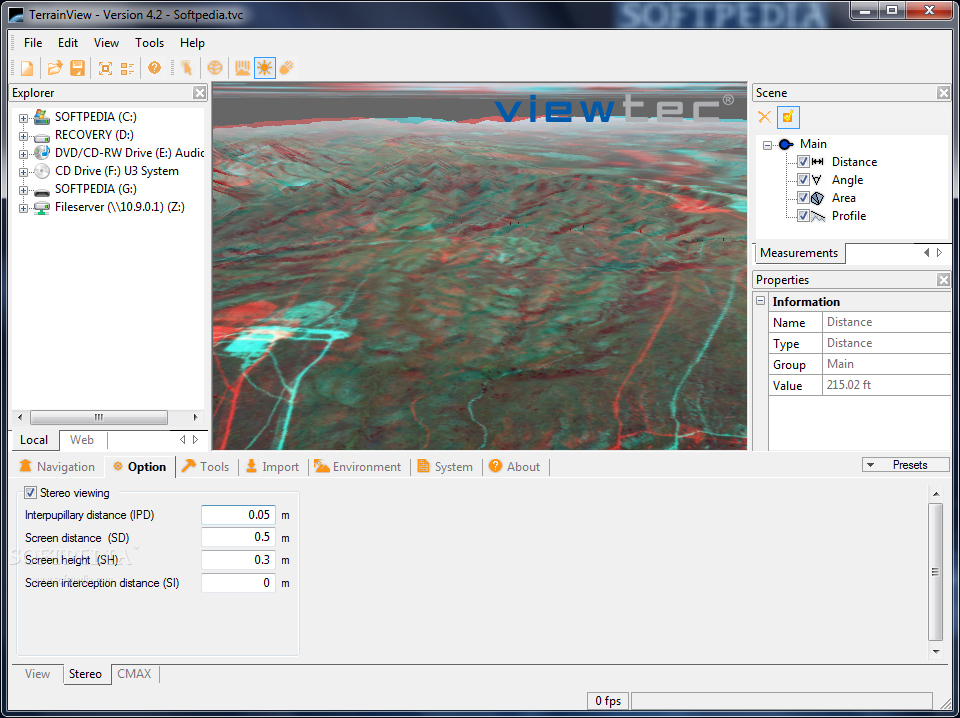
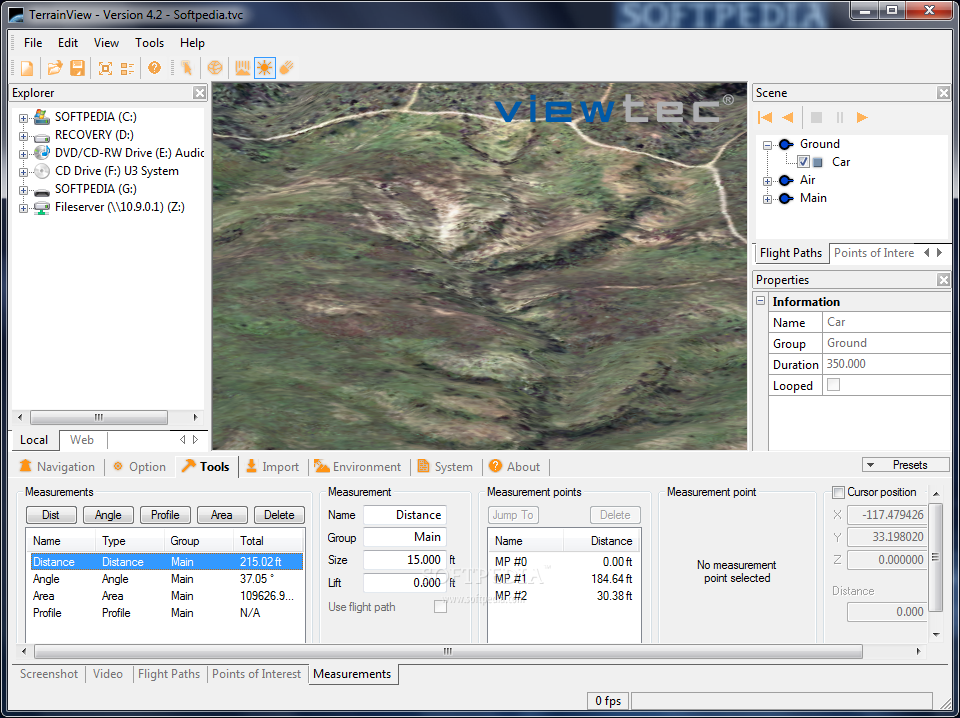
· TerrainView allows various kinds of 3d measurements to be made, e.g. distances, angles, profiles and areas. Furthermore, it is possible to determine the position and distance of any terrain point by means of the cursor.
2D map representation:
· Different textures e.g. maps can be visualized as layers in the 3d terrain.
3D object fading:
· Objects e.g different types of a 3d building can be faded in and out during an animation.
Easy navigation:
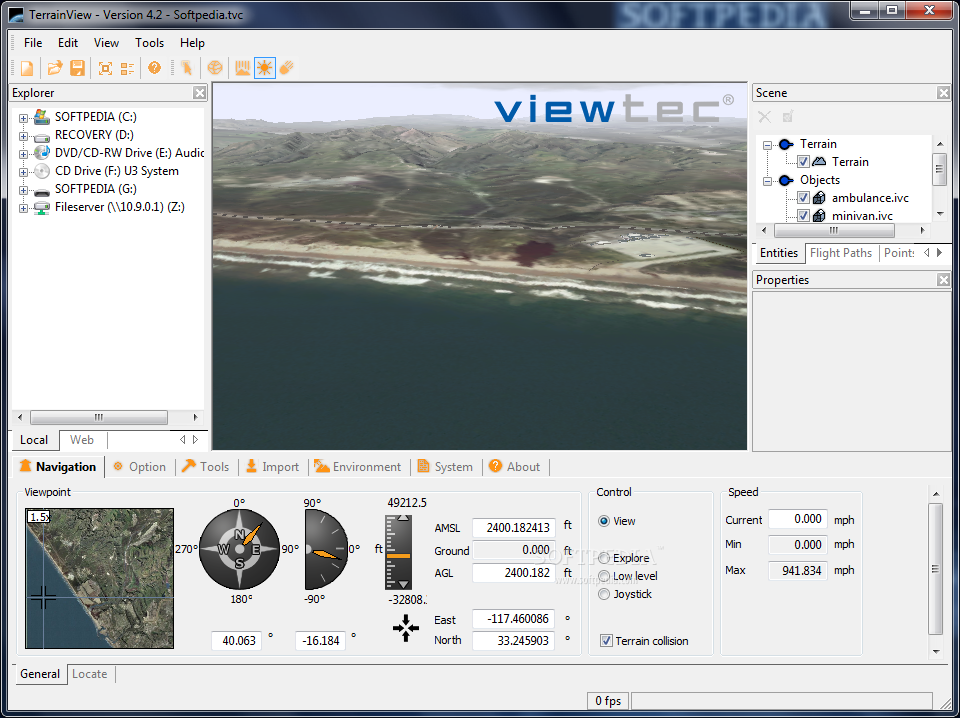
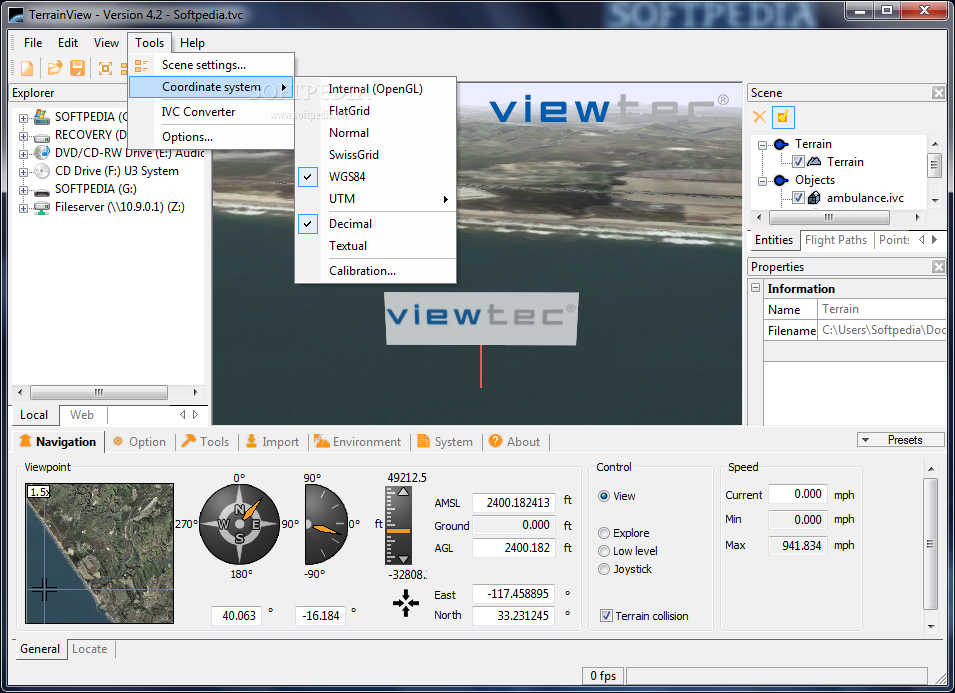
· TerrainView provides fully interactive flight during which users can control altitude, speed and viewing angle via the mouse and georeferenced terrain positions output in WGS84 and UTM coordinates.
3D models:
· 3D models such as buildings, billboards, and cars can be imported to enhance the realism of the terrain. Currently the supported data formats are Multigen OpenFlight, Terrex TerraPage, Quantum3D VT, Carbon Graphics geo, CyberCity vtc, Autodesk 3ds, Discreet 3D Studio Max (MAX) requires plugin, VRML 1 and 2, Design Workshop dw, Alias/Wavefront obj and NewTek LightWave 3D lwo.
3D city models:
· The CyberCity Modeler application of Cybercity AG allows to generate 3d city models semi-automatically. TerrainView includes now the possibility to process various levels of detail (LODs) such as trees, walls and roof textures in real time.
3D object manipulation:
· Merge multiple 3d objects of different formats together and pick, move, rotate or scale them easily.
Web streaming support:
· With TerrainView you can directly connect any TerrainView-Web database. An ActiveX component/plug-in is also downloadable
Various modes of navigation:
· TerrainView provides various modes of navigation such as view mode, flight mode, low level flight (ground following), and explore view.
Points of interest editor:
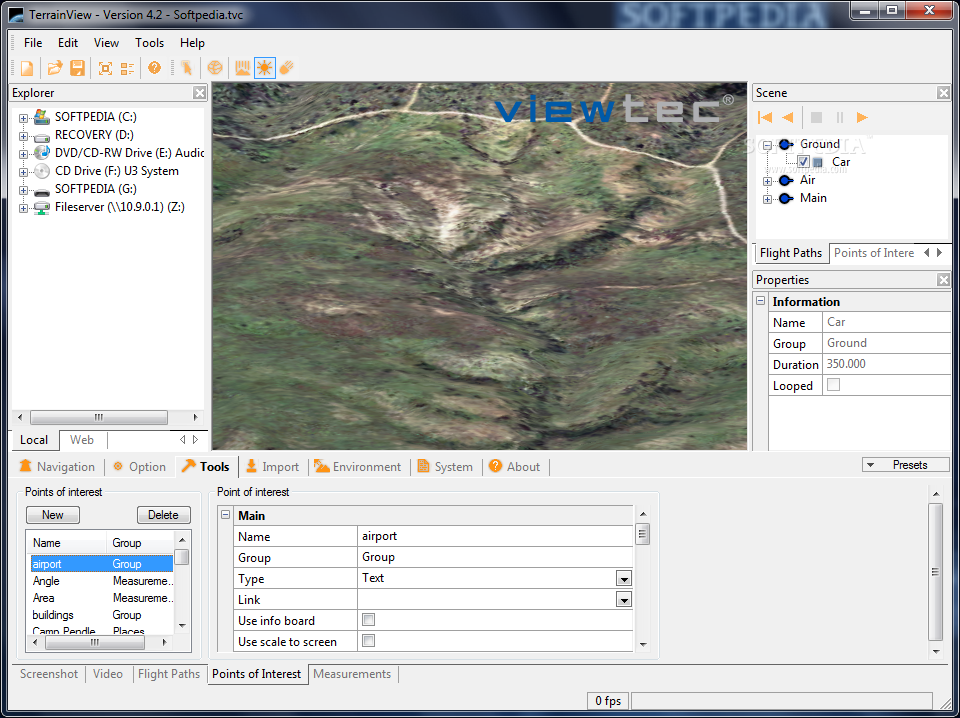
· To annotate terrain models freely definable points of interest may be coupled with arbitrary text, 3d objects, or hyperlinks.
Advanced flight path editing:
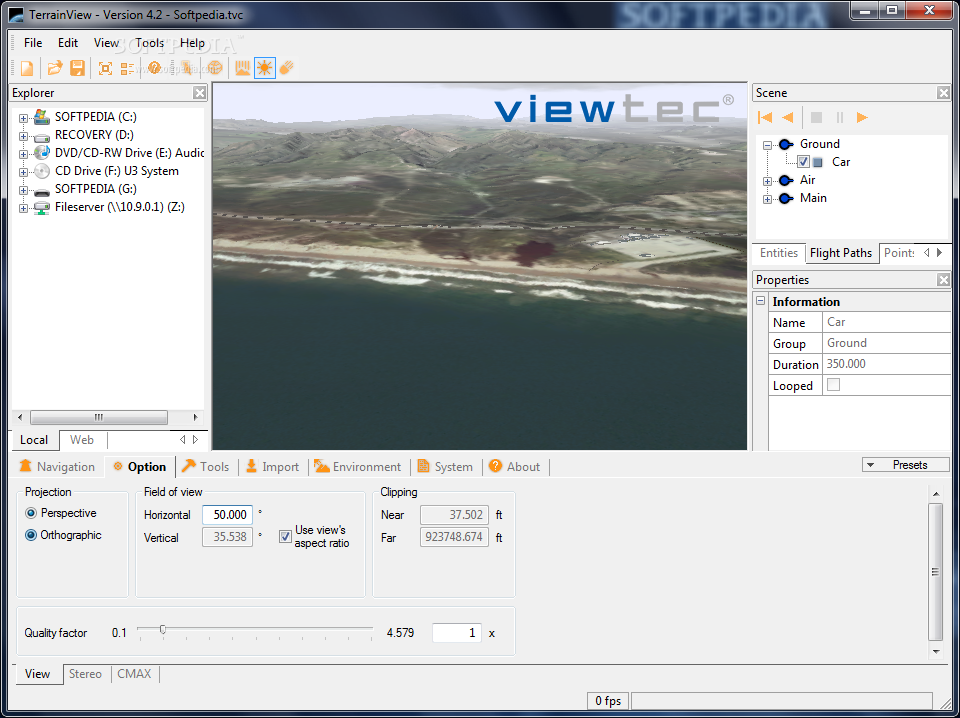
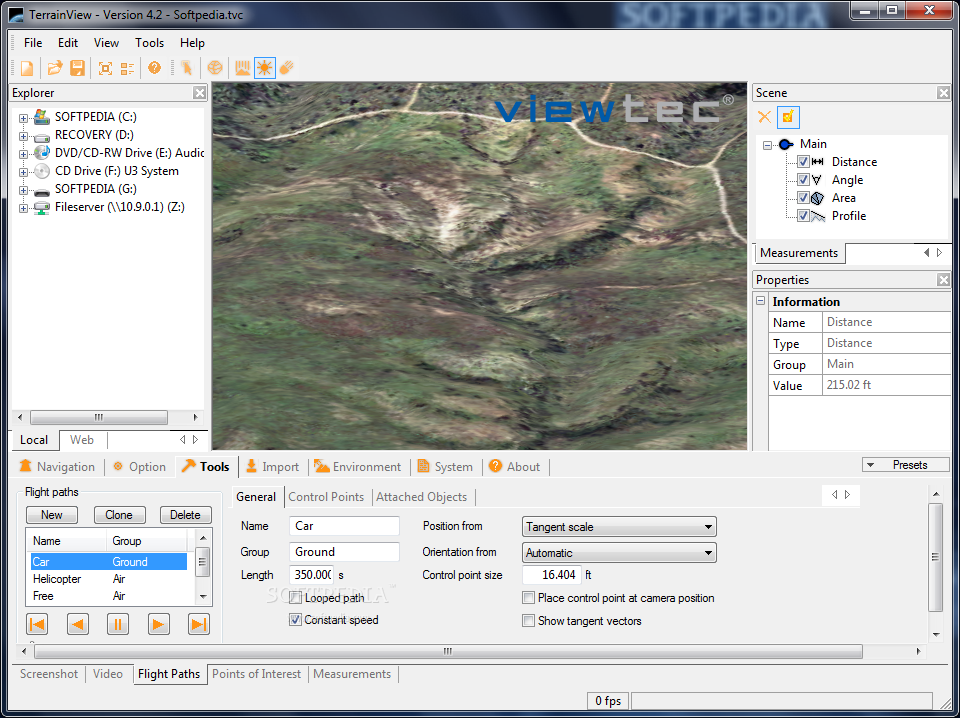
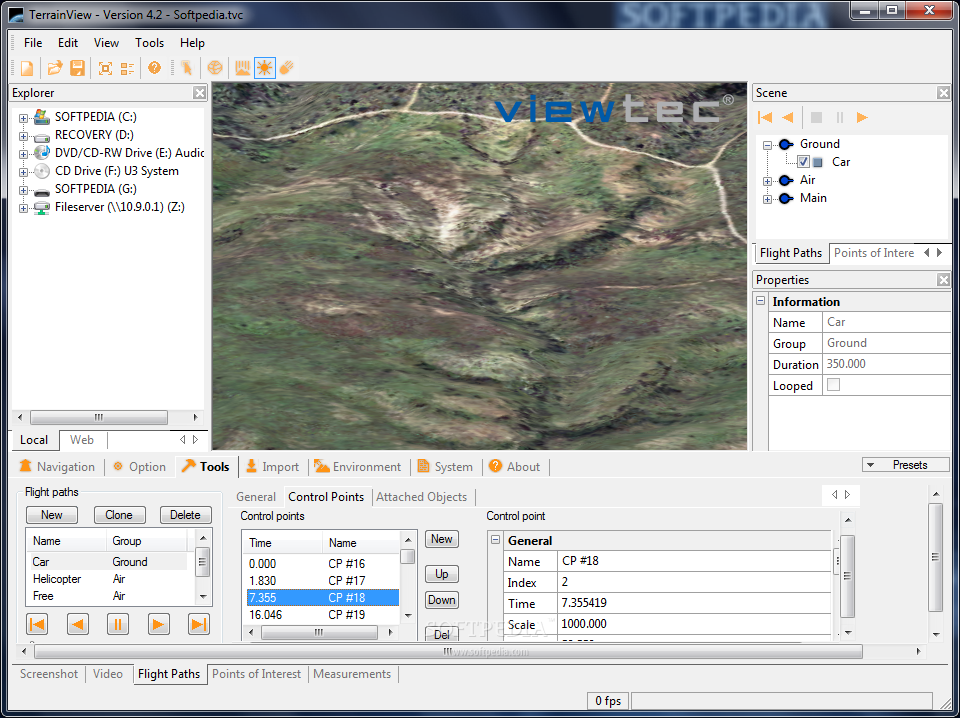
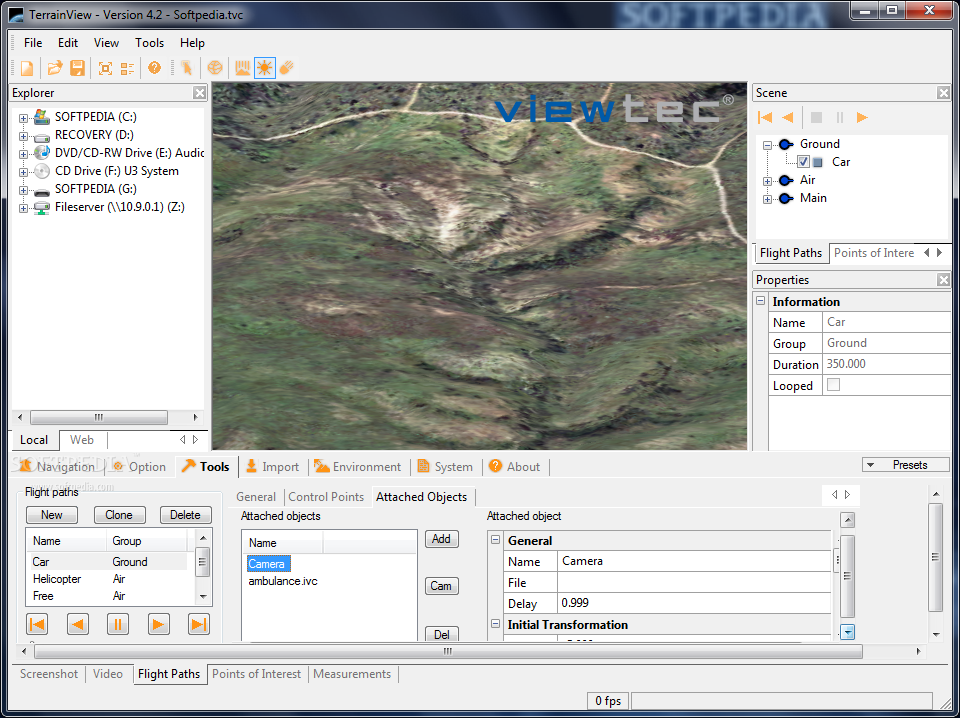
· Easy definition of flight paths with smooth interpolation for position and orientation. Flight paths can be coupled to both 3d models and camera.
Dynamic objects:
· Paths can be assigned to 3d models such as airplanes, copters and ground vehicles to demonstrate real-time movement.
Information tree:
· Information tree that lists all primitives, locations, 3d models, dynamic objects. The information tree has the ability to group elements into folders, save show/hide status for objects.
Configurations:
· Any scene consisting of terrain, 3d models, flight paths points of interest and weatrher conditions can be saved in configurations files for instant access in future sessions.
Arbitrary resolution screenshots:
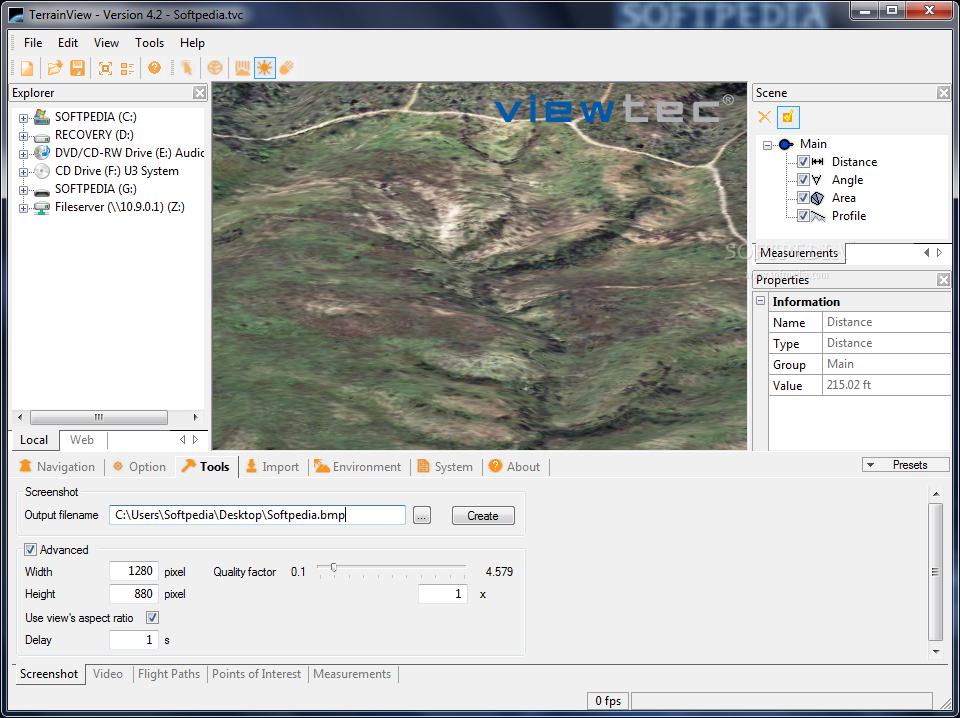
· The resolution of screenshots calculated from the current view are only limited by disk space.
Generation of digital videos:
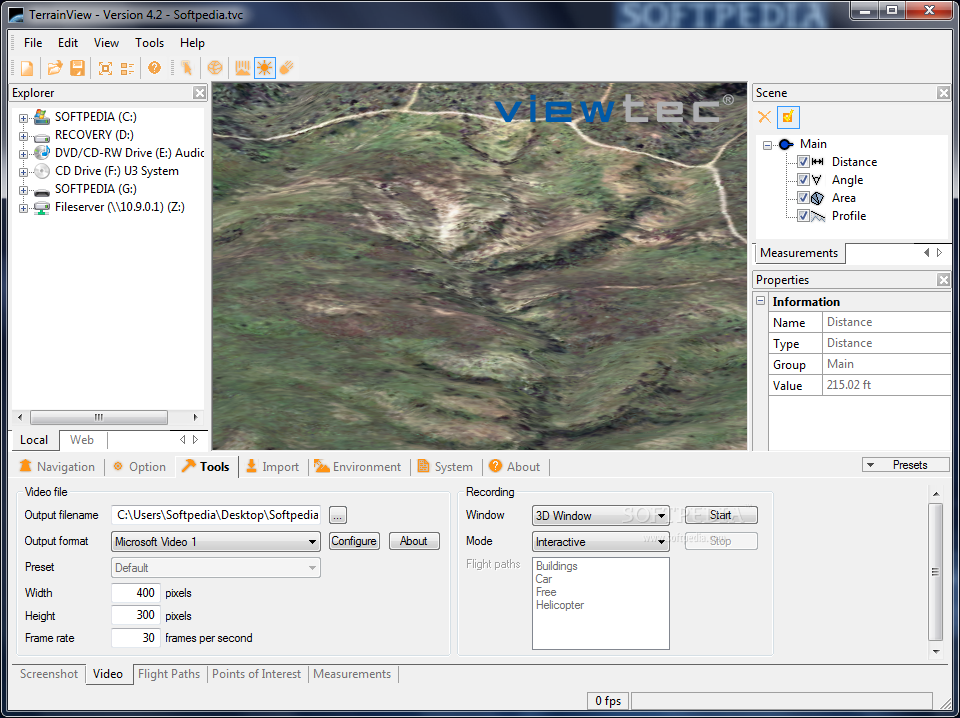
· TerrainView can generate videos at specific frame rates using different video codecs. Any flight path in the project can be exported to an AVI movie.
Requirements:
· Pentium IV 2.4 GHz
· 512 MB RAM
· Graphics card with hardware accelerated OpenGL support
· PixelShader 1.4
· 128 MB texture memory
· Screen resolution 1024x768 Pixel
· Color depth 32 Bit
What's New in This Release: [ read full changelog ]
New features:
· Windows 7 (32/64Bit) compatibility
· Integrated OSG 2.8.3
· Integrated GDAL 1.7.2
· POI's with automatic scale to screen
· Help is now online.
· Citygml v0.1.3 support
· Possibility to clone flightpath
· We support now a broader range of low-end graphic cards
· TerrainView runs now on VMWare
Changes:
· The license for TerrainView (Free) has been more clearly defined.
· ECW support removed
· Fade models removed
· Planblender removed
Fixes:
· Faster startup of the application
· Optimized shadow with Collada models
· Issues with shadow solved
· Issues with explore mode solved
· Issues with image loading solved
· Crashes on editing controlpoints
· Issues with loading enties
· Camera jitter on bigger flightpath solved
· Performance improvements in handling TerraPage
|
|
 | | Softpedia guarantees that TerrainView-Lite 4.2.0.5 is 100% CLEAN, which means it does not contain any form of malware, including spyware, viruses, trojans and backdoors. [read more >] |
|