Softpedia Editor's Review for Ulead Photo Explorer
|
A complete visual organizer for digital photography and video
Written by Elena Opris on April 6th, 2012
Ulead Photo Explorer is a program designed to help you better manage your image and video files.
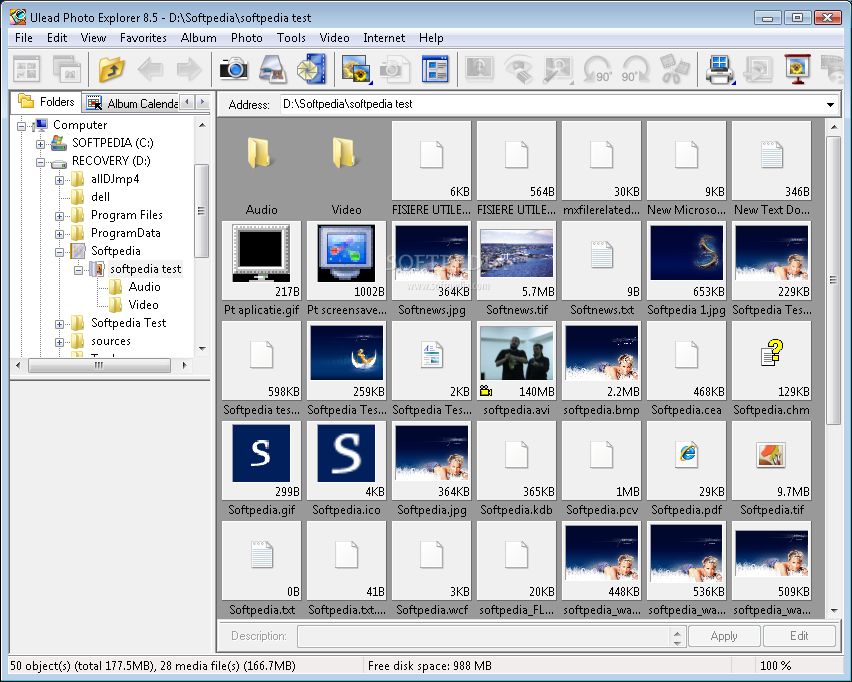
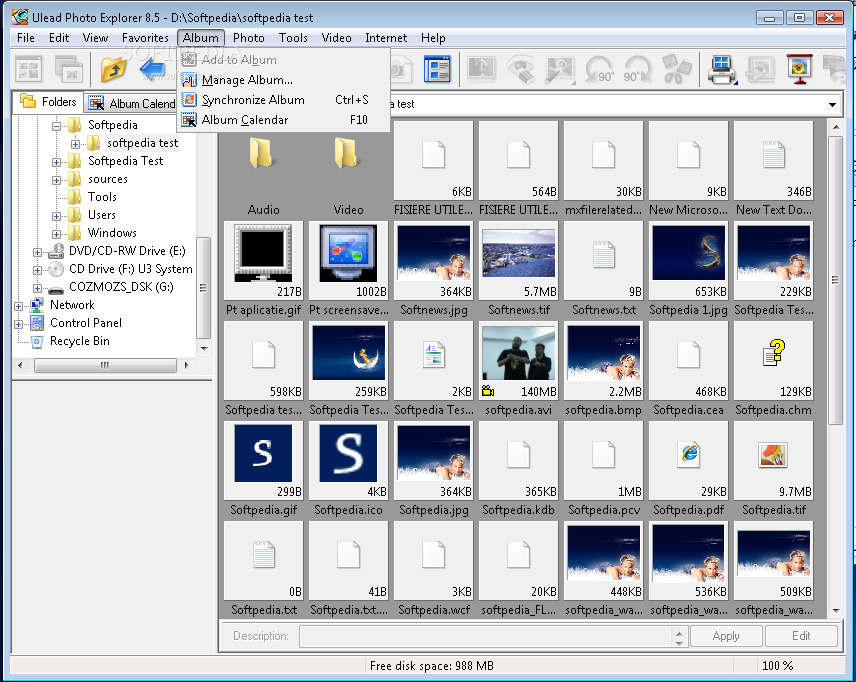
The software comes with a user-friendly interface in which you can use an Explorer-based layout to locate and access files.
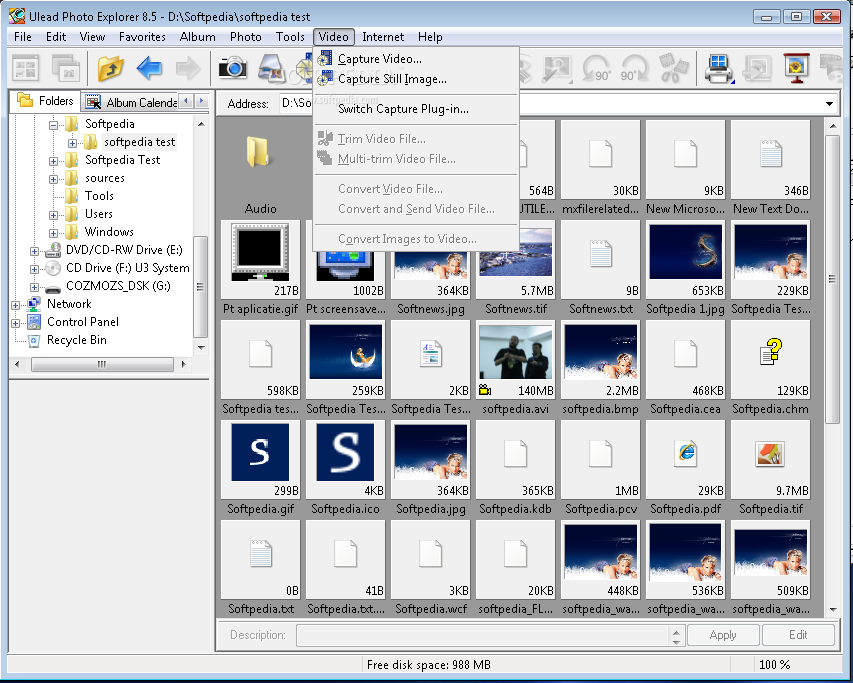
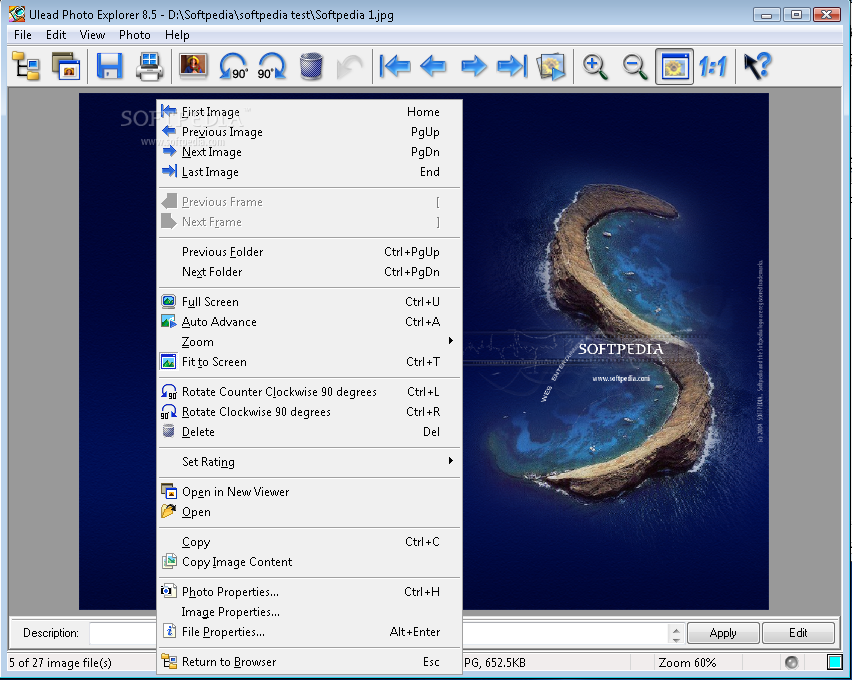
So, you can rotate pictures and add them to a ZIP file, copy image content, set a description and rating, as well as auto rename them.
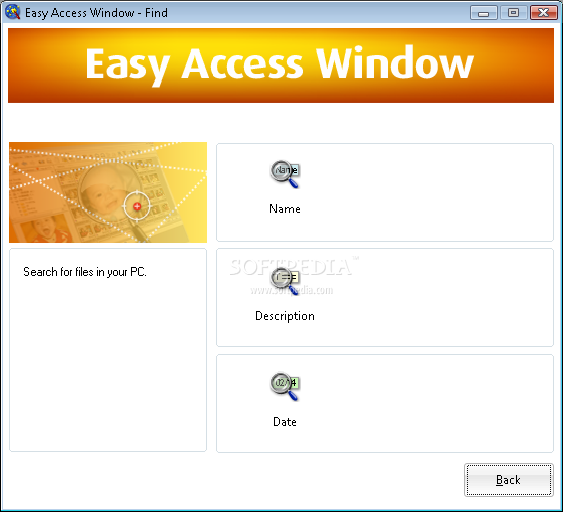
Moreover, you can view file properties, use a search function, change the thumbnail size, sort files (e.g. by name or type) and send them to the mail recipient.
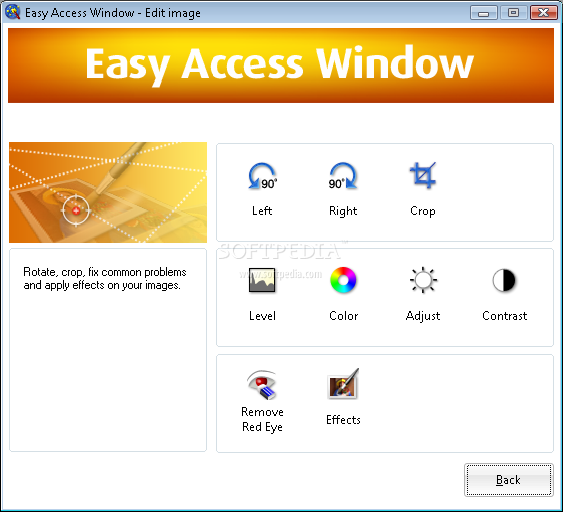
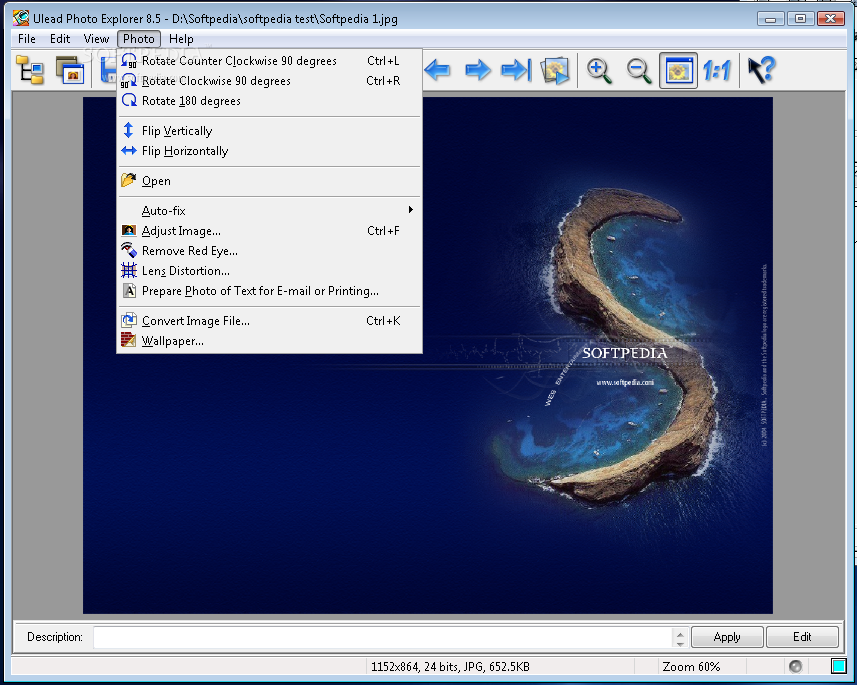
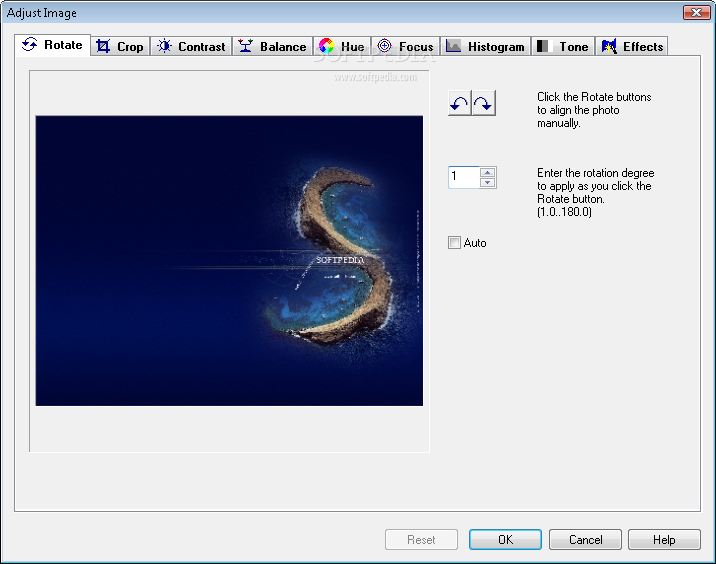
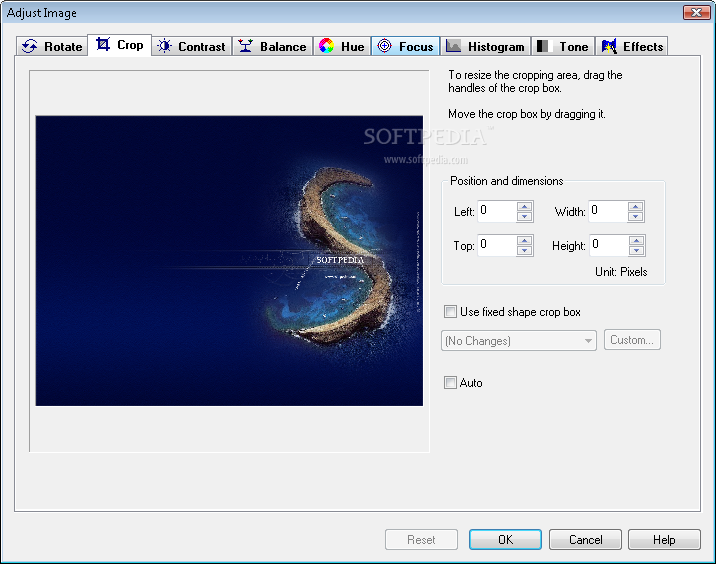
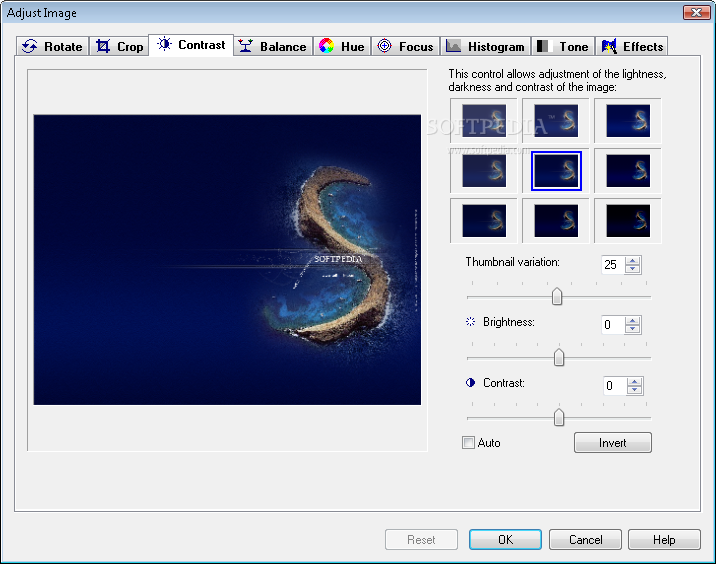
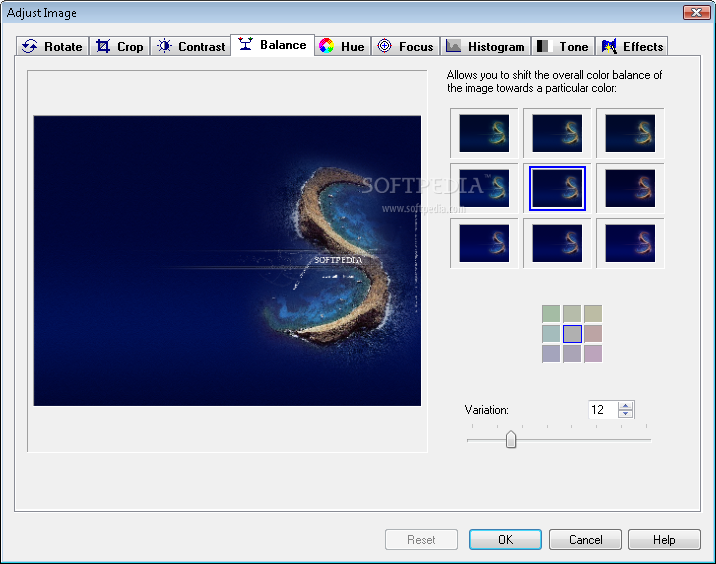
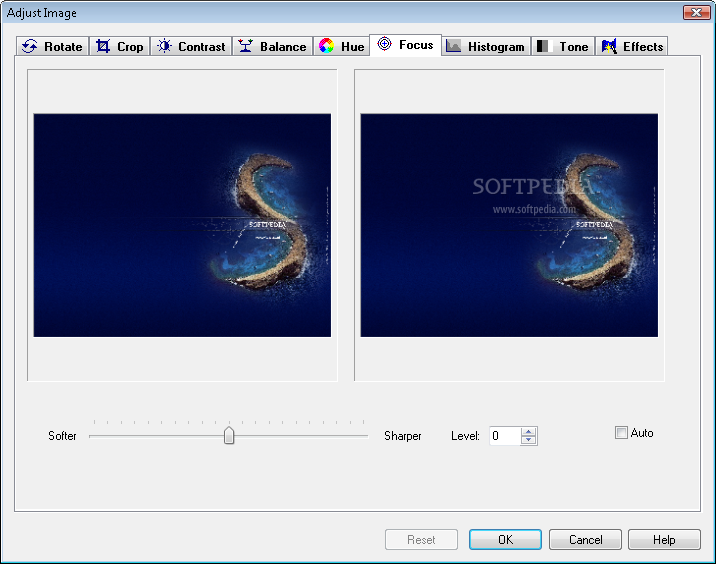
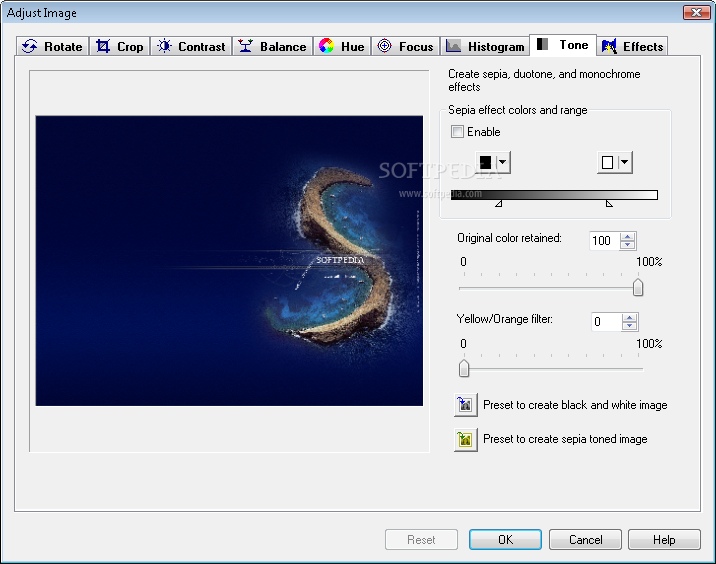
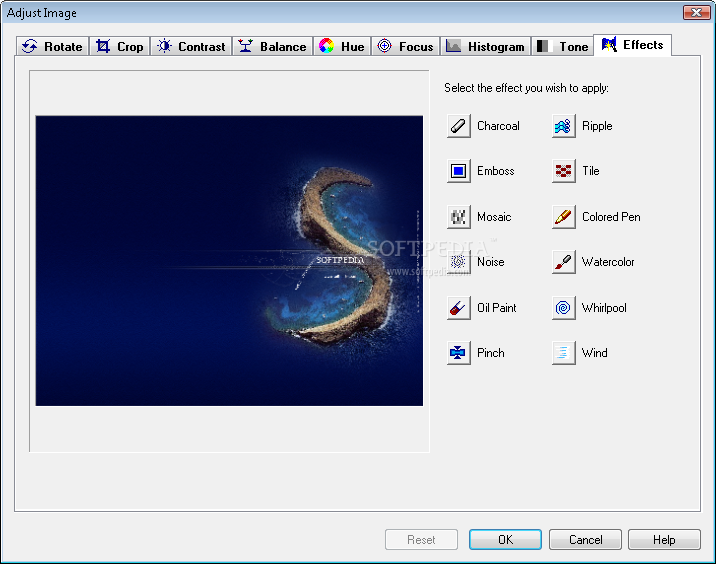
In addition, you can rotate, flip, crop and convert pictures, automatically fix their levels, colors, brightness and contrast, modify their hue and focus, view a histogram, set the tone, remove the red eye effect and apply various filters (e.g. oil paint, watercolor, wind, ripple charcoal, noise).
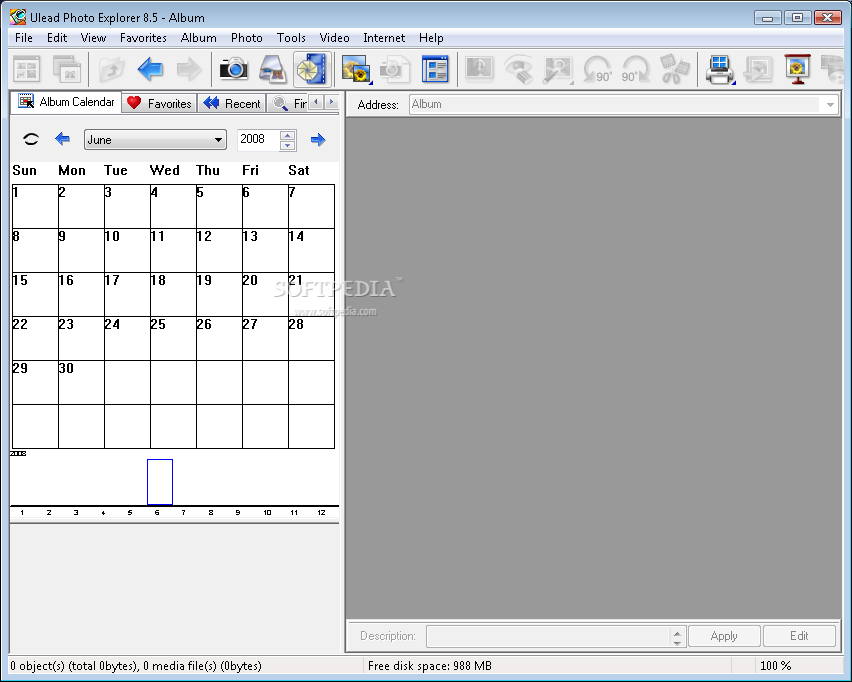
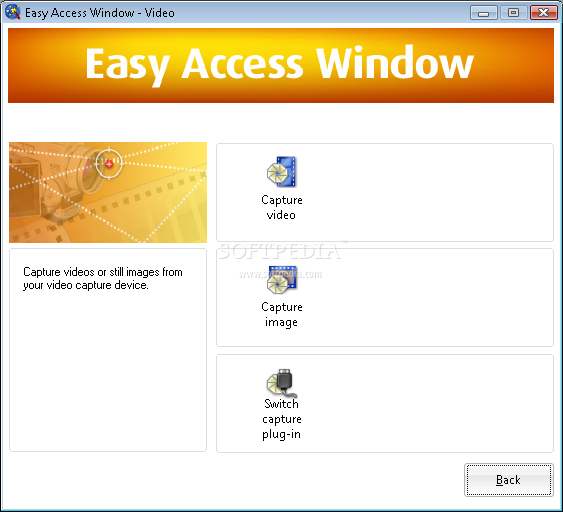
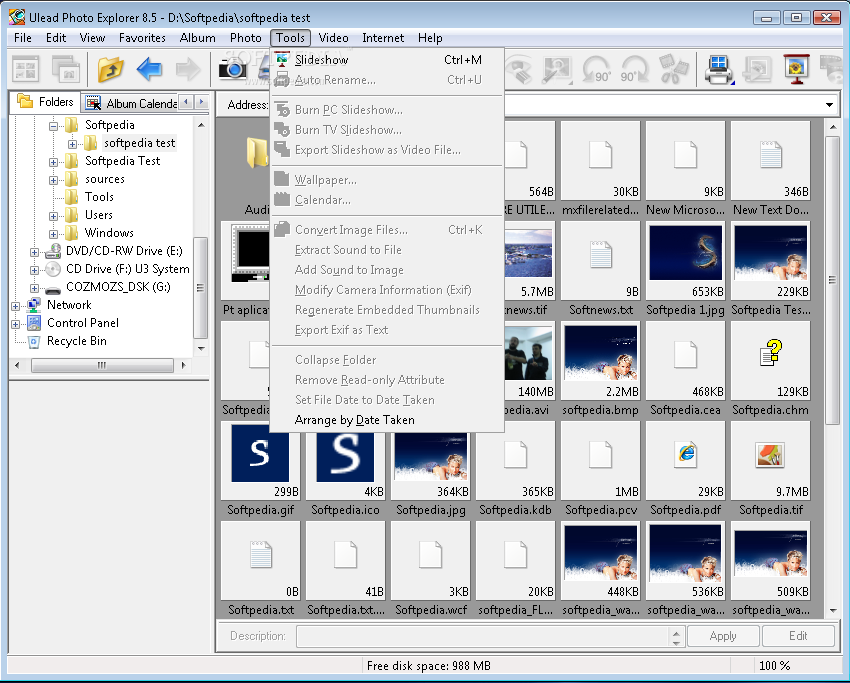
Furthermore, you can create a slideshow and a favorites list, change the viewing mode (e.g. thumbnail or list mode), scan a CD, manage and synchronize albums, view an album calendar, add stamps and text to images, extract video sound to file, edit EXIF information, remove the read-only attribute, capture video and still images, and more.
The program uses a moderate amount of system resources, has a very good response time and didn't pop up any errors, freeze or crash during our tests. Unfortunately, we were not able to access the help file. The interface could use some improvements since it's a little outdated. Otherwise, we strongly recommend Ulead Photo Explorer to all users.
|
Ulead Photo Explorer description
|
Here are some key features of "Ulead Photo Explorer":
Easy Access to Your Media:
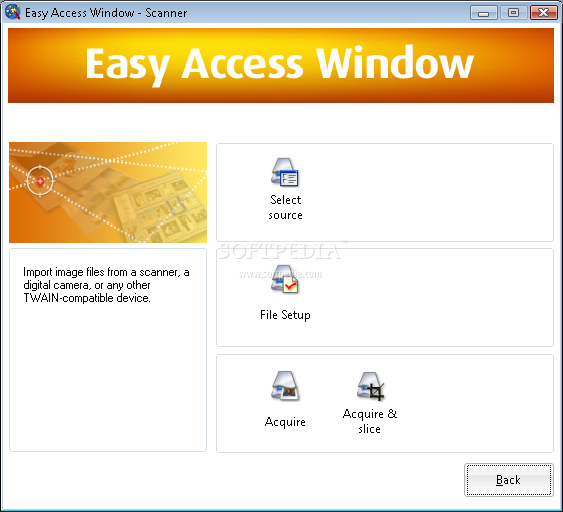
· The Easy Access Window
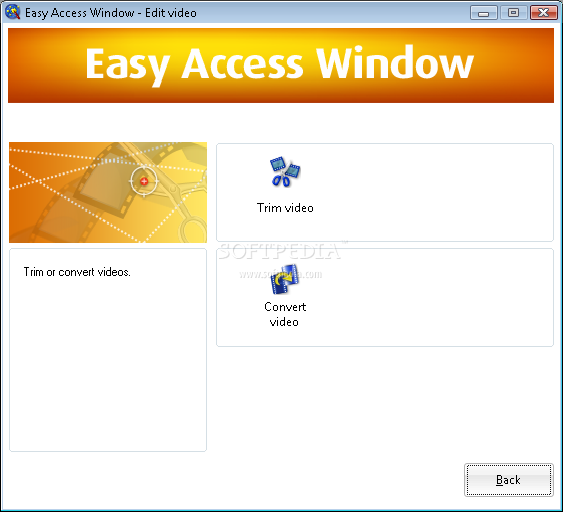
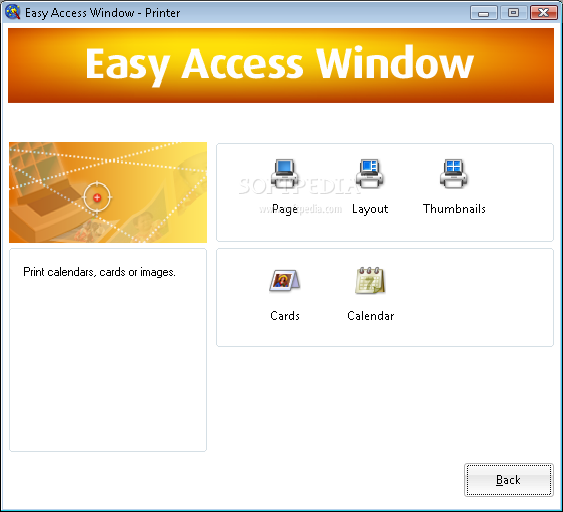
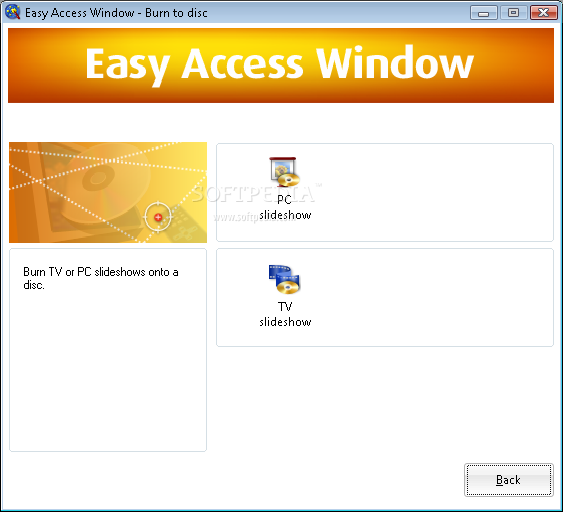
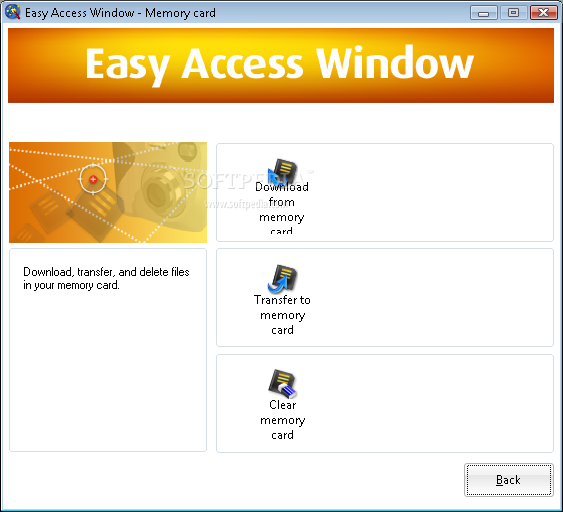
· Lets beginners easily use the key functions of Photo Explorer. It shows you how to quickly download your media files, how to edit and adjust photos and video, and how to share your media with family and friends.
The Enhanced Digital Camera Wizard:
· Provides a simple and instant way to download media from digital cameras or memory cards.
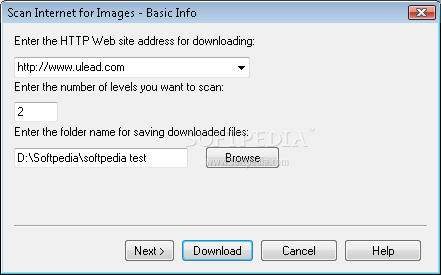
Scan Internet for Images:
· Enables you to easily download Web page images at one time and eliminates the tedious process of saving each image separately.
· Organize & View
· Album Creation
· Lets you easily collect and add images, video or music clips into a central album for easier access and photo managment.
Album Calendar View:
· The fastest way to find and view your photos. Click on a selected date in the calendar and see all the pictures or video that you took on that date.
EXIF 2.2 Support:
· Lets you view and modify the camera information embedded in your photos including date, time and shutter speed.
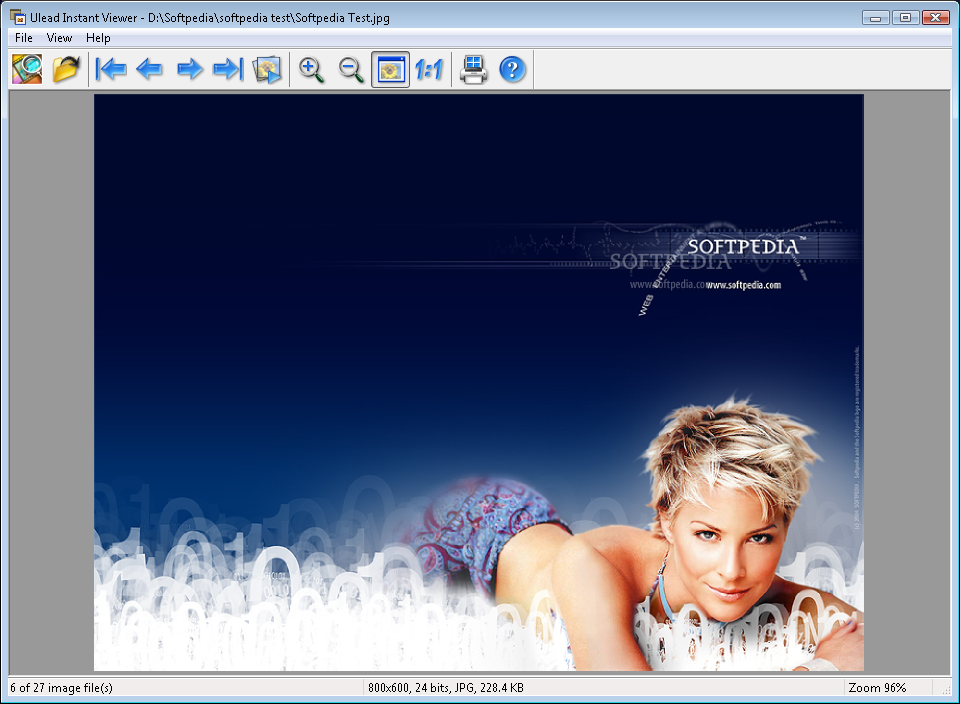
Instant Viewer:
· Opens your photos using a fullscreen viewer so that you can see your photos in full detail.
Rate Photos:
· Allows you to tag your photos with a rating, which makes them easier to search and find.
Add descriptive text:
· The description can be used for printing, searching and Web page output.
Browse, organize and work with Zip files:
· Zip and unzip files without the need for a separate Zip program.
· Edit & Enhance
· Auto-Fix Functions
· Help users repair common photo problems automatically using Auto Level, Adjust, Color and Contrast. The auto commands can be applied to a single image or to multiple images at the same time with just one click.
Lossless JPEG technology:
· Allows you to rotate and save photos without any loss of quality.
Remove red eye effects:
· Give photos a more natural look.
Apply a variety of special effects:
· Charcoal, emboss, mosaic, noise, oil paint, pinch, ripple, tile, colored pen, watercolor, whirlpool, or wind for artistic flourishes.
Batch-enhance functionality:
· Lets users apply adjustments to a group of selected images at the same time.
Trim video clips:
· Remove unwanted segments from videos or even commercials from recorded TV shows. Enhanced in this version is the ability to trim out multiple segments from a video at the same time.
· Share
· Print
· Full-sized images, image thumbnails, greeting cards and calendars n various sizes and layouts.
Publish:
· Thumbnail Web pages.
Support:
· Epson PRINT Image Matching II for superior digital prints.
Create slideshows:
· Include photos, video, music, voiceover narration, captions and transition effects.
Burn slideshows:
· To CD for viewing on PCs or create Video CD's (VCD) for TV viewing.
Export:
· Slideshows as Windows screen savers or publish slideshows to Web pages.
Optimize:
· Send photos, video clips and self-extracting Web slideshows to e-mail recipients.
Requirements:
· Intel Pentium III processor or above
· 64MB of RAM (128 MB recommended)
· 45MB of available hard drive space
· CD-ROM drive or CD/DVD burner (for slideshow disc)
· True Color or HiColor display adapter and monitor; 800x600 display resolution
· Windows compatible pointing device
· Internet connection (recommended)
· 16-bit or better sound card and speakers (recommended)
· DirectX 8.1 or above
Limitations:
· 15 days trial.
· Nag screen. What's New in This Release: [ read full changelog ]
· Get photos and Media.
· View and organize.
· Enhance.
· Share.
|
|
 | | Softpedia guarantees that Ulead Photo Explorer 8.5 is 100% CLEAN, which means it does not contain any form of malware, including spyware, viruses, trojans and backdoors. [read more >] |
|