
Turn to this handy Photoshop plugin designed to help you render all sorts of effects, such as fire, chrome, smoke, and glass for your logos. #Photoshop filter #Add effect #Animation effect #Effect #Add #Film
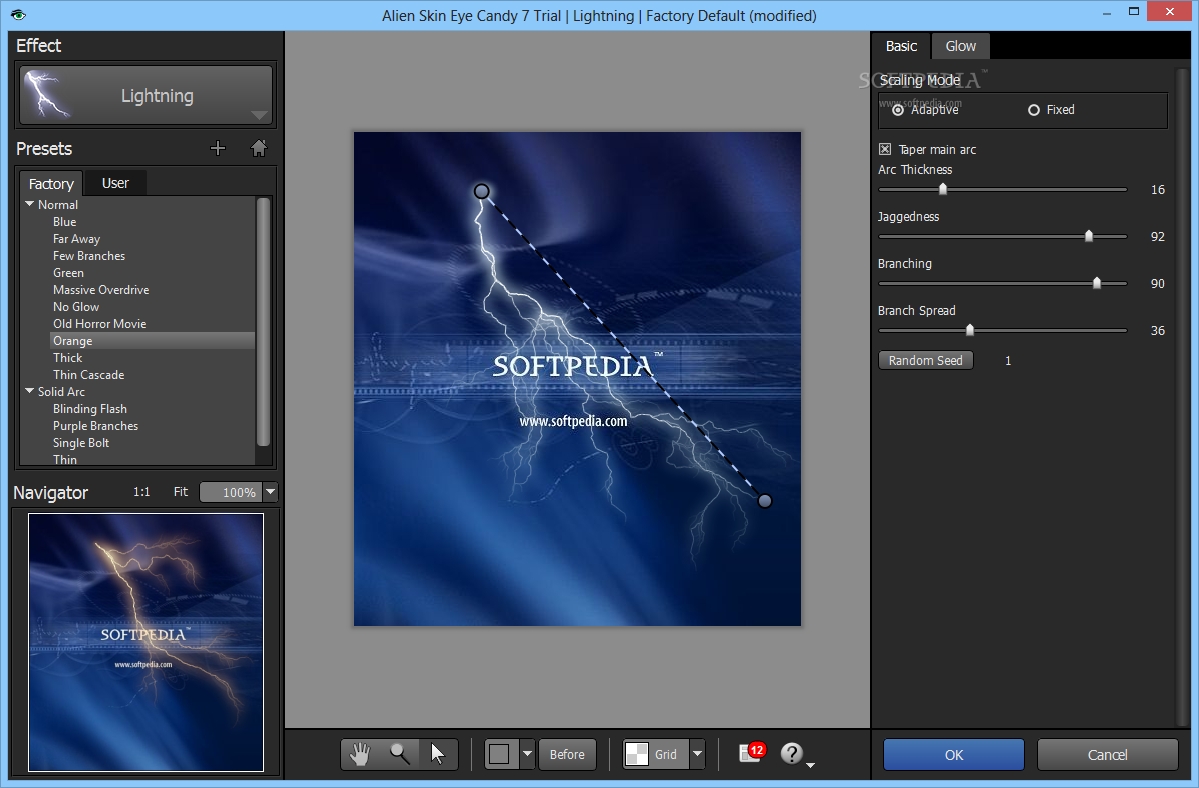
If you are a professional image editor or you do that simply out of passion then you must have at least tried Photoshop or Corel Paint Shop by now. If so, chances are you're familiar with editing and adjusting tools both offer. Well, if you felt you could do more with your pictures with a wider rack of tools, Eye Candy is probably the solution for you!
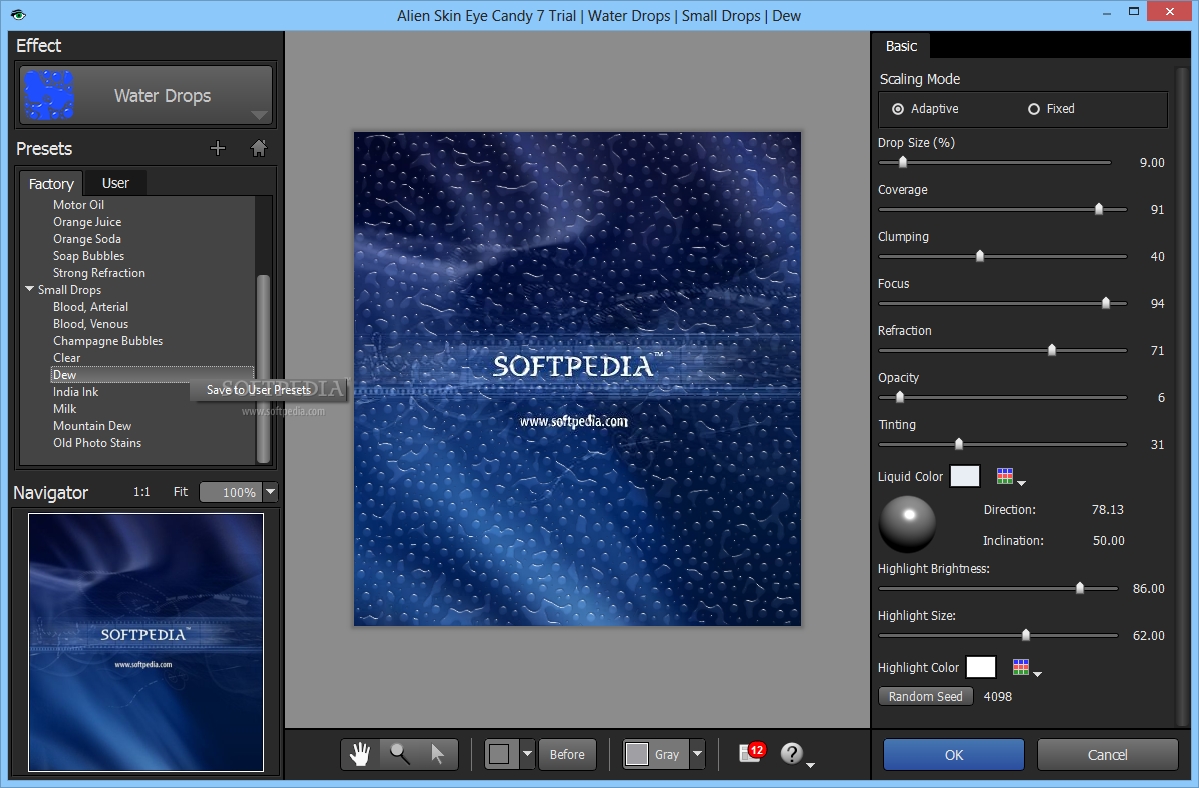
It provides users with a wide variety of filters and presets meant to assist you create spectacular logos, titles or 3D objects. What you will notice even from the first minute you start using the application is that it is quite fast and can handle large images with ease. That is because the application makes use of the multi-core processor to accelerate its rendering speed.
You can start using Eye Candy right away if you already have installed one of the photo editing tools it works with. We tested it on Corel Paint Shop Pro Photo X4 but should work just fine with Adobe Photoshop, Lightroom or Elements. You should probably want to check the requirements before installing, though.
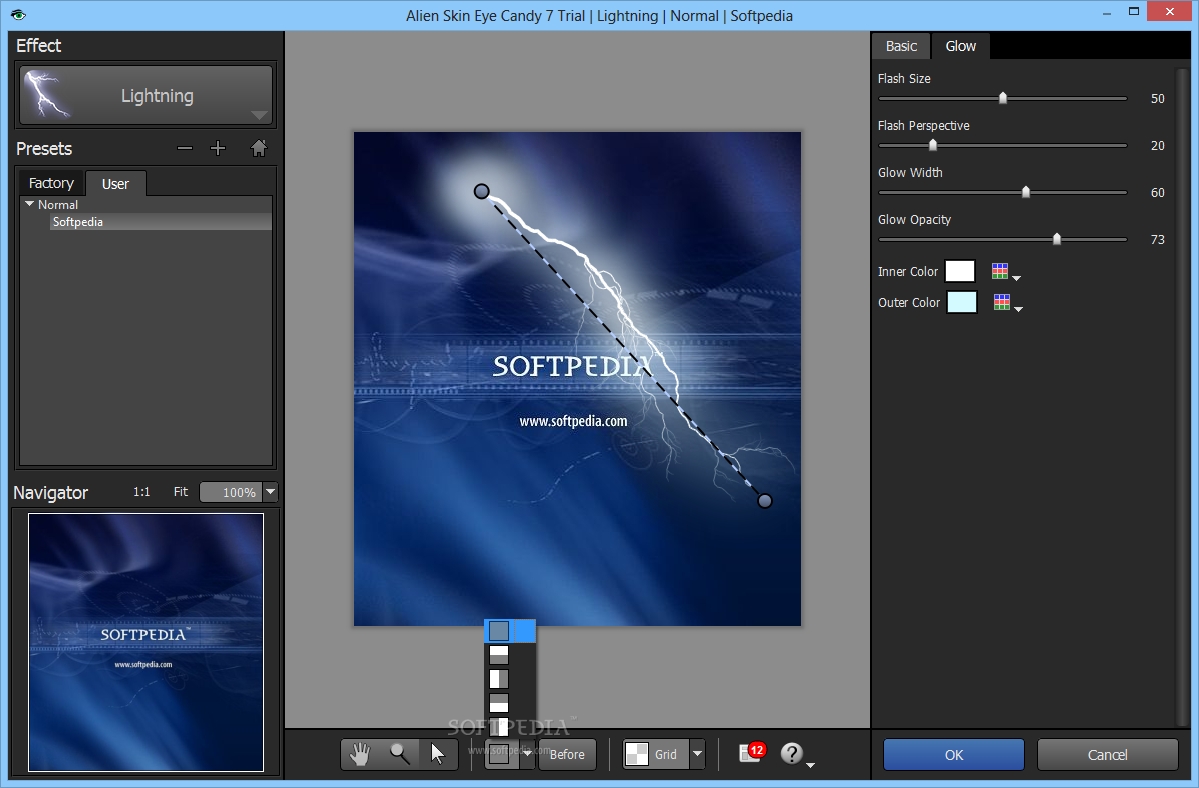
Eye Candy uses a series of panels to start its filters and provide you with the tools to start your work with. And if you are new to filtering and are not sure where to start from, don't worry since the plug-in has a Settings Tour highlighting some of the things it enables you to create.
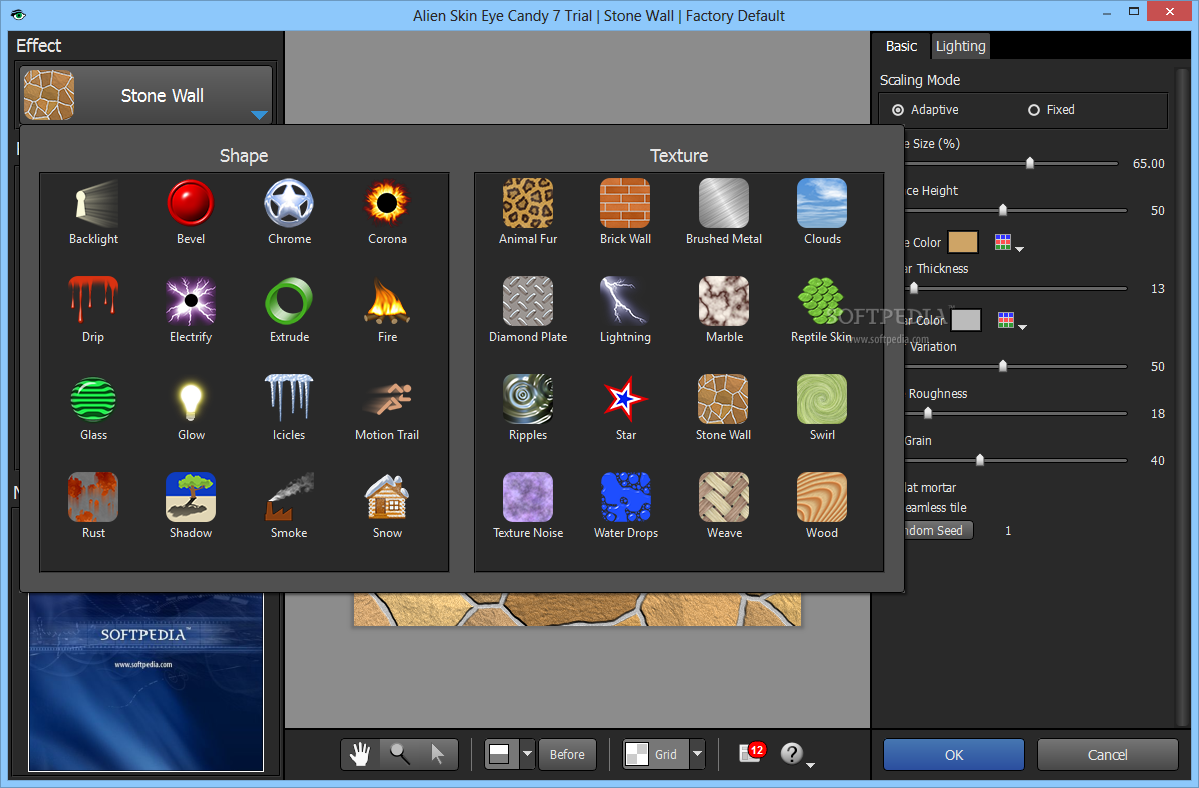
Designed as a professional tool to work with 16-bit images and CMYK mode, Eye Candy offers a wide variety of texture, text and selection filters. Some worth mentioning are: back light - which enables you to add a special light effect to your text or objects, chrome – which offers a real chrome like feeling, corona – a sun blaze effect, fire – adds flames and smoke to your object, or glass – a 3D glossy effect.
Drip, icicles, motion trail, perspective shadow, rust, diamond plate, animal fur, ripples, are some more text and texture effects but we will let you discover the rest.
Download Hubs
Eye Candy is part of these download collections: Graphic Plugins
Eye Candy 7.2.3.189
add to watchlist add to download basket send us an update REPORT- runs on:
-
Windows 11
Windows 10 64 bit - file size:
- 48.4 MB
- filename:
- eye-candy-7-7.2.3.189.exe
- main category:
- Multimedia
- developer:
- visit homepage
Windows Sandbox Launcher

4k Video Downloader

IrfanView

paint.net

7-Zip

ShareX

Bitdefender Antivirus Free

Zoom Client

Microsoft Teams

calibre

- Zoom Client
- Microsoft Teams
- calibre
- Windows Sandbox Launcher
- 4k Video Downloader
- IrfanView
- paint.net
- 7-Zip
- ShareX
- Bitdefender Antivirus Free