
Straightforward application that enables you to create a 3D virtual environment in which to view your photographs and comes with several customization options. #Image Gallery #Image Viewer #3D Gallery #Viewer #Gallery #View

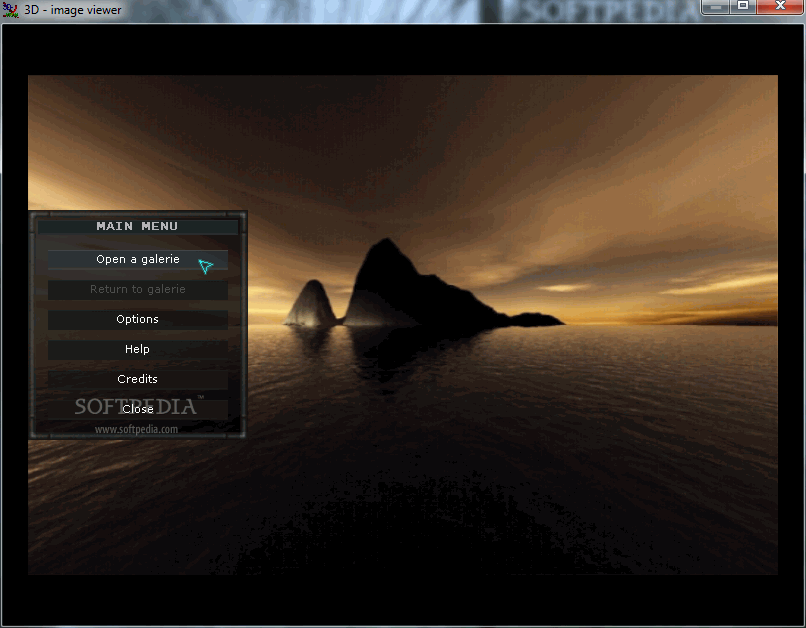
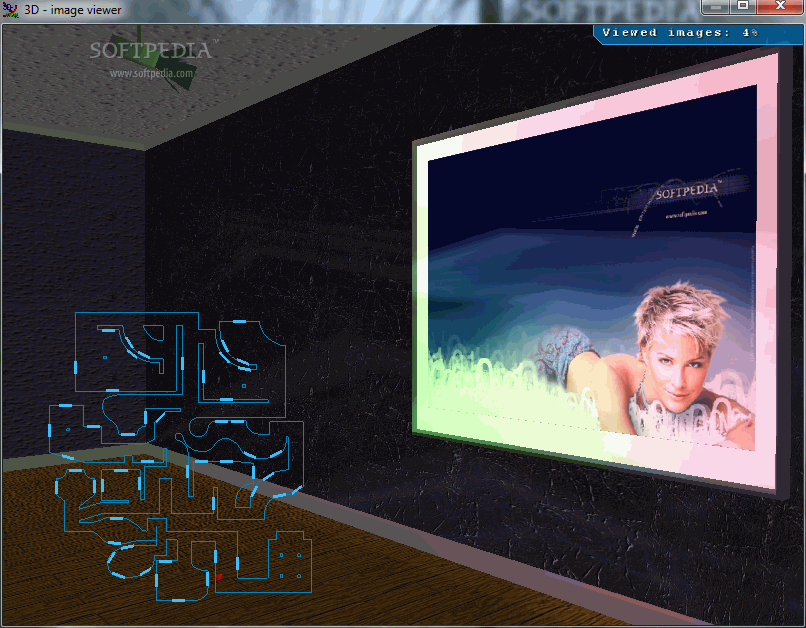
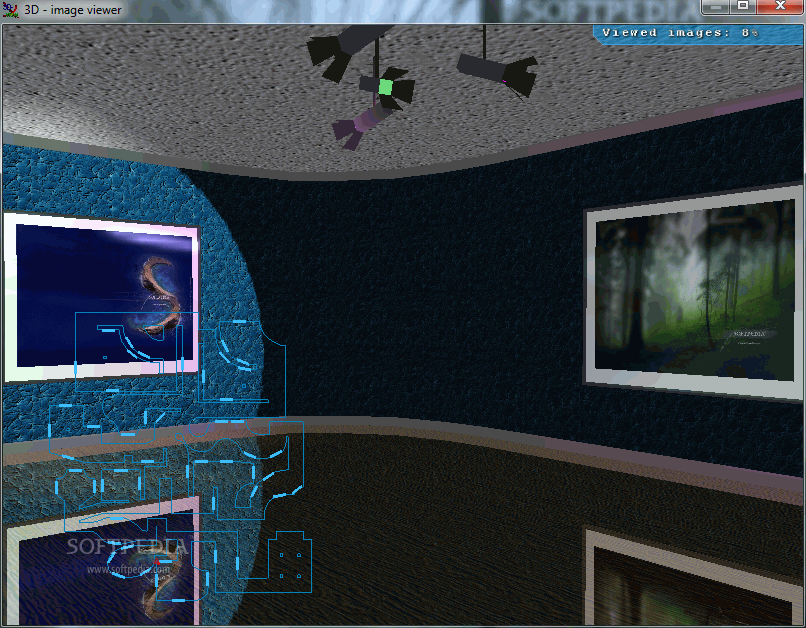
3D Image Gallery is a tool that lets you view pictures in a 3D virtual environment, resembling a real-life gallery.
It can be tricky to work with this application. Before installing it, you must add the images (up to 265), select the separation of the files (fill parts, equal number of files, custom), and select the target folder for the 3D image gallery.
The program basically installs itself with the images you have selected for it. If you want to add new images, you have to reinstall 3D Image Gallery.
Once you initiate the application, you can configure sound and full screen settings (resolution, depth, refresh rate), or you can disable full screen altogether.
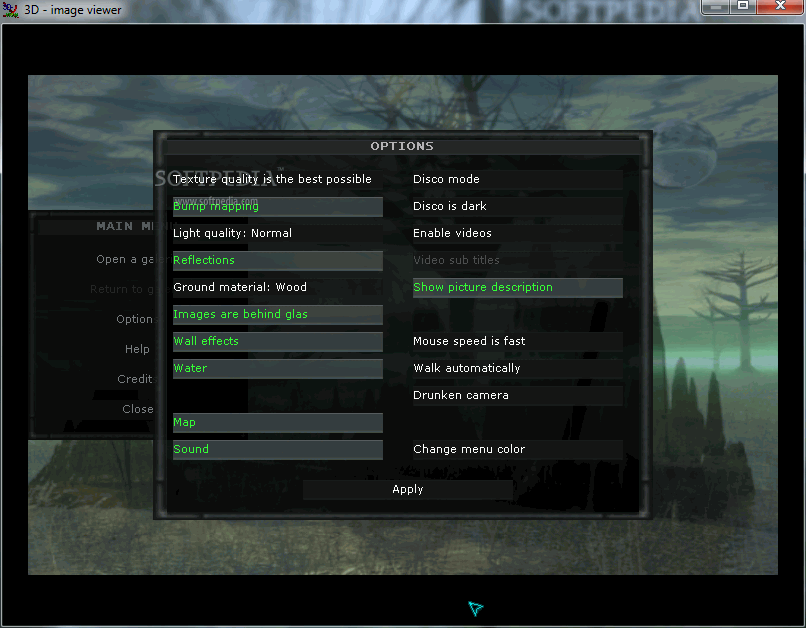
In the 3D image viewer you can configure other options - texture quality, light quality, ground material (wood or mirror), mouse speed, menu color, as well as toggle the display of images behind glass and show picture description, wall effects, water, map, sound, videos, disco mode and lighting, automatic walk, and drunken camera (bump mapping only works with nVIDIA).
The program is built around a solid concept, yet there are some issues. For example, it can become rather frustrating the fact that your "character" only walks, yet cannot run. We definitely do not recommend you to enable the drunken camera because it literally gives you headaches.
We expected 3D Image Gallery to let us add our own sounds within the application, but that is not possible. You can add your own sound files in the installation folder, though renaming them is not necessary. Also, the "enable video" feature did not work in our case.
In conclusion, 3D Image Gallery is an interesting piece of software. With its aid, you can view your pictures in a totally new and different environment. The computer’s performance might be affected from time to time, as it sometimes uses a high amount of CPU and memory.
3D Image Gallery 0.7a
add to watchlist add to download basket send us an update REPORT- runs on:
-
Windows 7
Windows Vista
Windows XP
Windows 2K - file size:
- 21 MB
- filename:
- ImageGalerie.rar
- main category:
- Multimedia
- developer:
- visit homepage
calibre

Zoom Client

Bitdefender Antivirus Free

7-Zip

IrfanView

ShareX

4k Video Downloader

Microsoft Teams

Windows Sandbox Launcher

paint.net

- Microsoft Teams
- Windows Sandbox Launcher
- paint.net
- calibre
- Zoom Client
- Bitdefender Antivirus Free
- 7-Zip
- IrfanView
- ShareX
- 4k Video Downloader