Search Perform an advanced search query SOFTPEDIA
 
SOFTPEDIA
Updated one minute ago
HomeSubmit a program for being reviewedAdvertise on our websiteGet help on surfing our websitesSend us your feedbackGet information about our XML/RSS backend and how to use itBrowse the news archiveVisit our discussion forumVizitati forumul in limba romana


Program Finder NormalFreeware onlyShareware only

3D Photo Browser Light 9.12 Report spyware 

Click to download 3D Photo Browser Light
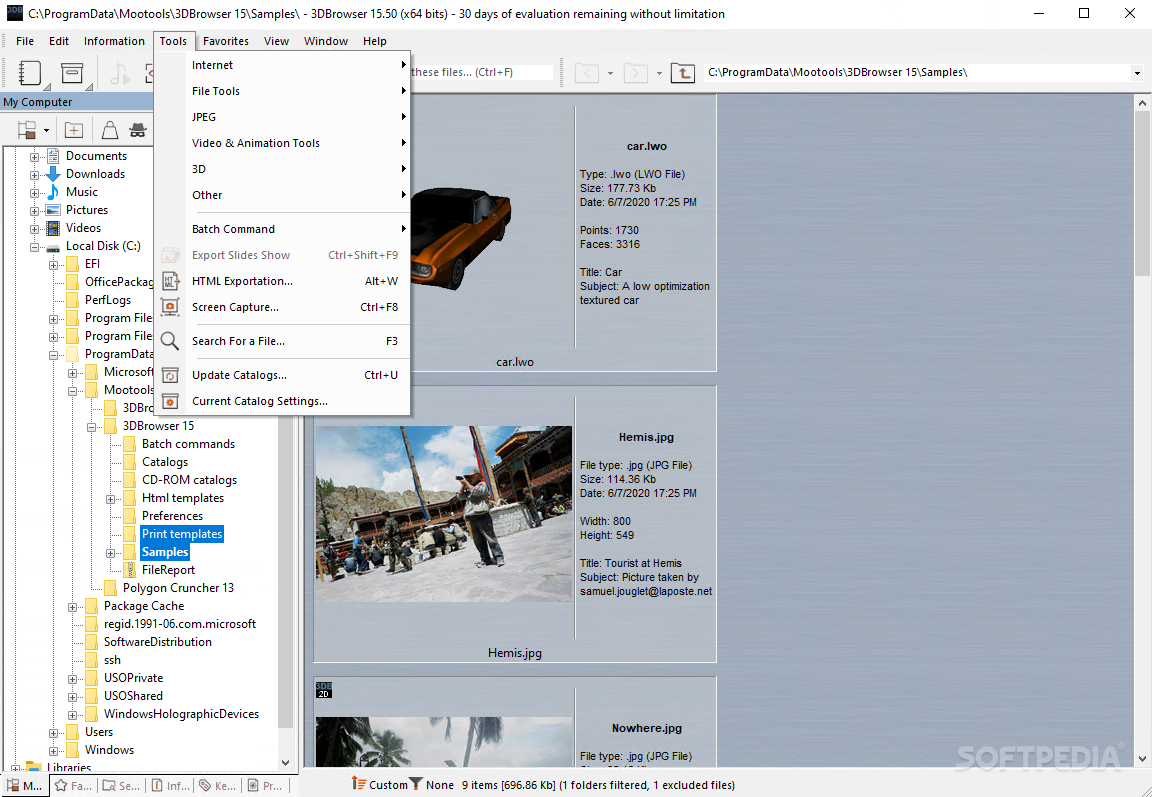
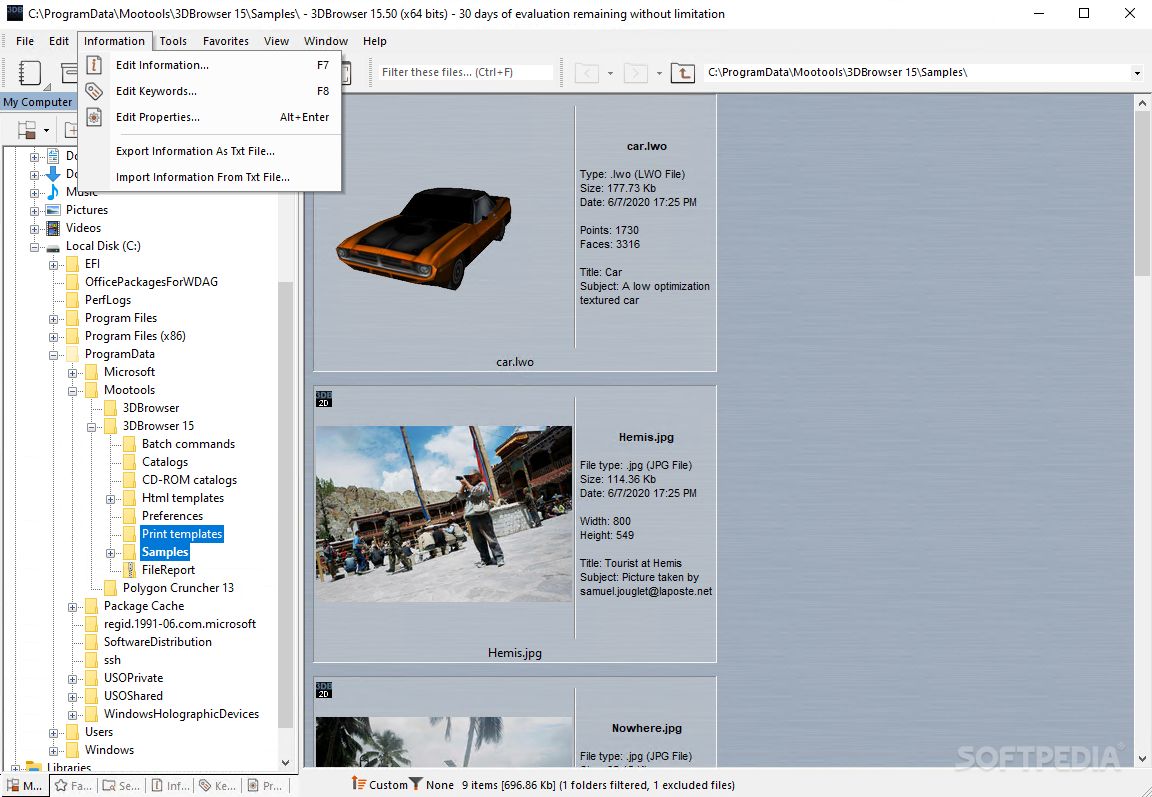
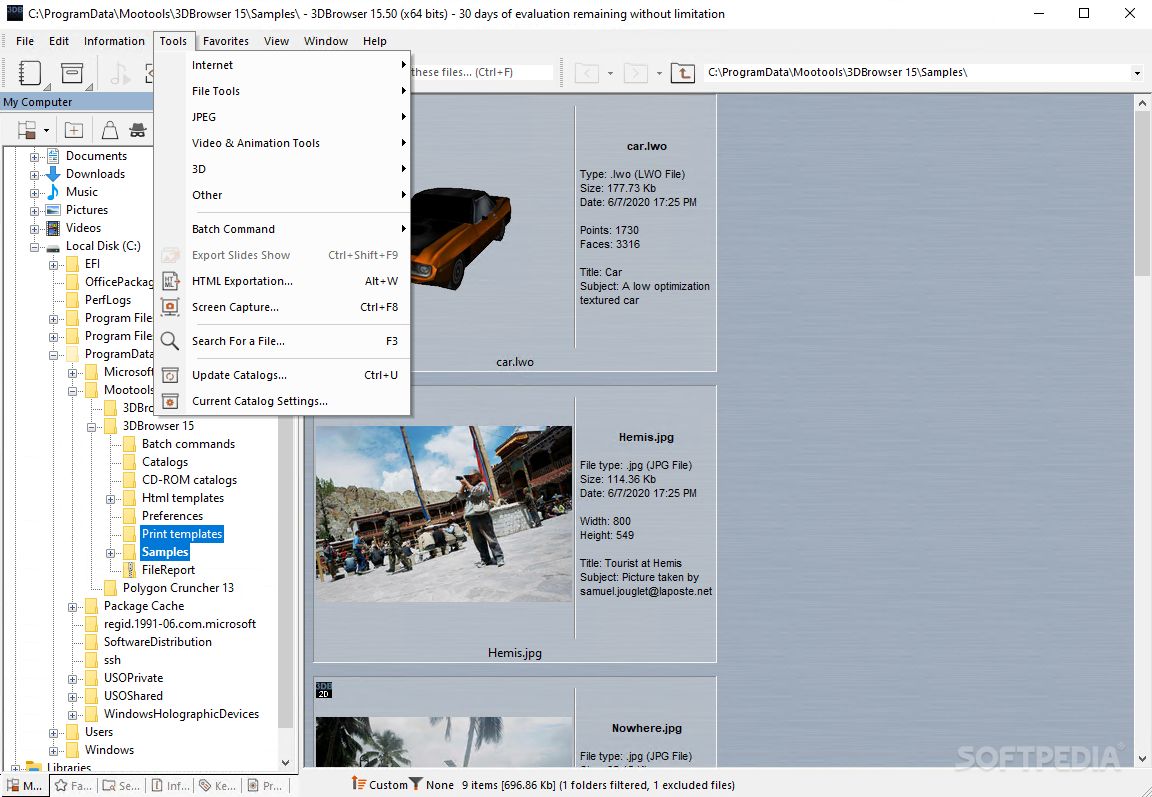
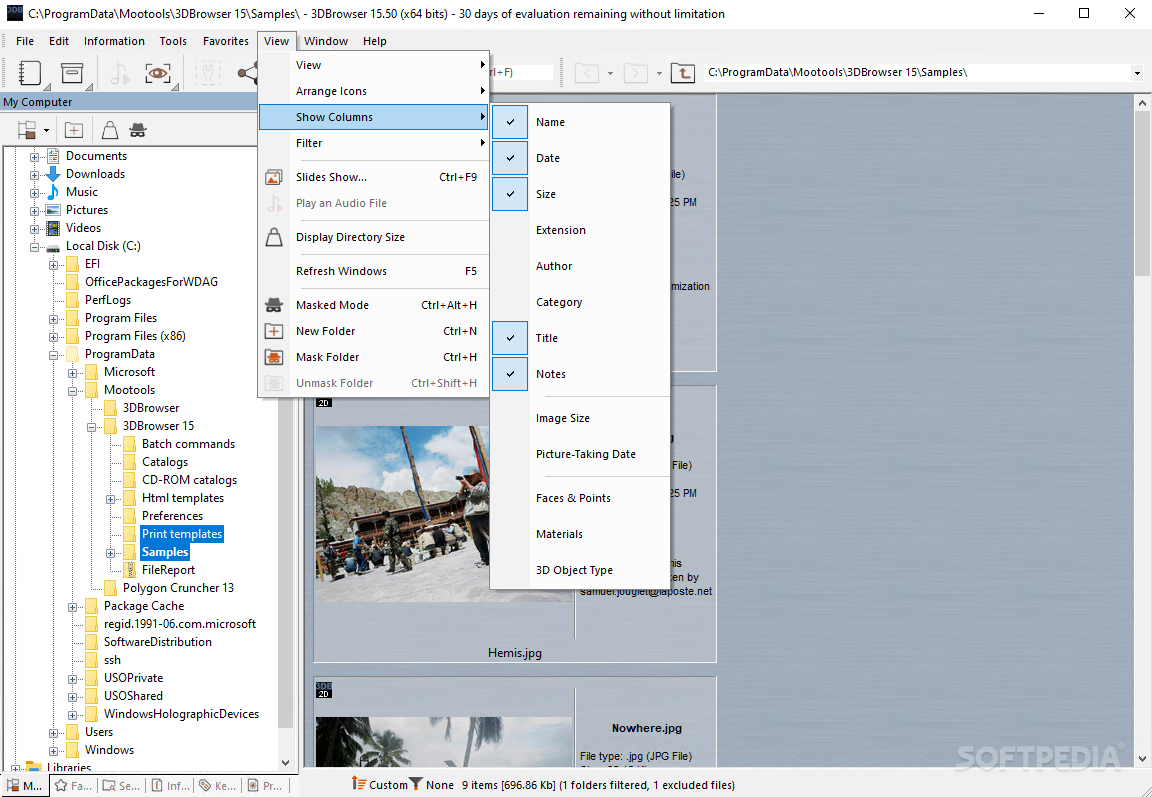
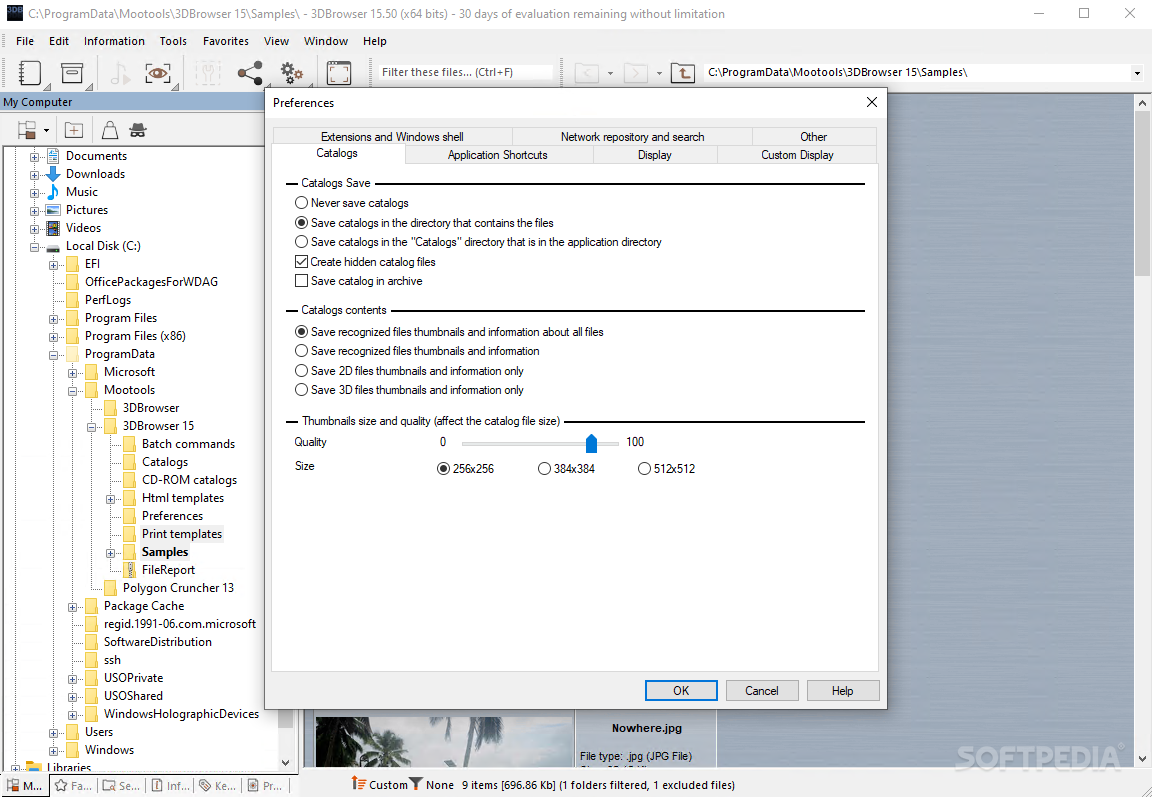
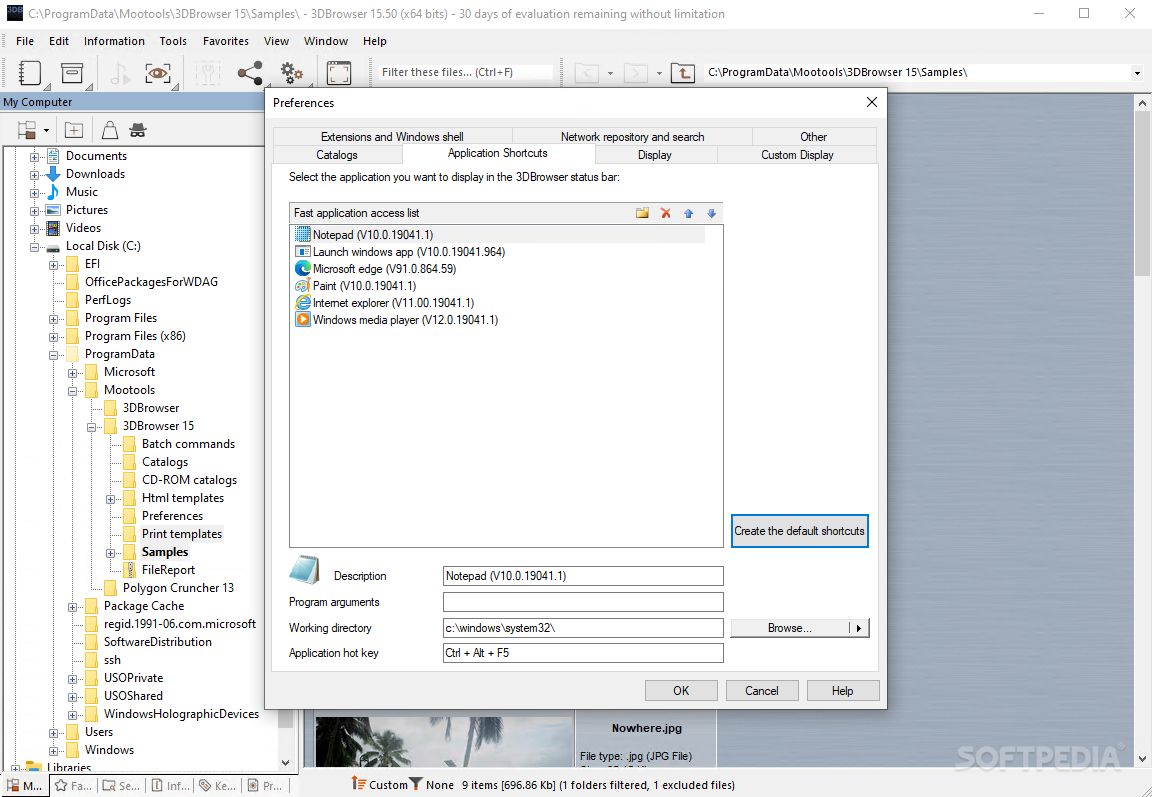
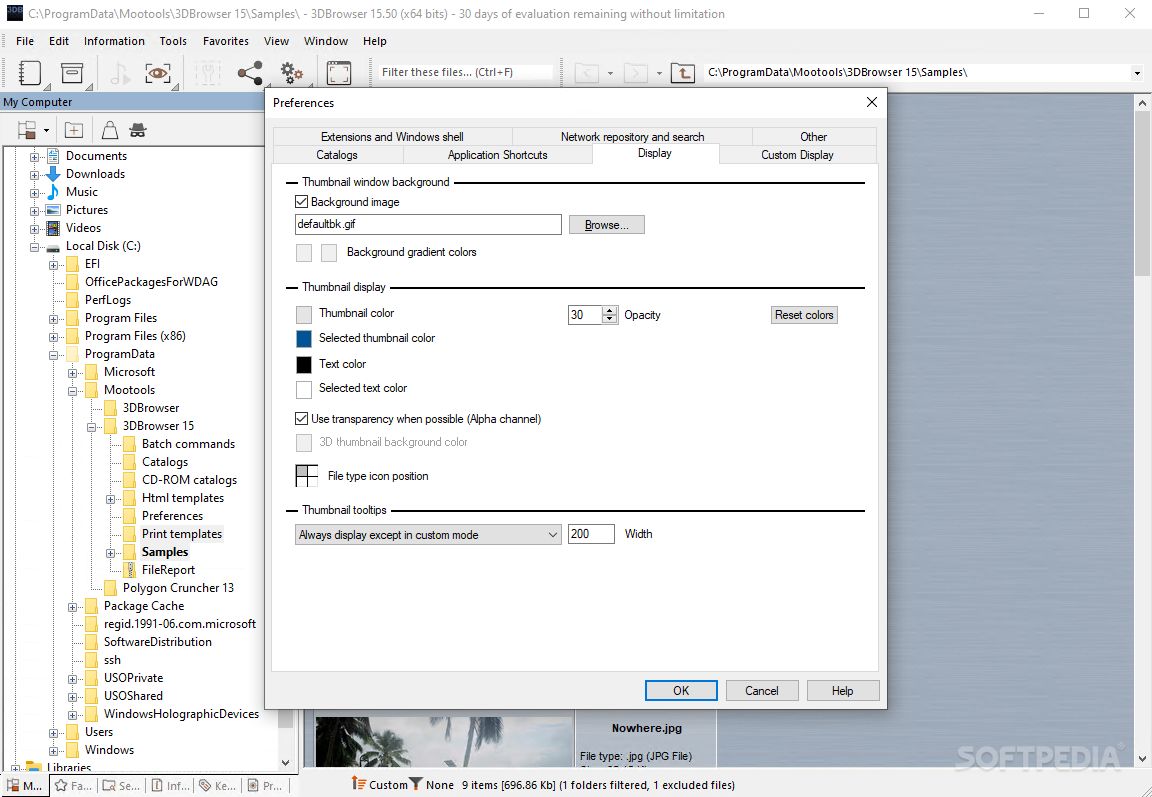
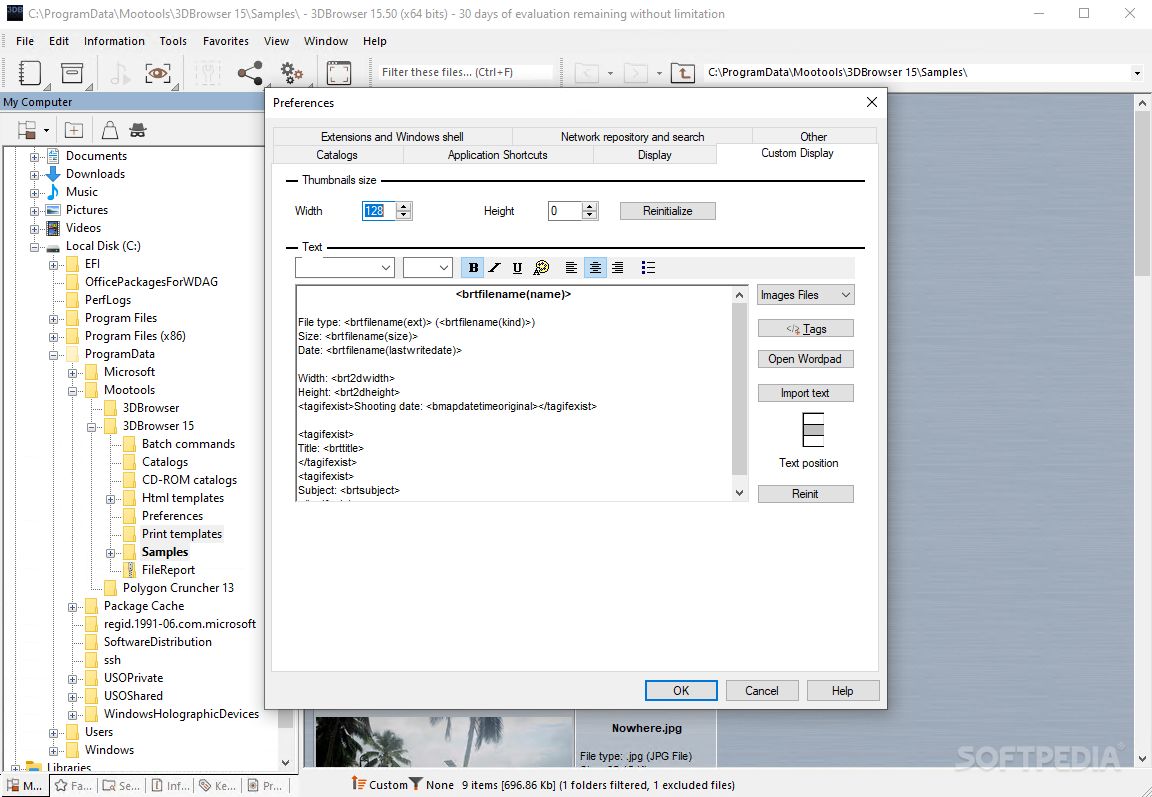
View more 3D Photo Browser Light screenshots (3)
 Downloads: 2,873
Rating: Fair (2.9/5) | Rated by: 18 user(s)
Add to download basket     Send us update information
 Developer: Mootools | More programs by this producer
 License: Trial , 19.9 $ to buy 
 Size / OS: 15.7 MB, Windows All
 Last Updated: October 14th, 2007, 04:31 GMT
 Category: C: \ Multimedia \ Graphic \ Graphic Viewers
 Read user reviews (0) Add a review Refer to friend Subscribe
    Download 3D Photo Browser Light

3D Photo Browser Light description
Besides sorting pictures, this program supports audio files playing feature and visualization of the MP3 information.

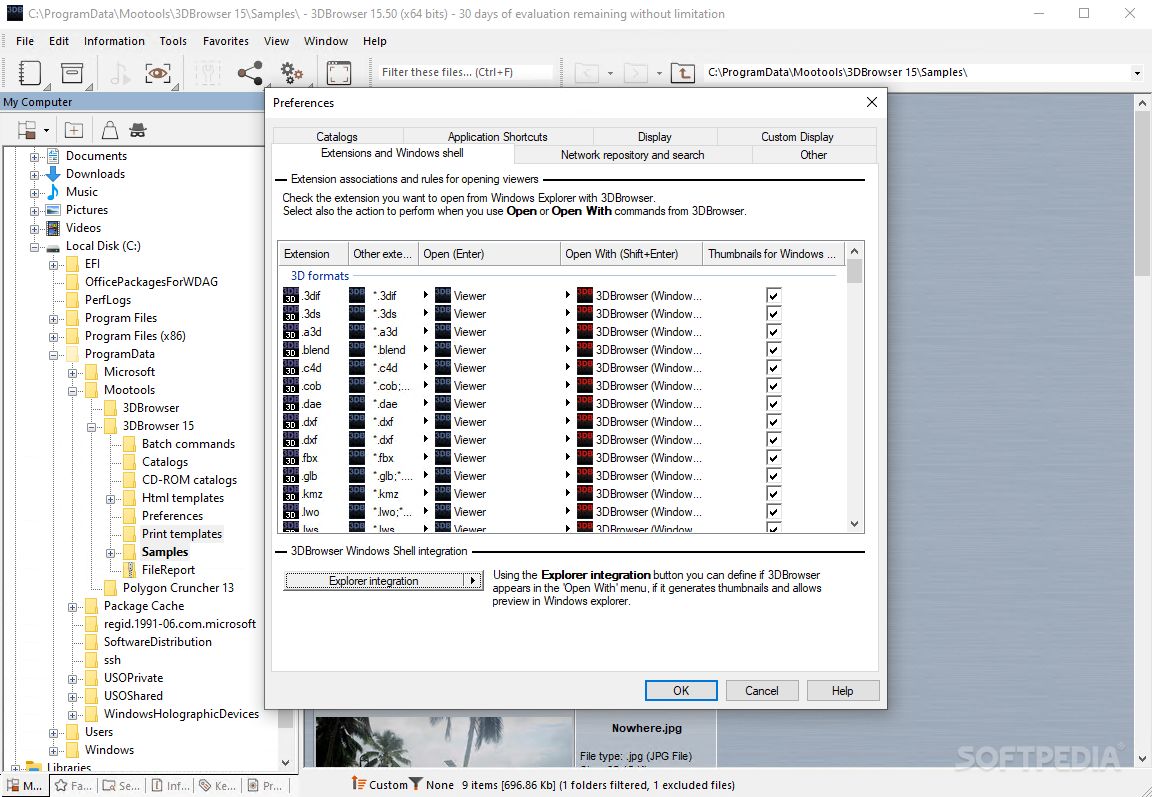
3D Photo Browser Light is a file explorer, which makes editing, viewing and organizing your images, 3D files and audio files easier.


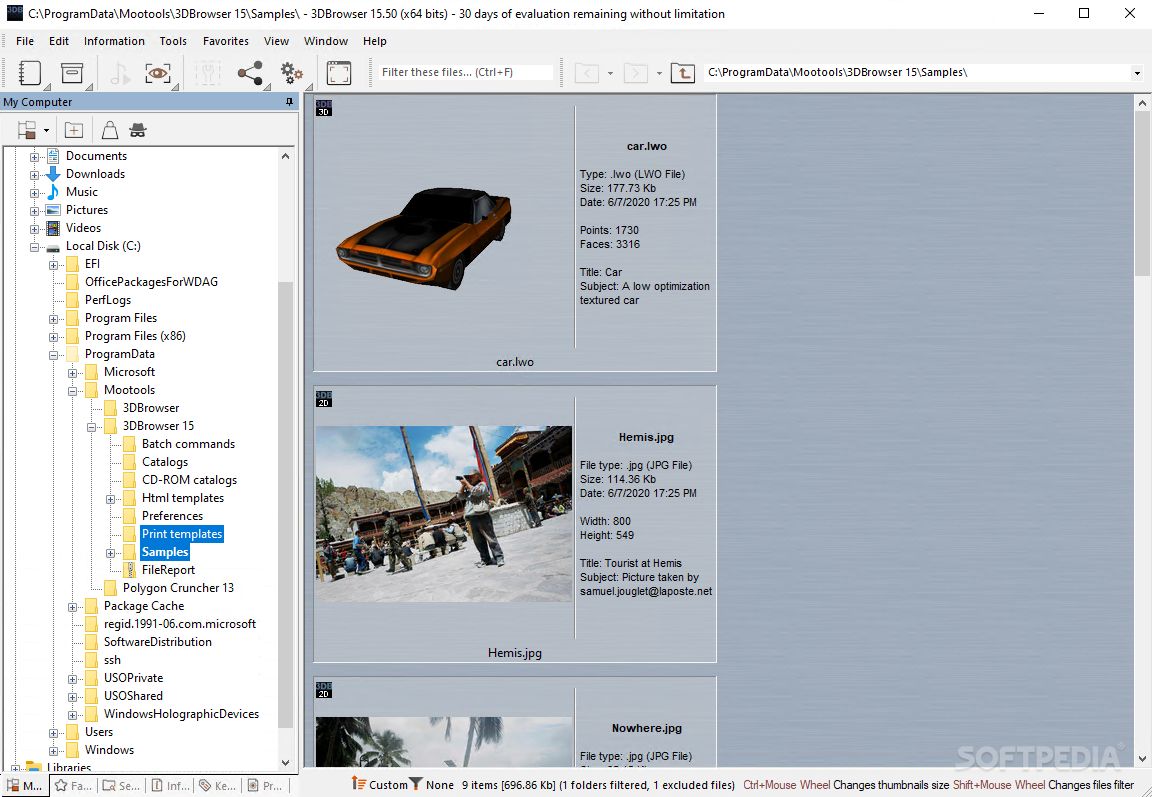
For each directory, 3D Browser Light displays high quality thumbnails for each recognized files, computed in a background thread.

3D Browser Light recognized more than 60 image formats, many 3D formats and most of audio files. Several customizable display modes, sort modes and files filters makes browsing directories very comfortable.

Images or scenes can be displayed or edited with the 3D Browser Light viewers or in an external application, using the fast application access toolbar, drag & drop, or the application selection dialog.

Each file has its own property sheet which displays information such taking-picture condition (for images issued from a digital camera) or faces & points number, materials information for 3D files.

Here are some key features of "3D Photo Browser Light":

· Display thumbnails for your local, network or CD-Rom folders for all files recognized by 3D Photo Browser.
· Display modes: list / small icons / thumbnails (with zoom in/out feature).
· Customizable help bubbles for displaying the information you want about your files.
· Extra large thumbnails mode for high quality previews.
· Automatic update when files are modified outside 3D Photo Browser.
· Custom display mode, which allows displaying file preview with the most useful information about your files.
· Group display mode allows to logically group files together
· Visualization
· Images, video and GIF animated viewer and editor.
· OpenGL viewer including several rendering mode.
· Audio files playing feature and visualization of the MP3 information (author, title, length...).
· Various ways to open your files and edit them in another application (fast application toolbar, drag & drop, application selector...).
· Fade in-out slides show (displays your images and 3D scenes with the information you need)
· Advanced file association to 3D Photo Browser
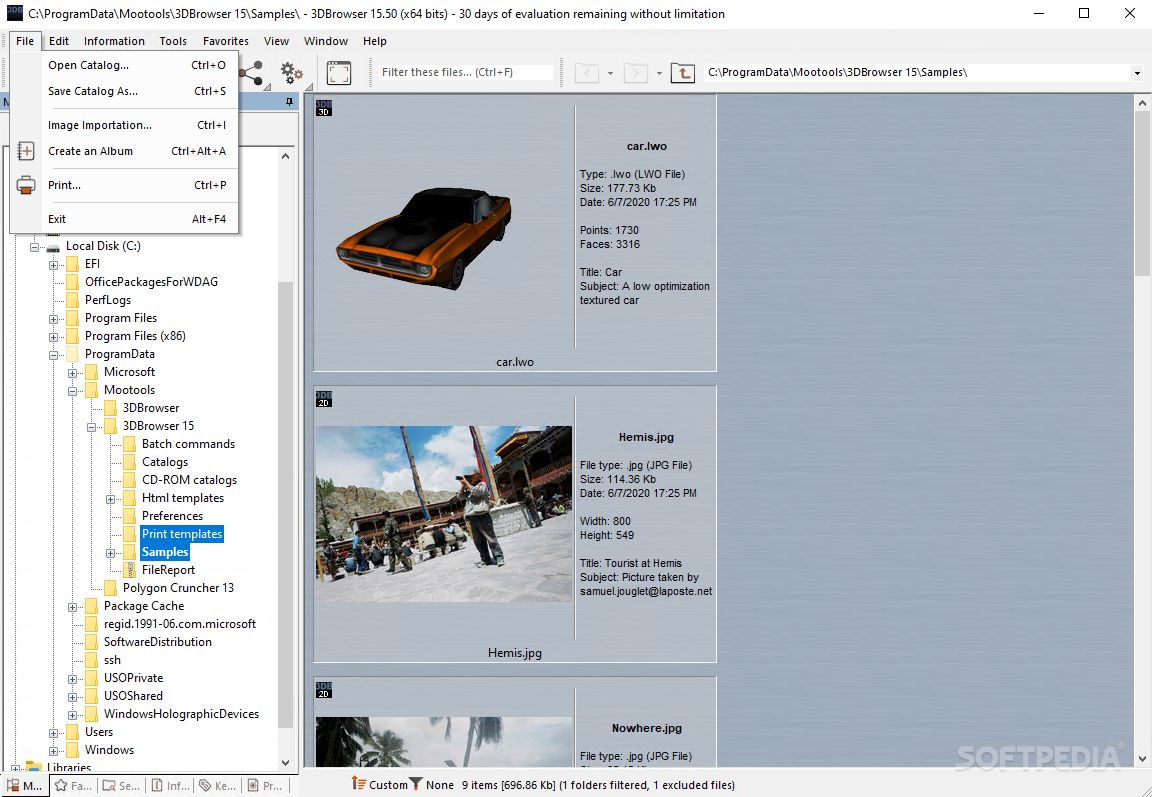
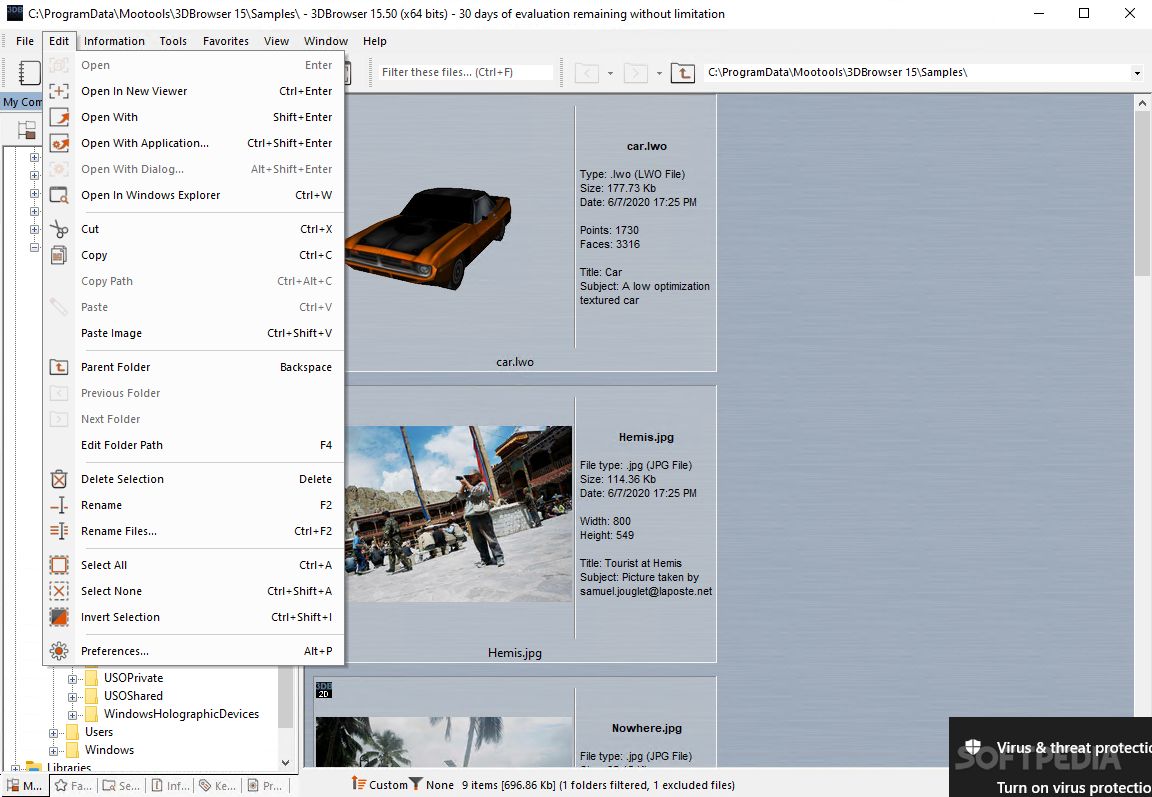
· Common file features (copy, rename, move delete, drag & drop files, new folder...).
· Folders browsing history.
· Combined files operations (copy/delete/rename) for associated files (images and audio files which share the same name).
· Files attributes edition (read only/hidden) and possibility to update the created and modification date.
· Many filter modes.
· Custom filter edition to display only the files you need.
· Sort thumbnails in the way you want, using drag and drop.
· Specific
information associated with files
· Display advanced information about file properties (image width / height, EXIF information issued from digital camera, faces and points number, materials for 3D scenes).
· Edit information (author, notes, title...) and associate them to any files whatever their types.
· Visualize information associated to files
· Edit keywords and associate them to any files whatever their types.
· Visualize keywords associated to files.
· Edit MP3 files information.
· Visualize MP3 files information.
· Automatic save of the keywords and essential information for files located on a NTFS partition.
· Export information to a database.
· Import information from a database.
· Search for files
· Search for files feature. The results are displayed as if it was any other files directory.
· Advanced search feature using criteria (search for a keyword, files properties, EXIF properties, edited information...)
· Save search results.
· Information and keywords edition for files for search results files.
· Search for files on a network enterprise.
· Batch process a search results.
· Album creation
· Album creation. An album contains references to files located in different directories.
· Album visualization.
· Information and keywords edition for album files.
· Batch processing for files for album files.
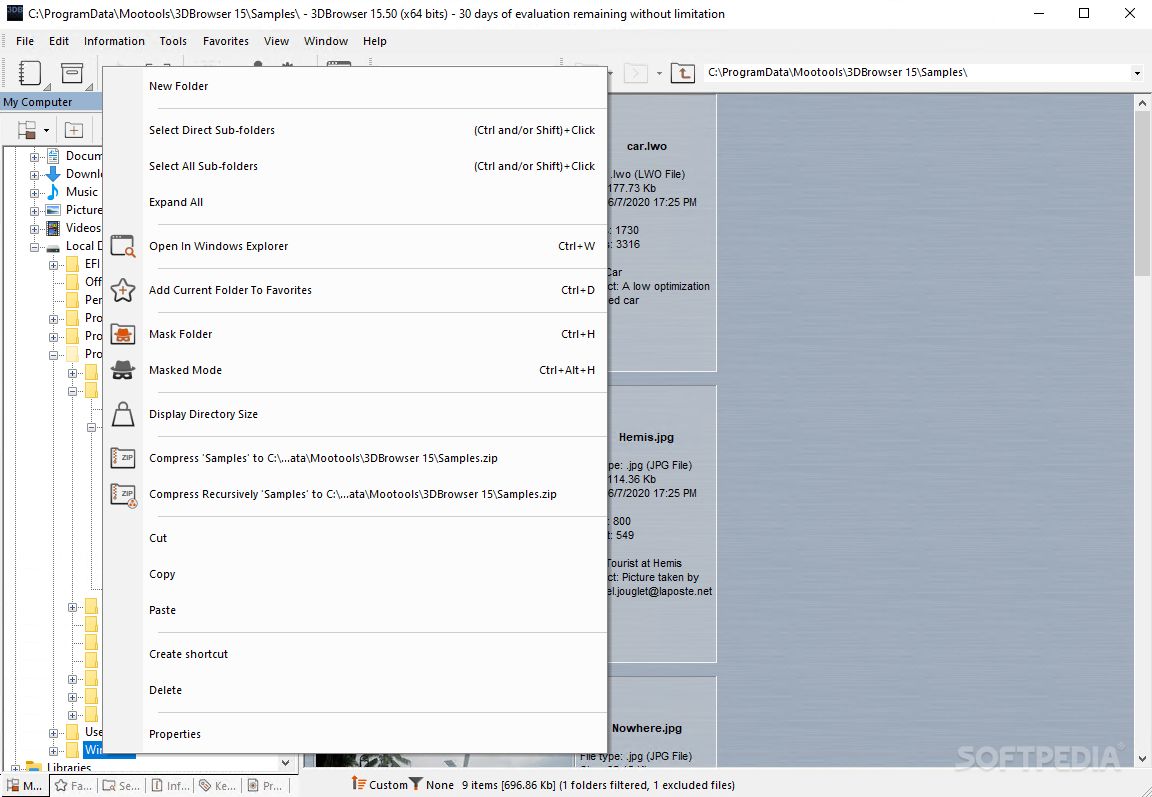
· Displays recursive directory size in the folder tree (a useful tool for cleaning your hard disks).
· Edit favorites and get a fast access to most used folders.
· Create thumbnails and catalogues for files, which are on removable support (CD-Rom, Zip...). Once created, you can consult them offline: no need to insert the removable support.
· Windows XP/2000/NT only: Create a catalogue repository, which allow to document files and search them on a network enterprise configuration
· Viewing & editing images with the 2D viewer
· Display image channels (alpha) and open several images in the same viewer
· Play video in full screen mode
· Play animated GIF
· Raw image format support (Canon, Nikon, Sony, Casio, Minolta, Pentax, Leica, Fuji...)
· Thumbnails update using the current image channel or video frame
· Slides show, view next and previous image.
· Rename / Delete displayed file features.
· File format conversion.
· Extract images from video
· Print feature.
· Image manipulation features: crop, automatic crop, resize, rotate, "Rotate to vertical", "Rotate to horizontal", flip...
· Color adjustment (contrast, gamma, Hue/Saturation/Luminosity...).
· Wide range of filters: Gaussian blur, unsharp mask, despeckle...
· JPEG Lossless features to rotate flip or crop a JPEG image.
· JPEG compression ratio estimation for an optimal used of the jpeg format.
· Keep profiles during data processing (icc, iptc, exif information) for JPEG, TIFF, PSD... files formats.
· Viewing & editing images with the 2D viewer
· Open several scenes in the same viewer
· View textures
· View vertex colors
· View 3D patches
· Slides show, view next and previous image.
· Rename / Delete displayed file features.
· Convert polygonal objects to 3D patches
· 3D files format conversion
· Printing feature.
· Save an image or an animation from the 3D scene.
· Visualization tools (Rotate, zoom, auto zoom, pan…)
· Scene materials & hierarchy browser
· Thumbnails update using the current point of view.
· Settings for the default point of view used for thumbnails computation.
· Optimize your scenes using Polygon Cruncher (additional license).
· Advanced features
· Twain (scanner) and Wia (digital camera) importation.
· JPEG Lossless features which allows rotating or flipping a set of JPEG files, keeping images quality.
· Rename and number a set of files using a custom name pattern.
· HTML export from your images, 3D scenes (for 3D Users version only) or files. Predefined HTML templates library and possibility to edit your own HTML templates.
· Advanced printing feature, which allows printing directory content. You have a total control on the size of printed images, background colors, background images and borders. You can also edit a formatted text (RTF) with access to file information using information tags.
· Group by page display mode simplifies printing larges catalogues.
· Convert several files to a given format in a single step (images & 3D formats). Images can also be resized at convenience.
· Batch command processing allows converting or modifying automatically your files. Most of 3D Photo Browser commands are accessible through the batch command dialog.
· Screen capture tools allows to record movie or to save still images (on the fly).
· Join images to an email and resize and convert them automatically.
· Create AVI from a set of images. Concatenate AVI files.
· Create animated GIF from a set of images.
· Split/Merge file feature.
· Uppercase/Lowercase file name feature.


Requirements:

· 128 Mo RAM minimum


Limitations:

· 30 days trial


What's New in This Release:

· 3D Patch support, Convert files feature, SWF support, Video playback, TWAIN & WIA importation, Polygon Cruncher access, contextual help... [ read full changelog ]


Softpedia guarantees that 3D Photo Browser Light 9.12 is 100% CLEAN, which means it does not contain any form of malware, including but not limited to: spyware, viruses, trojans and backdoors.

This software product was tested thoroughly and was found absolutely clean, therefore it can be installed with no concern by any computer user.

However, it should be noted that this product will be retested periodically and the award may be withdrawn, so you should check back on this page from time to time. (click here for more information)


Related downloads IT News Popular downloads New additions   Latest reviews  
ACDSee 10 Photo Manager 10.0 Build 238
View, organize, print, enhance, and share your digital photos
ACDSee PowerPack 7.0.102
ACDSee PowerPack is an award-winning picture viewer, graphic converter and digital image management tool
Fresh View 7.50
A free photo album software designed to help you organize and view multimedia files (images, audio, and video)
PolyView 4.33
PolyView is a fast and powerful image viewer, conversion, and printing utility for Windows
Vallen Jpegger 4.97
A handy and full featured image viewer (automatic thumbnails, full customisable print support, up to 144 Images/page and more)
11view 3.0a
11view is the highest-quality image viewer
Click'n View 4.2.0.8
An image viewer that gives live motion to still image
MyViewPad 3.5.1 Build 25117
The best free viewer of digital graphics, supporting a large number of both vector and raster graphics formats
3D Photo Browser for Digital Camera 9.12
Powerful image/3D/audio files organizer/viewer/editor (+80 formats supported)
OODogs 1.0
OODogs Image Viewer for Dog Lovers

go to top Use the following code to link to this page:


Welcome!
Hello, Guest

Login if you have a Softpedia.com account.

Otherwise, register for one.

Main categories:
  • Antivirus
  • Compression tools
  • CD/DVD Tools
  • Office tools
  • Programming
  • Authoring tools
  • File managers
  • Desktop Enhancements
  • Internet
  • Network Tools
  • IPOD TOOLS
  • Mobile Phone Tools
  • Multimedia
  • Tweak
  • System
  • Security
  • Others
  • Science / CAD
  • UNIX
  • Windows Widgets
  • PORTABLE SOFTWARE

  • Week's best:
  • DAEMON Tools Lite 4....
  • UBCD4WIN 3.2.0
  • Adobe Reader 9.0.0 /...
  • Total Commander Ulti...
  • System Mechanic 8.0....
  • Adobe Acrobat Profes...
  • iPhone PC Suite 1.0....
  • Firefox 3.0 Final / ...
  • Portable Firefox 3.0...
  • MPlayer for Windows ...
  • Vista Codec Package ...
  • Windows Live Messeng...
  • WinBubble 1.73
  • Kaspersky Anti-Virus...
  • Malware Removal Tool...
  • WinRAR 3.80 Beta 2 /...
  • Royale Noir Theme fo...
  • IBM Lotus Symphony 1...
  • Adobe Dreamweaver 10...
  • Adobe Fireworks 10.0...
  • BitDefender Total Se...
  • McAfee Total Protect...
  • Ad-Aware 2008 7.1.0....
  • Adobe Flash Player 1...
  • Intel Chipset Softwa...
  • Uxtheme Multi-patche...
  • SRS Audio Sandbox 1....
  • SP3 UxTheme Patcher ...
  • PECompact 2.87 Beta ...
  • Sony Vegas Movie Stu...
  • Daniusoft Media Conv...
  • © 2001 - 2008 Softpedia. All rights reserved.
    Softpedia™ and Softpedia™ logo are registered trademarks of SoftNews NET SRL.
    Copyright Information | Privacy Policy | Terms of Use | Contact Softpedia | Update your software | Archive