|
|
|
Part of the Photo Managers download hub (+157 others) |
|
|
User Rating: Rated by: |
Very Good (4.1/5) 108 user(s) |
|
|
|
Softpedia in association with Ashampoo offers you a special discount: Now, only from Softpedia, you can buy Ashampoo Photo Commander with 30% discount. Take advantage of this opportunity and press the Buy Now button; you'll surely notice the discount has been activated. No coupons, no codes, no questions, no hassle! Get it now, while it's hot! |
Softpedia Editor's Review for Ashampoo Photo Commander [DISCOUNT: 30% OFF!]
|
A software for efficient management, creative editing of photos
Written by Elena Opris on April 20th, 2013
Ashampoo Photo Commander is a software that enables you to easily create, edit and manage pictures.
You should be careful when installing this software. Since it is ad-supported, Ashampoo Photo Commander offers to download a third-party component that is non-essential, as well as to make some changes to your web browsers.
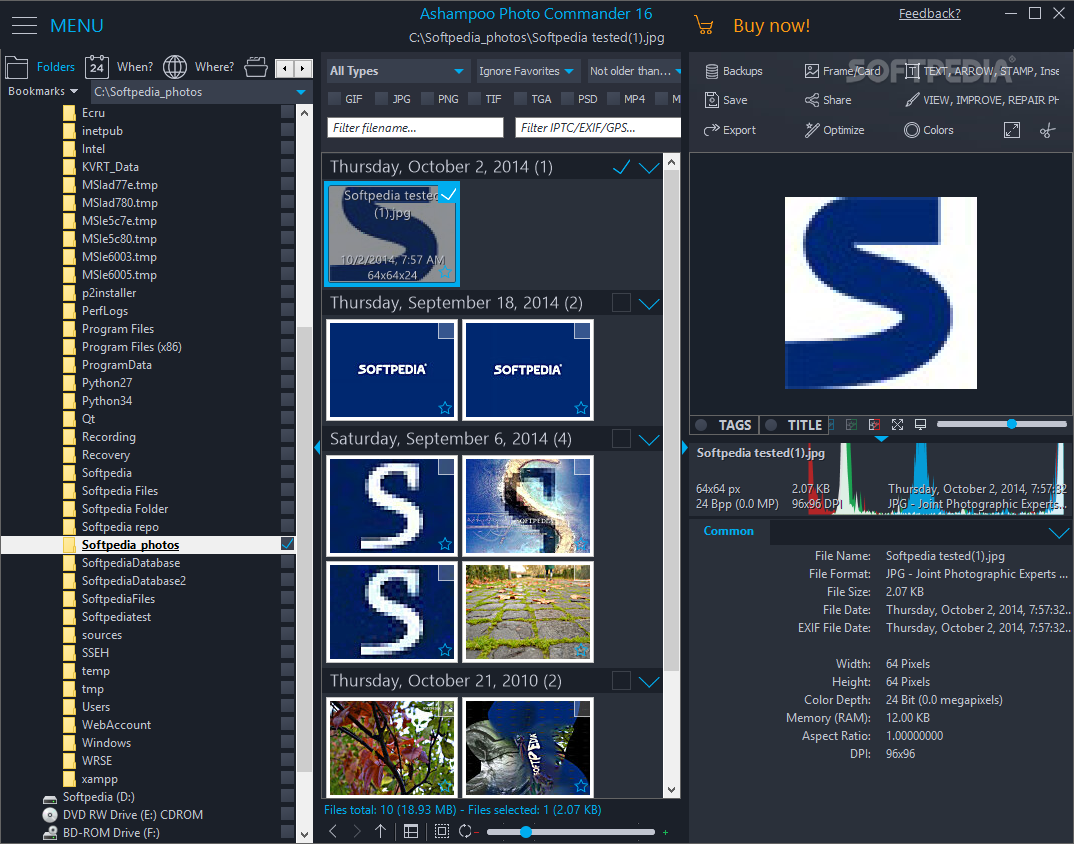
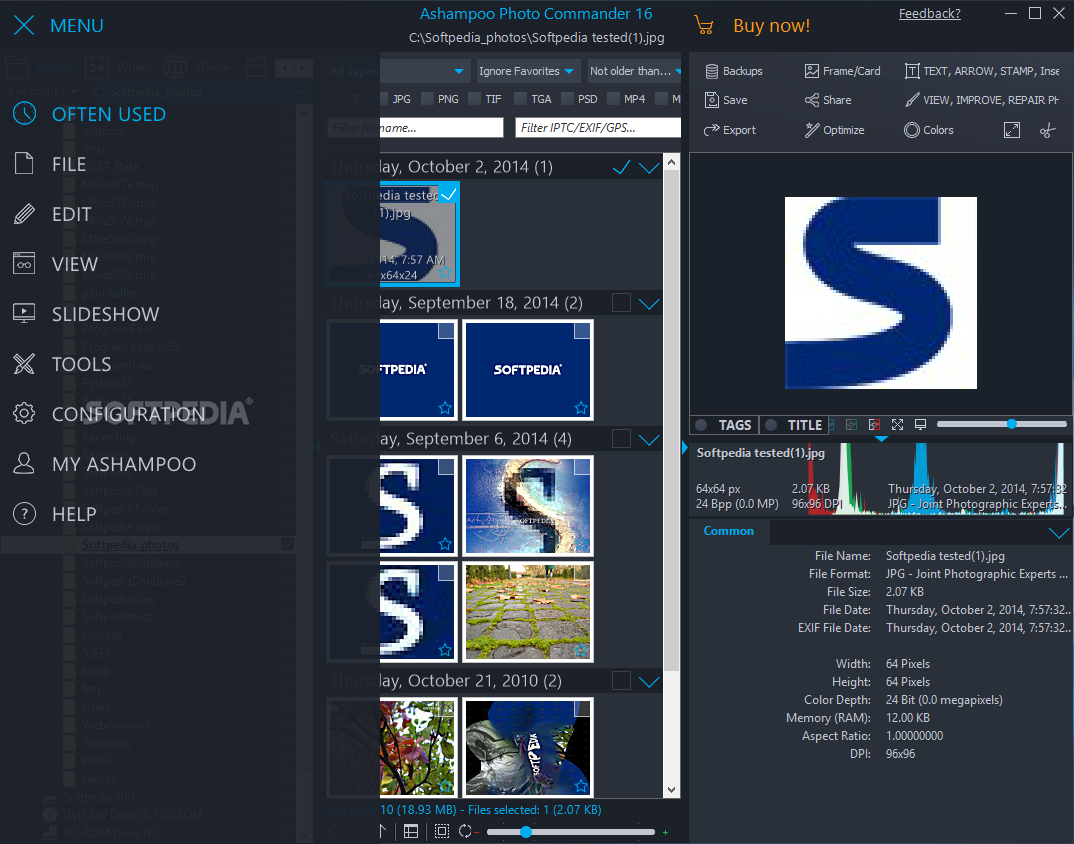
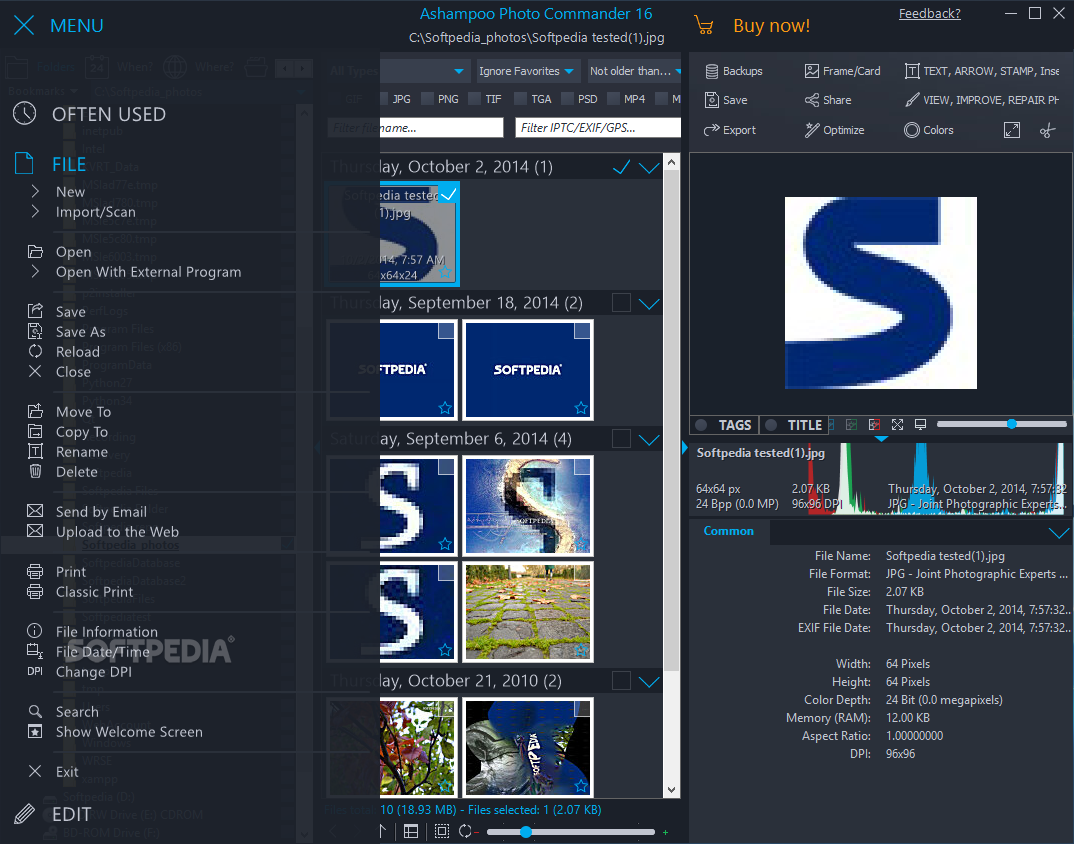
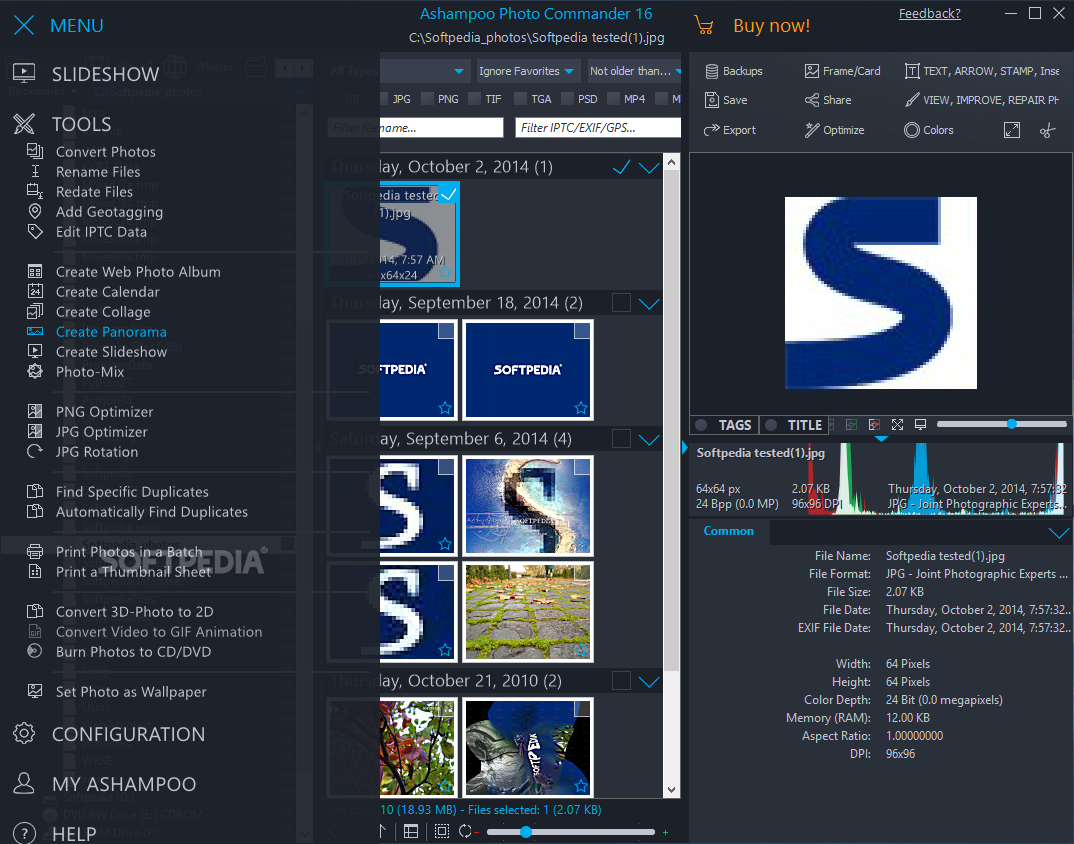
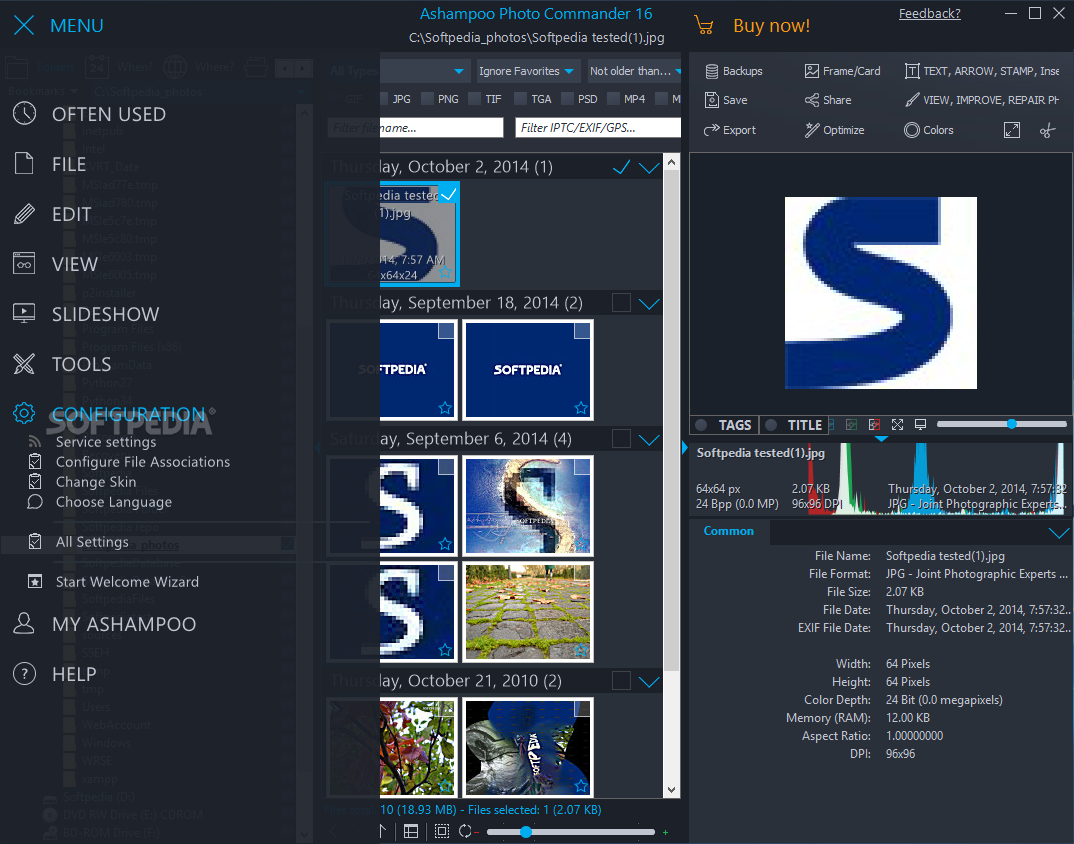
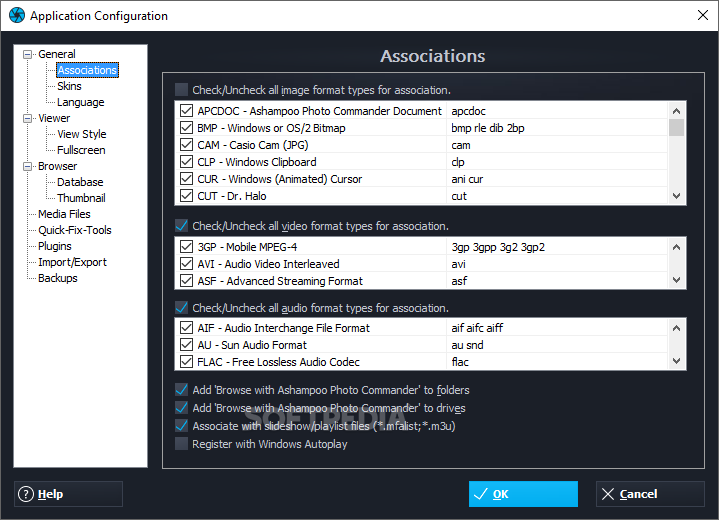
Once you initiate the program with the user-friendly interface, you can follow the steps in the "Welcome Wizard" to select file associations, language and layout ("Manage/Organize", "Photo-Edit", "Filmstrip").
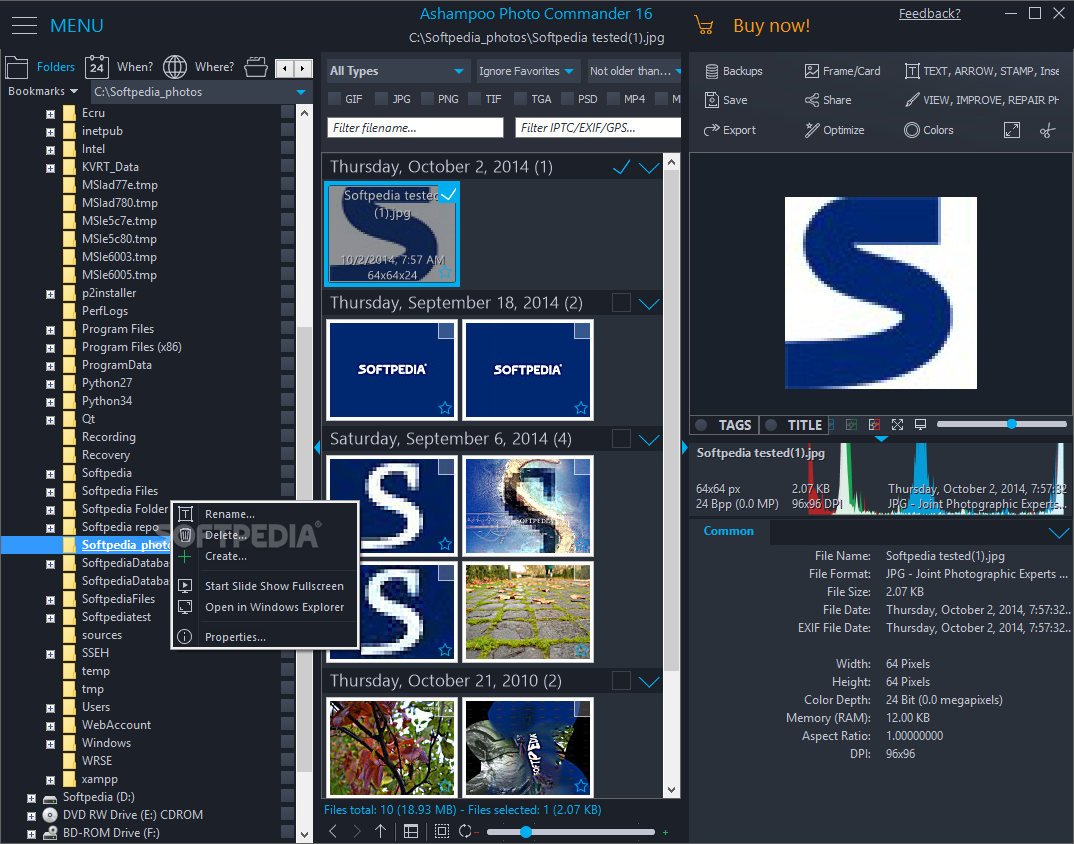
So, you can use the treeview to locate files and the content area to select them. These are organized according to month and year.
But you can also view images, audio or video only, as well as filter them by rating, age, format and others.
In addition, you can view EXIF information on an image file, ID3 tags on an audio file, as well as settings on a video file (e.g. size, color depth, memory size, aspect ratio).
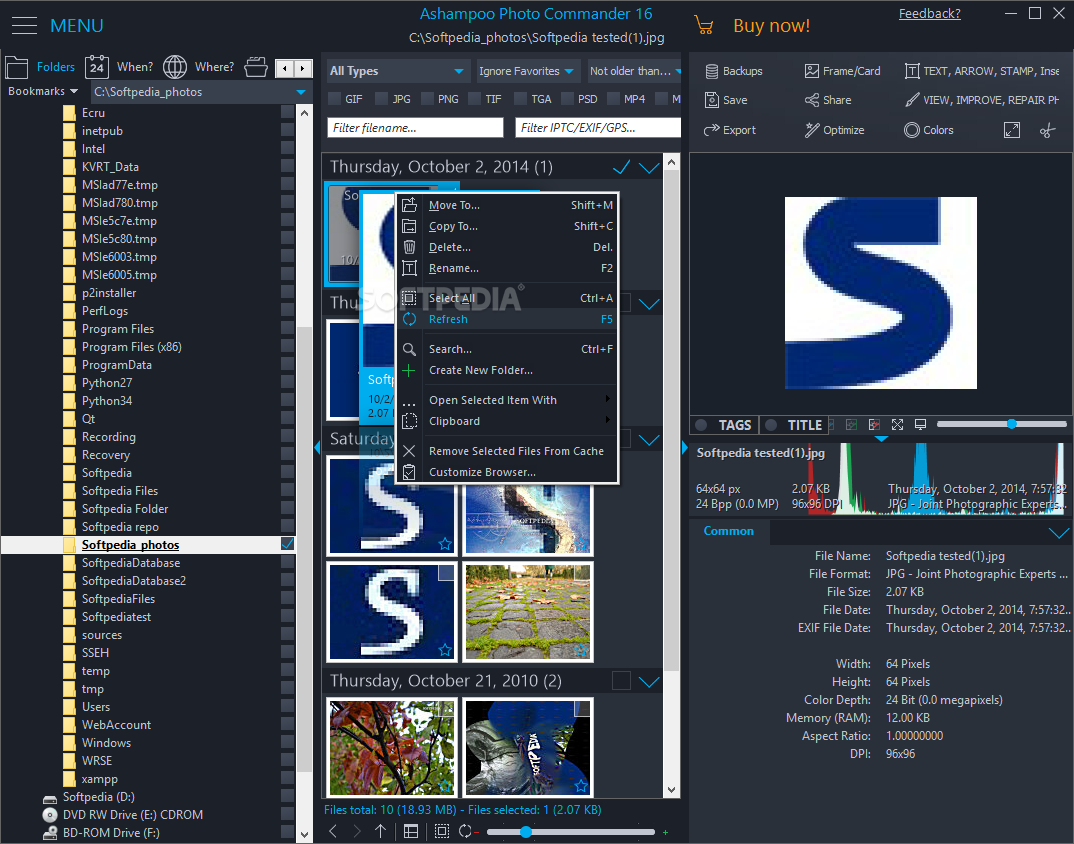
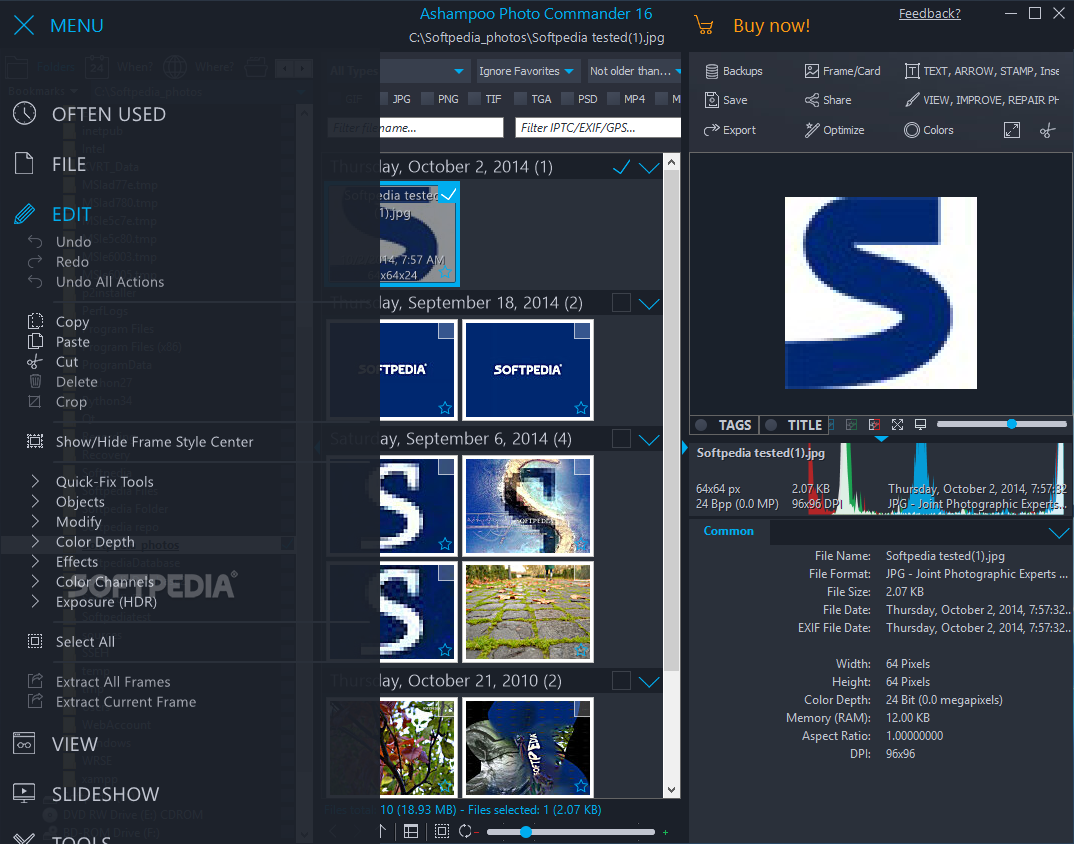
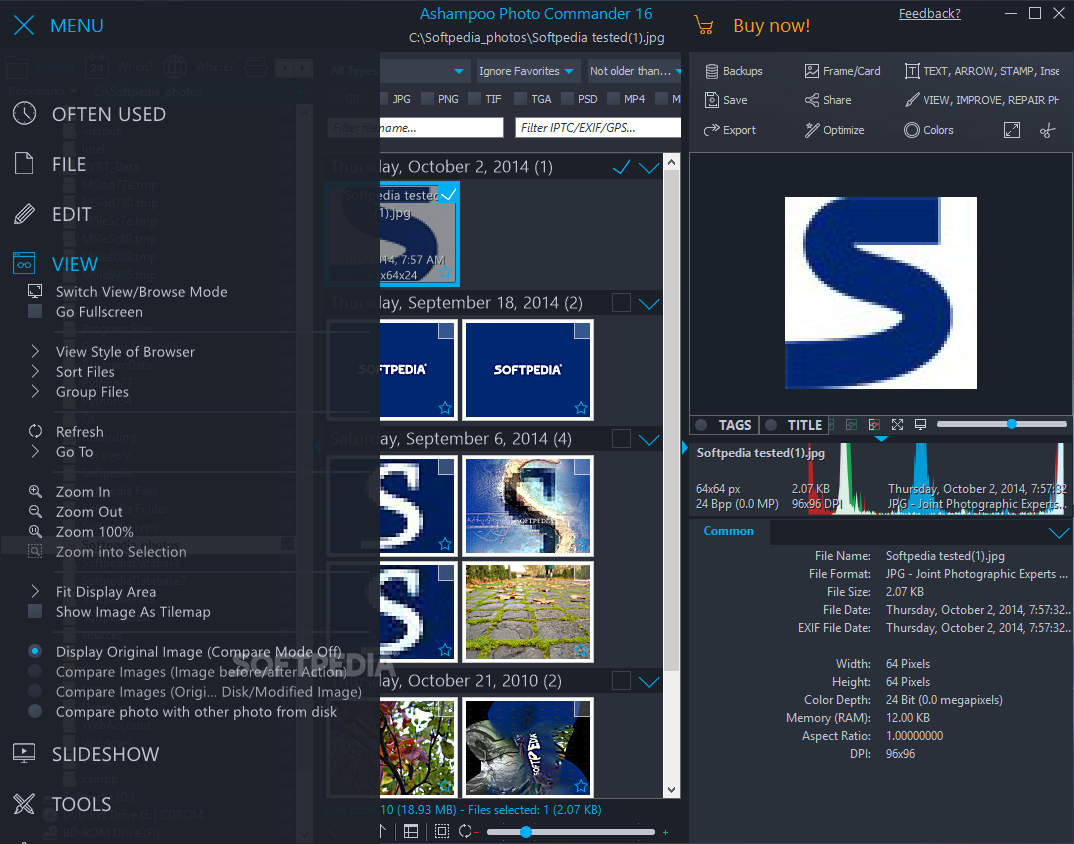
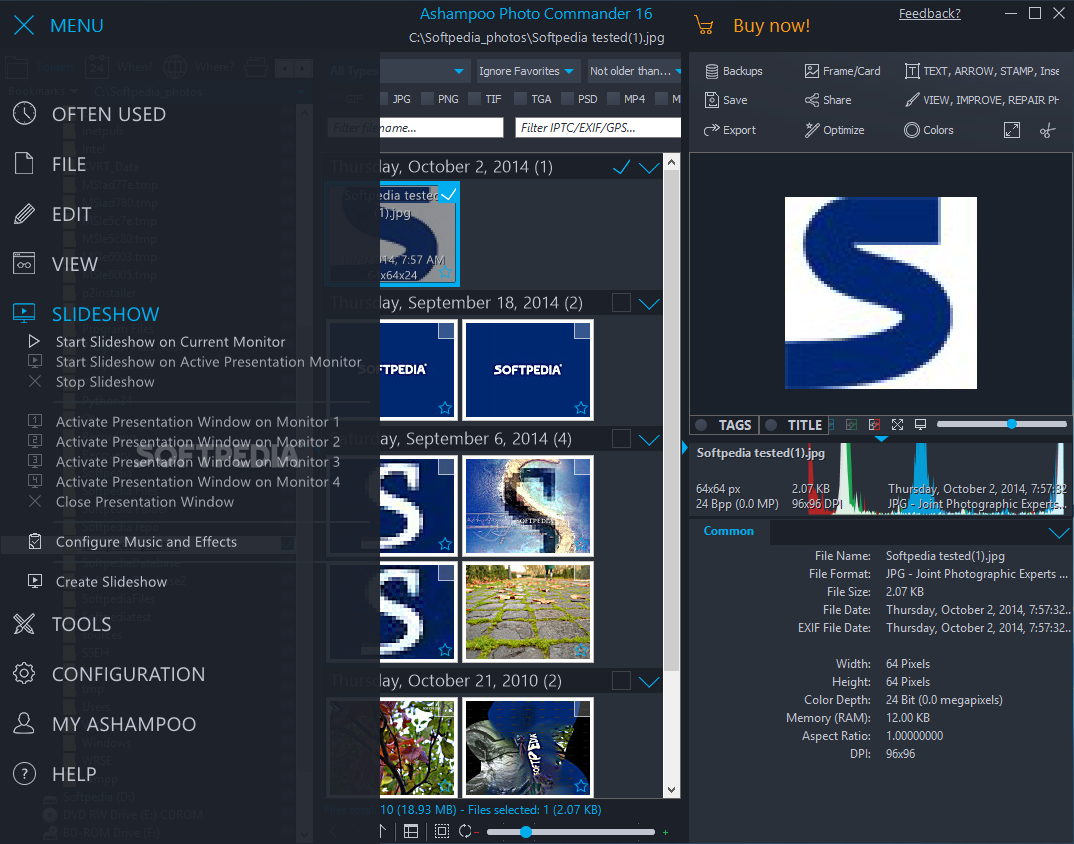
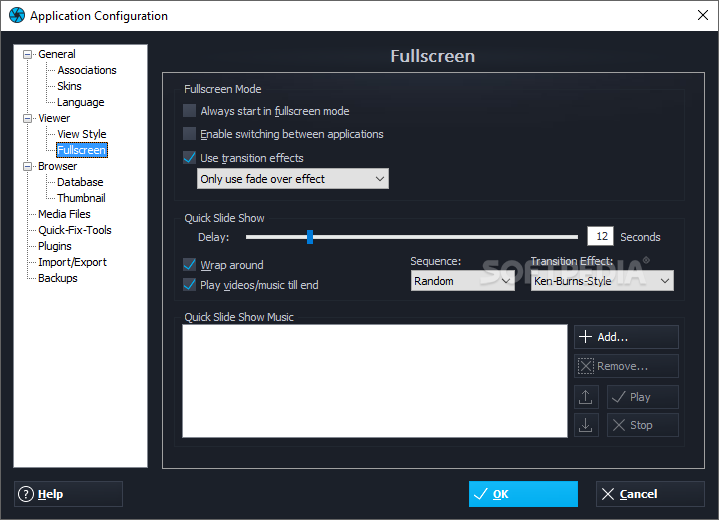
Also, you can write an image description, save photos as PDF documents or view them in full screen mode, create slideshows, edit JPG comments, change file dates, and others.
Furthermore, you can quickly fix images by changing the contrast, brightness and color temperature, resizing, rotating or cropping them, removing red eye, adjusting horizontal misalignment and applying various effects (e.g. blur, sharpen, grayscale, sepia, pencil drawing, psychedelic).
Plus, you can draw text, pen, lines and shapes (rectangle, ellipse), insert objects or a bitmap from a file, draw hints and callouts, scan an image, capture a window or desktop, use the "undo" and "redo" functions, batch rename files, and more.
Once you are satisfied with the results, you can create a slideshow, HTML album, calendar, collage, panorama, frame or card, contact sheet, photo mix or TIF multi-page.
As we expected, the software takes up a moderate-to-high amount of system resources and includes a well-drawn help file with snapshots. It crashed a couple of times, when we were viewing videos. Otherwise, Ashampoo Photo Commander has a very good response time and we strongly recommend it to all users.
Read an in-depth analysis in our professional review for Ashampoo Photo Commander [DISCOUNT: 30% OFF!]
|
Ashampoo Photo Commander [DISCOUNT: 30% OFF!] description
|
Here are some key features of "Ashampoo Photo Commander [DISCOUNT: 30% OFF!]":
Scan and import:
· With the import tool of the Ashampoo Photo Commander 10 you can select and import pictures directly from your digital camera or scanner. This tool also enables the automatic rotation of photos, if the digital camera provides the necessary information.
Manage and organize:
· The program allows you to quickly and straightforward manage your video and photo collection including options to create groups, tag photos and put together virtual photo albums. Assign for example the name of your last travel destination (tagging) to your holiday pictures. This way you can later on quickly find all pictures you took at that destination.
Edit and optimize:
· Ashampoo Photo Commander 10 provides intuitively designed and easy-to-use editing and quick-fix modes. You can give free rein to your creativity and experiment with various photo effects and functions. It is incredibly easy to straighten images (adjust horizontal misalignment), rotate and resize photos, remove red eyes and lots more. With just one click you will quickly optimize photos and add effects, such as turning a photo into an oil painting, pixelizing photos or outlining an image.
Create, present and share:
· To present your pictures Ashampoo Photo Commander 10 offers you some interesting and exciting functions. For your friends and family you can, for example, create a slideshow or HTML album with your photos. You can create photo collages, greeting cards or photo calendars in a jiffy, too.
· Furthermore, Ashampoo Photo Commander 10 allows you to make screenshots of desktop contents, scan images, print and send photos by email, burn discs with photos or even upload complete photo albums online to networks such as Picasa, Facebook or YouTube.
Other functions and features:
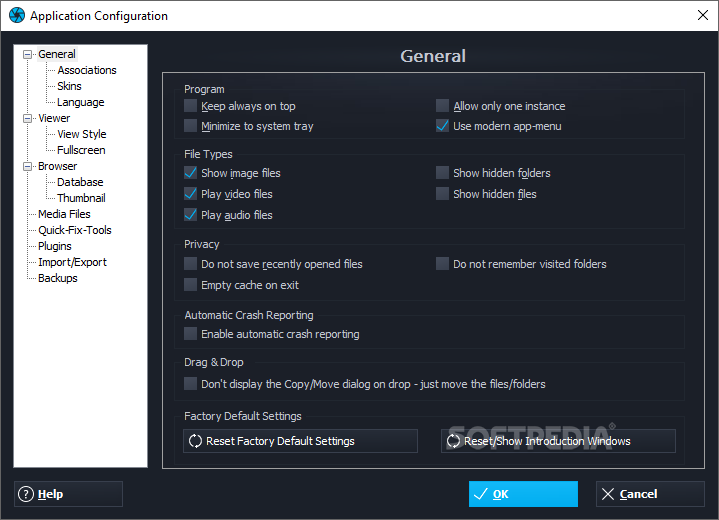
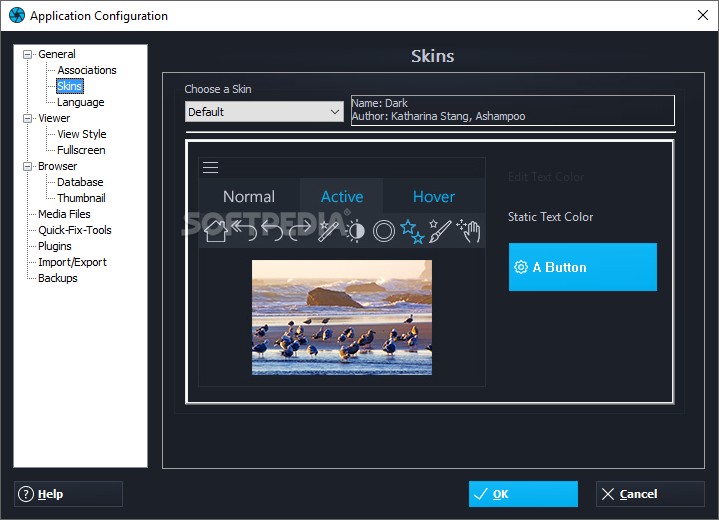
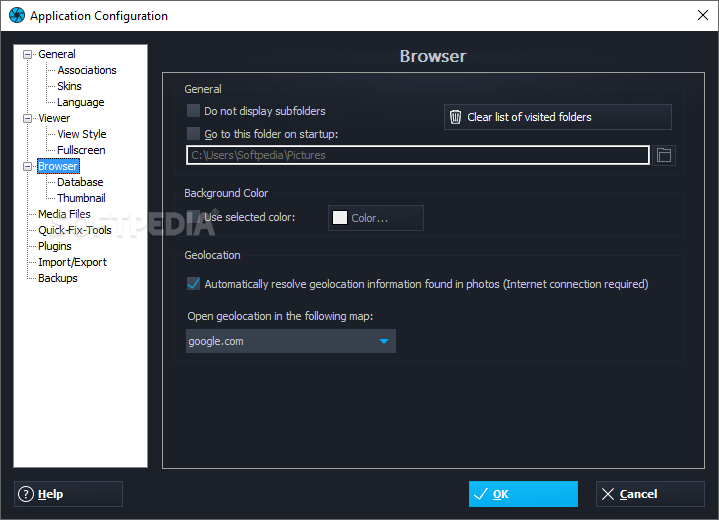
· The intuitive user interface allows you to quickly achieve amazing results even without any prior knowledge of the Ashampoo Photo Commander. In areas of the program where an explanation might be needed, a window with a short explanation is displayed. You can even adjust the user interface according to your desires. Just use one of the integrated skins. The customized settings of the program can be easily imported and exported in a file.
Requirements:
· Min. 256 MB RAM
· Hard Disk Space 180 MB
· You need a graphic-card with a resolution of at
· least 1024 x 768.
· The program requires a mouse or a compatible pointing device and optional a CD- or DVD-Recorder for the production of Photo-CDs resp. Photo-DVDs.
Limitations:
· Nag screen
· 10 days trial that can be extended to 30 additional days after free registration What's New in This Release: [ read full changelog ]
New Features:
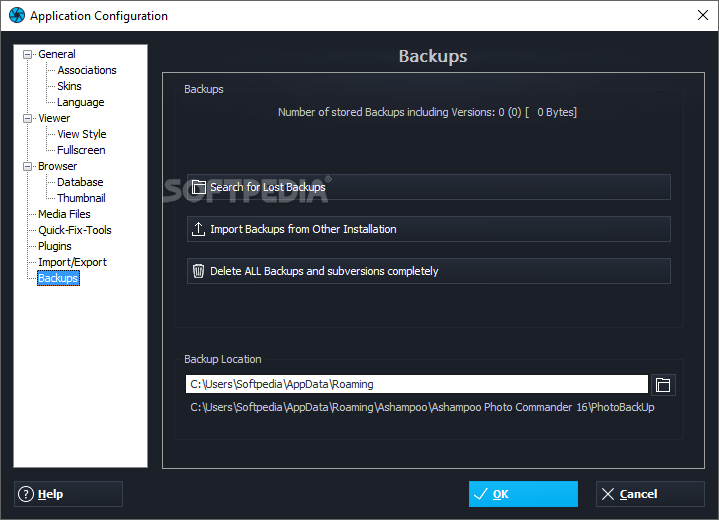
· Automatic Photo Back-Up with History Function
· Never lose a copy of the original photo again!
· Whenever a photo is saved and overwritten a back-up is made and kept in a hidden back up folder.
· With a single click the user can revert back to the original or even switch between different copies of the same photo stored.
· A simple menu shows all backed up version of a photo sorted by date.
Quick-Fix-Tools:
· In-Paint technology
· Easily remove smaller unwanted objects (for example wires).
· Or remove scratches and fill holes for photo restoration.
· Different selection modes like lasso or marker.
· Automatic mode for detecting and removing bright text elements.
· New Tilt-Shift-Tool enabling the user to achieve great miniature effects by adjusting the position and strength.
· New Effect-Center
· Easily switch between effects with real time preview.
· Supports adjusting effect strength where appropriate.
· More effects (Soft Blend, Motion Blur, Zoom Blur, Noise, Splash, Bulge, Twist...
|
|
 | |  | | Softpedia guarantees that Ashampoo Photo Commander [DISCOUNT: 30% OFF!] 11.0.2 is 100% CLEAN, which means it does not contain any form of malware, including spyware, viruses, trojans and backdoors. [read more >] |
|