Softpedia
 

WINDOWS CATEGORIES:


GLOBAL PAGES >>
SOFTPEDIA REVIEWS >>
MEET THE EDITORS >>

WEEK'S BEST

  • DAEMON Tools Pro (...
  • FlashFXP [ DISCOUN...
  • PowerISO 4.9
  • WebcamMax [DISCOUN...
  • Zemana AntiLogger ...
  • System Mechanic Pr...
  • Glary Utilities Pr...
  • All My Movies [DIS...
  • Ad-Aware Internet ...
  • Atlantis Word Proc...
  • Home > Windows > Multimedia > Graphic > Graphic Viewers
     Report malware

    GonVisor 2.11

    download button

    Downloads: 22,751  View global page  Tell us about an update
    User Rating:
    Rated by:
    Good (3.7/5)
    31 user(s)
    Developer:

    License / Price:

    Size / OS:

    Last Updated:

    Category:

    Ad-supported / $0
    1.6 MB / Windows All
    [view history]
    C: \ Multimedia \ Graphic \ Graphic Viewers

     Read user reviews (1)  Send to friend   Follow (1 user)

    EDITOR'S RATING

    Softpedia Editor's Review for GonVisor

    A viewer of images, comics, books, magazines in electronic format (jpg, png, tif, bmp, cbr, cbz, cba, pdf...)

    Written by Elena Opris on February 9th, 2012

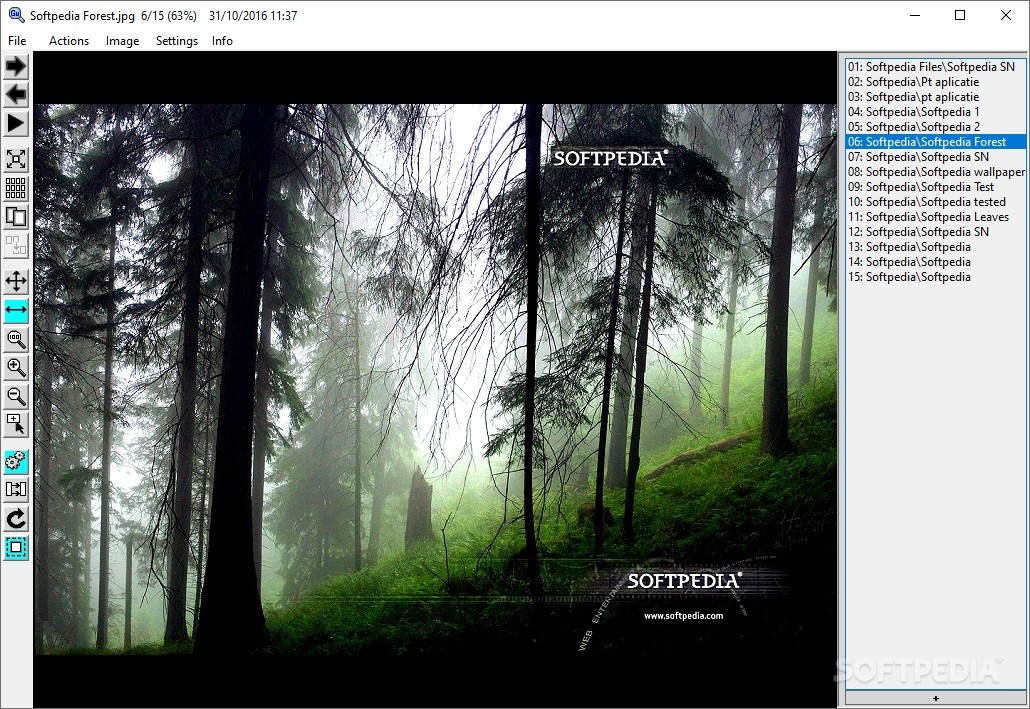
    GonVisor is an application that lets you view image files and documents. It supports JPGs, PNGs, TIFs, BMPs, PDFs and other formats.

    Installing this program shouldn't be very difficult. Just keep in mind that GonVisor offers to download and install some third-party components that it doesn't need in order to work properly, as well as to make some changes to your web browsers.

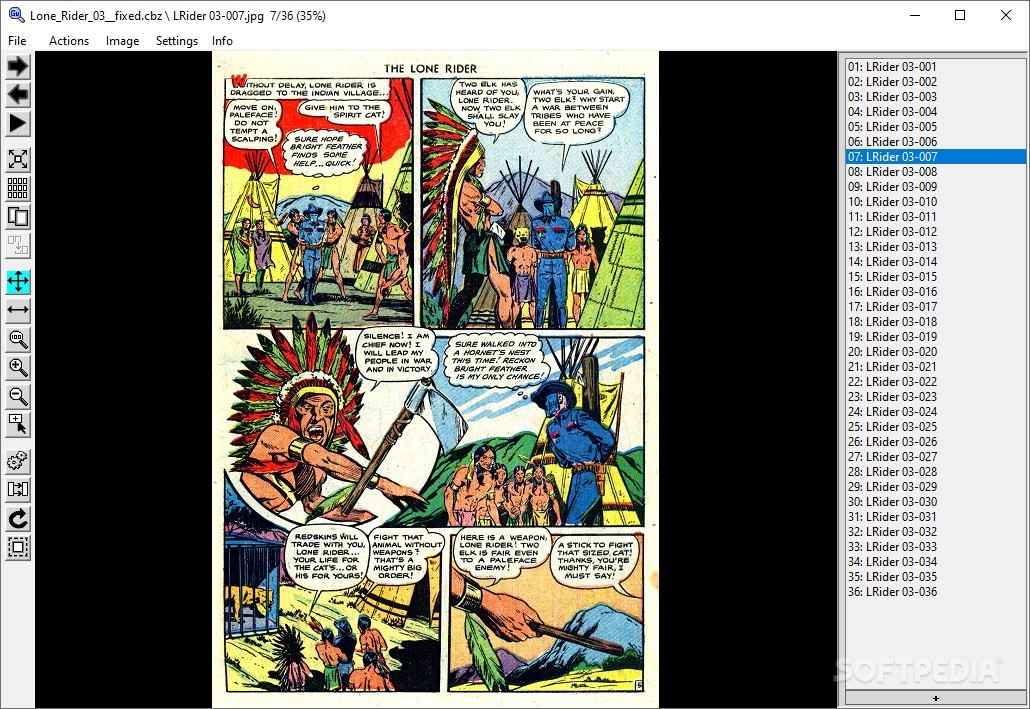
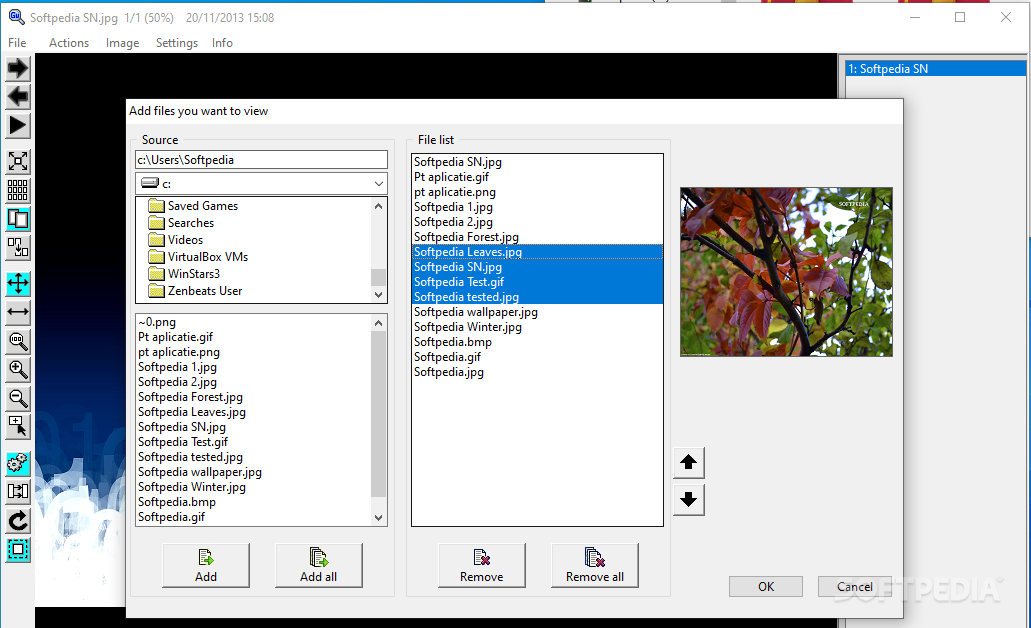
    The interface of the tool is plain and simple. You can import a file by using the file browser or the "drag and drop" method.

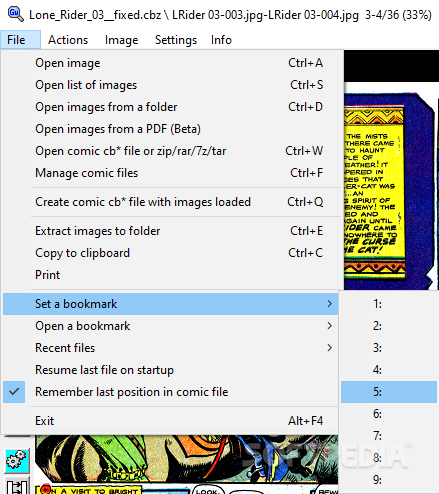
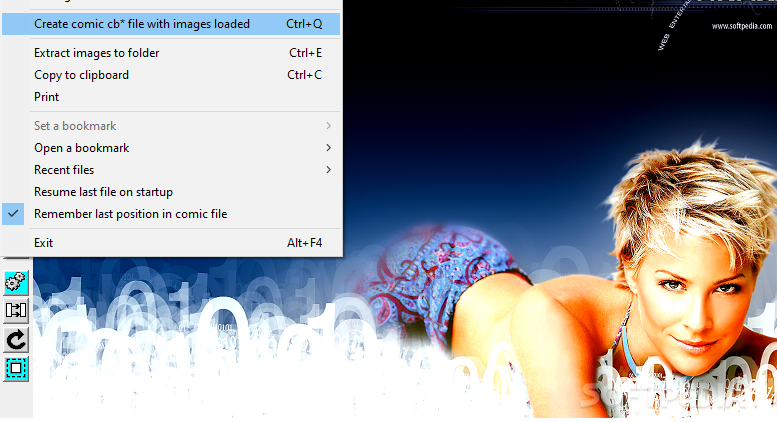
    So, you can open an image, a list or a folder with images, open folders recursively, open images from a PDF document, create CBRs or CBZs with images loaded, extract images from a folder, and more.

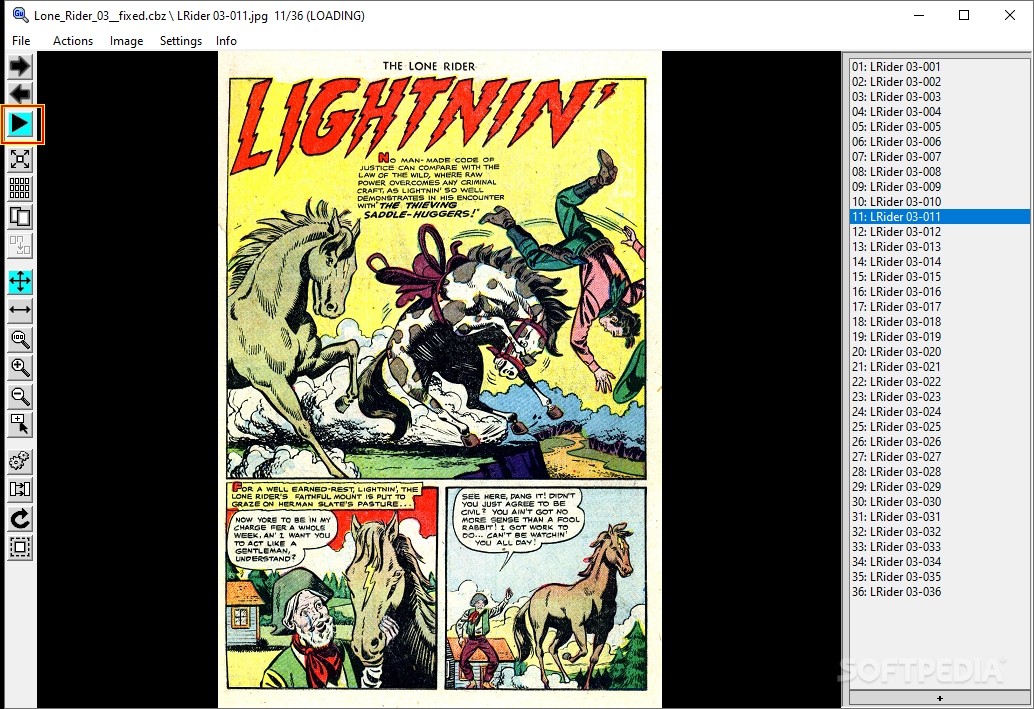
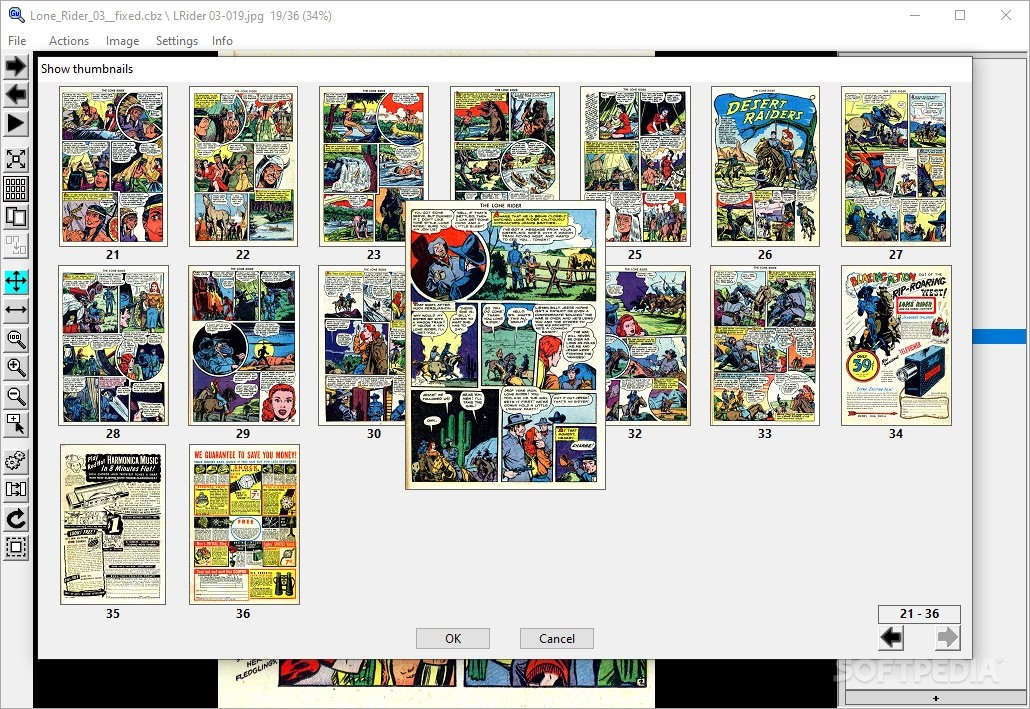
    Furthermore, you can go to the next or previous image, enable an automatic slideshow, switch to full screen mode, view image previews and enable double-page view.

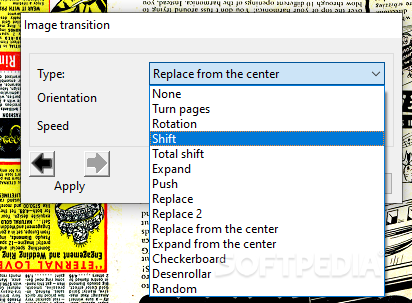
    Additionally, you can zoom in and out, use a magnifier, automatically improve colors, set the image transition, rotate the picture, as well as fit its width and height.

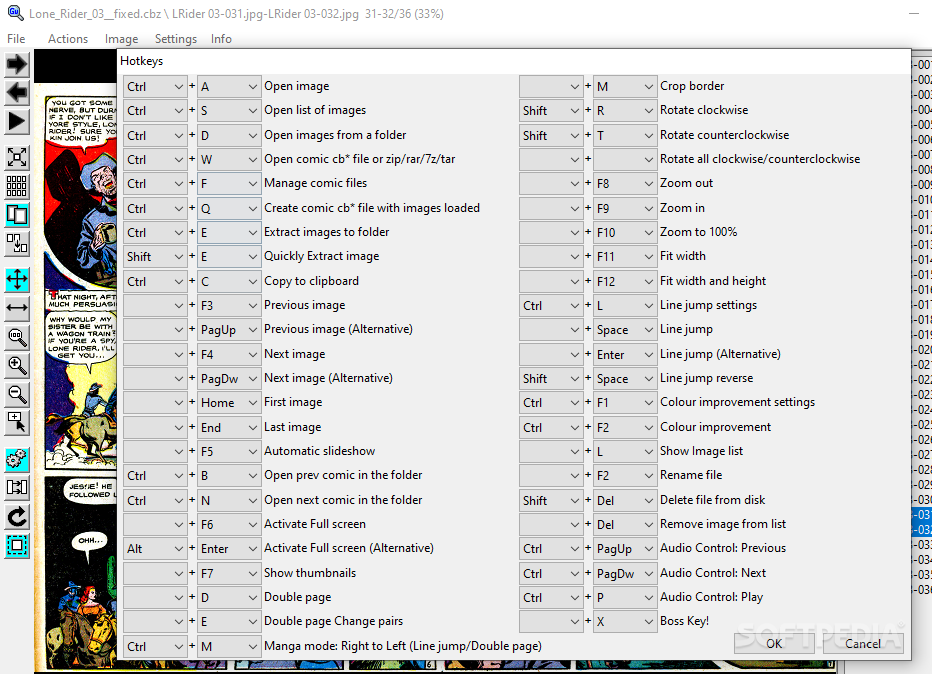
    Moreover, you can change the interface language, main screen style and backcolor, manage the control bar, use keyboard shortcuts, configure the mouse buttons, set file associations, and others.

    The program takes up a very low amount of system resources and didn't cause us any issues during our tests. Although there is no help file available, GonVisor can be easily used, even by beginners.

    However, the biggest problem of the software is that it requires you to separately install third-party components to fully function (for example, if you want to read PDFs), and you are not guided in any way, from this point of view. Otherwise, we recommend GonVisor to all users.

    GonVisor description

    Here are some key features of "GonVisor":

    · File viewer: GonVisor opens all types of files!
    · Image files: Open all standard files.
    · Cb* files: Open comic formats like cbr, cbz, cba and cb7. It supports password protected files.
    · Image folders: Open all images in the selected folder.
    · PDF files: Open the images contained within a pdf file (using pdftohtml).
    · Compressed files: Open the images contained in rar, zip, ace and 7zip files.
    · Image extraction: Extract all images to a folder, so you can get the files contained in a cbr, cbz, cba, CB7 or pdf.
    · Bookmarks: Use bookmarks to continue your reading from the point you left it.
    · File Management: Easily manage your comics!
    · Creating cb* files: You can create cbr and cbz files containing a group of selected images, defining the order of images, adding description (author, date, type, comment …) and protect them with a password.
    · Management and ranking of cb*: Allows you to search all your cb* files,
    · showing comics’ information, the comics you have read or you have started to read. You will be able also to rate your comics, so you can easily have a ranking of your favorite comics.
    · Creating presentations: You can easily create custom slide-shows, setting the transition time between images.
    · Control viewing: GonVisor shows and browse the images as you want!
    · Fast interface: GonVisor has a simple interface, intuitive and fast to view image sequences.
    · Double page: You can view two pages at once, as if reading a comic or a book.
    · Image enhancement: GonVisor incorporates different image filters to enhance images bad taken or scanned. You can adjust several parameters: normalize, contrast and smoothing.
    · Magnifier: Turns the cursor into a fully configurable magnifying glass to expand specific areas of the image.
    · Full Screen: Let GonVisor fills your screen!
    · Automatic slider: You can select images to be turned automatically by defining the transition time.
    · Line break: Walk through the images line by line, as if you were reading a real comic.
    · Image transition: Choose between multiple effects for image transitions.
    · Customizable hotkeys and mouse functions: You have many options to customize how to control GonVisor using hotkeys and mouse buttons.
    · Image adjustment: GonVisor adjusts images to your needs!
    · Auto size: Adjusts the image to the size of your screen.
    · Zoom: The image can be enlarged or reduced using the zoom function.
    · Rotation: Rotate the images as you want and save them with its new direction.
    · Printing: GonVisor converts your files in paper!
    · Easy and fitted printing: Loaded images can be printed easily, adjusting automatically
    · their size.
    · PDF’s creation: You can create a pdf file with selected images just printing it on a virtual device for pdf creation, such as PDF Creator.
    · Windows integration: Integrated in Windows!
    · Open cb* files: Open image files, folders, files, cbr, cbz, cba, rar, zip dragging them from Windows Explorer into GonVisor.
    · Image management: Bulk rename of image files.
    · Recent files: GonVisor maintains its own history of recent files.
    · Always on top: “Always on top” mode keeps GonVisor over other applications.
    · And much more: Discover other little details of GonVisor!
    · Music player control: GonVisor can controls music players Winamp and Windows Media Player.
    · Boss key: Key “Here comes the boss” to camouflage GonVisor window quickly.
    · Stats: GonVisor stores your usage statistics so you can know how much time you invest in your favorite reading.
    · Compatibility: GonVisor is almost compatible with Unix using Wine.

    What's New in This Release: [ read full changelog ]

    · Improved zommed image quality
    · Added transition effects
    · New languages: Italian, French, German, Serbian and Czech
    · Added new information and tools to Manage cb* files
    · Hotkeys can be customized
    · Control bar position can be changed
    · Minor bugs fixed
    · Performance improvement

    Users are advised to pay attention while installing this ad-supported application:

    · Offers to change the homepage for web browsers installed in the system
    · Offers to change the default search engine for web browsers installed in the system
    · Offers to download or install software or components (Babylon) that the program does not require to fully function


    TAGS:

    picture viewer | magazine viewer | comics viewer | picture | magazine | comics


    HTML code for linking to this page:


    Go to top

    WindowsGamesDriversMacLinuxScriptsMobileHandheldNews

    SUBMIT PROGRAM   |   ADVERTISE   |   GET HELP   |   SEND US FEEDBACK   |   RSS FEEDS   |   UPDATE YOUR SOFTWARE   |   ROMANIAN FORUM