
Manage, edit and share your photos with ease, as well as create backups and synchronize data with your online account using this well-rounded and powerful tool. #Photo Organizer #Publish Album #Upload Photo #Album #Upload #Publish

Note: This software solution is no longer available for purchase but users can still download it from softpedia and use it with its specific limitations.
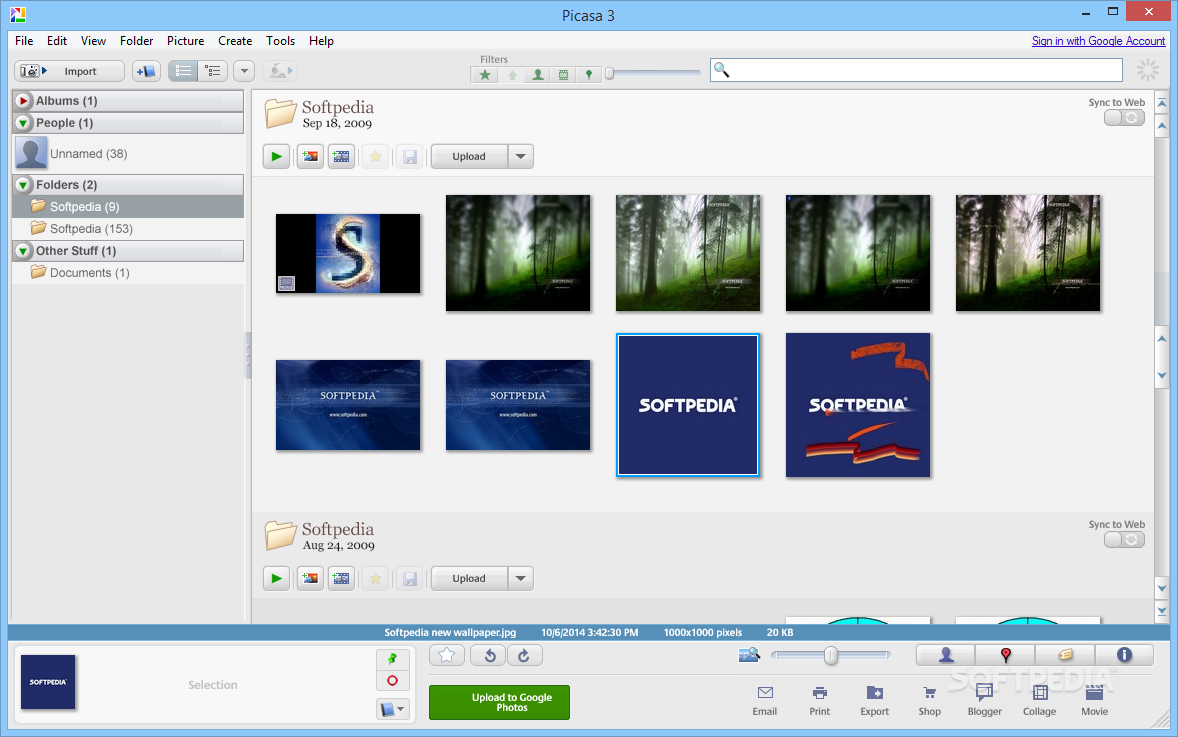
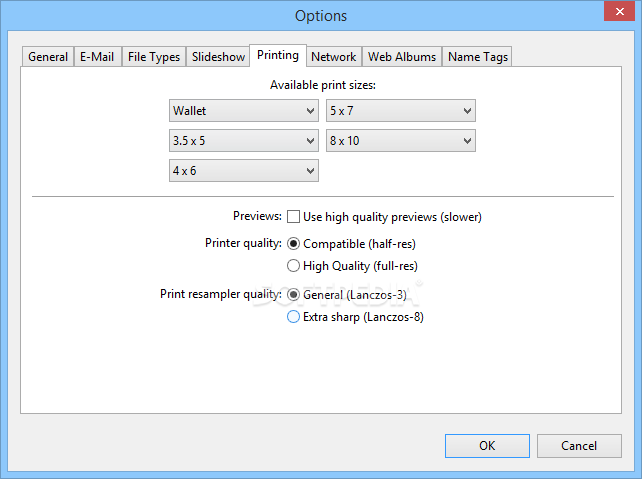
Managing and organizing our digital photos can be a hassle sometimes, especially if a software that is designed solely for this purpose is not installed on our system. If you find that this is your situation, you can try one of the applications that is most widespread nowadays - Picasa.
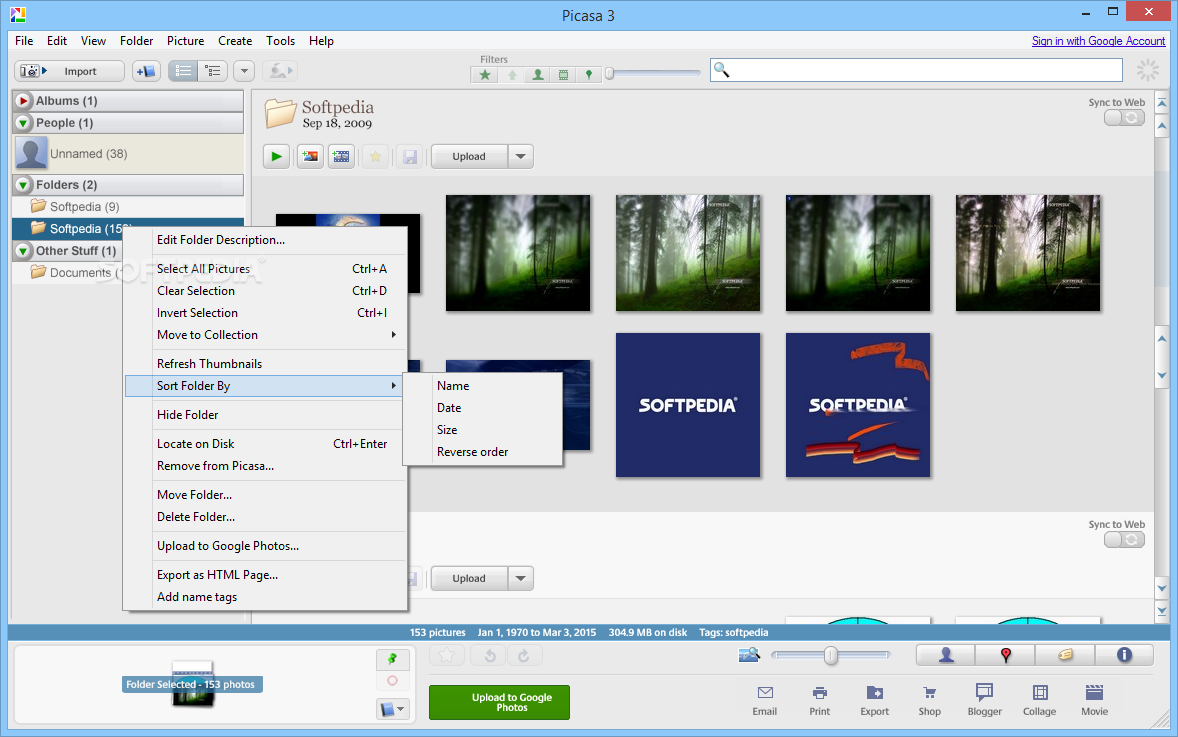
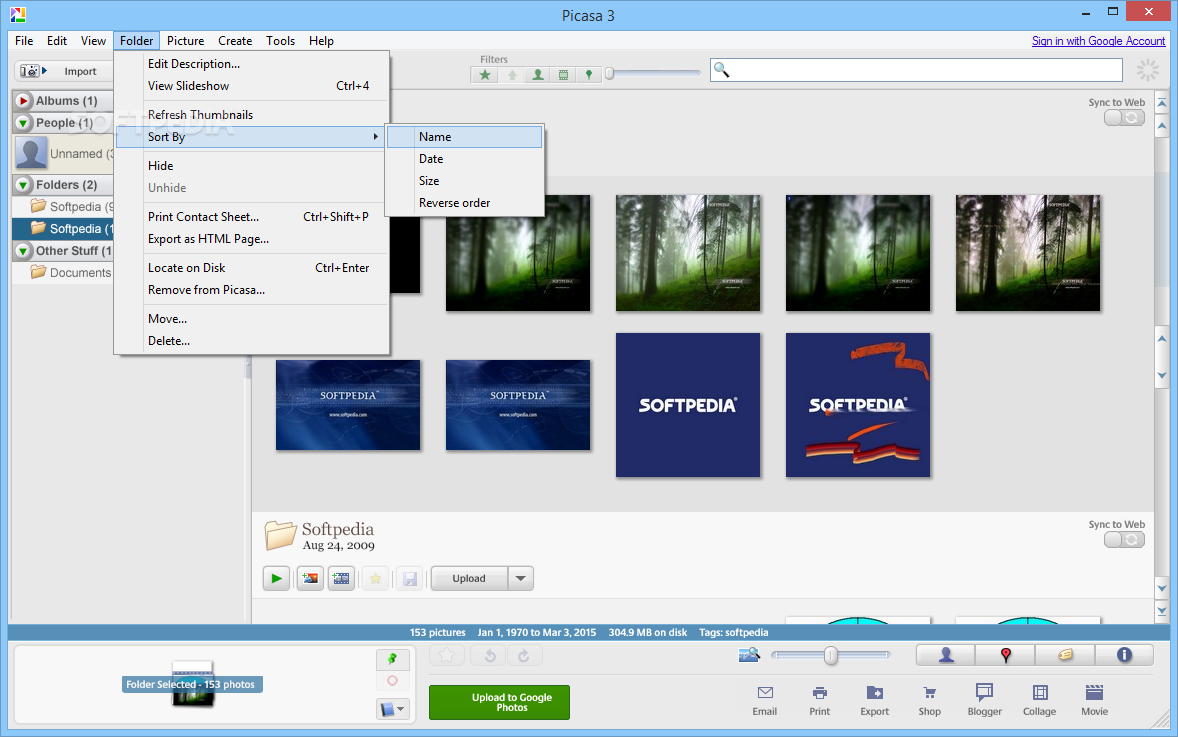
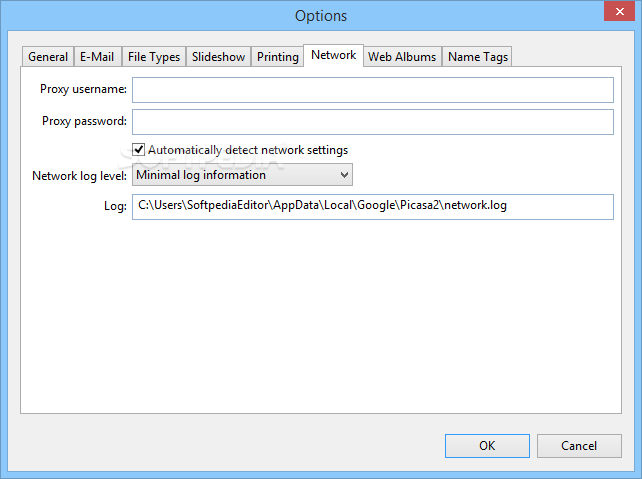
This tool can be very well used without an Internet connection, although you can fully enjoy all its features only when you are online. Basically, Picasa is especially tailored to help keep all photos organized, regardless if you would like to sort them by album, date or some other type of information.
Installation is pretty easy, yet you should pay an extra bit of attention because the setup package comes with third-party software that can change the settings of your web browser.
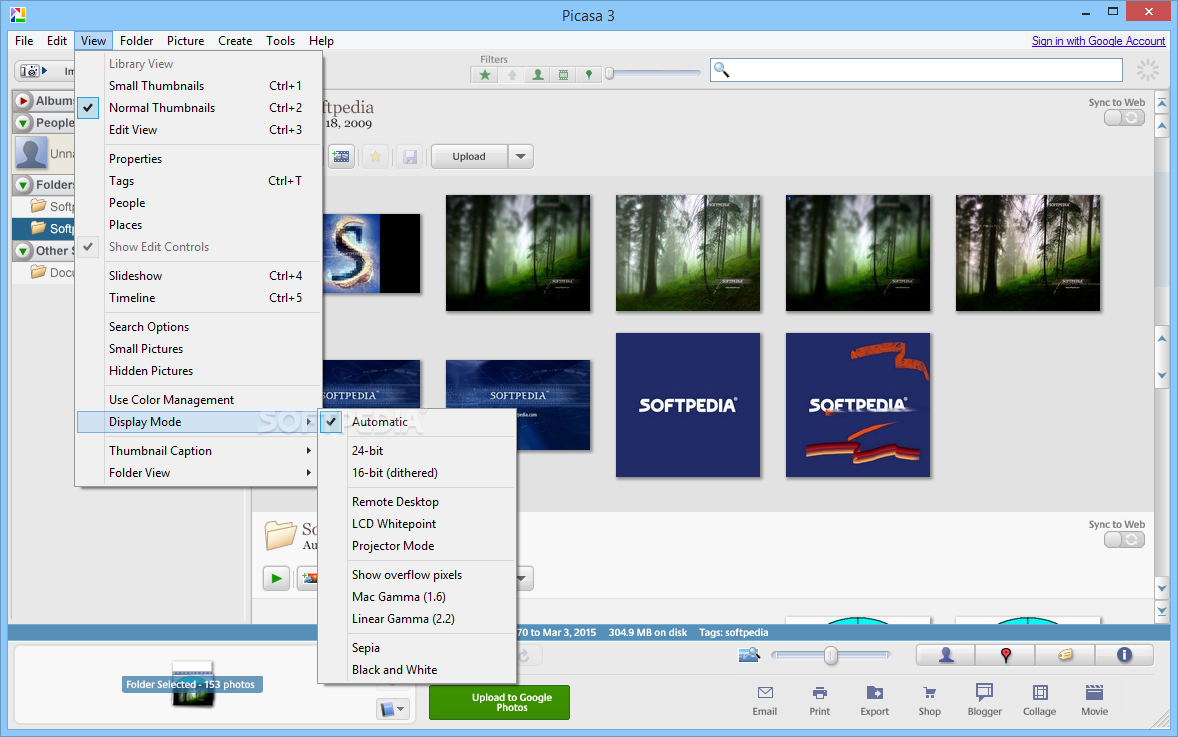
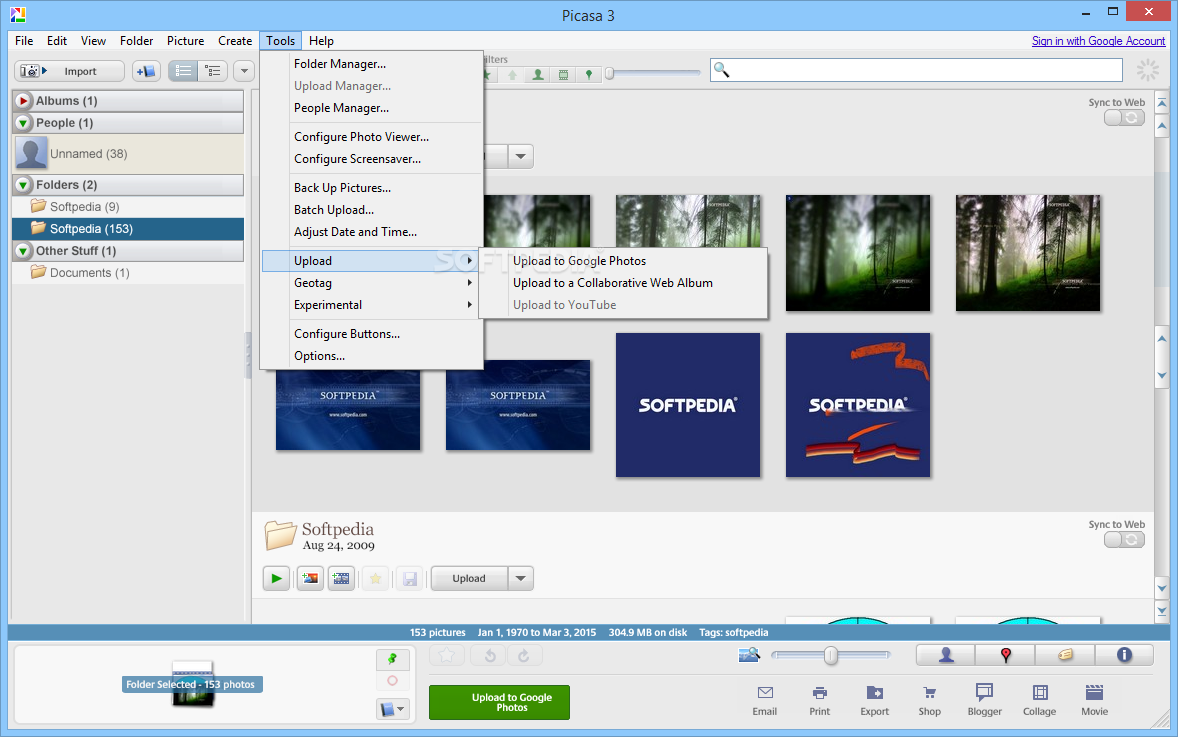
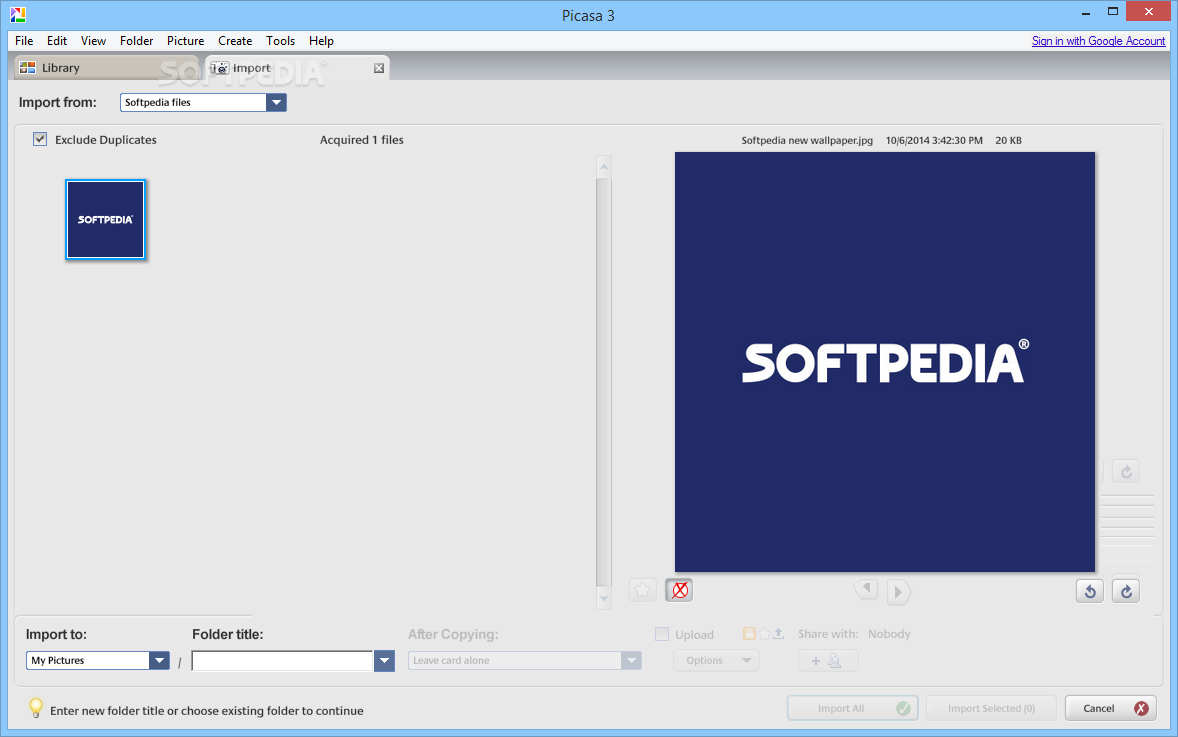
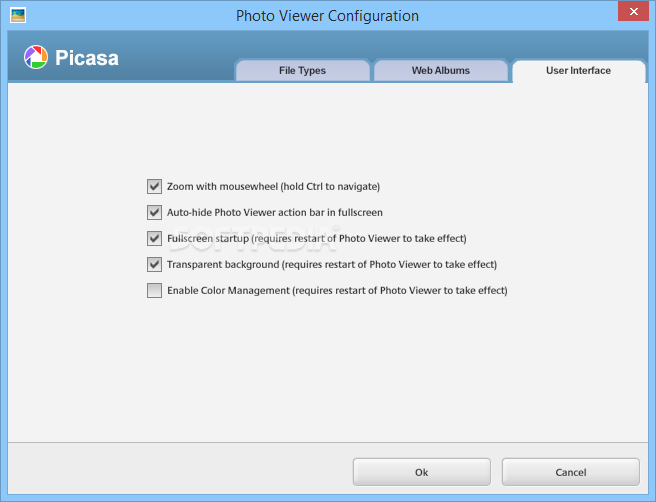
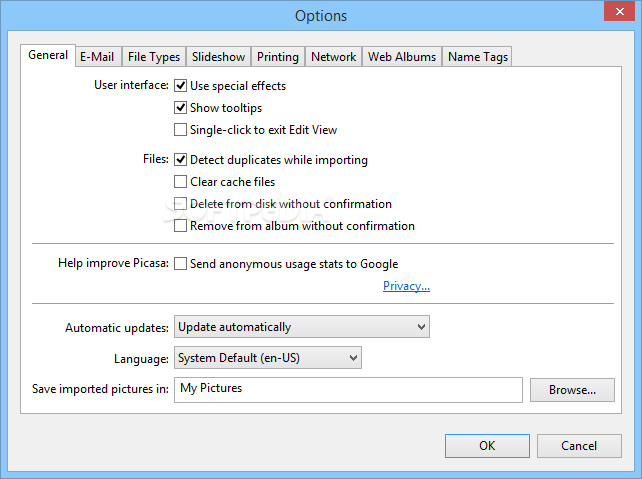
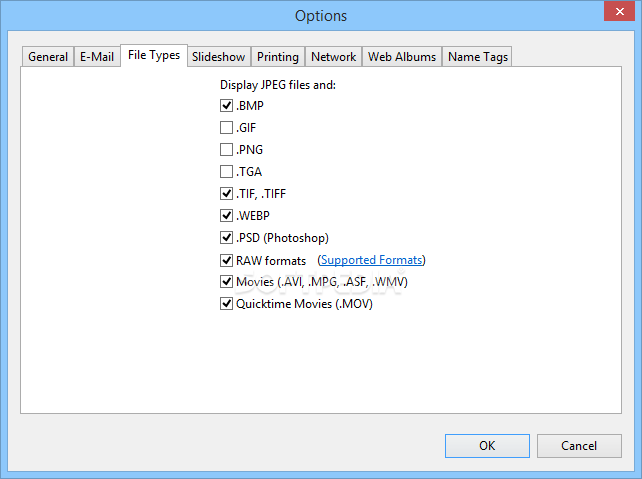
The interface is pleasant as well as easy to use, enabling you to browse through your photos in an instant. Picasa automatically scans your computer for pictures and organizes them in folders, showing you thumbnails for instant browsing.
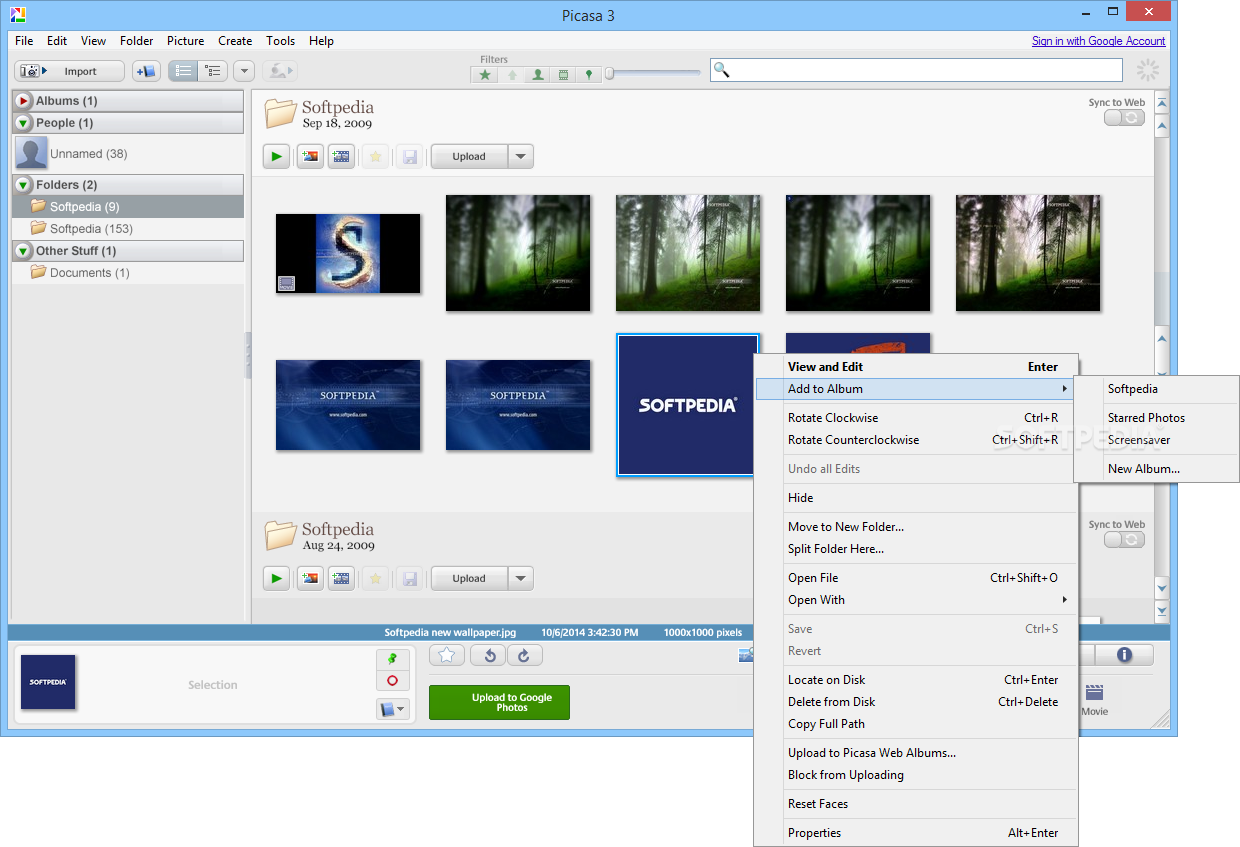
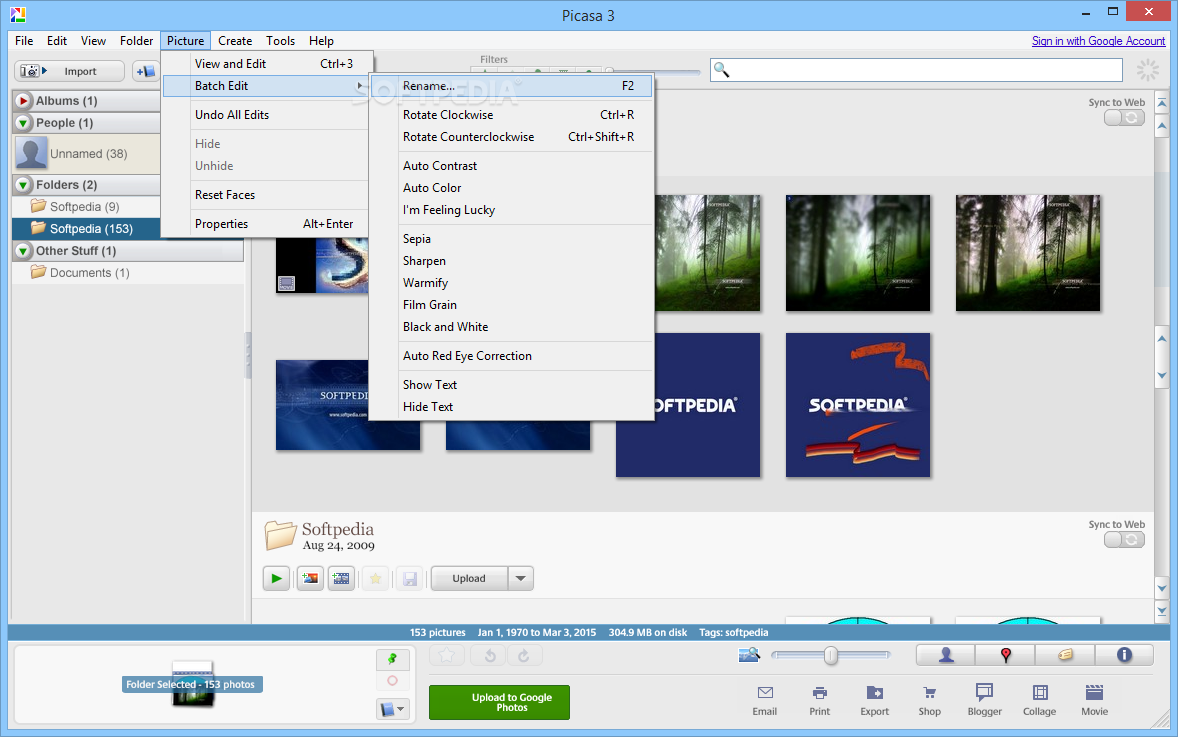
Aside from the fact that it is such a powerful photo manager, this software utility also provides some nice editing functions. It enables you to resize and crop pictures and also add various effects to improve image quality.
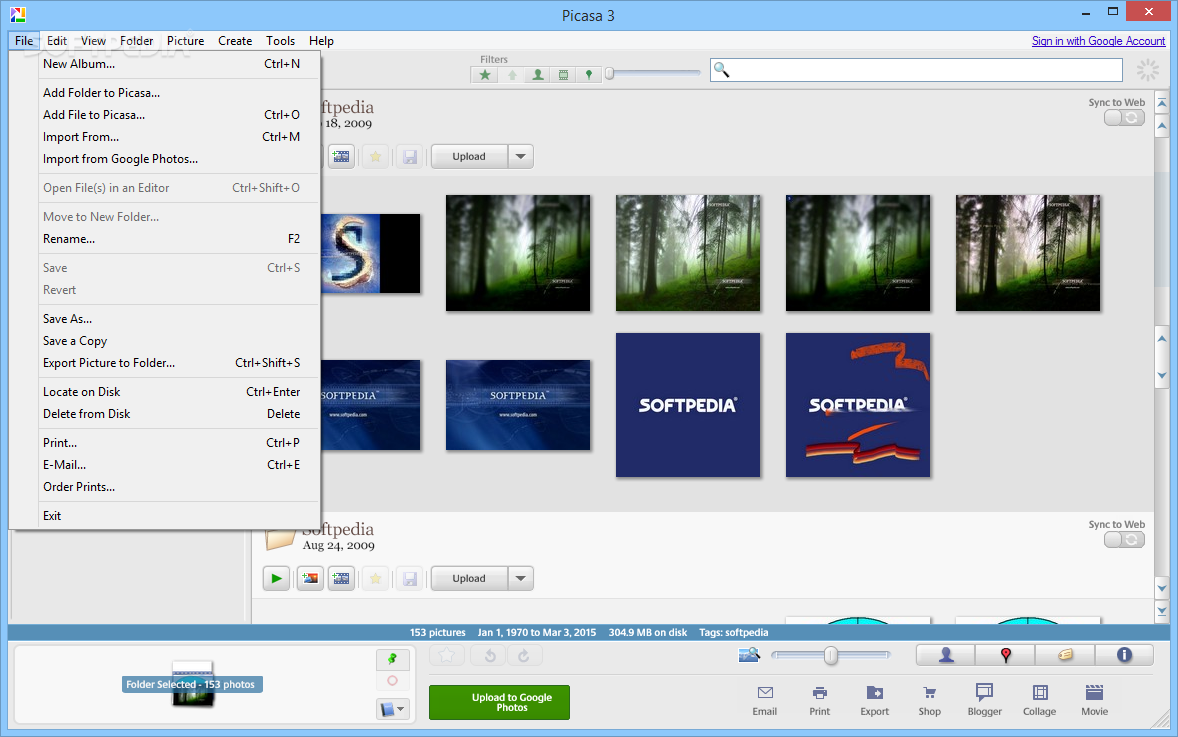
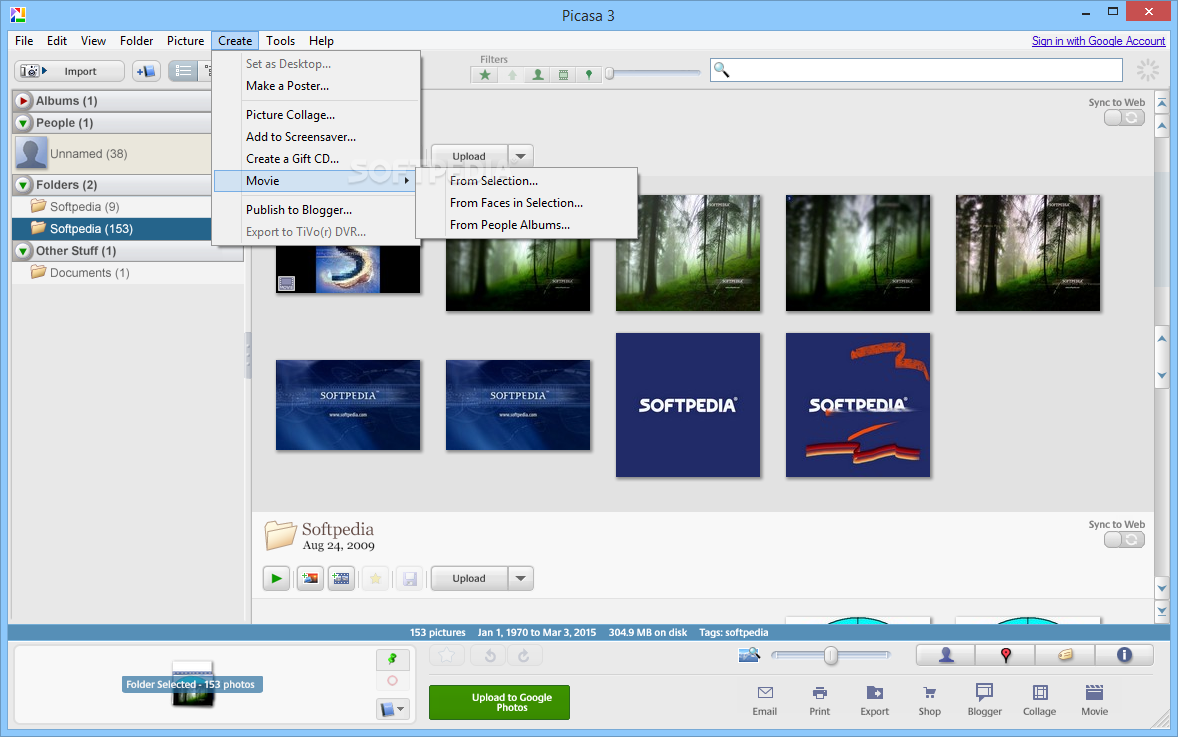
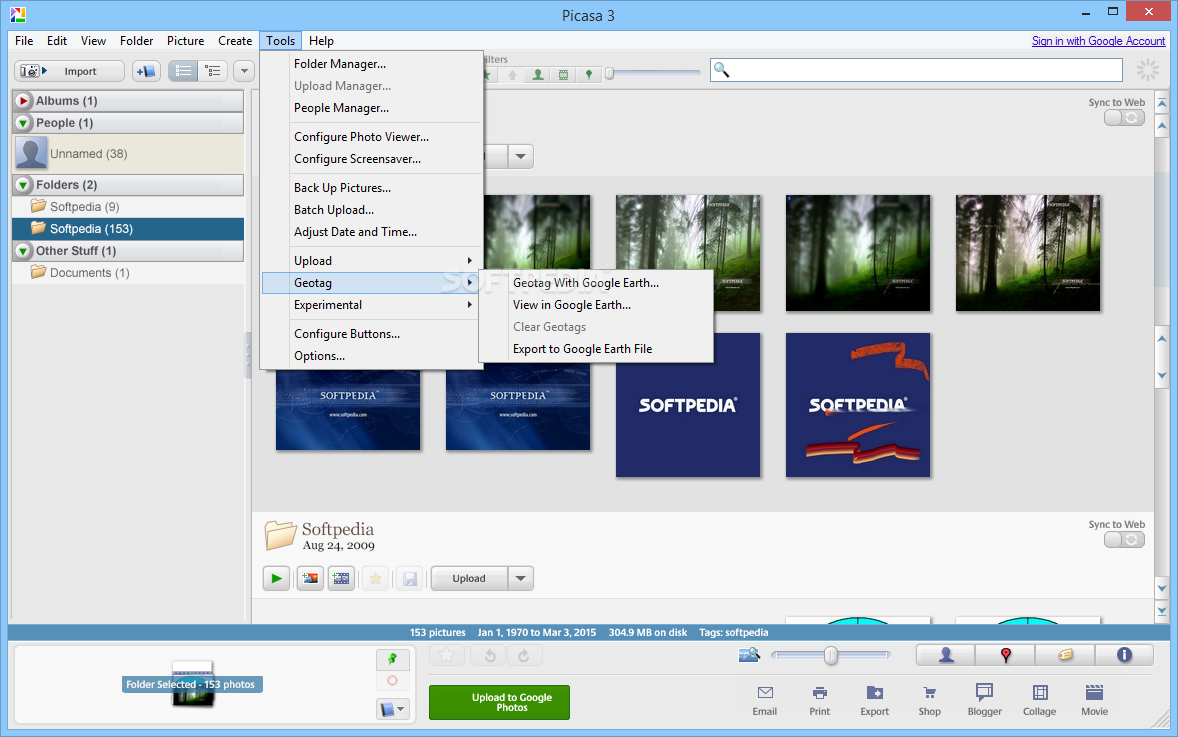
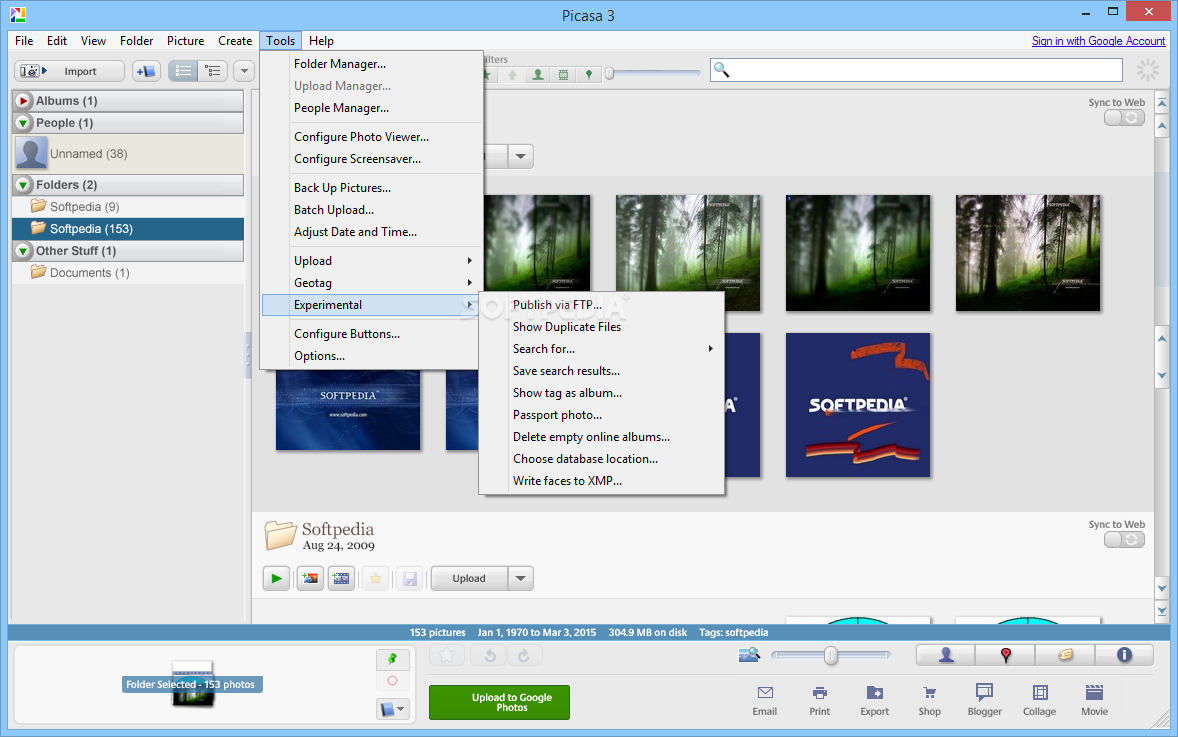
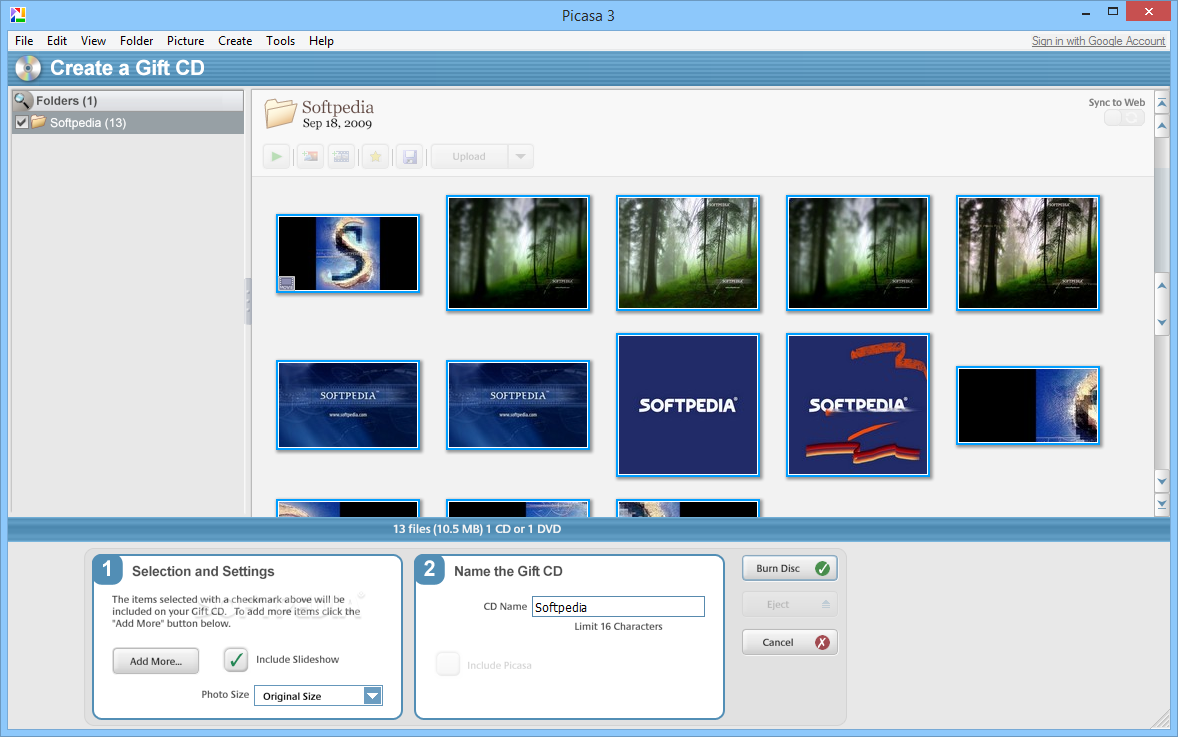
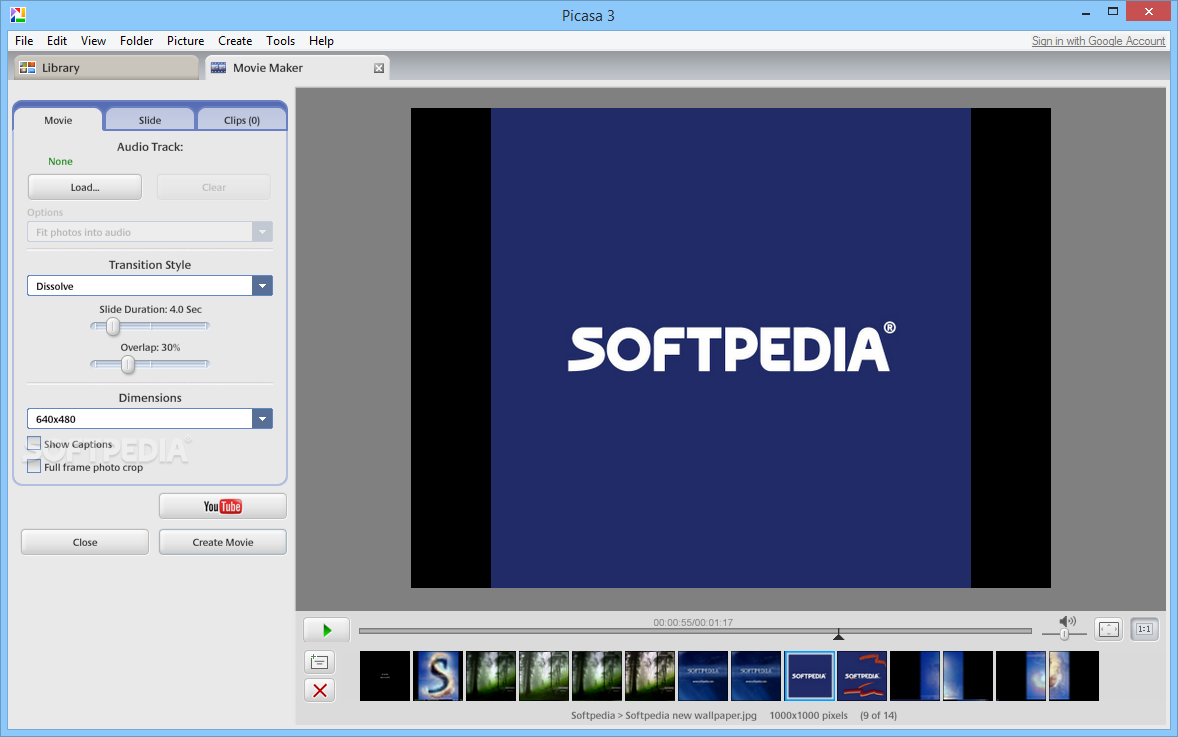
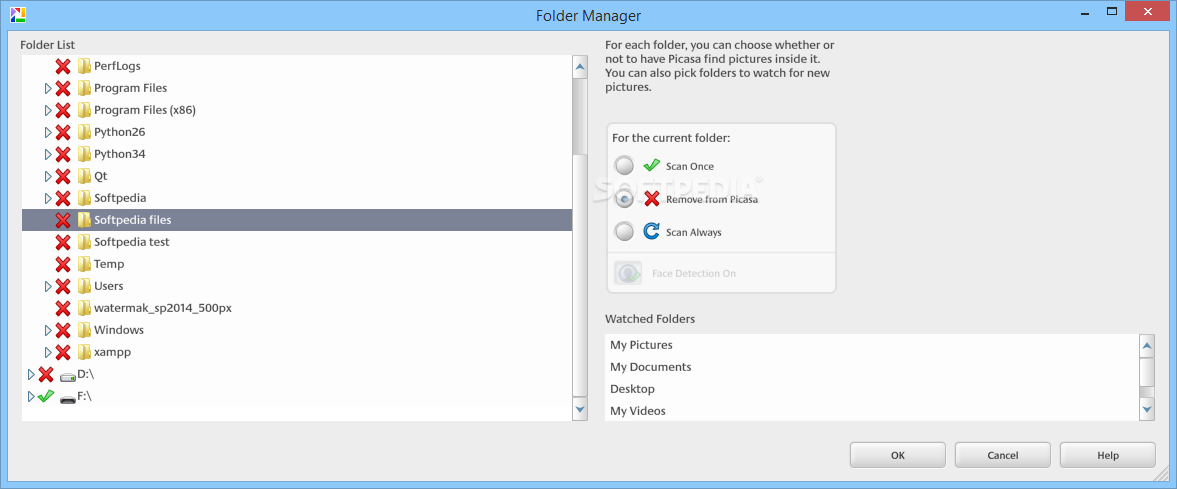
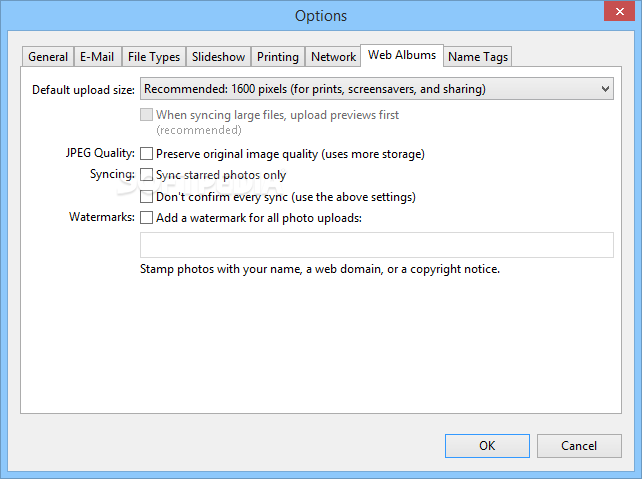
Picasa can automatically synchronize your library with a Picasa online account, so you can share and show photos to your friends with just a few clicks. Also included in the feature pack are a backup function, a picture collage creator, a batch editing script, a folder manager and many other goodies that can make your life a lot easier.
All things considered, Picasa holds its own very well and given its popularity this may be one of the top choices for any user who needs effortless photo sharing and management. The system’s performance is not going to be burdened at all, the response time is quite good and there are sufficient features included to keep you busy for quite a while.
Download Hubs
Picasa is part of these download collections: PNG Viewer, View JPEG, Photo Managers, Open GIF
What's new in Picasa 3.9.141 Build 259:
- Patches for image handling. We'd like to thank Hossein Lotfi, Secunia Research, for helping to identify issues in RAW handling
- Minor performance improvements in file process and upload in Google Photos Backup
- Improve UI in display of failed files in Google Photos Backup
- Ensure larger files are prioritized lower than smaller in Google Photos Backup
Picasa 3.9.141 Build 259
 Softpedia Editor's Pick
add to watchlist
add to download basket
send us an update
REPORT
Softpedia Editor's Pick
add to watchlist
add to download basket
send us an update
REPORT
- runs on:
-
Windows 10
Windows 8
Windows 7
Windows Vista
Windows XP - file size:
- 13 MB
- filename:
- picasa39-setup.exe

- main category:
- Multimedia
- developer:
- visit homepage
calibre

ShareX

7-Zip

4k Video Downloader

Bitdefender Antivirus Free

Zoom Client

Microsoft Teams

Context Menu Manager

Windows Sandbox Launcher

IrfanView

- Context Menu Manager
- Windows Sandbox Launcher
- IrfanView
- calibre
- ShareX
- 7-Zip
- 4k Video Downloader
- Bitdefender Antivirus Free
- Zoom Client
- Microsoft Teams
