
View and manage images, videos, audio files, and documents, edit pictures using batch actions, perform searches, create thumbnails, generate CD/DVD slideshows, and more. #Image Viewer #Media Player #File Manager #Viewer #Playback #Slideshow

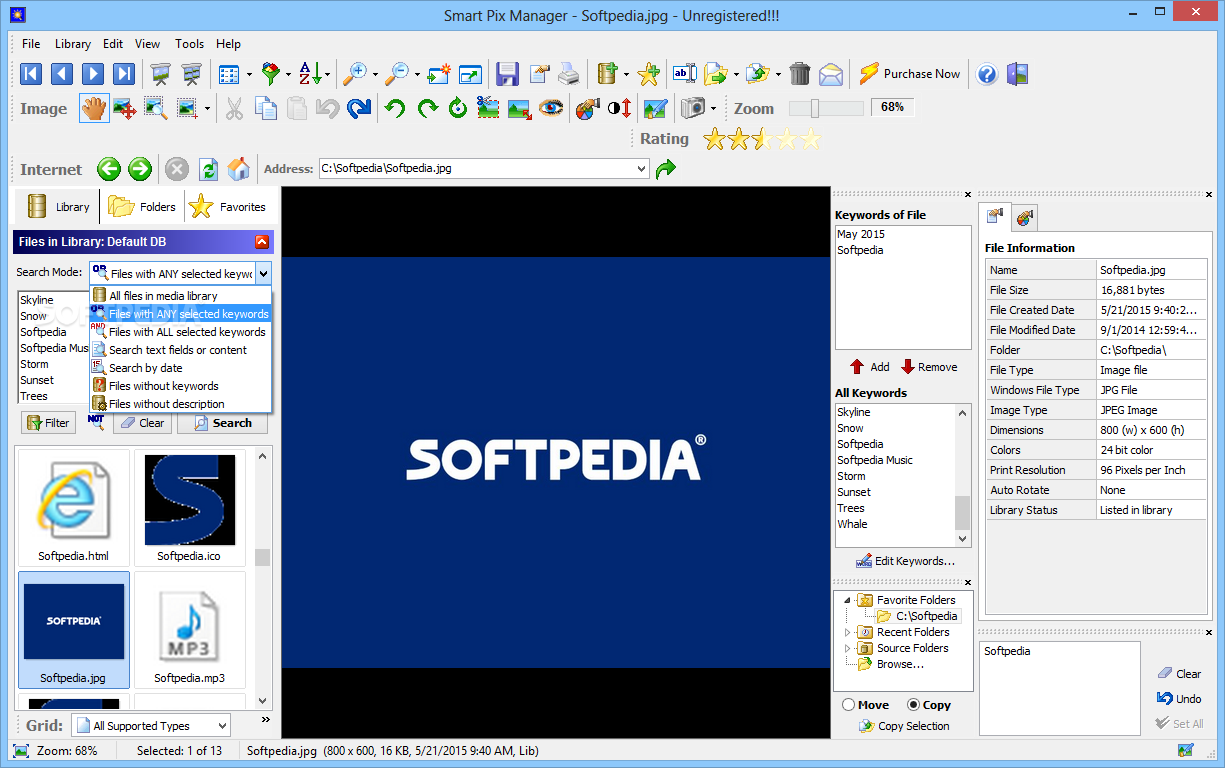
Smart Pix Manager is a software application whose purpose is to help you open and manage multimedia files. It works with images, videos, audio files, and documents. Plus, you can perform searches based on keywords, and edit and convert pictures.
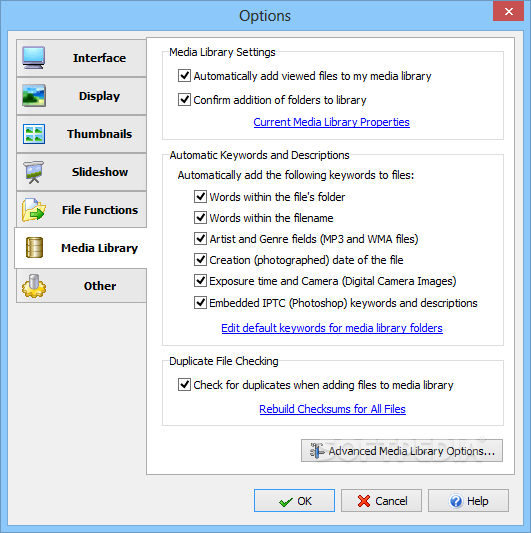
The tool offers you the possibility to categorize files in your multimedia collection using keywords and descriptions, which can be automatically generated.
You can make the utility search the entire computer for files or select a custom folder, ignore ‘My Pictures,’ ‘My Videos,’ and ‘My Music’ folders which have less than a custom number of files, and look for images, videos, songs, common Windows files, text items, or custom user formats.
At the end of a scan task you can check out a list with all detected folders and select the ones that you want to include your library. Plus, you can set up keywords so you can quickly identify them.
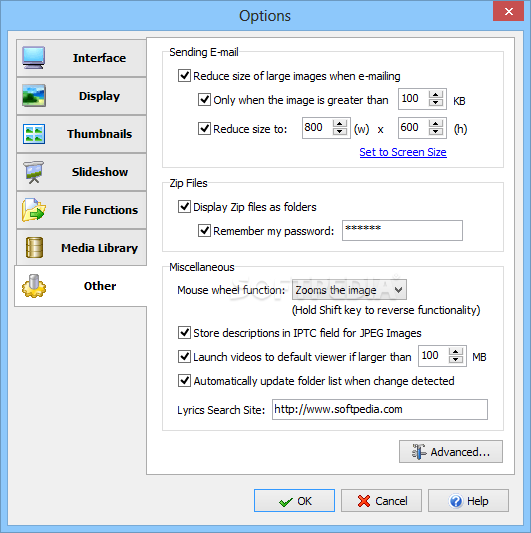
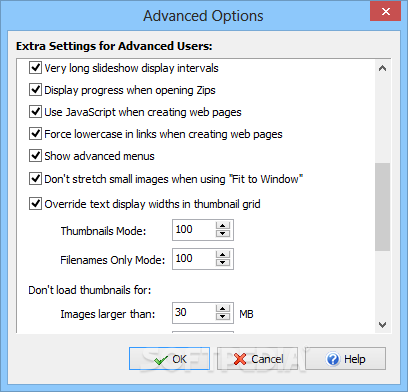
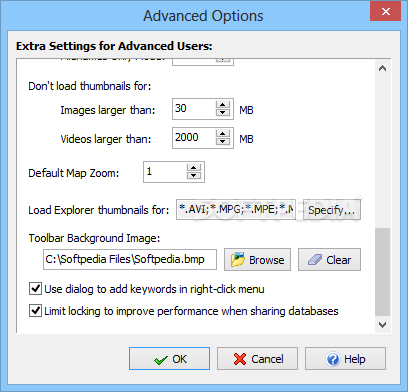
Smart Pix Manager’s layout looks a bit overwhelming at a first glance but this only because the utility comes packed with a multitude of features. Taking some time to explore the dedicated parameters may be a good idea before starting to work with the actual set of parameters. A help manual is also available in case you need to find out detailed info about the configuration options.
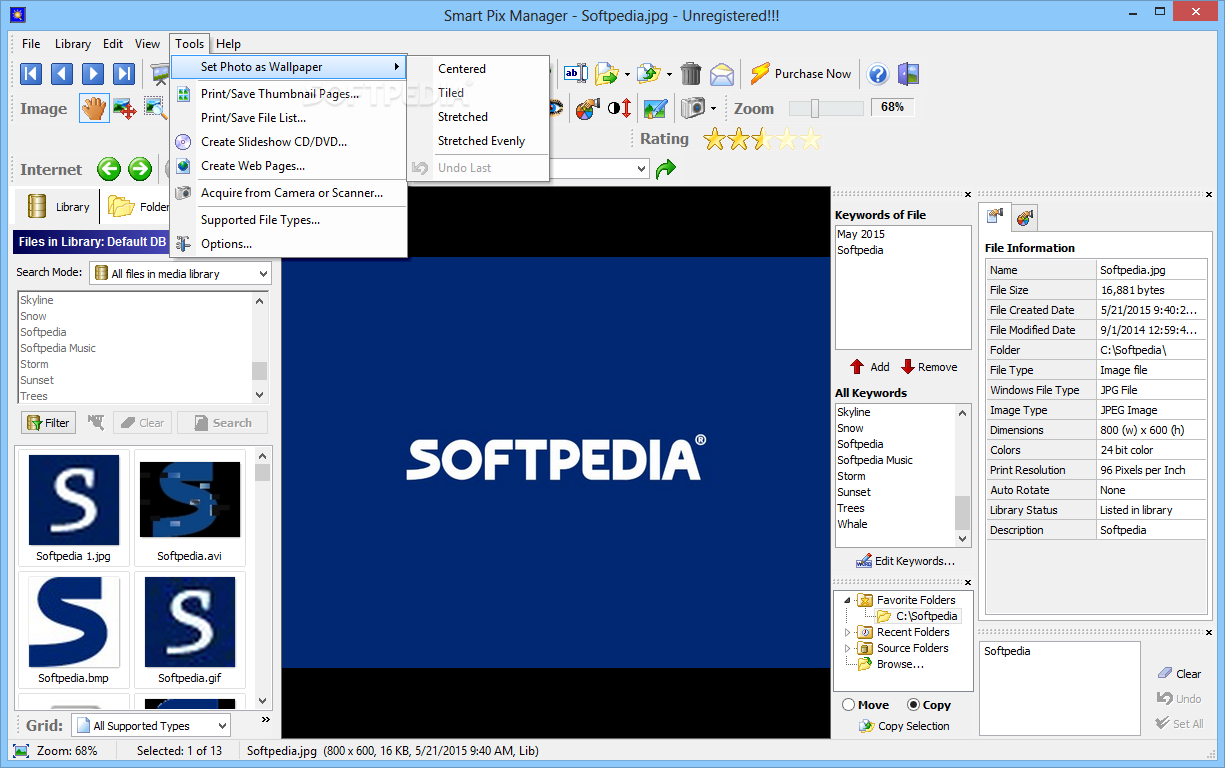
The program employs an Explorer-like panel that provides access to the files and folders stored in your computer. You may preview images directly in the main window, play, pause, or stop the current audio/video selection, adjust the volume, as well as seek for a position in the video/audio streams.
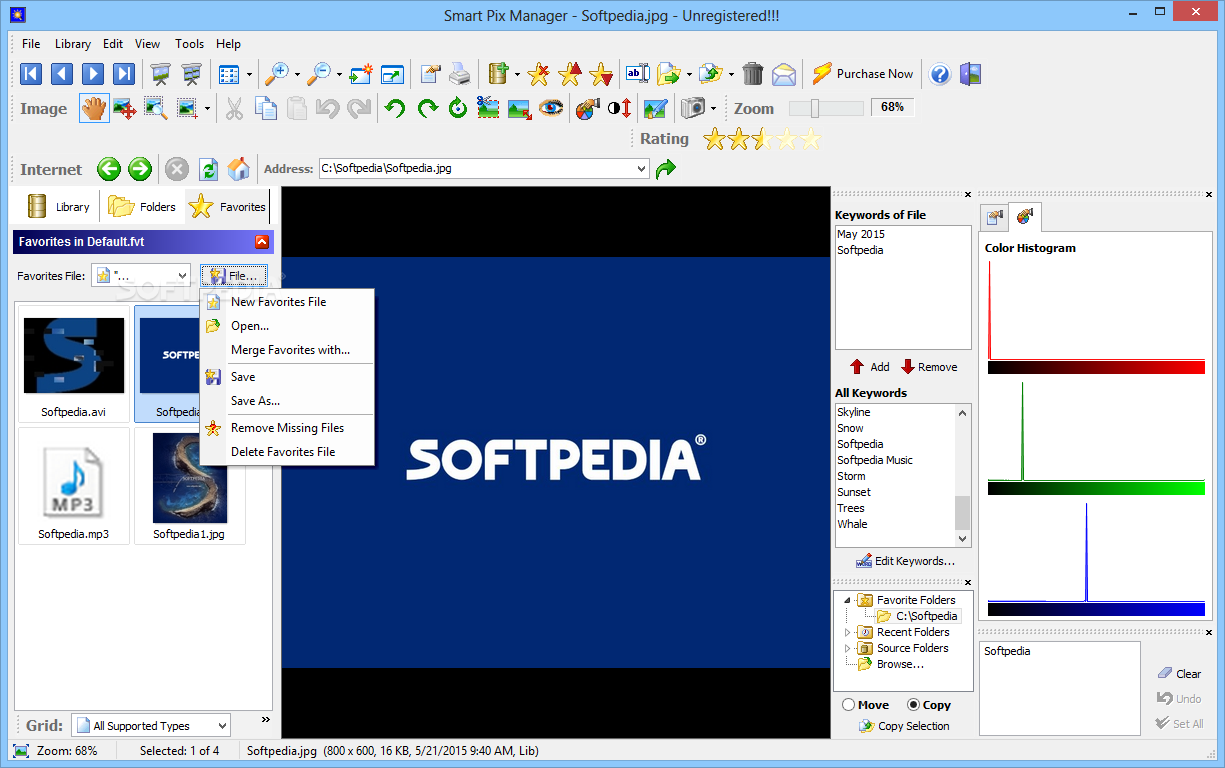
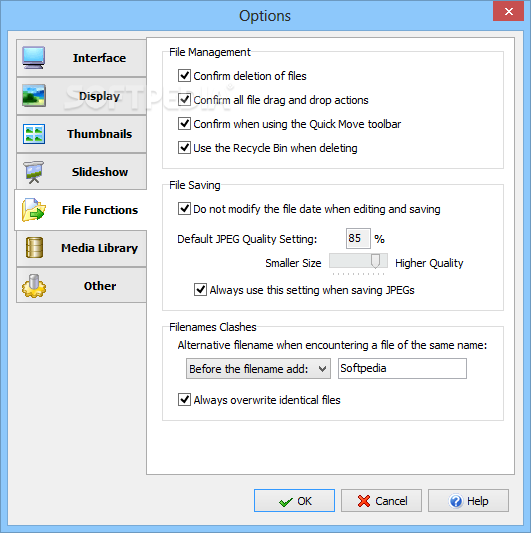
Smart Pix Manager lets you set up keywords, create new folders, generate a list with favorite items, make ZIP archives and password-protect the information, rename, move, copy, or delete files, email files, and print the information.
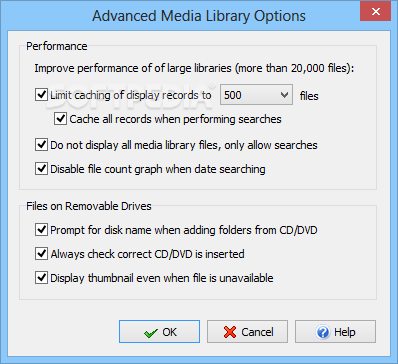
What’s more, you are allowed to add new folders to the library, back up media library to a file on your computer, find duplicate files, remove files that no longer exist in the library, as well as optimize and repair the media library.
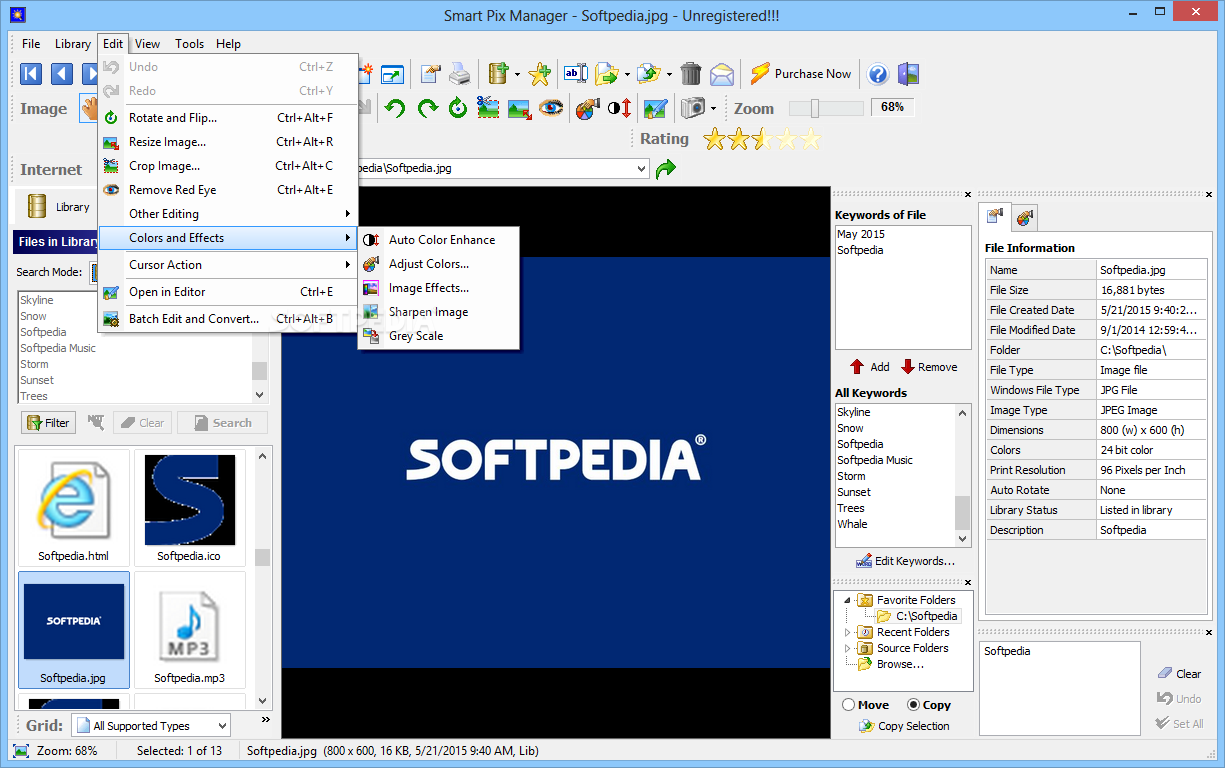
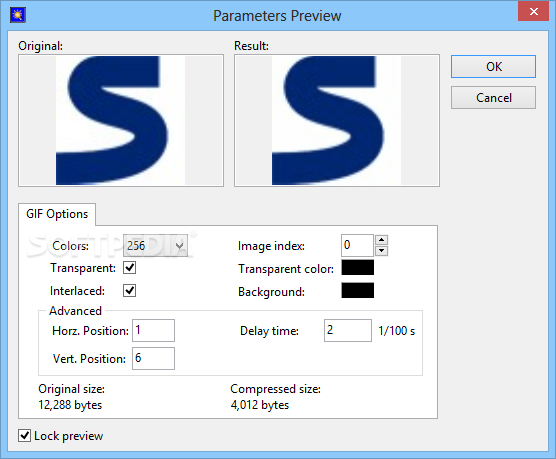
You can enhance the looks of your pictures using dedicated editing features that help you crop, rotate, flip, resize, remove red-eye effects, embed frames, borders, or shadow effects, set up text/image watermarks, enable an automatic color enhancement mode, and sharpen the image or apply grayscale effects.
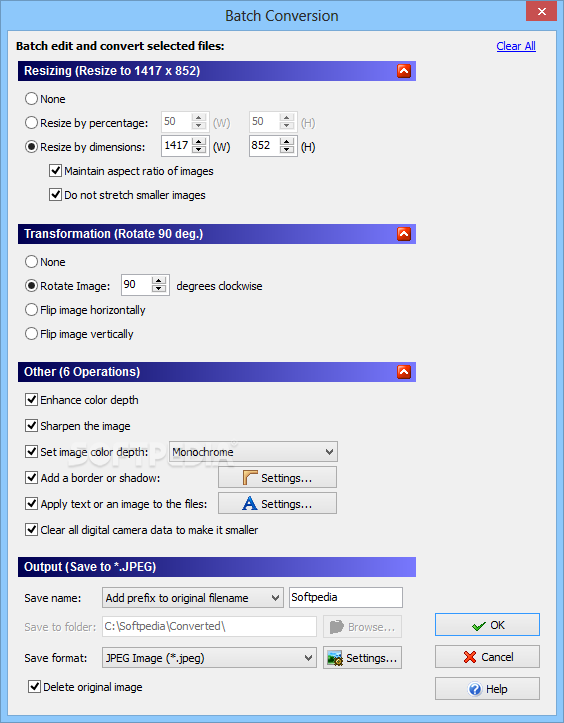
Batch editing actions can be used in order to resize, rotate, flip, sharpen, set image color depth, and convert photos to JPEG, PNG, TGA, TIFF, PDF, and ICO.
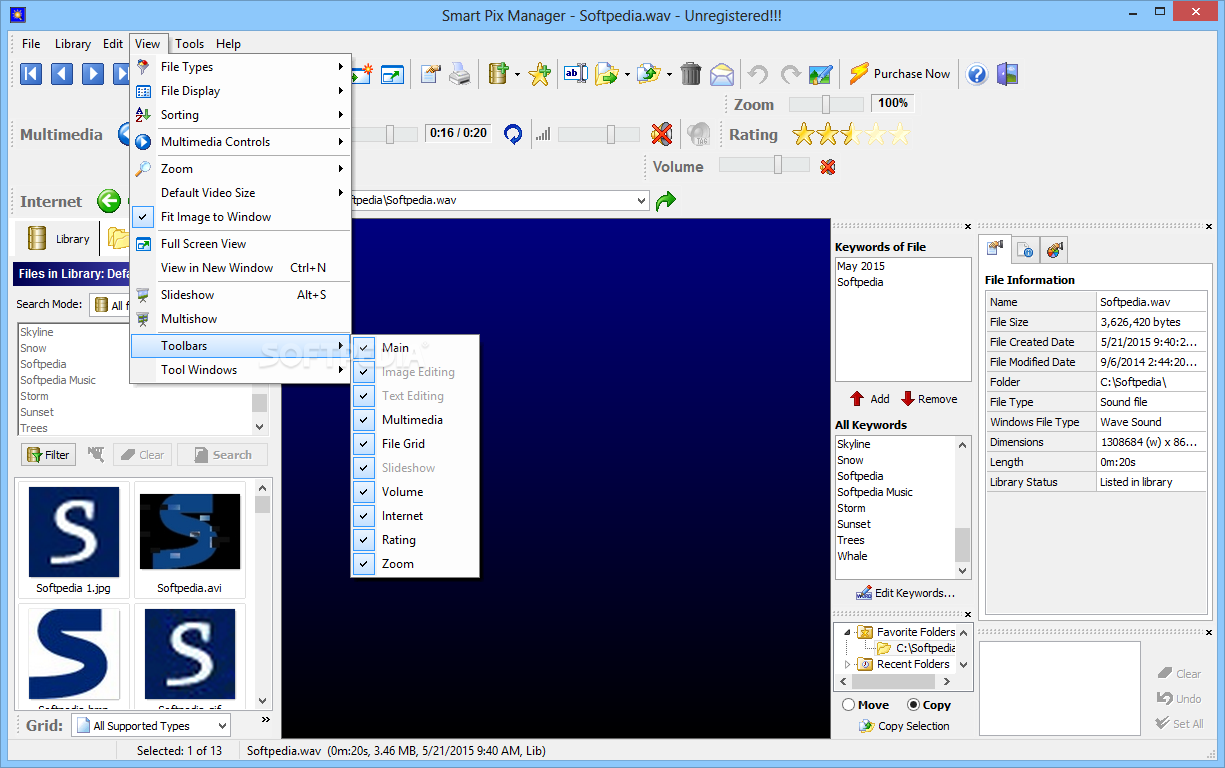
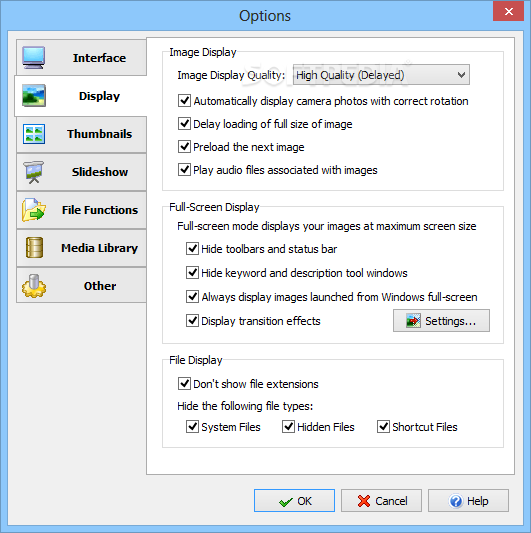
You can make the app display only images, videos, songs, or documents, sort items by filename, creation date, size, or other criteria, perform searches, enable a full screen mode, and view photos displayed with the aid of a slideshow.
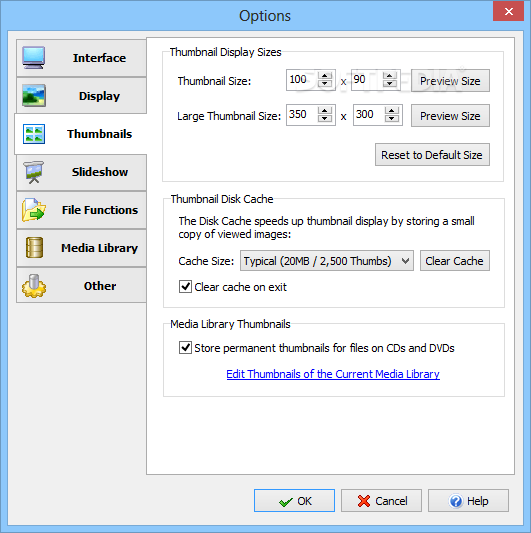
Other additional tools included in the package allow you to set the current photo as your wallpaper, create thumbnails, generate CD/DVD slideshows, and make a thumbnail index of your files to upload to a website.
The bottom line is that Smart Pix Manager comes bundled with an advanced set of features for helping you open and organize your files, and is suitable especially for skilled users. The GUI and comprehensive feature package may prove to be intimidating for rookies.
Download Hubs
Smart Pix Manager is part of these download collections: Open DjVU, Edit DjVU
Smart Pix Manager 20.0
add to watchlist add to download basket send us an update REPORT- runs on:
-
Windows ME
Windows 10 32/64 bit
Windows 8 32/64 bit
Windows 7 32/64 bit
Windows Vista
Windows XP
Windows 2K - file size:
- 4.9 MB
- filename:
- smartpix.exe







- main category:
- Multimedia
- developer:
- visit homepage
Microsoft Teams

7-Zip

4k Video Downloader

calibre

Windows Sandbox Launcher

Bitdefender Antivirus Free

Zoom Client

ShareX

paint.net

IrfanView

- ShareX
- paint.net
- IrfanView
- Microsoft Teams
- 7-Zip
- 4k Video Downloader
- calibre
- Windows Sandbox Launcher
- Bitdefender Antivirus Free
- Zoom Client