
Convert multiple images at a time to some of the most commonly used formats and upload them to your Facebook account with this application. #Convert image #Image converter #Photo convert #Convert #Converter #Conversion
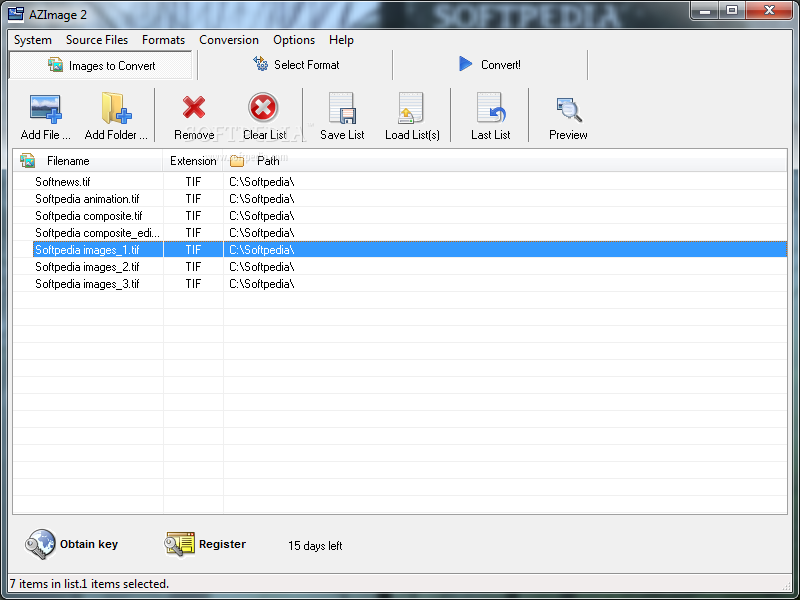
Image files are constantly transferred through the Internet. Before doing so, most of them undergo a more or less thorough editing process for quality improvement or enhancement with various effects. Specialized applications such as AZ Image let you quickly tweak photos and upload them on social networks.
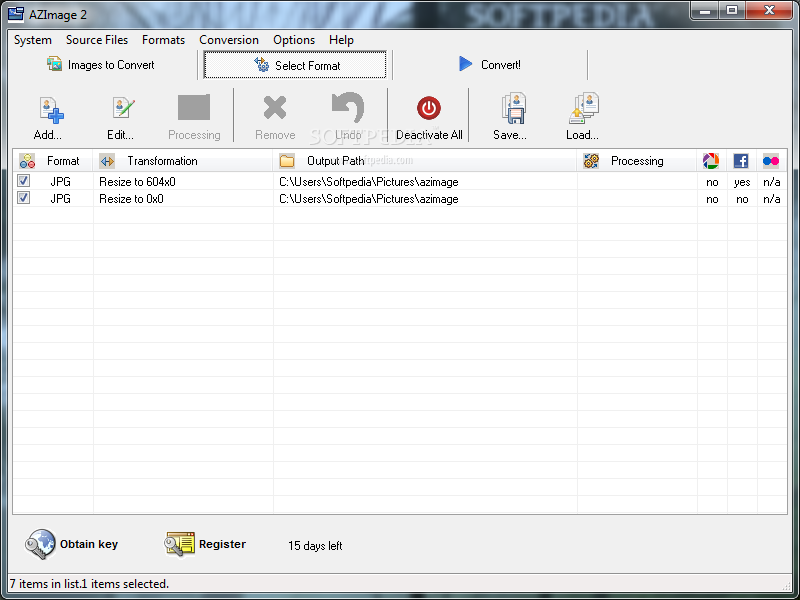
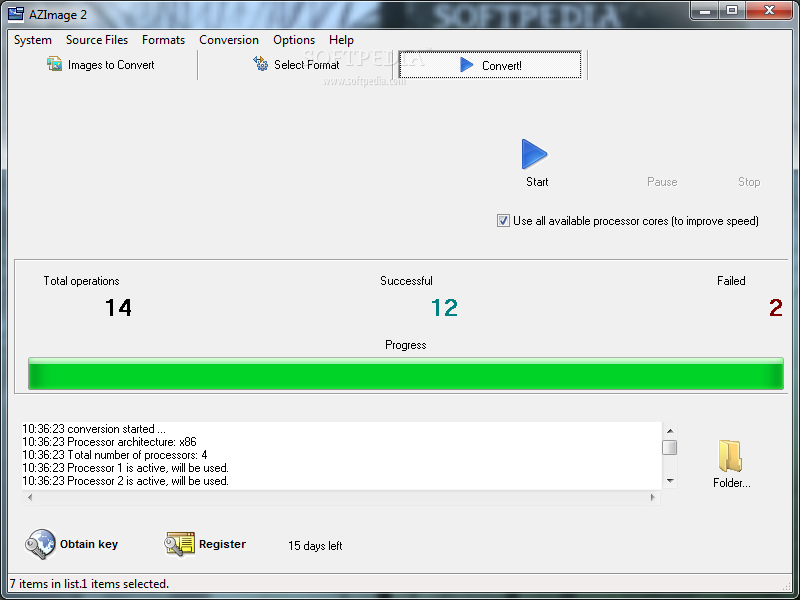
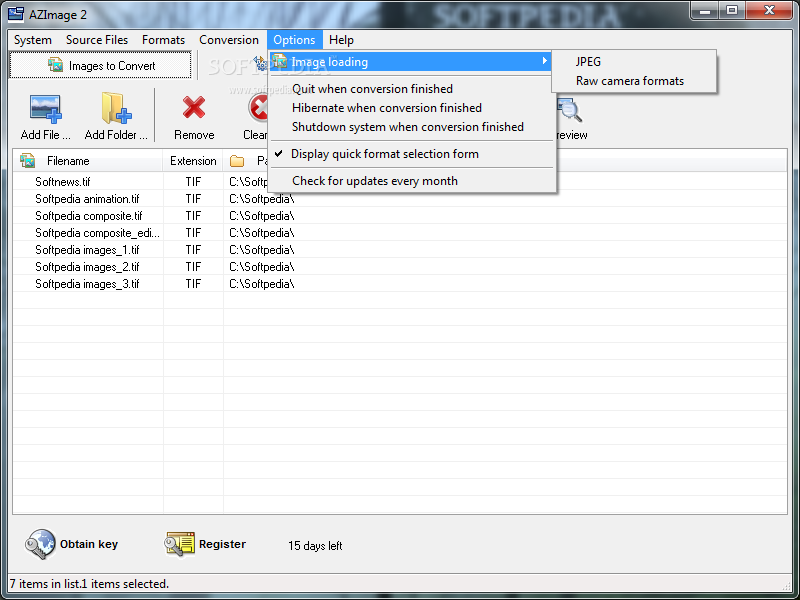
Running the application brings up a pretty simple interface. It's fitted with a large list where imported files are displayed along with name, extension and path. The upper toolbar is home to all available features, emphasized through large, intuitive buttons.
You are able to load image files by simply dragging them over the main window or through integrated options for individual items, as well as the whole content of a folder. In case your selection of photos is frequently used, the application lets you save lists you can later load and further process.
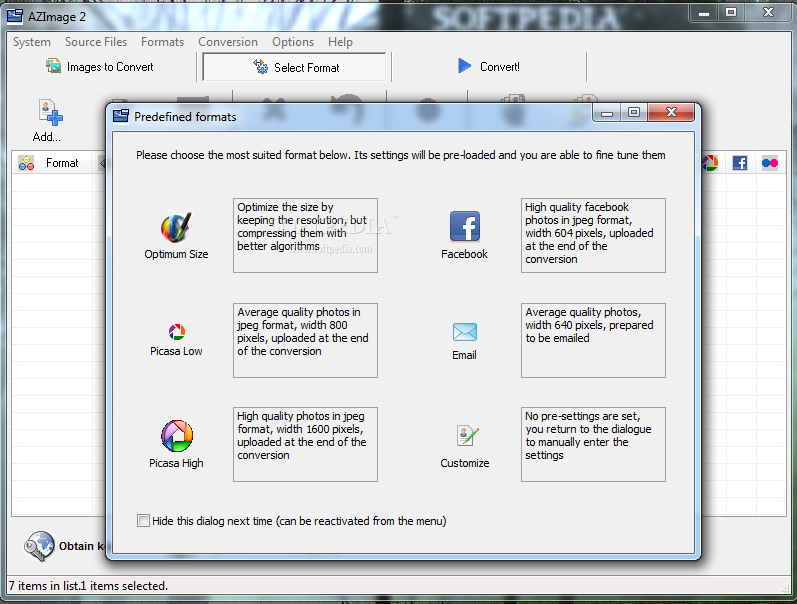
Switching to the format options tab gives you access to several presets, as well as the possibility to create custom configurations. Images you imported can be set to and optimized size in order to save up some disk space while keeping quality, convert to Picasa or Facebook suitable size and prepare them to be sent via email.
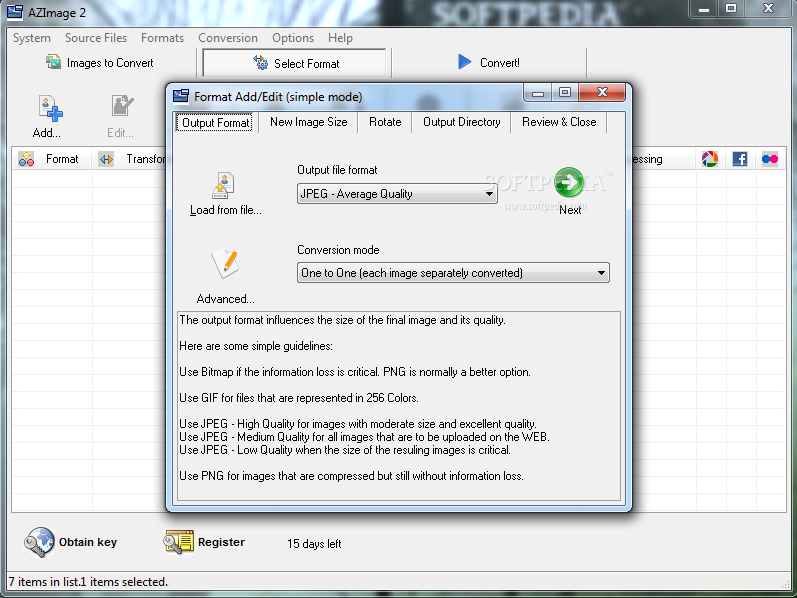
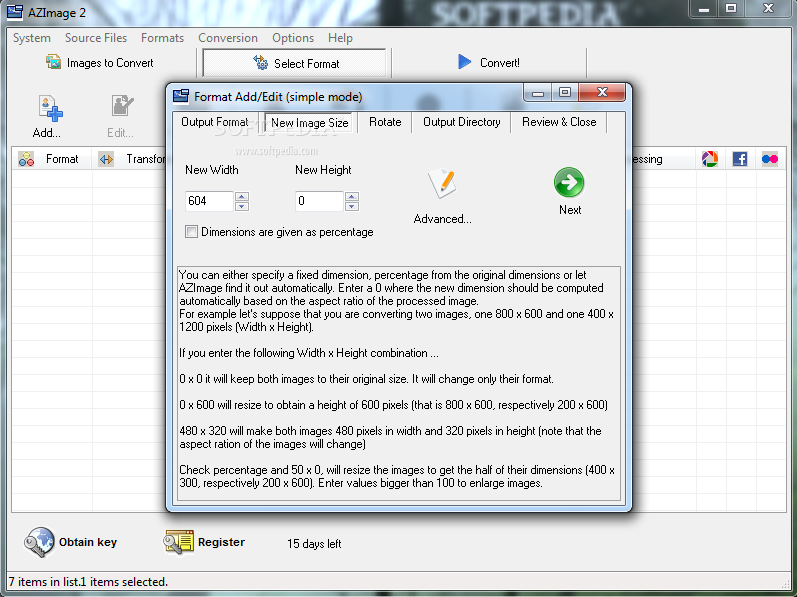
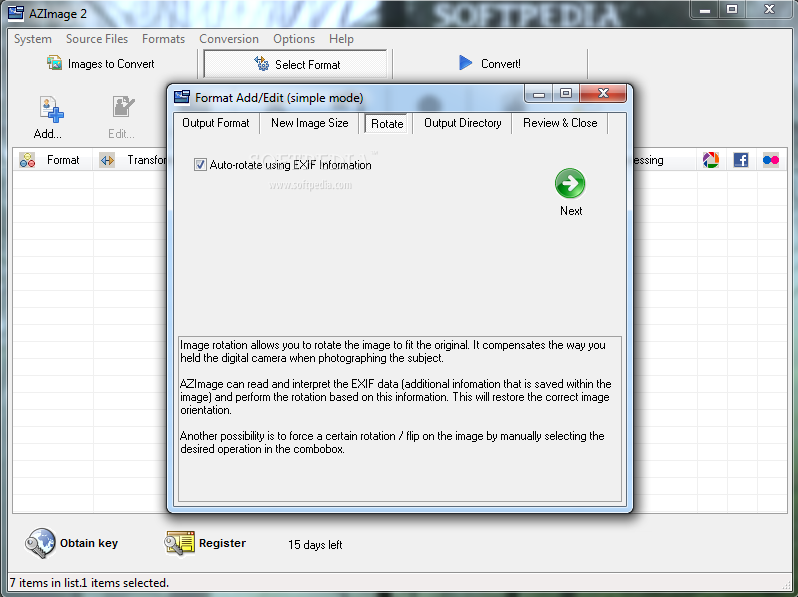
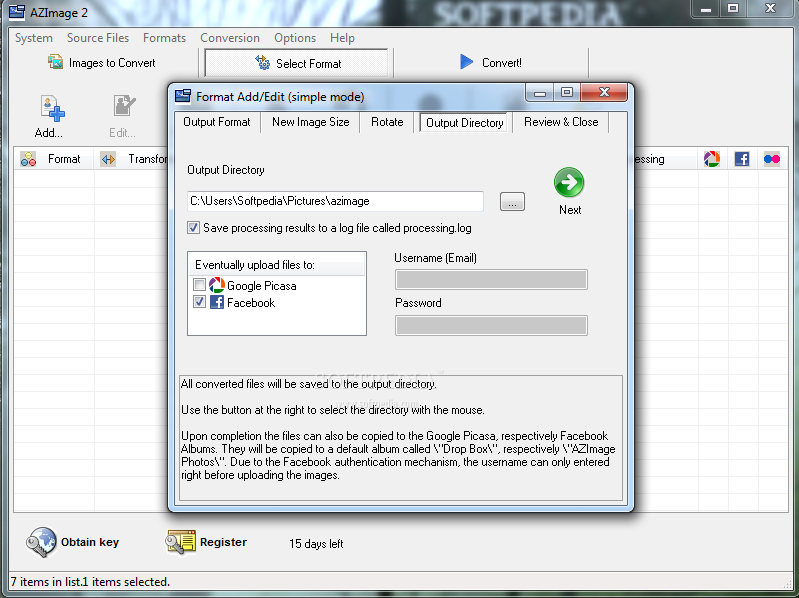
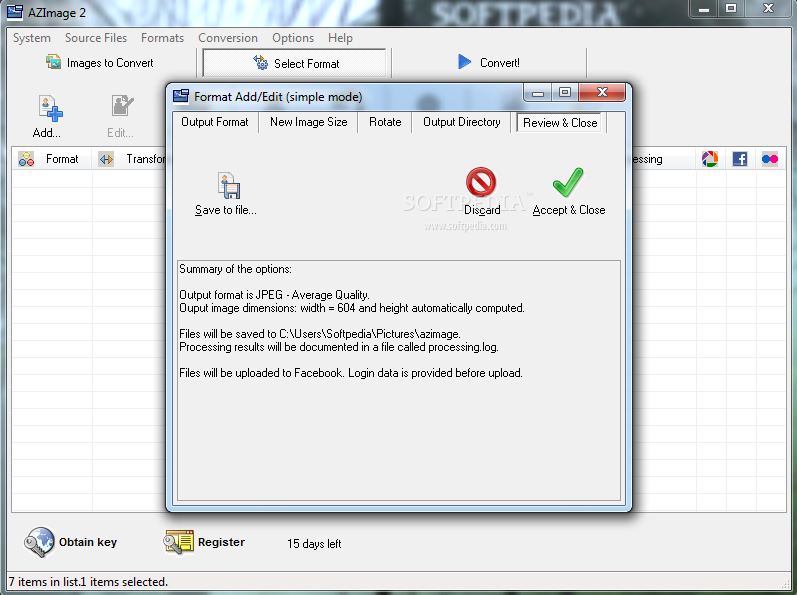
The application puts all format options at your disposal to adjust according to requirements. You can convert to some of the most commonly used formats, input a custom size and rotate images before they are processed.
Configurations can be saved to a file, so you can create multiple profiles suitable to different needs. These can easily be loaded and applied to file lists simultaneously.
Taking everything into consideration, we can say that AZ Image is a handy application to quickly convert image files and upload them to various popular social networks. It may not be the best of its kind, lacking even basic editing options, but serves its core function just right with flawless results.
What's new in AZ Image 2.5.3.6:
- Contains minor bugfixes and few updates to translation strings
AZ Image 2.5.3.6
add to watchlist add to download basket send us an update REPORT- runs on:
- Windows All
- file size:
- 5.3 MB
- filename:
- azimage.exe
- main category:
- Multimedia
- developer:
- visit homepage
Zoom Client

calibre

7-Zip

Windows Sandbox Launcher

paint.net

Microsoft Teams

Bitdefender Antivirus Free

IrfanView

4k Video Downloader

ShareX

- IrfanView
- 4k Video Downloader
- ShareX
- Zoom Client
- calibre
- 7-Zip
- Windows Sandbox Launcher
- paint.net
- Microsoft Teams
- Bitdefender Antivirus Free