
Compact application that helps you add a logo, transparency masks, watermarks and transitions effects to your videos and generate customizable slideshows from images. #Photo Converter #Video Editor #Create Slideshow #Slideshow #Converter #Convert
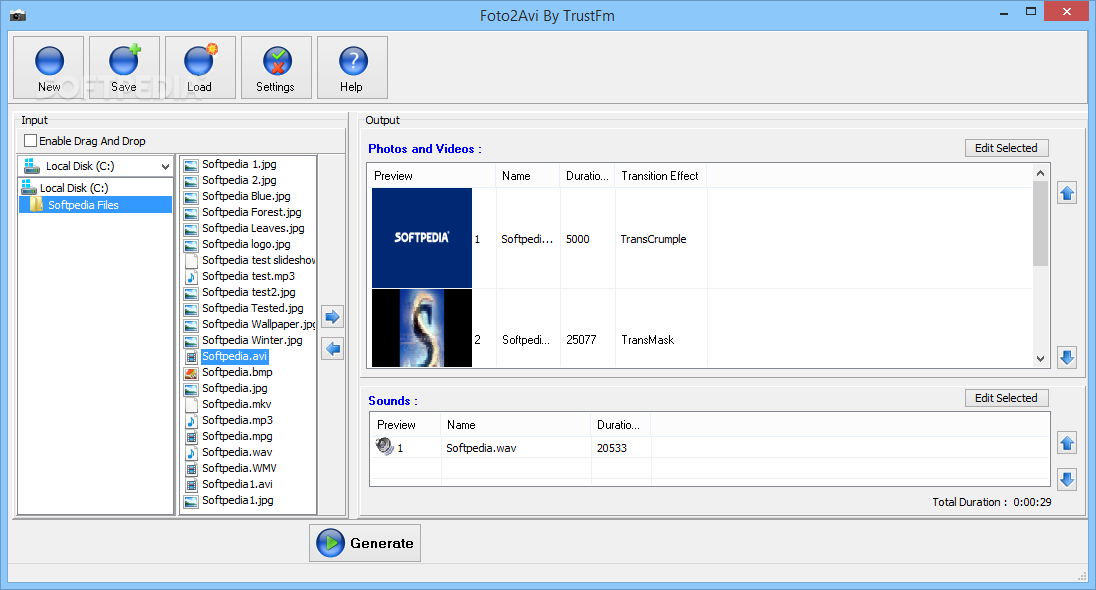
Video editing is no longer a job for professionals. You can put together some of your own photos or videos and use one of many editing tools out there to give them a professional look. One of these tools is Foto2Avi, a complex program that packs quite some editing options.
After installing it you are facing a rather simple interface that allows you to browse for files and easily add them to the output area where you can start editing them. The editing window reveals the application's true capabilities, as Foto2Avi offers you a multitude of effects, animations and tools.
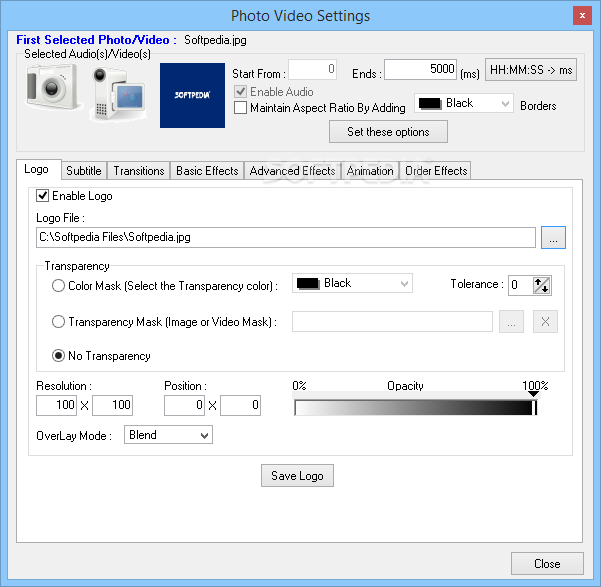
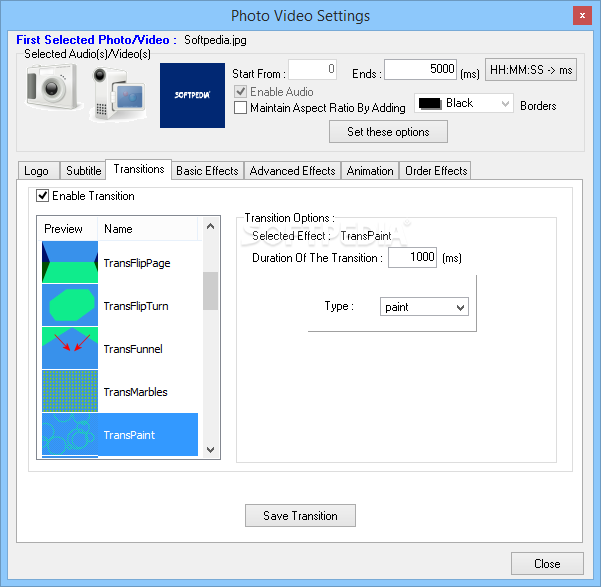
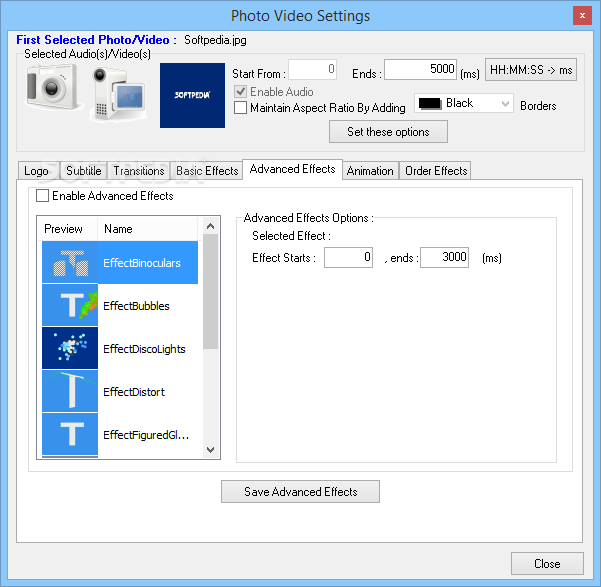
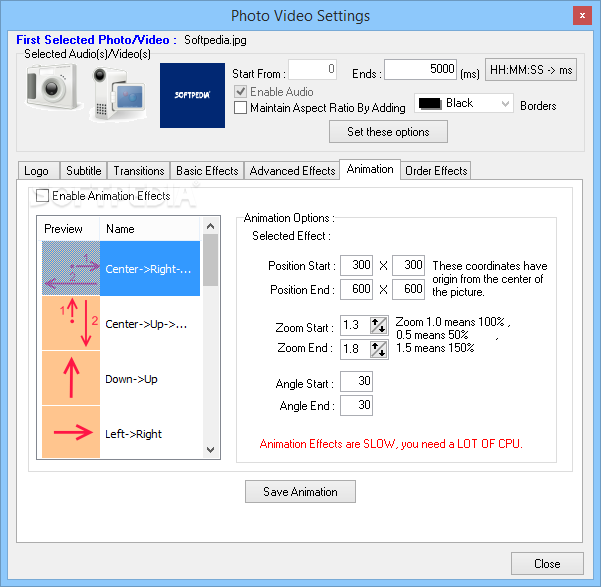
You can add a logo to your video, transparency masks or watermarks to clearly state that this is your work. Choose from a wide variety of transition effects and customize their duration to create professional-looking sideshows from your photo collections.
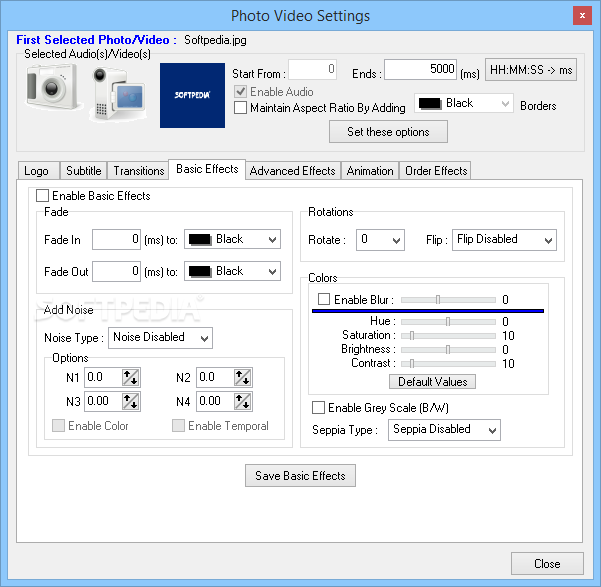
Adjust the hue, saturation, brightness or contrast effects to your liking and apply different settings to specific files you use in creating a video. Add noise, grayscale or sepia effects if you want your video to get that vintage look.
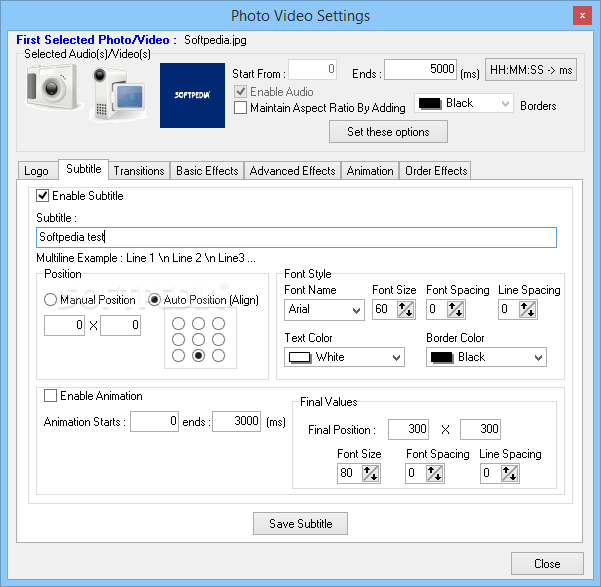
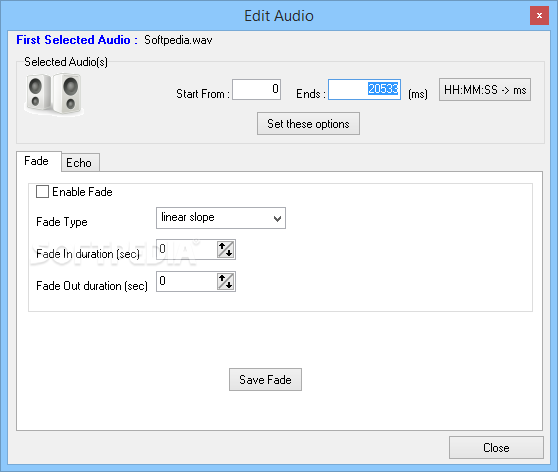
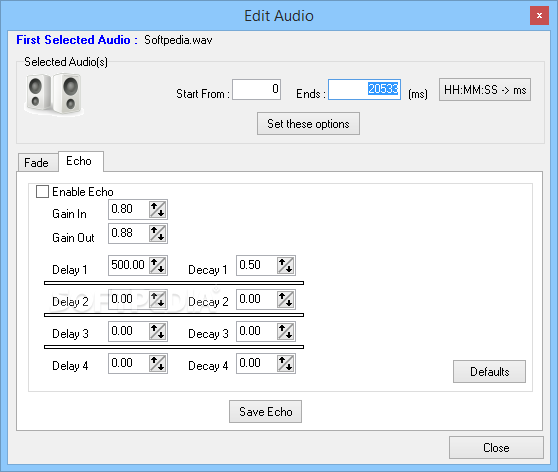
If you are looking to give more life to your presentation, especially when using only images, just add an audio file and set fading or echoing effects to emphasize your message. You can use different sound files and alternate them with pinpoint precision so that your image synchronizes perfectly with the sound track. As an alternative, you could add subtitles to your project, the application allowing you to adjust their position manually or automatically, according to your specifications.
As for the shortcomings, the application has an easy-to-use browsing interface but it does not offer a preview function for the selected files or a filter to arrange files by type. To compensate that, it allows you to activate the drag-and-drop mode so you can and add files easier to the output area. Be careful though, as this option has its inconvenience: if you try adding invalid or unsupported files the software application crashes.
To wrap it up, Foto2Avi could be what you are looking for if you want to get cool videos out of your media files, as it comes packed with plenty of features for helping you set up the editing process in detail.
Download Hubs
Foto2Avi is part of these download collections: Graphic Converters, Convert JPEG, Convert BMP, Edit FLV
What's new in Foto2Avi 4.4:
- Fixed : Logo effect
- Updated : Gui inteface
- Updated : bug fixed version
Foto2Avi 4.4
add to watchlist add to download basket send us an update REPORT- runs on:
-
Windows 10 32/64 bit
Windows 8 32/64 bit
Windows 7 32/64 bit
Windows Vista
Windows XP - file size:
- 37.6 MB
- filename:
- Foto2Avi_Setup_44.exe

- main category:
- Multimedia
- developer:
- visit homepage
calibre

Bitdefender Antivirus Free

Microsoft Teams

4k Video Downloader

Zoom Client

Windows Sandbox Launcher

Context Menu Manager

IrfanView

ShareX

7-Zip

- IrfanView
- ShareX
- 7-Zip
- calibre
- Bitdefender Antivirus Free
- Microsoft Teams
- 4k Video Downloader
- Zoom Client
- Windows Sandbox Launcher
- Context Menu Manager