
Convert photos to different file formats (e.g. JPG, PDF, GIF, TIFF, PNG, BMP, TGA, EMF, PSD), insert text or image watermarks, as well as add filters and apply special effects. #Image converter #Edit photo #Batch converter #Convert #Renamer #Watermark

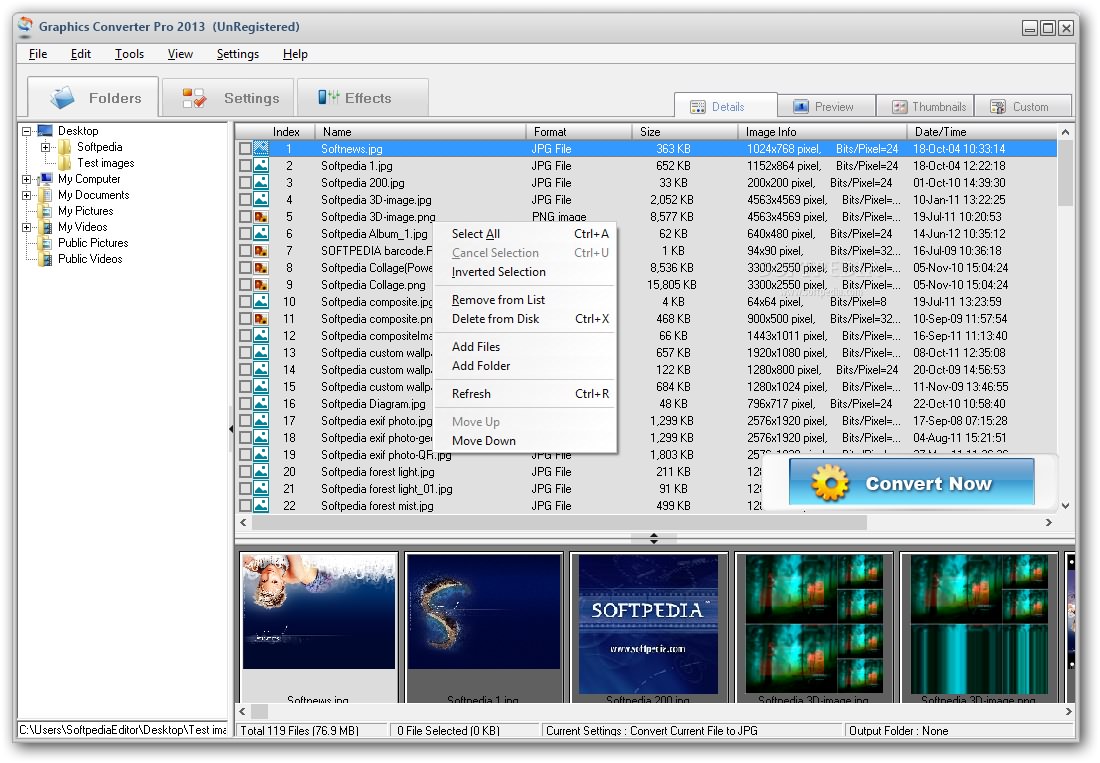
Graphics Converter Pro is an advanced software program whose purpose is to help you convert image files to a wide range of file formats.
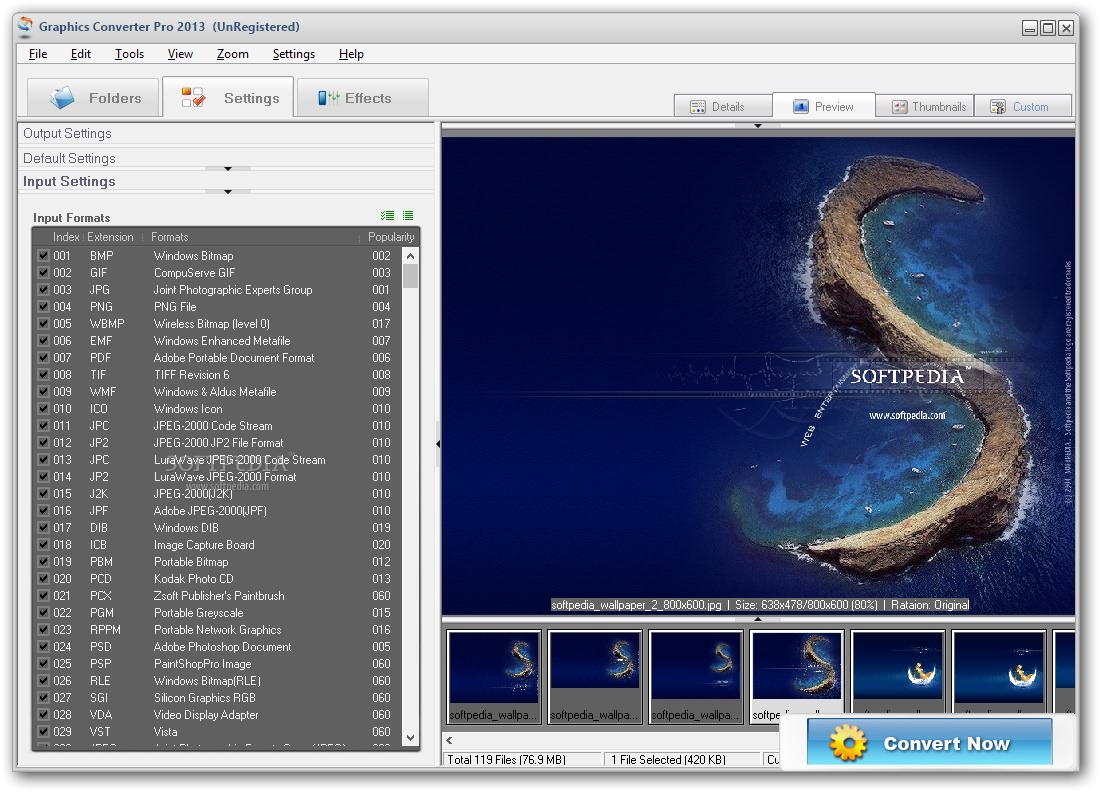
The user interface is intuitive and gives you the possibility to easily switch between three main tabs, namely Folders, Settings and Effects.
The tool offers support for an Explorer-based layout that provides quick access to the files and folders stored in your computer.
It integrates an image viewer and lets you use the drag-and-drop support for adding files in the workspace, view info about each item (e.g. name, format, size, date/time, path), preview the pictures, as well as check out your photo collection with the aid of thumbnails.
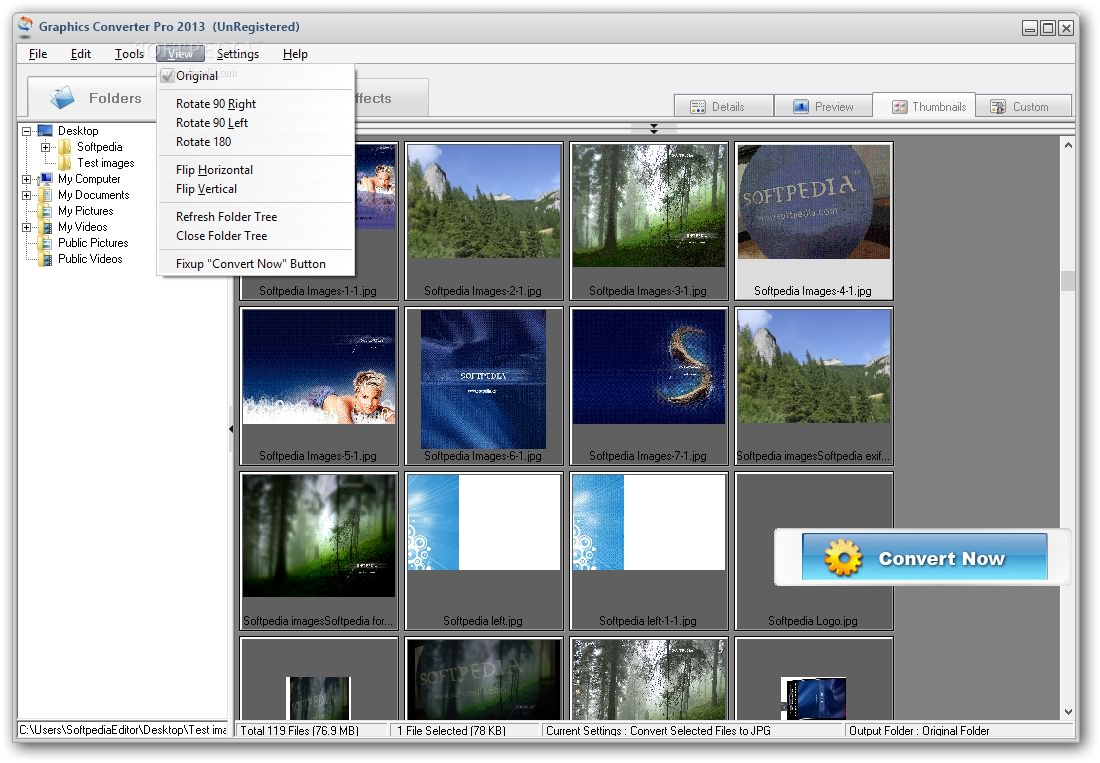
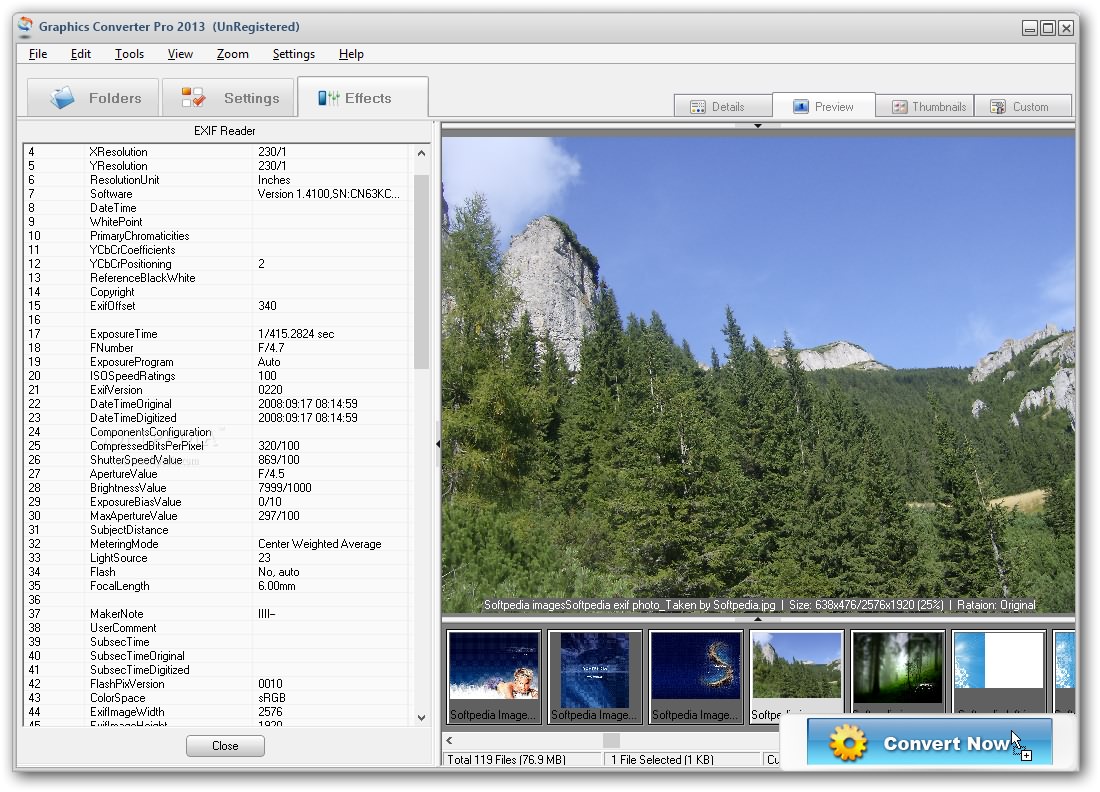
What’s more, you may zoom in or out, go to the previous or next picture, flip or rotate the image to different angles, copy items to the clipboard, as well as check out detailed EXIF data (e.g. camera manufacturer and model, orientation, copyright, focal length, resolution).
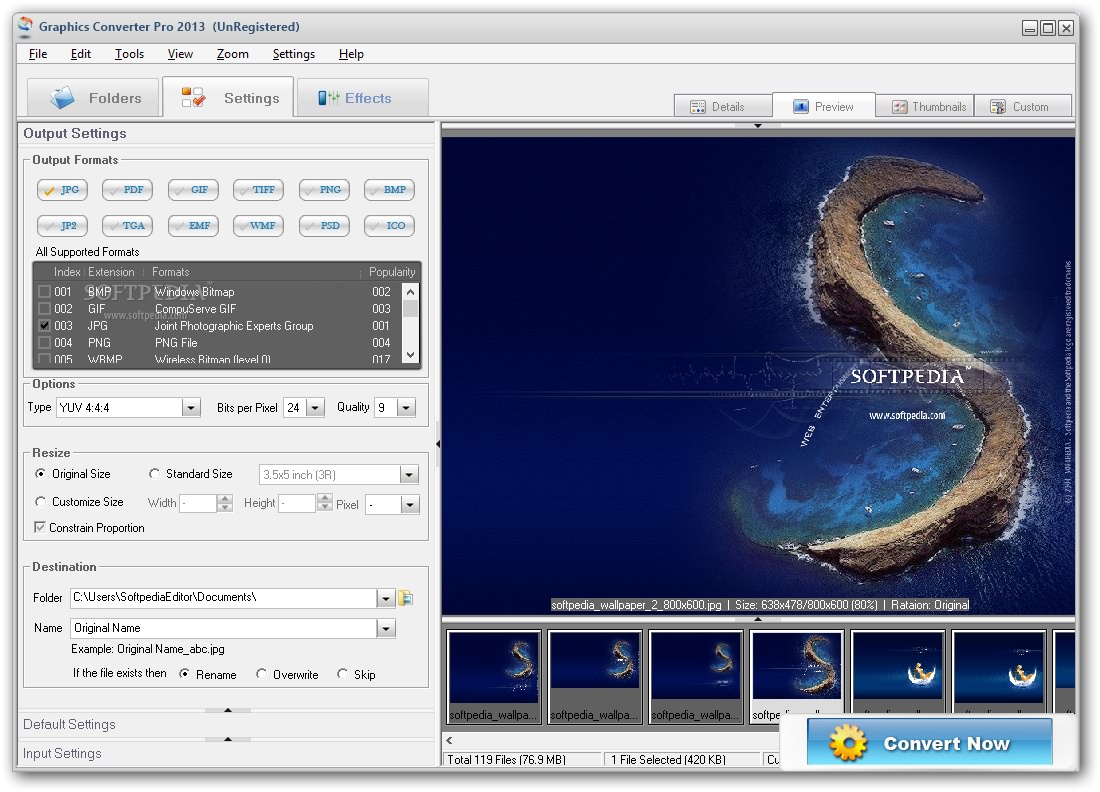
Graphics Converter Pro gives you the possibility to choose the output format (e.g. JPG, PDF, GIF, TIFF, PNG, BMP, TGA, EMF, PSD), pick the bits per pixel, resize items, select the destination folder, set up file naming rules, and rename, overwrite or skip files if they exist in target location.
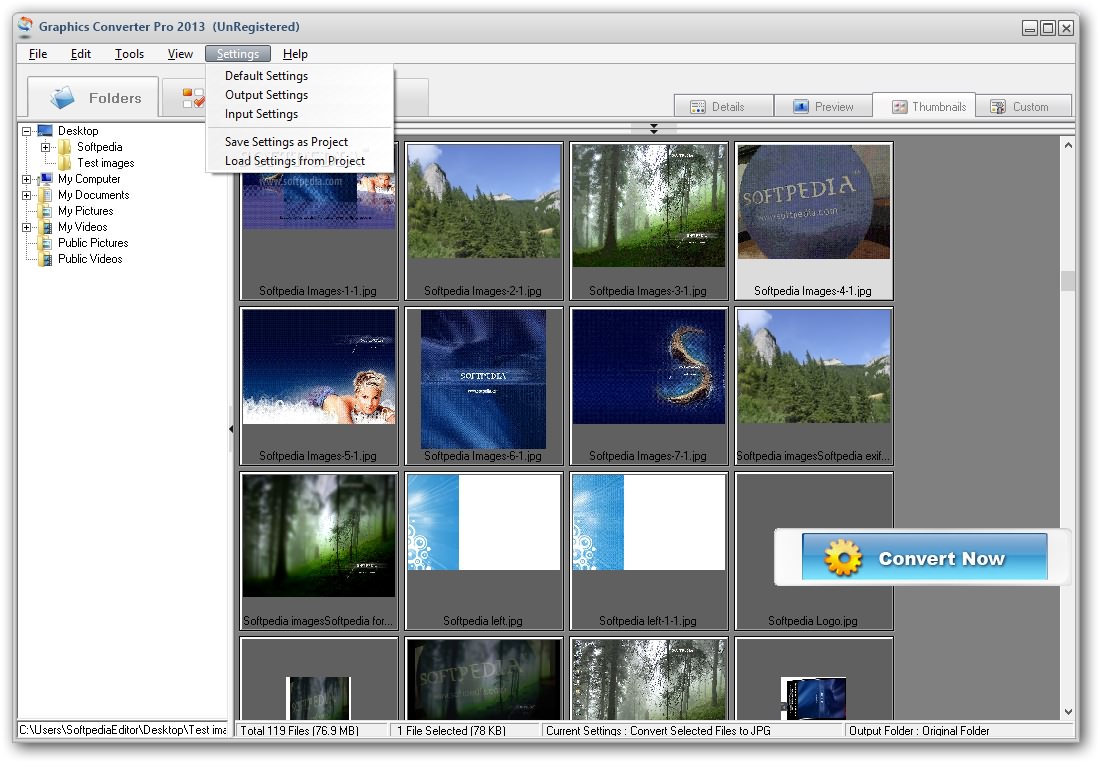
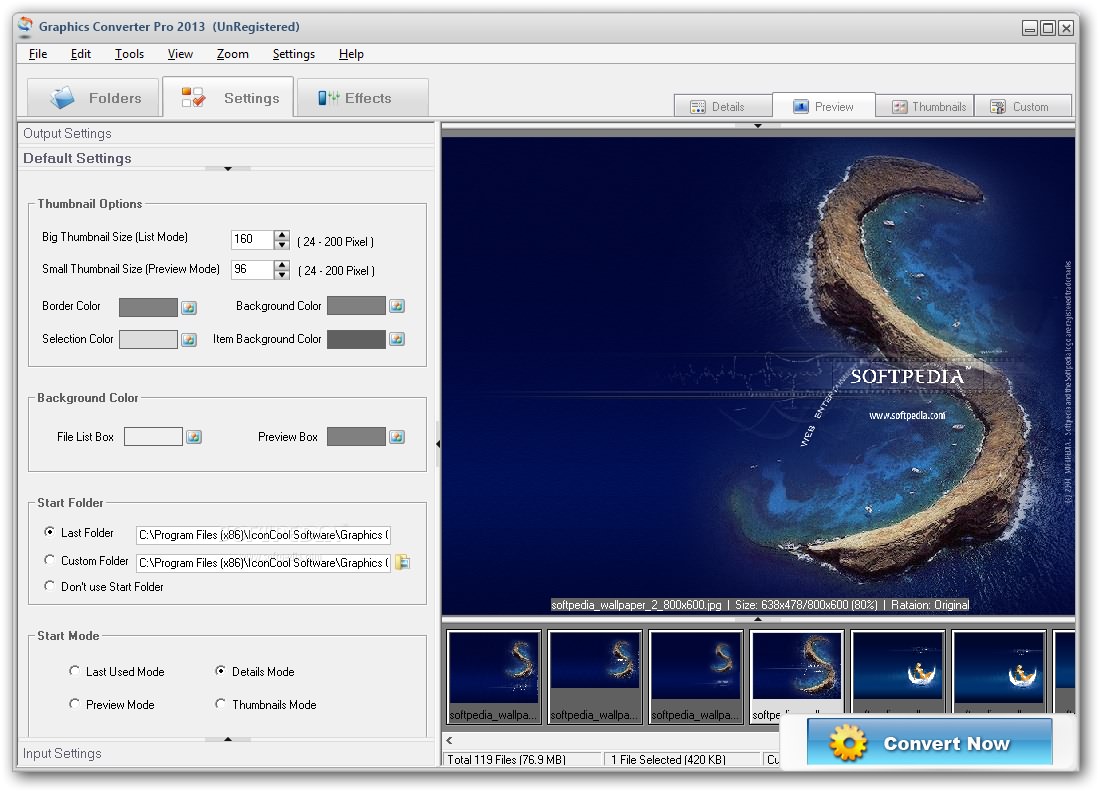
You can also configure several default settings related to thumbnail size (big and small), border and background colors, and startup folder that is loaded when you open the program. You can filter images by file extension, namely BMP, GIF, JPG, PNG, TIF, PSP, PBM, DCX and others.
Your configuration settings can be exported to a file so you can easily apply them to future projects. Batch processing in included on the feature list, which means you can add multiple items and process them at the same time.
Personalizing images can be done by carrying out several image editing operations. You may alter the RGB values, brightness, contrast, hue, saturation and luminance, and choose between several effects (e.g. Tile, Mosaic, Noise, Negative, Diffuse).
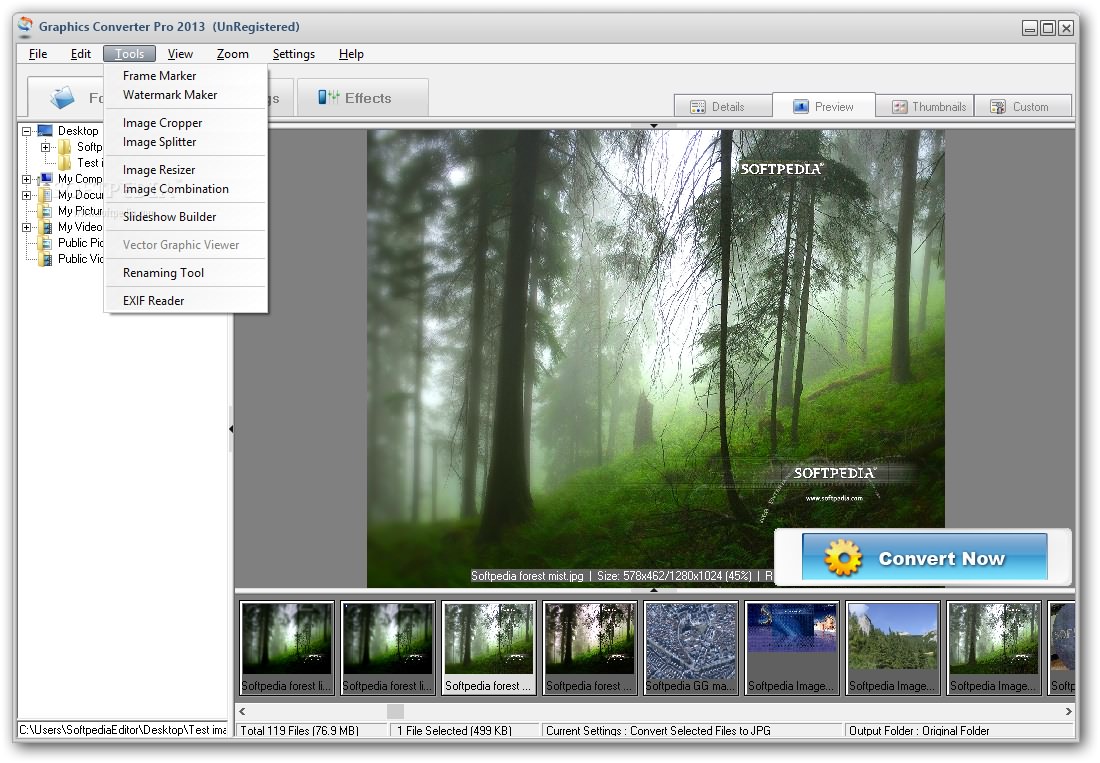
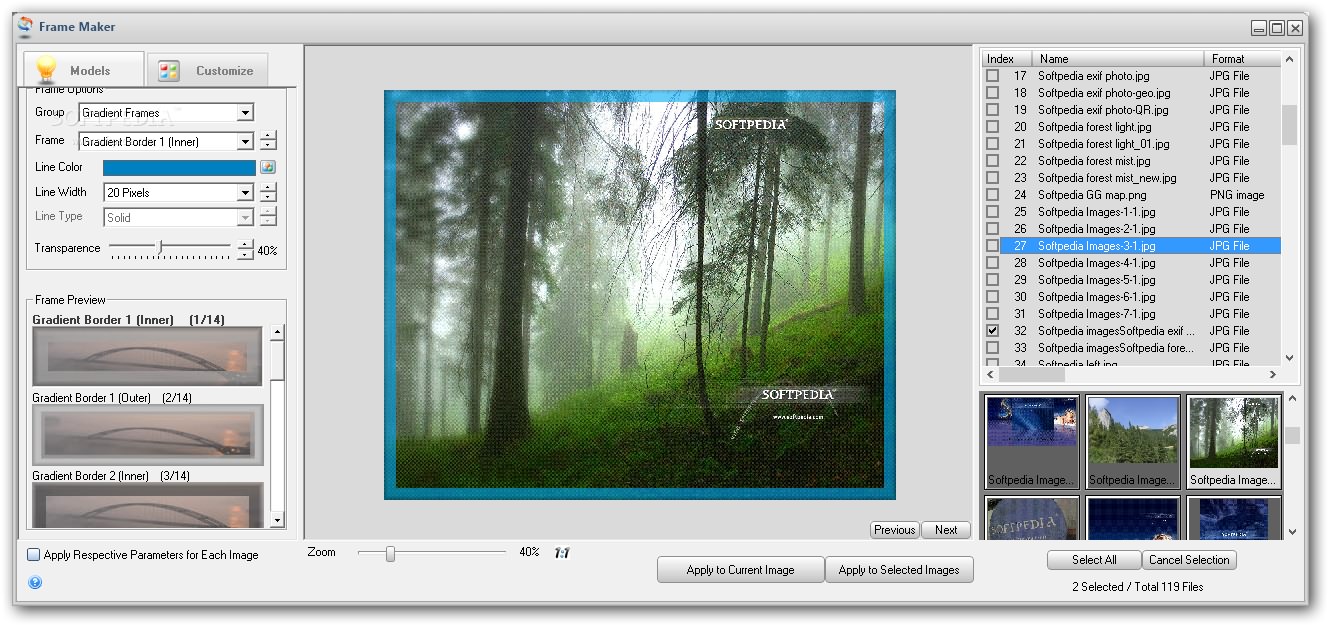
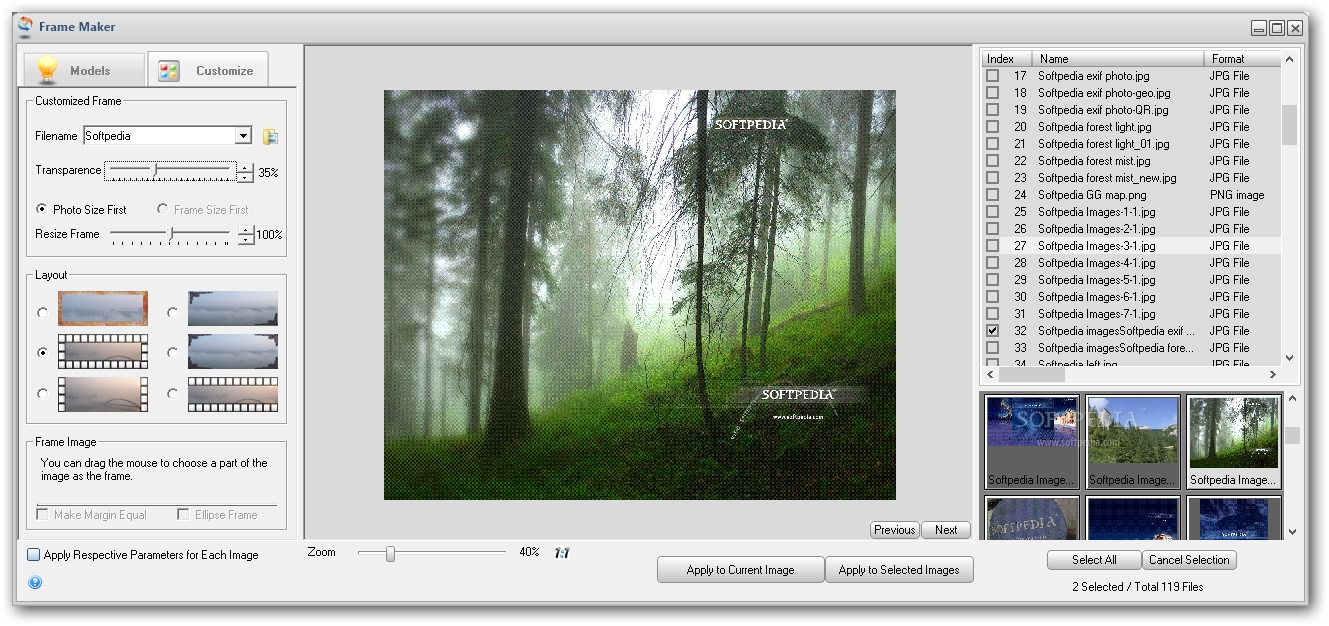
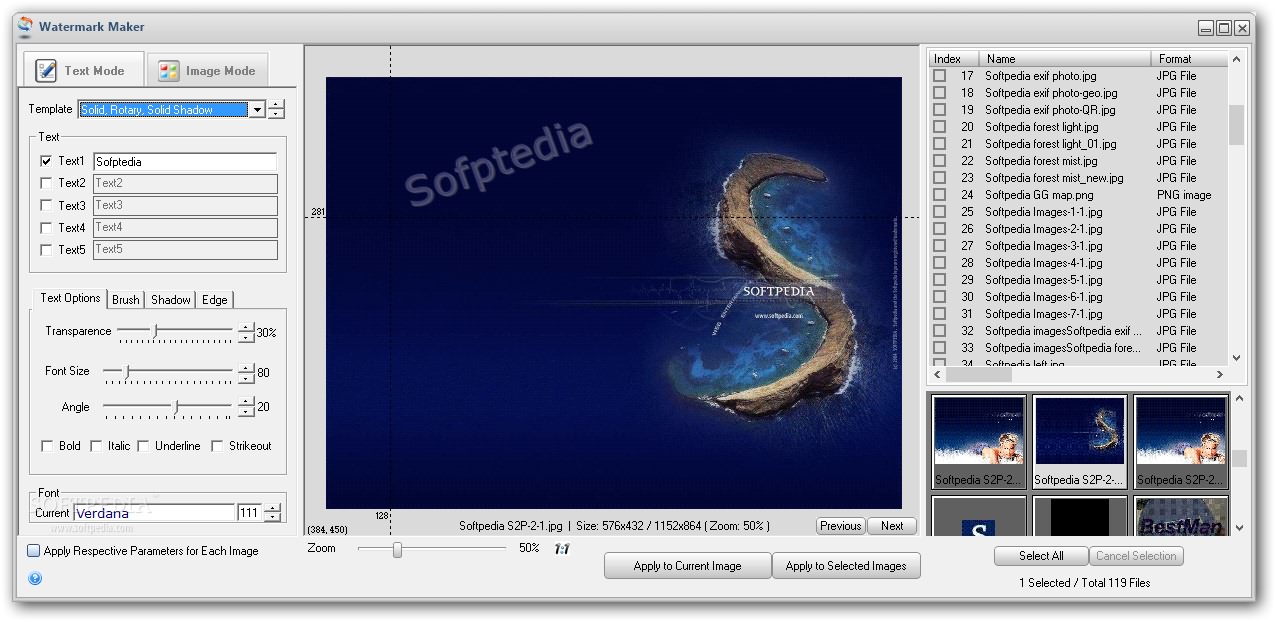
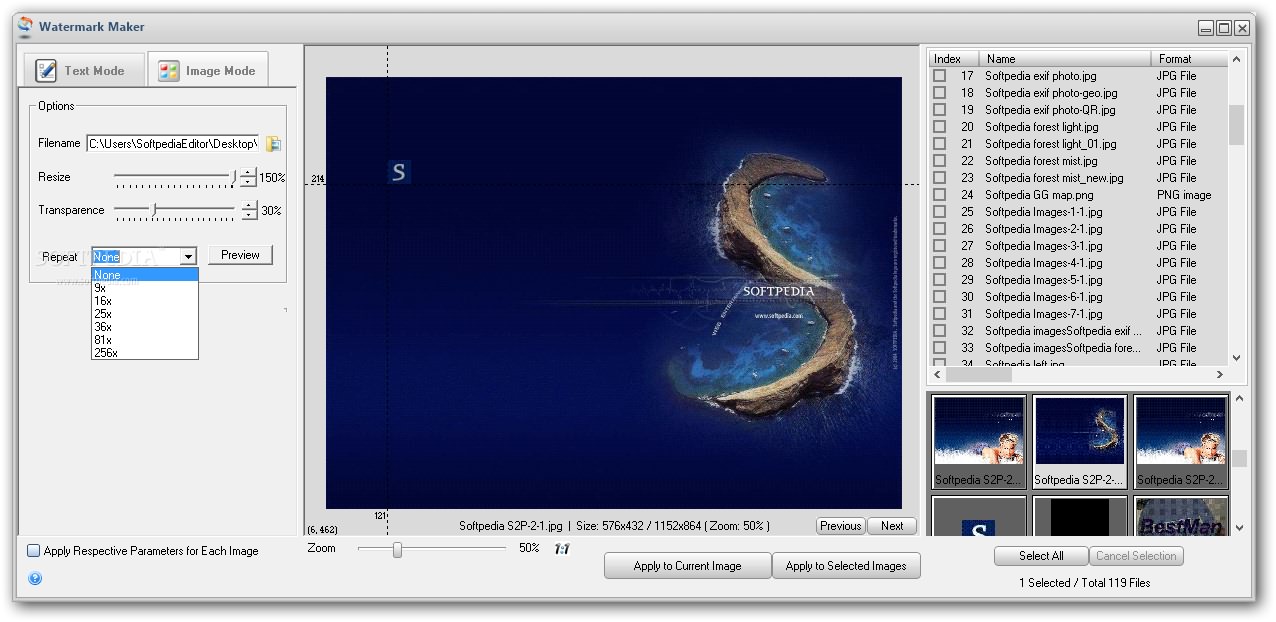
Graphics Converter Pro lets you work with a frame maker and choose between several frame types (e.g. Simple, Gradient, Shadow, Paper), and watermark feature for embedding custom text or image to your photos.
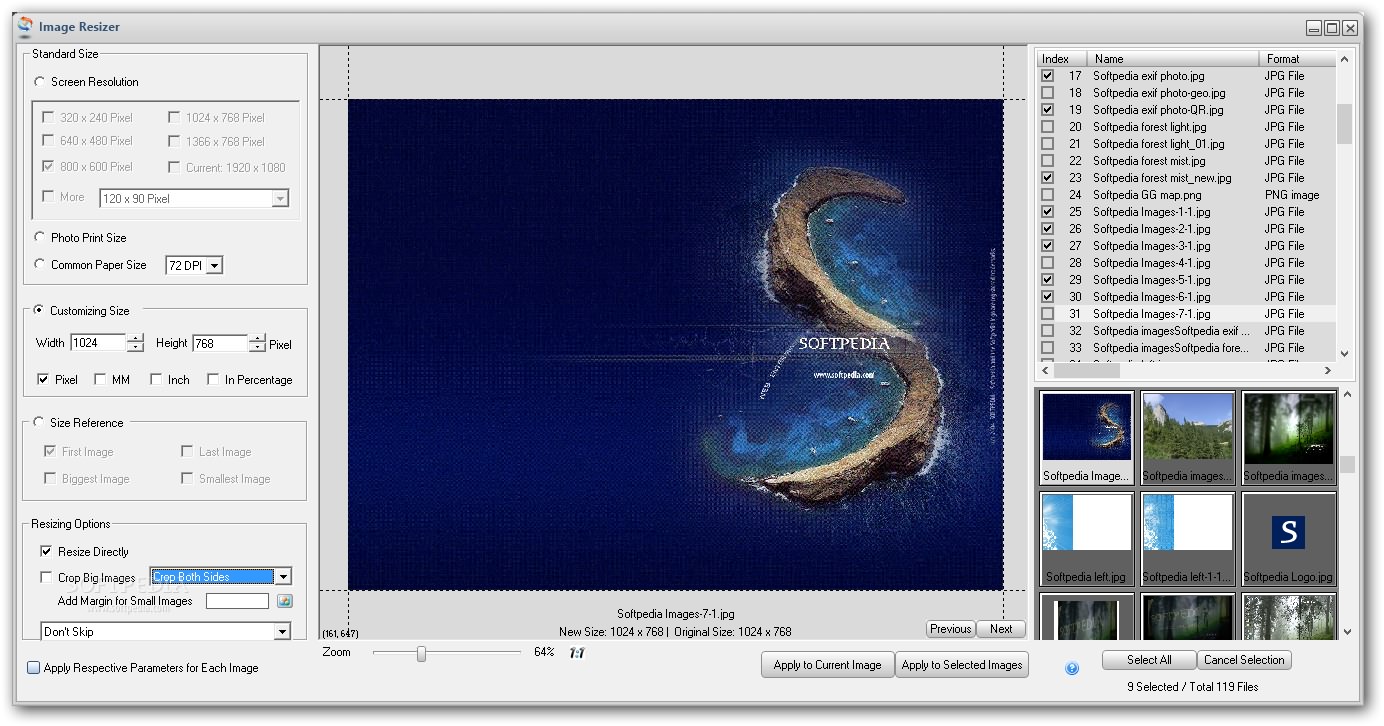
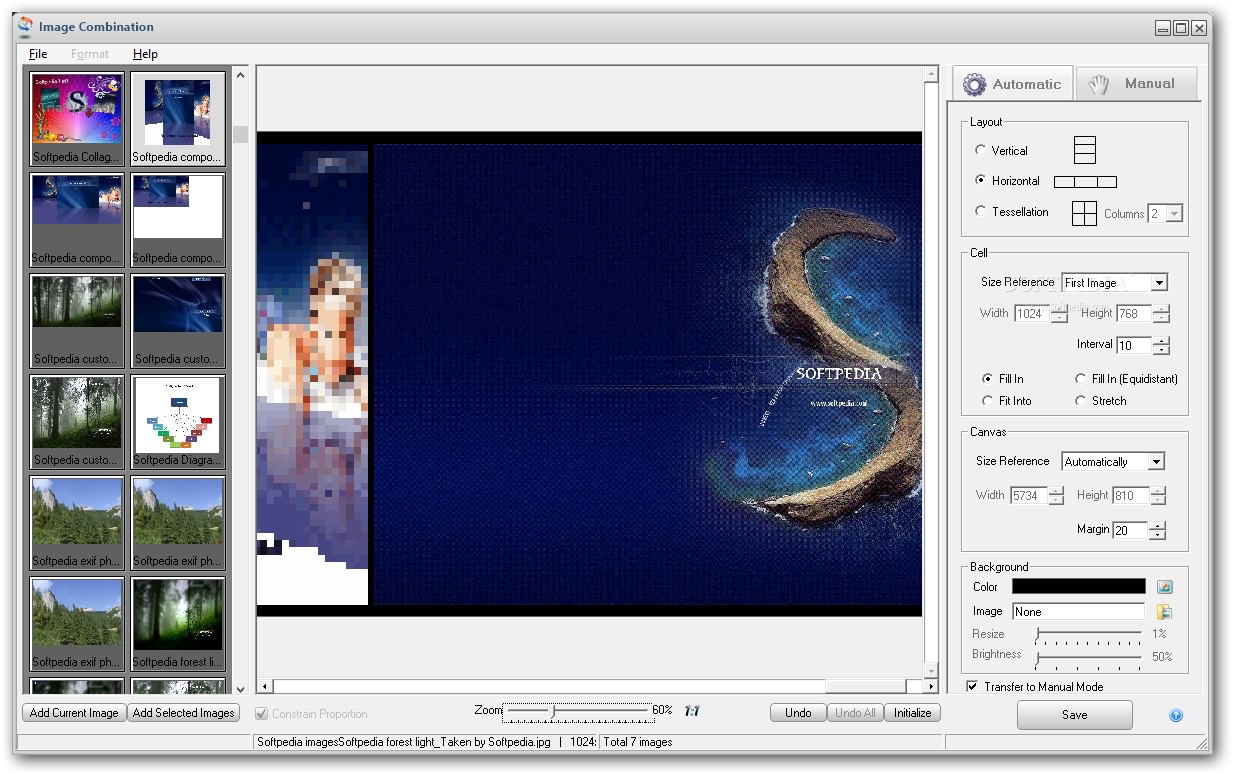
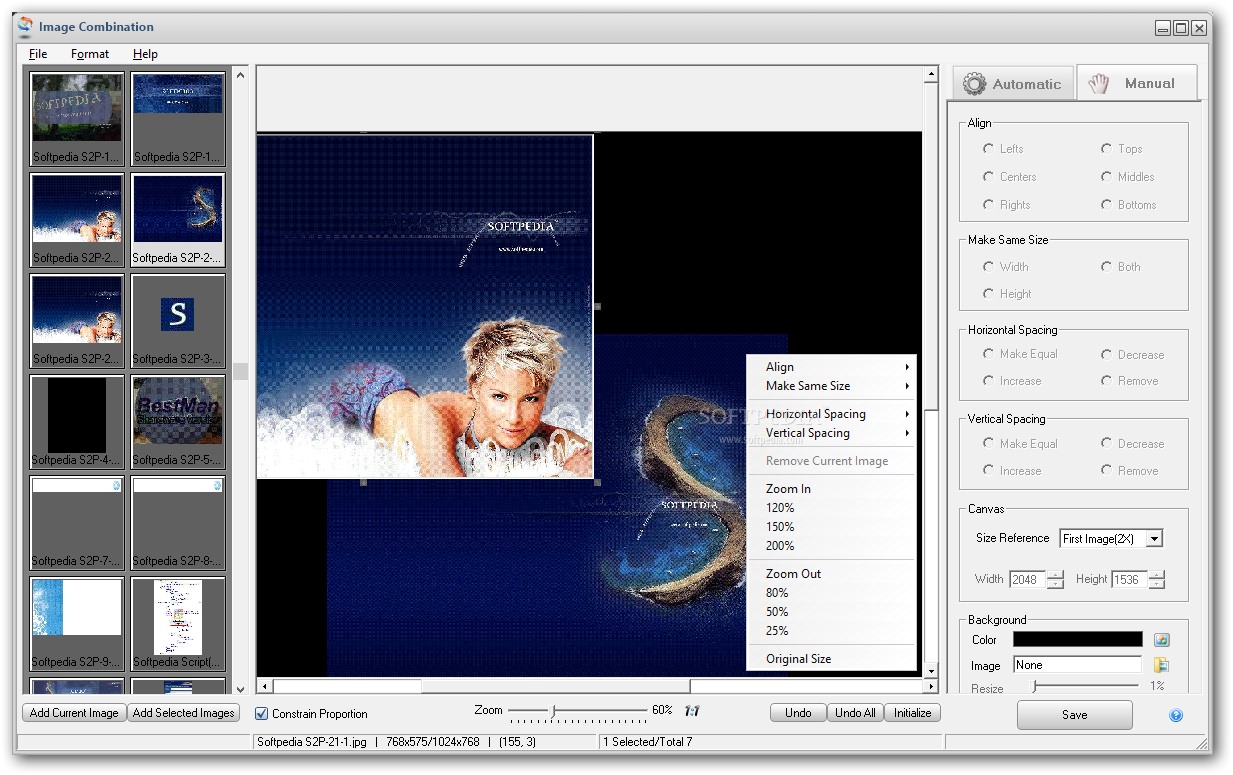
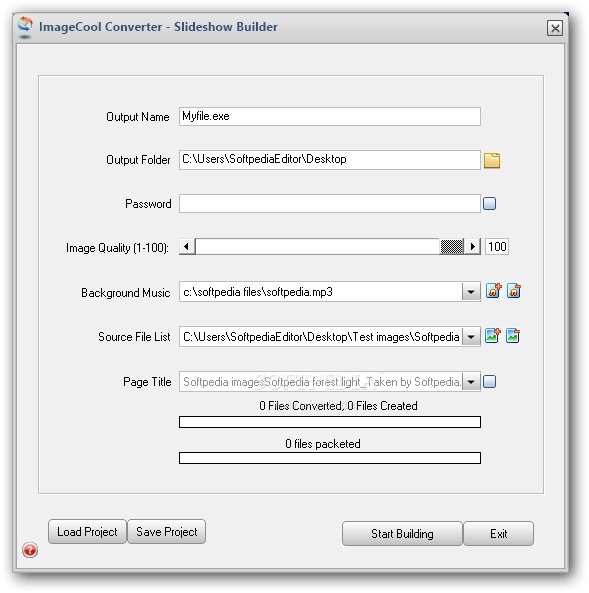
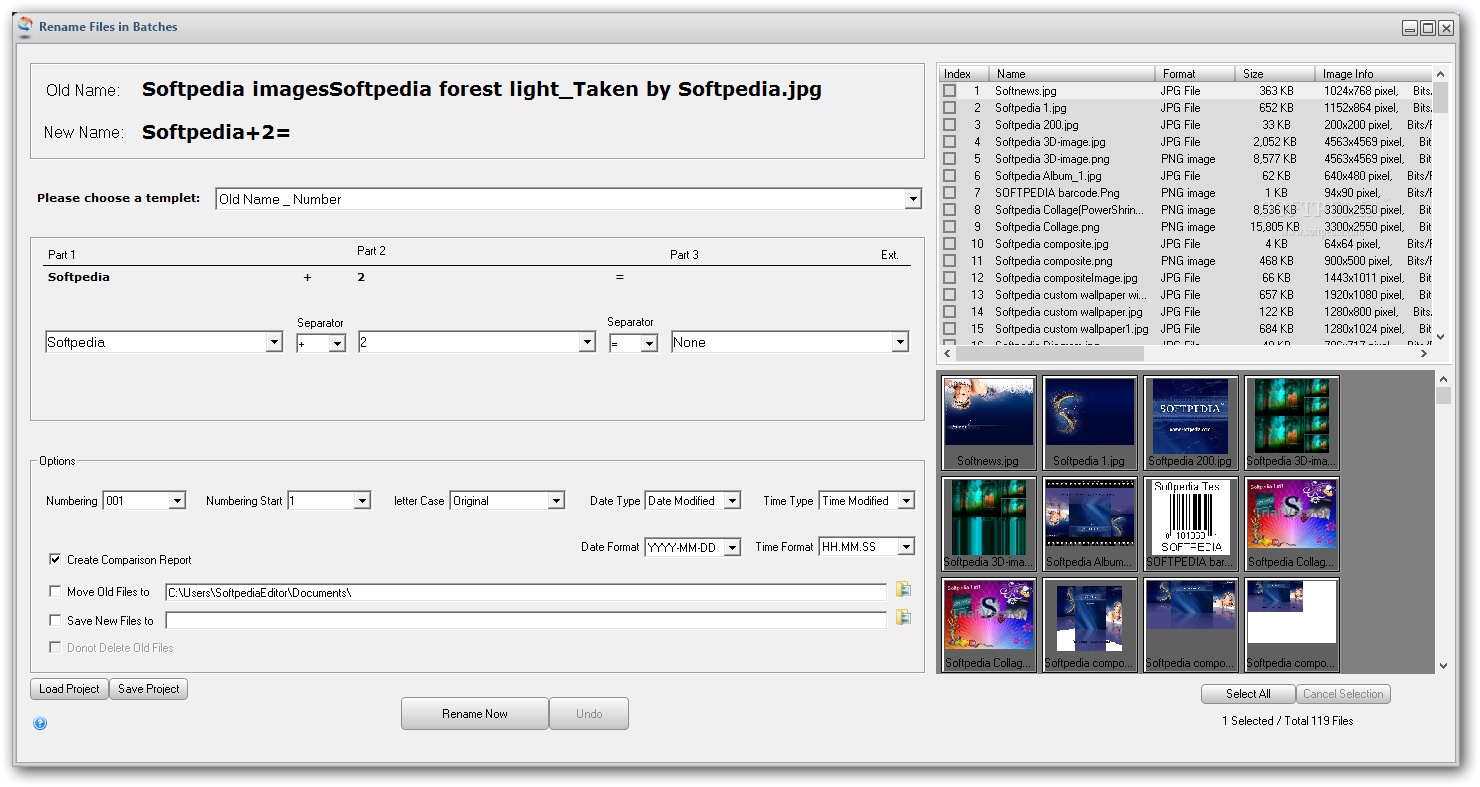
What’s more, you may crop, split, combine or resize pictures, build a slideshow with can be password-protected and insert background music, and rename files using batch processing.
Taken into consideration the support for a wide range of file formats and handy suite of features, Graphics Converter Pro proves to be a reliable piece of software.
Download Hubs
Graphics Converter Pro is part of these download collections: AI Viewer, Graphic Converters, Convert JPEG, Convert 2BP
Graphics Converter Pro 5.60 Build 220825
 Softpedia Editor's Pick
add to watchlist
add to download basket
send us an update
REPORT
Softpedia Editor's Pick
add to watchlist
add to download basket
send us an update
REPORT
- runs on:
-
Windows 11
Windows 10 32/64 bit
Windows 8 32/64 bit
Windows 7 32/64 bit
Windows Vista 32/64 bit - file size:
- 40.7 MB
- filename:
- instgraphicsconverterpro.exe



- main category:
- Multimedia
- developer:
- visit homepage
Context Menu Manager

ShareX

calibre

Bitdefender Antivirus Free

Microsoft Teams

IrfanView

Windows Sandbox Launcher

Zoom Client

4k Video Downloader

7-Zip

- Zoom Client
- 4k Video Downloader
- 7-Zip
- Context Menu Manager
- ShareX
- calibre
- Bitdefender Antivirus Free
- Microsoft Teams
- IrfanView
- Windows Sandbox Launcher