Search Perform an advanced search query SOFTPEDIA
 
SOFTPEDIA
Updated one minute ago
HomeSubmit a program for being reviewedAdvertise on our websiteGet help on surfing our websitesSend us your feedbackGet information about our XML/RSS backend and how to use itBrowse the news archiveVisit our discussion forumVizitati forumul in limba romana


Program Finder NormalFreeware onlyShareware only

Total Image Converter 2.0 Report spyware 

Click to download Total Image Converter
View more Total Image Converter screenshots (3)
 Downloads: 1,352
Rating: Good (3.8/5) | Rated by: 19 user(s)
Add to download basket     Send us update information
 Developer: Softplicity | More programs by this producer
 License: Trial , 24.5 $ to buy 
 Size / OS: 5.12 MB, Windows All
 Last Updated: August 1st, 2006, 23:01 GMT
 Category: C: \ Multimedia \ Graphic \ Image Convertors
 Read user reviews (0) Add a review Refer to friend Subscribe
    Download Total Image Converter

Total Image Converter description
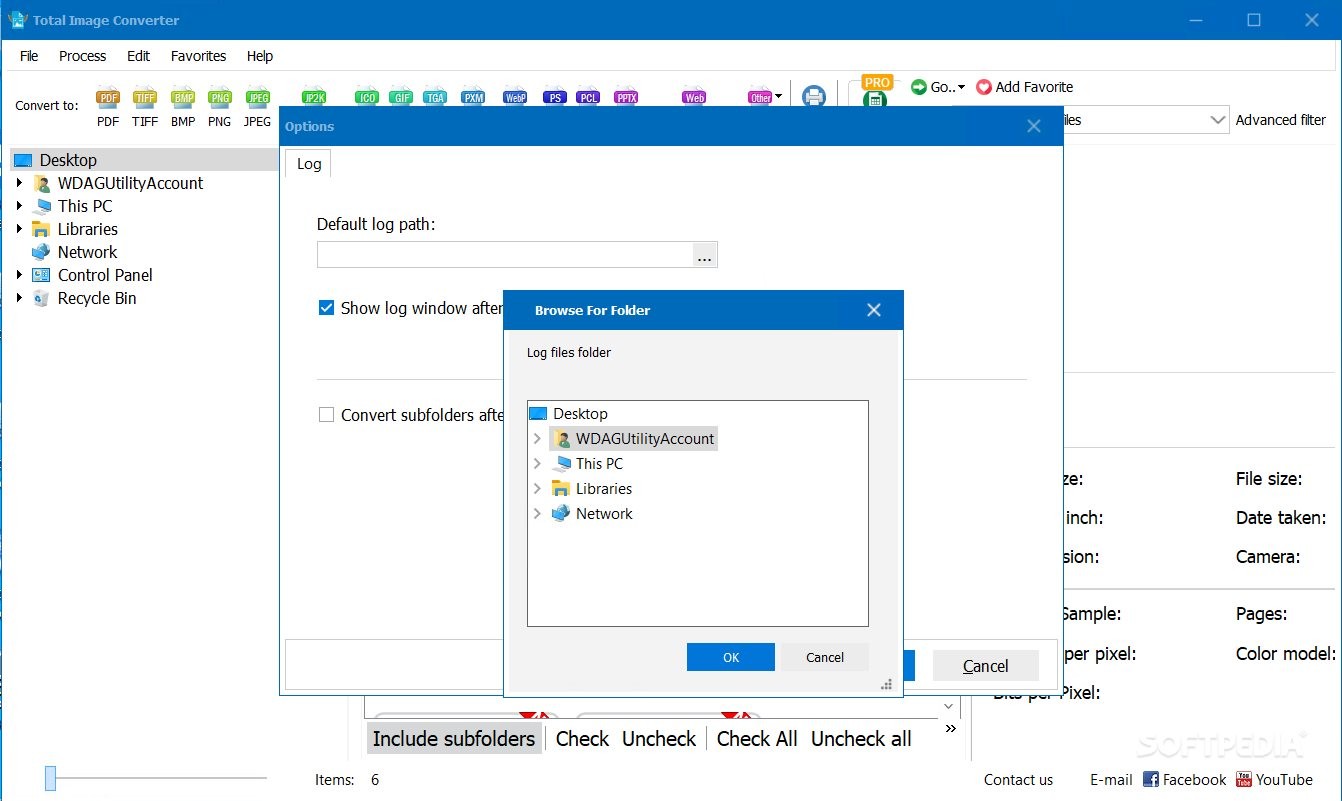
This software utility helps you convert image sizes and formats.

Total Image Converter allows you to take an image and create a new one with a different size or format, or perform the task for huge batches of graphic files with one click. It is invaluable for web designers and other IT professionals. Total Image Converter is unique - it supports all popular formats of graphics.Total Image Converter works fully automatically without the need for any technical knowledge. But that is not all.

Total Image Converter helps you to convert image sizes and formats. A must-have utility for all web designers. ImageConverter is unique - it supports almost all popular formats (JPG, GIF, BMP, PBM, PGM, PCX, PNG, PPM, TGA, TIF, WMF, EMF). All you have to do is to set the required size or format and Total Image Converter automatically does the rest.

With Total Image Converter, you can also resize, rotate or perform mirror images and change color resolutions. If you have lists of images to be converted, use our batch processing. You'll get hundreds of images converted or resized with one click! ImageConverter is the best solution for converting images at a most reasonable price.

Here are some key features of "Total Image Converter":

· All image formats
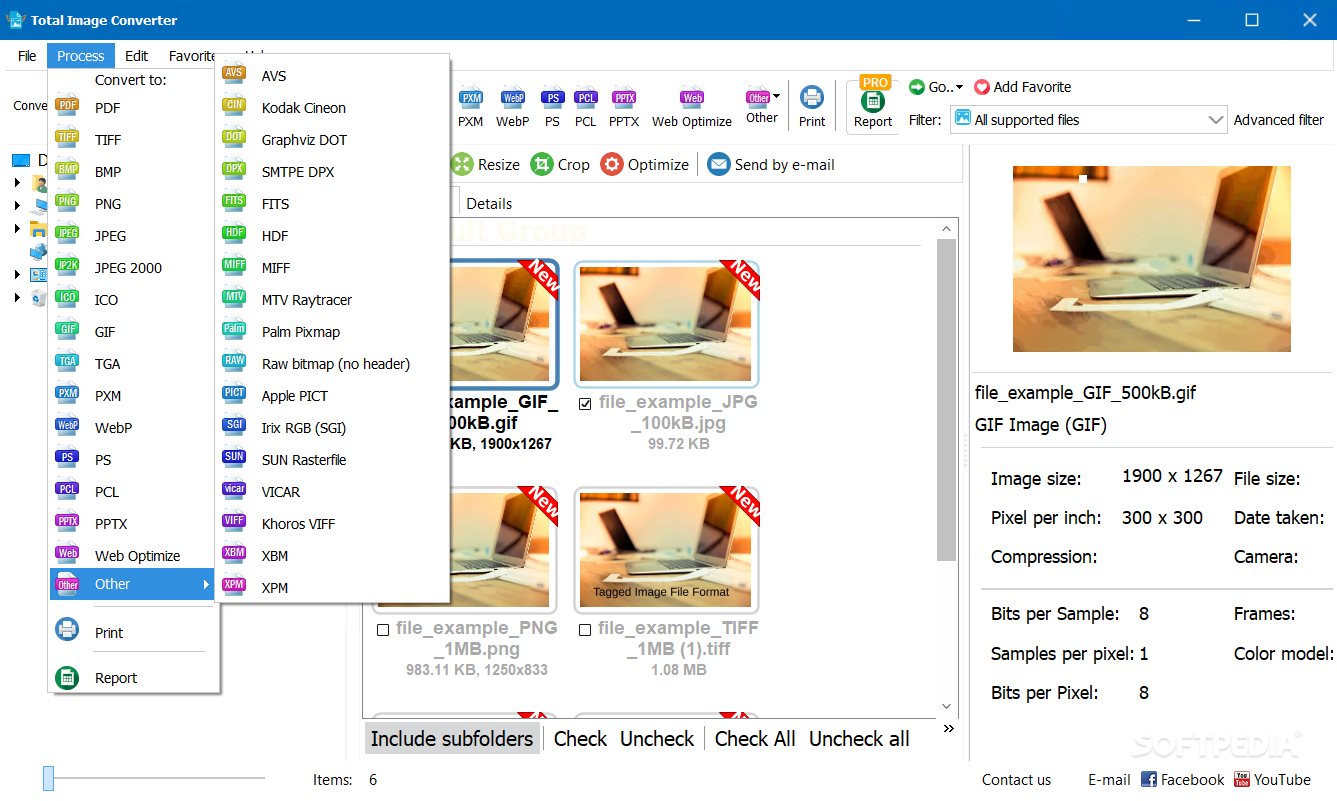
Total Image Converter supports almost all image formats (see the list ->). It's all-in-one solution for those who do not want to waste time and effort searching for 10 different converters to deal with different formats.

· Batch conversion
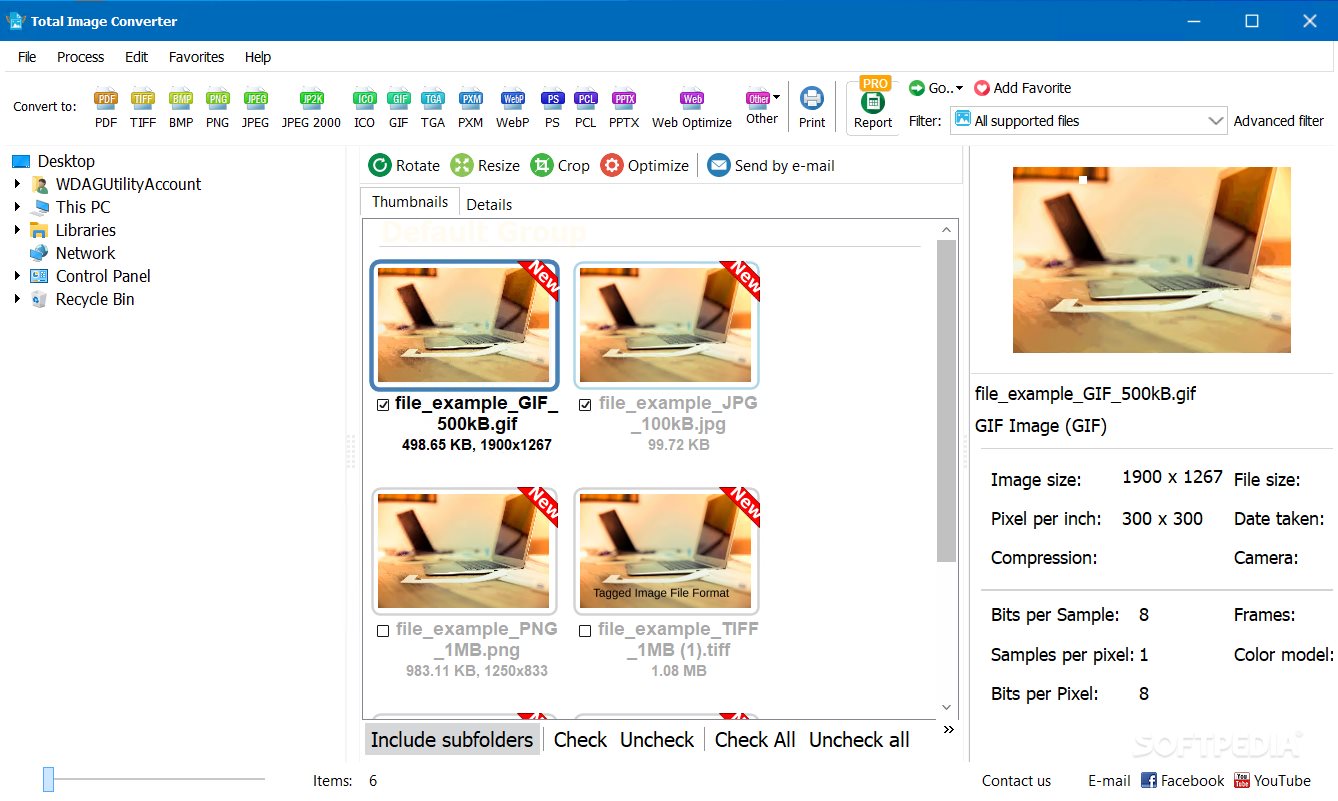
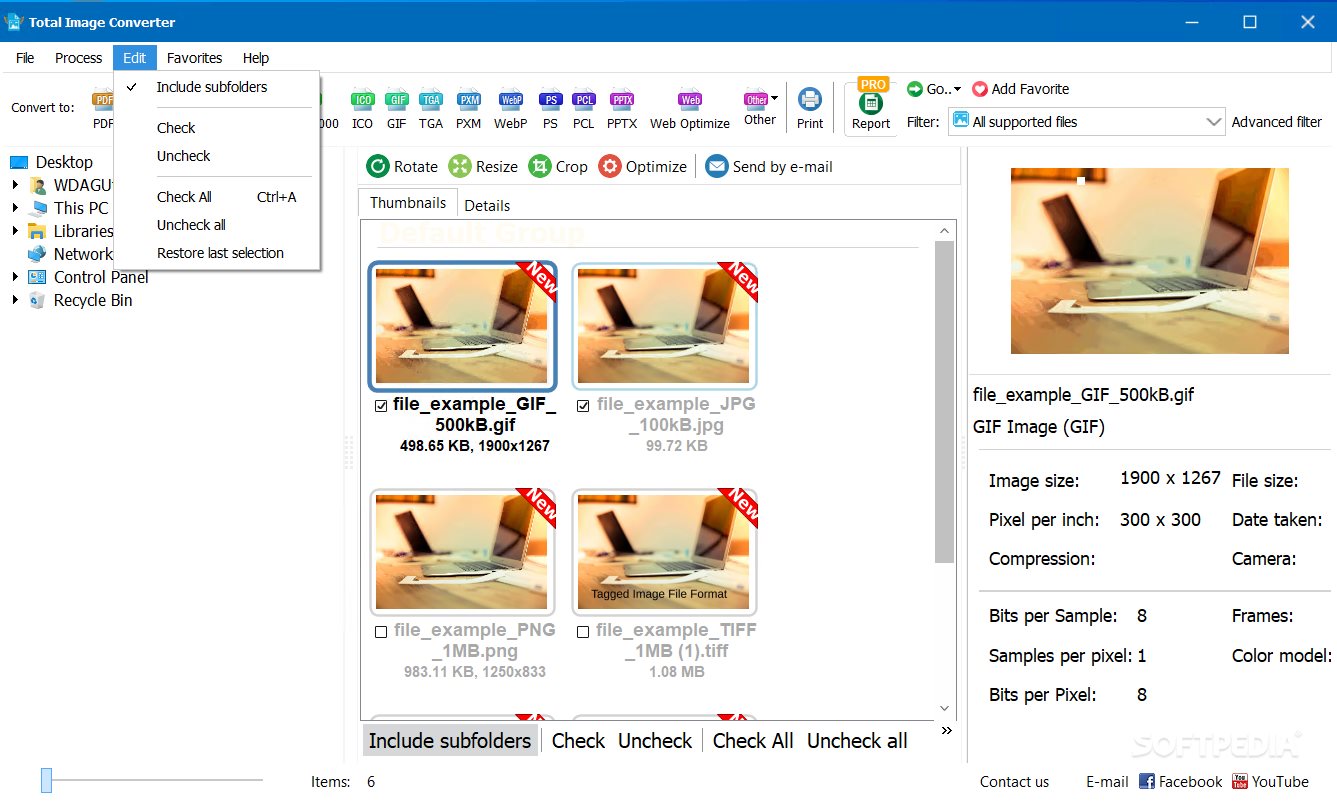
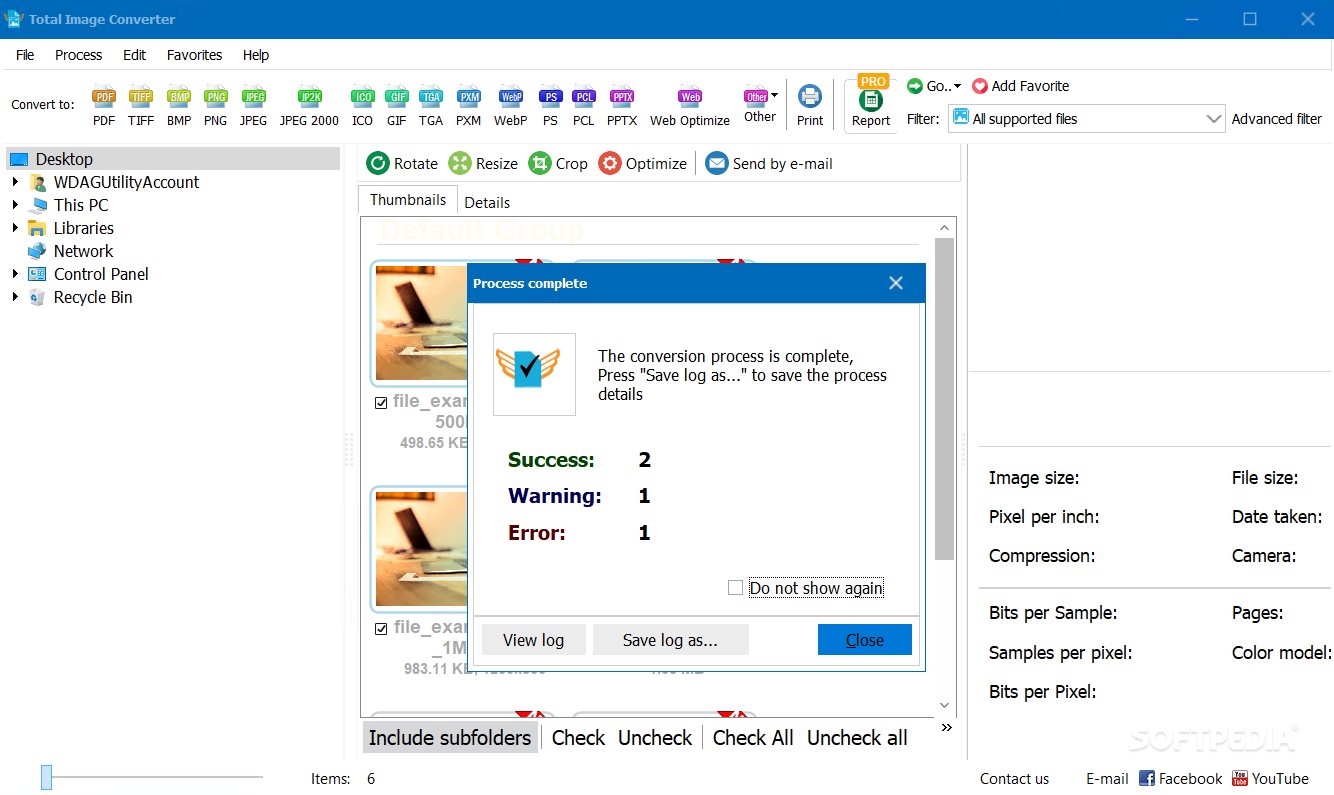
If you have hundreds of images to be converted, you can use its batch file convert option. Just check the files that you want to process or just press Select All button to save your time. Get any amount of image files converted or resized in one click!

· 3 ways of handling
First, there is well-thought user interface. Second, Total Image Converter seamlessly integrates into Windows. That means that you may select the file in your desktop and make right-button mouse click. You will see ConvertTo item in the standart Windows popup menu. And there is also Command line support. Run Total Image Converter from the command line within other programs.

· Built-in viewer and thumbnails
Total Image Converter has built-in viewer. You may easily view your images inside the program before or after the conversion. You can either work with detailed list of files (name, size, type, modify, attributes) or with their thumbnails.

· Resize, rotate, crop, mirror
With Total Image Converter you can also resize, crop, rotate or mirror images and change the color resolution (include convert to black and white color) of your graphics. Besides, you may adjust White Balance and make gamma correction. Adjust or set Brightness, Contrast or Saturation, apply shadow or use some filter. All this done when converting your image with Total Image Converter!

· Watermarking
Total Image Converter lets you apply watermarks to your images! You may add your comment, logo or date to a single photo or a bunch of them.

· No special knowledge required
Even if you never dealt with image converters before you will master the program in seconds. The program will itself ask you all the questions about the conversion settings and in case you are at a loss it will advise you the best setting for each conversion. Click here to make a quick tour on the program and see how simple it is to use it.

· High quality
Total Image Converter is the most advanced solution for converting image files. We are absolutely sure in that. So sure that we offer you to use the program for 30 days for free to make your own opinion. The trial version applies Converted by Total Imge Converter note to each image. The registered version doesn't do that. Just buy the key and register the program. The low price is a reflection of our philosophy, not the quality of the software.


style='color:#A02400'>Limitations:


· 30 days trial


What's New in This Release:

· Added support RAW formats
· Added thumbnail preview
· Added integration with Explorer... [ read full changelog ]


Softpedia guarantees that Total Image Converter 2.0 is 100% CLEAN, which means it does not contain any form of malware, including but not limited to: spyware, viruses, trojans and backdoors.

This software product was tested thoroughly and was found absolutely clean, therefore it can be installed with no concern by any computer user.

However, it should be noted that this product will be retested periodically and the award may be withdrawn, so you should check back on this page from time to time. (click here for more information)


Related downloads IT News Popular downloads New additions   Latest reviews  
Picture To Icon 1.933
Picture To Icon converts images or any part on your screen into any size icons
ReaConverter Pro 5.5
A powerful utility for batch conversion of image files using scripts
Total Vectorize 1.01
Total Vectorize - Convert image to WMF
Image2PDF Command Line Tool 2.3
Cnverts images into PDF from the command line or from a batch file
Characterizer 1.0
Characterizer is freeware "One form" application for converting images to ascii text
IconMasterXP 4.7
This program is capable of converting any popular image format into icons
Image to PDF Desktop Application 2.01
Convert images into PDF through an easy to use Windows application.
convert image formats master 1.0
convert image formats master - Convert image formats master can help you to convert many kinds of images format
Image To PDF COM/SDK Unlimited License 3.1
This application can directly convert dozens of image formats into PDF

go to top Use the following code to link to this page:


Welcome!
Hello, Guest

Login if you have a Softpedia.com account.

Otherwise, register for one.

Main categories:
  • Antivirus
  • Compression tools
  • CD/DVD Tools
  • Office tools
  • Programming
  • Authoring tools
  • File managers
  • Desktop Enhancements
  • Internet
  • Network Tools
  • IPOD TOOLS
  • Mobile Phone Tools
  • Multimedia
  • Tweak
  • System
  • Security
  • Others
  • Science / CAD
  • UNIX
  • Windows Widgets
  • PORTABLE SOFTWARE

  • Week's best:
  • DAEMON Tools Lite 4....
  • UBCD4WIN 3.2.0
  • Adobe Reader 9.0.0 /...
  • Total Commander Ulti...
  • System Mechanic 8.0....
  • Adobe Acrobat Profes...
  • iPhone PC Suite 1.0....
  • Firefox 3.0 Final / ...
  • Portable Firefox 3.0...
  • MPlayer for Windows ...
  • Vista Codec Package ...
  • Windows Live Messeng...
  • WinBubble 1.73
  • Kaspersky Anti-Virus...
  • Malware Removal Tool...
  • WinRAR 3.80 Beta 2 /...
  • Royale Noir Theme fo...
  • IBM Lotus Symphony 1...
  • Adobe Dreamweaver 10...
  • Adobe Fireworks 10.0...
  • BitDefender Total Se...
  • McAfee Total Protect...
  • Ad-Aware 2008 7.1.0....
  • Adobe Flash Player 1...
  • Intel Chipset Softwa...
  • Uxtheme Multi-patche...
  • SRS Audio Sandbox 1....
  • SP3 UxTheme Patcher ...
  • PECompact 2.87 Beta ...
  • Sony Vegas Movie Stu...
  • Daniusoft Media Conv...
  • © 2001 - 2008 Softpedia. All rights reserved.
    Softpedia™ and Softpedia™ logo are registered trademarks of SoftNews NET SRL.
    Copyright Information | Privacy Policy | Terms of Use | Contact Softpedia | Update your software | Archive