
Provides high quality DivX HEVC video playback and streaming, and comes with the codecs you need to enjoy various video file formats. #DivX Player #DivX Encoder #DivX Converter #Player #Encoder #Converter
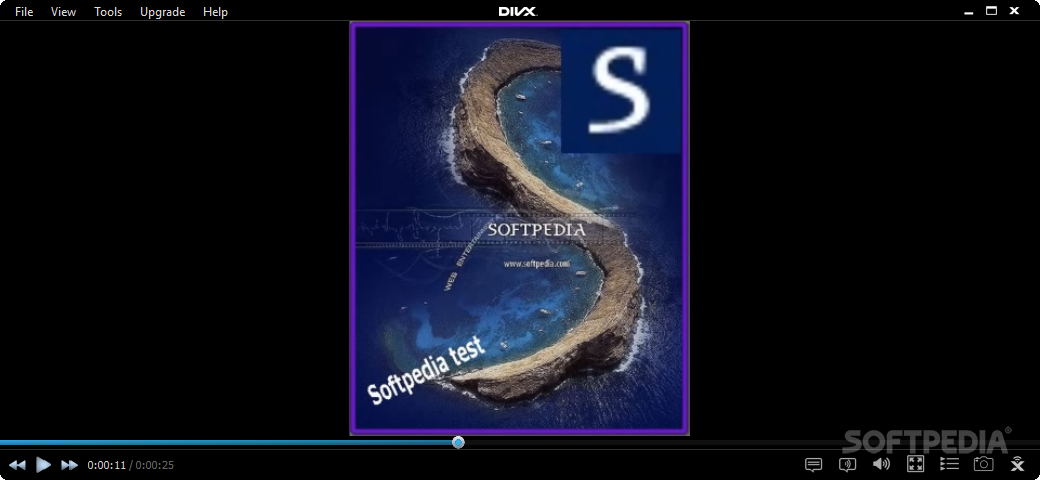
DivX doesn't need much of an introduction, as the product speaks for itself. A powerful player, converter and decoder, DivX offers you a handful of tools to assist you in your video playing and encoding endeavors.
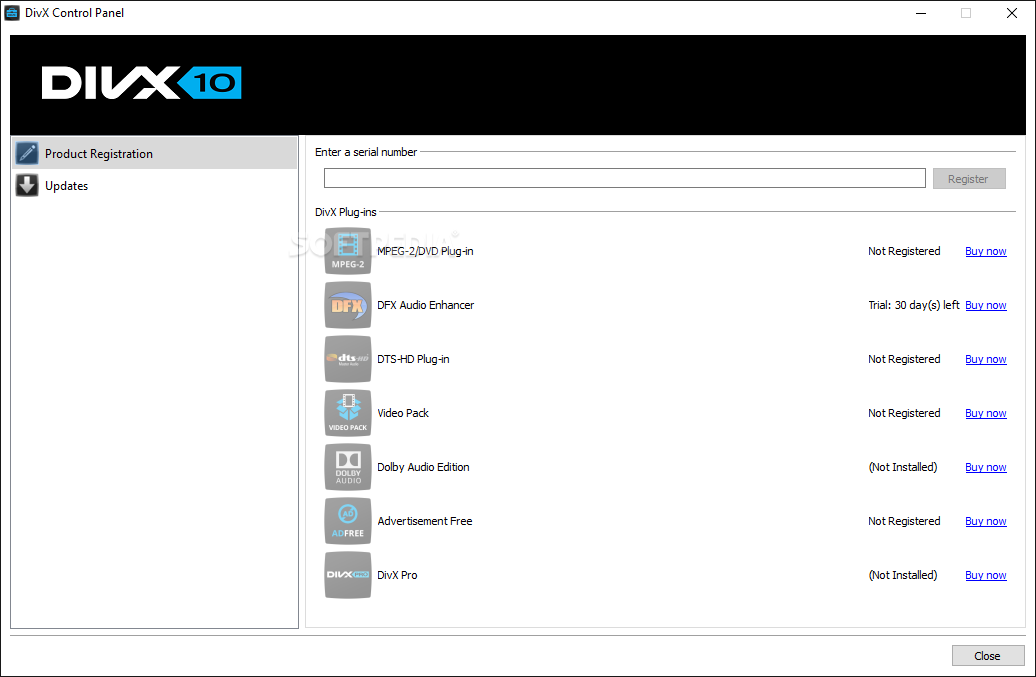
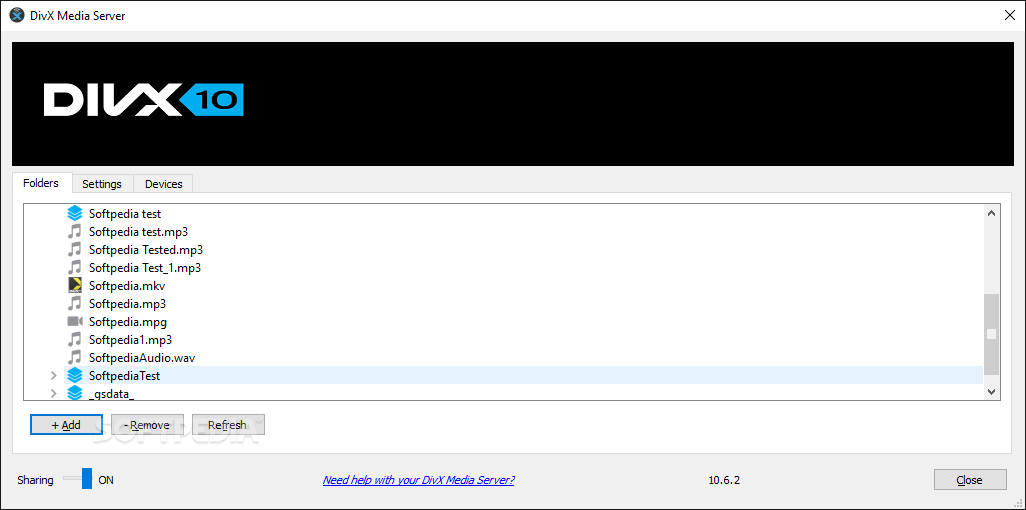
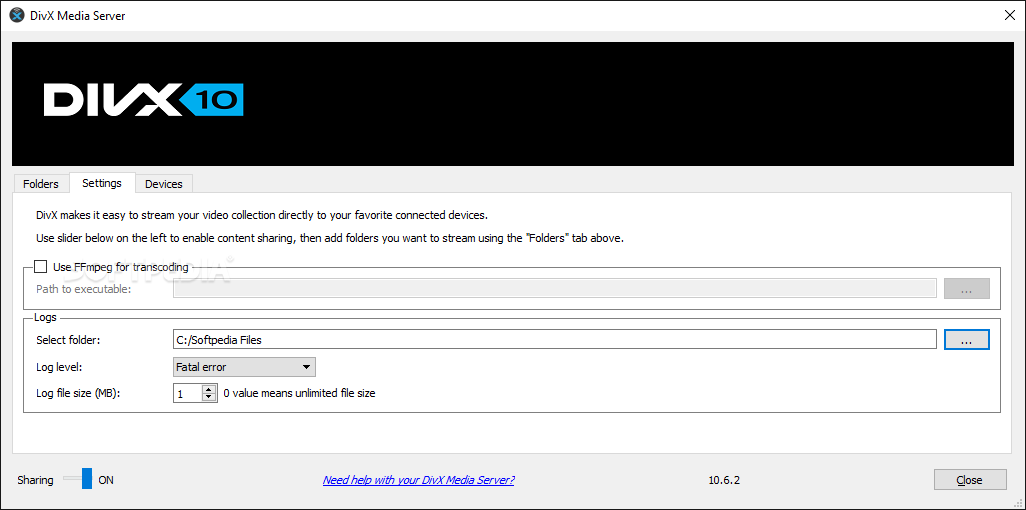
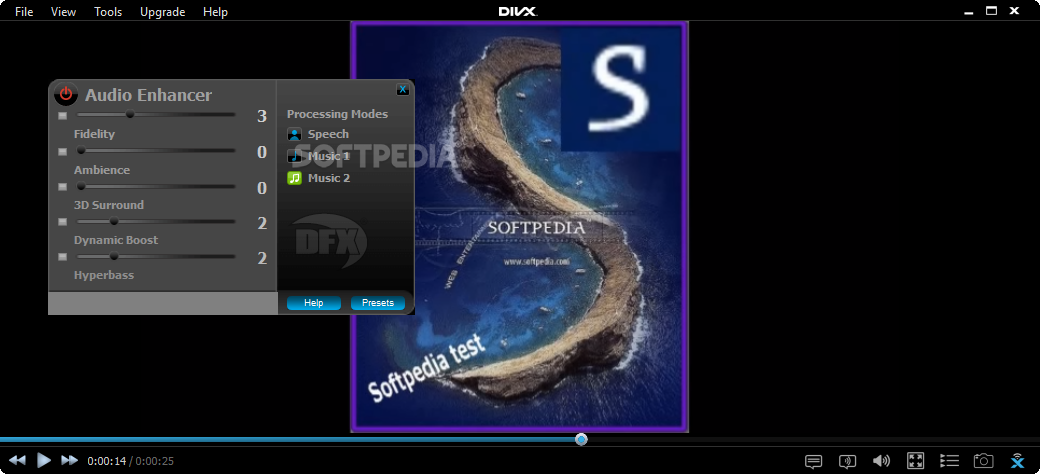
The toolset is comprised of DivX Player, DivX Web Player and Media Server, DivX Converter and the DivX HEVC Plug-in, all meant to give you the best video playback performance and media management for your computer. It includes trial versions of paid add-ons that can be purchased separately: Video Pack, DTS-HD, and DFX Audio Enhancer.
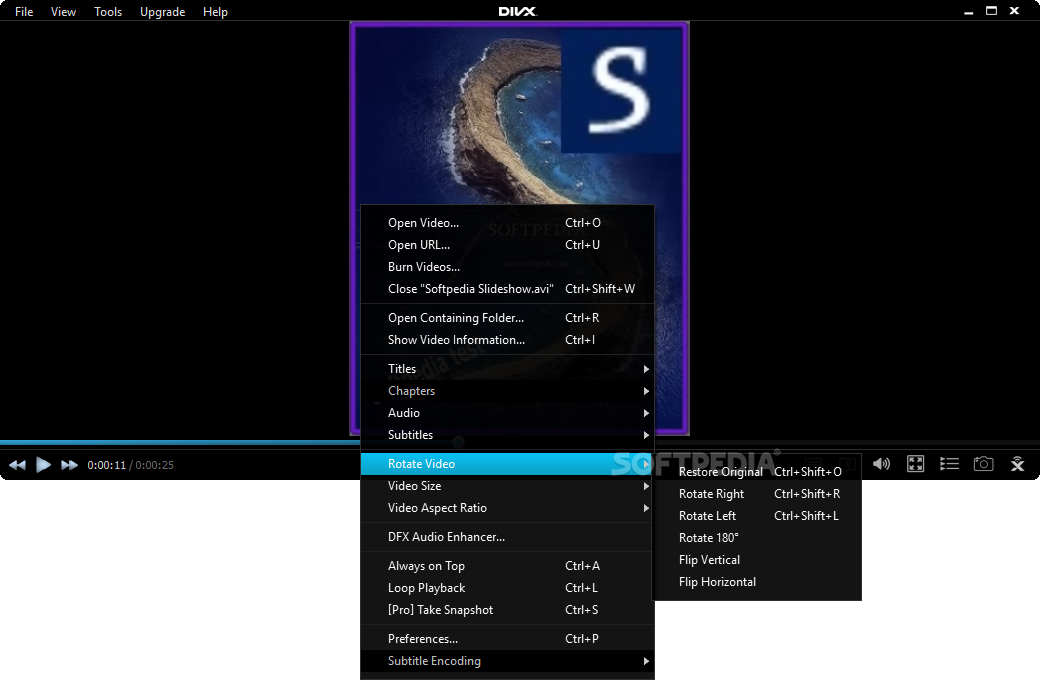
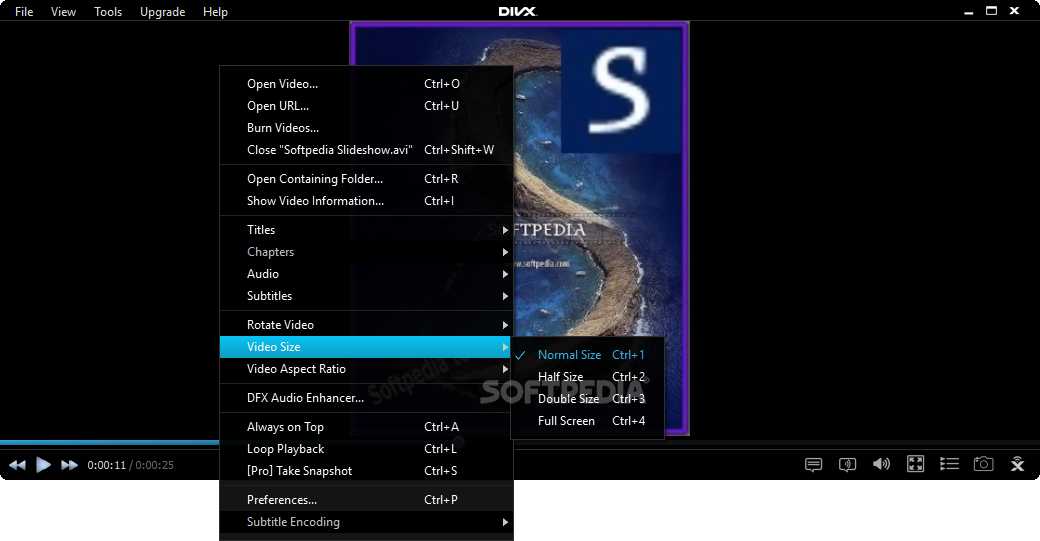
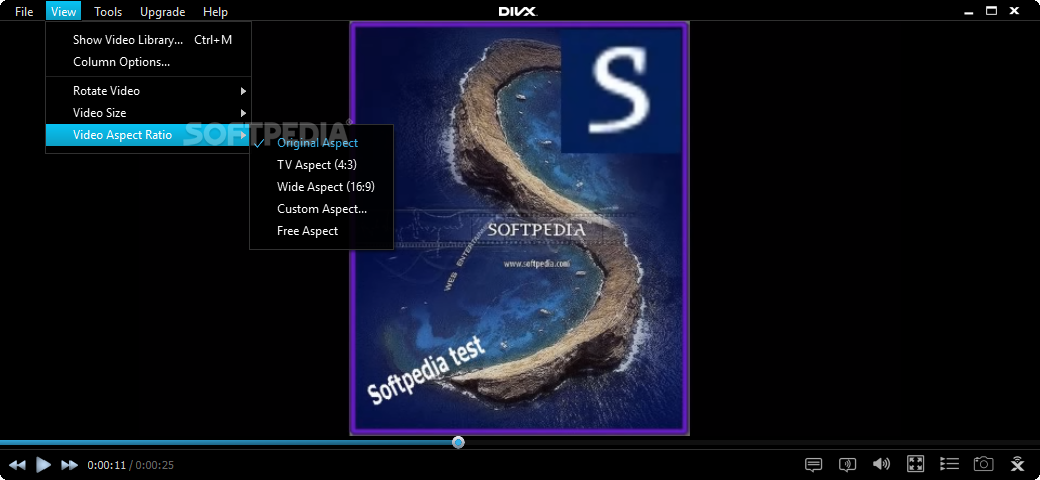
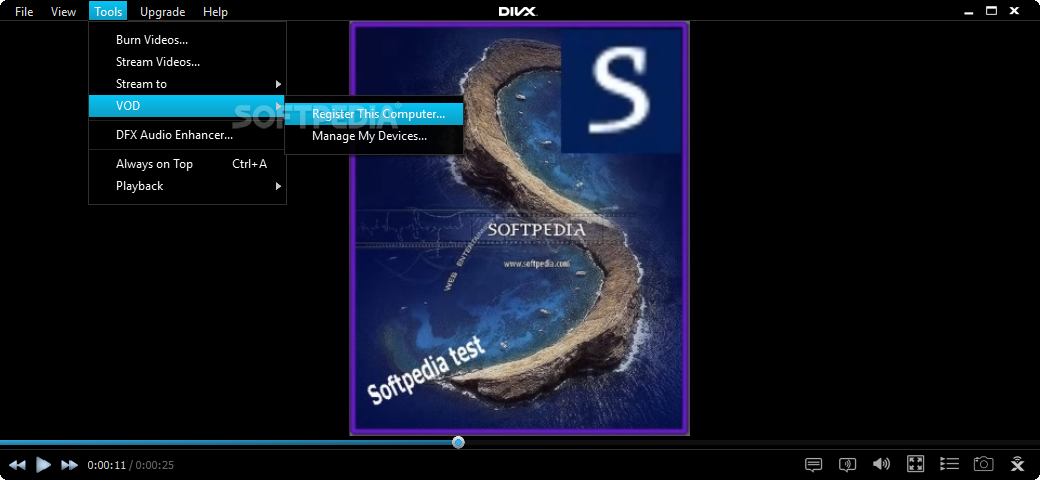
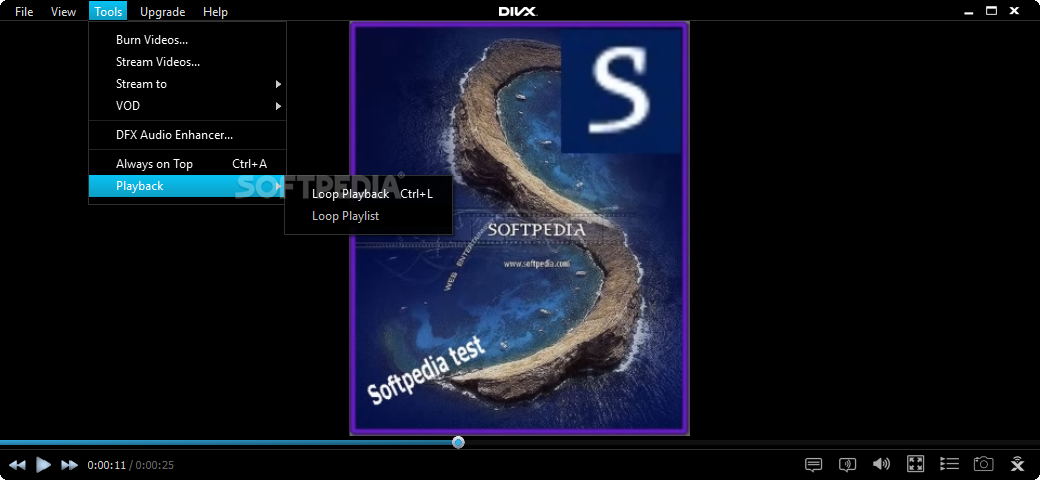
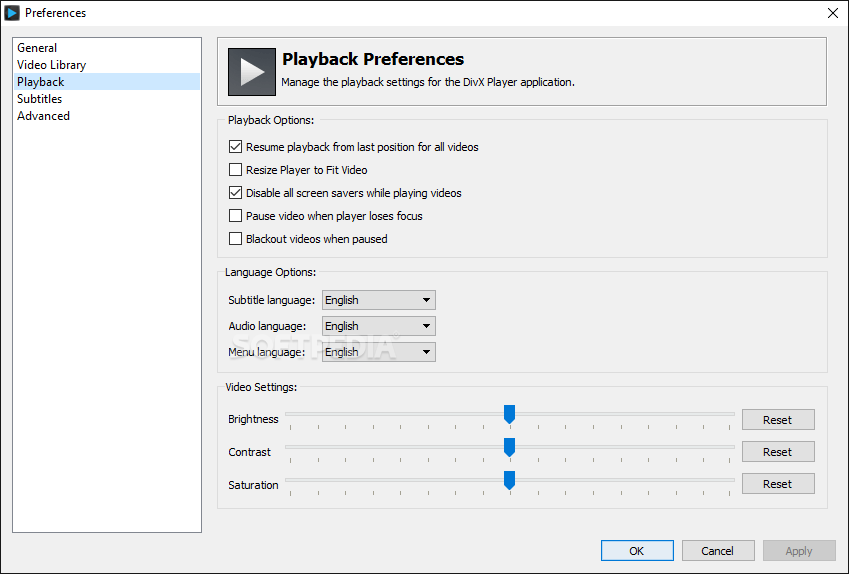
The DivX Pro Player has a straightforward interface that allows you to drag and drop media files to the video playing area and quickly navigate them without the risk of freezing the application.
The player enables you watch your favorite DivX, AVI, MKV, MP4 or MOV media files and easily transfer them to your external devices. The DivX To Go feature automatically prepares your media files to be transferred and used on your PlayStation 3 console, BluRay player or digital TV, allowing you to create full HD quality videos.
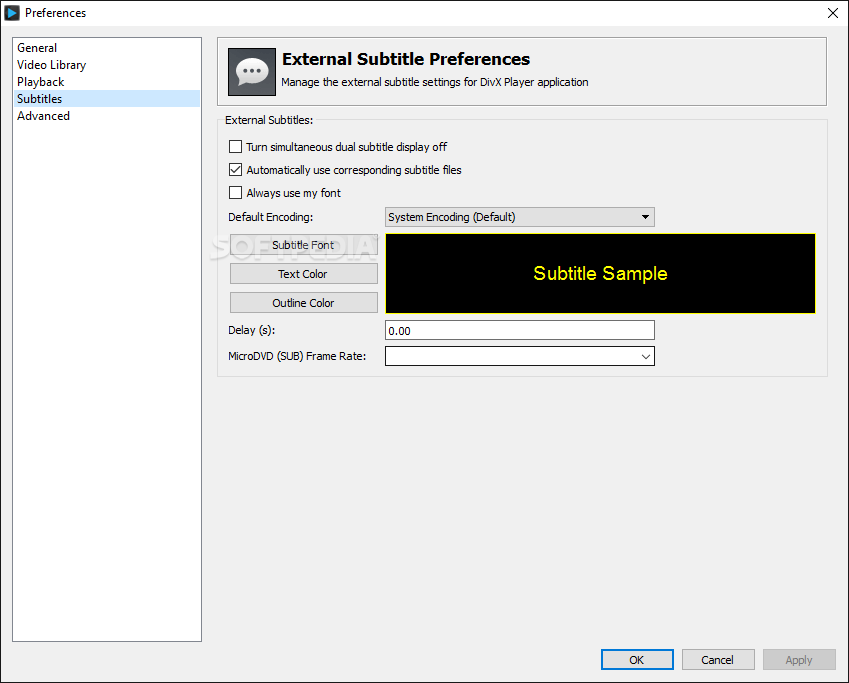
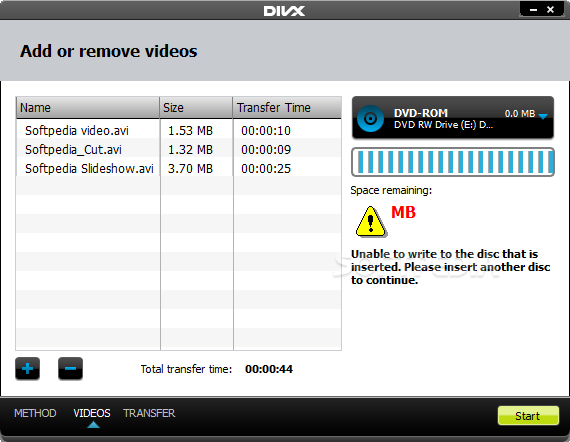
With DivX Pro Player you can easily burn your video to DVD or USB storage devices and ensure proper formatting and compatibility with DixX devices. The application also allows you to create customized playlists, purchase and watch top notch movies, manage your local and downloaded media files. All these, plus the multitude of video and audio playback options make DivX Player a reliable media management tool.
The Web Player comes with added video and audio enhancements. You can easily watch full HD movies online and play them in full screen without loosing any of the original quality. If you add to this the 5.1 channel surround audio capability of the web player and the ability to download online media files for later use on a DivX compatible device, you get a well tuned product that will enhance your online experience.
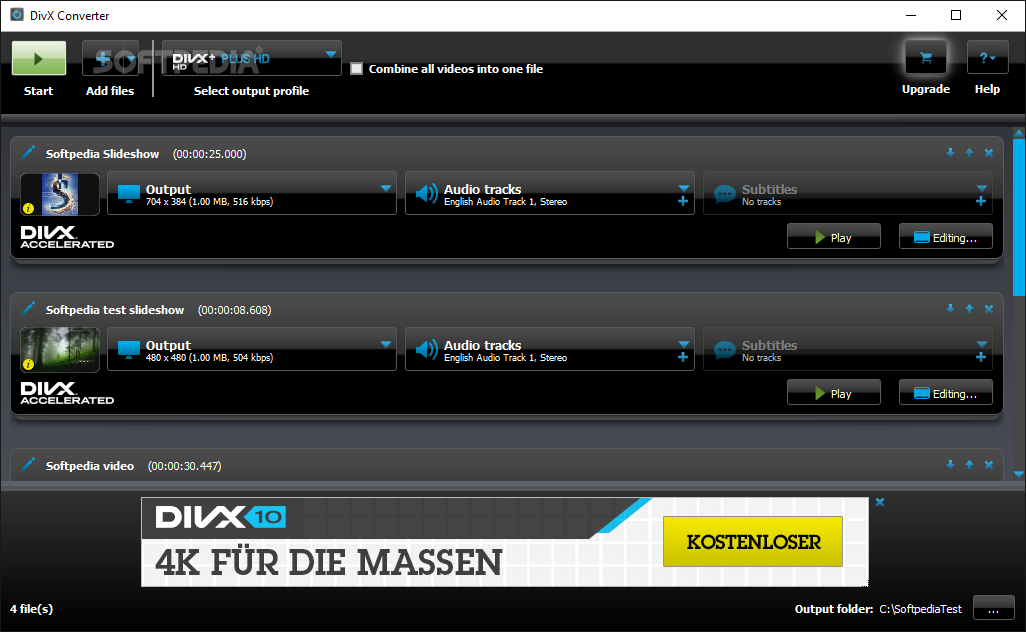
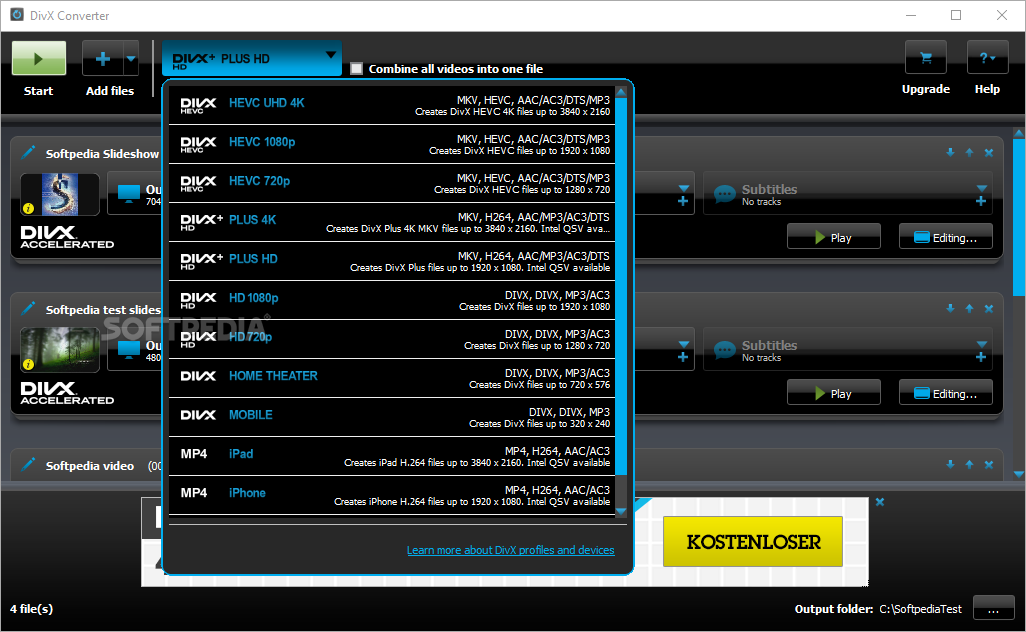
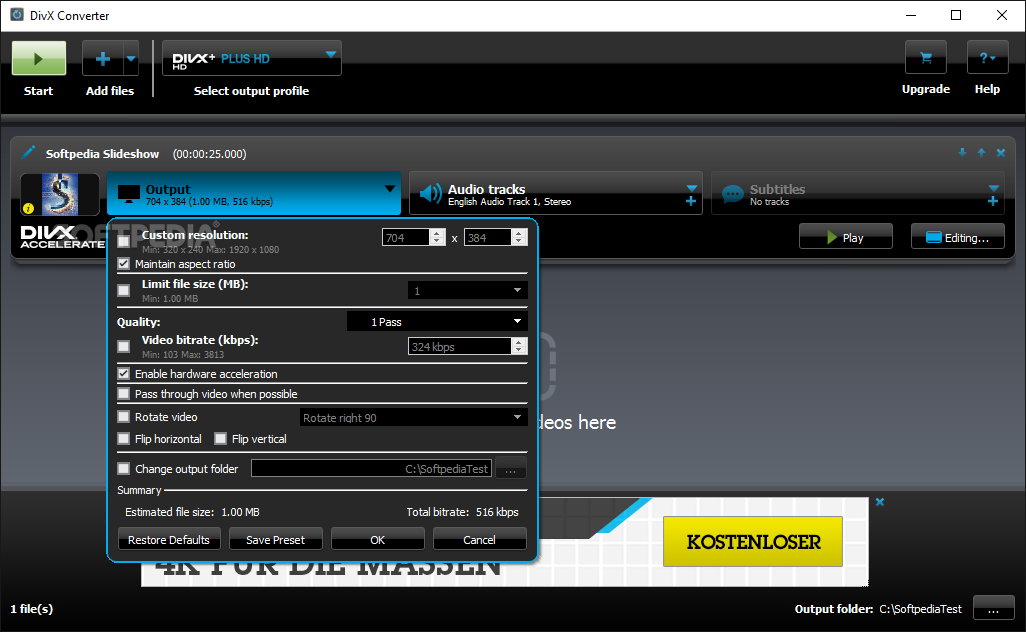
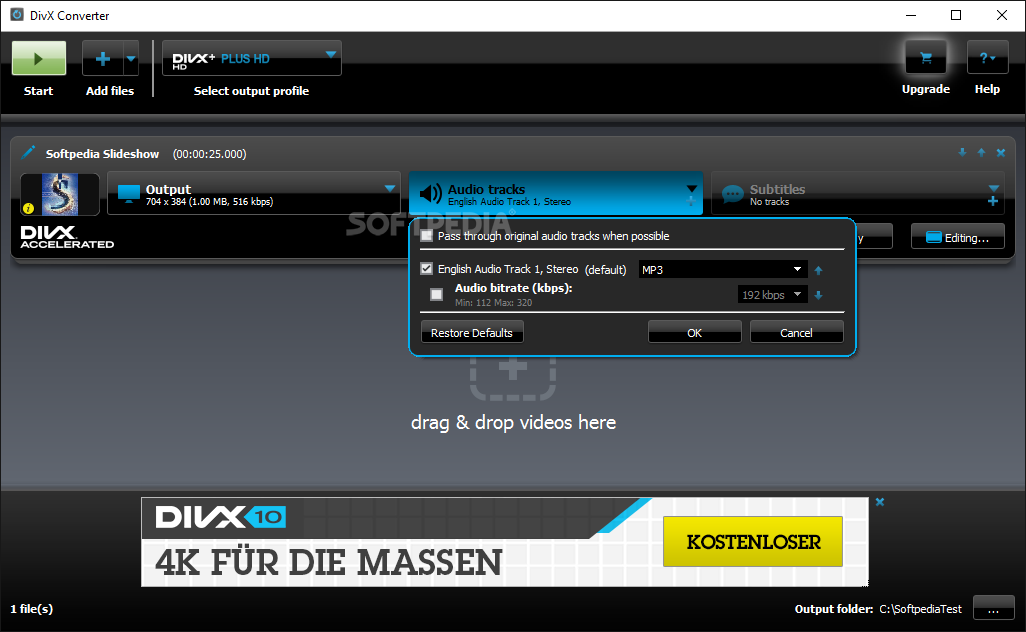
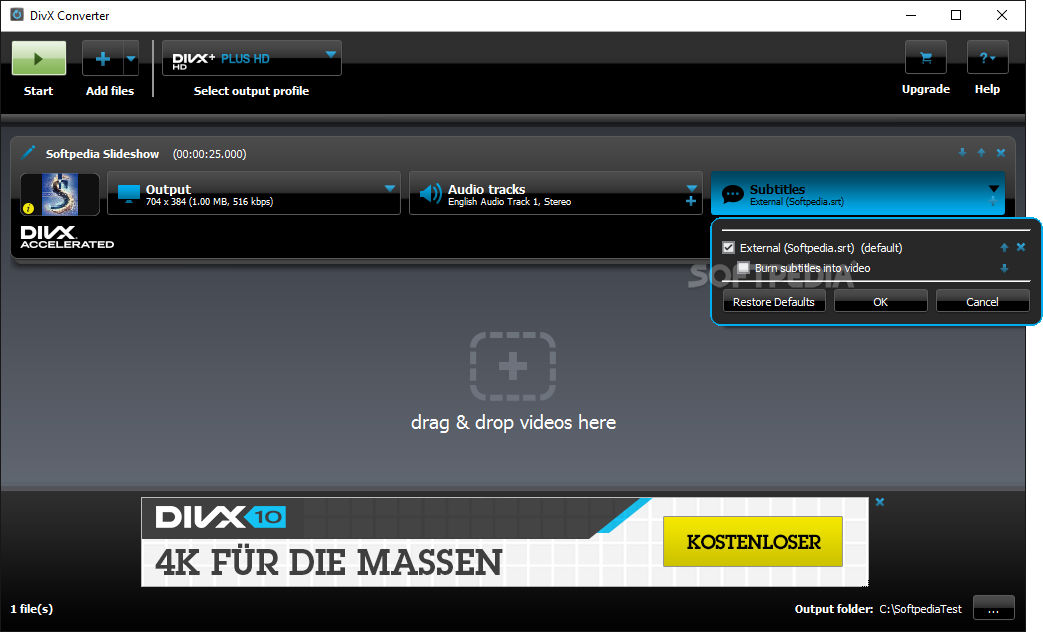
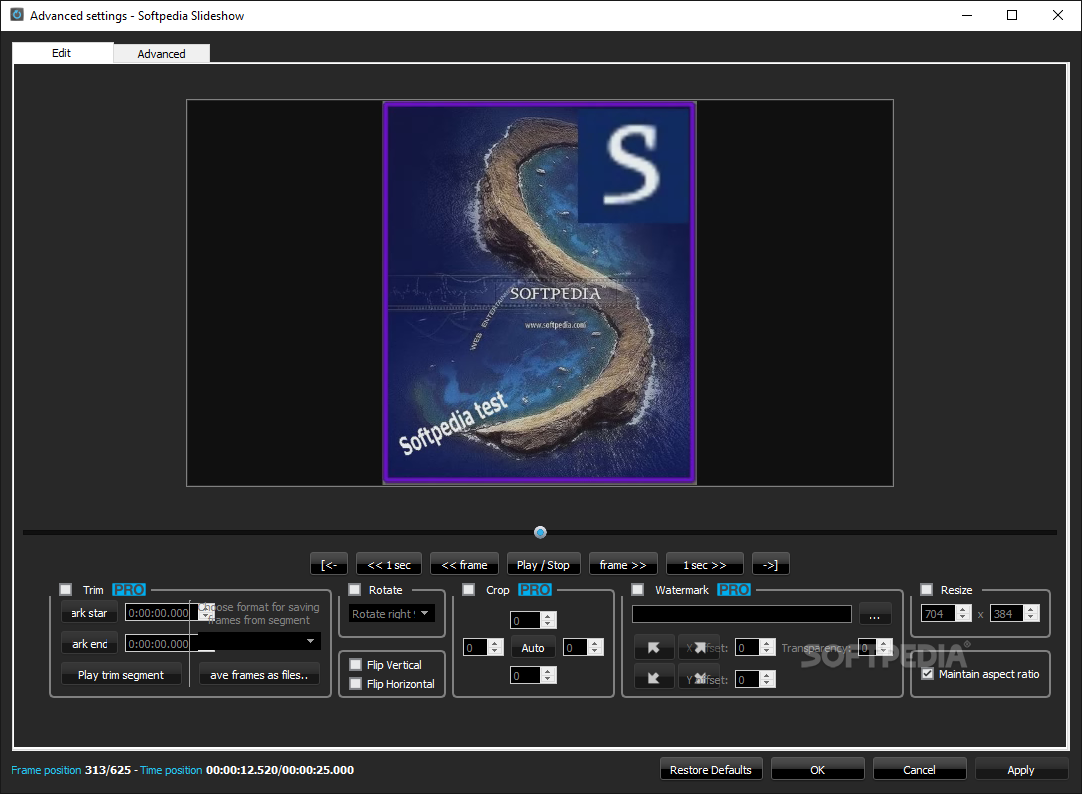
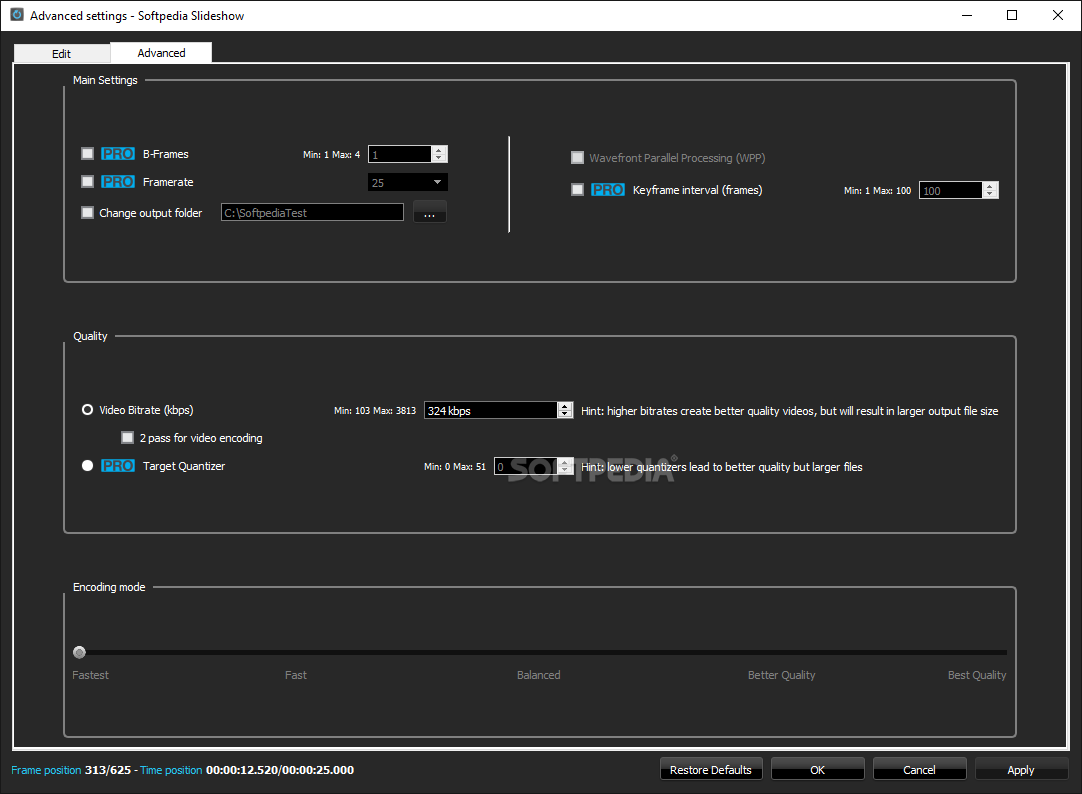
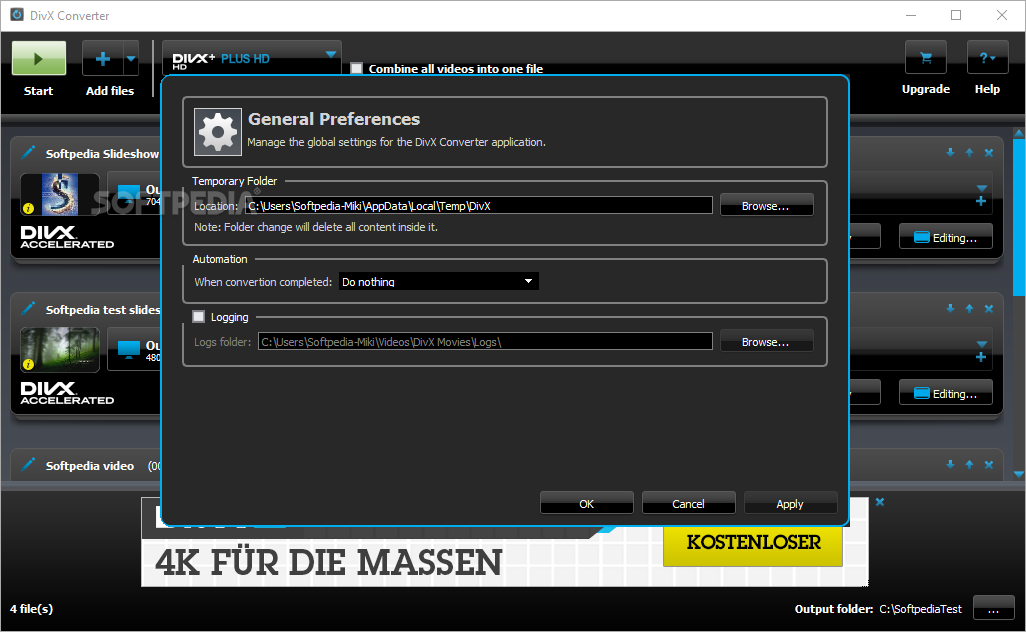
The pack also features the DivX Converter, which offers you the possibility to easily transform your media files to DivX or MKV with just a few clicks. It's really that easy to use: add or drag your files, select the desired output quality (from 320x240 to 1920x1080) and in no time at all get the DivX files you desire. Moreover, you can add or remove subtitles, combine your files in one video, limit file size, or set the video bit-rate so you get the most out of your own videos.
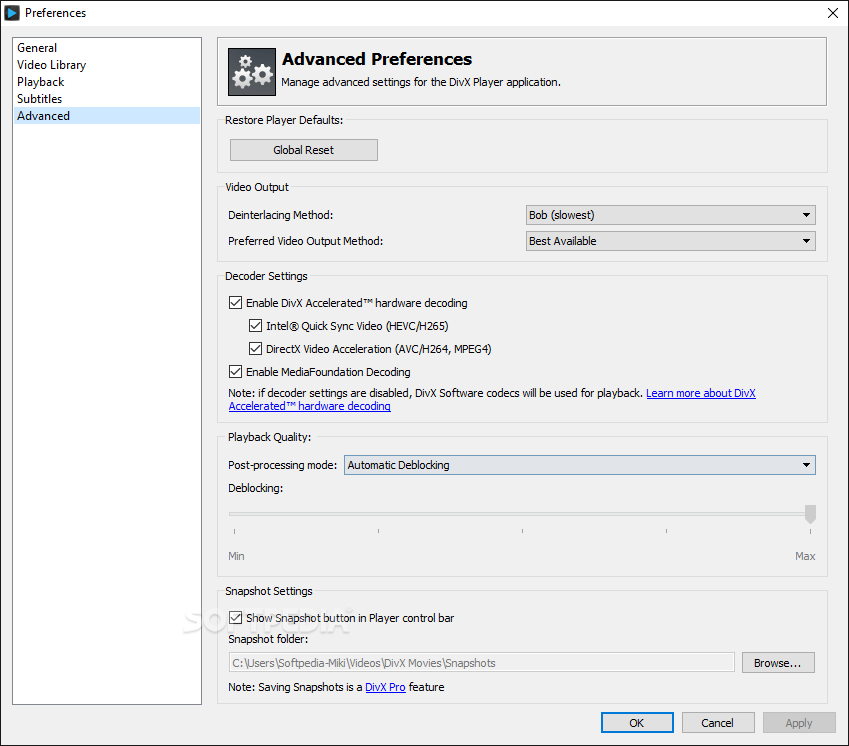
Last but not least, DivX brings to the table improved HEVC and AVC decoders that are compatible with Chroma offset and allow the playback of HEVC and AVC/H.264-encoded videos.
Download Hubs
DivX is part of these download collections: Play DVX, Open DivX, Convert DivX, Edit DivX
What's new in DivX 11.0:
- Unified software offering, combining all aspects of DivX Software (player, converter, media server and library) into one application.
- Updated design and layout for a more modern look and better usability.
- DivX Optimized uses Codec Optimization to determine the ideal audio and video codec to use for playback.
- Simple “Send to Converter” button added to videos to make it easier to convert video formats.
DivX 11.0
 Softpedia Editor's Pick
add to watchlist
add to download basket
send us an update
REPORT
Softpedia Editor's Pick
add to watchlist
add to download basket
send us an update
REPORT
- runs on:
-
Windows 11
Windows 10 32/64 bit
Windows 8 32/64 bit
Windows 7 32/64 bit
Windows Vista 32/64 bit
Windows XP - file size:
- 6 MB
- filename:
- DivXInstaller.exe
- main category:
- Multimedia
- developer:
- visit homepage
4k Video Downloader

7-Zip

Windows Sandbox Launcher

ShareX

Bitdefender Antivirus Free

Microsoft Teams

paint.net

Zoom Client

calibre

IrfanView

- Zoom Client
- calibre
- IrfanView
- 4k Video Downloader
- 7-Zip
- Windows Sandbox Launcher
- ShareX
- Bitdefender Antivirus Free
- Microsoft Teams
- paint.net