
A small tool that will help you quickly and easily view a list of all Codec drivers and DirectShow filters currently installed on your PC. #Installed Codec #Codecs list #DirectShow filter #Codec #DirectShow #Filter

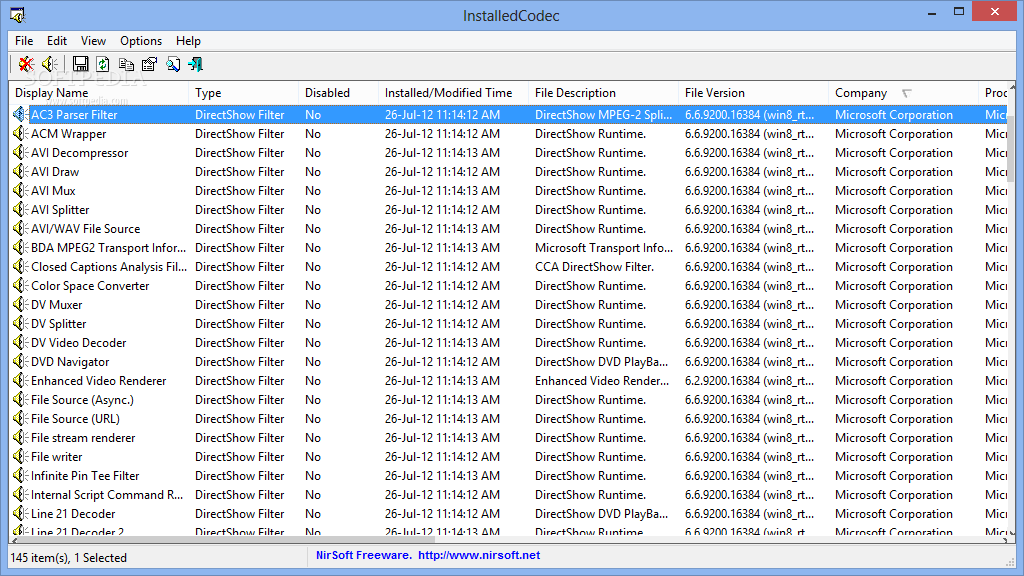
InstalledCodec is a useful Windows application that displays all codec drivers and DirectShow filters on your computer.
With a very clean and well-organized interface, InstalledCodec shows all details right in the main window, allowing users to disable a certain codec just by right clicking on a given entry.
For instance, you can see display name, type, installed and modified time, file description and version, company and product name, file size, driver key, filename only and creation date.
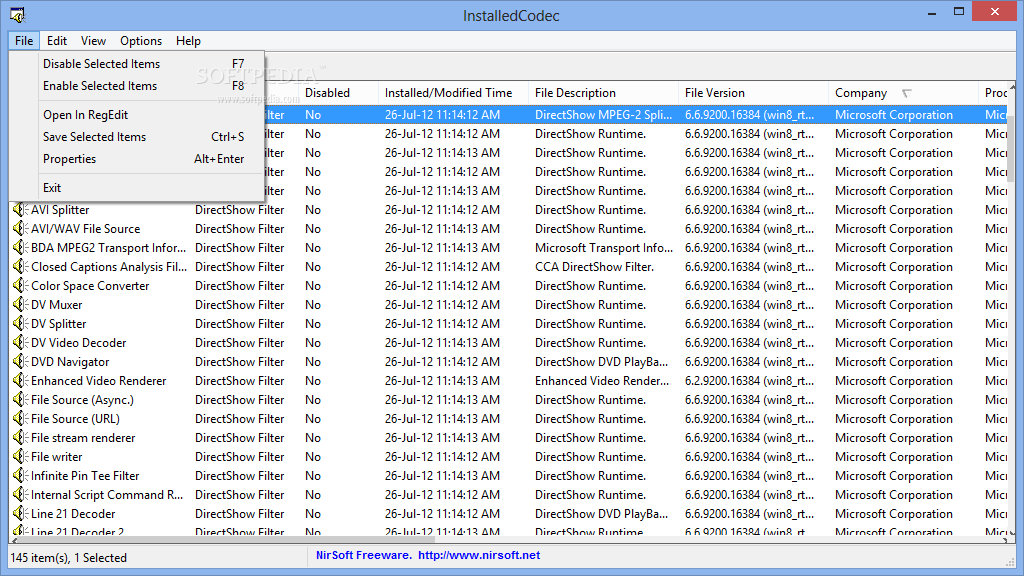
Right-clicking one of the found files lets you disable or enable the item, open it in RegEdit, save or copy the files, generate a HTML report either with the selected or all items, see properties or refresh the files.
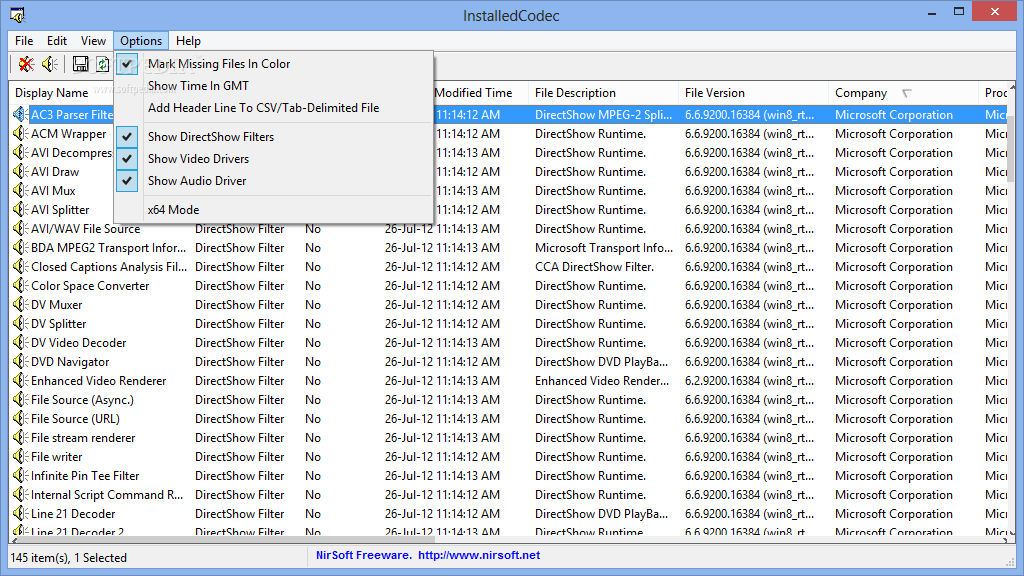
InstalledCodec automatically displays all files when you launch the application, and the “Options” menu let you pick the items you wish to view, which can be either DirectShow filters, video drivers or audio drivers.
There's no help file in the package and that may be a bit of a problem given the fact that rookies may have a hard time reading the provided information, so InstalledCodec is more like a tool appropriate for those with a bit more experience.
There's no other configuration screen and InstalledCodec works flawlessly on all Windows workstations, while remaining very friendly with computer resources all the time.
All things considered, InstalledCodec is a very simple way to view all codec files on your computer and although it may not be addressed to beginners, it's still a good thing that it provides such a user-friendly approach.
What's new in InstalledCodec 1.30:
- Added 'Auto Size Columns+Headers' option
- Added 64-bit build
InstalledCodec 1.30
add to watchlist add to download basket send us an update REPORT- runs on:
-
Windows 2003
Windows 8 32/64 bit
Windows 7 32/64 bit
Windows Vista 32/64 bit
Windows XP
Windows 2K - file size:
- 46 KB
- filename:
- installedcodec.zip


- main category:
- Multimedia
- developer:
- visit homepage
ShareX

4k Video Downloader

Context Menu Manager

Microsoft Teams

Bitdefender Antivirus Free

IrfanView

calibre

Windows Sandbox Launcher

Zoom Client

7-Zip

- Windows Sandbox Launcher
- Zoom Client
- 7-Zip
- ShareX
- 4k Video Downloader
- Context Menu Manager
- Microsoft Teams
- Bitdefender Antivirus Free
- IrfanView
- calibre