
Contains nearly all known codecs that are specially optimized for Windows 7, 8 and 10 in order to fully enjoy your favorite movies and music. #Codec Pack #Video Codec #Media Player Codec #Codec #Stream #Media Player

A lot of people use their computer to play music or watch movies, but occasionally these come in formats that are not natively supported by Windows, so specialized codecs are required. For instance, users can rely on Advanced Codecs for Windows 7 / 8.1 / 10 to make sure they can play a wide range of multimedia files without needing any additional apps.
If users are familiar with codecs and they are confident they can identify the ones they require, they can choose the Custom installation mode. On the other hand, beginners are strongly advised to go with the Complete mode and install all the available codecs otherwise they might overlook important ones.
Another aspect worth mentioning about Advanced Codecs for Windows 7 / 8.1 / 10 is that the Complete mode automatically removes other codec packs that might have been previously installed onto the host computer to avoid any conflict.
Advanced Codecs for Windows 7 and 8 can be used by all those who want to be able to play MKV, MKA, RMVB, Xvid, AMR, MPC, OFR, DivX, APE, FLAC, OGG, OGM, OGV, EVO, FLV or M4B, using only the Windows Media Player integrated within the OS (other players can also be used, so one can choose the playback app they like best).
After installing Advanced Codecs for Windows 7 / 8.1 / 10, users who prefer MKV over other formats are able to get a glimpse of the contents of their files due to the displayed thumbnails – they are also created for other non-native formats, such as FLV.
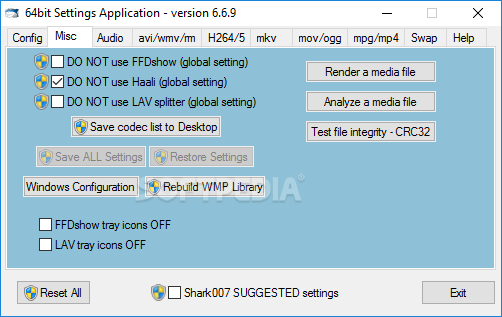
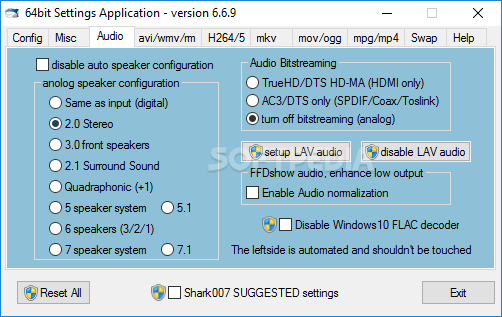
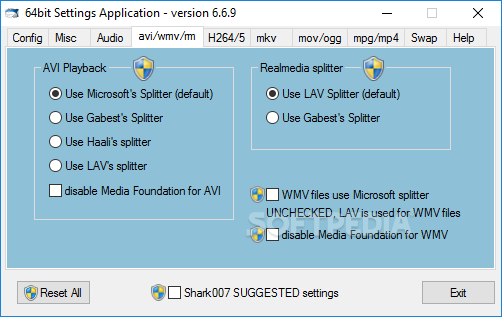
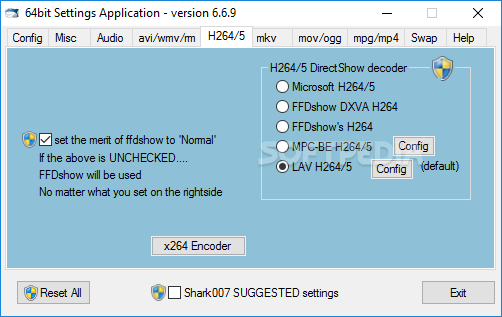
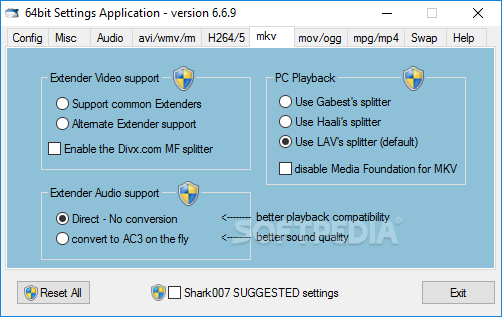
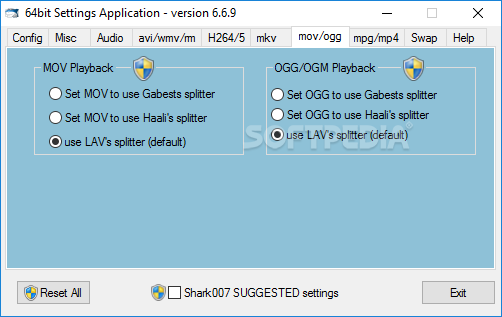
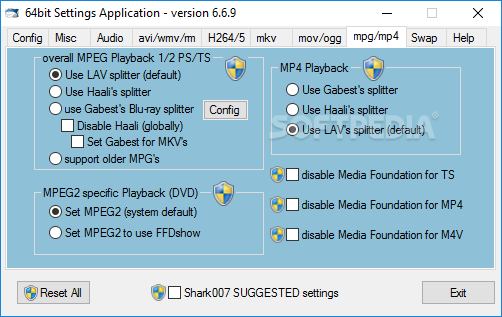
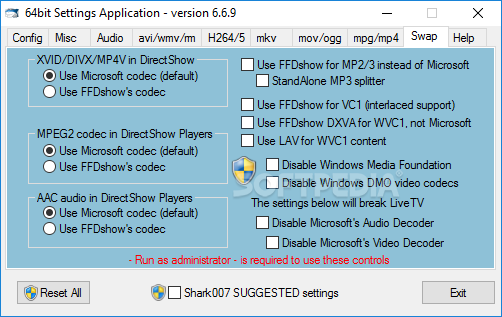
Those who like to have complete control over the applications installed on their computer can disable various codecs and enable them at a later time via an intuitive tabbed interface.
It needs to be mentioned that Advanced Codecs for Windows 7 / 8.1 / 10 can be installed on all editions of Windows 7 and 8, be they x86 or x64 systems.
Taking everything into consideration, we can say that Advanced Codecs for Windows 7 / 8.1 / 10 is one of those applications that should be on the list of top priorities after a fresh setup of an operating systems. Available codecs have you worry about compatibility issues no more, as well as the possibility to adjust them for additional quality.
Advanced Codecs for Windows 10 / 11 16.5.0
add to watchlist add to download basket send us an update REPORT- PRICE: Free
- runs on:
-
Windows 11
Windows 10 - file size:
- 54.6 MB
- filename:
- ADVANCED_Codecs_v1650.exe
- main category:
- Multimedia
- developer:
- visit homepage
Zoom Client

4k Video Downloader

Windows Sandbox Launcher

Bitdefender Antivirus Free

7-Zip

ShareX

IrfanView

calibre

Microsoft Teams

Context Menu Manager

- calibre
- Microsoft Teams
- Context Menu Manager
- Zoom Client
- 4k Video Downloader
- Windows Sandbox Launcher
- Bitdefender Antivirus Free
- 7-Zip
- ShareX
- IrfanView