
Convert all media formats to AVI, DIVX, RMVB, 3GP, MP4, WMV, VCD, DVD, SVCD, MPEG1, MPEG2 with this useful conversion software app. #Video convert #Convert video #Video capture #Converter #Convert #Conversion


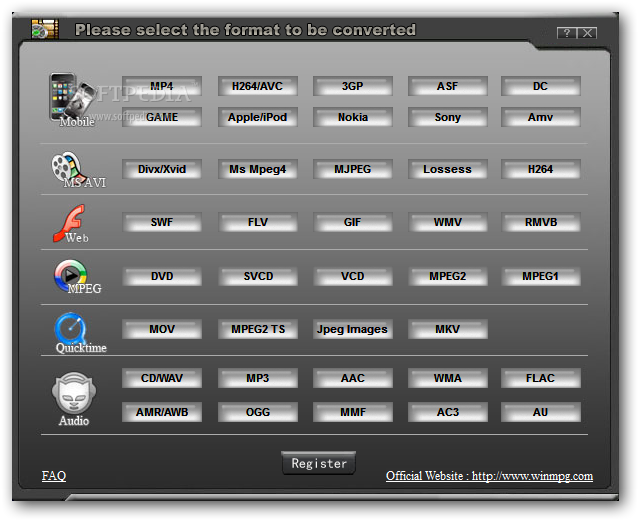
WinMPG Video Convert enables you to encode videos of various formats. It supports many extensions, including 3GP, MP4, ASF, WMV, AVI, XVID, DIVX, FLV and MKV.
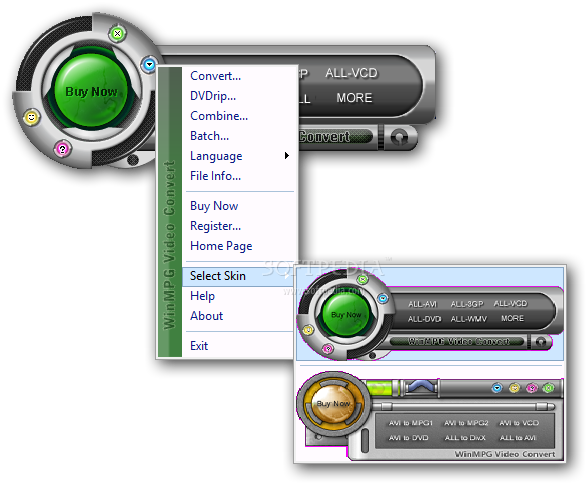
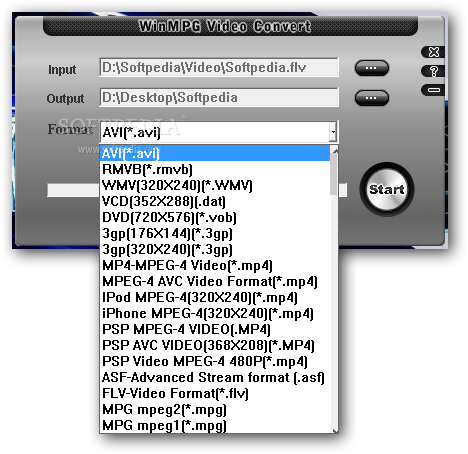
The program's interface is ultra clean. There are two skins available, and you have quick access to the AVI, DVD, 3GP and VCD formats in the main menu, but you can also open a window to choose different extensions. Plus, batch conversion is supported.
There is even an option to convert a video file to JPEG images. Before you play with it, we warn you that this creates one JPEG image for every frame of the video file (do not follow our steps and choose the desktop as the destination directory - it is painful to watch).
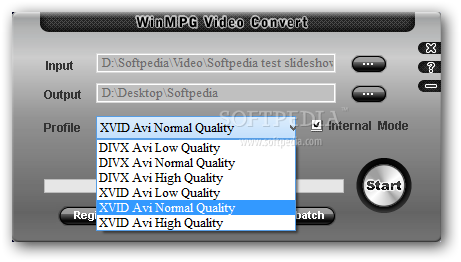
You can set the profile for each video format. For example, if you want to convert to AVI, you can choose DIVX Avi or XVID Avi (both in low, normal or high quality).
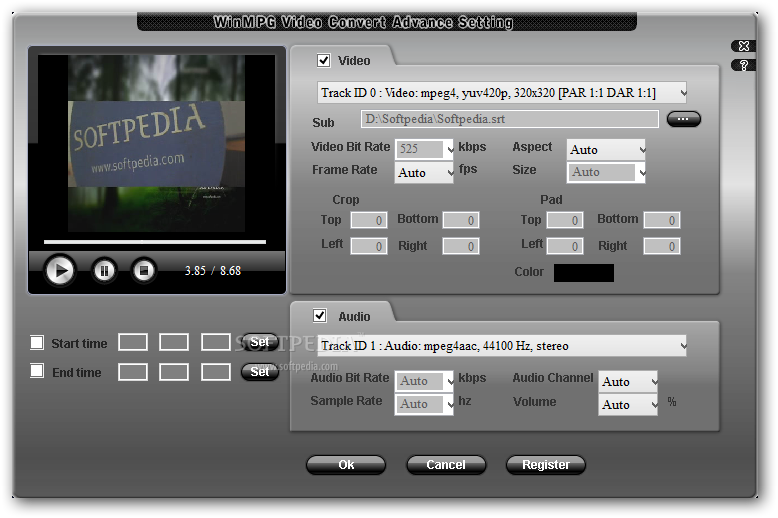
You can merge two or more files (even of different formats), and set the output format to ASF or WMV. Configure video bitrate, frame rate, audio bitrate, sample frequency, aspect ratio, size, audio channel, and volume. Plus, you can also convert a DVD directly from the DVD drive.
We put several video formats to the test. A conversion task does not take too much time to finish, but WinMPG Video Convert does not maintain the image quality in some formats. At least it uses a normal amount of system memory, and its help file is well-drawn (it contains snapshots).
Plus, the "Combine" feature sometimes causes the software to crash. It happened to us when we tried to merge an ASF and a MPEG file to create a WMV.
WinMPG Video Convert is a decent tool for converting video files, but it definitely needs some major improvements, whether we are talking from the point of view of the interface, user navigation, or functionality.
WinMPG Video Convert 9.2.1.0
add to watchlist add to download basket send us an update REPORT- runs on:
-
Windows 10 32/64 bit
Windows 8 32/64 bit
Windows 7 32/64 bit
Windows Vista 32/64 bit
Windows XP 32/64 bit
Windows 2K - file size:
- 18.2 MB
- filename:
- WinMPG_VideoConvert.zip
- main category:
- Multimedia
- developer:
- visit homepage
ShareX

4k Video Downloader

paint.net

IrfanView

Microsoft Teams

7-Zip

calibre

Bitdefender Antivirus Free

Windows Sandbox Launcher

Zoom Client

- Bitdefender Antivirus Free
- Windows Sandbox Launcher
- Zoom Client
- ShareX
- 4k Video Downloader
- paint.net
- IrfanView
- Microsoft Teams
- 7-Zip
- calibre