Softpedia
 

WINDOWS CATEGORIES:


GLOBAL PAGES >>
SOFTPEDIA REVIEWS >>
MEET THE EDITORS >>
WEEK'S BEST
  • Bitdefender Total ...
  • Ocster Backup Pro ...
  • Hard Disk Sentinel...
  • FlashFXP [DISCOUNT...
  • DVDFab DVD Copy [D...
  • Kaspersky Internet...
  • Avast! Internet Se...
  • Avira Internet Sec...
  • Webroot SecureAnyw...
  • McAfee Total Prote...
  • Home > Windows > Multimedia > Video > Encoders/Converter/DIVX Related
     Report malware

    Aimersoft DVD to Mobile Devices Converter 2.2.0.27

    download button buy button

    Downloads: 2,184  Tell us about an update
    User Rating:
    Rated by:
    Good (3.5/5)
    31 user(s)
    Developer:

    License / Price:

    Size / OS:

    Last Updated:

    Category:

    Trial / $29.00 USD buy button
    5.7 MB / Windows All
    [view history]
    C: \ Multimedia \ Video \ Encoders/Converter/DIVX Related

     Read user reviews (0)  Send to friend   Follow (0 users)

    Softpedia Editor's Review for Aimersoft DVD to Mobile Devices Converter

    EDITOR'S RATING:   3.0/5

    The most powerful DVD Converter for Mobile devices.

    Written by Elena Opris on November 7th, 2012

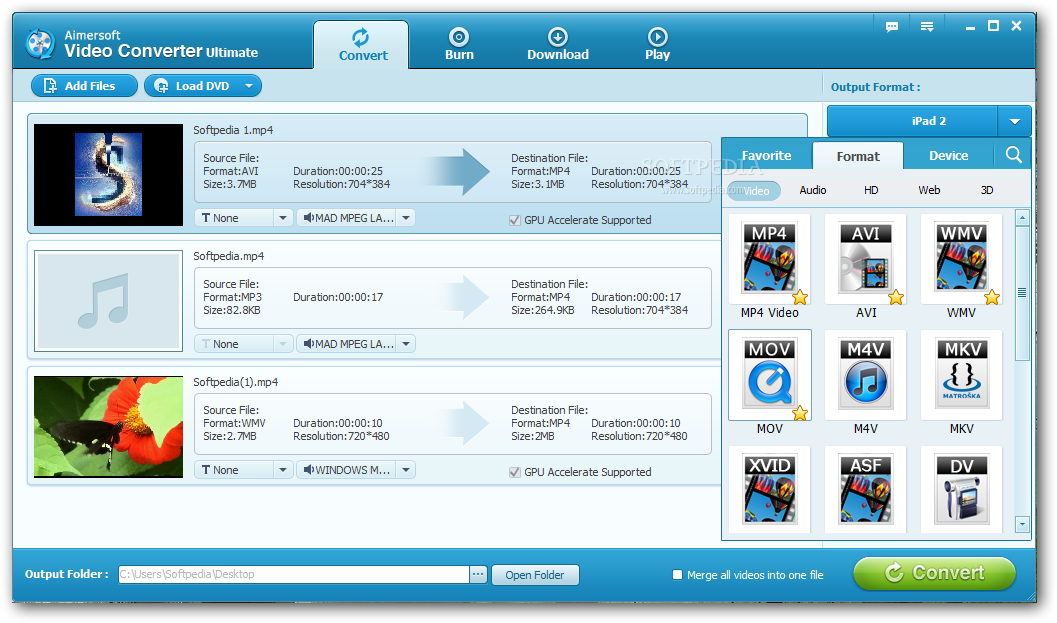
    As the name of this program suggests, Aimersoft DVD to Mobile Devices Converter allows you to prepare DVD videos for mobile phones, such as Nokia, BlackBerry and Sony Ericsson. But it can also convert items to common audio and video formats, namely MOV, AVI and MP3.

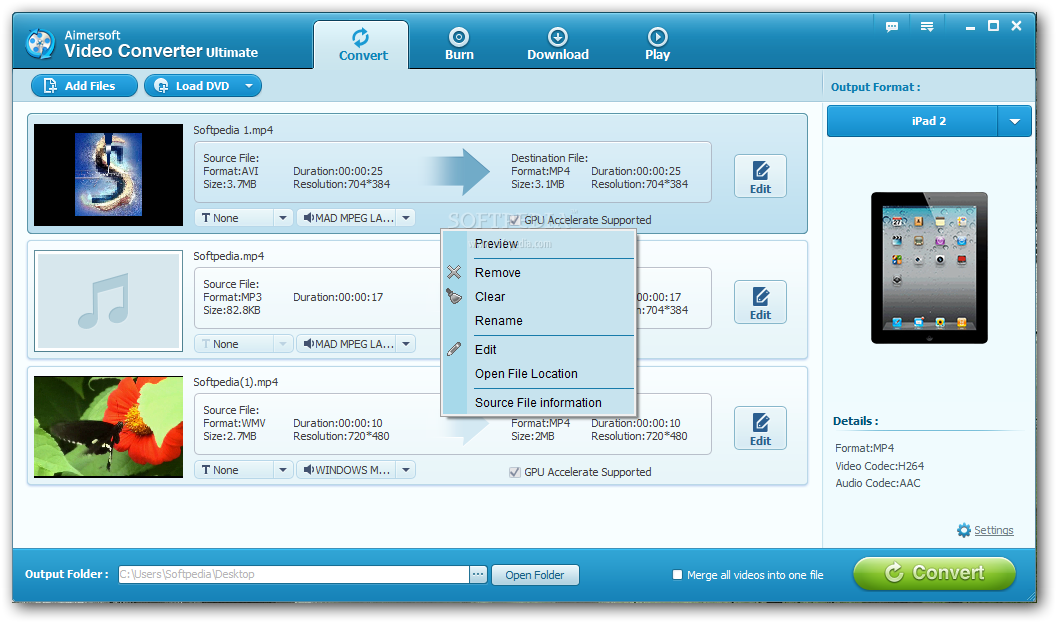
    The tool is wrapped in a user-friendly interface. You can load a DVD folder, ISO or IFO file by using the file browser or tree view ("drag and drop" is not supported). Unfortunately, you cannot process more than a DVD in one session.

    So, you can check out the source, original and default cut length, along with the estimated size and destination of the DVD and its chapters. After you establish the output directory and file type, you can start the conversion task with the default settings.

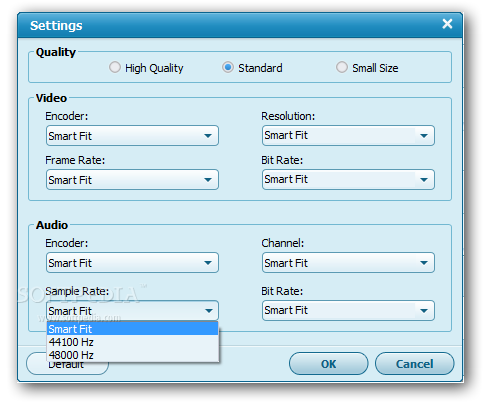
    But you can also configure audio and video settings when it comes to the encoder, resolution, bit rate, channel mode and sample rate. These preferences can be saved to a new profile or restored to their default values.

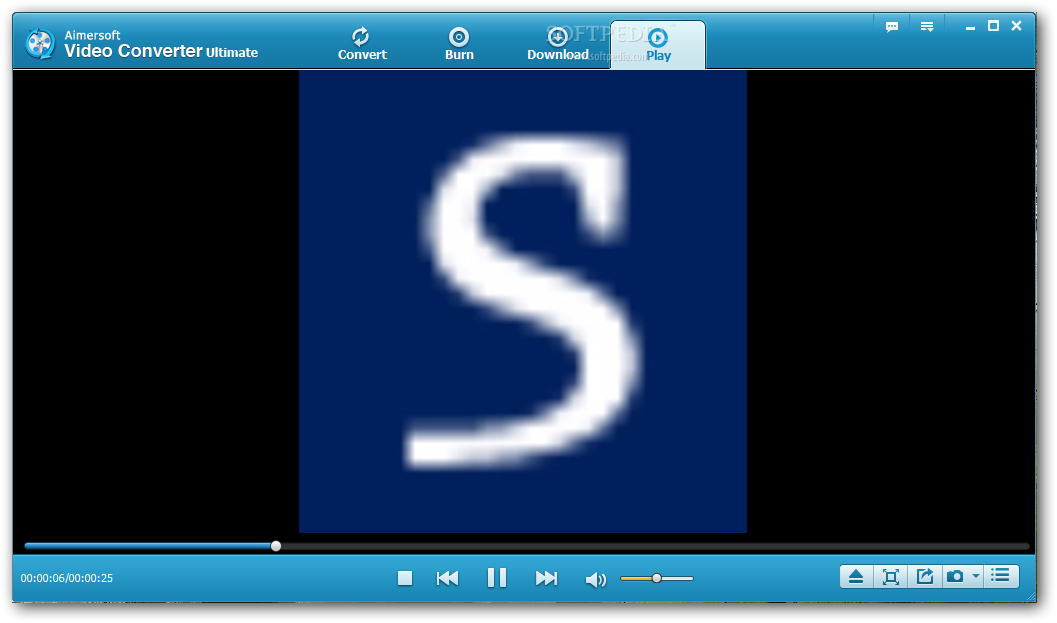
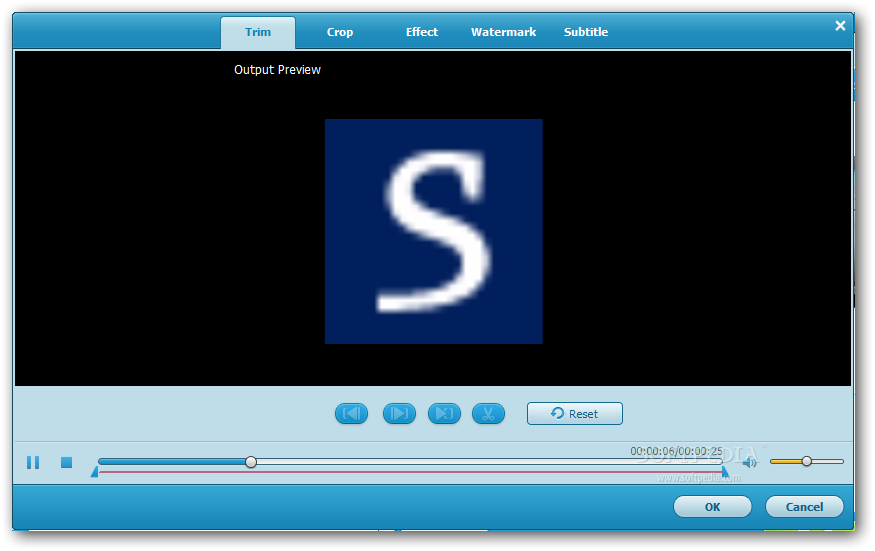
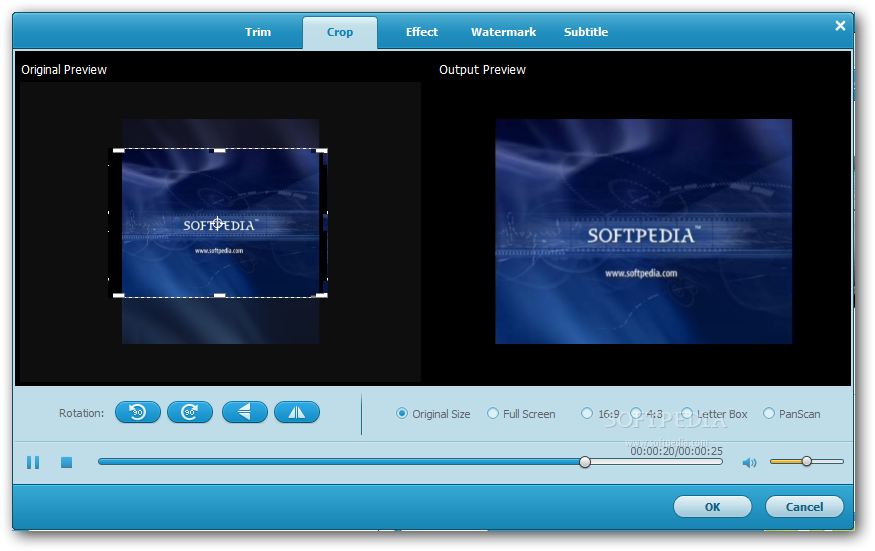
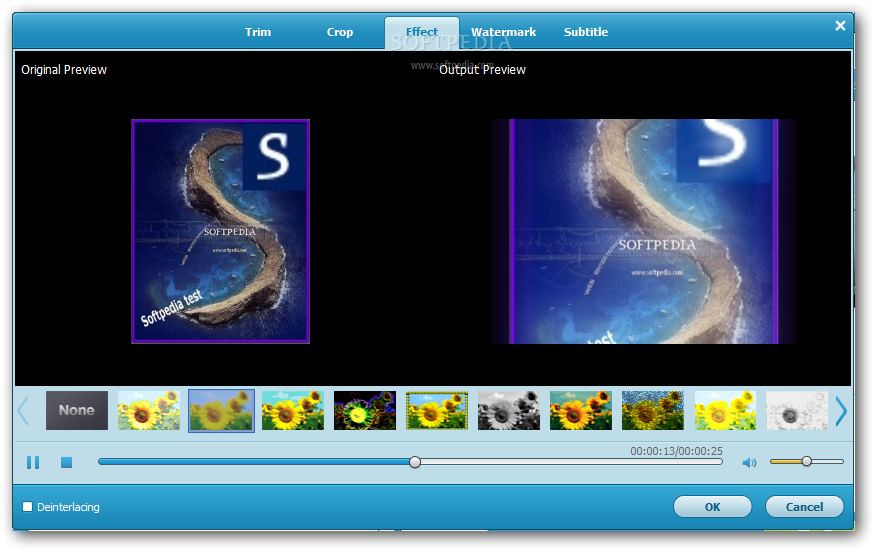
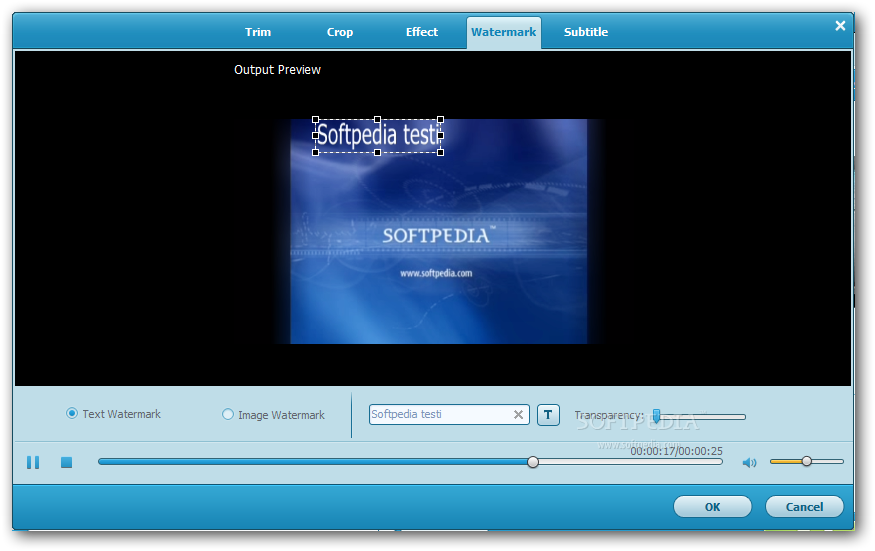
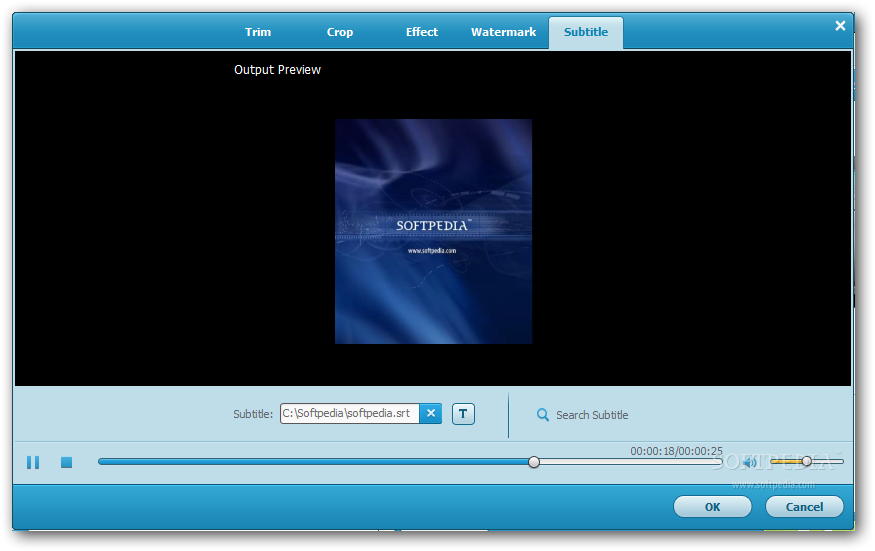
    Moreover, you can preview clips in a built-in media player and take BMP or JPG snapshots, as well as merge and crop videos. But you can also trim them by time or DVD chapters, adjust the image (e.g. contrast, emboss), apply watermarks (text or picture) and load subtitles.

    Plus, you can select the audio track and subtitle language. While Aimersoft DVD to Mobile Devices Converter is busy with a task, you can set it to power off the system or to open the destination directory when it finishes.

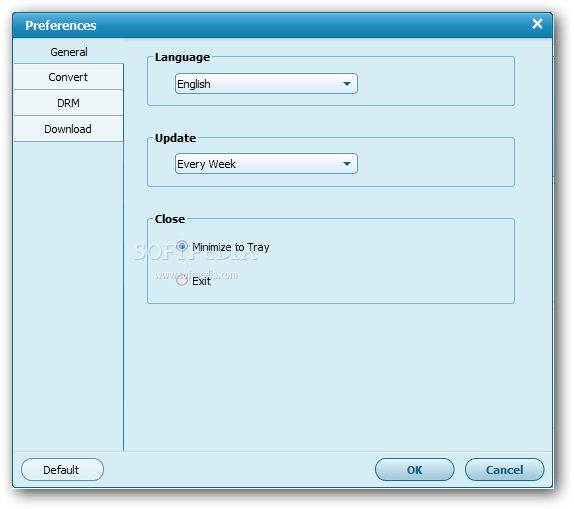
    The "Options" area allows you to change the interface language along with the snapshot directory and format, as well as to schedule the tool for automatic update checkups.

    The DVD ripping tool requires a moderate-to-high amount of system resources to finish a task briefly. It has a good response time and delivers a fair image and sound quality. However, you cannot specify the thread priority or minimize Aimersoft DVD to Mobile Devices Converter to the system tray.

    Aimersoft DVD to Mobile Devices Converter description

    Here are some key features of "Aimersoft DVD to Mobile Devices Converter":

    · Support all common video formats: Rip DVD to AVI, MPEG, MP4, 3GP, etc. with super fast speed and high quality.
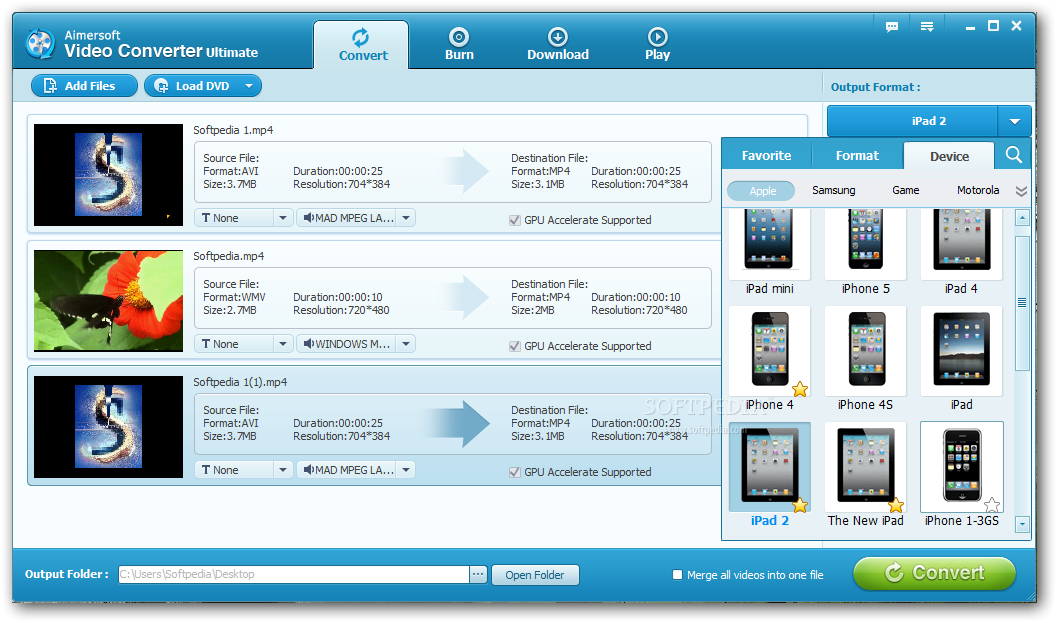
    · Fully supports all cell phone of brands such as Nokia, Sony Ericsson, Motorola, Samsung, LG, etc.
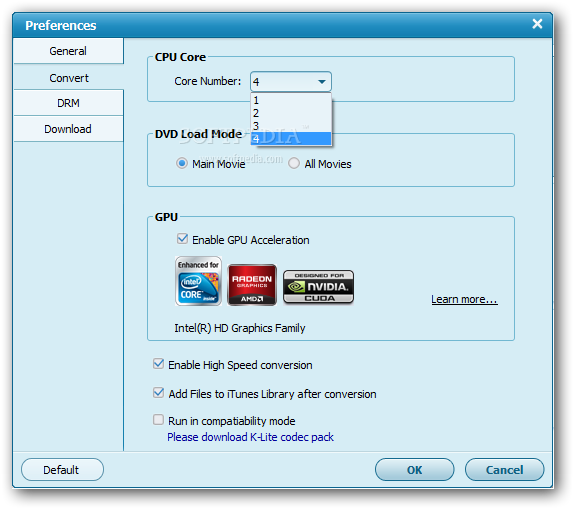
    · Fully supports dual-core and multi-threading, convert DVD to mobile devices with super fast speed.
    · Powerful Video editing, allow you to adjust brightness, contrast, volumn, etc, .And check the audio track or caption of videos as you like to convert DVD to mobile devices.
    · Support video Trimming and Cropping, set the start and end of the DVD movie to get your desired segment. Cut off the redundant part such as the black borders of DVD movie, enjoy your DVD movie with full screen.
    · Fully supports Windows Vista, convert DVD to mobile devices with great stabilization.
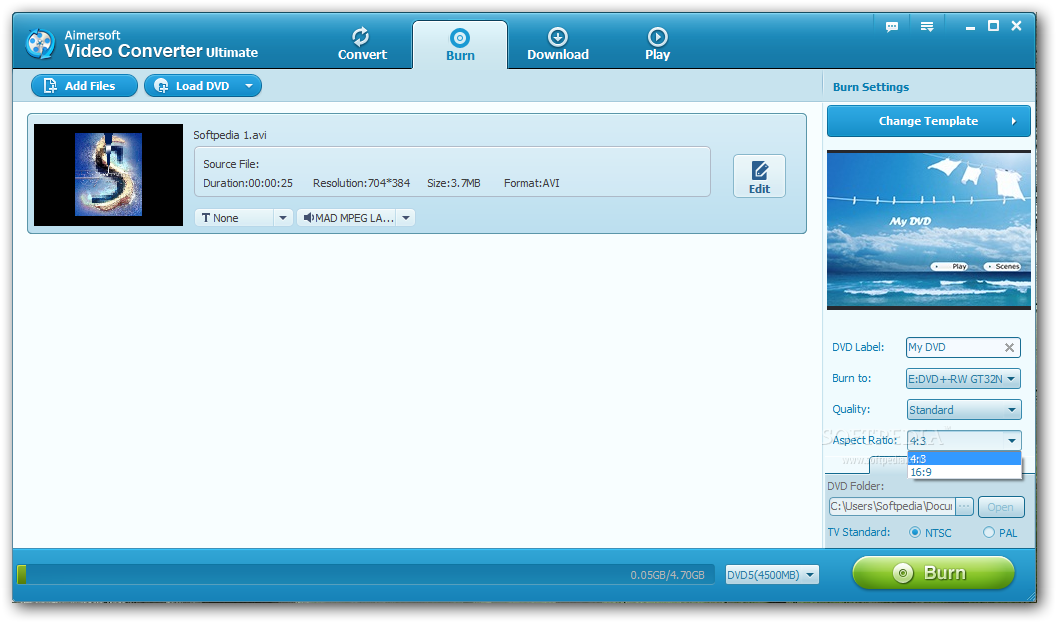
    · Rich options for setting, high level customization let you convert your DVD to mobile devices with your desire resolution, frame rate, video bit rate and sample rate. Fully support PAL and NTSC TV mode.
    · The DVD to mobile devices Converter allows you to select target subtitle and audio track.
    · User-friendly UI with "easy" procedures, just a few clicks is enough to convert DVD to mobile devices.
    · Free online and e-mail technical support, provide the best and quick service for you.

    Requirements:

    · Intel or AMD processor, 1GHz or above
    · QuickTime 7.0 or above
    · Windows Media Player
    · DirectX 9.0 or above
    · 256 MB of RAM (512 MB Recommended)

    Limitations:

    · 30 days trial period
    · Watermark on the output video or the output audio will be limited to 3 minutes
    · Nag screen

    What's New in This Release: [ read full changelog ]

    · Optimized basic codec system.
    · Support importing ISO file.
    · Two real time preview windows can realize what you see is what you get.
    · Support playing with full screen in main interface.
    · Added the functions to categorize, save, rename and delete profiles.
    · Added function to customize watermark for video file.
    · Added the "apply to all" function to apply a profile to all selected DVD chapters/titles.
    · Optimized the interface, more convenient for users to operate.

     Softpedia guarantees that Aimersoft DVD to Mobile Devices Converter 2.2.0.27 is 100% CLEAN, which means it does not contain any form of malware, including spyware, viruses, trojans and backdoors. [read more >]


    TAGS:

    DVD to Mobile | dvd converter | dvd encoder | converter | encoder | convert

    Go to top

    WindowsGamesDriversMacLinuxScriptsMobileHandheldNews

    SUBMIT PROGRAM   |   ADVERTISE   |   GET HELP   |   SEND US FEEDBACK   |   RSS FEEDS   |   UPDATE YOUR SOFTWARE   |   ROMANIAN FORUM