Softpedia
 

WINDOWS CATEGORIES:


GLOBAL PAGES >>
SOFTPEDIA REVIEWS >>
MEET THE EDITORS >>
WEEK'S BEST
  • Bitdefender Total ...
  • Ocster Backup Pro ...
  • Hard Disk Sentinel...
  • FlashFXP [DISCOUNT...
  • DVDFab DVD Copy [D...
  • Kaspersky Internet...
  • Avast! Internet Se...
  • Avira Internet Sec...
  • Webroot SecureAnyw...
  • McAfee Total Prote...
  • Home > Windows > Multimedia > Video > Encoders/Converter/DIVX Related
     Report malware

    GOM Video Converter 1.1.0.58

    download button buy button

    Part of the Convert FLV download hub (+14 others)
    Downloads: 64,671  View global page  Tell us about an update
    User Rating:
    Rated by:
    Good (3.6/5)
    70 user(s)
    Developer:

    License / Price:

    Size / OS:

    Last Updated:

    Category:

    Ad-supported / $34.95 USD buy button
    10.9 MB / Windows XP / Vista / XP 64 bit / Vista 64 bit / 7 / 7 64 bit / 8 / 8 64 bit
    [view history]
    C: \ Multimedia \ Video \ Encoders/Converter/DIVX Related

     Read user reviews (2)  Send to friend   Follow (6 users)

    Softpedia Editor's Review for GOM Video Converter

    EDITOR'S RATING:   4.0/5

    Rapidly encode/convert AVI, MP4, WMV, FLV and OGM video files

    Written by Elena Opris on December 11th, 2012

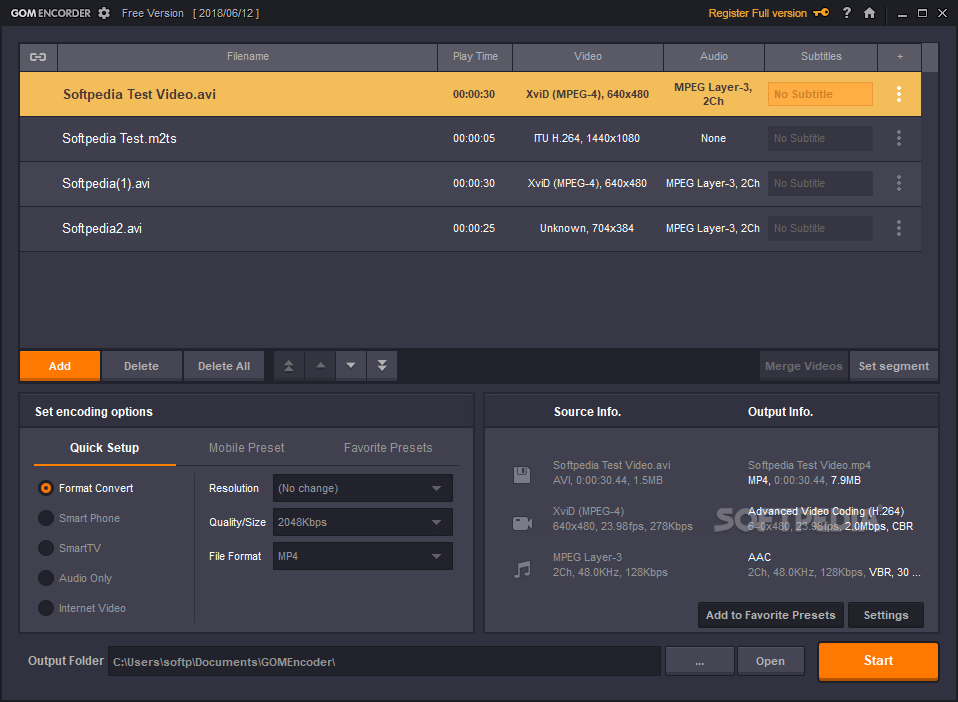
    GOM Video Converter is a tool that can encode various video formats to AVI, MP4, WMV, FLV and OGM files.

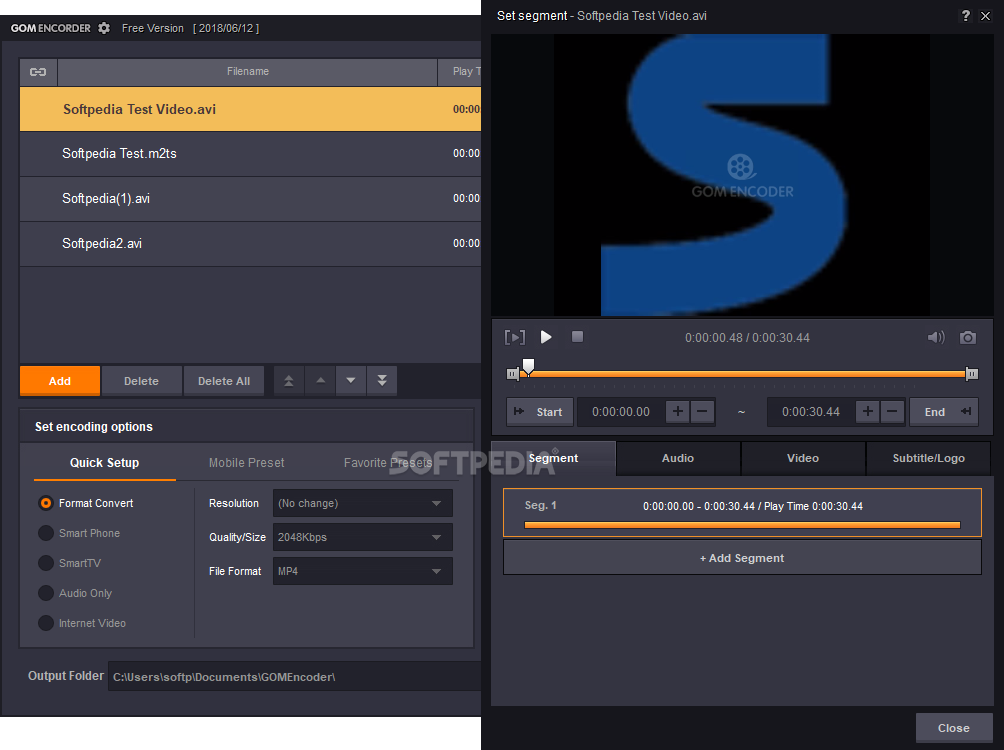
    After a brief installation in which you can enable the program to download some codecs, you have to select presets every time you initiate the application (e.g. Apple, Sony, Android, Blackberry, Microsoft).

    You can add one or more files (batch conversion is supported), configure output format and settings, set the output destination, and start converting.

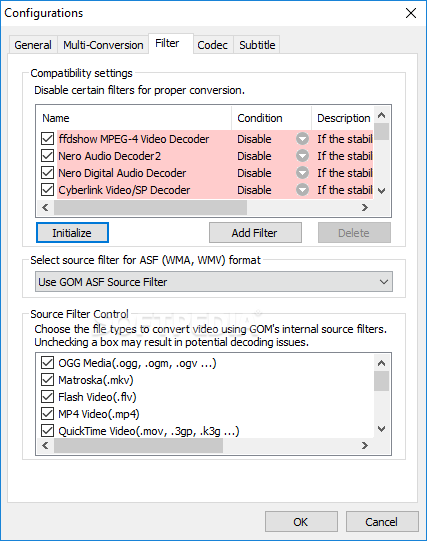
    However, if you add an unsupported format to the list, the program will crash. It happened when we tried converting a RM file.

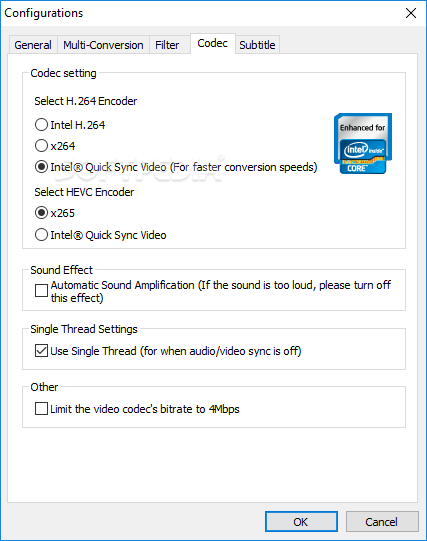
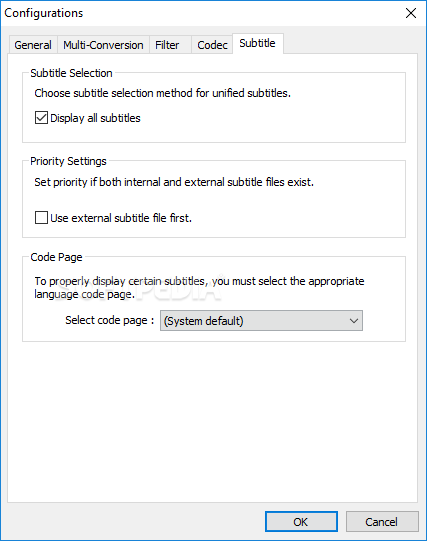
    You can configure output settings for the video codec (codec name, bitrate, key frame interval, video quality, resize filter), audio codec (codec name, format), video (size, ratio, frame, color settings, video effects), audio (sample rate frequency, normalizer), subtitles (font, color, position), but you can also attach a logo to the video and set its start and end point, transparency level, position and size.

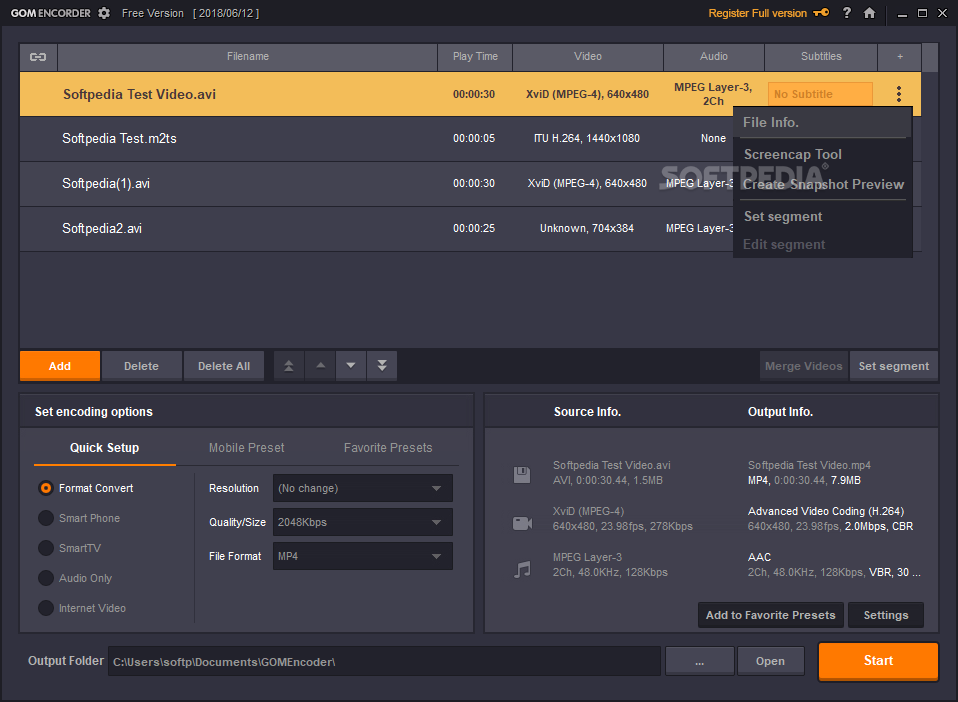
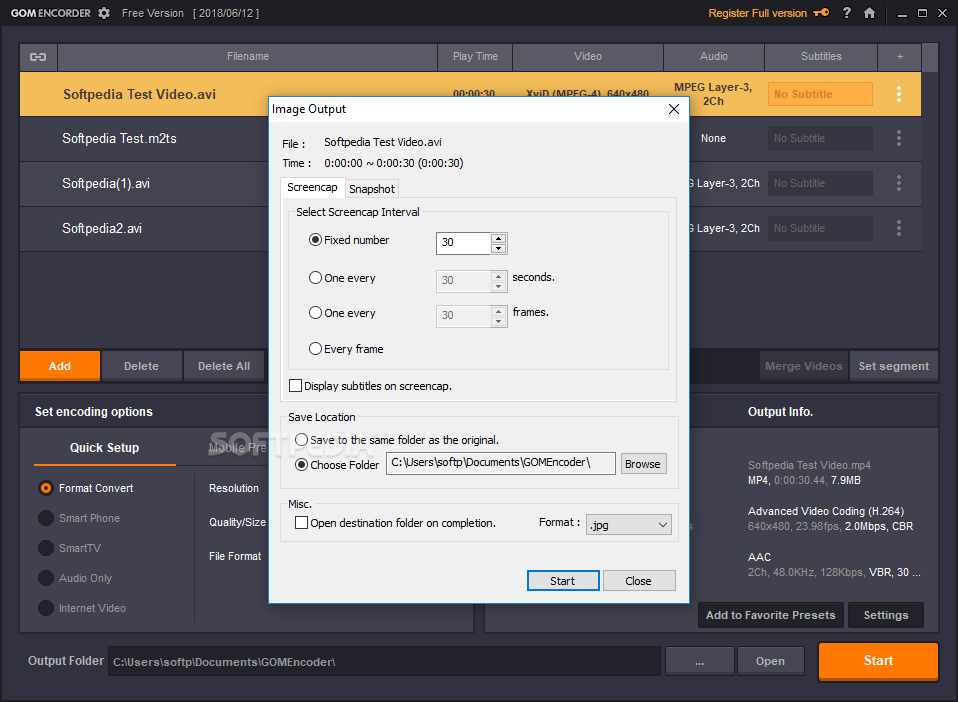
    In addition, you can merge videos, use a screencap tool or create a snapshot preview (by using the right-click menu), but you can also extract audio from a video file (by setting the output type to MP3 or AAC in Output Settings).

    The encoding process does not take very long - it depends on the source file size and output format. For example, GOM Video Converter managed to encode a 107MB FLV file to a 172MB AVI file in one minute and thirty-eight seconds (by using the default settings).

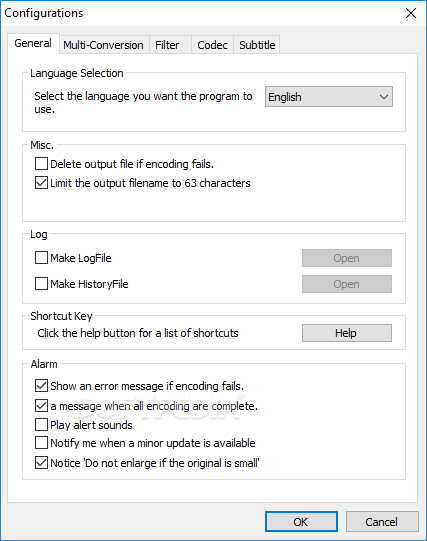
    While the software is converting a file, you can view elapsed and remaining time, conversion speed, set GOM Video Converter to move or copy the output file to a specified directory, shutdown PC, minimize to tray, show an error message if conversion fails, show a message when all conversions are complete, and more.

    The bottom line is that GOM Video Converter is a great tool for encoding, merging video files, and extracting audio from them. The features could have been more organized for faster and better understanding of its usage.

    GOM Video Converter description

    Here are some key features of "GOM Video Converter":

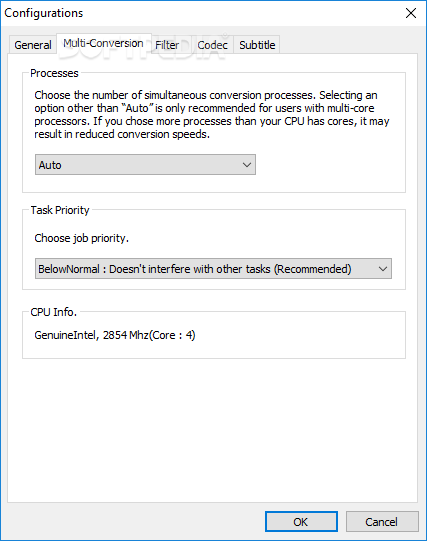
    · Users with multi-core processors can convert multiple files simultaneously (multi-conversion).
    · Screencap function lets you capture still images from video files.
    · Snapshot Preview function lets you create a preview image compiled from still images taken from various points in the video.
    · Merge function allows two or more video or audio video files to be combined into a single file.
    · Preset Output Settings to make converting for specific devices easier.
    · Segment video and audio files and convert only the desired sections.
    · Convert audio from videos or various music files into MP3 or AAC.
    · Use the DSC (Direct Stream Copy) function to change the container of your video without altering the format.
    · Create Music Wallpapers [Still Image (JPG or BMP) + Audio]
    · Output subtitle files (.srt/.smi)
    · Output Closed Caption with subtitle files (.srt/.smi) when converting to MP4.
    · Split Video function allows a file to be separated into two or more files.
    · Adjust brightness, contrast, hue, and saturation.
    · Apply Video Effects (Deblock / Smoothen / Sharpen / Deinterlace / Flip Vertically / Flip Horizontally).
    · Output a thumbnail file.
    · Embed a personal Logo or watermark on converted videos.
    · Play speed change function support.
    · Create high quality videos with 2PASS encoding.

    Requirements:

    · Pentium 4 processor or greater
    · 128MB RAM or higher
    · 30MB of disk space

    Limitations:

    · A working internet connection is required every time you run the trial version.
    · A GOM Video Converter watermark will be embedded on all videos converted with the trial version.
    · The function enabling users to split files based on a percentage of time is unavailable.
    · The bit rate is locked at 128kbps when converting files into the MP3 format.
    · The option enabling users to create an MP3 file when converting to the AVI or FLV format is unavailable.
    · Nag screen

    What's New in This Release: [ read full changelog ]

    · Rotation and Flip effects can now be applied while the output size setting is set to "(No Change)".
    · Improved support for FLV files.
    · Added support for 10bit AVC files (H.264 High 10 profile)
    · Corrected an issue where the MPEG source filter could not properly recognize frame rates and/or playback time for some TS and VOB files.
    · Improved support for MTS files recorded with digital cameras.
    · Corrected various issues related to the merge feature.
    · Corrected an issue related to the "Create a MP4 file playable on PSP" option.
    · Corrected an issue where segments were not being applied properly to MP3 files.
    · Corrected segment setting issues related to MP4 files and files over 1GB.
    · The Split feature (full version only feature)can now be set to times less than 10 minutes (10 second minimum).
    · Frame Rate information for H.264 FLV files is now properly recognized.
    · Audio information for Vorbis is now properly recognized.
    · Added 1024x768 as a preset output size setting
    · Updated iPad/iPad Mini presets to be...

    Users are advised to pay attention while installing this ad-supported application:

    · Offers to download or install software or components (such as browser toolbars) that the program does not require to fully function


    TAGS:

    Video Encoder | Video Converter | Convert Video | Encoder | Encode | Converter

    Go to top

    WindowsGamesDriversMacLinuxScriptsMobileHandheldNews

    SUBMIT PROGRAM   |   ADVERTISE   |   GET HELP   |   SEND US FEEDBACK   |   RSS FEEDS   |   UPDATE YOUR SOFTWARE   |   ROMANIAN FORUM