
Rip DVD to video and audio files, split, compress, and customize files effortlessly with the help of this easy-to-use piece of software. #DVD ripper #DVD backup #DVD converter #Ripper #Grabber #Converter
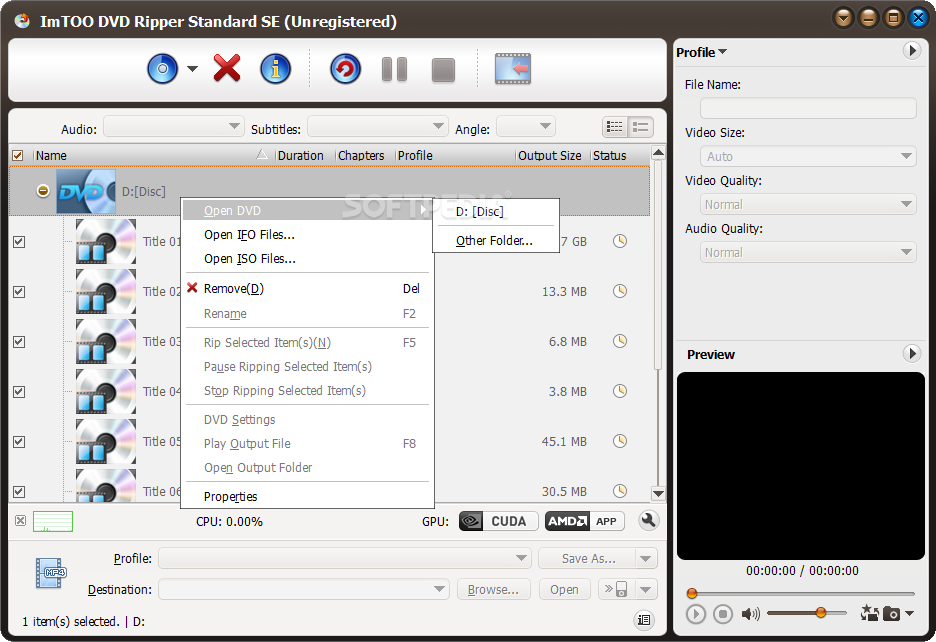
There are a lot of DVD rippers and converters out there, each of them with their pluses and minuses. Some of them offer speed, others quality or advanced editing options. In the end, what makes the difference is the ability to responds to the user's needs.
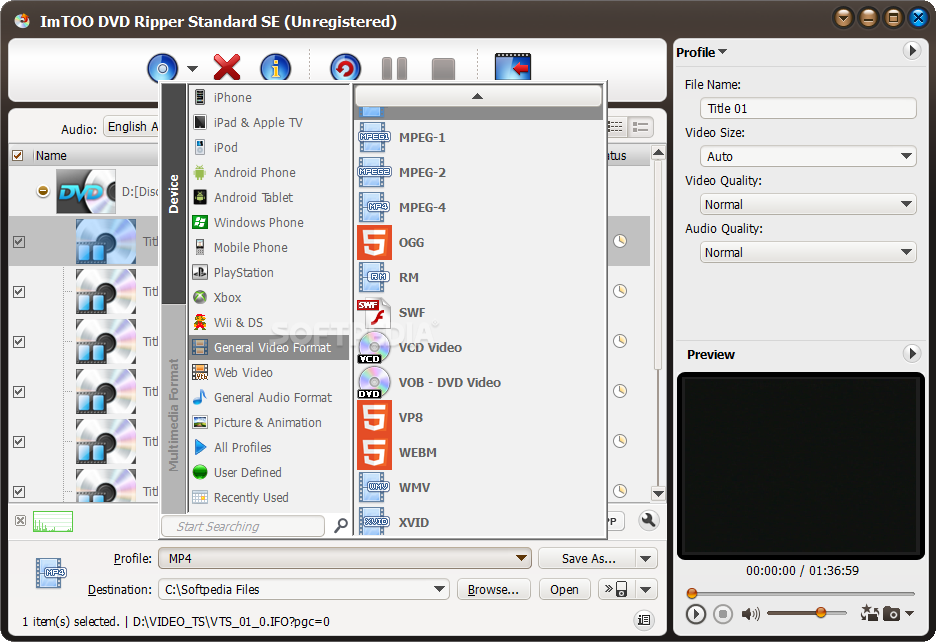
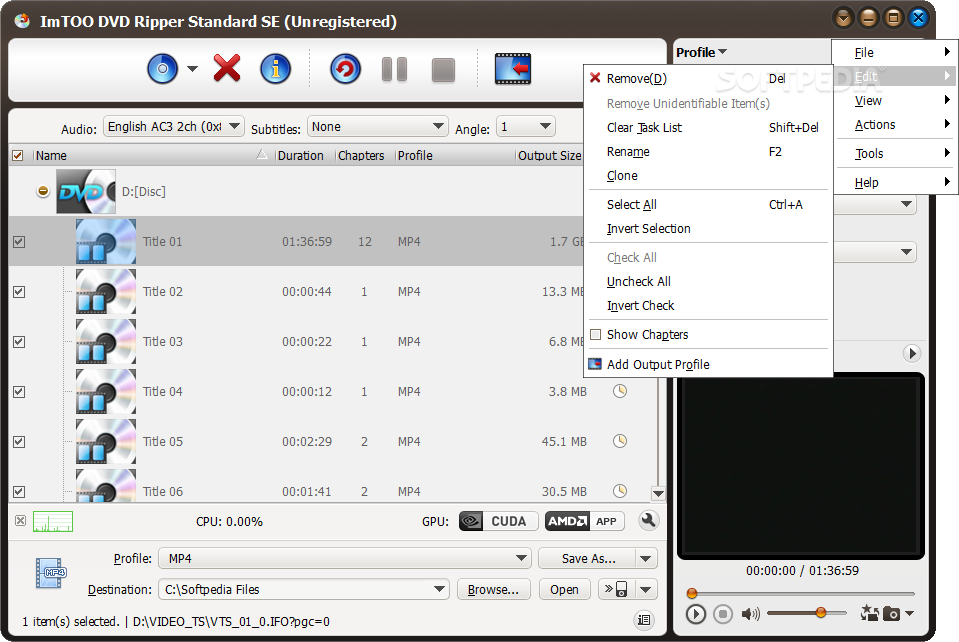
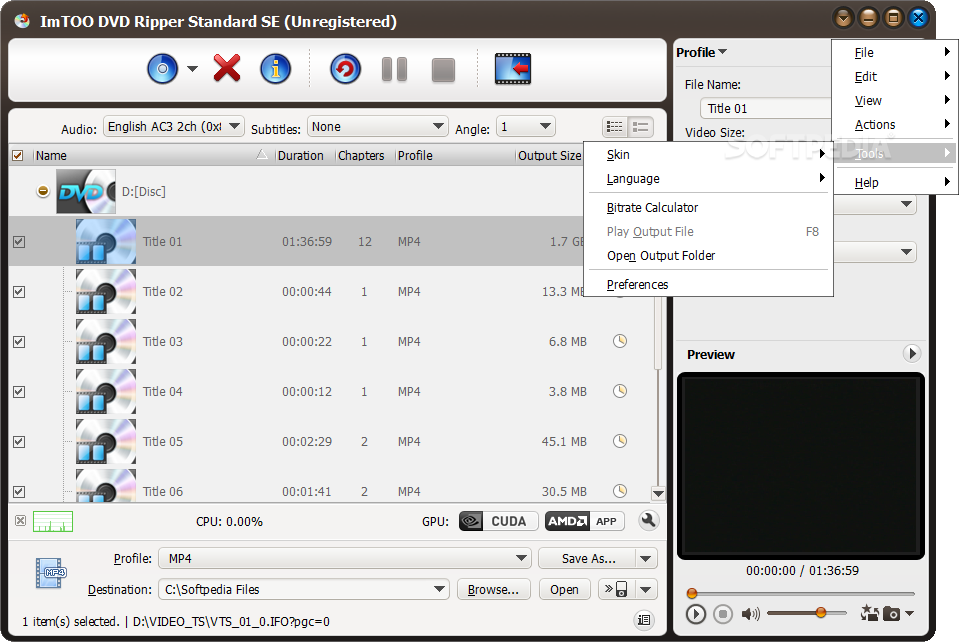
When putting together the good and the bad about ImTOO DVD Ripper, the outcome is definitely positive. First of all, the DVD ripper makes your work as simple as possible thanks to the multitude of predefined profiles that allow you to easily choose the media output based on the device you plan using it on.
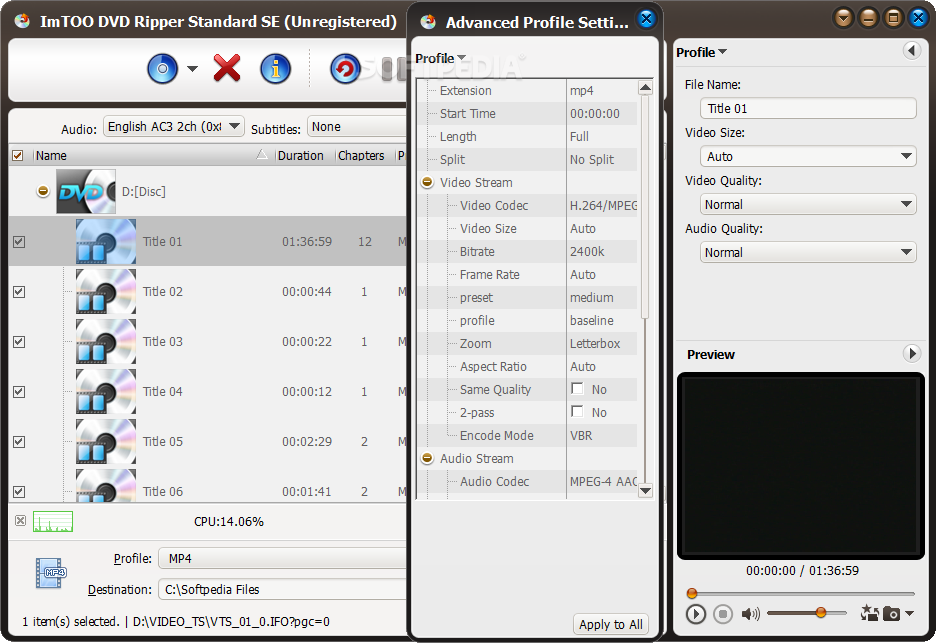
You can convert the movies on a DVD, transfer and watch them on Youtube, Vimeo, Flickr or Facebook, convert them for Wii, PlayStation, Xbox, Nintendo, a wide range of smart phones, iPod or iPad. And if that is not enough, you can customize your own profile by specifying the output file type, video codec to be used, video size, bitrate, frame rate, aspect ratio, encoding mode and metadata.
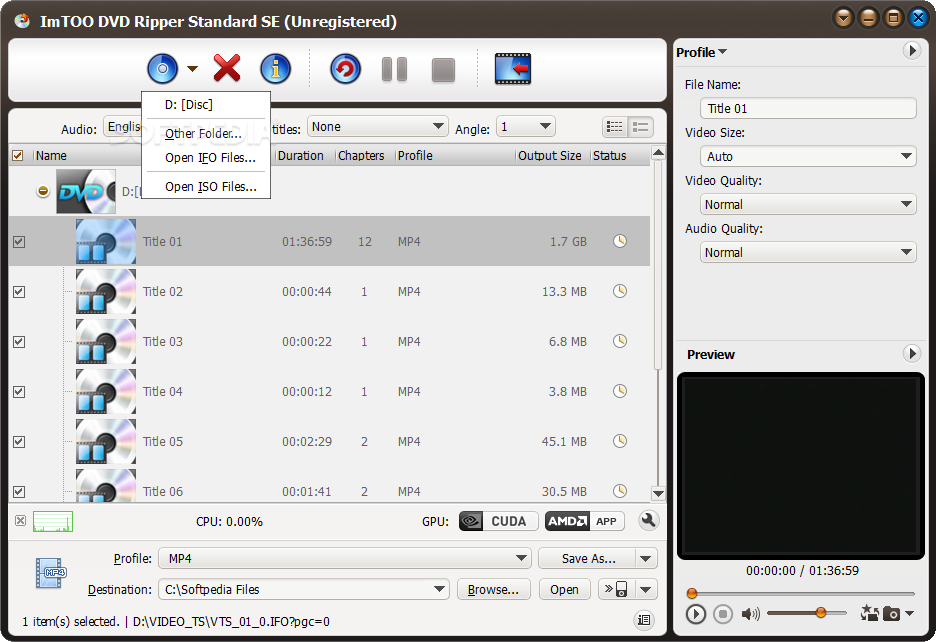
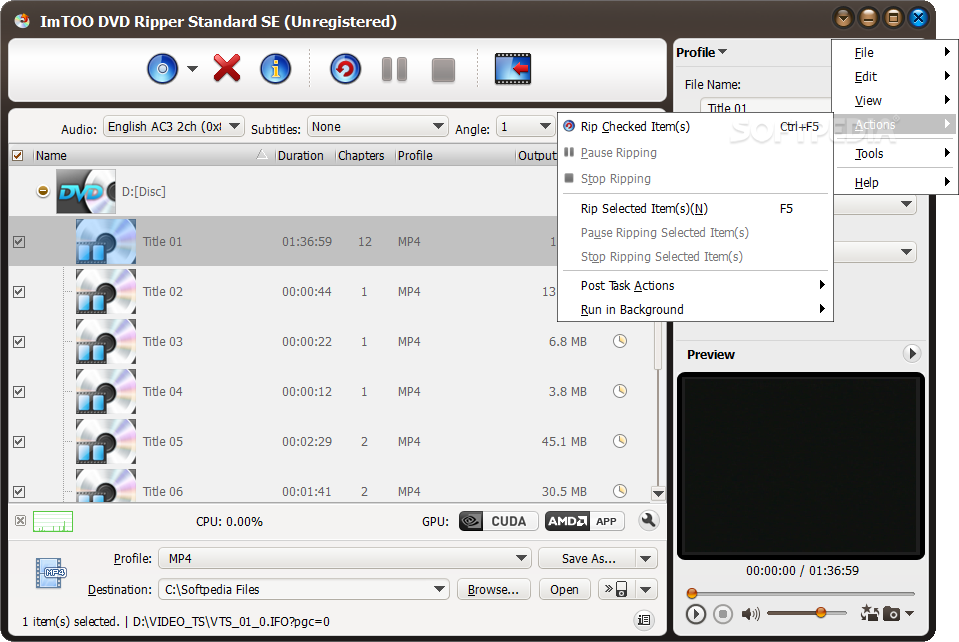
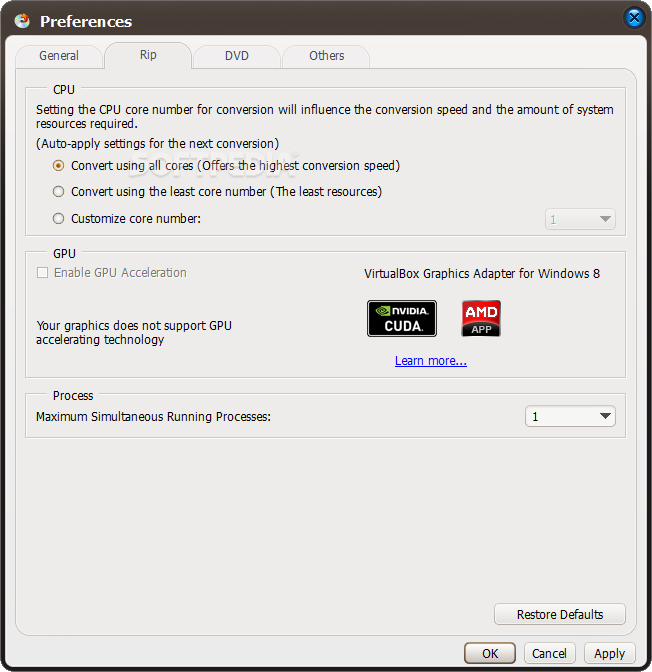
ImTOO DVD Ripper allows batch converting of chapters on a DVD, thus allowing you to attend to your business while the conversion takes place. The software can use all available CPU cores for the ripping process to speed up and allows you to enable GPU acceleration to cut down the time for conversion even further.
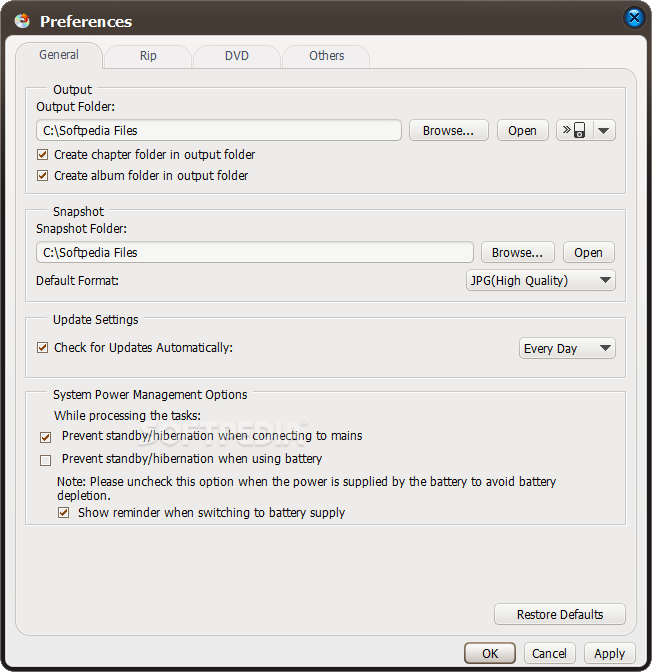
If used in the background, you are also provided with priority options to let you determine the amount of CPU usage so that it won't greatly affect your computer's overall performance. What's most important though, is that the converted video and audio quality are extremely high and the time for the conversion is reasonable.
Besides that, the Ultimate edition offers you a set of video editing tools, the possibility to add video effects, watermark the video, and subtitle management.
ImTOO DVD Ripper Standard SE 7.8.24 Build 20020219
 Softpedia Editor's Pick
add to watchlist
add to download basket
send us an update
REPORT
Softpedia Editor's Pick
add to watchlist
add to download basket
send us an update
REPORT
- runs on:
-
Windows 10 32/64 bit
Windows 8 32/64 bit
Windows 7 32/64 bit
Windows Vista 32/64 bit
Windows XP - file size:
- 37.1 MB
- filename:
- dvd-ripper-standard7-se.exe
- main category:
- Multimedia
- developer:
- visit homepage
Bitdefender Antivirus Free

Microsoft Teams

paint.net

4k Video Downloader

ShareX

calibre

7-Zip

IrfanView

Zoom Client

Windows Sandbox Launcher

- IrfanView
- Zoom Client
- Windows Sandbox Launcher
- Bitdefender Antivirus Free
- Microsoft Teams
- paint.net
- 4k Video Downloader
- ShareX
- calibre
- 7-Zip