
Convert your preferred MOV files to other common video file formats with the help of this intuitive, easy-to-use piece of software. #MOV converter #Video converter #Convert video #MOV2video #Converter #Conversion

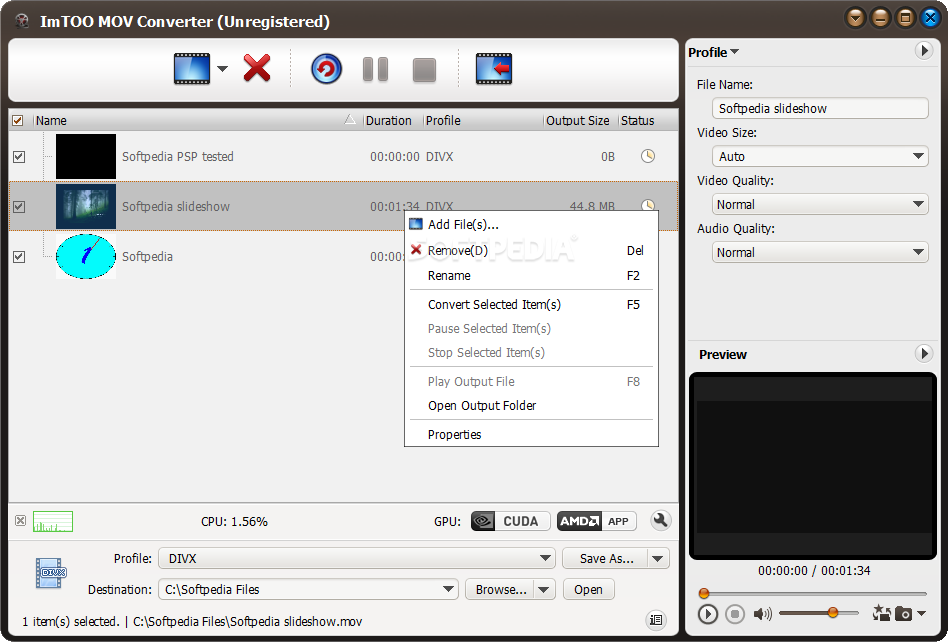
ImTOO MOV Converter is an application that can encode video files with the MOV extension to several media formats, including WMV, WMA, AVI, MP3 and WAV.
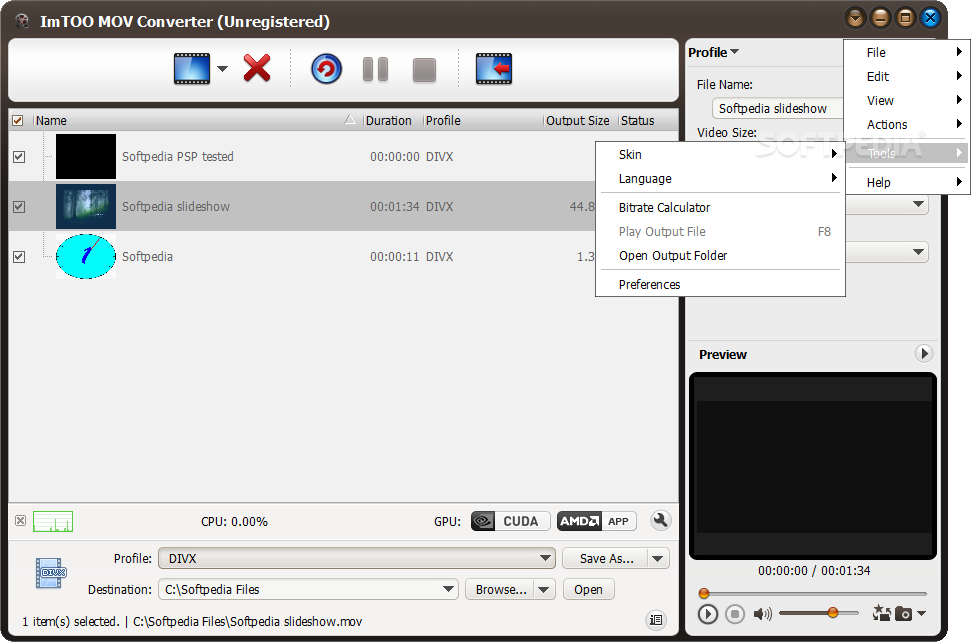
The interface of the program is clean and intuitive. Videos can be imported via the file browser or "drag and drop" method. Batch processing is allowed.
After you specify the output destination and format, you can initiate the conversion process.
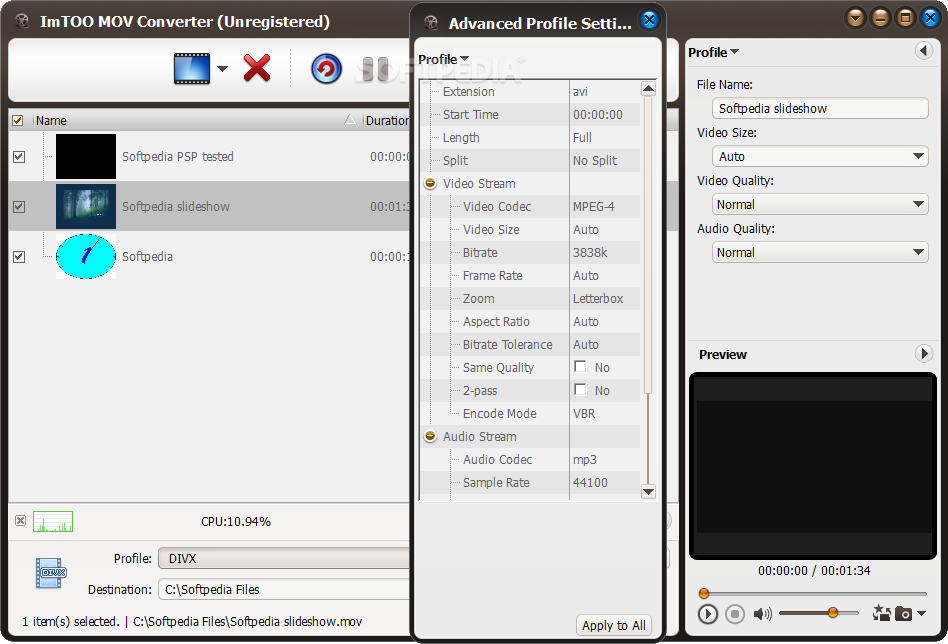
But you can also modify audio and video options when it comes to size, quality, size, codec, bit rate, frame rate, zoom, aspect ratio, encode mode, sampling rate, channels, volume and others.
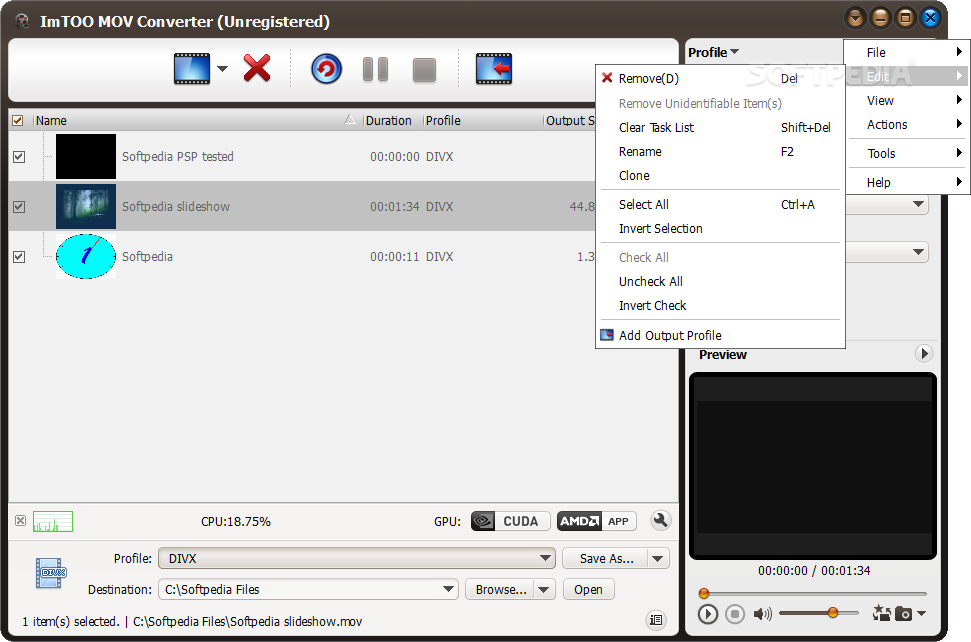
Moreover, you can split clips by setting the start and end point, load an audio CD, view file properties, rename and clone videos, clear the task list, create a new output profile, check out a log window and hide unidentifiable items.
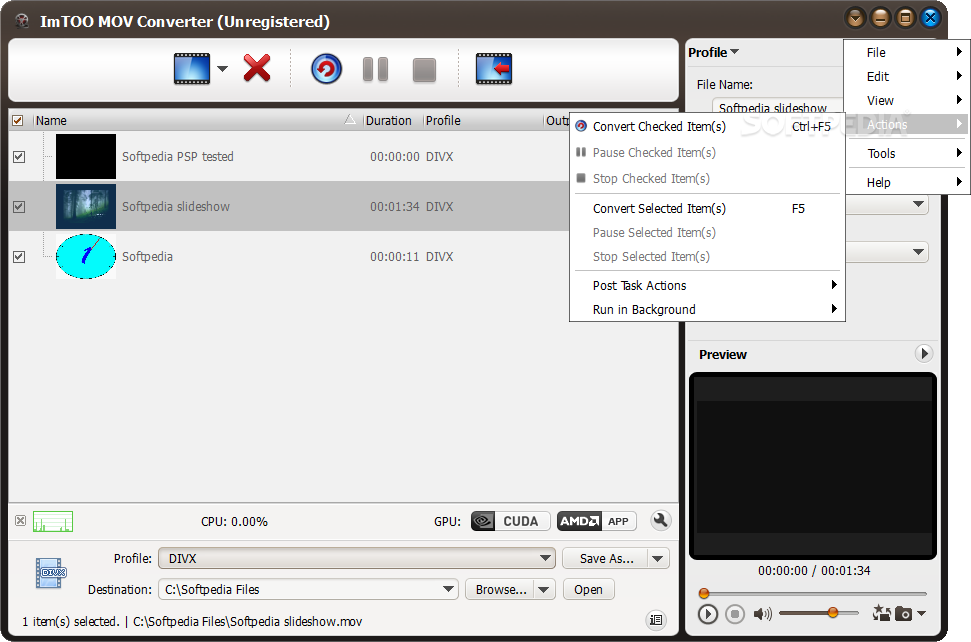
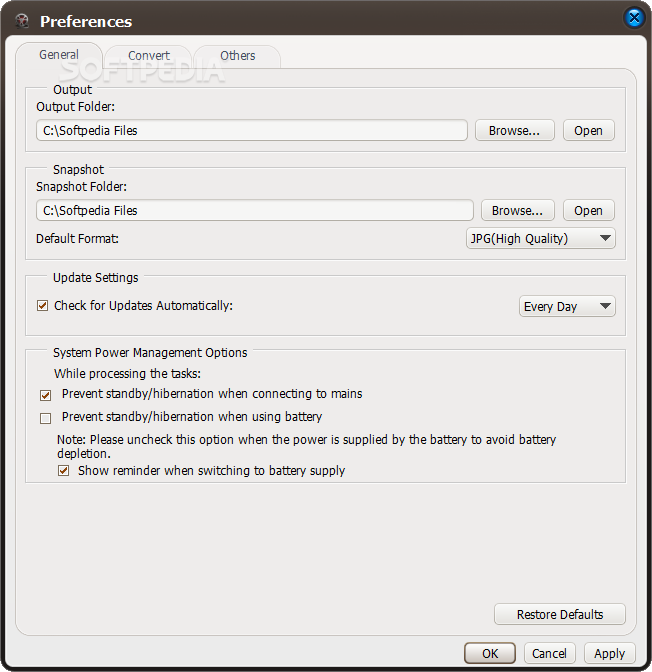
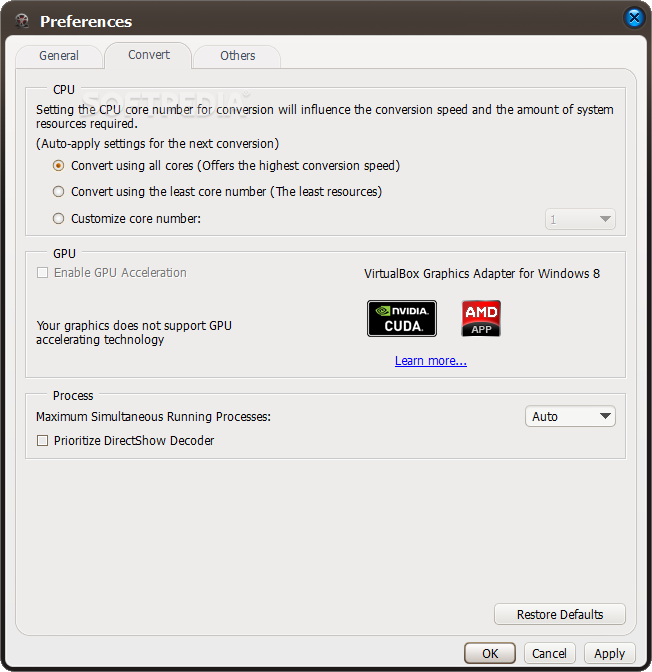
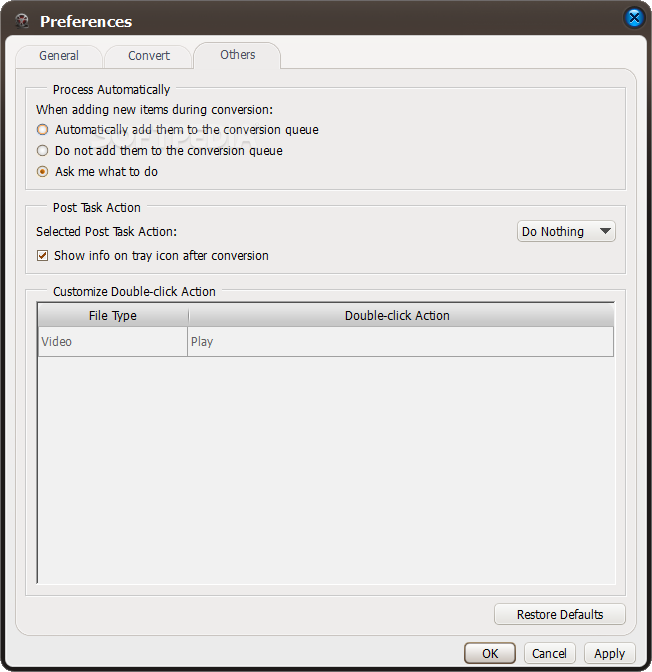
On top of that, you can set ImTOO MOV Converter to exit the program or to shut down the computer when all tasks are done, to run in the background in low or normal priority, use a bit rate calculator, play the output file, change the interface skin and language, and more.
The program takes up a high amount of system resources, includes a brief help file for rookies and quickly finishes a conversion task without freezing, crashing or popping up errors. We highly recommend ImTOO MOV Converter to all users, whether they are experienced or not.
ImTOO MOV Converter 7.8.18 Build-20160913
add to watchlist add to download basket send us an update REPORT- runs on:
- Windows All
- file size:
- 37 MB
- filename:
- mov-converter6.exe

- main category:
- Multimedia
- developer:
- visit homepage
Bitdefender Antivirus Free

Windows Sandbox Launcher

4k Video Downloader

Zoom Client

IrfanView

ShareX

Microsoft Teams

paint.net

7-Zip

calibre

- paint.net
- 7-Zip
- calibre
- Bitdefender Antivirus Free
- Windows Sandbox Launcher
- 4k Video Downloader
- Zoom Client
- IrfanView
- ShareX
- Microsoft Teams