
Convert DVD, VOB, MPEG, AVI and other videos to MP4 file formats for use on various devices with the help of this easy-to-use piece of software. #MP4 Converter #Convert Video #Video Encoder #Convert #Encode #Batch

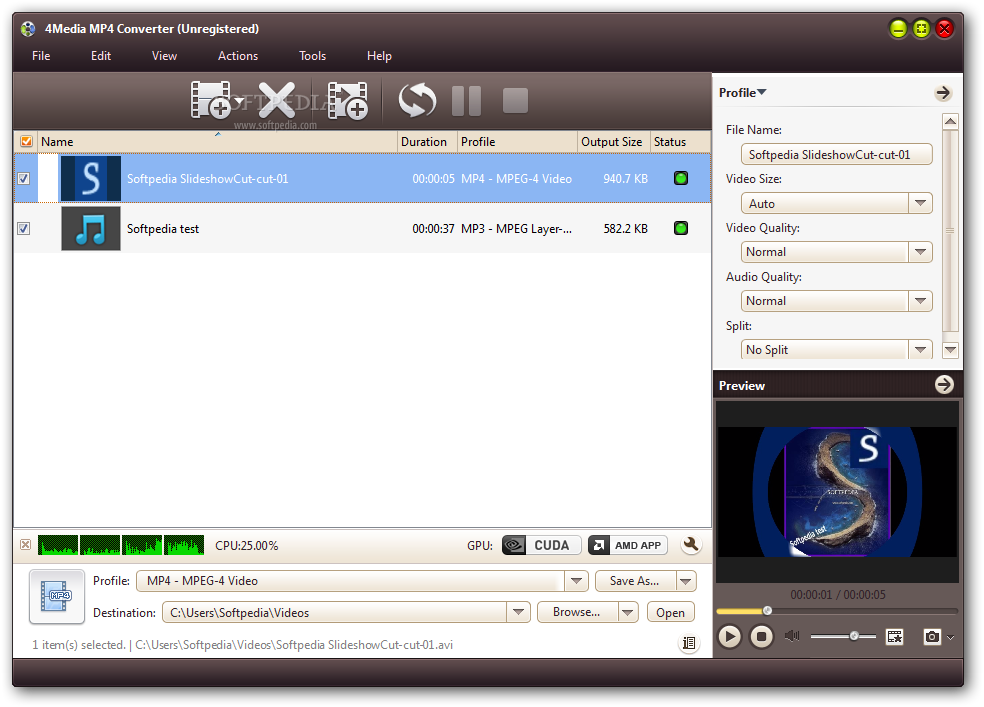
4Media MP4 Converter is a video conversion tool that supports several formats, including ASF, MOV, MP4, FLV, 3GP, RM, RMVB, AVI and WMV.
Since this is an ad-supported software, you should be careful when installing it. 4Media MP4 Converter offers to download a non-essential third-party component and to make some changes to your web browsers.
The interface of the program is simple and intuitive. You can import videos by using the file browser or the "drag and drop" method (batch processing is supported).
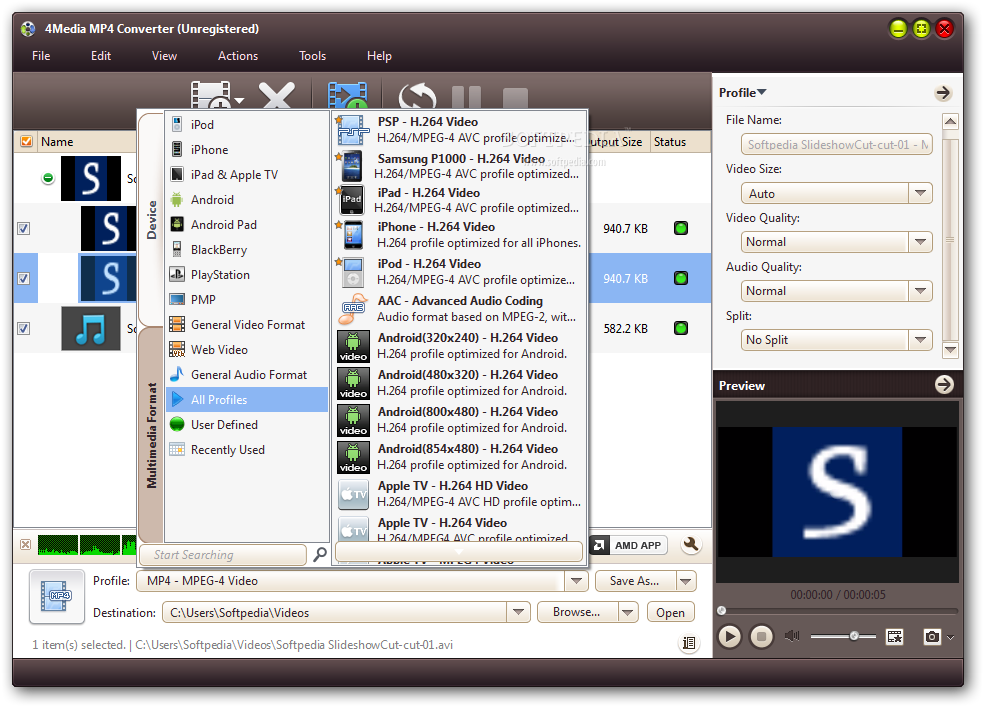
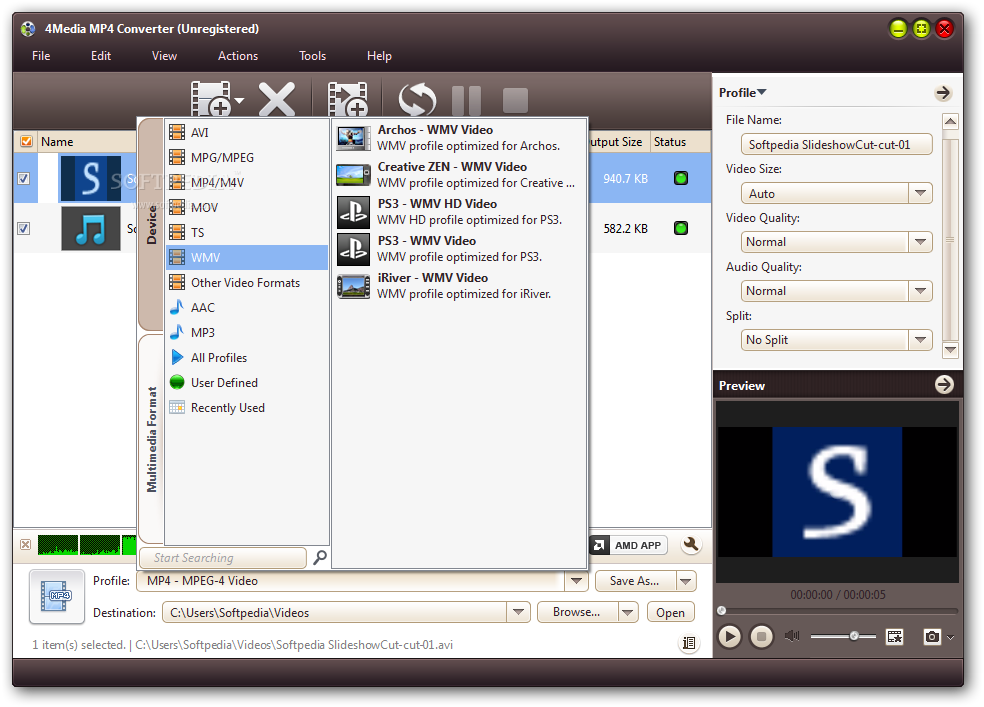
All you have to do is specify the output profile and destination, and then initiate the encoding process.
But you can also rename files and preview the source videos, as well as configure audio and video settings when it comes to size, quality, trimming, codecs, bit rate, frame rate, bit rate tolerance, encode mode, sample frequency rate, channels and volume.
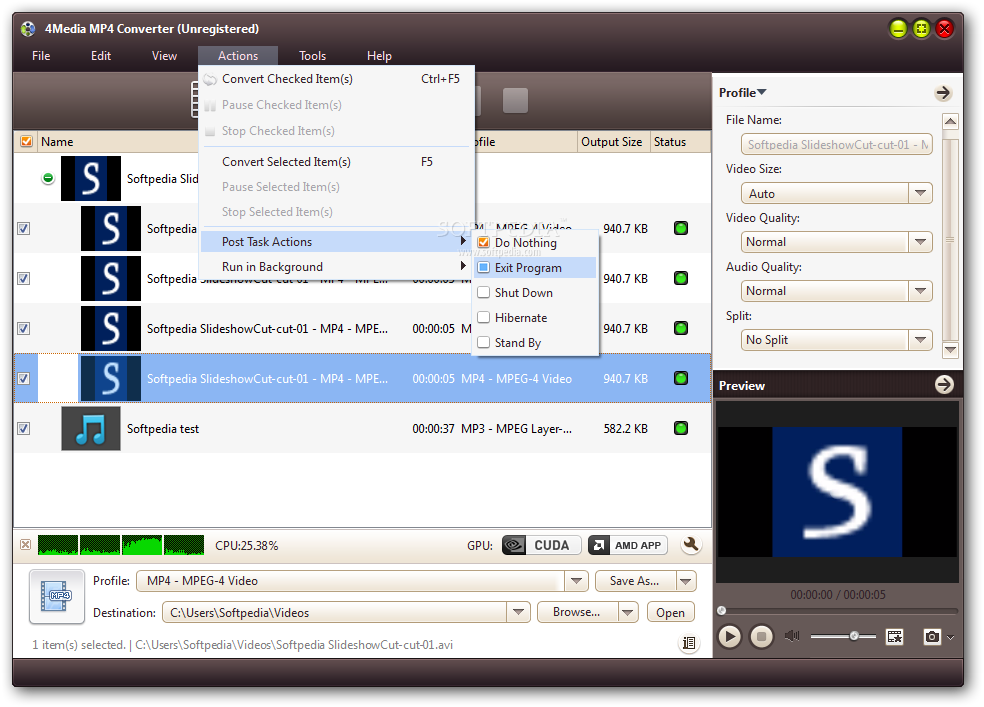
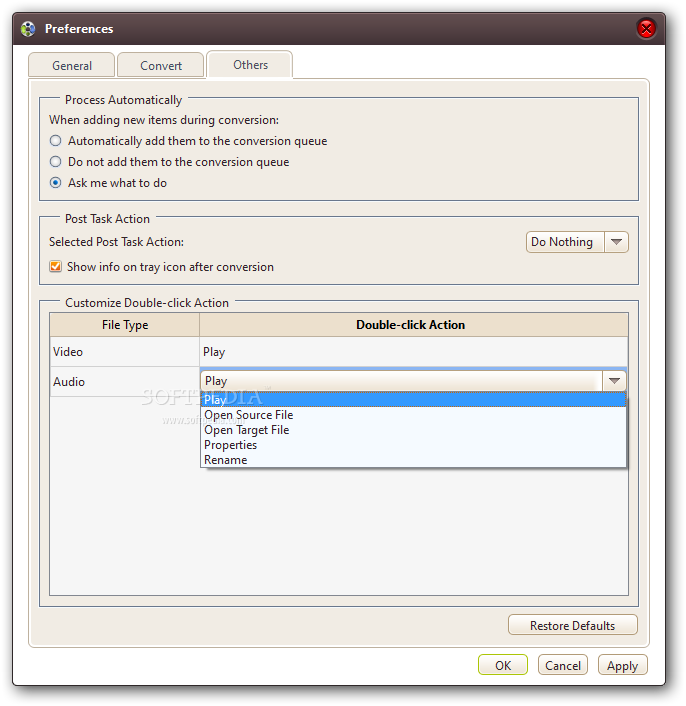
You can edit metadata (e.g. title, author, album), load an audio CD, take a snapshot, view file properties, clone videos, set post-task actions (e.g. exit program, turn off computer) and enable 4Media MP4 Converter to run in the background.
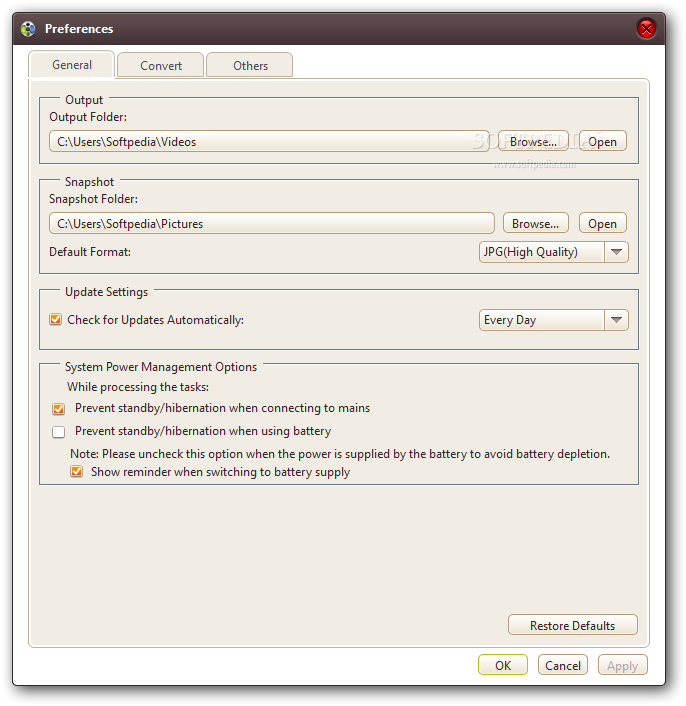
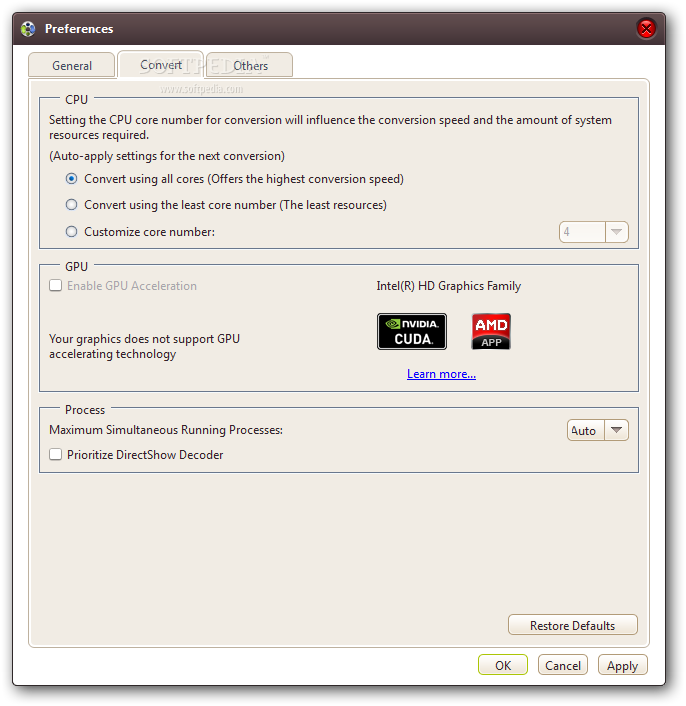
You can set the CPU core number, change the interface skin and language, use a bit rate calculator, enable GPU acceleration, specify the default output directory, enable to prevent standby or hibernation when using the battery and to automatically check for updates, and more.
The program uses from moderate to high system resources, contains a step-by-step tutorial and quickly finishes a task without freezing, crashing or displaying errors.
Plus, it manages to keep a very good image and sound quality. It was not able to convert a SWF and MPG file during our tests. Also, the demo version has some severe restrictions. Other than that, we strongly recommend 4Media MP4 Converter to all users.
Download Hubs
4Media MP4 Converter is part of these download collections: Convert Video to iPod
4Media MP4 Converter 7.8.24 Build 20200219
add to watchlist add to download basket send us an update REPORT- runs on:
-
Windows 10 32/64 bit
Windows 8 32/64 bit
Windows 7 32/64 bit
Windows Vista 32/64 bit
Windows XP - file size:
- 37.6 MB
- filename:
- m-mp4-converter6.exe
- main category:
- Multimedia
- developer:
- visit homepage
calibre

ShareX

Microsoft Teams

7-Zip

IrfanView

4k Video Downloader

Bitdefender Antivirus Free

Zoom Client

Windows Sandbox Launcher

paint.net

- Zoom Client
- Windows Sandbox Launcher
- paint.net
- calibre
- ShareX
- Microsoft Teams
- 7-Zip
- IrfanView
- 4k Video Downloader
- Bitdefender Antivirus Free