
Convert your FLV or SWF video files to AVI or MPG formats with this application that offers encoder customization and support for multithreaded processing. #FLV to AVI #Convert SWF #SWF to MPG #FLV2AVI #SWF2AVI #FLV2MPG

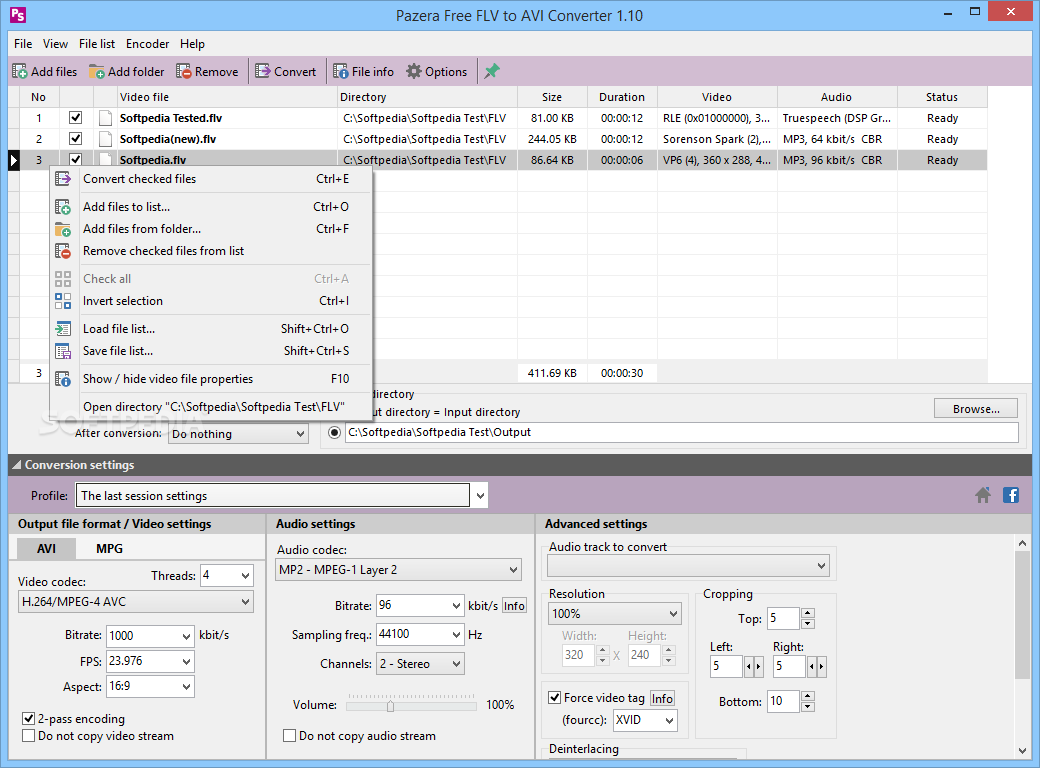
Pazera Free FLV to AVI Converter is a tool that can encode Flash movie files saved in FLV format into movies with the AVI extension.
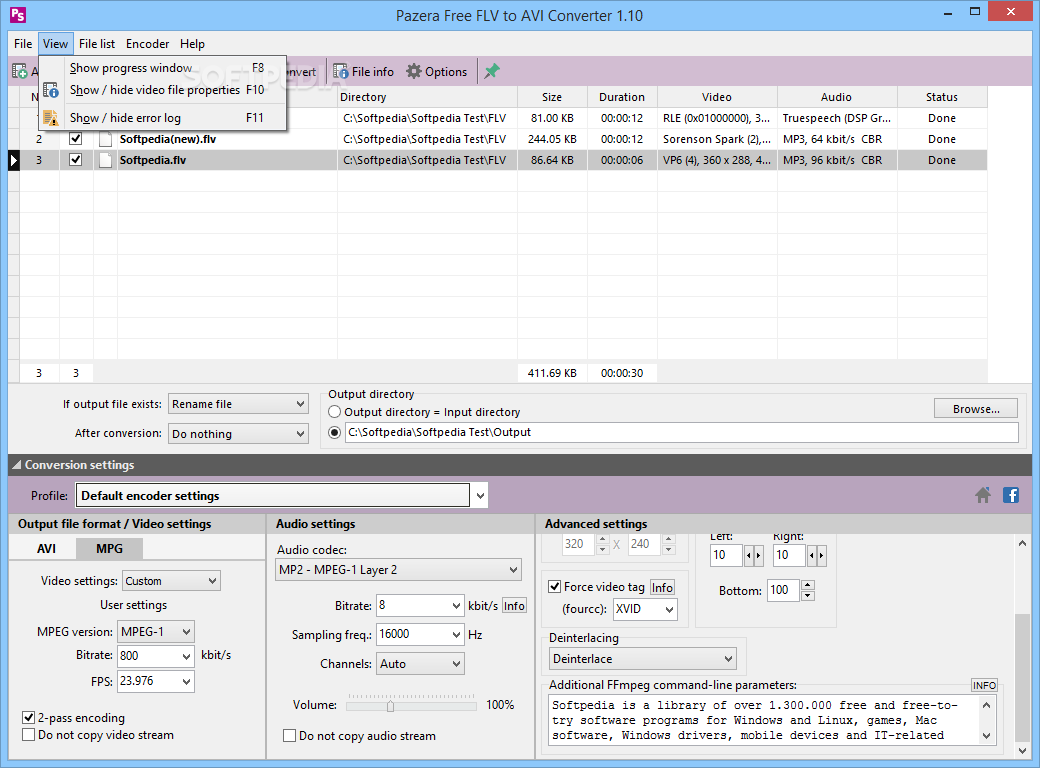
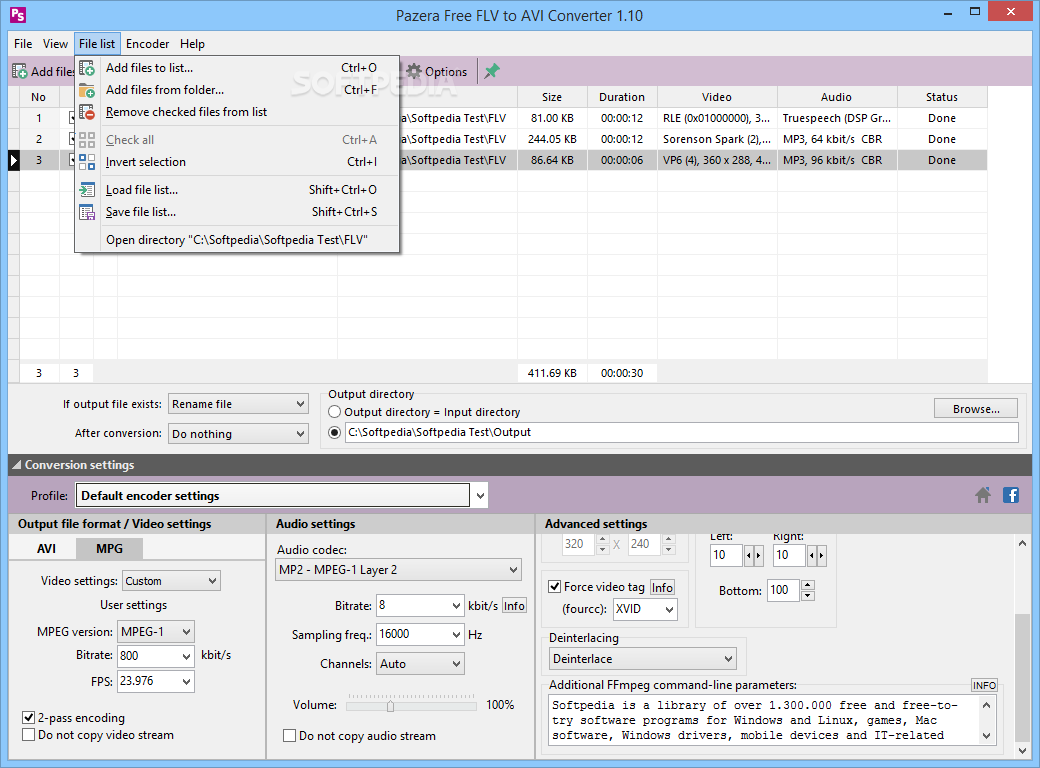
The user interface of the program is intuitive. You can add files to the queue by using the file browser or the "drag and drop" function (batch conversion is supported), configure settings, set the output destination and format profile, and initiate the conversion process.
In the queue list, you can view the video file name, directory, size and status. Just as well, you will be able to check out the video file properties.
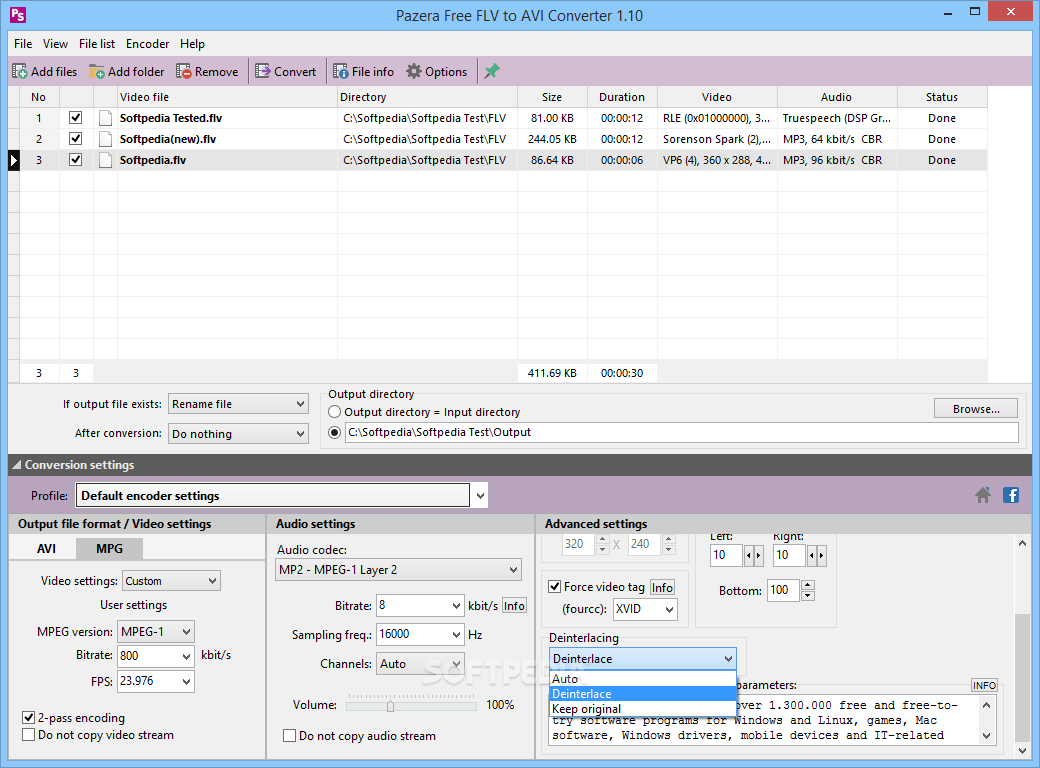
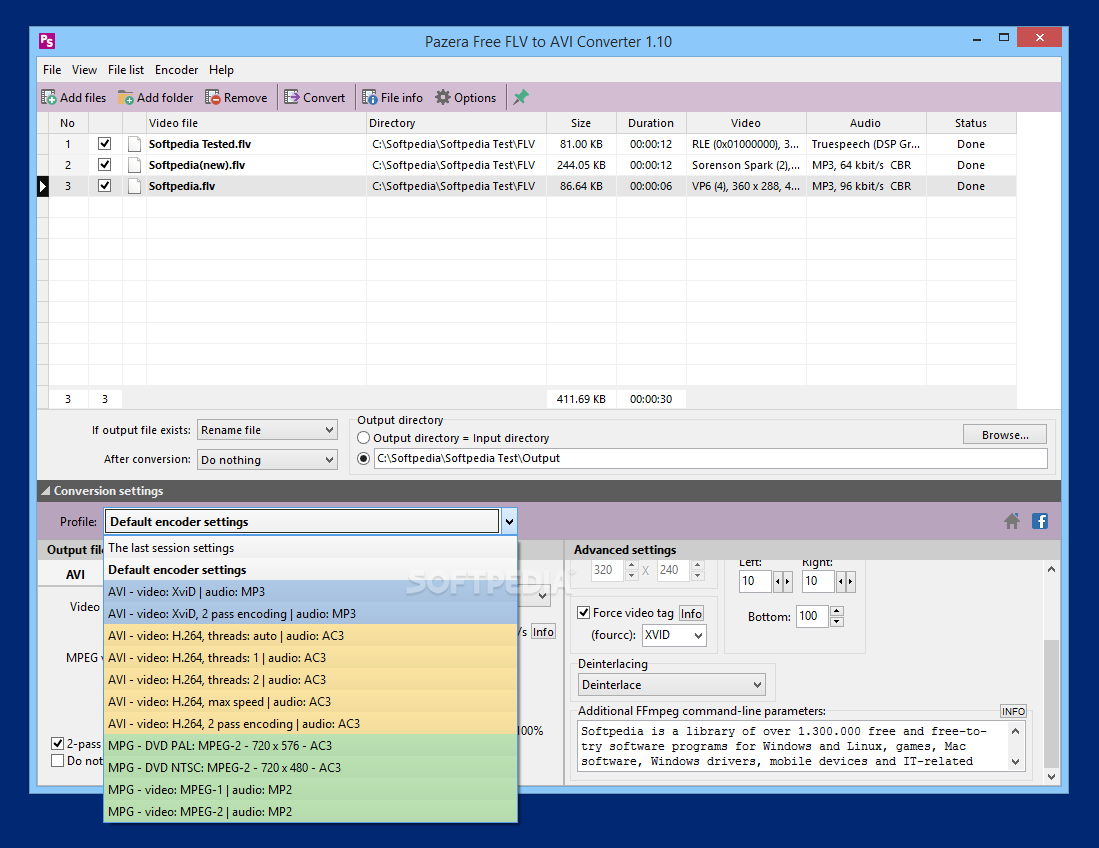
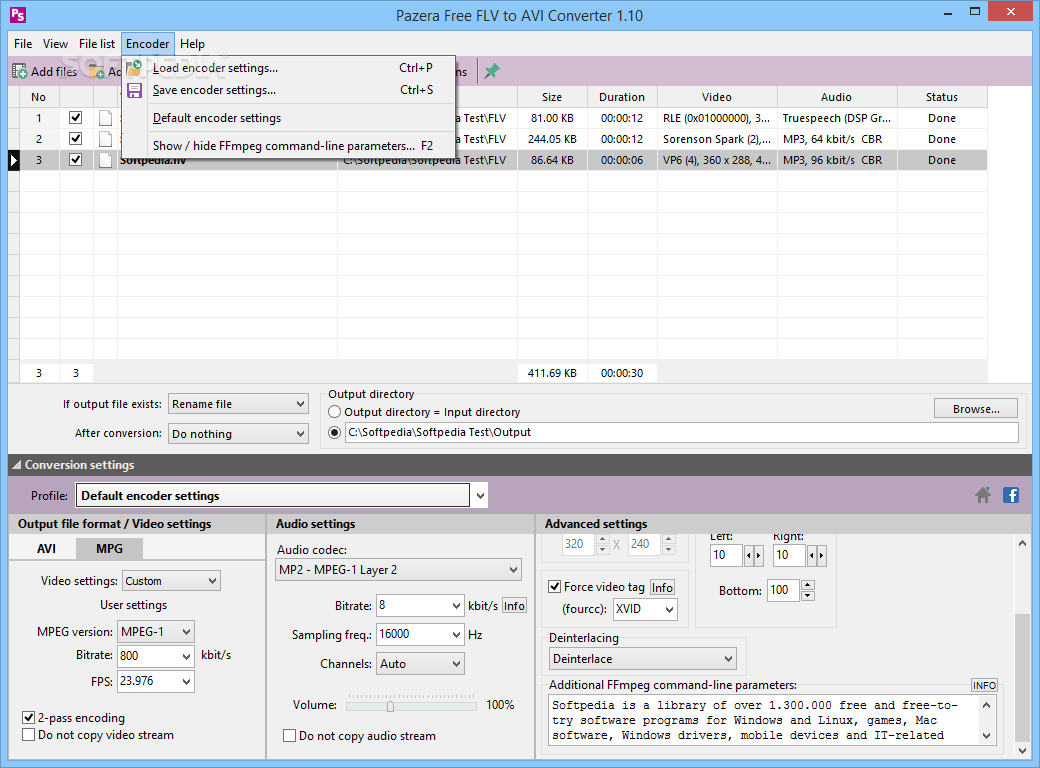
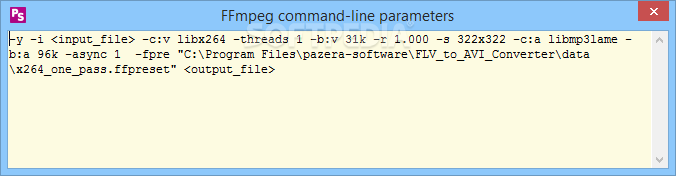
You can set audio and video options (codecs, bitrate, frame rate, sample frequency rate, channels, volume, enable 2-pass encoding) and you can also configure advanced settings, such as resolution, cropping, deinterlacing, additional command-line parameters, enable force video tag etc.
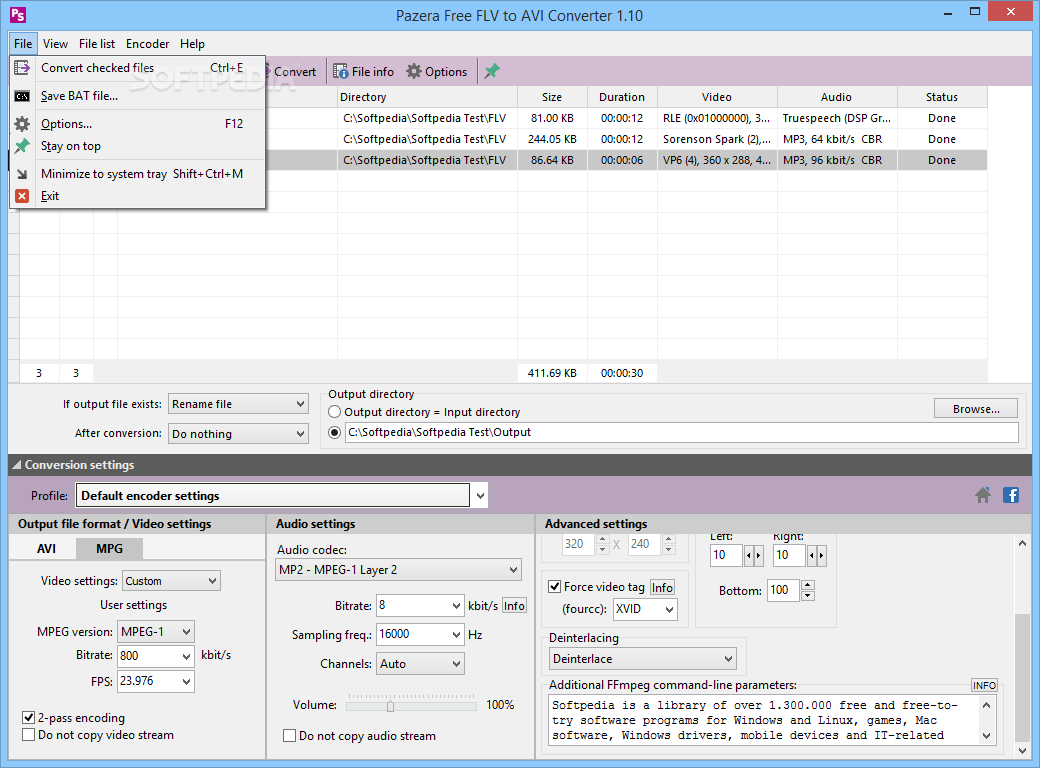
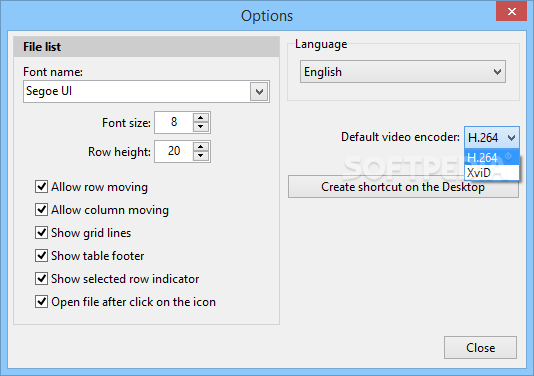
You can save and load file lists and encoder settings, as well as select the preferred language. Tasks are completed in a reasonable amount of time, while the program uses a low to moderate amount of system resources. Plus, you can check out an online help file.
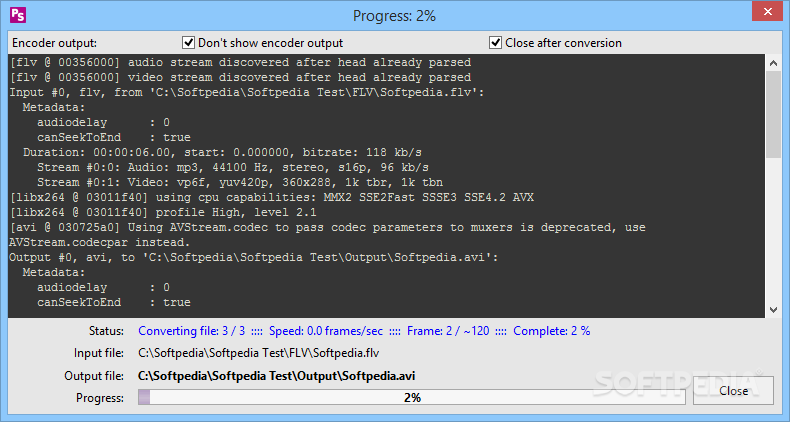
We put several video formats to the test. In most cases, Pazera Free FLV to AVI Converter was successful and managed to keep a good image and sound quality.
Pazera Free FLV to AVI Converter is a well-organized software for encoding video files, but it needs some debugging. Otherwise, we recommend it to both novices and experienced users. The application is free for personal and commercial use.
Download Hubs
Pazera Free FLV to AVI Converter is part of these download collections: Play SWF, Open SWF
What's new in Pazera Free FLV to AVI Converter 1.14:
- New conversion engine (FFmpeg) and multimedia information library (MediaInfo).
- New video filters: color conversion to grayscale or sepia, brightness, saturation, flip horizontal, flip vertical, rotation, negative.
- Added option to save the creation, last access and last write time of the source files in the output files.
- Displaying the size of the resulting file during conversion.
Pazera Free FLV to AVI Converter 1.14
add to watchlist add to download basket send us an update REPORT- portable version
- Portable Pazera Free FLV to AVI Converter
- runs on:
-
Windows 10 32/64 bit
Windows 2008
Windows 2003
Windows 8 32/64 bit
Windows 7 32/64 bit
Windows Vista 32/64 bit
Windows XP - file size:
- 10.5 MB
- filename:
- Free_FLV_to_AVI_Converter.exe
- main category:
- Multimedia
- developer:
- visit homepage
Windows Sandbox Launcher

7-Zip

Zoom Client

Bitdefender Antivirus Free

4k Video Downloader

IrfanView

calibre

ShareX

Microsoft Teams

Context Menu Manager

- ShareX
- Microsoft Teams
- Context Menu Manager
- Windows Sandbox Launcher
- 7-Zip
- Zoom Client
- Bitdefender Antivirus Free
- 4k Video Downloader
- IrfanView
- calibre