
A comprehensive video converter suite, which supports a wide range of formats and offers impressive performance through flexible and intuitive features. #Video Converter #Convert Video #Media Converter #Converter #Encoder #Ripper

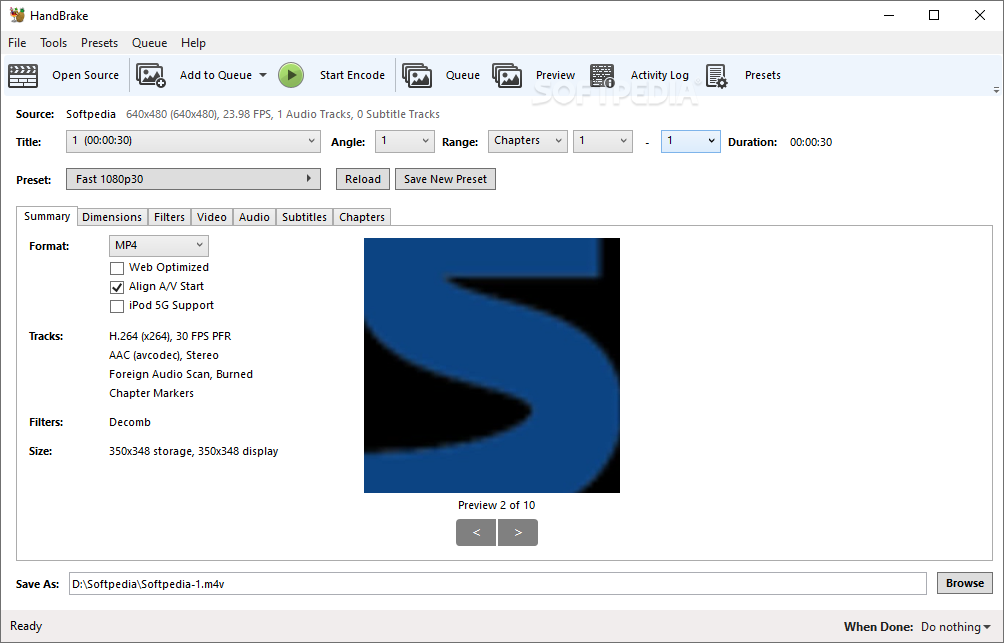
Video files these days have come a long way from the era when SD was the best quality known to man, especially in terms of format diversity and overall media rendition capabilities. With such varied characteristics, having a powerful video converter in these modern times is a must. Built as a comprehensive video handling suite, be it just for performing conversions, as well as basic editing tasks, HandBrake will offer users an impressive collection of tools for dealing with video content in an efficient way.
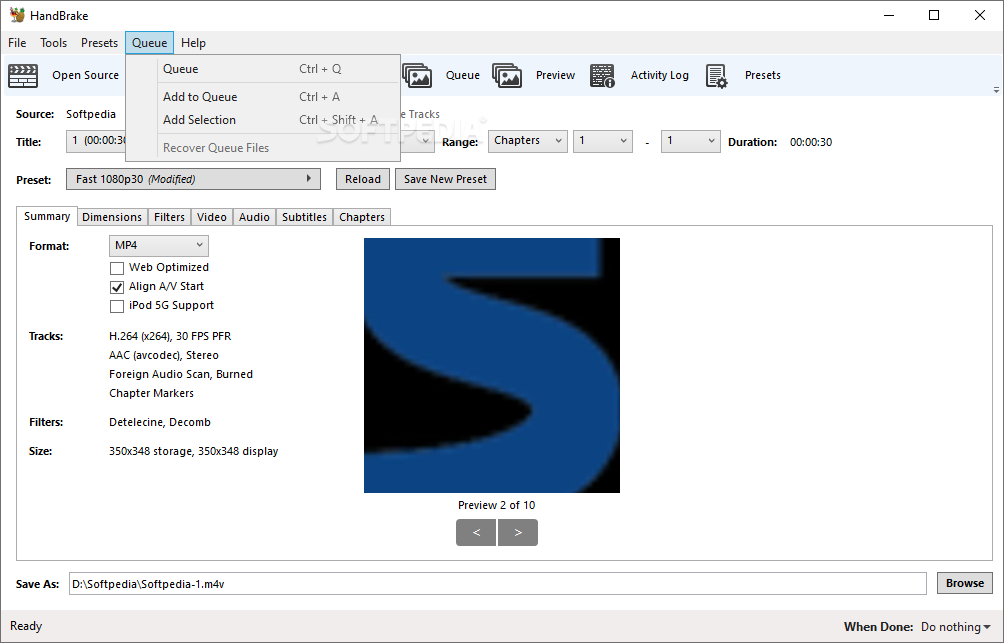
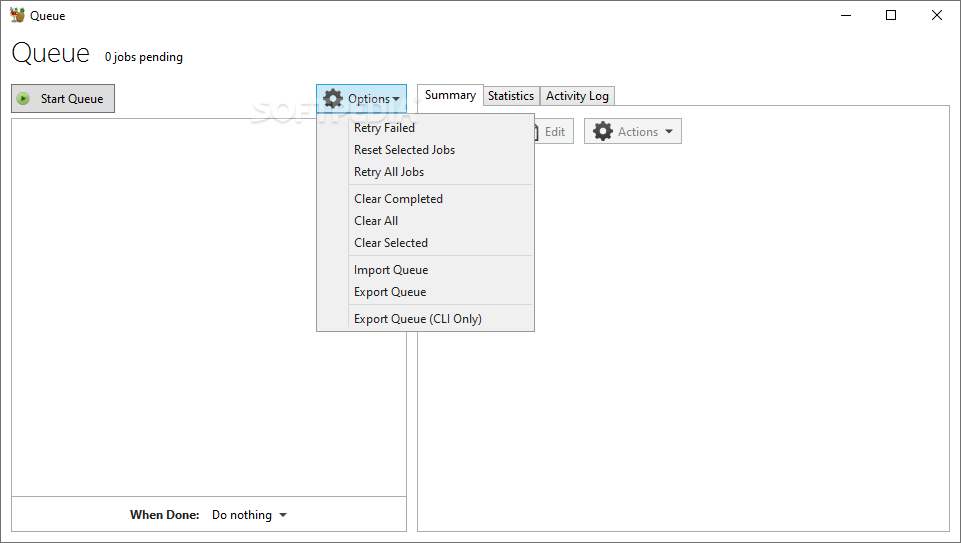
Working with several files simultaneously is no issue for the app and users will be able to just select the corresponding directory and the app will perform a scan automatically. This is useful, as it saves you from manually selecting the preferred files.
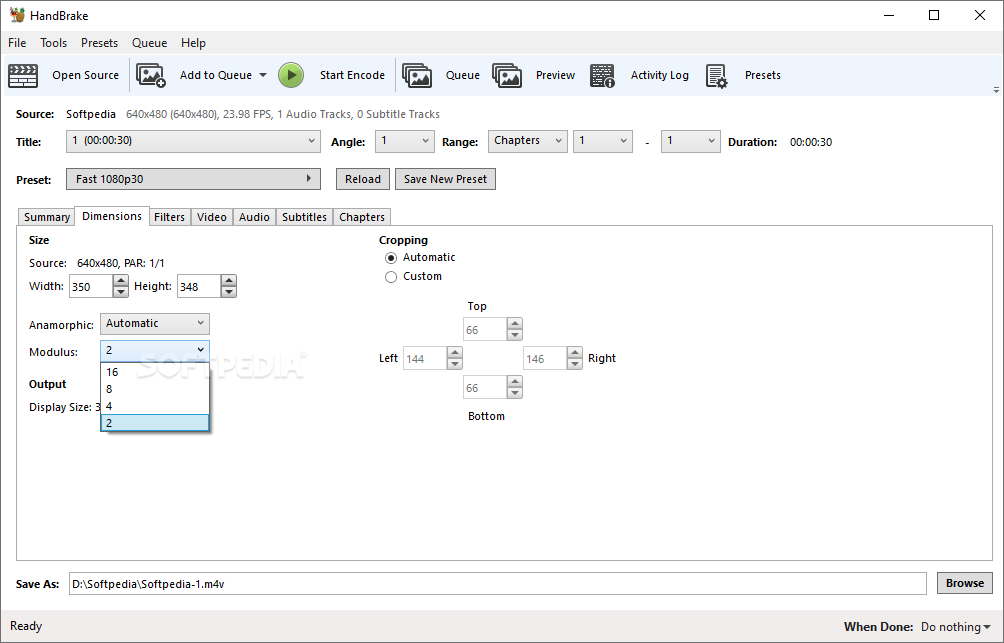
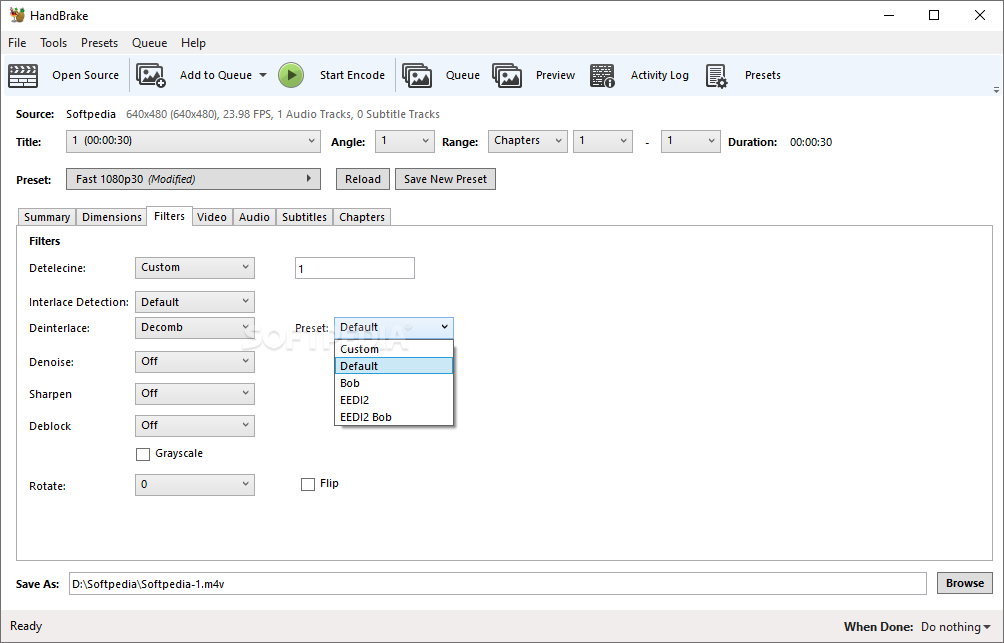
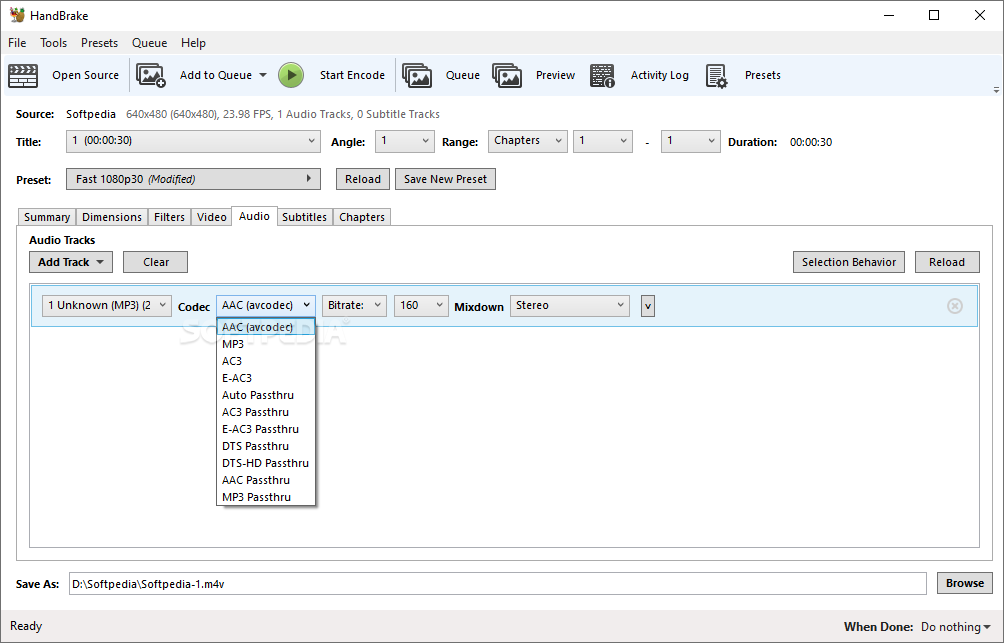
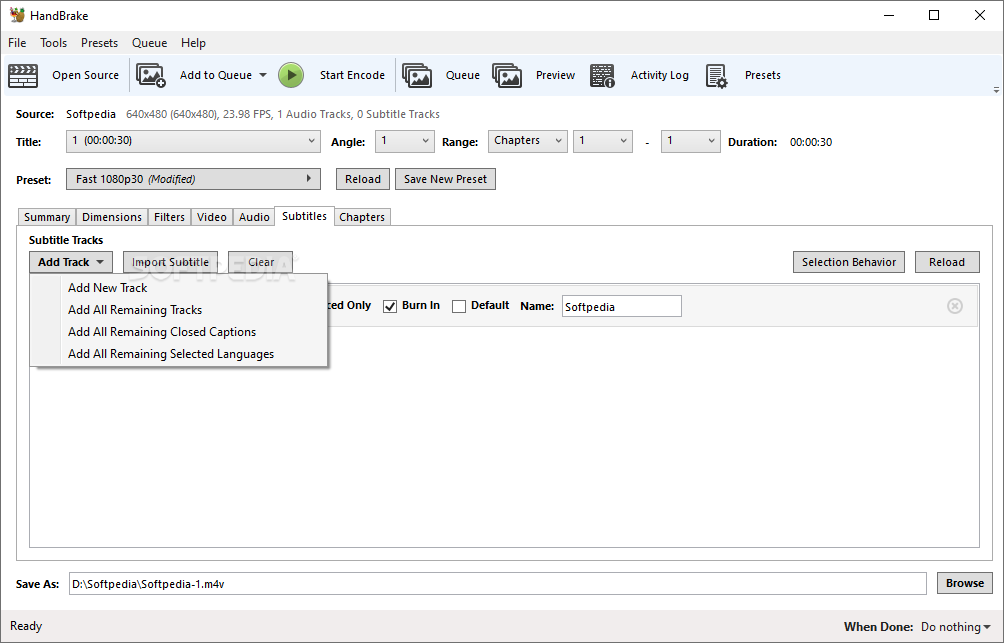
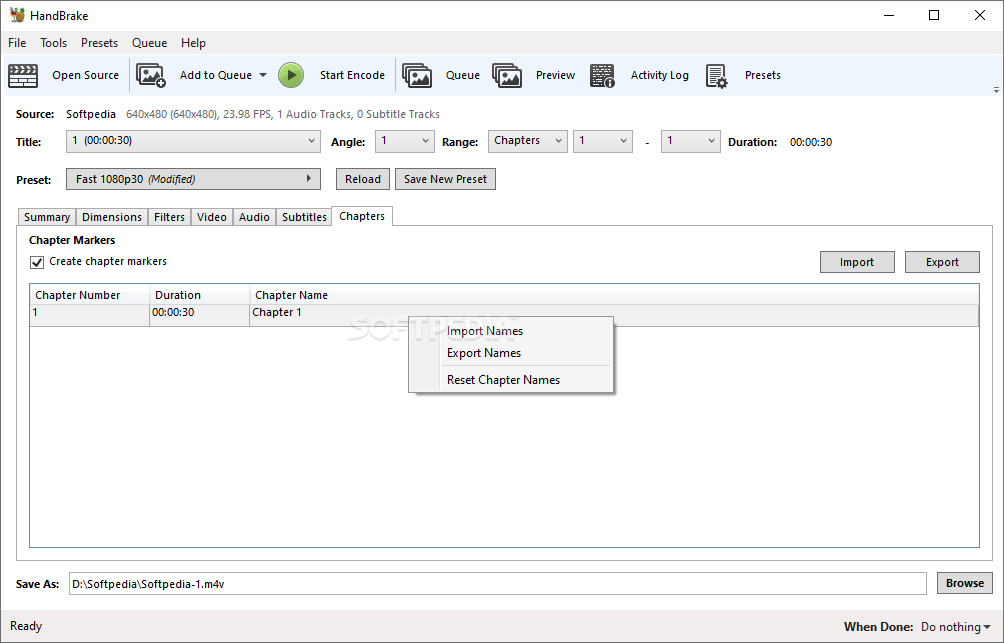
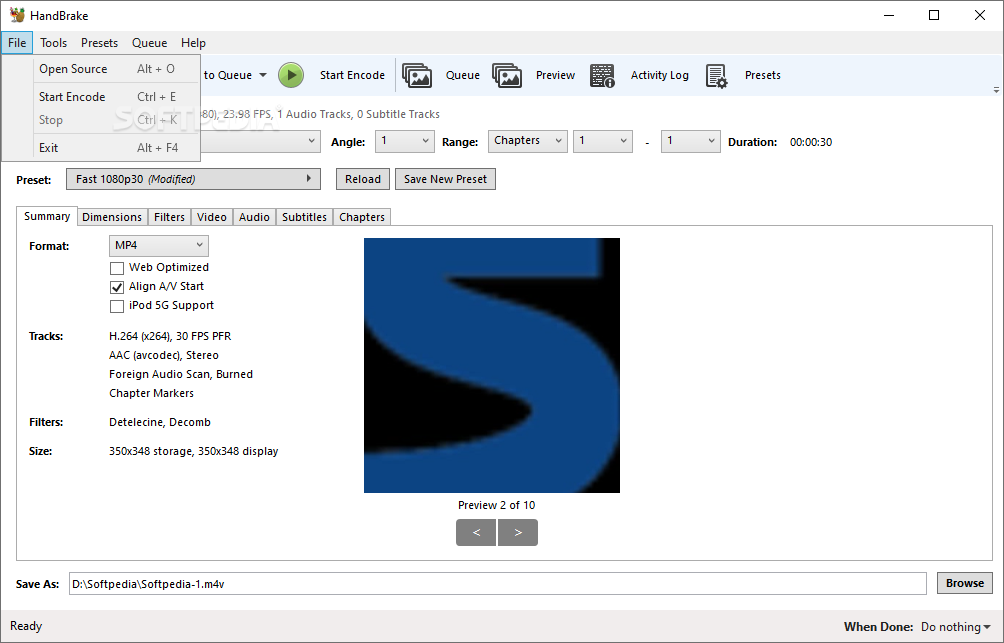
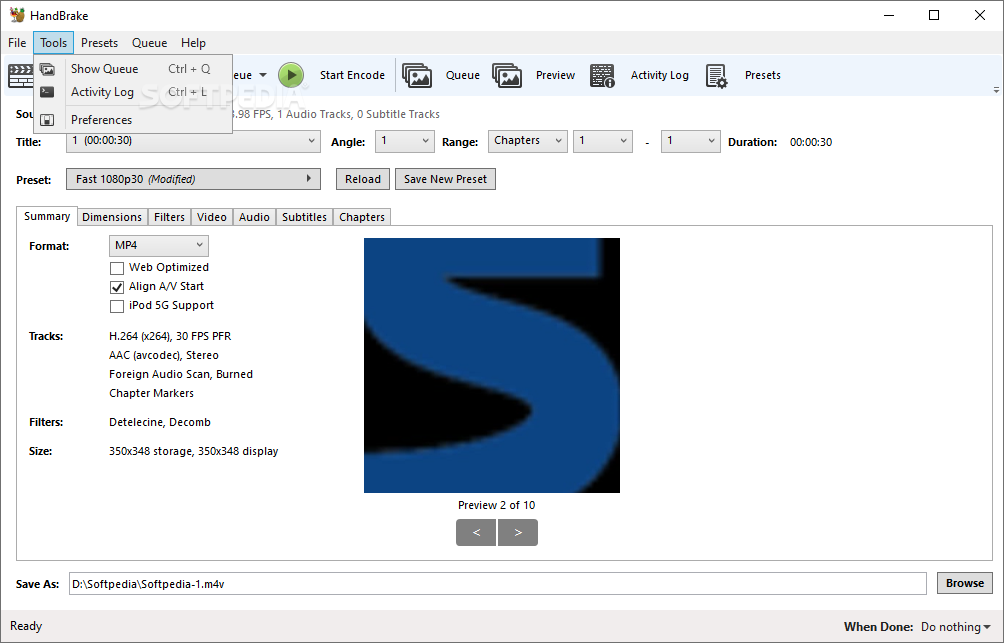
When it comes to the actual interface, the layout was designed in such a way that it provides an intuitive sequence. Consequently, one can load the video files and then proceed on adjusting their format, dimensions, apply filters, or address audio and subtitles, all in a single sequence.
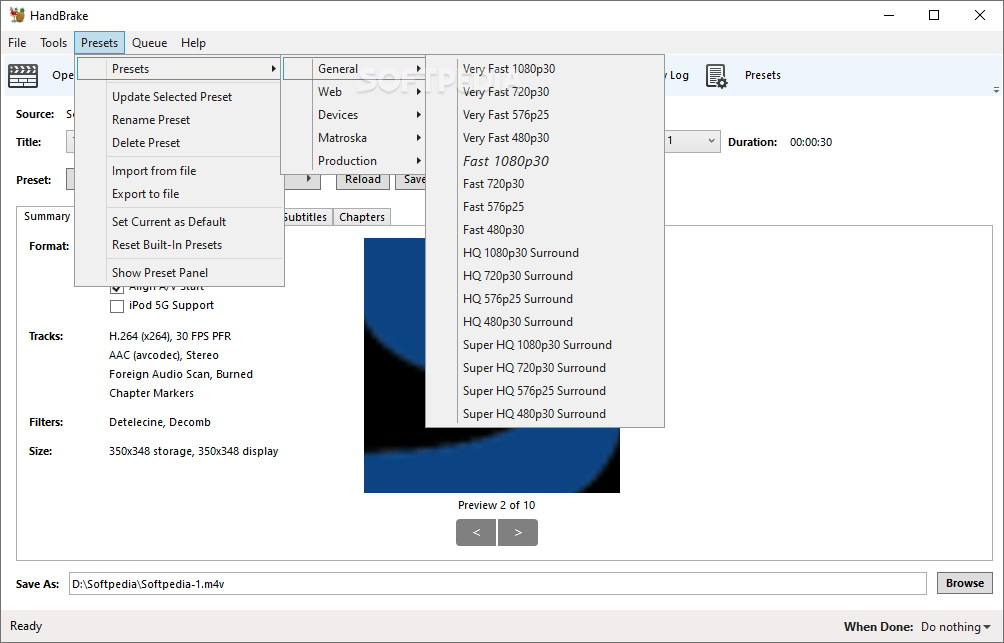
One of the highlights of the app (besides the impressive number of supported input and output formats) is the fact that it comes pre-packed with a wide range of presets. These are neatly classified into several general categories, which makes selection a breeze.
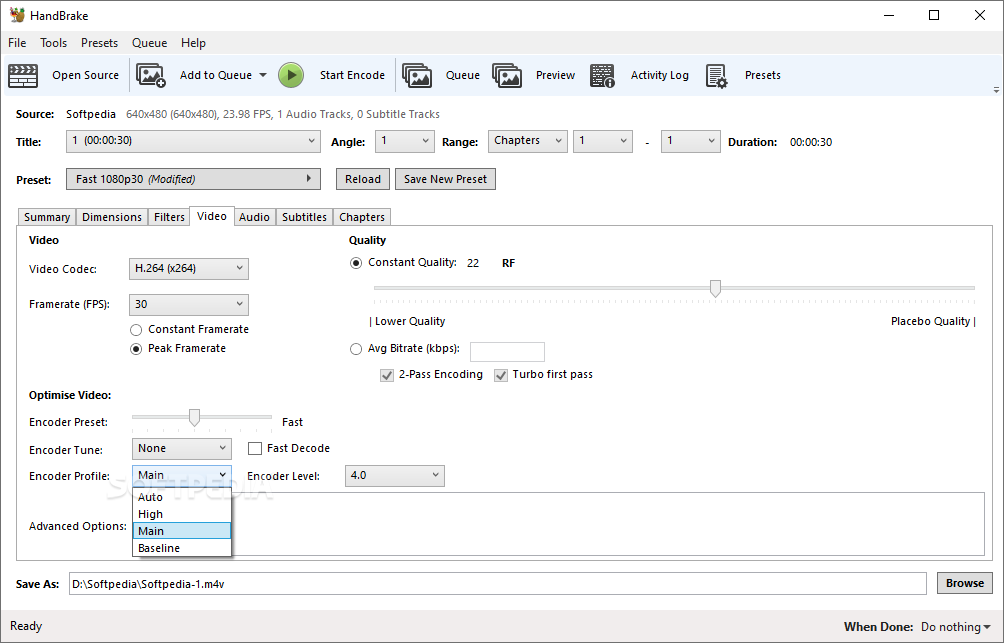
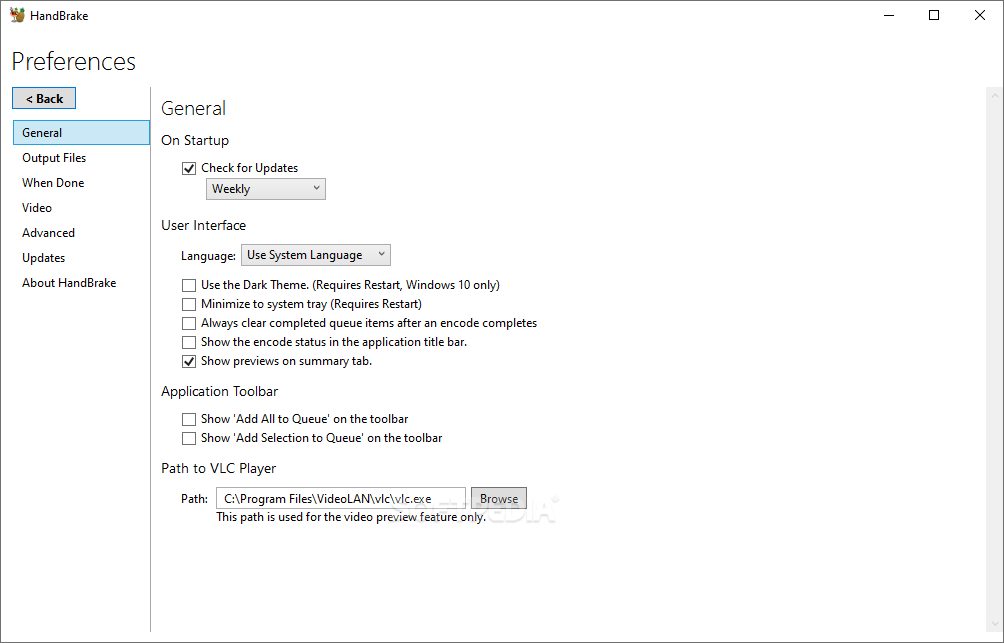
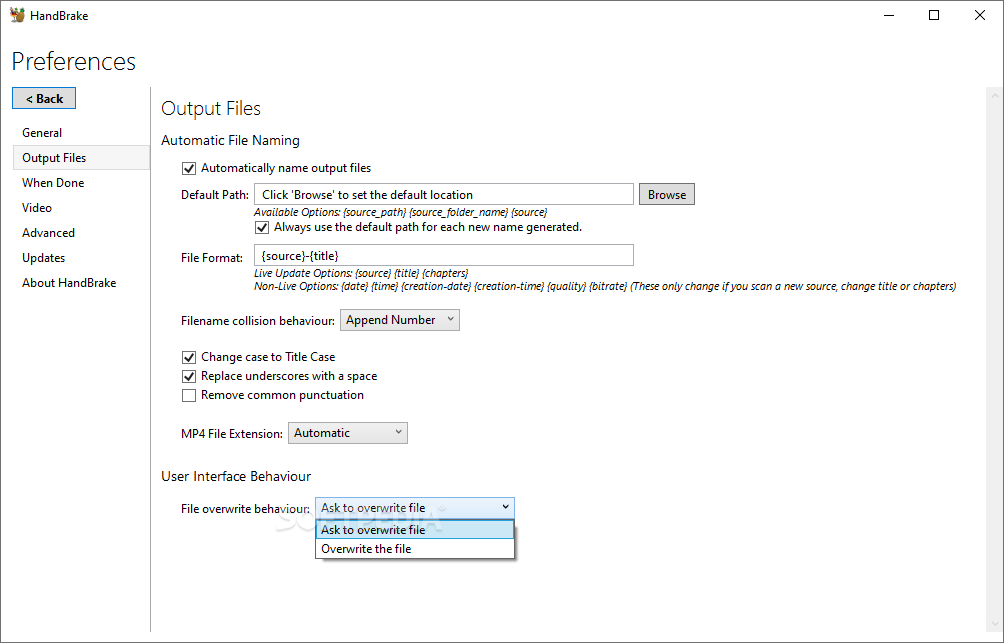
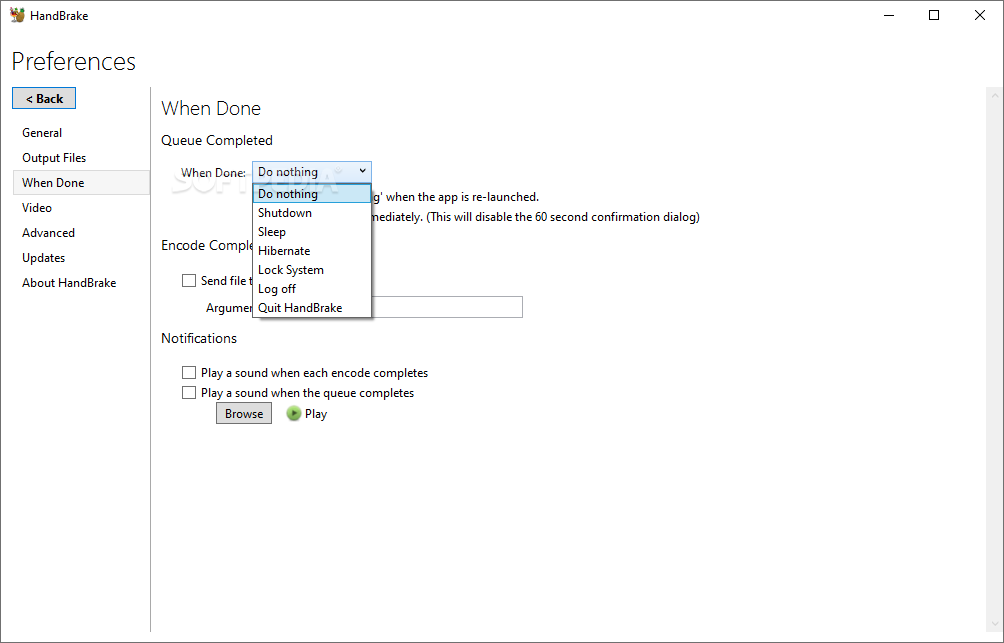
All presets are individually customizable, but we believe that as they are, they make for an excellent choice in terms of video characteristics. Last but not least, the thoroughness of the settings section has also impressed us, since it offers extensive customization, even for the most demanding users.
This latest iteration of HandBrake still packs a punch in terms of what it offers and how it delivers it to its users. If you’re looking for an intuitive way of converting video files, this app might very well have all the right attributes and some more.
Download Hubs
HandBrake is part of these download collections: Play TRP, Open TRP
What's new in HandBrake 1.7.3:
- Improved security hardening of loading of DLL files within libhb by limiting search scope
- Improved keyboard navigation on Chapters tab
- Fixed an issue that could cause encodes to appear stalled when process isolation is turned on
- Fixed an issue that could prevent QSV decode from being used when a system also has a non-Intel GPU
HandBrake 1.7.3 / 20240422 Nightly
 Softpedia Editor's Pick
add to watchlist
add to download basket
send us an update
REPORT
Softpedia Editor's Pick
add to watchlist
add to download basket
send us an update
REPORT
- PRICE: Free
- runs on:
-
Windows 11
Windows 10 32/64 bit - file size:
- 22.6 MB
- filename:
- HandBrake-1.7.3-x86_64-Win_GUI.exe
- main category:
- Multimedia
- developer:
- visit homepage
Microsoft Teams

Context Menu Manager

7-Zip

ShareX

calibre

Zoom Client

IrfanView

Windows Sandbox Launcher

Bitdefender Antivirus Free

4k Video Downloader

- Windows Sandbox Launcher
- Bitdefender Antivirus Free
- 4k Video Downloader
- Microsoft Teams
- Context Menu Manager
- 7-Zip
- ShareX
- calibre
- Zoom Client
- IrfanView