
A comprehensive application that was created to enable you to easily convert your media files to numerous other formats, as well as record your webcam. #Video to FLV #Audio converter #Capture webcam #Converter #Conversion #Encode

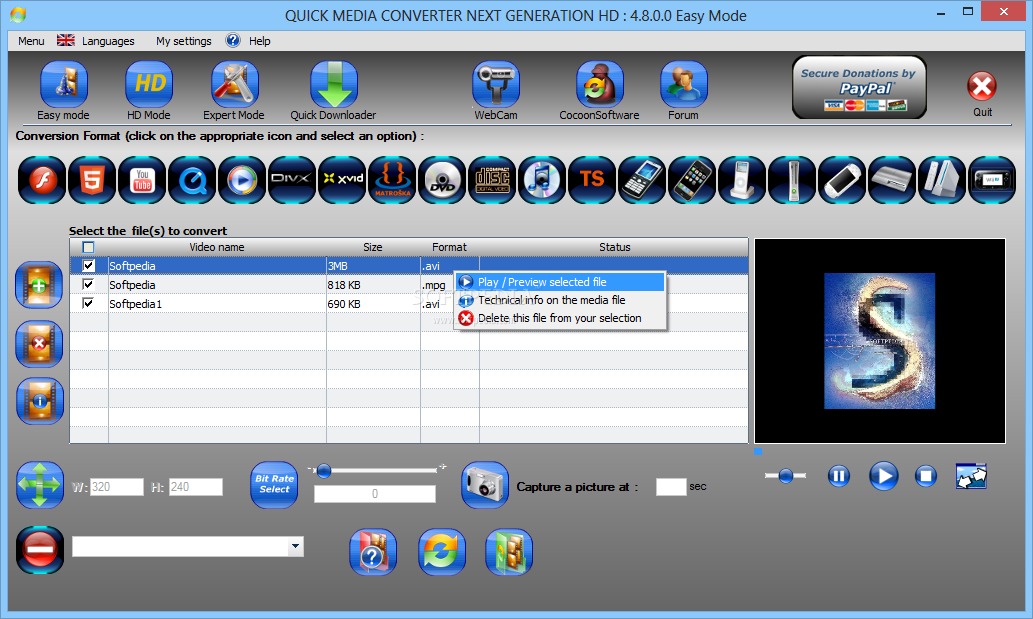
Quick Media Converter is an application that allows you to convert media files in a simple manner.
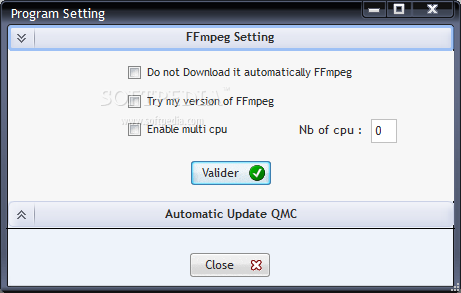
A compulsory pre-requisite is FFmpeg, a third-party application that Quick Media Converter cannot function without.
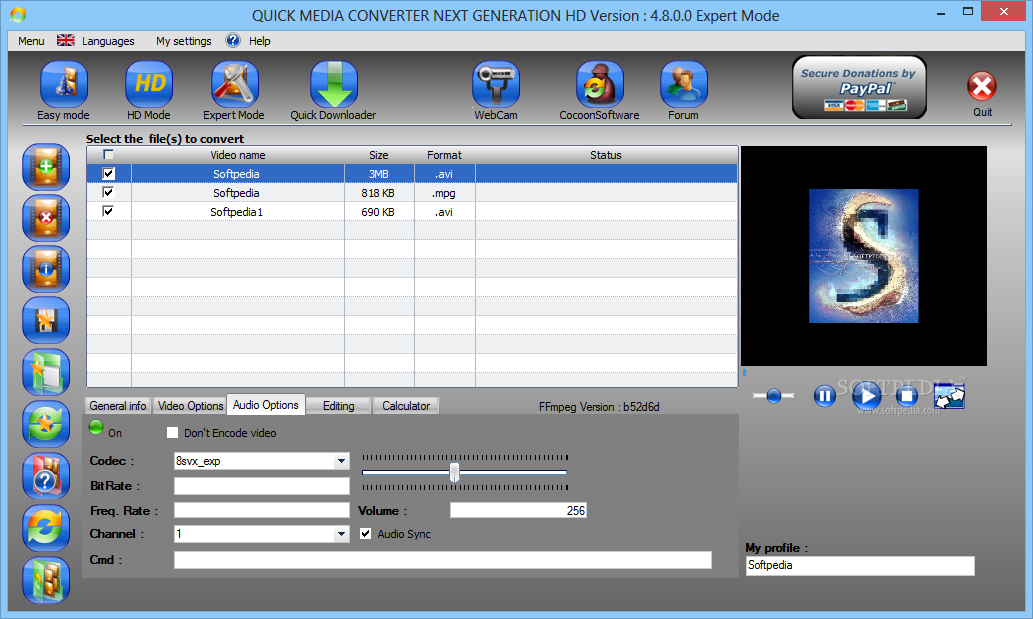
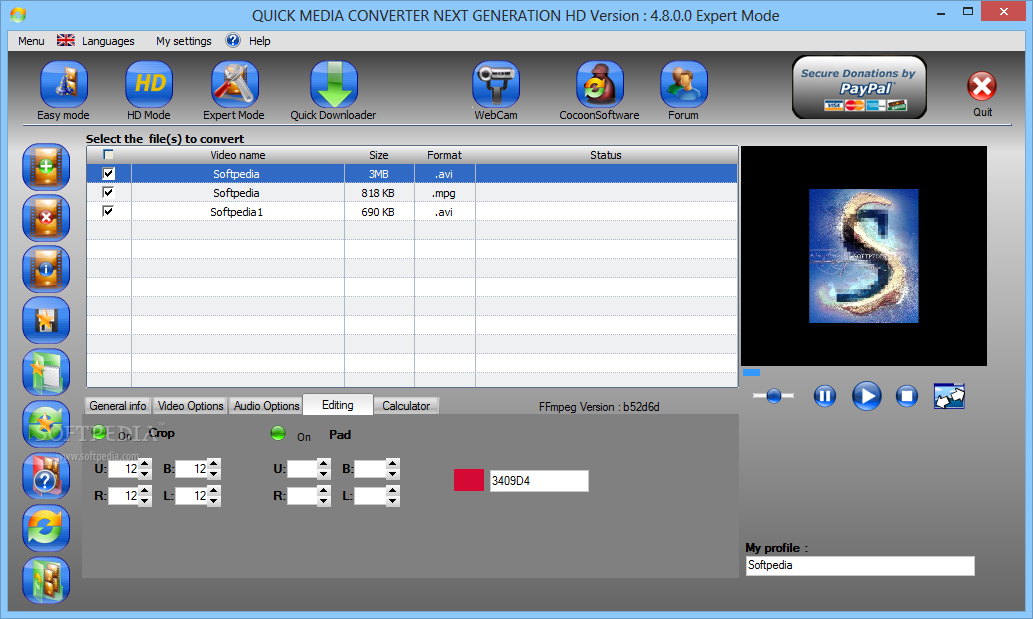
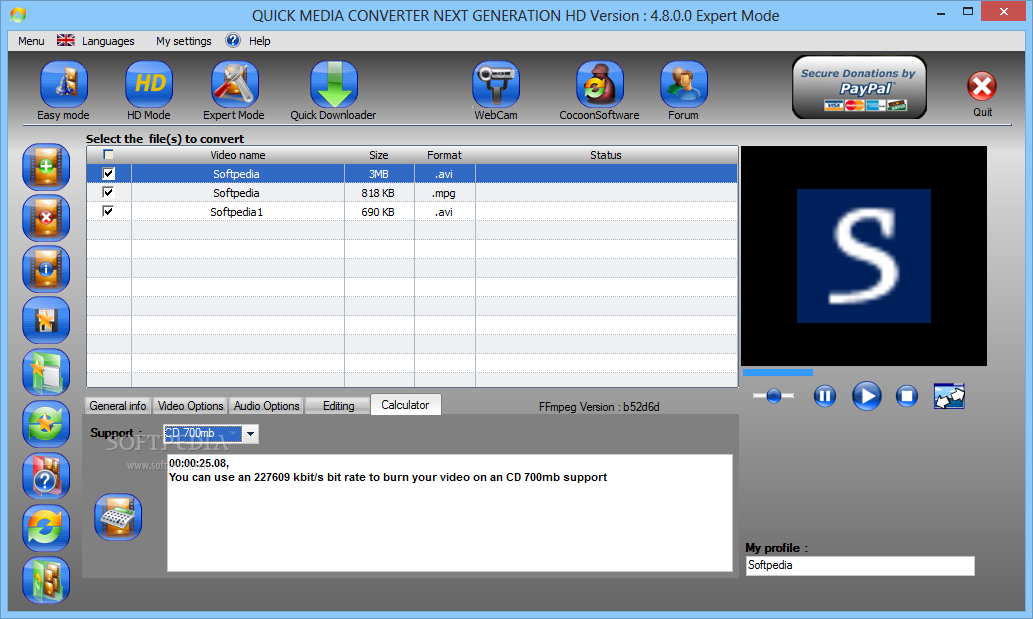
The user interface of the program is quite friendly, and although buttons may seem cluttered, they offer easy access to Quick Media Converter's features.
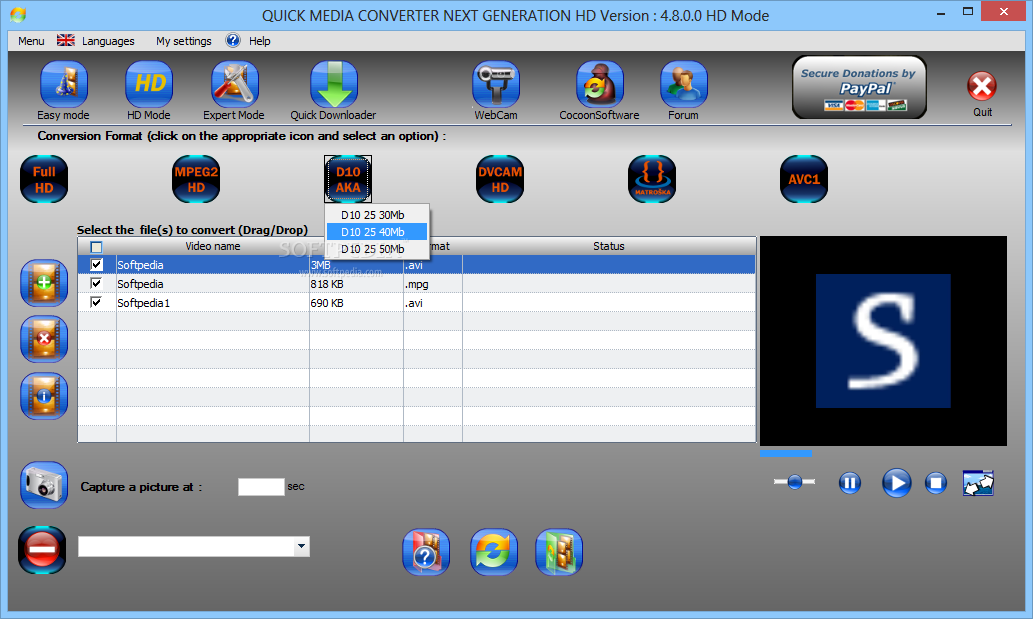
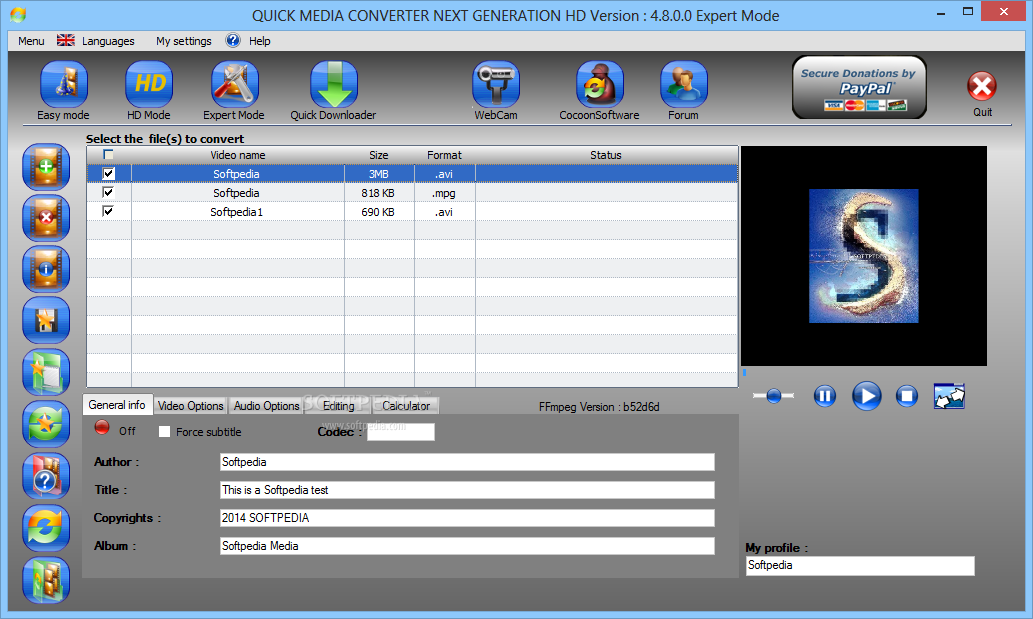
There are three viewing modes - easy, HD and expert. Quick Media Converter supports many file formats, including FLV, MOV, WMA, AVI, MKV, DVD, MP3, MP4, AMR, and you can specify the output platform or device - YouTube, iPod, Xbox, PSP, PS3, to name the most important ones.
Each option can be configured in its own way. For example, if you want to make a HD video, then you can select full HD, MPEG2 HD, D10 AKA, DVCAM HD, MKV, or AC1.
You can resize the video, capture an image in the video, preview the selected video, record all screen and audio activity on your computer via CamStudio or via webcam.
You can create, modify and save your own profiles in Quick Media Converter, as they automatically fill in the fields for you. But in order to do so, you have to copy a XML document in the program's files.
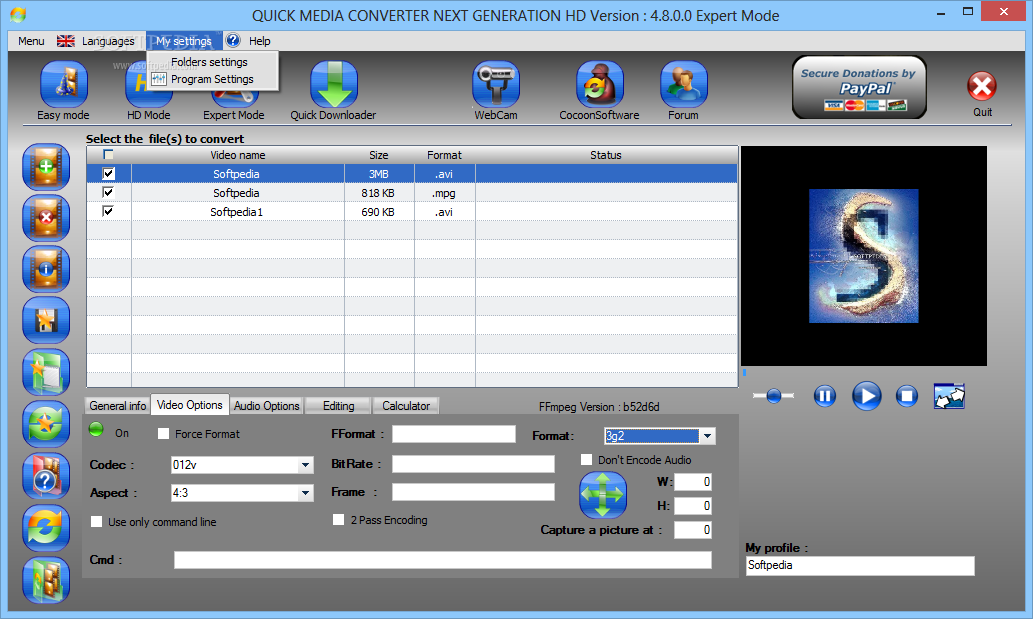
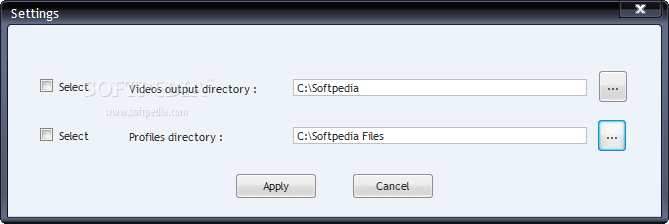
The settings menu is very limited, and you can only configure the videos output directory, as well as profiles directory.
Although this is a simple-to-use multimedia converter, Quick Media Converter benefits from an online forum with useful information, but you can also access video tutorials.
A video is converted in a reasonable amount of time, and the image and audio quality are very well maintained. The application uses a fair amount of system memory, but FFmpeg's case is quite the opposite, using high memory quantities.
Quick Media Converter proves to be a great application for converting media files, and we suggest you try it.
Download Hubs
Quick Media Converter is part of these download collections: Convert FLV, Convert MPEG, Make AVI, Create AVI
What's new in Quick Media Converter 4.8.0.5:
- Quick MediaConverter Release Includes HTML5, Youtube
- Custom resizing and Bit rate in simple mode included, thumbnails included, reviewed design and thumbnails. Support of FFmpeg x64 and x32.
Quick Media Converter 4.8.0.5
add to watchlist add to download basket send us an update REPORT- PRICE: Free
- runs on:
- Windows All
- file size:
- 61.8 MB
- filename:
- Install.zip
- main category:
- Multimedia
- developer:
- visit homepage
7-Zip

paint.net

Zoom Client

Bitdefender Antivirus Free

IrfanView

ShareX

Microsoft Teams

calibre

4k Video Downloader

Windows Sandbox Launcher

- calibre
- 4k Video Downloader
- Windows Sandbox Launcher
- 7-Zip
- paint.net
- Zoom Client
- Bitdefender Antivirus Free
- IrfanView
- ShareX
- Microsoft Teams