
Enjoy watching HD movies with this compact and stylish video player, which features high speed and support for a variety of multimedia files. #Video Player #Play Video #Video Subtitle #Player #Playback #Subtitle

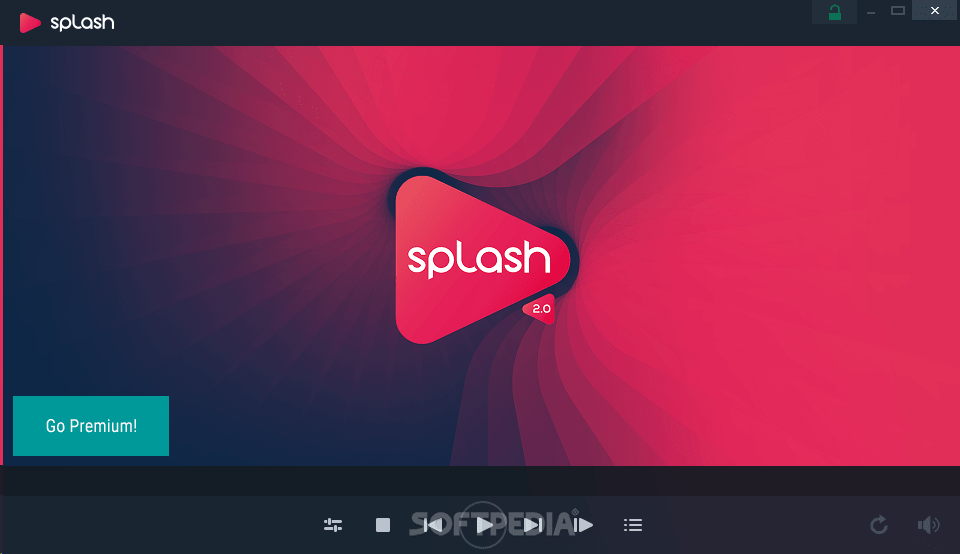
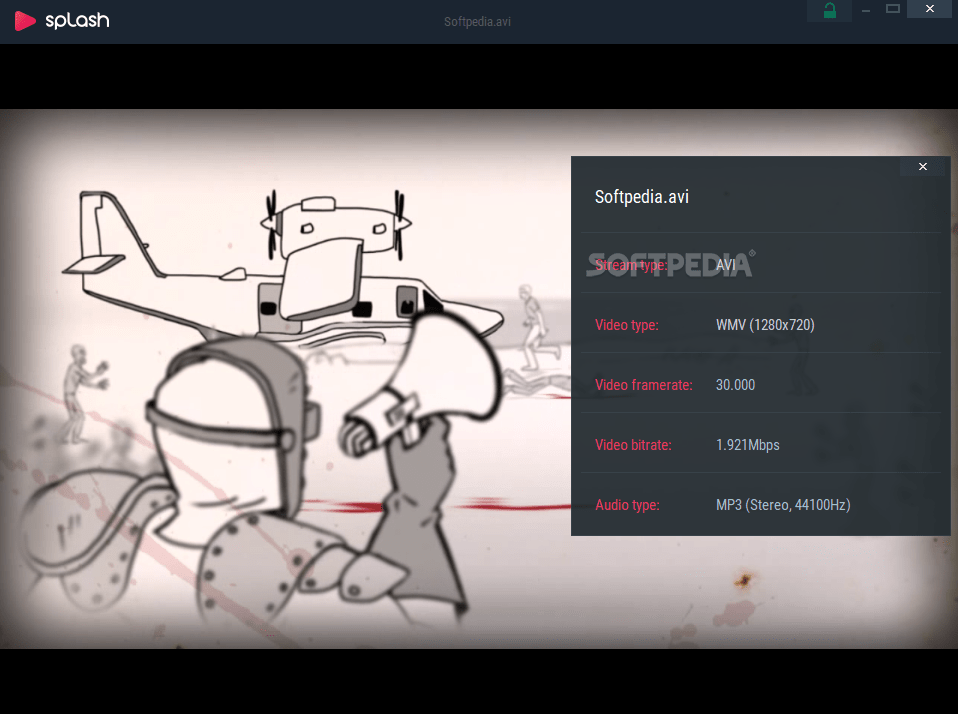
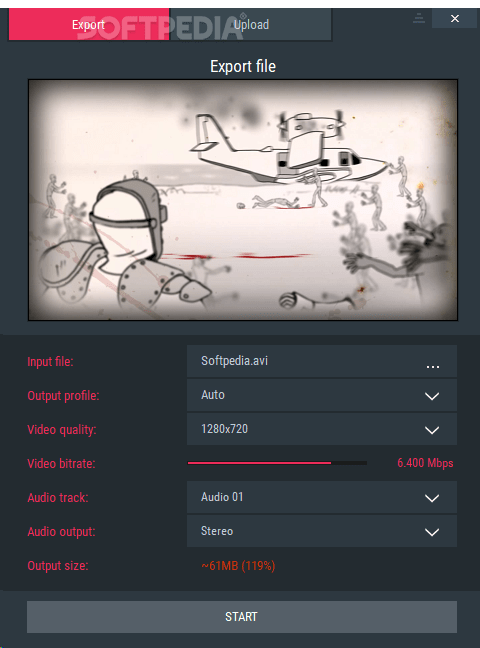
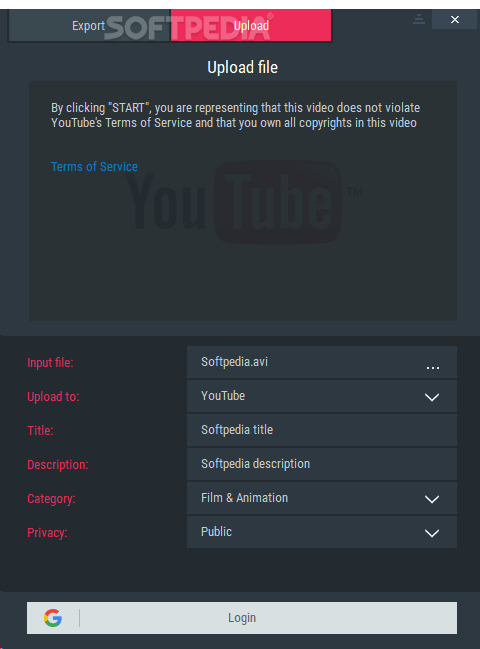
Splash is an advanced media player that supports most video formats out there, but it can also handle HD content in an impressive way.
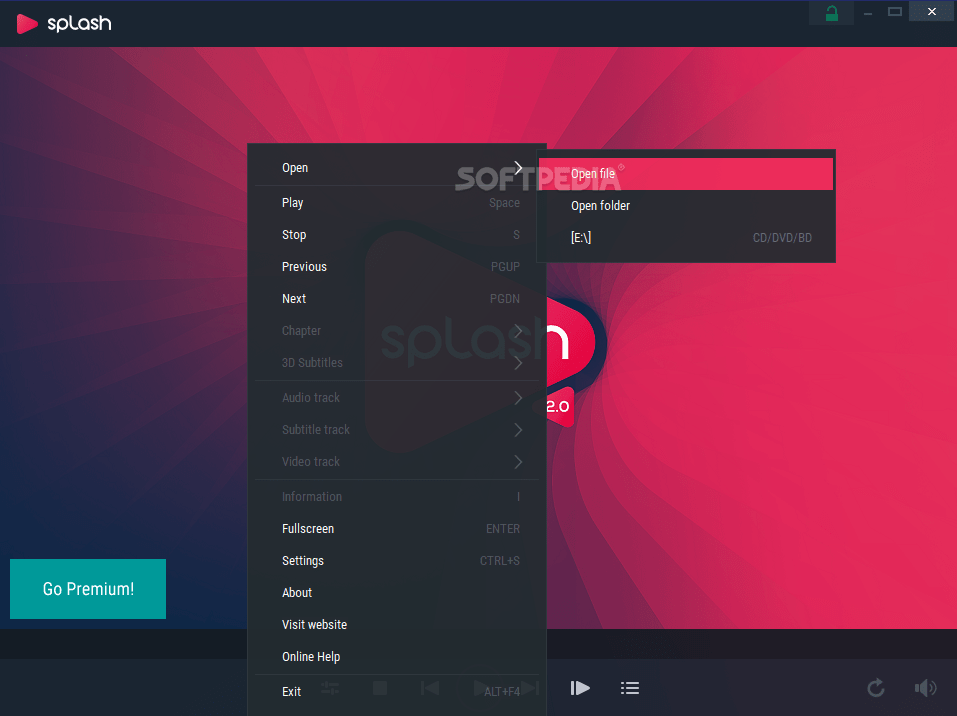
The interface is incredibly user friendly and, although it may seem that it adopts pretty much the same layout as all the other videos players on the market this one comes with some extra goodies.
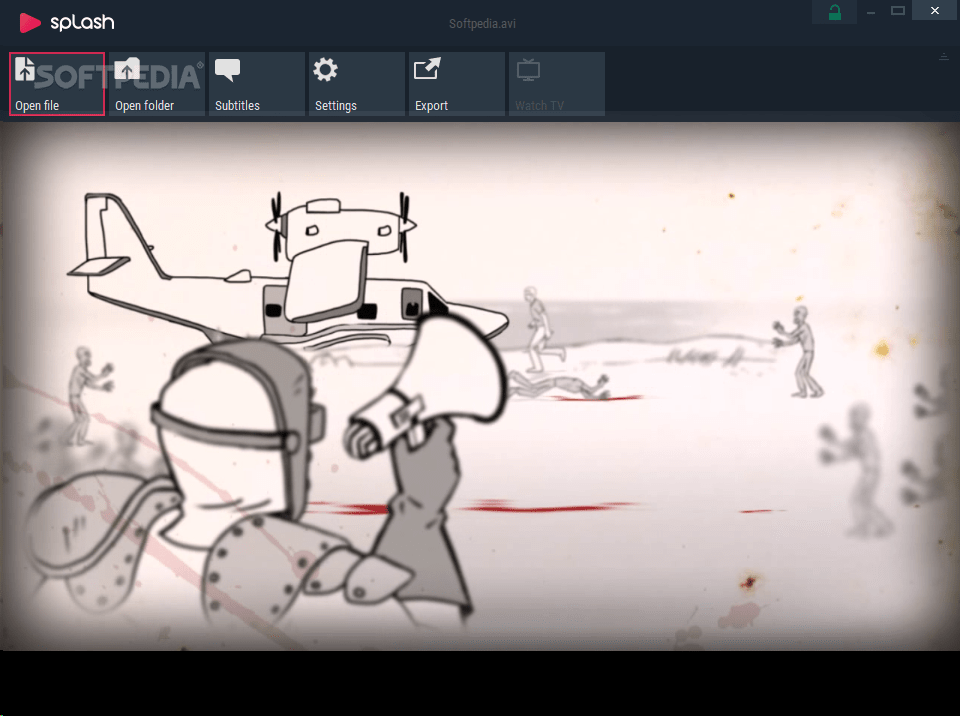
The big video control buttons along with the toolbar that pops out once you move the mouse cursor over the top of the main window brings Splash's features at one click distance, so you will definitely like it without even thinking to change something about it.
And although it doesn't come with theme support, so you won't be able to change the way it looks, chances are that you won't feel the need to do it because it boasts the eye candy interface most users expect from a video player.
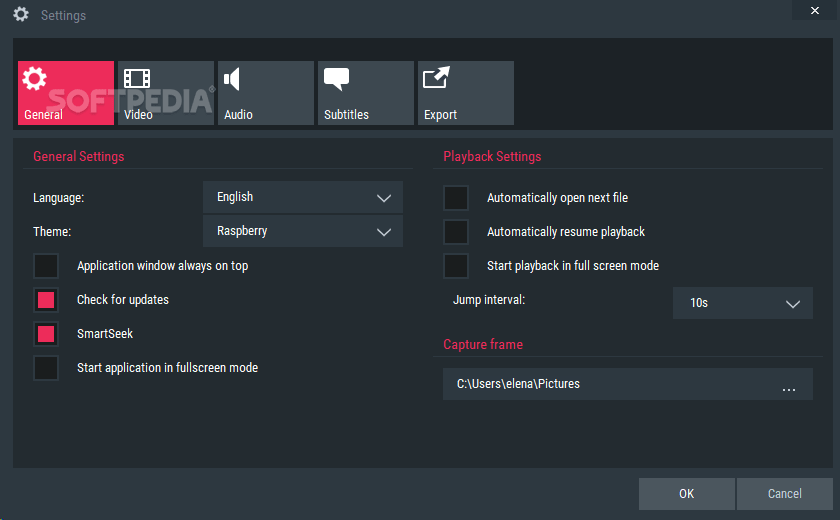
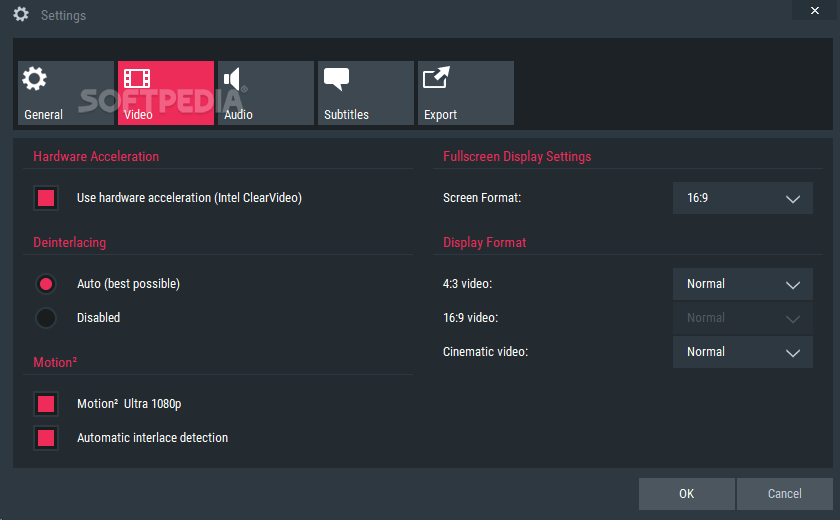
Leaving the looks aside, Splash not only that works smoothly and quickly, but it also sports an impressive feature lineup. It supports subtitles, of course, but it also provides a dedicated tool to change screen and display format, just to make sure it will fit your needs.
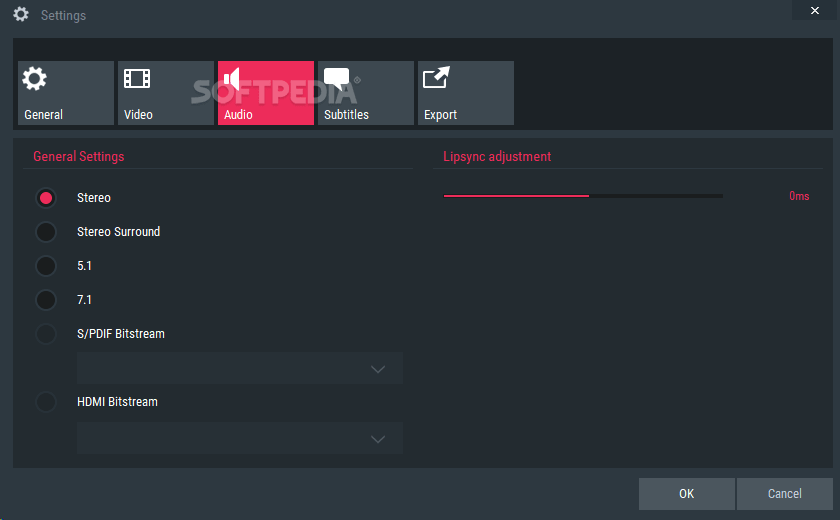
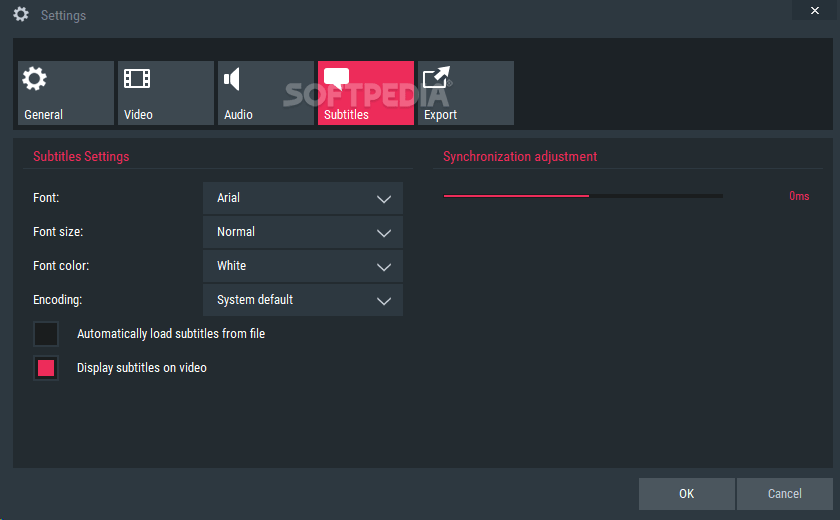
You can configure sound output mode and lip sync adjustment, but also modify the way subtitles look by changing font type, font size, color and encoding.
One of the features we really liked is the so-called EcoMode that allows you to use Splash on a laptop by saving battery as much as possible, reducing display brightness level and providing some valuable information on battery life and power consumption.
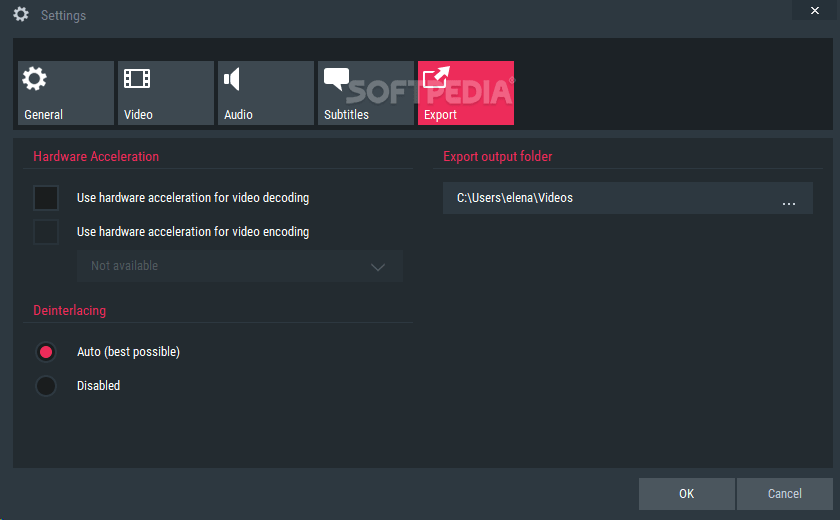
Last but not least, the tool supports hardware accelerated video decoding and 1080i to 1080p conversion for better video quality. All in all, Splash Lite is simply one of the best video players on the market, and it deserves at least a try.
Splash 2.7.0
add to watchlist add to download basket send us an update REPORT- PRICE: Free
- runs on:
-
Windows 10 32/64 bit
Windows 8 32/64 bit
Windows 7 32/64 bit
Windows Vista 32/64 bit - file size:
- 42.1 MB
- filename:
- splash_2_7_0_setup.exe
- main category:
- Multimedia
- developer:
- visit homepage
calibre

Context Menu Manager

Windows Sandbox Launcher

Bitdefender Antivirus Free

Zoom Client

Microsoft Teams

ShareX

7-Zip

IrfanView

4k Video Downloader

- 7-Zip
- IrfanView
- 4k Video Downloader
- calibre
- Context Menu Manager
- Windows Sandbox Launcher
- Bitdefender Antivirus Free
- Zoom Client
- Microsoft Teams
- ShareX