
Convert multiple MP4 files to AVI or MPG by applying various video and audio codecs with the help of this reliable and easy-to-understand application. #MP4 converter #MP4 to AVI #Convert MP4 #Converter #MP42AVI #Convert

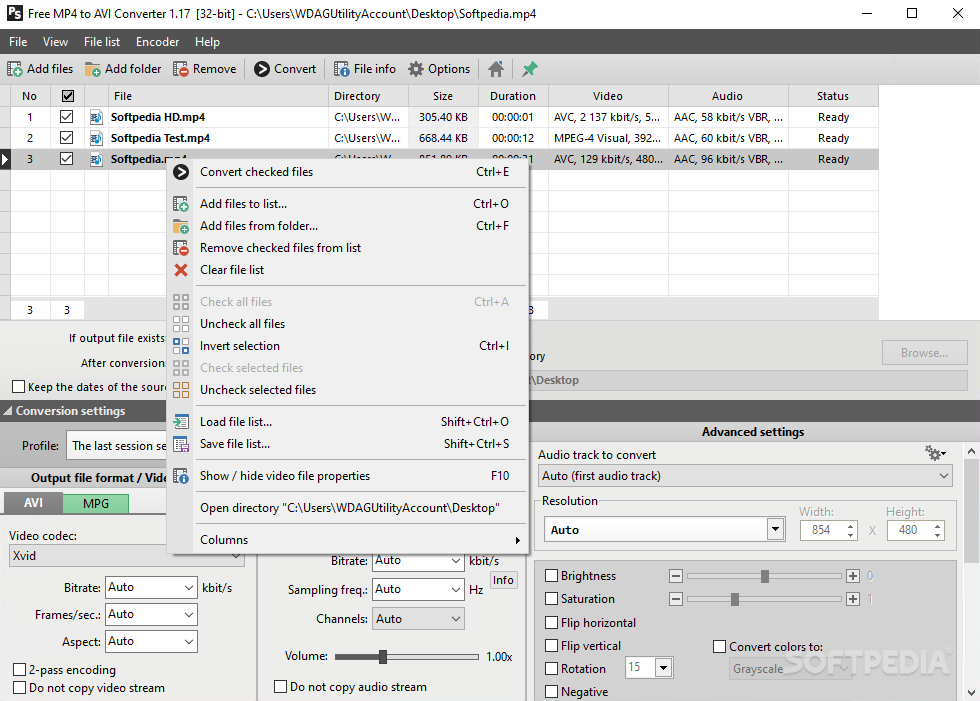
Pazera Free MP4 to AVI Converter is one of the software solutions designed to do a simple task as quickly as possible, without involving the user too much in the whole process. Just like its name suggests, this software application is dedicated to re-encoding MP4 files into AVI format.
Clean feature lineup and supported file formats
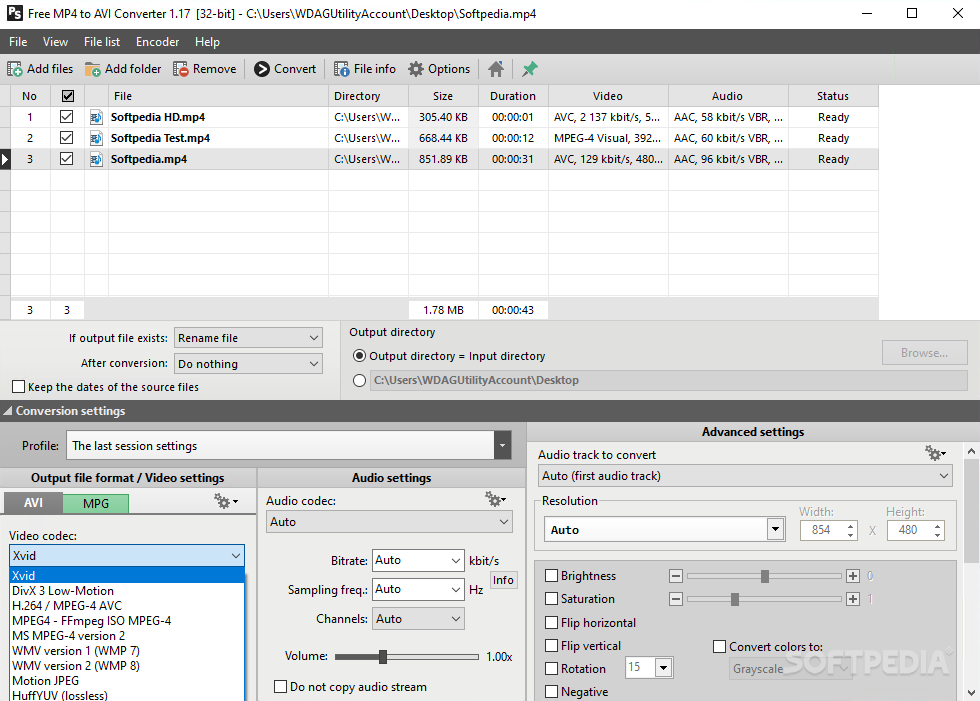
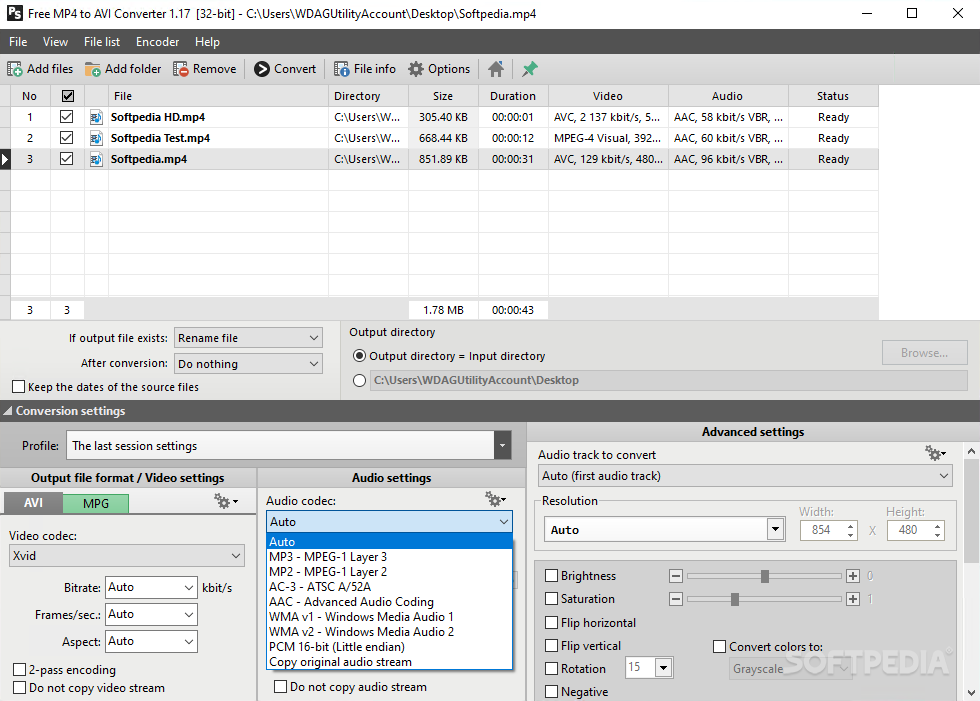
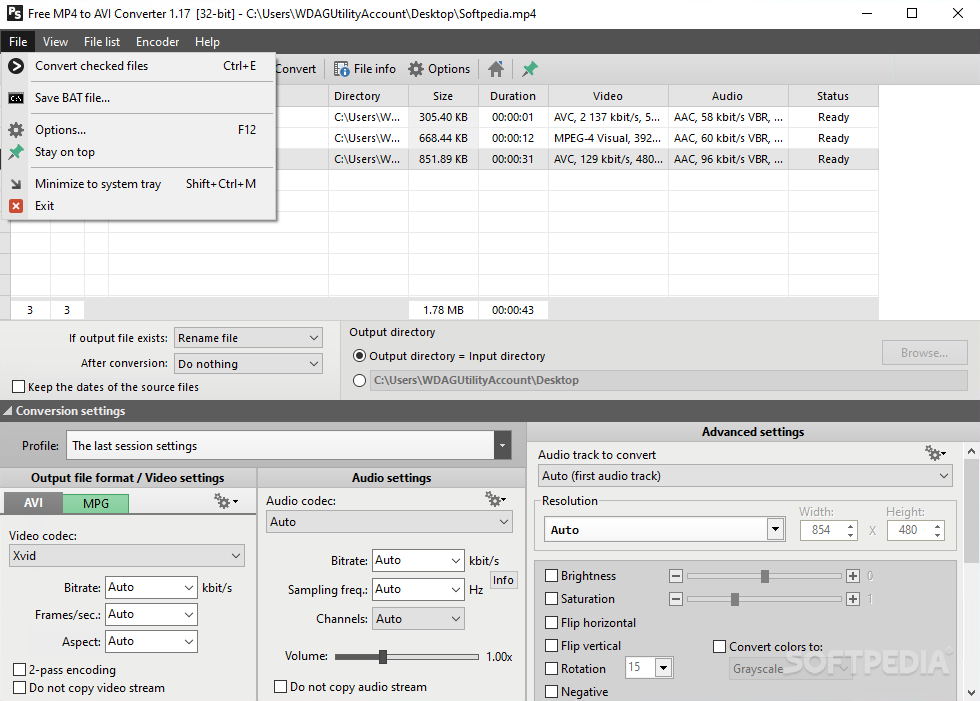
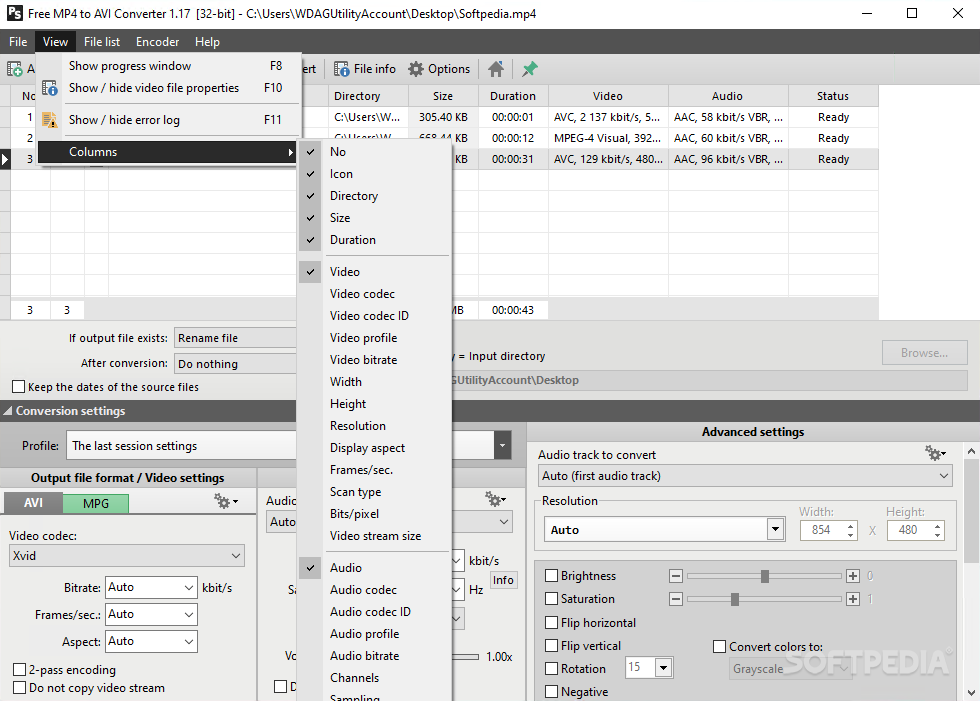
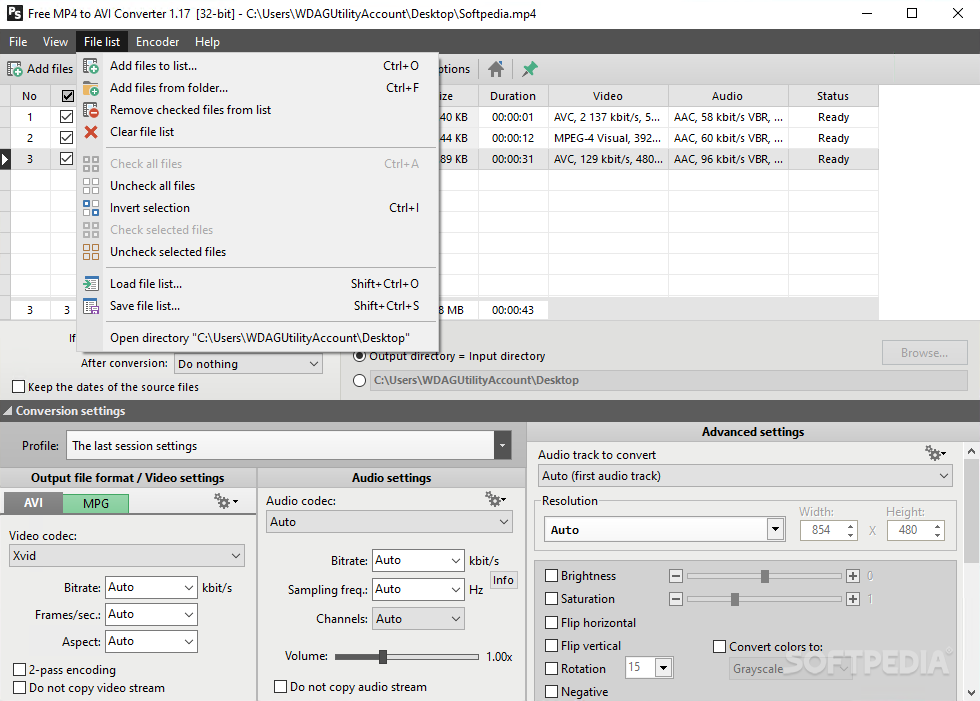
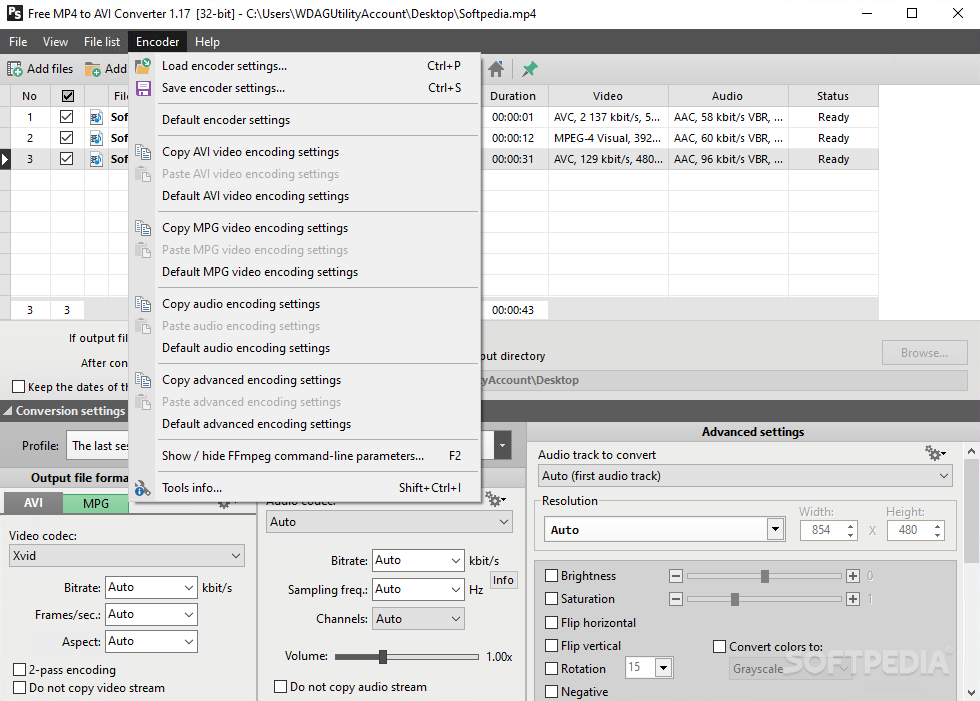
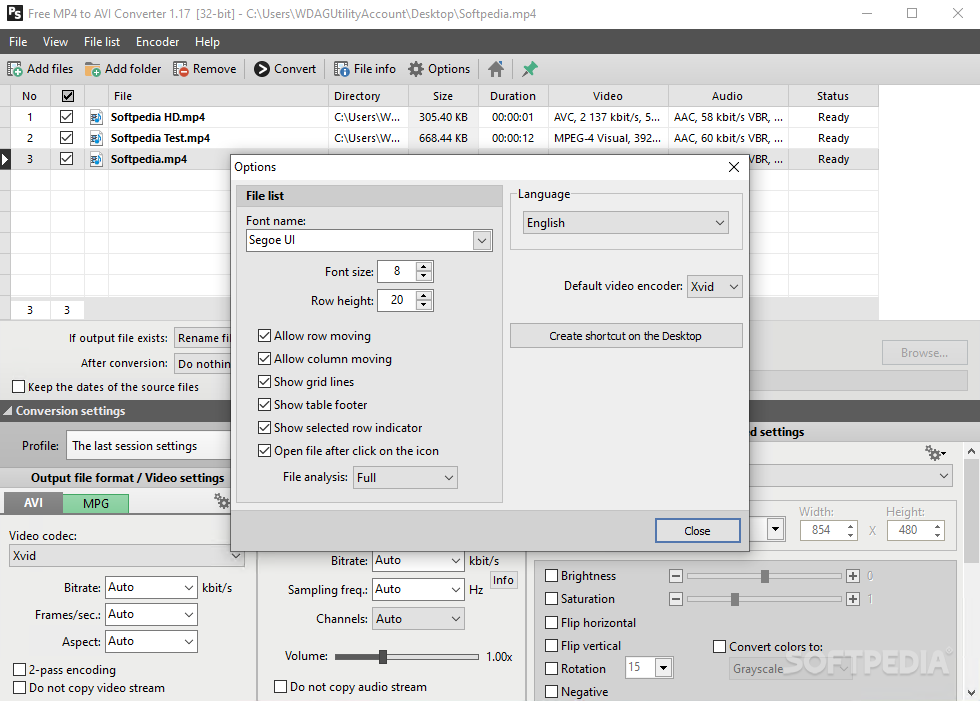
The interface is pretty well organized and packs a lot of functions that can be easily configured to yield best results when converting the movies.
The support for video and audio file types is also pretty decent as the program can work with MP4, M4V and MP4V for videos and MPEG-4 AVC/H.264, AAC, MP3, MP2, and MPEG-1 Audio Layer 1 for sound decoding.
In case you don't fancy tinkering a lot of settings, you can simply pick the format for output and leave the other things unchanged because Pazera Free MP4 to AVI Converter does a good job with the default options.
A great thing about this tool is that you can load batches of files and have them converted on the spot. While testing it, we noticed that the whole encoding process goes smoothly and the resulted files retain the quality of the original version.
If you want to use the same settings during different sessions, Pazera Free MP4 to AVI Converter enables you to create and save new profiles or simply use some of the ones that are built in the software.
Pazera Free MP4 to AVI Converter is one of the tools to try when looking for a hassle-free converter. It is not difficult to operate and the results will surely meet the requirements of all users as there is no compromise in terms of quality.
Download Hubs
Pazera Free MP4 to AVI Converter is part of these download collections: Convert MP4, Make AVI
What's new in Pazera Free MP4 to AVI Converter 1.17:
- New conversion engine (FFmpeg) and multimedia information library (MediaInfo).
- Information about the conversion progress is displayed on the title bar of the main window and on the taskbar.
- Fixed Stack overflow bug when selecting next files in the list very quickly.
- Added support for files from network shares whose names start with the characters \.
Pazera Free MP4 to AVI Converter 1.17
add to watchlist add to download basket send us an update REPORT- portable version
- Portable Pazera Free MP4 to AVI Converter
- runs on:
-
Windows 10 32/64 bit
Windows 2008
Windows 2003
Windows 8 32/64 bit
Windows 7 32/64 bit
Windows Vista 32/64 bit
Windows XP - file size:
- 11.9 MB
- filename:
- Free_MP4_to_AVI_Converter_32bit.exe
- main category:
- Multimedia
- developer:
- visit homepage
Microsoft Teams

Windows Sandbox Launcher

Bitdefender Antivirus Free

7-Zip

ShareX

Zoom Client

calibre

4k Video Downloader

IrfanView

Context Menu Manager

- 4k Video Downloader
- IrfanView
- Context Menu Manager
- Microsoft Teams
- Windows Sandbox Launcher
- Bitdefender Antivirus Free
- 7-Zip
- ShareX
- Zoom Client
- calibre