
Mux up to three subtitles streams (srt/sub/txt) on any give AVI file with the help of this straightforward and lightweight application. #Avi Subtitle #Video subtitle #Subtitle editor #AVI #Subtitle #Video
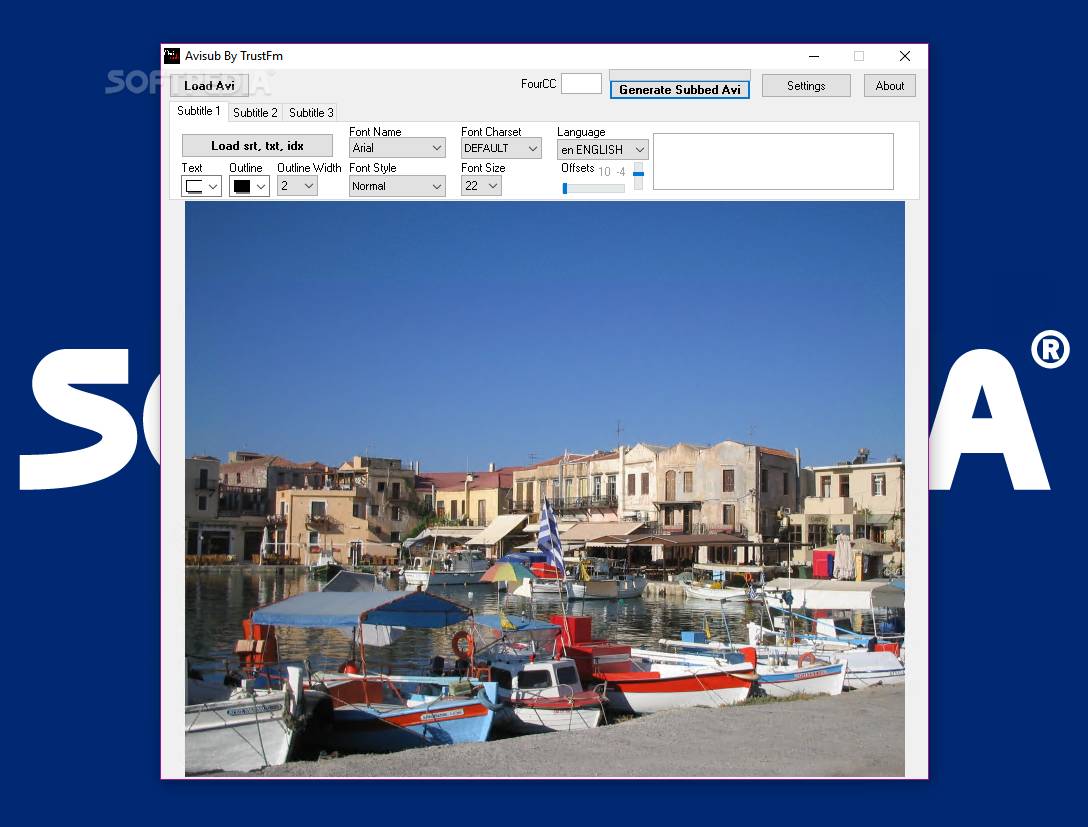
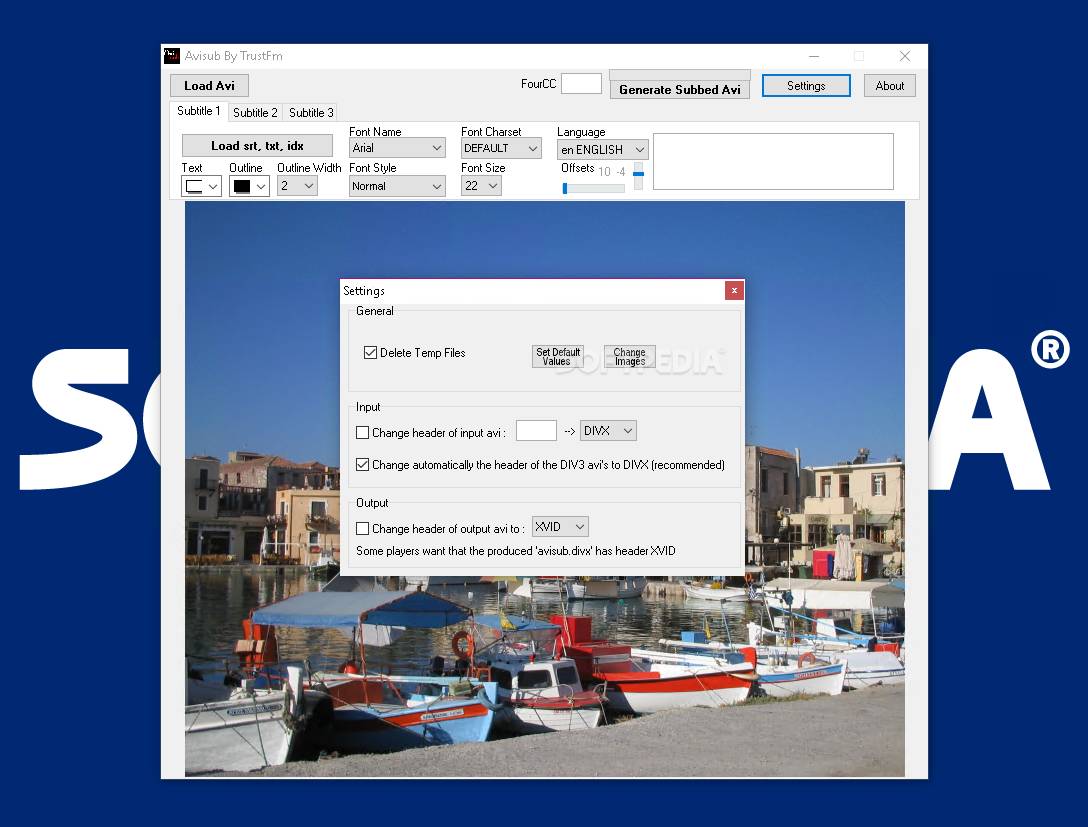
AviSub is a simple, yet reliable utility designed to mux multiple subtitles (up to three) on a single AVI file and convert it to DivX / XviD format. The generated movies can be played on various DivX 6 compatible players.
If you were ever in a situation that involves having movie collections in AVI format, but want to watch it on your DVD player with subtitles, you know that it’s impossible to accomplish this without the assistance of specialized software.
AviSub is one of them and has the advantage of being easy to handle. There’s no installation process involved, meaning that you can carry the application on a removable device and run it without affecting the system’s registry.
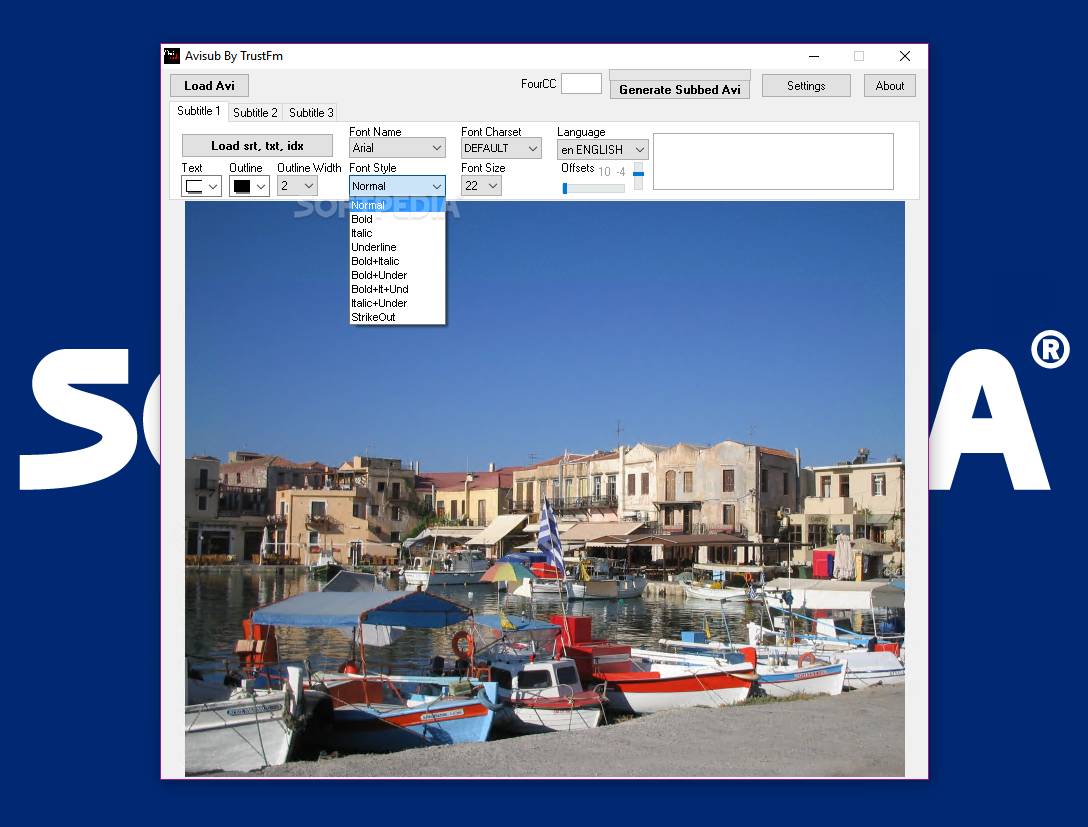
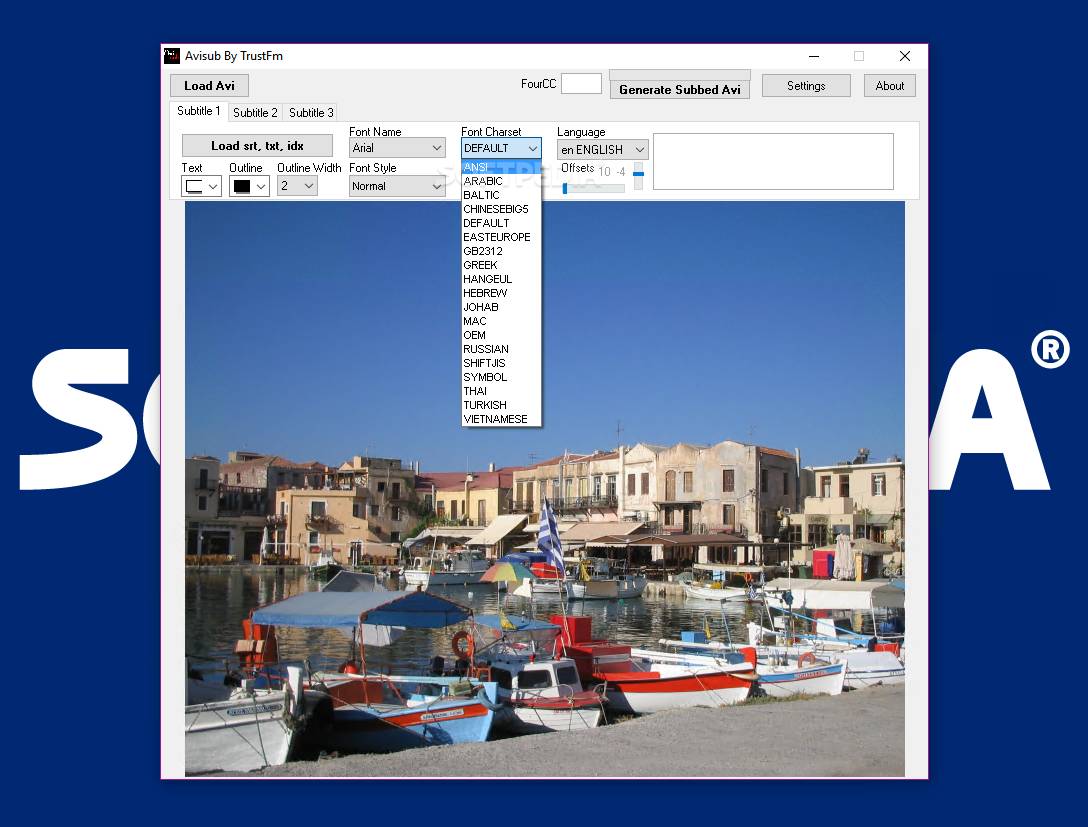
The interface of the application is compact and simple, easy to understand and navigate through. Usage is not complicated either – select the AVI file of interest and the adjacent subtitle (in SRT, TXT or IDX format), after which you can adjust font settings (charset, outline, style and size) and the language.
In case the subtitle doesn’t load correctly, you are notified accordingly. In most cases, SRT issues are related to the font’s size and picking a smaller font solves all the problems.
If all goes well and everything is into place, you can start generating the output file. Conversion takes just a few minutes to finish and the results are indeed, as expected.
In conclusion, AviSub is an awesome choice if you need to insert subtitles into AVI movies and get them ready for your DVD player. Its most cherished qualities are simplicity and ease of use, which makes the application accessible to all user categories in the audience.
Download Hubs
AviSub is part of these download collections: Subtitle Managers
AviSub 2.3
add to watchlist add to download basket send us an update REPORT- runs on:
-
Windows 10 32/64 bit
Windows 8 32/64 bit
Windows 7 32/64 bit
Windows Vista 32/64 bit
Windows XP 32/64 bit - file size:
- 1.7 MB
- filename:
- AviSub.exe
- main category:
- Multimedia
- developer:
- visit homepage
Windows Sandbox Launcher

4k Video Downloader

Microsoft Teams

Zoom Client

ShareX

7-Zip

calibre

Bitdefender Antivirus Free

IrfanView

Context Menu Manager

- Bitdefender Antivirus Free
- IrfanView
- Context Menu Manager
- Windows Sandbox Launcher
- 4k Video Downloader
- Microsoft Teams
- Zoom Client
- ShareX
- 7-Zip
- calibre