
Accessible, powerful and user-friendly .NET-based software utility that allows you to quickly and easily get various GPU information. #Check DXVA #DirectX Video Acceleration #GPU Info #DXVA #DirectX #GPU

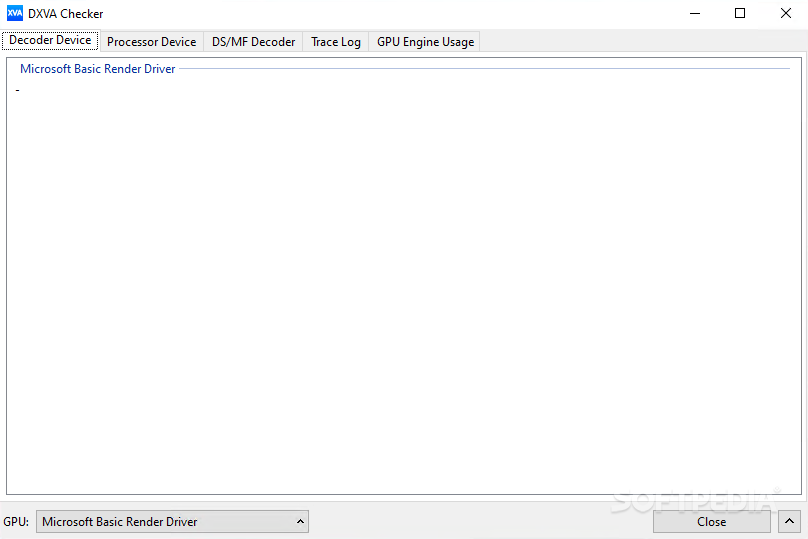
DXVA Checker is a software application that was designed specifically to aid people in viewing detailed information about their computer’s GPU.
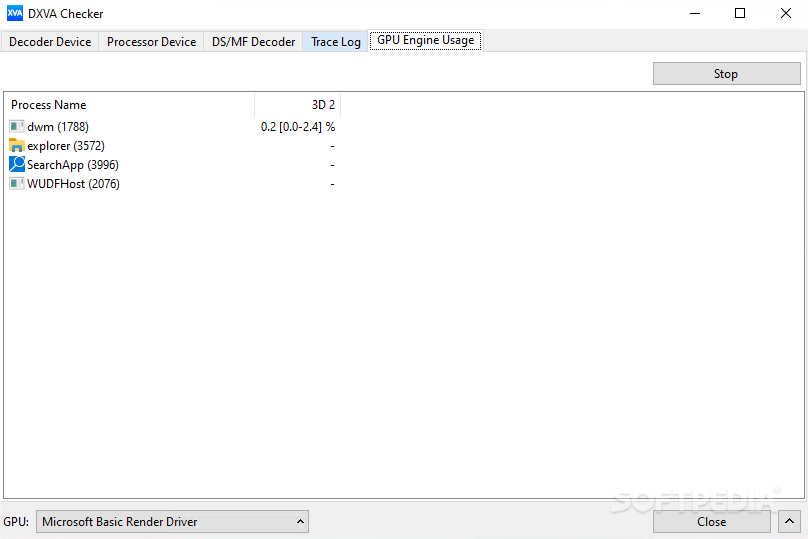
The installation process runs quite smooth, and the graphical UI you come across is quite clean. It comprises a few tabs which enable a quick access to all available options, as well as a few buttons and panes.
Although Help contents are not included, all types of users can easily learn how to handle DXVA Checker.
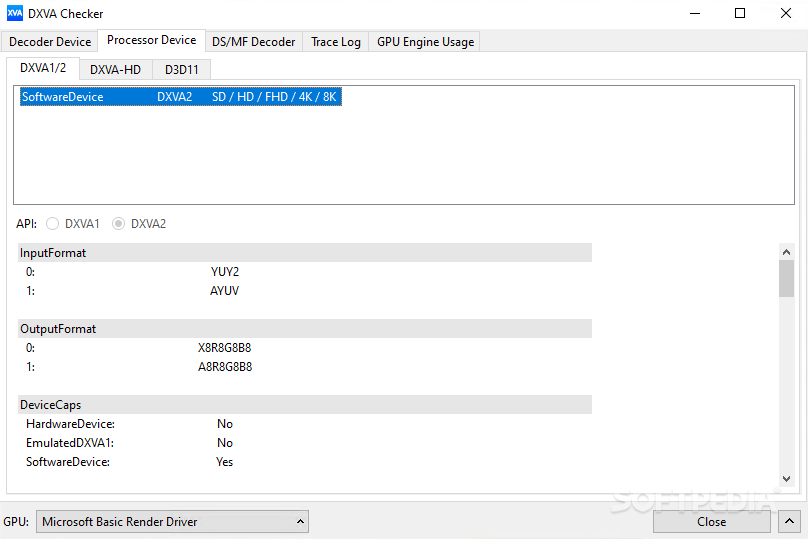
This utility enables you to view information on the decoder and processor devices in dedicated panes, while it also displays trace logs. The tracing process can be started, stopped and refreshed with just a click of the button, and lets you choose the events you want to follow.
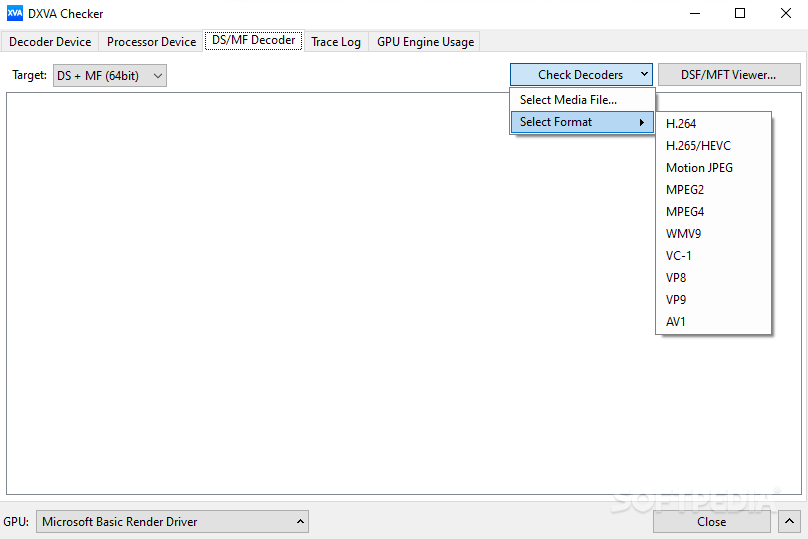
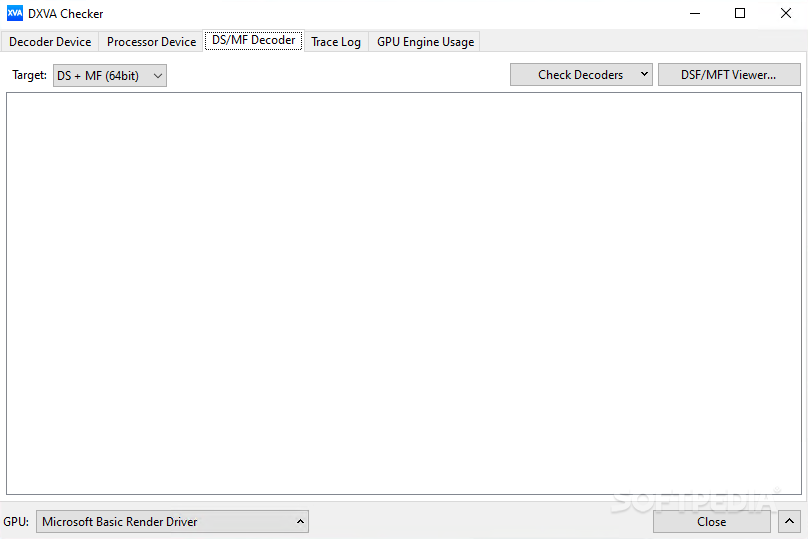
It is possible to detect and bring up a list of all DirectShow and Media Foundation codecs on your PC, view details pertaining to each of them such as attribute, merit, file name, product and company. Moreover, you can easily register these items, reregister or unregister them.
Last but not least, you should know it is possible to take screenshots of the program and save them as PNGs to the hard drive, as well as recheck your computer. Keyboard shortcuts are available, yet you should know they cannot be customized.
The amount of resources required is quite low at all times and therefore, does not put a strain on the computer’s performance. The response time is good and the interface is friendly to all users.
Taking all of this into consideration, we can safely say DXVA Checker is an efficient and reliable software solution, which provides you with accurate information quite fast. Out tests did not reveal any kind of errors or crashes.
What's new in DXVA Checker 4.6.0:
- Now display maximum resolution of decoder device on the ToolTip
- Fixed UI design issue on Windows11
- Minor changes and fixes
DXVA Checker 4.6.0
add to watchlist add to download basket send us an update REPORT- portable version
- Portable DXVA Checker
- runs on:
-
Windows 11
Windows 10 32/64 bit
Windows 8 32/64 bit
Windows 7 32/64 bit
Windows Vista 32/64 bit - file size:
- 2.8 MB
- filename:
- DXVAChecker_4.6.0_Setup.exe
- main category:
- Multimedia
- developer:
- visit homepage
paint.net

ShareX

7-Zip

Microsoft Teams

IrfanView

Windows Sandbox Launcher

calibre

Bitdefender Antivirus Free

4k Video Downloader

Zoom Client

- Bitdefender Antivirus Free
- 4k Video Downloader
- Zoom Client
- paint.net
- ShareX
- 7-Zip
- Microsoft Teams
- IrfanView
- Windows Sandbox Launcher
- calibre