
A handy stereo movie editor and stereo movie player. #Movie editor #Movie player #Stereo movie #Movie #Editor #Edit

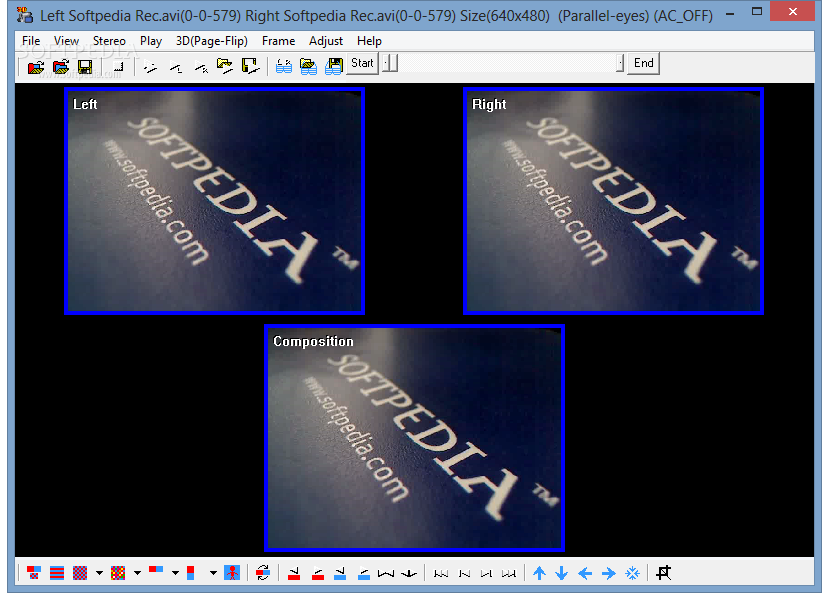
StereoMovie Maker is an application that you can use to play and edit movies in stereo mode.
This is a portable software, so installing StereoMovie Maker is not necessary. You can simply place it on a removable device and run the executable file on any computer. Also, your Windows registry entries will be intact.
The user interface of the program is plain and simple. You can import media by using the file browser or the "drag and drop" method.
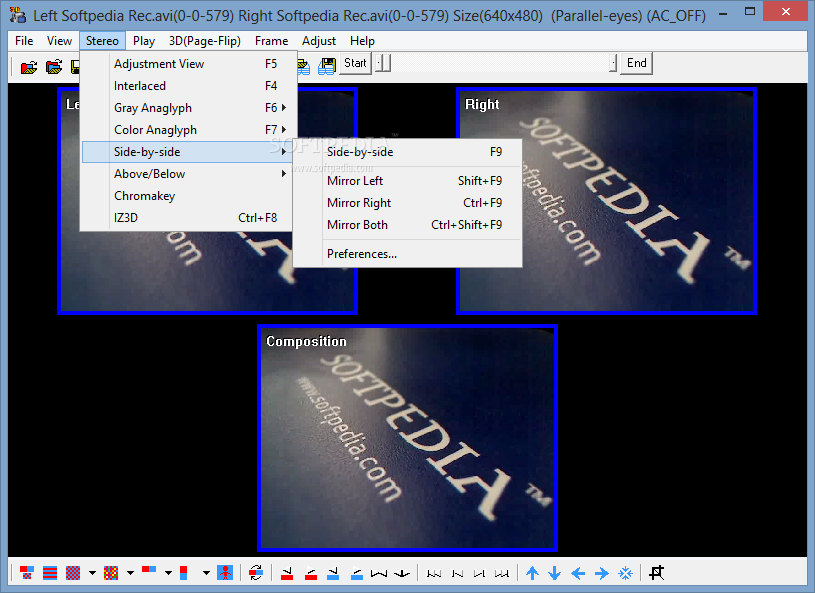
You can select the input stereo movie type from side-by-side, interlaced, anaglyph, tri-delta and others (optionally reduce the interlace noise).
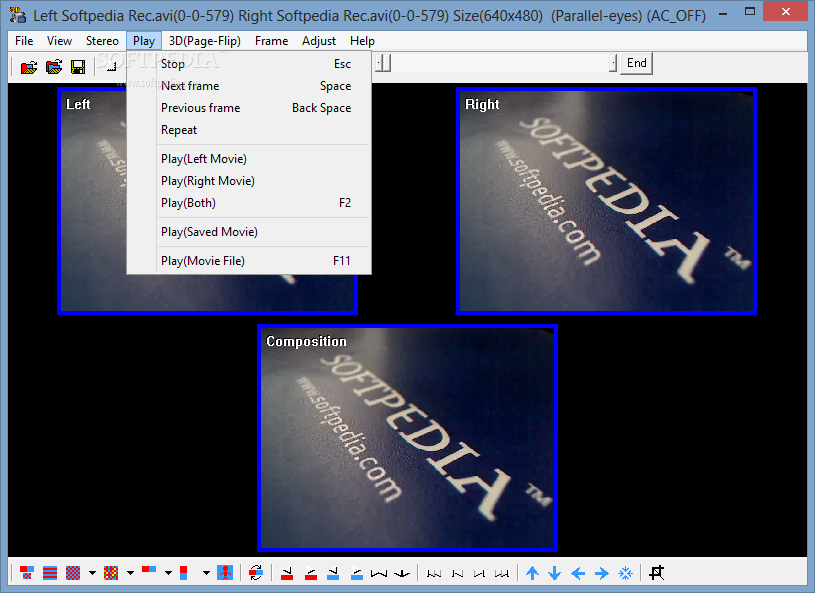
You can play the entire movie or just the left or right one, as well as switch to a different input type - color anaglyph (red and cyan, half color), side-by-side (mirror left, right or both), chromakey, above or below (mirror top, bottom or both).
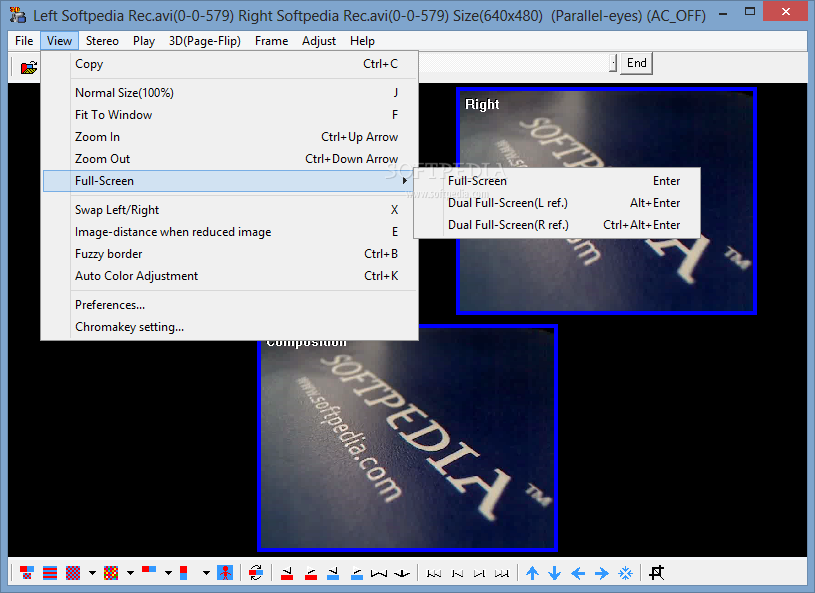
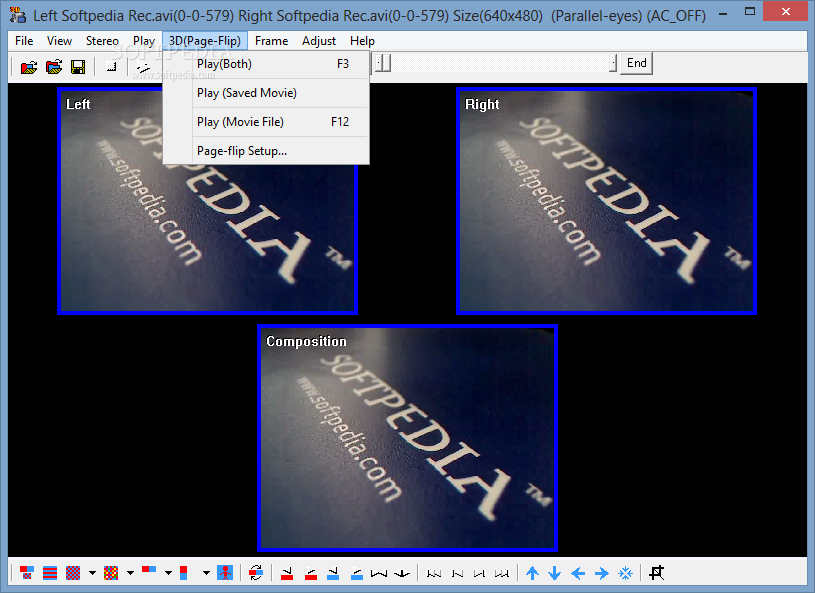
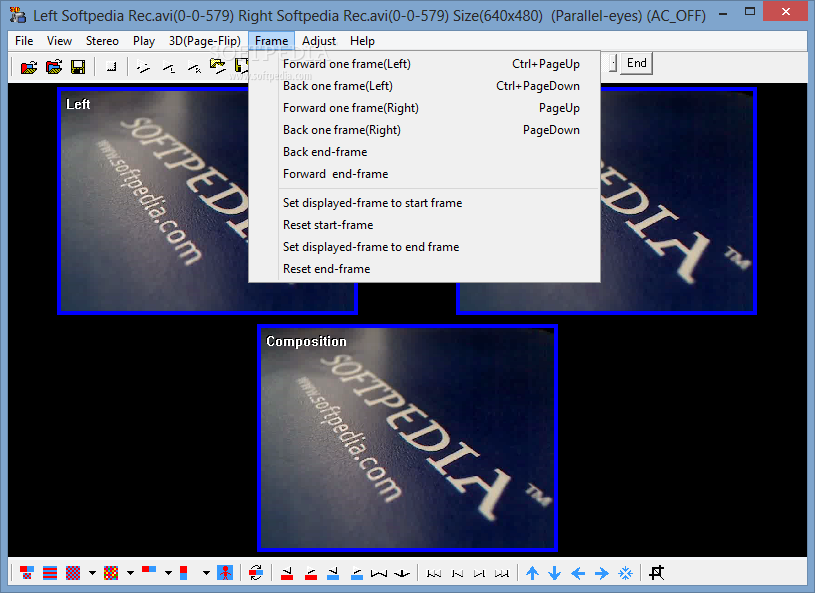
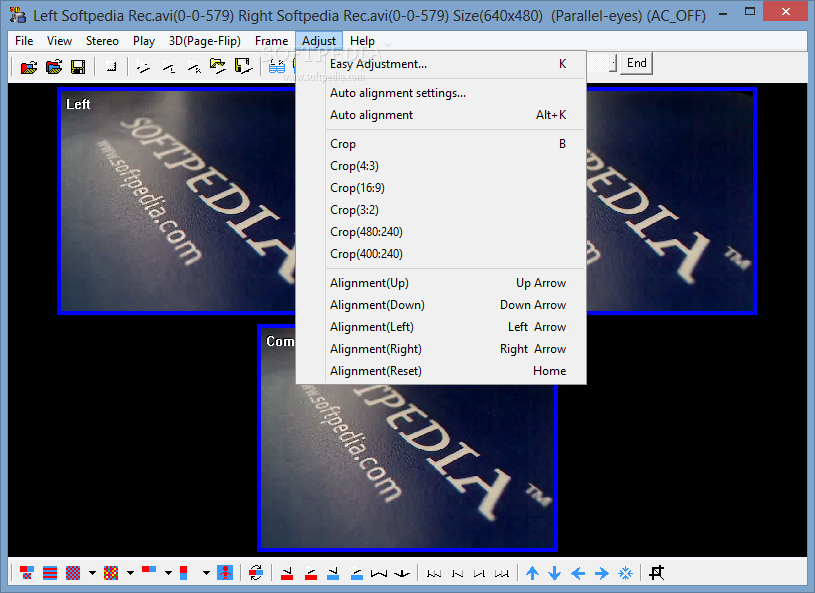
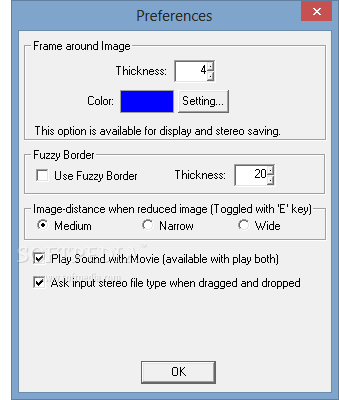
But you can also go back or forward one frame at a time, make some adjustments (e.g. image size, rotation, guideline, flashing, crop), apply automatic alignment settings, set 3D shutter glasses preferences (e.g. resolution, stereo driver), view fuzzy borders, automatically adjust colors, save as a 3D file in the AVI format, and more.
The tool uses a moderate amount of system resources, includes a well-drawn help file with images and didn't pop up errors or freeze during our tests.
Since it comes packed with advanced settings, we mainly recommend StereoMovie Maker to experienced users but beginners are welcomed to give it a shot.
What's new in StereoMovie Maker 1.30:
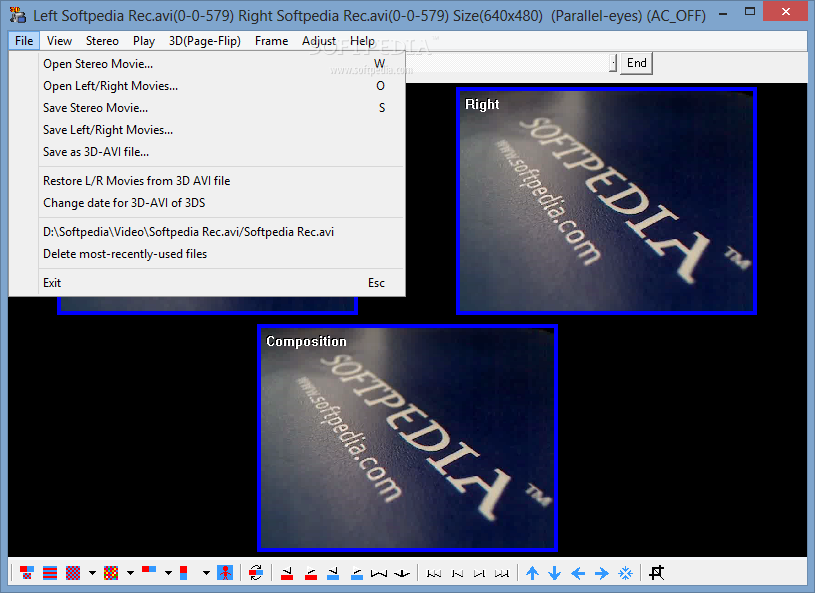
- Added save options (Menu -> File -> Save Stereo Movie)
- Keep Aspect Ratio
- Half Width
- Vertical Interlaced
StereoMovie Maker 1.30
add to watchlist add to download basket send us an update REPORT- runs on:
- Windows All
- file size:
- 630 KB
- filename:
- stvmkre130.zip
- main category:
- Multimedia
- developer:
- visit homepage
calibre

Microsoft Teams

Windows Sandbox Launcher

IrfanView

7-Zip

Bitdefender Antivirus Free

Zoom Client

ShareX

paint.net

4k Video Downloader

- ShareX
- paint.net
- 4k Video Downloader
- calibre
- Microsoft Teams
- Windows Sandbox Launcher
- IrfanView
- 7-Zip
- Bitdefender Antivirus Free
- Zoom Client