
This program can add subtitles to an avi file using (up to 8) .srt. #Add subtitle #Sub to avi #Sub to divx #Subtitle #Srt #Avi

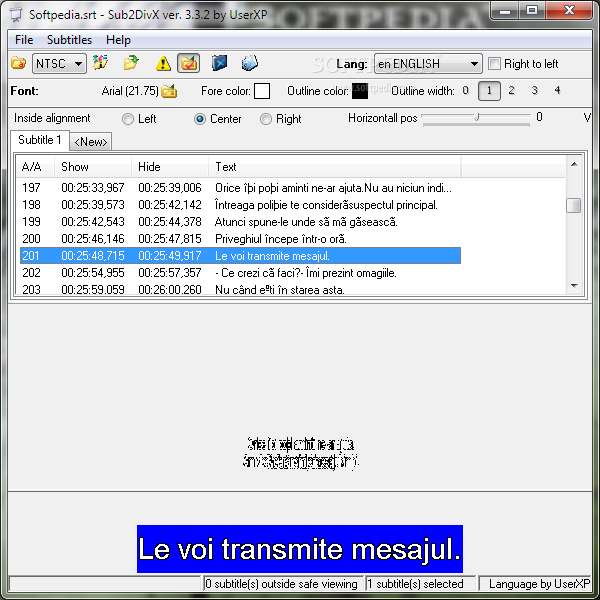
Sub2DivX is a reliable software solution designed to add subtitles to any AVI file, with multiple customization options to help you in the process.
The interface is not the best we've seen – we can’t label it as user friendly because the main window is full of buttons with no hints, so it may take a while to figure out how to use the app. Not to mention that there's no help file included in the package.
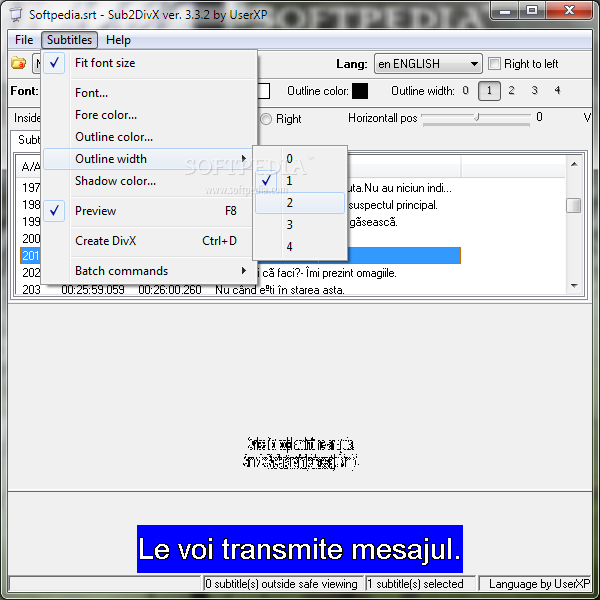
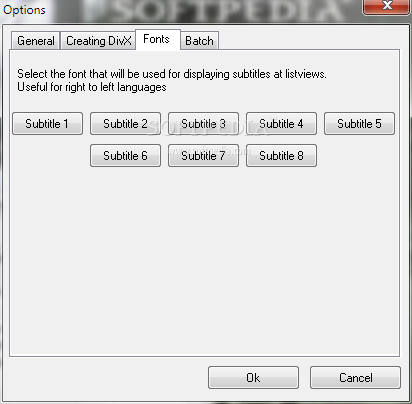
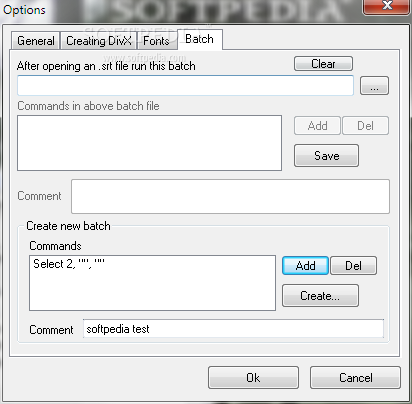
But the amount of features it provides is rather surprising. Subtitles can be easily adjusted by customizing their position, inside alignment, colors, font and size. The user is presented with options to change the bevel, shadow color, outline width and color.
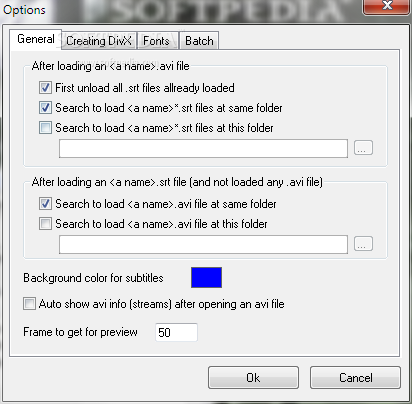
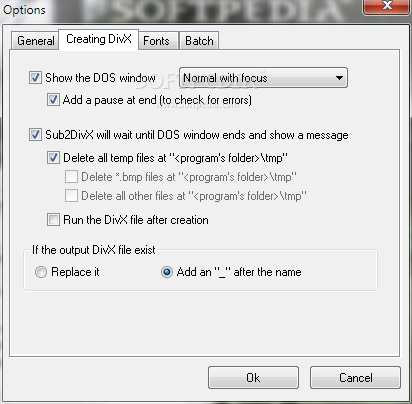
Starting the DivX creation process is just a matter of seconds, but keep in mind that you need DivXMux to complete the job.
If we were to vote for some improvements, we would most likely go for a built-in subtitle editor that allows users to change the text on the go. Plus, a few more synchronization tools to provide a seamless experience is a must, especially when working with videos and subtitles.
But the good thing is that Sub2DivX works decently with a minimum footprint on the hardware side of your computer, remaining light all the time, even when processing a new movie.
So as a conclusion, Sub2DivX is a useful tool if you wish to add a separate subtitle to an AVI file, but several improvements in some key areas are definitely a must.
What's new in Sub2DivX 3.3.2:
- A bug when using fonts with size bigger than 26 is now fixed.
- Bug fixes.
Sub2DivX 3.3.2
add to watchlist add to download basket send us an update REPORT- runs on:
- Windows All
- file size:
- 262 KB
- filename:
- sub2divx.zip

- main category:
- Multimedia
- developer:
- visit homepage
Bitdefender Antivirus Free

Windows Sandbox Launcher

Microsoft Teams

calibre

IrfanView

Zoom Client

ShareX

7-Zip

paint.net

4k Video Downloader

- 7-Zip
- paint.net
- 4k Video Downloader
- Bitdefender Antivirus Free
- Windows Sandbox Launcher
- Microsoft Teams
- calibre
- IrfanView
- Zoom Client
- ShareX