
Modify, correct and convert movie subtitles. It support txt, srt, sub and ssa files. With this tool you can add or remove a delay to all the lines in the subtitle file with just a few clicks.. #Modify subtitle #Convert subtitle #Correct subtitle #Subtitle #Correct #Converter
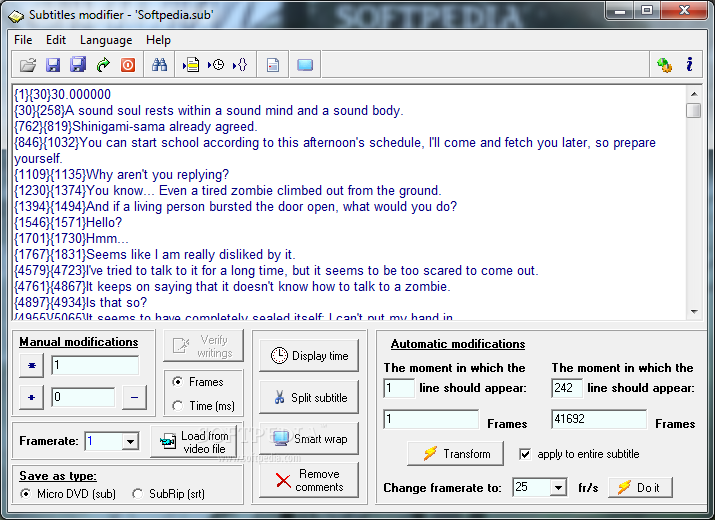
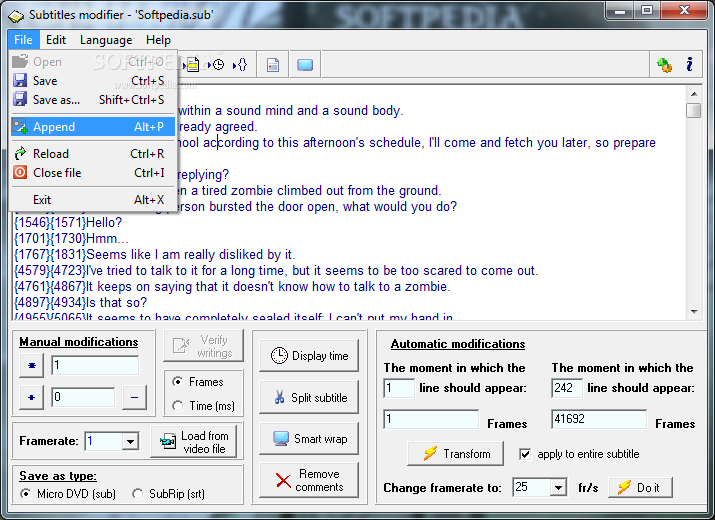
Subtitle modifier is a free tool that helps you edit subtitle files and synchronize them with the video files that you find on the Internet. If you find your favorite movie on the Internet and you discover that the subtitles are for another version or that they are not in sync with the video this program can help you fix the problem.
The application allows you to find out the frame rate for your video file and adjust the subtitle by multiplying the frame values. The subtitle might appear on the screen a few seconds too early and spoil the entire movie effect. With this tool you can add or remove a delay to all the lines in the subtitle file with just a few clicks.
The entire file can be synchronized automatically if you choose the time when the first and the last line should appear on the screen. This is particularly useful for the subtitles built for files with different frame rates.
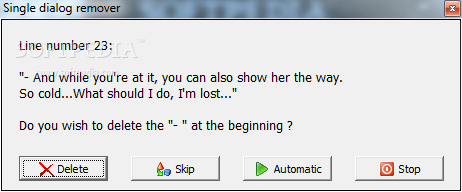
You can make manual adjustments to the file such as changing the display time for the subtitles that meet a certain length criteria. For instance, a line that has 50 characters can be displayed for 5 seconds in order to be read entirely. The content of the line can be split into one or more rows so you can read all the words.
One of the important features of the program is the ability to split a subtitle file in two or more parts. If you have a movie that is made up of two CD’s and only one subtitle file you just have to specify the time or the frame number and the program will cut the subtitle and save the output files. Or even better, you can load the time interval directly from the video file.
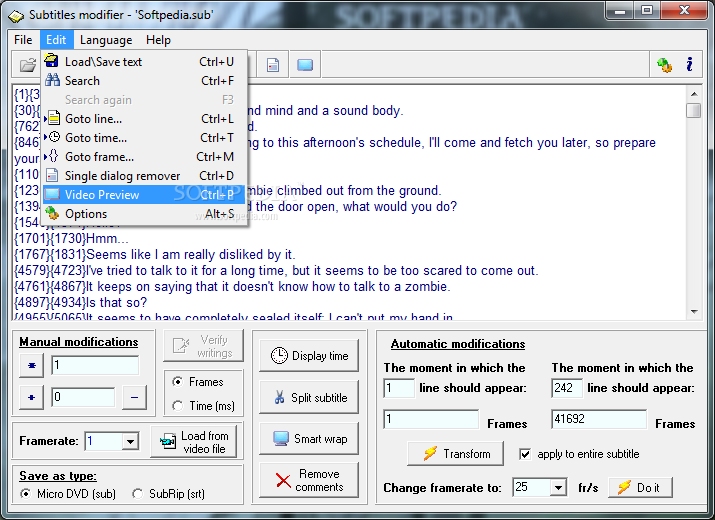
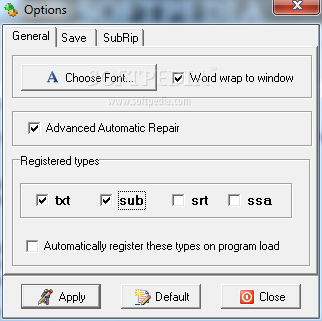
The interface is easy to understand and you can customize the font in order to feel comfortable when editing subtitles. Although it is not the program's main purpose you can also edit the content of the text and adjust the timings manually. It is a good subtitle adjustment tool which you should use successfully.
Download Hubs
Subtitles Modifier is part of these download collections: Make Subtitles, Subtitle Creators, Edit SRT, Subtitle Managers
Subtitles Modifier 2.9.6
add to watchlist add to download basket send us an update REPORT- runs on:
- Windows All
- file size:
- 670 KB
- filename:
- SubtitlesModifierSetup.exe
- main category:
- Multimedia
- developer:
- visit homepage
calibre

IrfanView

Microsoft Teams

4k Video Downloader

7-Zip

Zoom Client

ShareX

Bitdefender Antivirus Free

Windows Sandbox Launcher

Context Menu Manager

- Bitdefender Antivirus Free
- Windows Sandbox Launcher
- Context Menu Manager
- calibre
- IrfanView
- Microsoft Teams
- 4k Video Downloader
- 7-Zip
- Zoom Client
- ShareX